maintenance TOYOTA SIENNA 2019 Owners Manual (in English)
[x] Cancel search | Manufacturer: TOYOTA, Model Year: 2019, Model line: SIENNA, Model: TOYOTA SIENNA 2019Pages: 584, PDF Size: 14.5 MB
Page 1 of 584
SIENNA_OM_OM08025U_(U)
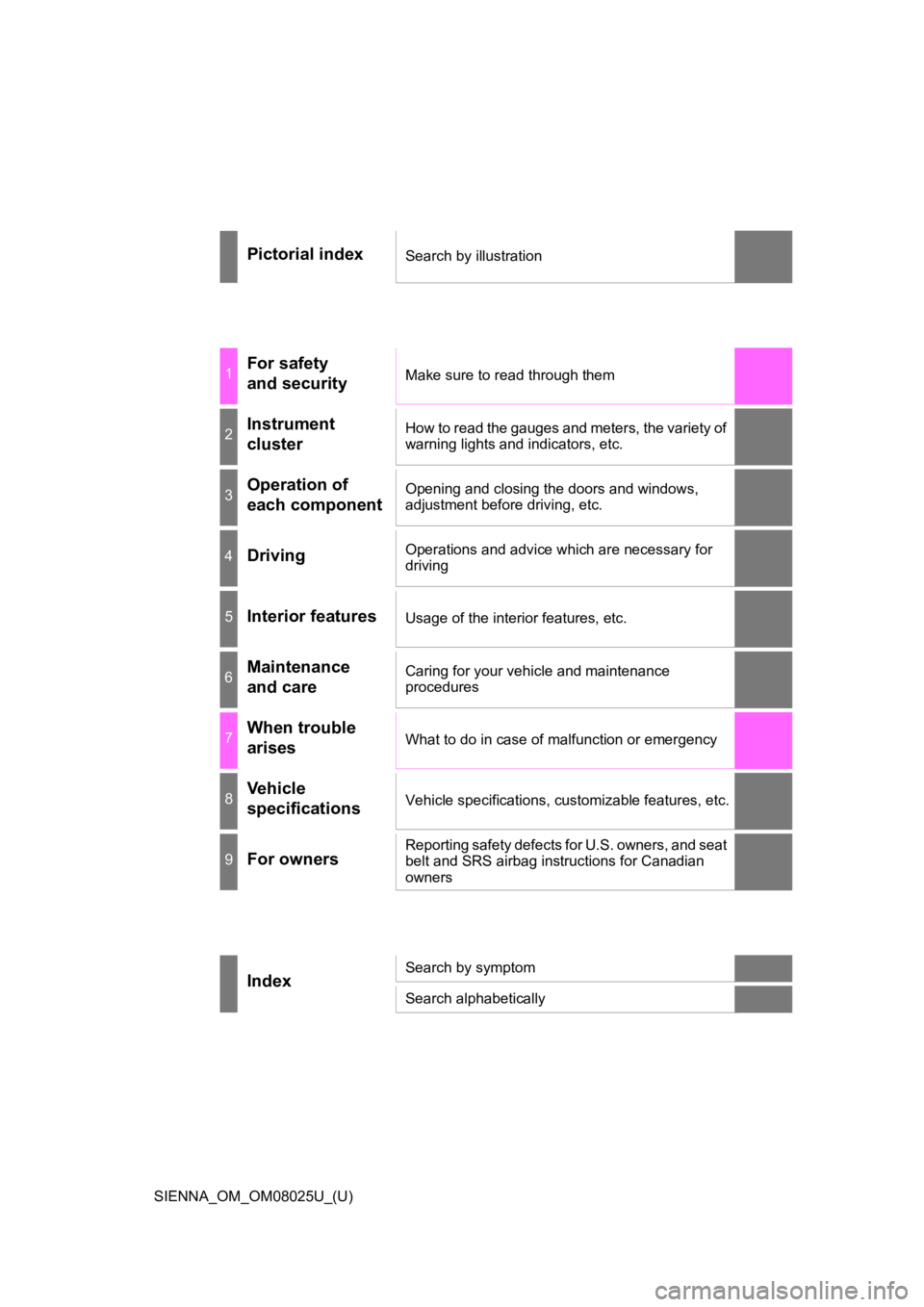
Pictorial indexSearch by illustration
1For safety
and securityMake sure to read through them
2Instrument
clusterHow to read the gauges and meters, the variety of
warning lights and indicators, etc.
3Operation of
each componentOpening and closing the doors and windows,
adjustment before driving, etc.
4DrivingOperations and advice which are necessary for
driving
5Interior featuresUsage of the interior features, etc.
6Maintenance
and careCaring for your vehicle and maintenance
procedures
7When trouble
arisesWhat to do in case of malfunction or emergency
8Vehicle
specificationsVehicle specifications, customizable features, etc.
9For ownersReporting safety defects for U.S. owners, and seat
belt and SRS airbag instructions for Canadian
owners
IndexSearch by symptom
Search alphabetically
Page 4 of 584
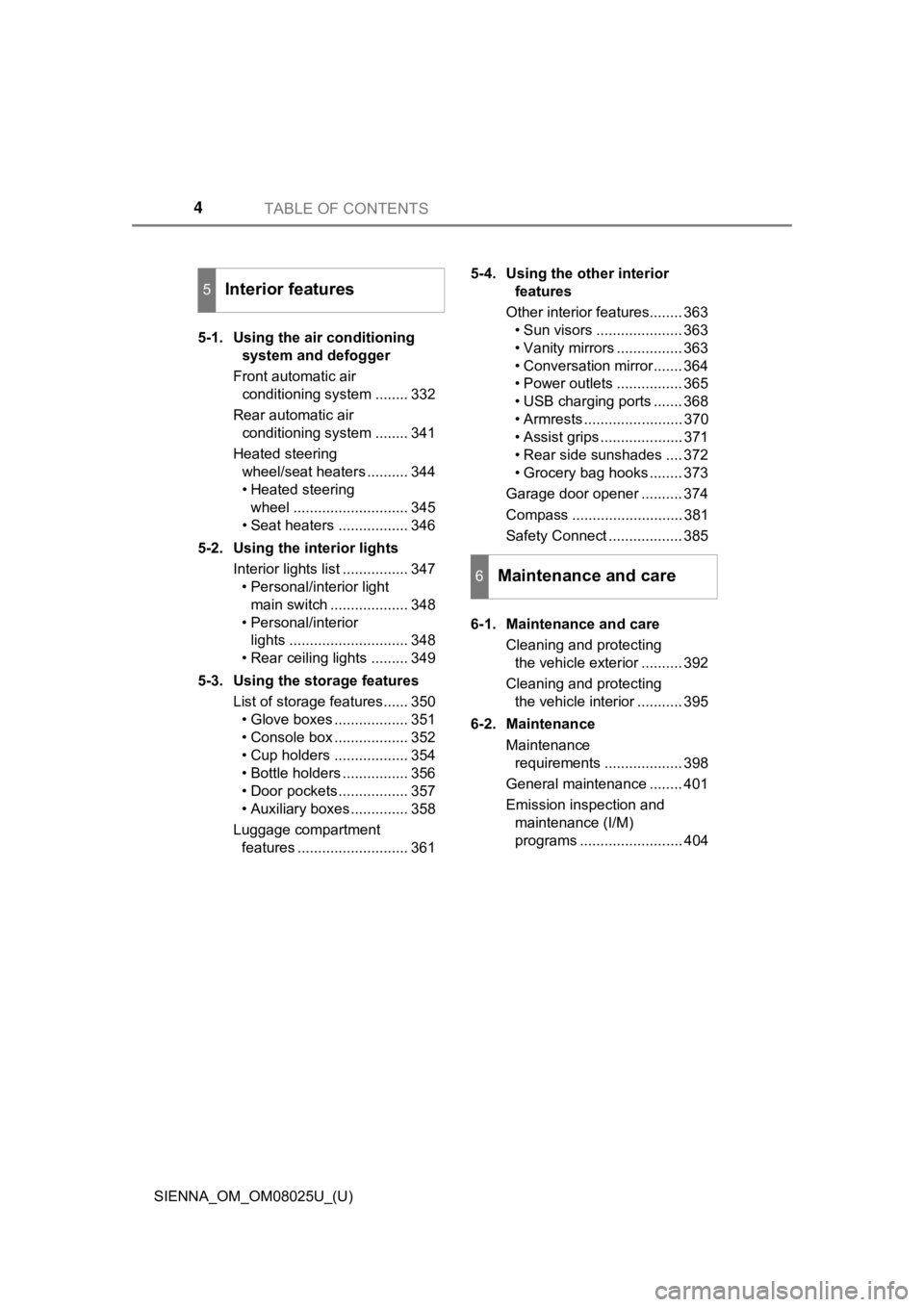
TABLE OF CONTENTS4
SIENNA_OM_OM08025U_(U)5-1. Using the air conditioning
system and defogger
Front automatic air conditioning system ........ 332
Rear automatic air conditioning system ........ 341
Heated steering wheel/seat heaters .......... 344
• Heated steering wheel ............................ 345
• Seat heaters ................. 346
5-2. Using the interior lights Interior lights list ................ 347• Personal/interior light
main switch ................... 348
• Personal/interior lights ............................. 348
• Rear ceiling lights ......... 349
5-3. Using the storage features List of storage features...... 350• Glove boxes .................. 351
• Console box .................. 352
• Cup holders .................. 354
• Bottle holders ................ 356
• Door pockets................. 357
• Auxiliary boxes .............. 358
Luggage compartment features ........................... 361 5-4. Using the other interior
features
Other interior features........ 363 • Sun visors ..................... 363
• Vanity mirrors ................ 363
• Conversation mirror ....... 364
• Power outlets ................ 365
• USB charging ports ....... 368
• Armrests ........................ 370
• Assist grips .................... 371
• Rear side sunshades .... 372
• Grocery bag hooks ........ 373
Garage door opener .......... 374
Compass ........................... 381
Safety Connect .................. 385
6-1. Maintenance and care Cleaning and protecting the vehicle exterior .......... 392
Cleaning and protecting the vehicle interior ........... 395
6-2. Maintenance Maintenance requirements ................... 398
General maintenance ........ 401
Emission inspection and maintenance (I/M)
programs ......................... 404
5Interior features
6Maintenance and care
Page 5 of 584
5
1
8 7
6
5
4
3
2
SIENNA_OM_OM08025U_(U)
9
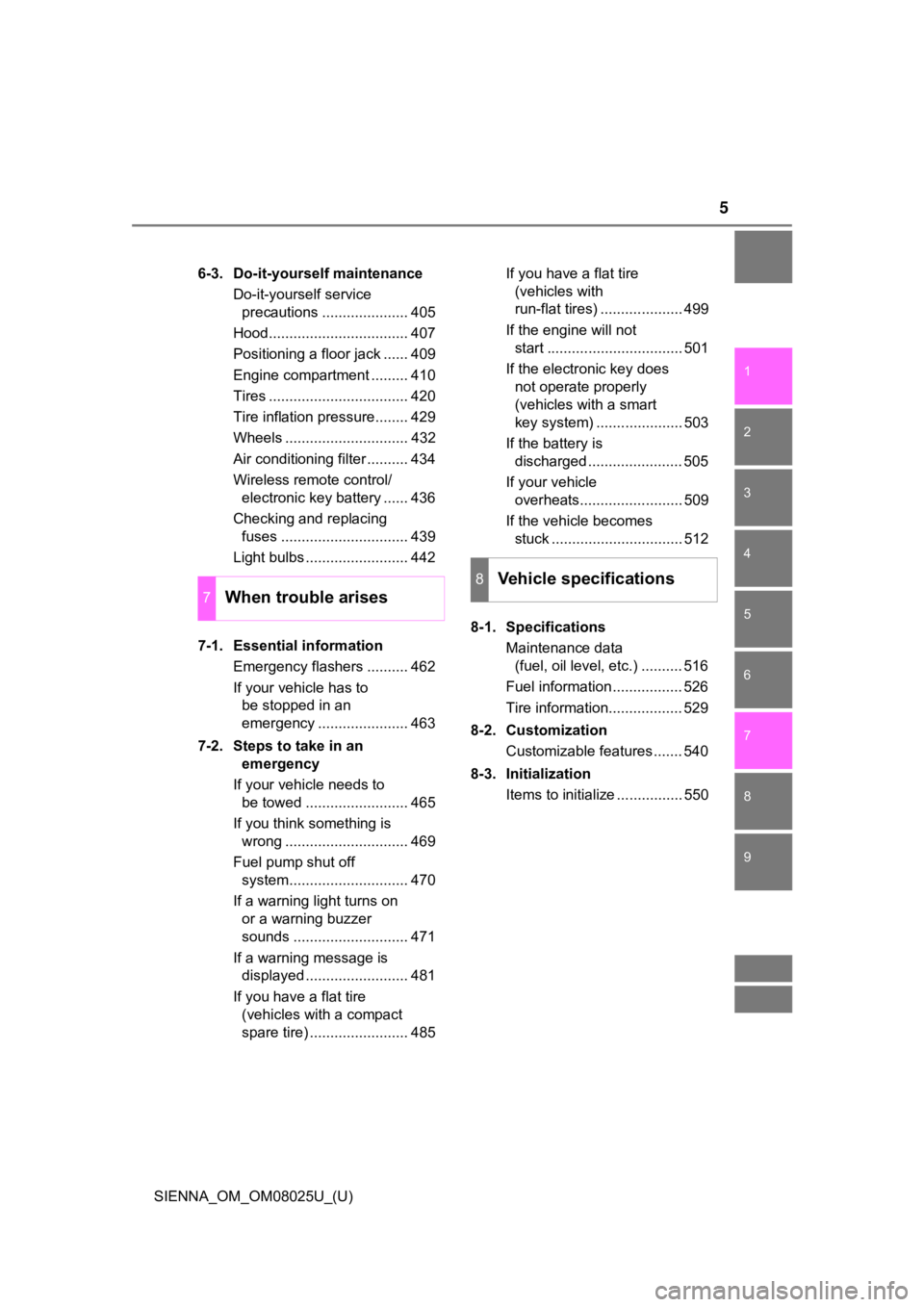
6-3. Do-it-yourself maintenanceDo-it-yourself service precautions ..................... 405
Hood.................................. 407
Positioning a floor jack ...... 409
Engine compartment ......... 410
Tires .................................. 420
Tire inflation pressure........ 429
Wheels .............................. 432
Air conditioning filter .......... 434
Wireless remote control/ electronic key battery ...... 436
Checking and replacing fuses ............................... 439
Light bulbs ......................... 442
7-1. Essential information Emergency flashers .......... 462
If your vehicle has to be stopped in an
emergency ...................... 463
7-2. Steps to take in an emergency
If your vehicle needs to be towed ......................... 465
If you think something is wrong .............................. 469
Fuel pump shut off system............................. 470
If a warning light turns on or a warning buzzer
sounds ............................ 471
If a warning message is displayed ......................... 481
If you have a flat tire (vehicles with a compact
spare tire) ........................ 485 If you have a flat tire
(vehicles with
run-flat tires) .................... 499
If the engine will not start ................................. 501
If the electronic key does not operate properly
(vehicles with a smart
key system) ..................... 503
If the battery is discharged ....................... 505
If your vehicle overheats......................... 509
If the vehicle becomes stuck ................................ 512
8-1. Specifications Maintenance data (fuel, oil level, etc.) .......... 516
Fuel information ................. 526
Tire information.................. 529
8-2. Customization Customizable features ....... 540
8-3. Initialization Items to initialize ................ 550
7When trouble arises
8Vehicle specifications
Page 78 of 584
781-2. Theft deterrent system
SIENNA_OM_OM08025U_(U)
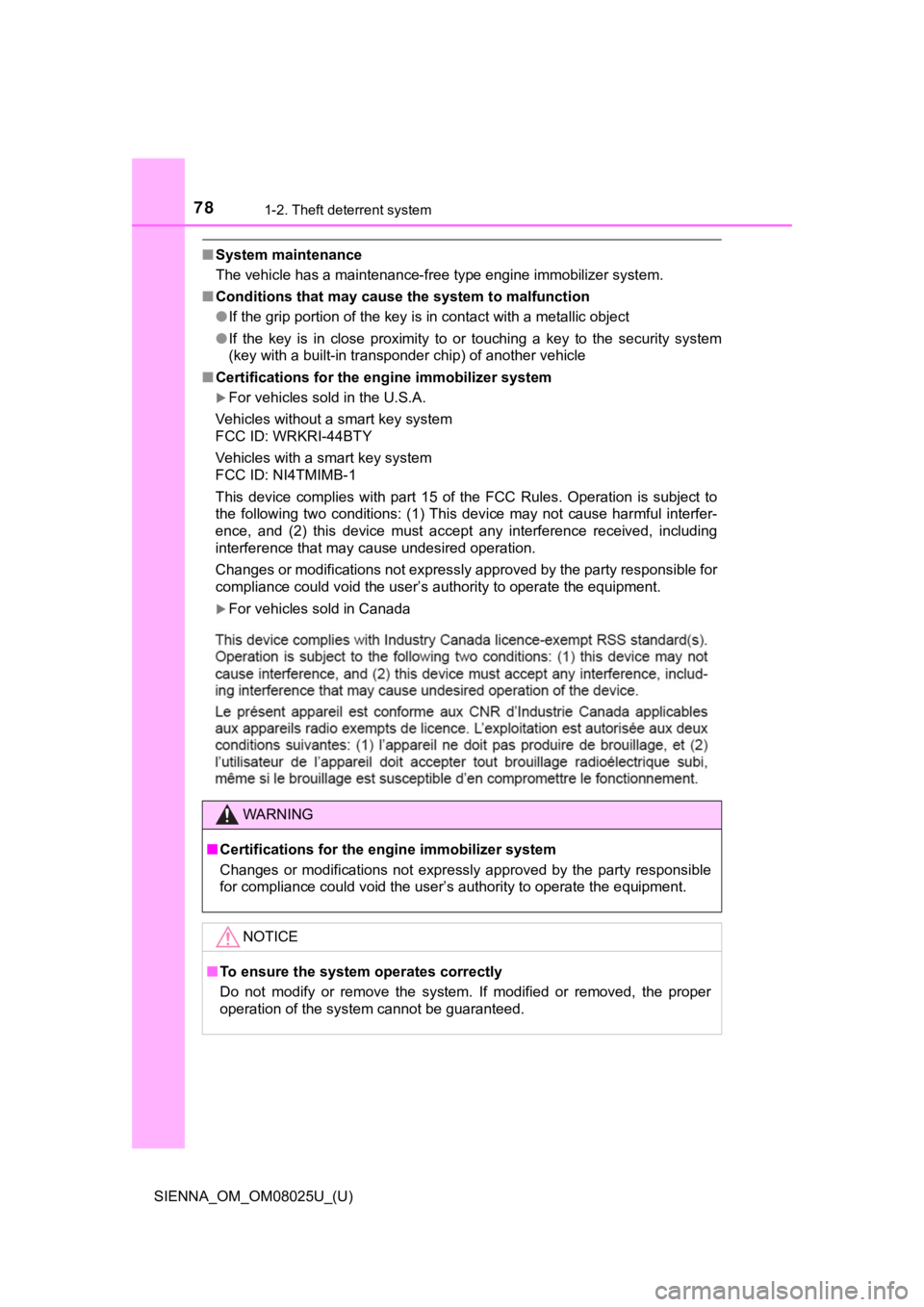
■System maintenance
The vehicle has a maintenance-free type engine immobilizer syst em.
■ Conditions that may cause the system to malfunction
●If the grip portion of the key is in contact with a metallic ob ject
● If the key is in close proximity to or touching a key to the security system
(key with a built-in transponder chip) of another vehicle
■ Certifications for the engine immobilizer system
For vehicles sold in the U.S.A.
Vehicles without a smart key system
FCC ID: WRKRI-44BTY
Vehicles with a smart key system
FCC ID: NI4TMIMB-1
This device complies with part 15 of the FCC Rules. Operation is subject to
the following two conditions: (1) This device may not cause har mful interfer-
ence, and (2) this device must accept any interference received, including
interference that may cause undesired operation.
Changes or modifications not expressly approved by the party re sponsible for
compliance could void the user’s authority to operate the equip ment.
For vehicles sold in Canada
WARNING
■Certifications for the engine immobilizer system
Changes or modifications not expressly approved by the party re sponsible
for compliance could void the user’s authority to operate the e quipment.
NOTICE
■To ensure the system operates correctly
Do not modify or remove the system. If modified or removed, the proper
operation of the system cannot be guaranteed.
Page 80 of 584
801-2. Theft deterrent system
SIENNA_OM_OM08025U_(U)
■System maintenance
The vehicle has a maintenance-free type alarm system.
■ Items to check before locking the vehicle
To prevent unexpected triggering of the alarm and vehicle theft , make sure of
the following:
● Nobody is in the vehicle.
● The windows and moon roof (if equipped) are closed before the a larm is set.
● No valuables or other personal items are left in the vehicle.
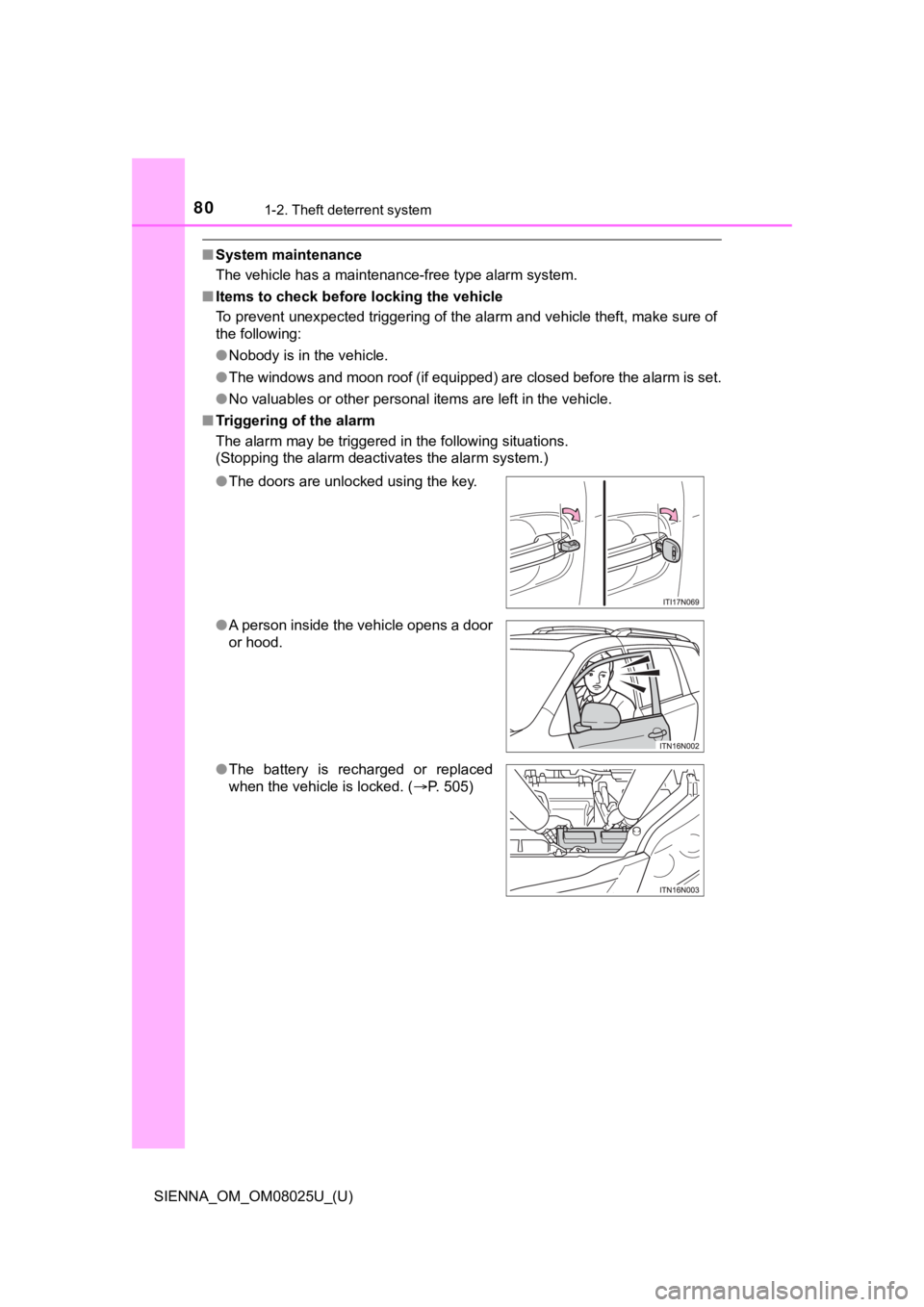
■ Triggering of the alarm
The alarm may be triggered in the following situations.
(Stopping the alarm deactivates the alarm system.)
●The doors are unlocked using the key.
● A person inside the vehicle opens a door
or hood.
● The battery is recharged or replaced
when the vehicle is locked. ( P. 505)
Page 97 of 584

SIENNA_OM_OM08025U_(U)
972. Instrument cluster
2
Instrument cluster
●Speed limit display (if equipped)
Select to set the display of speed limit information stored in the nav-
igation system to on with the speed limit caution indicator (ye llow)
enabled, on with the speed limit caution not enabled, or off. If
enabled, the speed limit caution indicator will come on if the vehicle
speed exceeds the di splayed speed limit.
The display may not be available for some regions.
●BSM (Blind Spot Mon itor) (if equipped)
The brightness of the outside rear view mirror indicators can b e
adjusted. ( P. 548)
● RCTA (Rear Cross Traffic Alert buzzer) (if equipped)
The buzzer sound volum e can be adjusted. (P. 548)
● Maintenance Reset
Select to reset the maintenance data ( P. 3 9 9 )
● Initialization
Registered or cha nged meter settings will be deleted or returne d to
their default setting.
■ Pop-up display
In some situations, such as when a switch operation is performe d, a pop-up
display, such as the operating shift position, will be temporar ily displayed on
the multi-information display.
The pop-up display function can be set on/off. ( P. 540)
■ Setting display automatic cancelation
In the following situations, setting display in which the settings can be
changed through the meter control switch will automatically be turned off.
● If a warning message appears while the setting display is displ ayed
● When the vehicle begins to move while the setting display is displayed
■ Liquid crystal display
Small spots or light spots may appear on the display. This phen omenon is
characteristic of liquid crystal displays, and there is no prob lem continuing to
use the display.
Page 221 of 584

SIENNA_OM_OM08025U_(U)
2214-1. Before driving
4
Driving
■Maintenance
●If you tow a trailer, your vehicle will require more frequent m aintenance due
to the additional load. (See “Scheduled Maintenance Guide” or “ Owner’s
Manual Supplement”.)
● Retighten the fixing bolts of the towing ball and bracket after approximately
600 miles (1000 km) of trailer towing.
■ If trailer sway occurs
One or more factors (crosswinds, passing vehicles, rough roads, etc.) can
adversely affect handling of your vehicle and trailer, causing instability.
● If trailer swaying occurs:
• Firmly grip the steering wheel. Steer straight ahead.
Do not try to control trailer swaying by turning the steering w heel.
• Begin releasing the accelerator pedal immediately but very gra dually to
reduce speed.
Do not increase speed. Do not apply vehicle brakes.
If you make no extreme correction with the steering or brakes, your vehicle
and trailer should stabilize.
● After the trailer swaying has stopped:
• Stop in a safe place. Get all occupants out of the vehicle.
• Check the tires of the vehicle and the trailer.
• Check the load in the trailer.
Make sure the load has not shifted.
Make sure the tongue weight is appropriate, if possible.
• Check the load in the vehicle. Make sure the vehicle is not overloaded after occupants get in.
If you cannot find any problems, the speed at which trailer swaying occurred
is beyond the limit of your particular vehicle-trailer combinat ion.
Drive at a lower speed to prevent instability. Remember that sw aying of the
towing vehicle-trailer increases as speed increases.
Page 391 of 584
391
SIENNA_OM_OM08025U_(U)
6Maintenance and care
6-1. Maintenance and careCleaning and protecting the vehicle exterior .......... 392
Cleaning and protecting the vehicle interior ........... 395
6-2. Maintenance Maintenance requirements ................... 398
General maintenance........ 401
Emission inspection and maintenance (I/M)
programs......................... 404
6-3. Do-it-yourself maintenance Do-it-yourself service precautions ..................... 405
Hood ................................. 407
Positioning a floor jack ...... 409
Engine compartment ......... 410
Tires .................................. 420
Tire inflation pressure ....... 429
Wheels .............................. 432
Air conditioning filter.......... 434
Wireless remote control/ electronic key battery ...... 436
Checking and replacing fuses ............................... 439
Light bulbs......................... 442
Page 392 of 584
392
SIENNA_OM_OM08025U_(U)
6-1. Maintenance and care
Cleaning and protecting the vehicle exterior
●Working from top to bottom, liberally apply water to the vehicl e
body, wheel wells and underside of the vehicle to remove any di rt
and dust.
● Wash the vehicle body using a sponge or soft cloth, such as a
chamois.
● For hard-to-remove marks, use car wash soap and rinse thoroughl y
with water.
● Wipe away any water.
● Wax the vehicle when the wate rproof coating deteriorates.
If water does not bead on a clean surface, apply wax when the vehicle
body is cool.
■Automatic car washes
●Before washing the vehicle:
• Fold the mirrors.
• Turn off the power back door system. (if equipped)
• Turn off the power sliding door system. (if equipped)
Start washing from the front of the vehicle. Make sure to extend the mirrors
before driving.
● Brushes used in automatic car washes may scratch the vehicle su rface and
harm your vehicle’s paint.
■ High pressure car washes
●Do not allow the nozzles of the car wash to come within close p roximity of
the windows.
● Before using the car wash, check that the fuel filler door on y our vehicle is
closed properly.
■ When using a car wash (vehicles with a smart key system)
●If the door handle becomes wet while the electronic key is with in the effec-
tive range, the door may lock and unlock repeatedly. Place the key in a posi-
tion 6 ft. (2 m) or more separate from the vehicle while the ve hicle is being
washed. (Take care to ensure that the key is not stolen.)
● If the electronic key is inside the vehicle and a door handle b ecomes wet
during a car wash, a message may be shown on the multi-informat ion dis-
play and a buzzer will sound outside the vehicle. To turn off t he alarm, lock
all the doors.
Perform the following to protect the vehicle and maintain it in
prime condition:
Page 393 of 584
SIENNA_OM_OM08025U_(U)
3936-1. Maintenance and care
6
Maintenance and care
■Aluminum wheels
●Remove any dirt immediately by using a neutral detergent.
● Wash detergent off with water immediately after use.
● To protect the paint from damage, make sure to observe the following pre-
cautions.
• Do not use acidic, alkaline or abrasive detergent
• Do not use hard brushes
• Do not use detergent on the wheels when they are hot, such as after driv-
ing or parking in hot weather
■ Bumpers and side moldings
Do not scrub with abrasive cleaners.
WARNING
■When washing the vehicle
Do not apply water to the inside of the engine compartment. Doing so may
cause the electrical components etc. to catch fire.
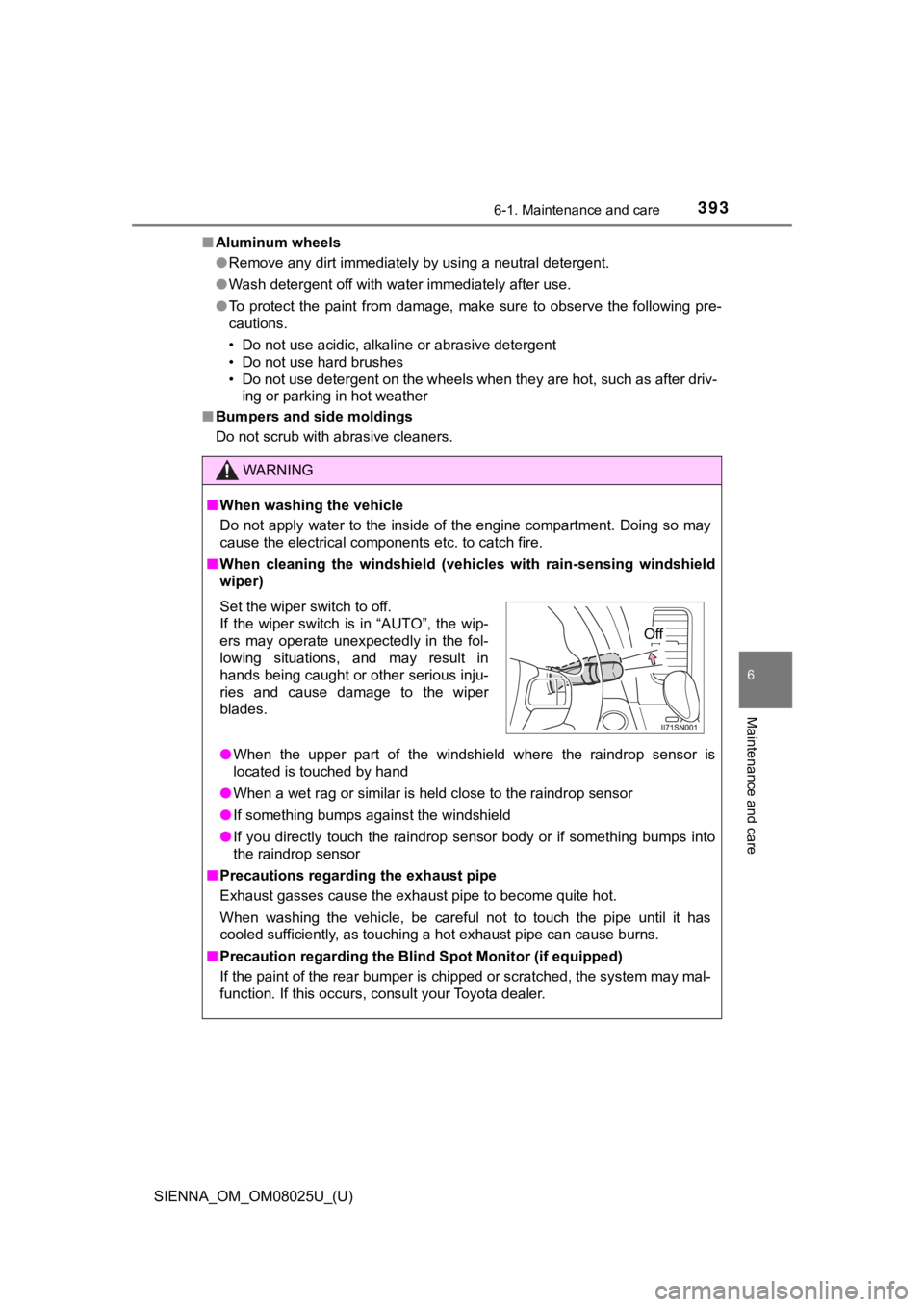
■ When cleaning the windshield (veh icles with rain-sensing windshield
wiper)
● When the upper part of the windshield where the raindrop sensor is
located is touched by hand
● When a wet rag or similar is held close to the raindrop sensor
● If something bumps against the windshield
● If you directly touch the raindrop sensor body or if something bumps into
the raindrop sensor
■ Precautions regarding the exhaust pipe
Exhaust gasses cause the exhaust pipe to become quite hot.
When washing the vehicle, be careful not to touch the pipe unti l it has
cooled sufficiently, as touching a hot exhaust pipe can cause b urns.
■ Precaution regarding the Blind Spot Monitor (if equipped)
If the paint of the rear bumper is chipped or scratched, the sy stem may mal-
function. If this occurs, consult your Toyota dealer.
Set the wiper switch to off.
If the wiper switch is in “AUTO”, the wip-
ers may operate unexpectedly in the fol-
lowing situations, and may result in
hands being caught or other serious inju-
ries and cause damage to the wiper
blades.
Off