maintenance schedule TOYOTA SIENNA 2019 Owners Manual (in English)
[x] Cancel search | Manufacturer: TOYOTA, Model Year: 2019, Model line: SIENNA, Model: TOYOTA SIENNA 2019Pages: 584, PDF Size: 14.5 MB
Page 221 of 584
SIENNA_OM_OM08025U_(U)
2214-1. Before driving
4
Driving
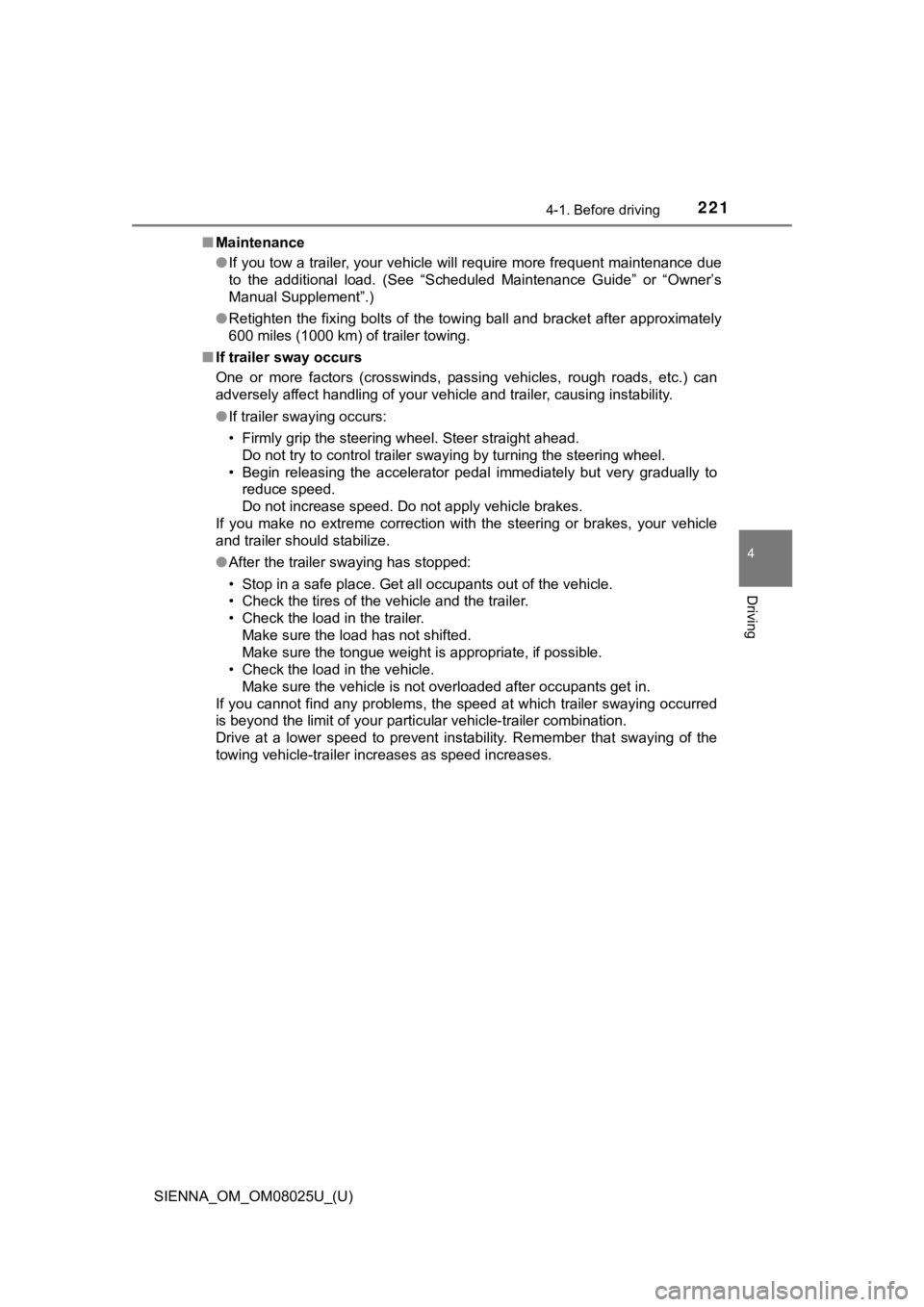
■Maintenance
●If you tow a trailer, your vehicle will require more frequent m aintenance due
to the additional load. (See “Scheduled Maintenance Guide” or “ Owner’s
Manual Supplement”.)
● Retighten the fixing bolts of the towing ball and bracket after approximately
600 miles (1000 km) of trailer towing.
■ If trailer sway occurs
One or more factors (crosswinds, passing vehicles, rough roads, etc.) can
adversely affect handling of your vehicle and trailer, causing instability.
● If trailer swaying occurs:
• Firmly grip the steering wheel. Steer straight ahead.
Do not try to control trailer swaying by turning the steering w heel.
• Begin releasing the accelerator pedal immediately but very gra dually to
reduce speed.
Do not increase speed. Do not apply vehicle brakes.
If you make no extreme correction with the steering or brakes, your vehicle
and trailer should stabilize.
● After the trailer swaying has stopped:
• Stop in a safe place. Get all occupants out of the vehicle.
• Check the tires of the vehicle and the trailer.
• Check the load in the trailer.
Make sure the load has not shifted.
Make sure the tongue weight is appropriate, if possible.
• Check the load in the vehicle. Make sure the vehicle is not overloaded after occupants get in.
If you cannot find any problems, the speed at which trailer swaying occurred
is beyond the limit of your particular vehicle-trailer combinat ion.
Drive at a lower speed to prevent instability. Remember that sw aying of the
towing vehicle-trailer increases as speed increases.
Page 398 of 584
398
SIENNA_OM_OM08025U_(U)
6-2. Maintenance
Maintenance requirements
General maintenance should be performed on a daily basis. This can
be done by yourself or by a Toyota dealer.
Scheduled maintenance should be performed at specified intervals
according to the maintenance schedule.
For details about maintenance items and schedules, refer to the “Sched-
uled Maintenance Guide” or “Owner’s Manual Supplement”.
You can perform som e maintenance procedures by yourself.
Please be aware that do-it-yourse lf maintenance may affect warranty
coverage.
The use of Toyota Repair Manuals is recommended.
For details about warranty coverage, see the separate “Owner’s Warranty
Information Booklet” or “Owner’s Manual Supplement”.
To ensure safe and economical driving, day-to-day care and reg-
ular maintenance are essential. I t is the owner’s responsibility to
perform regular checks. Toyota recommends the following main-
tenance:
General maintenance
Scheduled maintenance
Do-it-yourself maintenance
Page 399 of 584
SIENNA_OM_OM08025U_(U)
3996-2. Maintenance
6
Maintenance and care
■Repair and replacement
It is recommended that genuine Toyota parts be used for repairs to ensure
performance of each system. If non-Toyota parts are used in rep lacement or if
a repair shop other than a Toyota dealer performs repairs, conf irm the war-
ranty coverage.
■ Resetting the message indicating ma intenance is required (U.S.A. only)
After the required maintenance is preformed according to the ma intenance
schedule, please reset the message.
To reset the message, follow the procedures described below:
While the engine is running, switch the multi-information displ ay to the
“Settings” screen. ( P. 540)
Select “Maintenance Reset” on the “Settings” screen.
Select “Yes” on the “Maintenance Reset” screen.
“Maintenance Reset Complete” will be displayed on the multi-inf ormation dis-
play when the reset procedure has been completed.
■ Allow inspection and repairs to be performed by a Toyota dealer
●Toyota technicians are well-trained specialists and are kept up to date with
the latest service information. They are well informed about th e operations
of all systems on your vehicle.
● Keep a copy of the repair order. It proves that the maintenance that has
been performed is under warranty coverage. If any problem should arise
while your vehicle is under warranty, your Toyota dealer will p romptly take
care of it.
1
2
3
Page 403 of 584
SIENNA_OM_OM08025U_(U)
4036-2. Maintenance
6
Maintenance and care
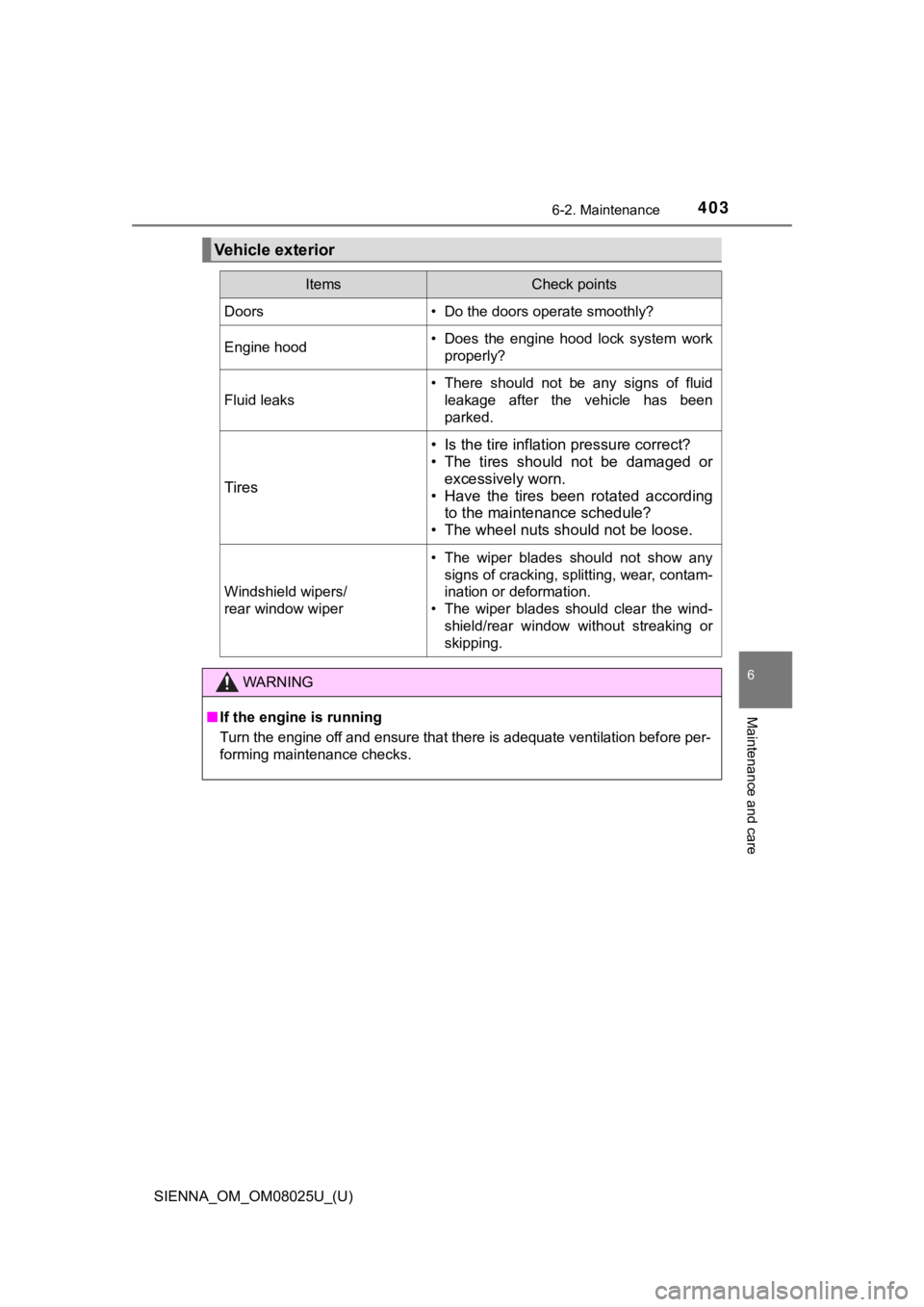
Vehicle exterior
ItemsCheck points
Doors• Do the doors operate smoothly?
Engine hood• Does the engine hood lock system workproperly?
Fluid leaks
• There should not be any signs of fluidleakage after the vehicle has been
parked.
Tires
• Is the tire inflation pressure correct?
• The tires should not be damaged orexcessively worn.
• Have the tires been rotated according to the maintenance schedule?
• The wheel nuts should not be loose.
Windshield wipers/
rear window wiper
• The wiper blades should not show any
signs of cracking, splitting, wear, contam-
ination or deformation.
• The wiper blades should clear the wind- shield/rear window without streaking or
skipping.
WARNING
■If the engine is running
Turn the engine off and ensure that there is adequate ventilati on before per-
forming maintenance checks.
Page 435 of 584
SIENNA_OM_OM08025U_(U)
4356-3. Do-it-yourself maintenance
6
Maintenance and care
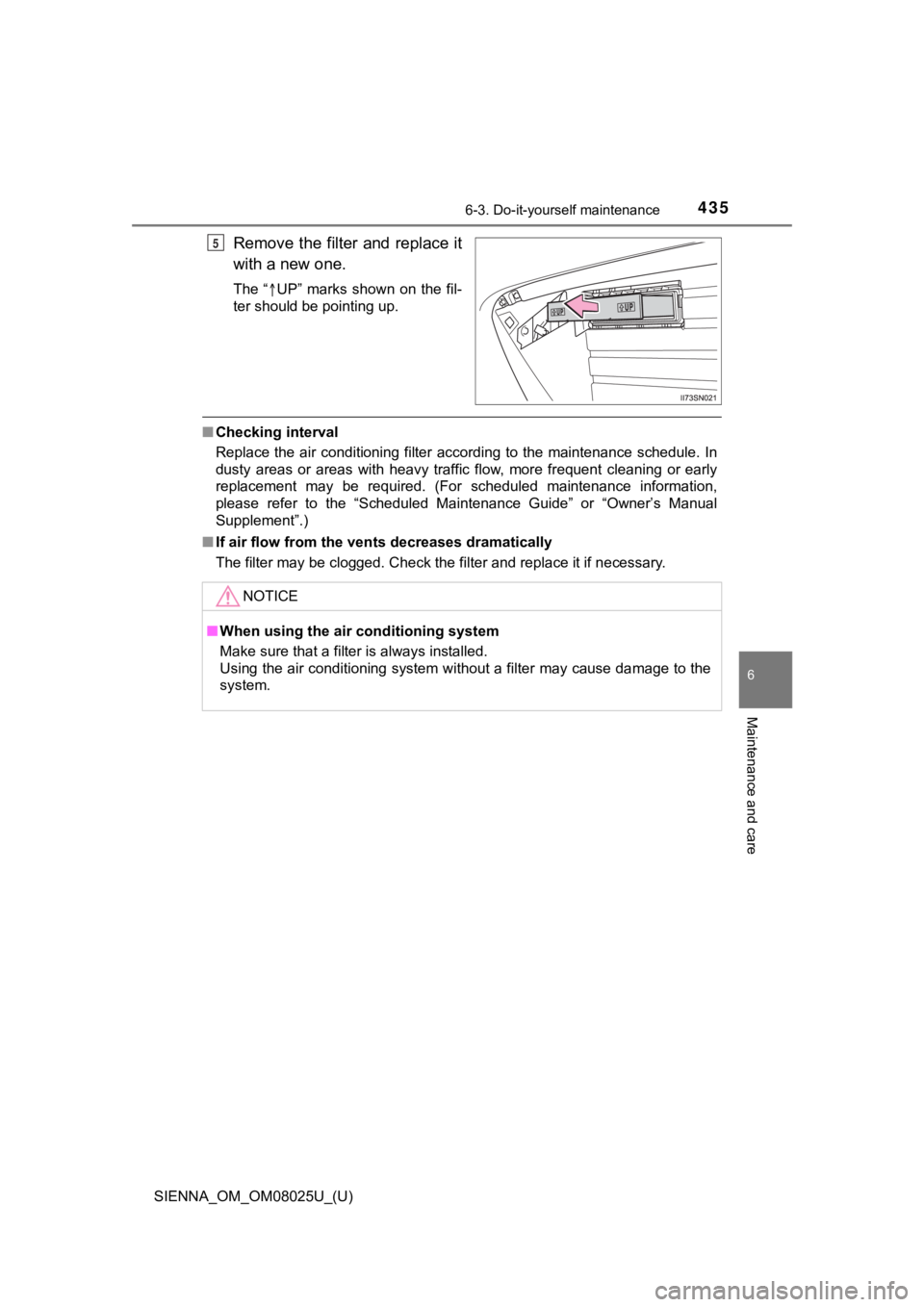
Remove the filter and replace it
with a new one.
The“ UP” marks shown on the fil-
ter should be pointing up.
■ Checking interval
Replace the air conditioning filter according to the maintenance schedule. In
dusty areas or areas with heavy traffic flow, more frequent cle aning or early
replacement may be required. (For scheduled maintenance informa tion,
please refer to the “Scheduled Maintenance Guide” or “Owner’s M anual
Supplement”.)
■ If air flow from the ven ts decreases dramatically
The filter may be clogged. Check the filter and replace it if n ecessary.
5
NOTICE
■When using the air conditioning system
Make sure that a filter is always installed.
Using the air conditioning system without a filter may cause da mage to the
system.
Page 483 of 584
4837-2. Steps to take in an emergency
SIENNA_OM_OM08025U_(U)
7
When trouble arises
■Warning messages
The warning messages explained below may differ from the actual messages
according to operation conditions and vehicle specifications.
■ If a message that indicates the need for contacting or visiting your TOY-
OTA dealer is shown
The system or part shown on the multi-information display is ma lfunctioning.
Have the vehicle inspected by your Toyota dealer.
■ If “Auto Power Off to Con serve Battery” is shown
Power was turned off due to the automatic power off function. N ext time when
starting the engine, increase the engine speed slightly and mai ntain that level
for approximately 5 minutes to recharge the battery.
■ If “Shift to P Before Exiting Vehicle” is shown
The driver’s door is opened without turning the engine switch t o off with the
shift lever in any position other than P. Shift the shift lever to P.
■ If “Front Camera Unavailable” or “Front Camera Unavailable Remove
Debris On Windshield” is shown
The following systems may be suspended until the problem shown in the
message is resolved.
● PCS (Pre-Collision system)
● LDA (Lane Departure Alert with steering control)
● Dynamic radar cruise control
● Automatic High Beam
■ If “AWD System Overheated 2WD Mode Engaged” or “AWD System
Overheated Switching To 2WD Mode” is shown
The Active Torque Control 4WD system has overheated. Immediatel y stop
the vehicle in a safe place and contact your Toyota dealer.
■ If “Low Engine Oil Add or Replace” is shown
The engine oil level is low. Check the level of engine oil, and add if necessary.
This message may appear if the vehicle is stopped on a slope. M ove the
vehicle to a level surface and check to see if the message disa ppears.
■ If “Maintenance Required Soon” is shown
The engine oil is scheduled to be changed. Check the engine oil, and change
if necessary. After changing the engine oil, the message should be reset.
( P. 398)