carplay TOYOTA SUPRA 2020 Owners Manual (in English)
[x] Cancel search | Manufacturer: TOYOTA, Model Year: 2020, Model line: SUPRA, Model: TOYOTA SUPRA 2020Pages: 352, PDF Size: 6.49 MB
Page 28 of 352
282-1. QUICK REFERENCE
Supra Owner's Manual
CarPlay allows certain func-
tions of a compatible Apple
iPhone to be used via Siri voice
operation and Toyota Supra
Command.
• Compatible iPhone.
iPhone 5 or later with iOS 7.1 or
later.
• Corresponding mobile wire-
less contract.
• Bluetooth, WiFi, and Siri voice operation are switched on on
the iPhone.
Via Toyota Supra Command:
1 "My Vehicle"
2 "System settings"
3 "Mobile devices"
4 "Settings"
5 Select the following setting:
• "Bluetooth®"
• Corresponding mobile wire- less contract.
Pair iPhone via Bluetooth with
the vehicle.
Select CarPlay as the function: "Apple CarPlay"
The iPhone is connected to the
vehicle and displayed in the
device list.
Apple CarPlay preparation
Concept
Functional requirements
Switching on Bluetooth and
CarPlay
Pairing iPhone with CarPlay
Page 66 of 352
663-1. CONTROLS
Supra Owner's Manual
The following connection types
require one-time pairing with the
vehicle:
• Bluetooth.
• Apple CarPlay.
• Screen Mirroring.
Paired devices are automatically
recognized later on and con-
nected to the vehicle.
• Compatible device with Blue-tooth interface. • The remote control is in the
vehicle.
• The device is ready for opera- tion.
• Bluetooth is switched on in the vehicle, refer to page 66,
and on the device.
• Bluetooth presettings, such as visibility, may be required
on the device; refer to the
owner's manual of the device.
Via Toyota Supra Command:
1 "My Vehicle"
2 "System settings"
3 "Mobile devices"
4 "Settings"
5 "Bluetooth®"
To use all supported functions of
a mobile phone, the following
functions must be activated prior
to pairing the mobile phone with
the vehicle.
Via Toyota Supra Command:
1 "My Vehicle"
2 "System settings"
3 "Mobile devices"
4 "Settings"
5 Select desired setting:
•"Office"
Activate function t o transmit short
Use Apple CarPlay
apps via Toyota
Supra Command and
voice operation.
Bluetooth
and WiFi.
Screen Mirroring:
Showing the smart-
phone display on the
Control Display.
WiFi
Safety information
WA R N I N G
Operating the integrated informa-
tion systems and communication
devices while driving can distract
from traffic. It is possible to lose
control of the vehicle. There is a
risk of an accident. Only use the
systems or devices when the traf-
fic situation allows. As warranted,
stop and use the systems and
devices while the vehicle is sta-
tionary.
Bluetooth connection
Functional requirements
FunctionConnection type
Switching on Bluetooth
Activating/deactivating tele-
phone functions
Page 67 of 352
673-1. CONTROLS
Supra Owner's Manual
3
CONTROLS
messages, e-mails, calendars,
tasks, notes, and reminders to the
vehicle. Costs can be incurred by
transmitting all data to the vehicle.
• "Contact images"
Activate function to show the con-
tact pictures.
6 Move the Controller to the
left.
Via Toyota Supra Command:
1 "My Vehicle"
2 "System settings"
3 "Mobile devices"
4 "Connect new device"
5 Select functions:
• "Telephone"
• "Bluetooth® audio"
• "Apps"
• "Apple CarPlay"
• "Screen Mirroring"
The Bluetooth name of the vehicle
is displayed on the Control Display.
6 Search for Bluetooth devices
in the vicinity of the mobile
device.
The Bluetooth name of the vehicle
appears on the mobile device dis-
play.
Select the Bluetooth name of the
vehicle.
7Depending on the mobile
device, a control number is
displayed or the control num-
ber must be entered.
• Compare the control number displayed on the Control Dis-
play with the control number
on the display of the device.
Confirm the contro
l number on the
device and on the Control Display.
• Enter and confirm the same
control number on the device
and via Toyota Supra Com-
mand.
The device is con nected and dis-
played in the device list, refer to
page 71.
All requirements are met and all
required steps were completed
in the specified order. Despite
that, the mobile device does not
function as expected.
In this case, the following expla-
nations can help:
Why could the mobile phone not
be paired or connected?
• There are too many Bluetooth
devices connected to the
mobile phone or vehicle.
In the vehicle, delete Bluetooth
connections with other devices.
Delete all known Bluetooth connec-
tions from the de vice list on the
mobile phone and start a new
device search.
• The mobile phone is in
power-save mode or has only
a limited remaining battery
life.
Charge mobile phone.
Why does the mobile phone no
longer react?
Pairing the mobile device
with the vehicle
Frequently asked questions
Page 70 of 352
703-1. CONTROLS
Supra Owner's Manual
CarPlay allows certain func-
tions of a compatible Apple
iPhone to be used via Siri voice
operation and Toyota Supra
Command.
• Compatible iPhone.
iPhone 5 or later with iOS 7.1 or
later.
• Corresponding mobile wire-
less contract.
• Bluetooth, WiFi, and Siri voice operation are activated on the
iPhone.
• Booking the Toyota Supra Connect service: Apple Car-
Play preparation.
Via Toyota Supra Command:
1 "My Vehicle"
2 "System settings"
3 "Mobile devices"
4 "Settings"
5 Select the following settings:
• "Bluetooth®"
• "Apple CarPlay"
Pair iPhone via Bluetooth with the vehicle, refer to page 67.
Select CarPlay as the function:
"Apple CarPlay"
The iPhone is connected to the
vehicle and displayed in the
device list, refer to page 71.
For more information, refer to
the Owner's Manual for naviga-
tion, entertainment, communica-
tion.
All requirements are met and all
required steps were completed
in the specified order. Despite
that, the mobile device does not
function as expected.
In this case, the following expla-
nations can help:
The iPhone has already been
paired with Apple CarPlay.
When a new connection is
established, CarPlay can no lon-
ger be selected.
• Delete the iPhone concerned from the device list.
• On the iPhone, delete the vehicle concerned from the
list of stored vehicles under
Bluetooth and under WiFi.
• Pair the iPhone as a new device.
If the steps listed have been car-
ried out and the required func-
tion is still not available: contact
Apple CarPlay preparation
Concept
Functional requirements
Switching on Bluetooth and
CarPlay
Pairing iPhone with CarPlay
Operation
Frequently asked questions
Page 72 of 352
723-1. CONTROLS
Supra Owner's Manual
1"My Vehicle"
2 "System settings"
3 "Mobile devices"
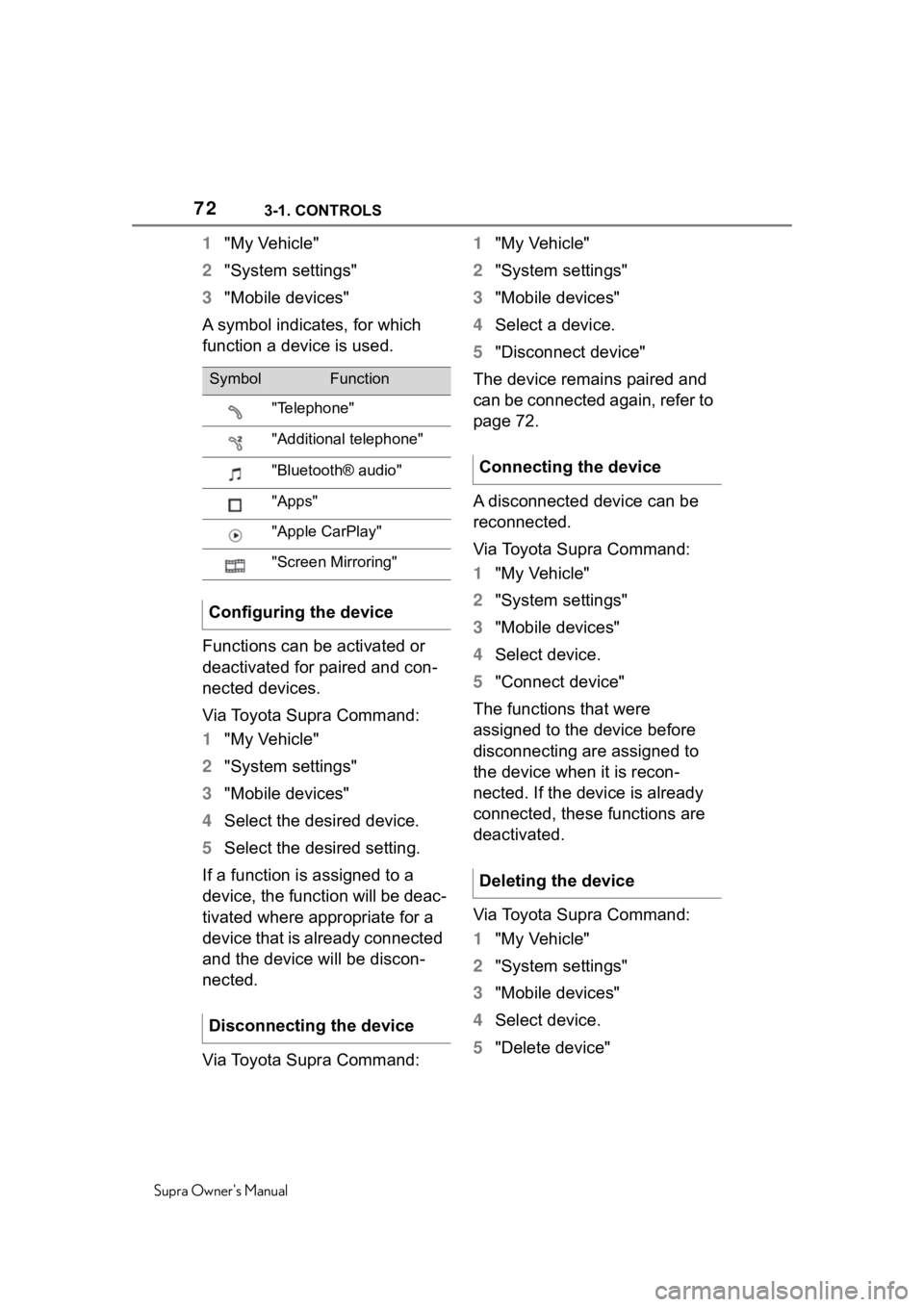
A symbol indicates, for which
function a device is used.
Functions can be activated or
deactivated for paired and con-
nected devices.
Via Toyota Supra Command:
1 "My Vehicle"
2 "System settings"
3 "Mobile devices"
4 Select the desired device.
5 Select the desired setting.
If a function is assigned to a
device, the function will be deac-
tivated where appropriate for a
device that is already connected
and the device will be discon-
nected.
Via Toyota Supra Command: 1
"My Vehicle"
2 "System settings"
3 "Mobile devices"
4 Select a device.
5 "Disconnect device"
The device remains paired and
can be connected again, refer to
page 72.
A disconnected device can be
reconnected.
Via Toyota Supra Command:
1 "My Vehicle"
2 "System settings"
3 "Mobile devices"
4 Select device.
5 "Connect device"
The functions that were
assigned to the device before
disconnecting are assigned to
the device when it is recon-
nected. If the device is already
connected, these functions are
deactivated.
Via Toyota Supra Command:
1 "My Vehicle"
2 "System settings"
3 "Mobile devices"
4 Select device.
5 "Delete device"
SymbolFunction
"Telephone"
"Additional telephone"
"Bluetooth® audio"
"Apps"
"Apple CarPlay"
"Screen Mirroring"
Configuring the device
Disconnecting the device
Connecting the device
Deleting the device
Page 338 of 352
338Alphabetical Index
Supra Owner's Manual
Alphabetical Index
A
A/C button, see Air conditioning ............................................... 227
ABS, Antilock Brake System . 192
ACC, see Adaptive Cruise Con- trol with Stop & Go............... 201
Acceleration Assistant, see Launch Control..................... 127
Accessories and parts ............... 6
Activated charcoal filter ........ 230
Active Guard, see Toyota Supra Safety .................................... 170
Adaptive brake assistant ....... 193
Adaptive Cruise Control with Stop & Go function ACC ...... 201
Adaptive variable suspension ............................................... 224
Additives, engine oil types .... 291
Air circulation, see Recircu- lated-air mode....................... 228
Air conditioning ...................... 227
Air distribution, manual ......... 229
Air flow, automa tic climate con-
trol ......................................... 229
Air outlets, see Ventilation .... 230
Air pressure, tires .................. 258
Airbags .................................... 158
Airbags, indicator and warning light........................................ 160
Alarm system ............................ 90
Alarm, unintentional................. 92
All-season tires, see Winter tires ............................................... 268
Antilock Brake System, ABS . 192
Anti-slip control, see VSC ..... 193
Anti-theft protection, locking .. 75
Anti-theft protection, see Lug bolt lock ................................ 283
Apple CarPlay, connection to the vehicle ..................................... 70 Approach control warning with
City light braking function ...172
Approach control warning with light braking function ...........172
Approved axle load ................323
Approved total weight ............323
Assistance when driving off, see Drive-off assistan t ................193
Assistance with breakdown ..307
AUTO program, automatic cli- mate control ..........................228
Auto Start/Stop function ........ 113
Automatic climate control .....225
Automatic cruise control with Stop & Go ..............................201
Automatic Curb Monitor, exte- rior mirror ..............................104
Automatic deactivation, front-seat passenger airbags...............................................168
Automatic headlight control ..151
Automatic high-beam .............153
Automatic locking ....................90
Automatic transmission.........123
Automatic transmission, see Automatic transm ission.......123
Automatic unlocking ................90
Automatic vehicle wash .........314
Autonomous Emergency Brak- ing ..........................................190
Axle loads, weights ................323
B
Backrest curvature, see Lumbar support ................ ....................98
Backrest tilt ...............................97
Backrest, seats .........................95
Backrest, width .........................98
Bar for tow-starting/towing....312
Battery, changing, remote con- trol of the vehicle ....................77
Battery, disposing of ..............301
Page 339 of 352
339
Supra Owner's Manual339Alphabetical Index
Battery, vehicle ....................... 299
Being towed, see Tow-starting and towing ............................ 311
Belts, see Safety belts ............. 98
Beverage holder, see Cup hold- ers .......................................... 241
Blind spot monitor ................. 186
Bluetooth connection .............. 66
Bottle holder, see Cup holders ............................................... 241
Brake assistant ....................... 193
Brake assistant, adaptive ...... 193
Brake discs, breaking in, see Brake system ........................ 247
Brake lights, see Lights and bulbs...................................... 299
Brake pads, breaking in, see Brake system ........................ 247
Brake system .......................... 247
Braking, information .............. 249
Break recommendation, see Driver attention control ....... 190
Breakdown assistance .. 307, 308
Break-in ................................... 246
Brightness, Control Display .... 62
Bulb replacement, see Lights and bulbs .............................. 299
Bulbs, replacing, see Lights and bulbs...................................... 299
Button, SOS, see Intelligent emergency call ..................... 308
Button, Start/Stop................... 113
Buttons on the steering wheel 38
Bypassing, see Jump-starting ............................................... 310
C
Cable for tow-starting/towing 312
California Proposition 65 Warn-ing .............................................. 6
Calling up mirror adjustment .. 89
Calling up seat adjustment...... 89 Calling up steering wheel adjust-
ment .........................................89
Camera lenses, care ...............320
Camera, rearview camera ......217
Camera-based assistance sys- tems, see Toyota Supra Safety...............................................170
Camera-based cruise control, see Adaptive Cruise Control
with Stop & Go ......................201
Can holder, see Cup holders .241
Car seats, see Transporting chil- dren safely.............................108
Car wash..................................314
Car washing ............................314
Care of displays, screens ......320
Care, Head-up Display ...........320
Care, see Washing the vehicle ...............................................314
Care, vehicle ...........................316
Cargo area ...............................241
Cargo area, loading, see Stowing and securing cargo ..............243
Cargo straps, see Lashing eyes in the cargo area ...................243
Cargo, stowing and securing 243
Carpet, care .............................319
CarPlay, connection to the vehi- cle ............................................70
Catalytic converter, see Hot exhaust gas system .............247
CBS Condition Based Service ...............................................296
CC, see Cruise cont rol ...........197
Center console..........................40
Central locking system ............81
Central screen, see Control Dis- play ..........................................48
Changes, technical, see For Your Own Safety ................................5
Changing parts ..... ..................298
Changing wheels ....................283