CD changer TOYOTA TACOMA 2009 Owners Manual (in English)
[x] Cancel search | Manufacturer: TOYOTA, Model Year: 2009, Model line: TACOMA, Model: TOYOTA TACOMA 2009Pages: 520, PDF Size: 10.75 MB
Page 228 of 520
228
3-2. Using the audio system
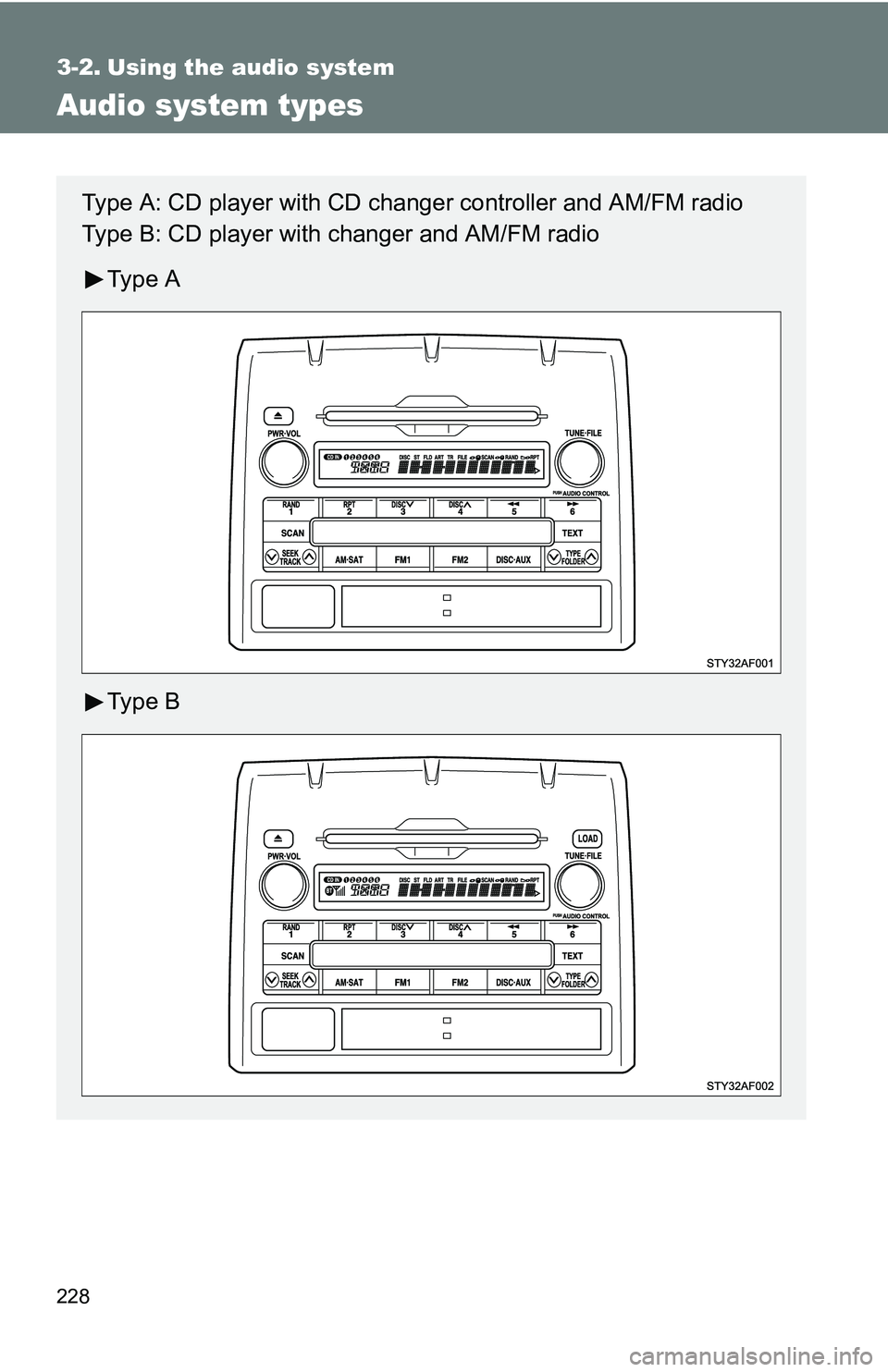
Audio system types
Type A: CD player with CD changer controller and AM/FM radio
Type B: CD player with changer and AM/FM radio
Ty p e A
Ty p e B
Page 237 of 520
237
3-2. Using the audio system
3
Interior and exterior features
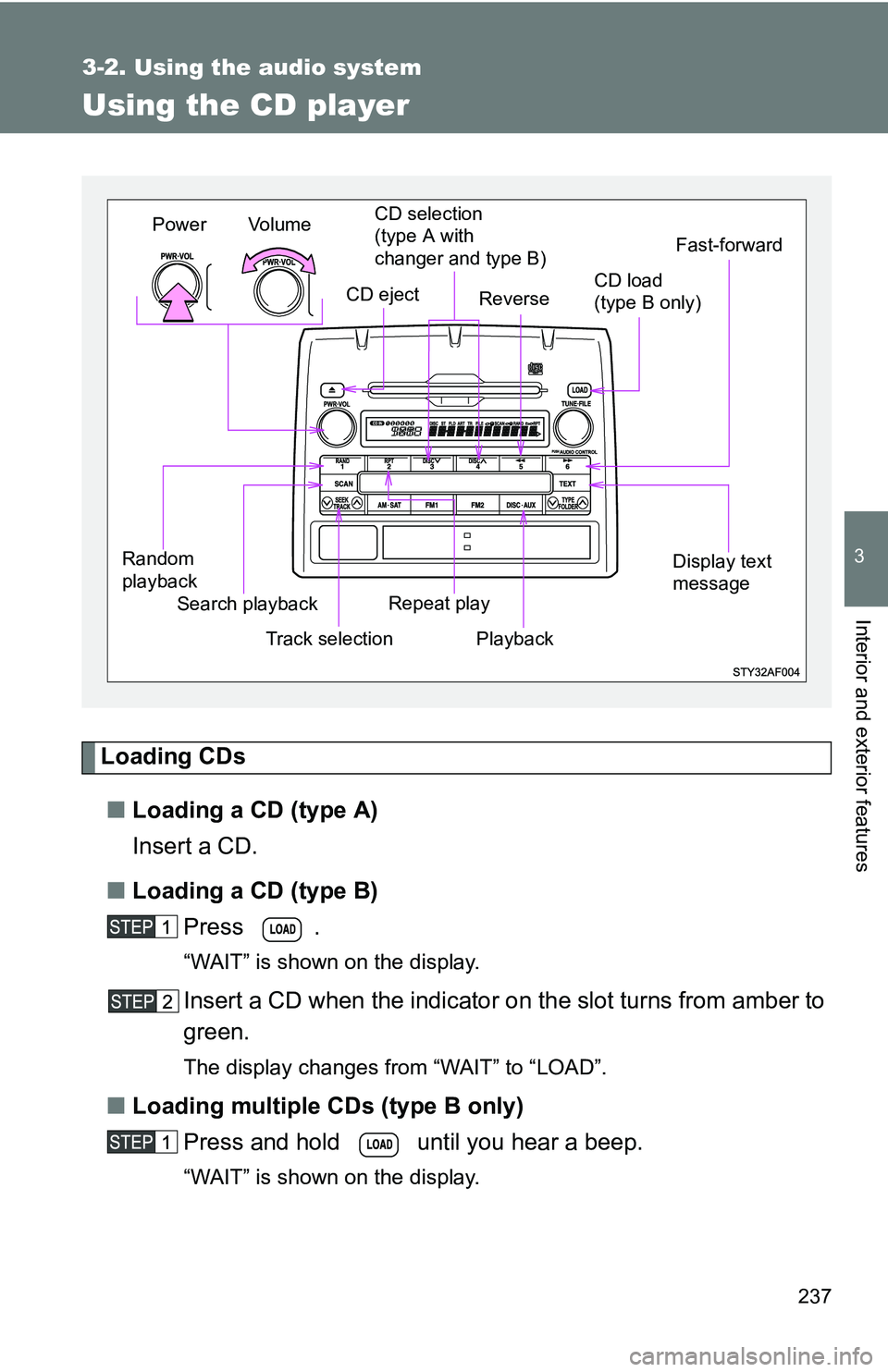
Using the CD player
Loading CDs■ Loading a CD (type A)
Insert a CD.
■ Loading a CD (type B)
Press .
“WAIT” is shown on the display.
Insert a CD when the indicator on the slot turns from amber to
green.
The display changes from “WAIT” to “LOAD”.
■Loading multiple CDs (type B only)
Press and hold until you hear a beep.
“WAIT” is shown on the display.
Vol u m e
Random
playback Track selectionRepeat play
Playback
Power
CD eject
Display text
message
CD selection
(type A with
changer and type B)
Search playback
Reverse
Fast-forward
CD load
(type B only)
Page 239 of 520
239
3-2. Using the audio system
3
Interior and exterior features
Fast-forwarding and reversing tracks
To fast-forward or reverse.
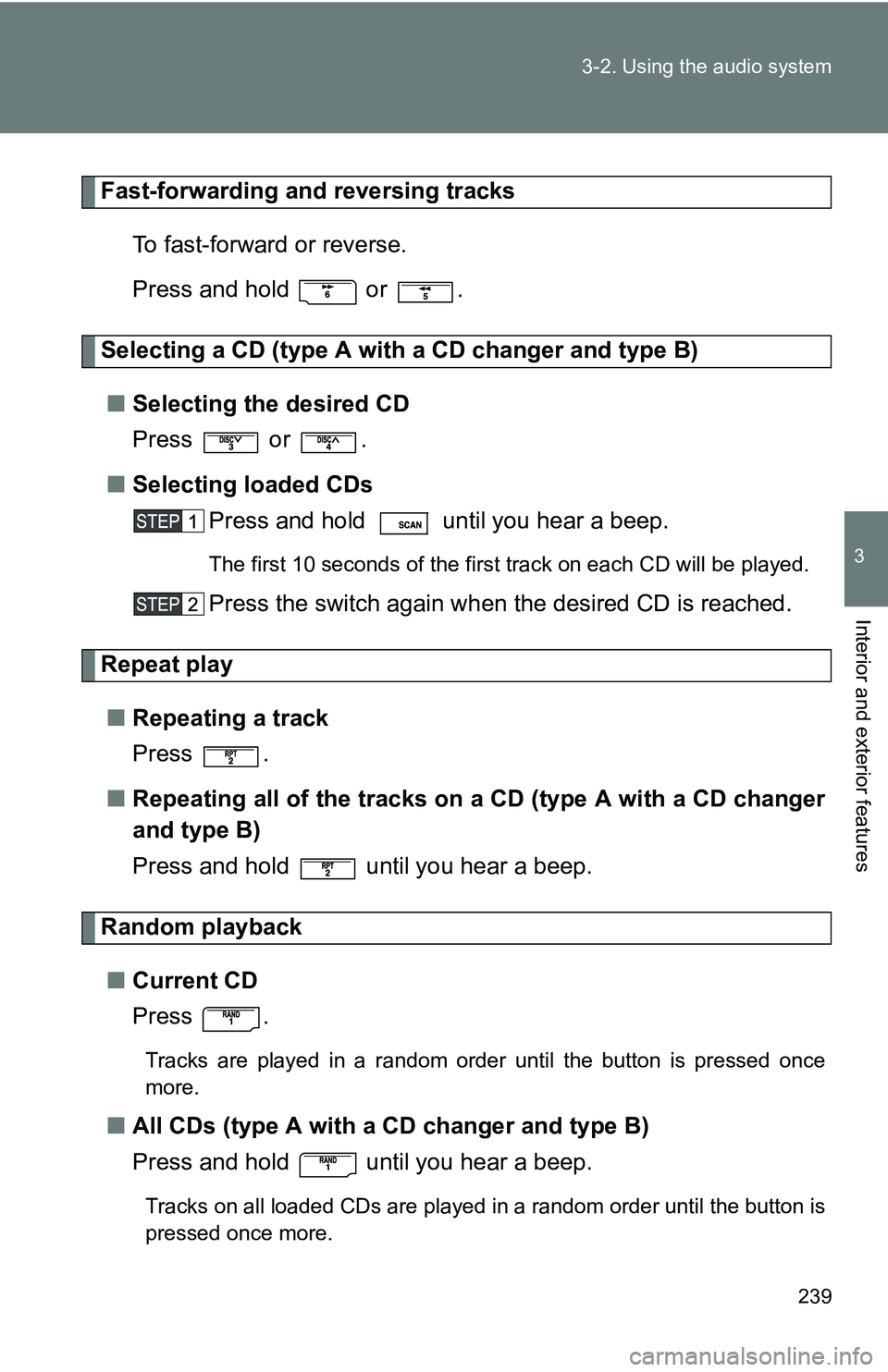
Press and hold or .
Selecting a CD (type A with a CD changer and type B)
■ Selecting the desired CD
Press or .
■ Selecting loaded CDs
Press and hold until you hear a beep.
The first 10 seconds of the first track on each CD will be played.
Press the switch again wh en the desired CD is reached.
Repeat play
■ Repeating a track
Press .
■ Repeating all of the tracks on a CD (type A with a CD changer
and type B)
Press and hold until you hear a beep.
Random playback
■ Current CD
Press .
Tracks are played in a random order until the button is pressed once
more.
■All CDs (type A with a CD changer and type B)
Press and hold until you hear a beep.
Tracks on all loaded CDs are played in a random order until the button is
pressed once more.
Page 241 of 520
241
3-2. Using the audio system
3
Interior and exterior features
■
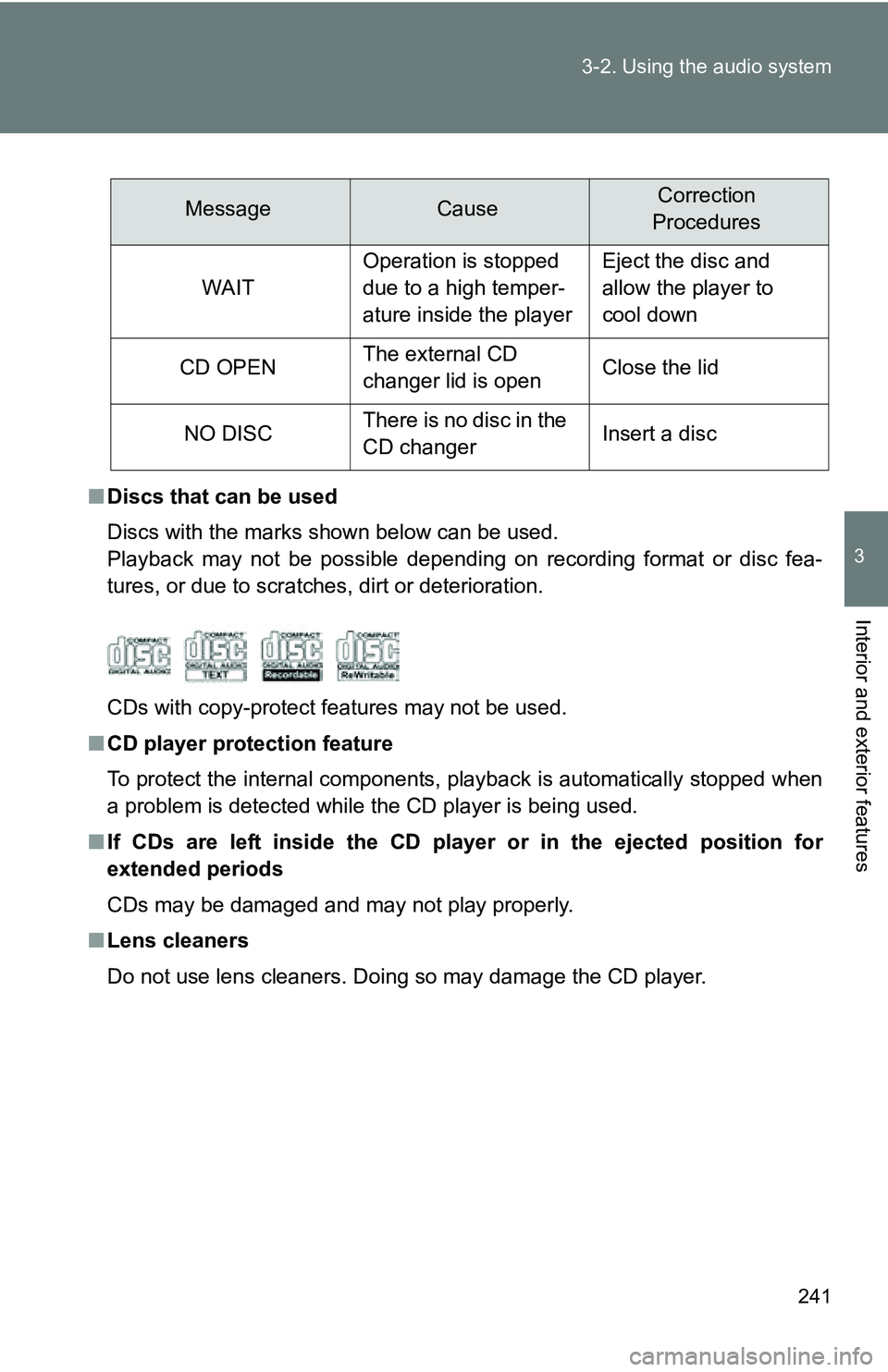
Discs that can be used
Discs with the marks shown below can be used.
Playback may not be possible depending on recording format or disc fea-
tures, or due to scratches, dirt or deterioration.
CDs with copy-protect features may not be used.
■ CD player protection feature
To protect the internal components, playback is automatically stopped when
a problem is detected while the CD player is being used.
■ If CDs are left inside the CD player or in the ejected position for
extended periods
CDs may be damaged and may not play properly.
■ Lens cleaners
Do not use lens cleaners. Doing so may damage the CD player.
MessageCauseCorrection
Procedures
WAIT
Operation is stopped
due to a high temper-
ature inside the playerEject the disc and
allow the player to
cool down
CD OPENThe external CD
changer lid is openClose the lid
NO DISCThere is no disc in the
CD changerInsert a disc
Page 259 of 520
259
3-2. Using the audio system
3
Interior and exterior features
Using the steering wheel audio switches (if equipped)
Turning on the powerPress when the audio system is turned off.
The audio system can be turned off by holding the switch down until the
system turns off.
Changing the audio sourcePress when the audio system is turned on. The audio source
changes as follows each time is pressed.
Type A:
FM1FM2CDCD changer*1AUXAMSAT1*2SAT2*2SAT3*2
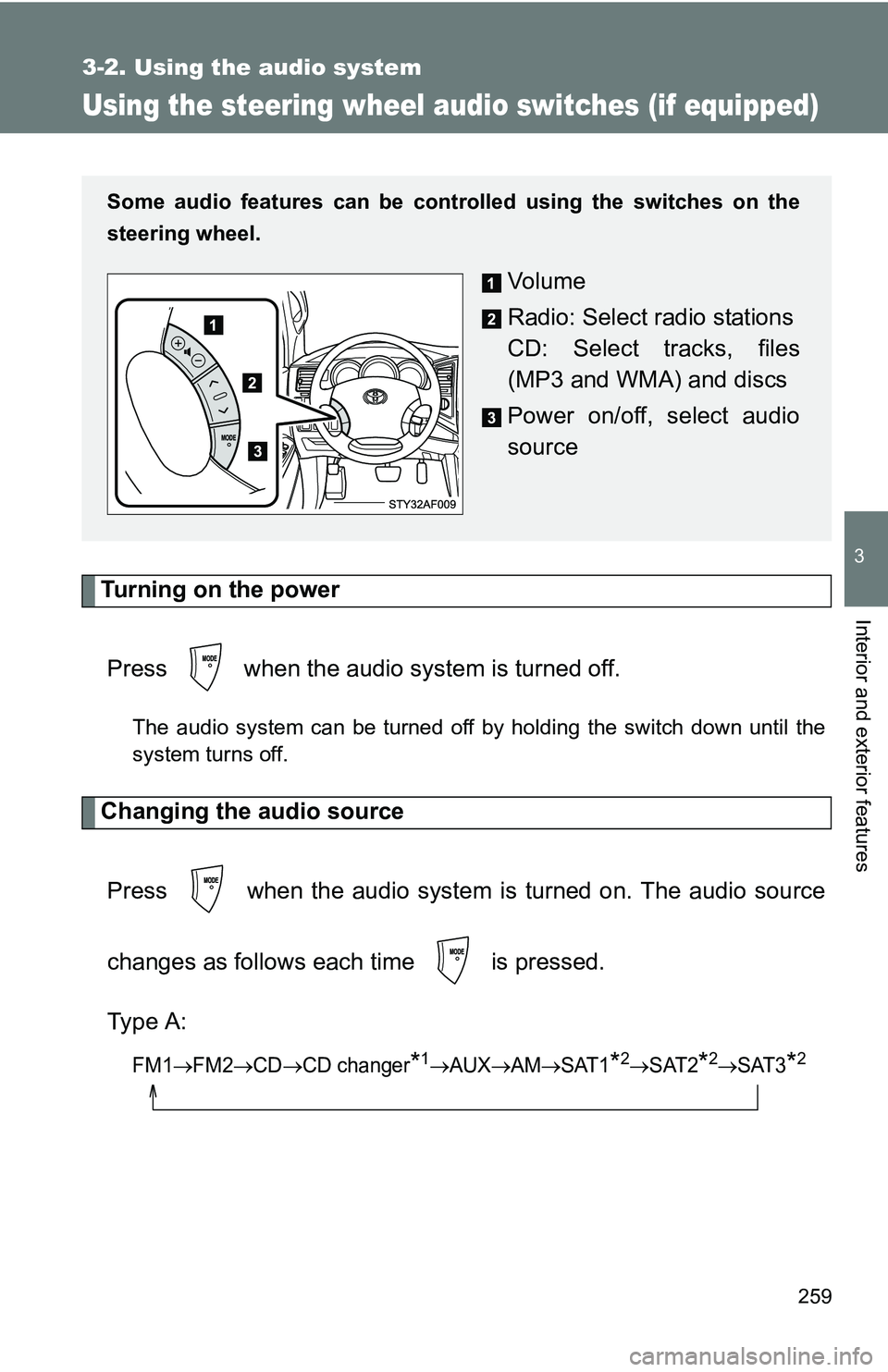
Some audio features can be cont rolled using the switches on the
steering wheel.
Vo l u m e
Radio: Select radio stations
CD: Select tracks, files
(MP3 and WMA) and discs
Power on/off, select audio
source
Page 260 of 520
260 3-2. Using the audio system
Type B:
FM1FM2 CD changer AUXAMSAT1*2SAT2*2SAT3*2
*1: If installed with a CD changer
*2: Except JBL brand audio system—
Use of XM Satellite Radio requires XM turner and service.
Contact your Toyota dealer.
Adjusting the volume
Press “+” on to increase the volume and “–” to decrease the
volume.
Press and hold “+” or “–” on to continue increasing or decreasing
the volume.
Selecting a radio station Press to select the radio mode.
Press “” or “ ” on to select a preset station.
To scan for receivable stations, press and hold the switch until you
hear a beep.
Selecting a track/file
Press to select the CD mode.
Press “” or “ ” on to select the desired track/file.
Page 261 of 520
261
3-2. Using the audio system
3
Interior and exterior features
Selecting a folder (type A)
Press to select the CD mode.
Press and hold “ ” or “ ” on until you hear a beep.
Selecting a disc in the CD player (type A with a CD changer and type B)
Press to select the CD mode.
Press and hold “ ” or “ ” on until you want to listen to is
set.
CAUTION
■ To reduce the risk of an accident
Exercise care when operating the audio switches on the steering wheel.