battery TOYOTA TACOMA 2014 Owners Manual (in English)
[x] Cancel search | Manufacturer: TOYOTA, Model Year: 2014, Model line: TACOMA, Model: TOYOTA TACOMA 2014Pages: 601, PDF Size: 11.67 MB
Page 4 of 601

TABLE OF CONTENTSIndex
4
3-3. Using the interior lightsInterior lights list ................. 347
• Interior light ...................... 348
• Personal lights ................. 348
3-4. Using the storage features List of storage features....... 349
• Glove box ......................... 350
• Front console box ............ 350
• Cup holders ...................... 351
• Bottle holders ................... 353
• Auxiliary boxes ................. 354
• Overhead console ............ 356
3-5. Other interior features Sun visors .......................... 357
Vanity mirrors ..................... 358
Clock .................................. 359
Power outlets (12 VDC) ..... 360
Power outlet (120 VAC) ..... 361
Seat heaters ....................... 367
Seatback table ................... 369
Floor mat ............................ 370
Luggage compartment features ............................ 372
Garage door opener ........... 381
Compass (vehicles with auto anti-glare inside
rear view mirror) ............... 389 4-1. Maintenance and care
Cleaning and protecting the vehicle exterior ........... 396
Cleaning and protecting the vehicle interior ............ 399
4-2. Maintenance Maintenance requirements .................... 402
General maintenance ......... 404
Emission inspection and maintenance (I/M)
programs .......................... 407
4-3. Do-it-yourself maintenance Do-it-yourself service precautions ....................... 408
Hood ................................... 412
Engine compartment .......... 414
Tires.................................... 430
Tire inflation pressure ......... 439
Wheels................................ 444
Air conditioning filter ........... 447
Wireless remote control battery .............................. 450
Checking and replacing fuses ................................. 452
Light bulbs .......................... 462
4Maintenance and care
Page 5 of 601

1
2
3
4
5
6
7
5
5-1. Essential informationEmergency flashers ............ 474
If your vehicle needs to be towed ........................... 475
If you think something is wrong ................................ 482
Fuel pump shut off system .............................. 483
5-2. Steps to take in an emergency If a warning light turns on or a warning buzzer
sounds... .......................... 484
If you have a flat tire............ 494
If the engine will not start .... 511
If the shift lever cannot be shifted from P (vehicles
with an automatic
transmission) .................... 512
If you lose your keys ........... 513
If the vehicle battery is discharged ........................ 514
If your vehicle overheats ..... 518
If the vehicle becomes stuck ................................. 521
If your vehicle has to be stopped in
an emergency ................... 523 6-1. Specifications
Maintenance data (fuel, oil level, etc.) ........... 526
Fuel information.................. 547
Tire information .................. 550
6-2. Customization Customizable features........ 561
Items to initialize ................. 562
Reporting safety defects for U.S. owners ................ 564
Seat belt instructions for Canadian owners
(in French) ........................ 565
SRS airbag instructions for Canadian owners
(in French) ........................ 567
Camper information ............ 578
Abbreviation list ........................ 586
Alphabetical index .................... 588
What to do if... .......................... 597
5When trouble arises6Vehicle specifications
7For owners
Index
Page 35 of 601

35
1-2. Opening, closing and locking the doors
1
Before driving
■
Wireless remote control depletion
The standard battery life is 1 to 2 years. (The battery becomes depleted
even if the key is not used.) If the wireless remote control function does not
operate, the battery may be depleted. Replace the battery when necessary.
(P. 450)
■ If the wireless remote control does not operate
Locking and unlocking the doors: Use the key. ( P. 37)
■ Security feature
If a door is not opened within approximately 30 seconds after the vehicle is
unlocked, the security feature automatically locks the vehicle again.
■ Conditions affecting operation
The wireless remote control function may not operate normally in the follow-
ing situations.
●Near a TV tower, radio station, electr ic power plant, airport or other facil-
ity that generates strong radio waves
● When carrying a portable radio, cell ular phone or other wireless commu-
nication device
● When multiple wireless keys are in the vicinity
● When the wireless key has come into contact with, or is covered by a
metallic object
● When a wireless key (that emits radio waves) is being used nearby
● When the wireless key has been left near an electrical appliance such as
a personal computer
■ When riding in an aircraft
When bringing a wireless remote control onto an aircraft, make sure you do
not press any buttons on the wireless remote control while inside the aircraft
cabin. If you are carrying a wireless remote control in your bag etc, ensure
that the buttons are not likely to be pressed accidentally. Pressing a button
may cause the wireless remote control to emit radio waves that could inter-
fere with the operation of the aircraft.
■ Customization that can be co nfigured at Toyota dealer
Settings (e.g. wireless remote control system) can be changed.
(Customizable features P. 561)
Page 143 of 601

143
2-1. Driving procedures
2
When driving
CAUTION
■
Caution while driving
Do not turn the engine switch to the LOCK position.
If in an emergency, you must turn the engine off while the vehicle is moving,
turn the engine switch only to the ACC position.
NOTICE
■To prevent battery discharge
Do not leave the engine switch in the ACC or ON position for long periods if
the engine is not running.
■ When starting the engine
●Do not crank for more than 30 seconds at a time. This may overheat the
starter and wiring systems.
● Do not race a cold engine.
● If the engine becomes difficult to start or stalls frequently, have the engine
checked immediately.
Page 164 of 601

164 2-3. Operating the lights and wipers
■Daytime running light system
●To make your vehicle more visible to other drivers, the front turn signal
lights turn on automatically whenever the engine is started and the park-
ing brake is released. Daytime running lights are not designed for use at
night.
Type A: Daytime running lights can be turned off by operating the switch.
● Compared to turning on the headlights, the daytime running light system
offers greater durability and consumes less electricity, so it can help
improve fuel economy.
■ Automatic light off system
Opening the driver’s door with the engine switch in the ACC or LOCK posi-
tion will turn the headlights and tail lights off.
To turn the lights on again, turn the engine switch to the ON position, or turn
the headlight switch off once and then back to the or position.
NOTICE
■To prevent battery discharge
Do not leave the lights on longer than necessary when the engine is not run-
ning.
Page 219 of 601
219
2-5. Driving information
2
When driving
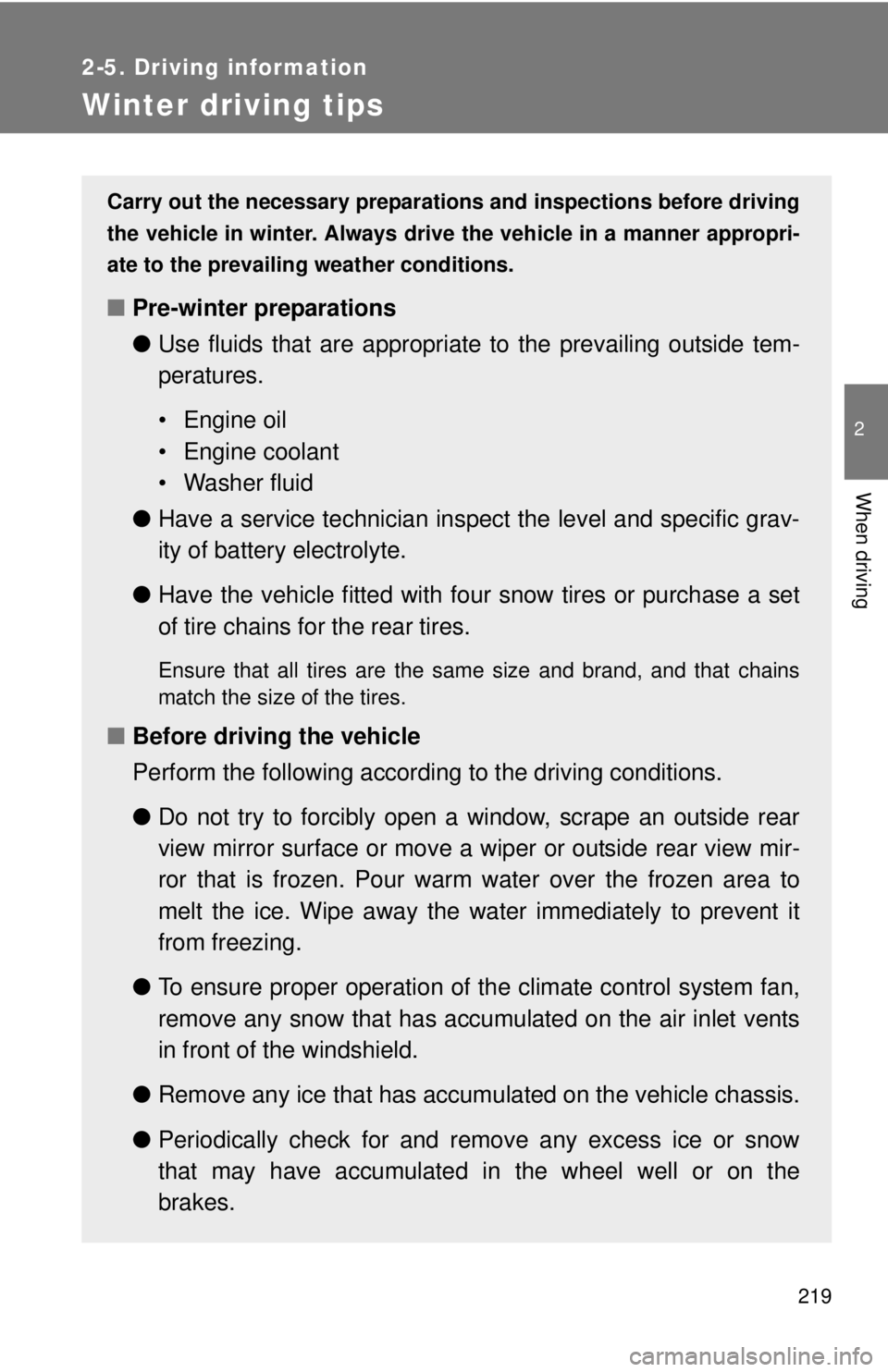
Winter driving tips
Carry out the necessary preparations and inspections before driving
the vehicle in winter. Always drive the vehicle in a manner appropri-
ate to the prevailing weather conditions.
■ Pre-winter preparations
●Use fluids that are appropriate to the prevailing outside tem-
peratures.
• Engine oil
• Engine coolant
• Washer fluid
● Have a service technician inspect the level and specific grav-
ity of battery electrolyte.
● Have the vehicle fitted with four snow tires or purchase a set
of tire chains for the rear tires.
Ensure that all tires are the same size and brand, and that chains
match the size of the tires.
■Before driving the vehicle
Perform the following according to the driving conditions.
●Do not try to forcibly open a window, scrape an outside rear
view mirror surface or move a wiper or outside rear view mir-
ror that is frozen. Pour warm water over the frozen area to
melt the ice. Wipe away the water immediately to prevent it
from freezing.
● To ensure proper operation of th e climate control system fan,
remove any snow that has accumulated on the air inlet vents
in front of the windshield.
● Remove any ice that has accumu lated on the vehicle chassis.
● Periodically check for and remove any excess ice or snow
that may have accumulated in the wheel well or on the
brakes.
Page 252 of 601

252 3-1. Using the air conditioning system and defogger
CAUTION
■To prevent the windshield from fogging up
Do not set the air outlet selection dial to during cool air operation in
extremely humid weather. The difference between the temperature of the
outside air and that of the windshield can cause the outer surface of the
windshield to fog up, blocking your vision.
NOTICE
■To prevent battery discharge
Do not leave the air conditioning system on longer than necessary when the
engine is stopped.
Page 258 of 601

258 3-2. Using the multimedia system
NOTICE
■To avoid damaging the touch screen
●To prevent damaging the screen, lightly touch the screen buttons with your
finger.
● Do not use objects other than your finger to touch the screen.
● Wipe off fingerprints using a glass cleaning cloth. Do not use chemical
cleaners to clean the screen, as they may damage the touch screen.
■ To prevent battery discharge
Do not leave the multimedia system on longer than necessary when the
engine is off.
■ To avoid damaging the multimedia system
Take care not to spill drinks or ot her fluids on the multimedia system.
Page 281 of 601

281
3-2. Using the multimedia system
3
Interior and exterior features
■
iPod functions
●When an iPod is connected and the audio source is changed to iPod
mode, the iPod will resume play from the same point in which it was last
used.
● Depending on the iPod that is connected to the system, certain functions
may not be available. If a function is unavailable due to a malfunction (as
opposed to a system specification), disconnecting the device and recon-
necting it may resolve the problem.
● While connected to the system, the iPod cannot be operated with its own
controls. It is necessary to use the controls of the vehicle’s multimedia
system instead.
● When the battery level of an iPod is very low, the iPod may not operate. If
so, charge the iPod before use.
● Compatible models ( P. 283)
■ iPod problems
To resolve most problems encountered when using your iPod, disconnect
your iPod from the vehicle iPod connection and reset it. For instructions on
how to reset your iPod, refer to your iPod Owner’s Manual.
Page 305 of 601
305
3-2. Using the multimedia system
3
Interior and exterior features
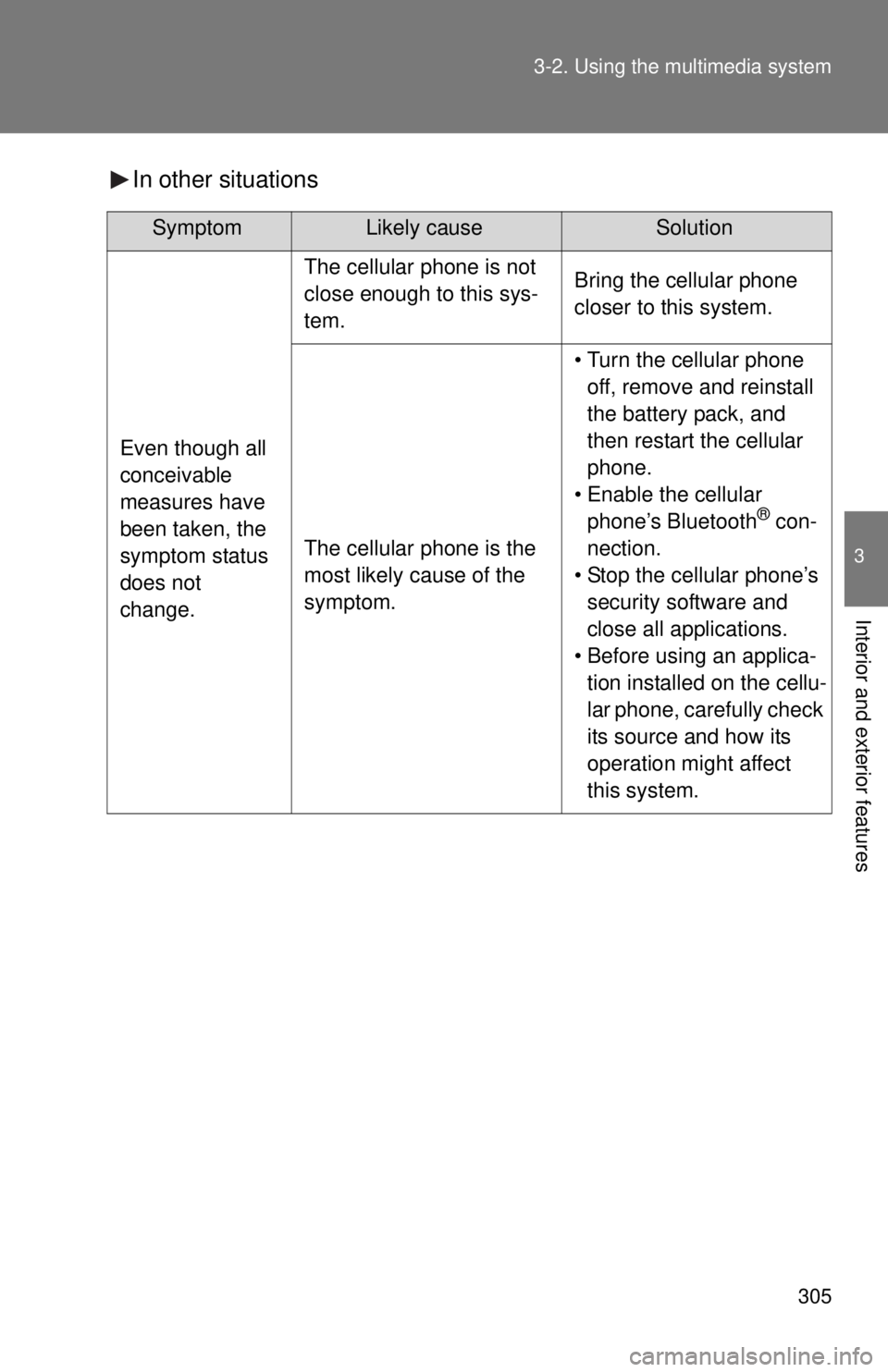
In other situations
SymptomLikely cause Solution
Even though all
conceivable
measures have
been taken, the
symptom status
does not
change.
The cellular phone is not
close enough to this sys-
tem.Bring the cellular phone
closer to this system.
The cellular phone is the
most likely cause of the
symptom.
• Turn the cellular phone
off, remove and reinstall
the battery pack, and
then restart the cellular
phone.
• Enable the cellular phone’s Bluetooth
® con-
nection.
• Stop the cellular phone’s security software and
close all applications.
• Before using an applica- tion installed on the cellu-
lar phone, carefully check
its source and how its
operation might affect
this system.