wheel TOYOTA TACOMA 2016 Accessories, Audio & Navigation (in English)
[x] Cancel search | Manufacturer: TOYOTA, Model Year: 2016, Model line: TACOMA, Model: TOYOTA TACOMA 2016Pages: 44, PDF Size: 1.75 MB
Page 18 of 44
17
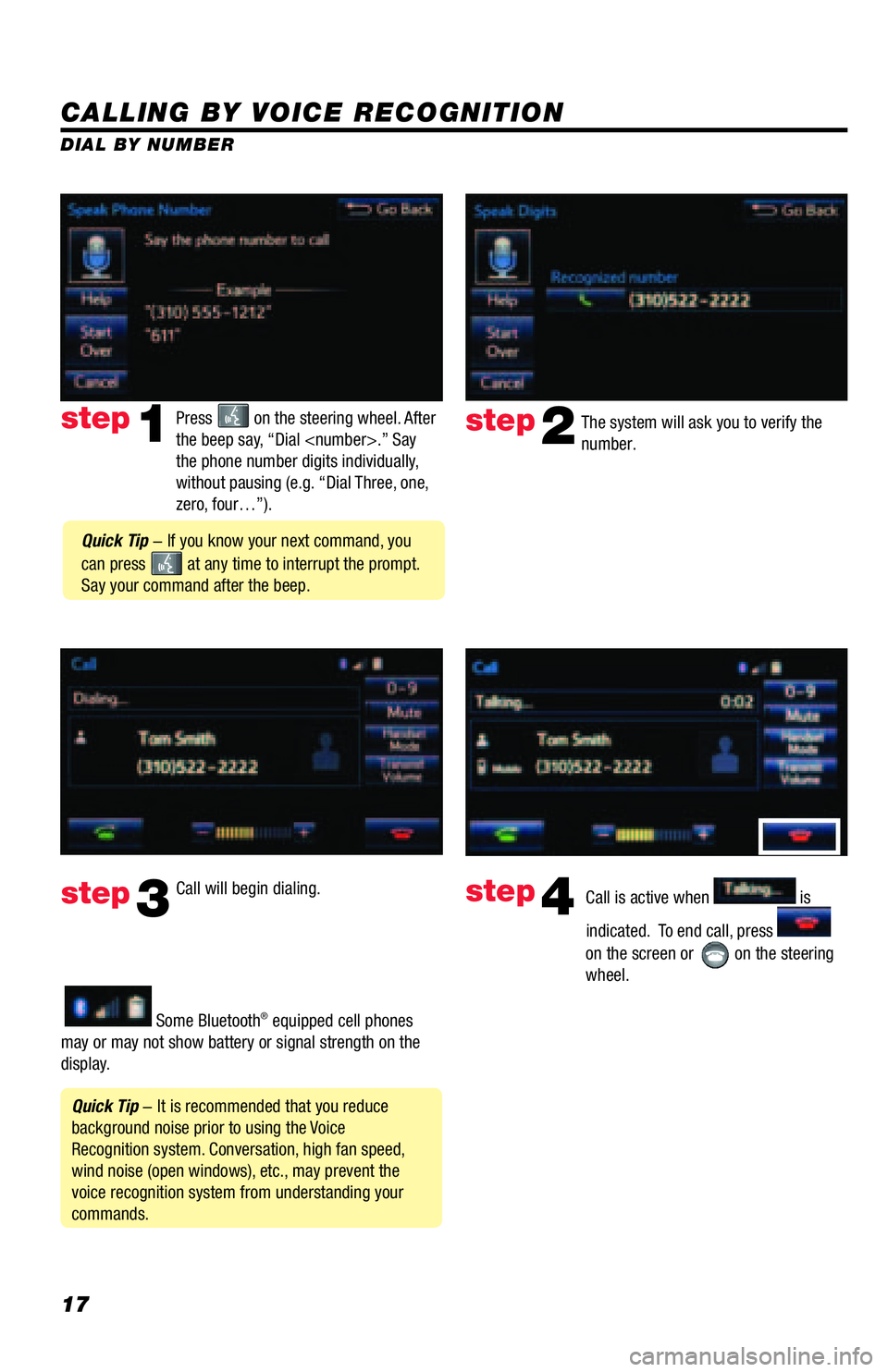
CALLING BY VOICE RECOGNITION
The system will ask you to verify the
number.step2
step3
Press on the steering wheel. After
the beep say, “Dial
the phone number digits individually,
without pausing (e.g. “Dial Three, one,
zero, four…”).step1
Call will begin dialing.
Call is active when is
indicated. To end call, press
on the screen or
on the steering
wheel.
step4
Quick Tip - It is recommended that you reduce
background noise prior to using the Voice
Recognition system. Conversation, high fan speed,
wind noise (open windows), etc., may prevent the
voice recognition system from understanding your
commands.
Quick Tip - If you know your next command, you
can press
at any time to interrupt the prompt.
Say your command after the beep.
Some Bluetooth® equipped cell phones
may or may not show battery or signal strength on the
display. DIAL BY NUMBER
Page 19 of 44
18
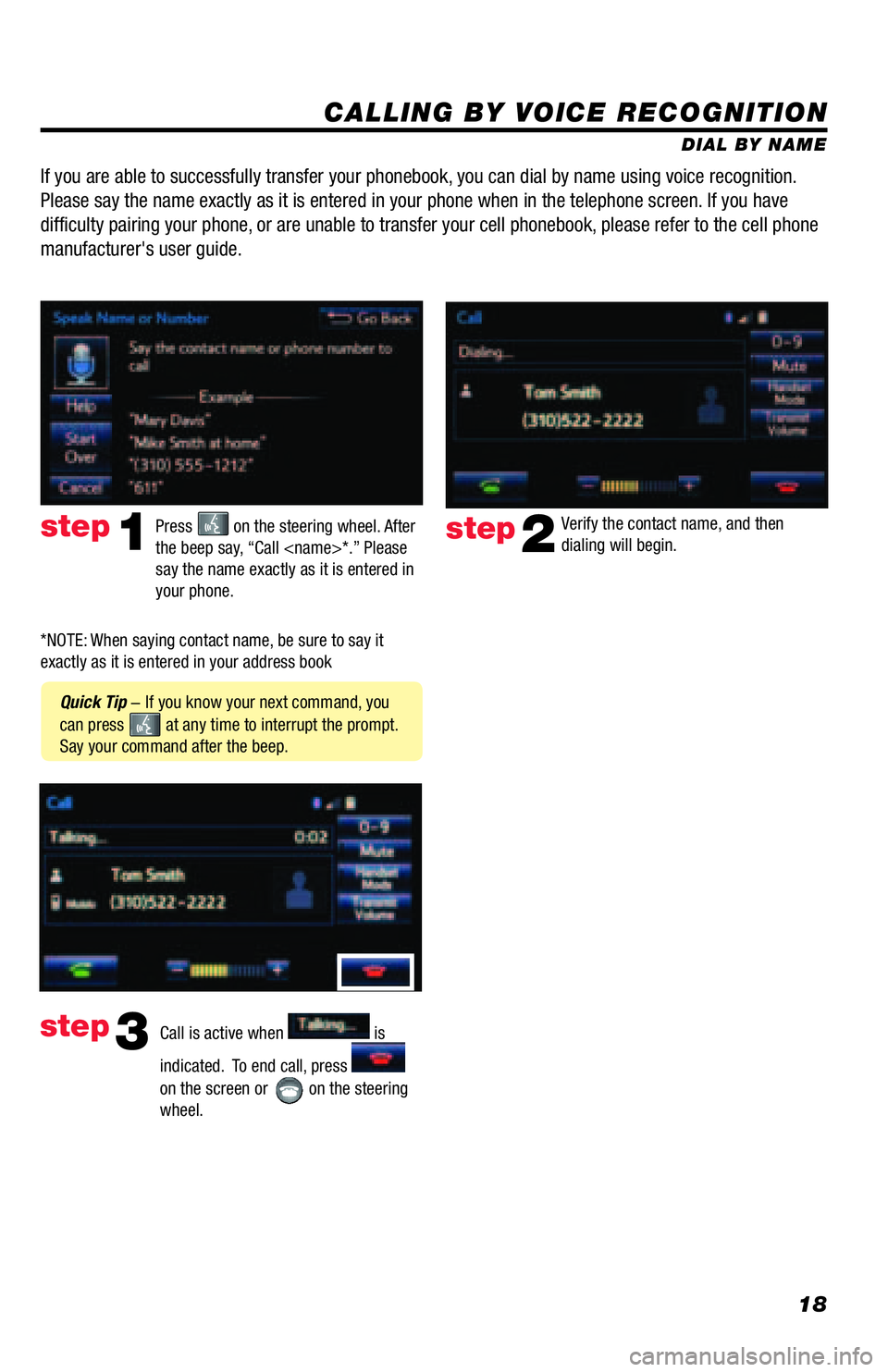
CALLING BY VOICE RECOGNITION
DIAL BY NAME
Press
on the steering wheel. After
the beep say, “Call
say the name exactly as it is entered in
your phone.step1
Quick Tip - If you know your next command, you
can press
at any time to interrupt the prompt.
Say your command after the beep.Verify the contact name, and then
dialing will begin.
step2
If you are able to successfully transfer your phonebook, you can dial by name using voice recognition.
Please say the name exactly as it is entered in your phone when in the telephone screen. If you have
difficulty pairing your phone, or are unable to transfer your cell phonebook, please refer to the cell phone
manufacturer's user guide.
Call is active when is
indicated. To end call, press
on the screen or
on the steering
wheel.
step3
*NOTE: When saying contact name, be sure to say it
exactly as it is entered in your address book
Page 22 of 44
21
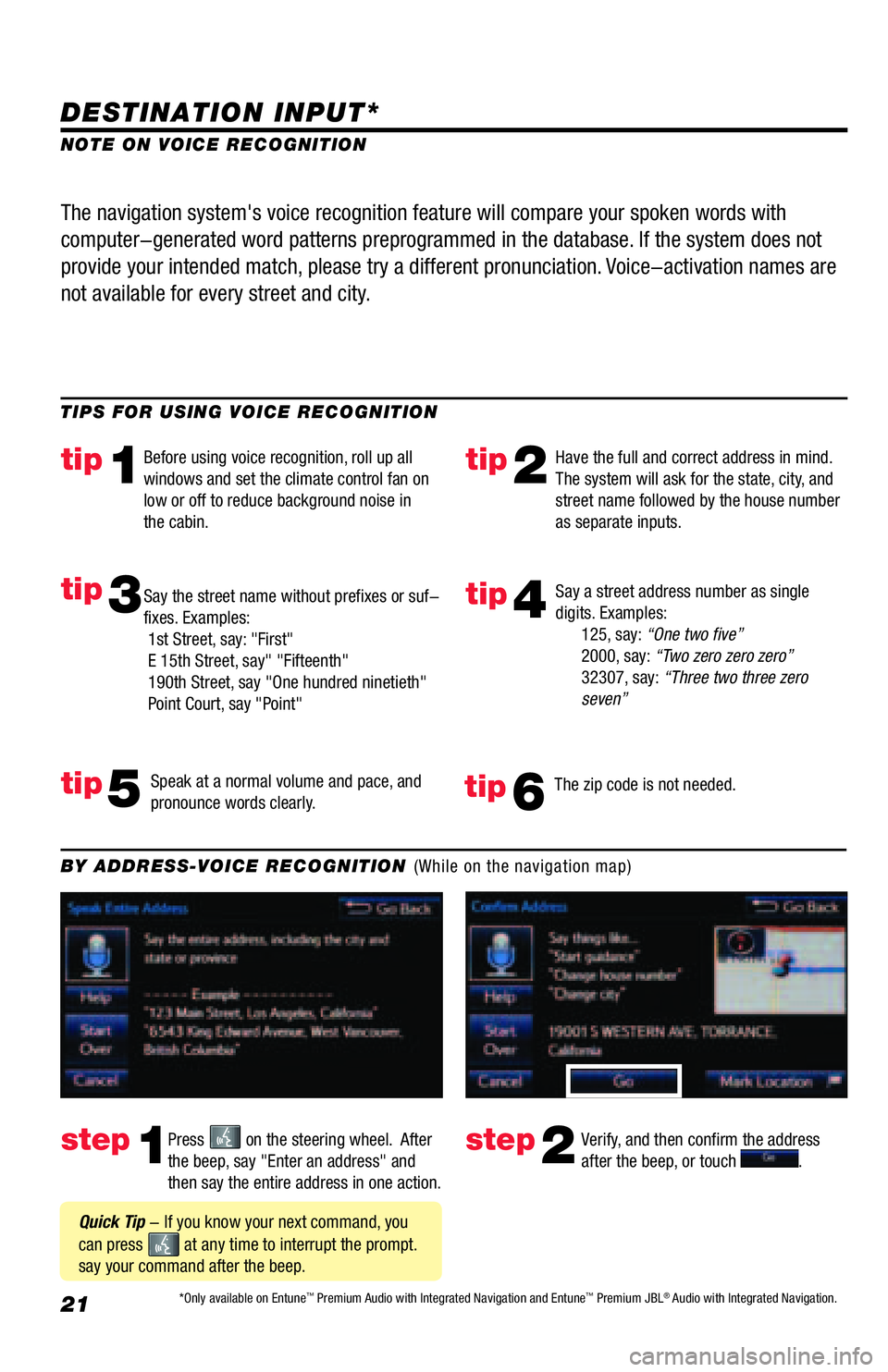
DESTINATION INPUT*
step1step2Press on the steering wheel. After
the beep, say "Enter an address" and
then say the entire address in one action.Verify, and then confirm the address
after the beep, or touch . TIPS FOR USING VOICE RECOGNITION
NOTE ON VOICE RECOGNITION
Say a street address number as single
digits. Examples:
125, say: “One two five”
2000, say: “Two zero zero zero”
32307, say: “Three two three zero
seven”
tip2tip1
tip5
tip3
Have the full and correct address in mind.
The system will ask for the state, city, and
street name followed by the house number
as separate inputs. Before using voice recognition, roll up all
windows and set the climate control fan on
low or off to reduce background noise in
the cabin.
Speak at a normal volume and pace, and
pronounce words clearly. Say the street name without prefixes or suf-
fixes. Examples:
1st Street, say: "First"
E 15th Street, say" "Fifteenth"
190th Street, say "One hundred ninetieth"
Point Court, say "Point"
The navigation system's voice recognition feature will compare your spoken words with
computer-generated word patterns preprogrammed in the database. If the system does not
provide your intended match, please try a different pronunciation. Voice-activation names are
not available for every street and city.
BY ADDRESS-VOICE RECOGNITION (While on the navigation map)
Quick Tip - If you know your next command, you
can press
at any time to interrupt the prompt.
say your command after the beep.
tip4
The zip code is not needed.tip6
*Only available on Entune™ Premium Audio with Integrated Navigation and Entune™ Premium JBL® Audio with Integrated Navigation.
Page 25 of 44
24
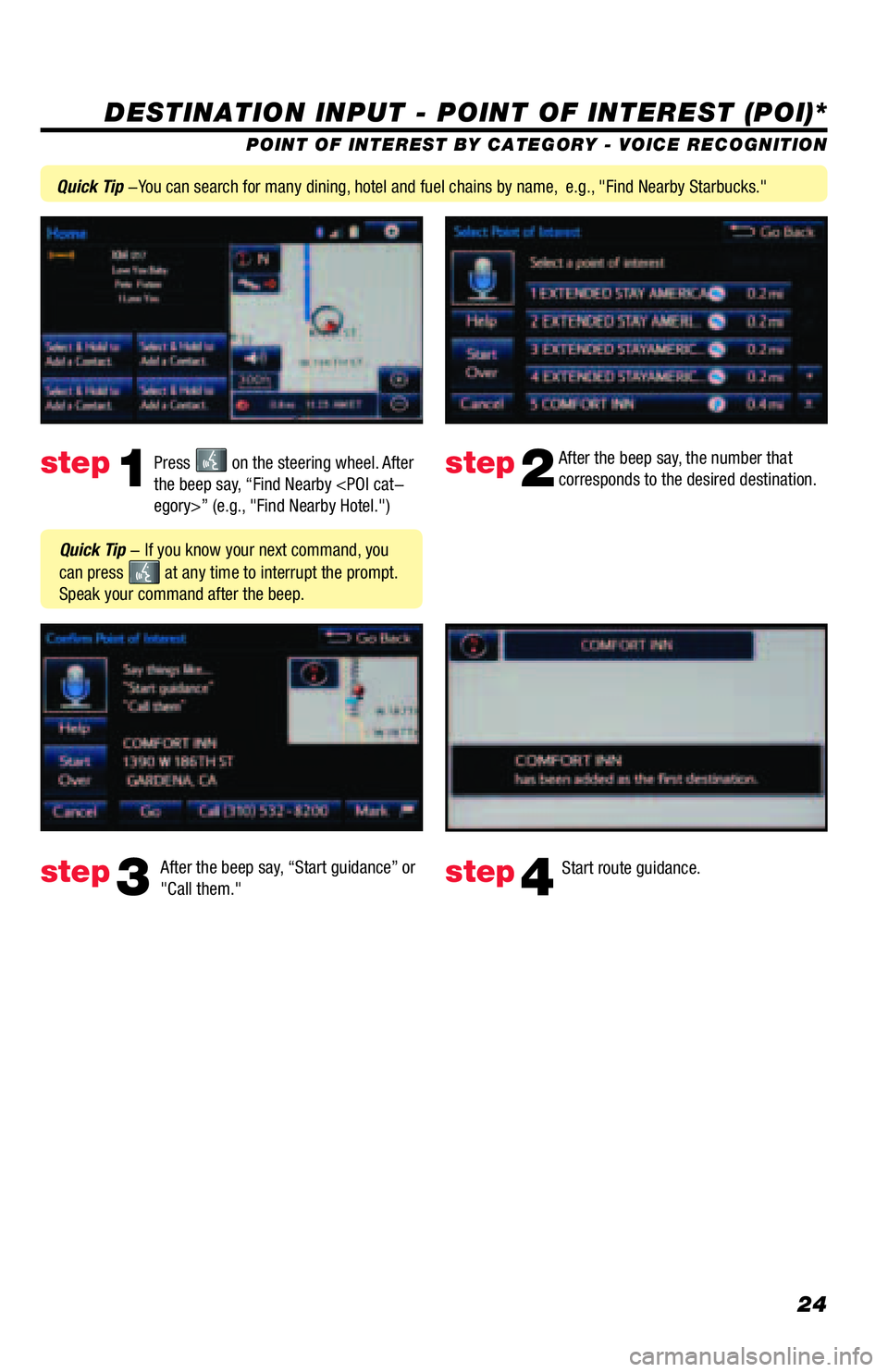
DESTINATION INPUT - POINT OF INTEREST (POI)*
POINT OF INTEREST BY CATEGORY - VOICE RECOGNITION
Press
on the steering wheel. After
the beep say, “Find Nearby
corresponds to the desired destination.
After the beep say, “Start guidance” or
"Call them."step1step2
step3step4
Quick Tip - If you know your next command, you
can press
at any time to interrupt the prompt.
Speak your command after the beep.
Start route guidance.
Quick Tip -You can search for many dining, hotel and fuel chains by name, e.g., "Find Nearby Starbucks."
Page 37 of 44
36
Siri® Eyes Free
SCOUT
® GPS Link
Entune™ Audio PLUS with Connected Navigation App Siri
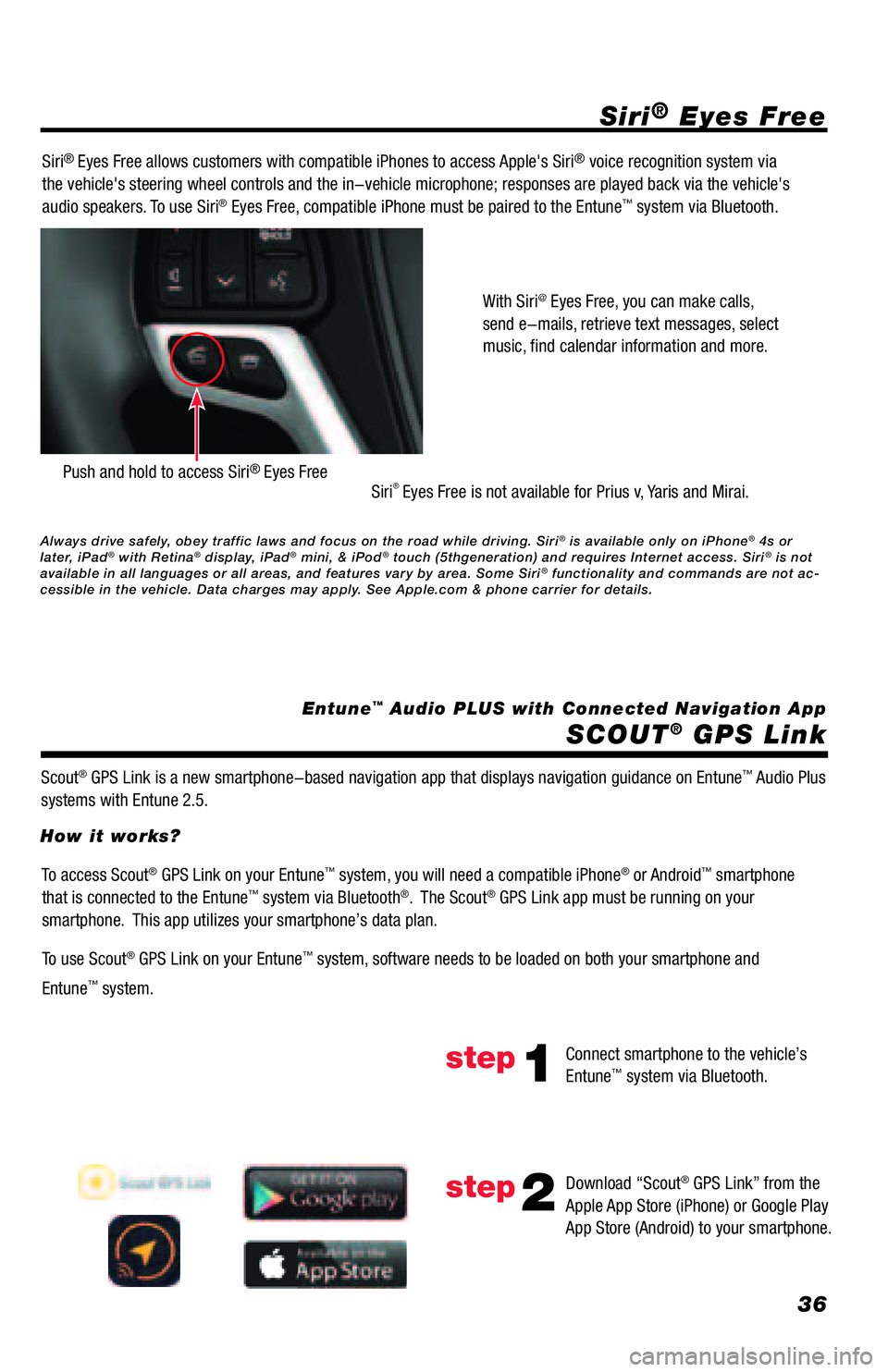
® Eyes Free allows customers with compatible iPhones to access Apple's Siri® voice recognition system via
the vehicle's steering wheel controls and the in-vehicle microphone; responses are played back via the vehicle's
audio speakers. To use Siri
® Eyes Free, compatible iPhone must be paired to the Entune™ system via Bluetooth.
Siri
® Eyes Free is not available for Prius v, Yaris and Mirai.
Scout
® GPS Link is a new smartphone-based navigation app that displays navigation guidance on Entune™ Audio Plus
systems with Entune 2.5.With Siri
@ Eyes Free, you can make calls,
send e-mails, retrieve text messages, select
music, find calendar information and more.
Push and hold to access Siri® Eyes Free
To access Scout® GPS Link on your Entune™ system, you will need a compatible iPhone® or Android™ smartphone
that is connected to the Entune™ system via Bluetooth®. The Scout® GPS Link app must be running on your
smartphone. This app utilizes your smartphone’s data plan.
To use Scout
® GPS Link on your Entune™ system, software needs to be loaded on both your smartphone and
Entune
™ system. How it works?
Connect smartphone to the vehicle’s
Entune
™ system via Bluetooth.
Download “Scout
® GPS Link” from the
Apple App Store (iPhone) or Google Play
App Store (Android) to your smartphone.
step1
step2
Always drive safely, obey traffic laws and focus on the road while driving. Siri® is available only on iPhone® 4s or
later, iPad® with Retina® display, iPad® mini, & iPod® touch (5thgeneration) and requires Internet access. Siri® is not
available in all languages or all areas, and features vary by area. Some Siri® functionality and commands are not ac-
cessible in the vehicle. Data charges may apply. See Apple.com & phone carrier for details.
Page 42 of 44
41
SCOUT® GPS Link
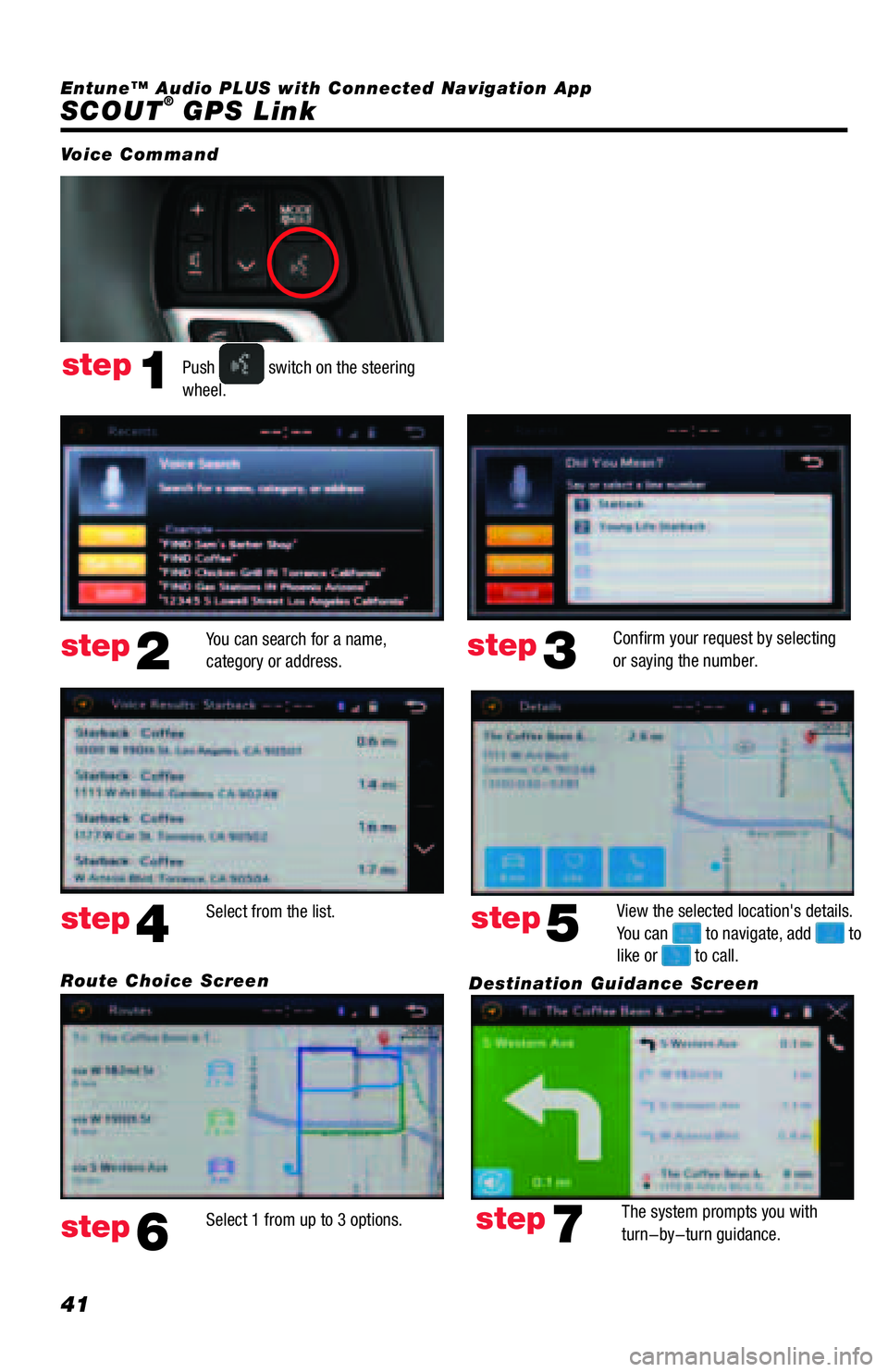
Push switch on the steering
wheel.
You can search for a name,
category or address.Confirm your request by selecting
or saying the number.
Select 1 from up to 3 options.View the selected location's details.
You can
to navigate, add to
like or to call. Select from the list.
The system prompts you with
turn-by-turn guidance.
Voice Command
step1
step2step3
step6
step5step4
step7
Route Choice Screen
Destination Guidance Screen Entune™ Audio PLUS with Connected Navigation App