142
Clock
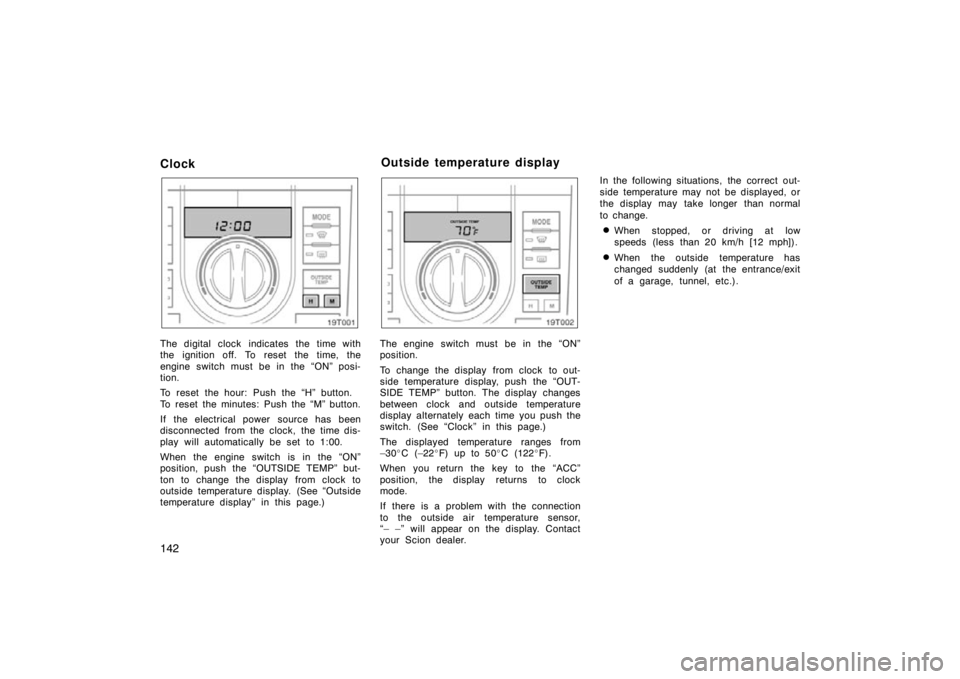
The digital clock indicates the time with
the ignition off. To reset the time, the
engine switch must be in the “ON” posi-
tion.
To reset the hour: Push the “H” button.
To reset the minutes: Push the “M” button.
If the electrical power source has been
disconnected from the clock, the time dis-
play will automatically be set to 1:00.
When the engine switch is in the “ON”
position, push the “OUTSIDE TEMP” but-
ton to change the display from clock to
outside temperature display. (See “Outside
temperature display” in this page.)
19T002
The engine switch must be in the “ON”
position.
To change the display from clock to out-
side temperature display, push the “OUT-
SIDE TEMP” button. The display changes
between clock and outside temperature
display alternately each time you push the
switch. (See “Clock” in this page.)
The displayed temperature ranges from
–30�C (–22 �F) up to 50 �C (122 �F).
When you return the key to the “ACC”
position, the display returns to clock
mode.
If there is a problem with the connection
to the outside air temperature sensor,
“– –” will appear on the display. Contact
your Scion dealer. In the following situations, the correct out-
side temperature may not be displayed, or
the display may take longer than normal
to change.
�When stopped, or driving at low
speeds (less than 20 km/h [12 mph]).
�When the outside temperature has
changed suddenly (at the entrance/exit
of a garage, tunnel, etc.).
Outside temperature display