TOYOTA URBAN CRUISER 2012 Service Manual
URBAN CRUISER 2012
TOYOTA
TOYOTA
https://www.carmanualsonline.info/img/14/49111/w960_49111-0.png
TOYOTA URBAN CRUISER 2012 Service Manual
Page 59 of 532
59 1-2. Opening, closing and locking the doors
1
Before driving
URBAN CRUISER_EE (OM52C21E)
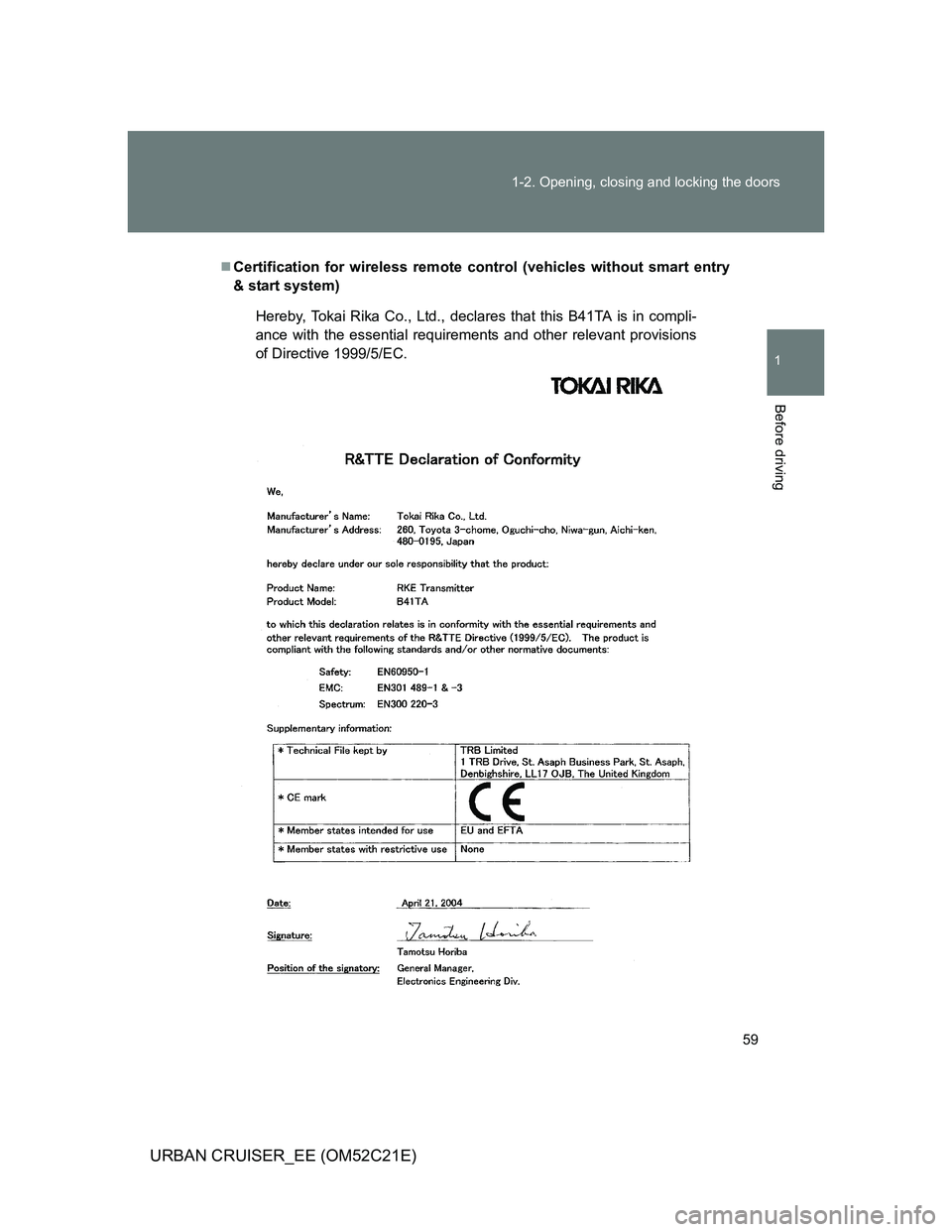
Certification for wireless remote control (vehicles without smart entry
& start system)
Hereby, Tokai Rika Co., Ltd., declares that this B41TA is in compli-
ance with the essential requirements and other relevant provisions
of Directive 1999/5/EC.
Page 60 of 532
60 1-2. Opening, closing and locking the doors
URBAN CRUISER_EE (OM52C21E)
Page 61 of 532
61 1-2. Opening, closing and locking the doors
1
Before driving
URBAN CRUISER_EE (OM52C21E)
Page 62 of 532
62 1-2. Opening, closing and locking the doors
URBAN CRUISER_EE (OM52C21E)
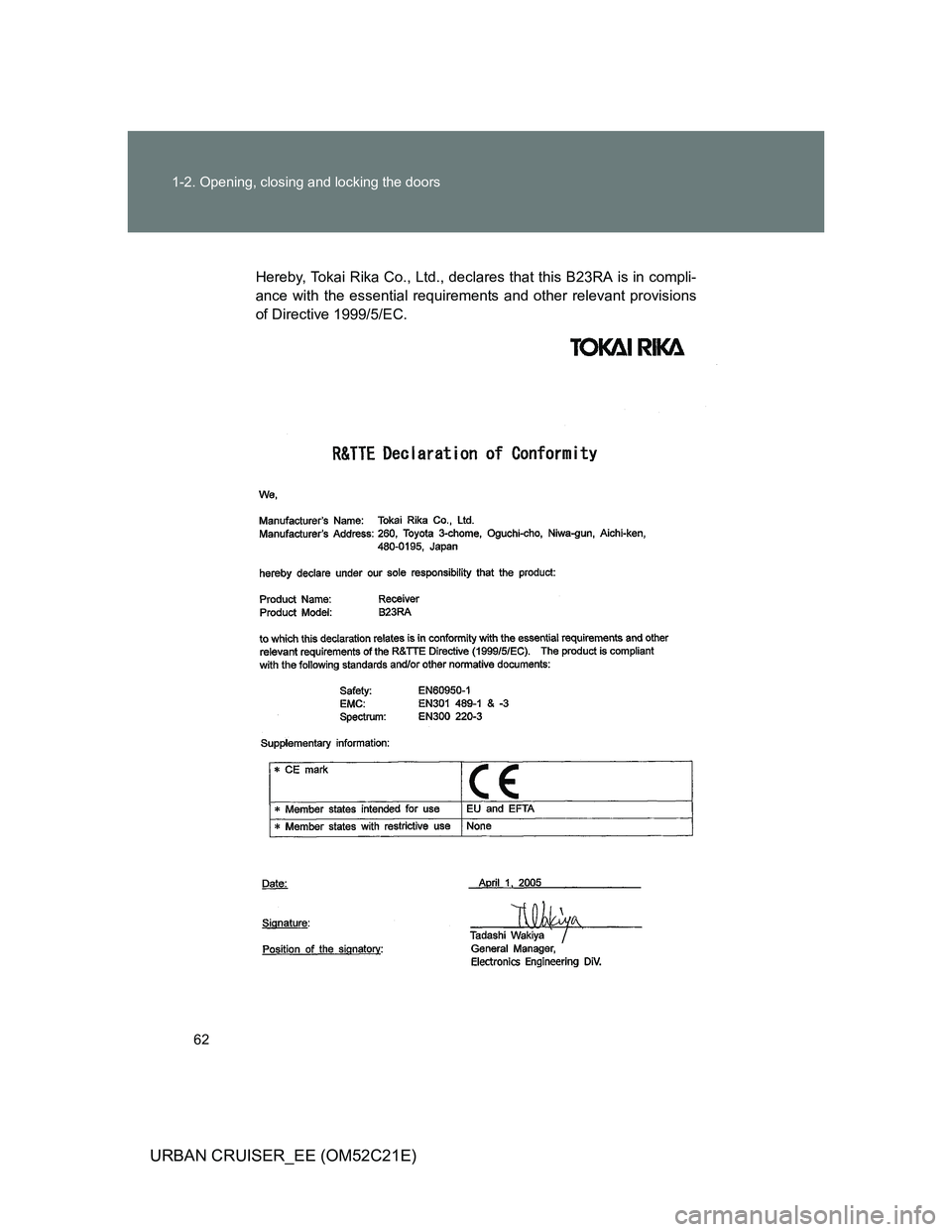
Hereby, Tokai Rika Co., Ltd., declares that this B23RA is in compli-
ance with the essential requirements and other relevant provisions
of Directive 1999/5/EC.
Page 63 of 532
63 1-2. Opening, closing and locking the doors
1
Before driving
URBAN CRUISER_EE (OM52C21E)
Page 64 of 532
64 1-2. Opening, closing and locking the doors
URBAN CRUISER_EE (OM52C21E)
Page 65 of 532
65
1
1-2. Opening, closing and locking the doors
Before driving
URBAN CRUISER_EE (OM52C21E)
Side doors
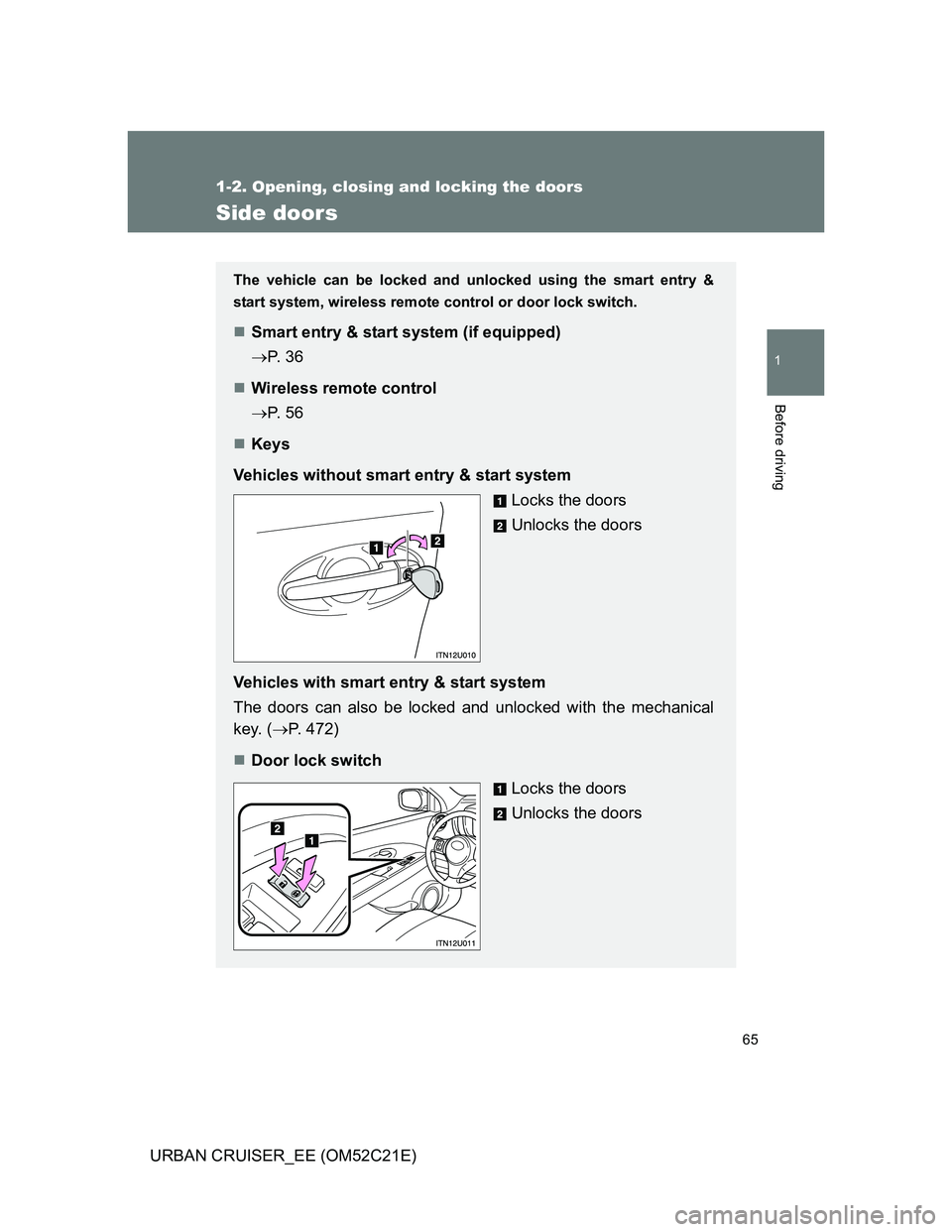
The vehicle can be locked and unlocked using the smart entry &
start system, wireless remote control or door lock switch.
Smart entry & start system (if equipped)
P. 3 6
Wireless remote control
P. 5 6
Keys
Vehicles without smart entry & start system
Locks the doors
Unlocks the doors
Vehicles with smart entry & start system
The doors can also be locked and unlocked with the mechanical
key. (P. 472)
Door lock switch
Locks the doors
Unlocks the doors
Page 66 of 532
66 1-2. Opening, closing and locking the doors
URBAN CRUISER_EE (OM52C21E)
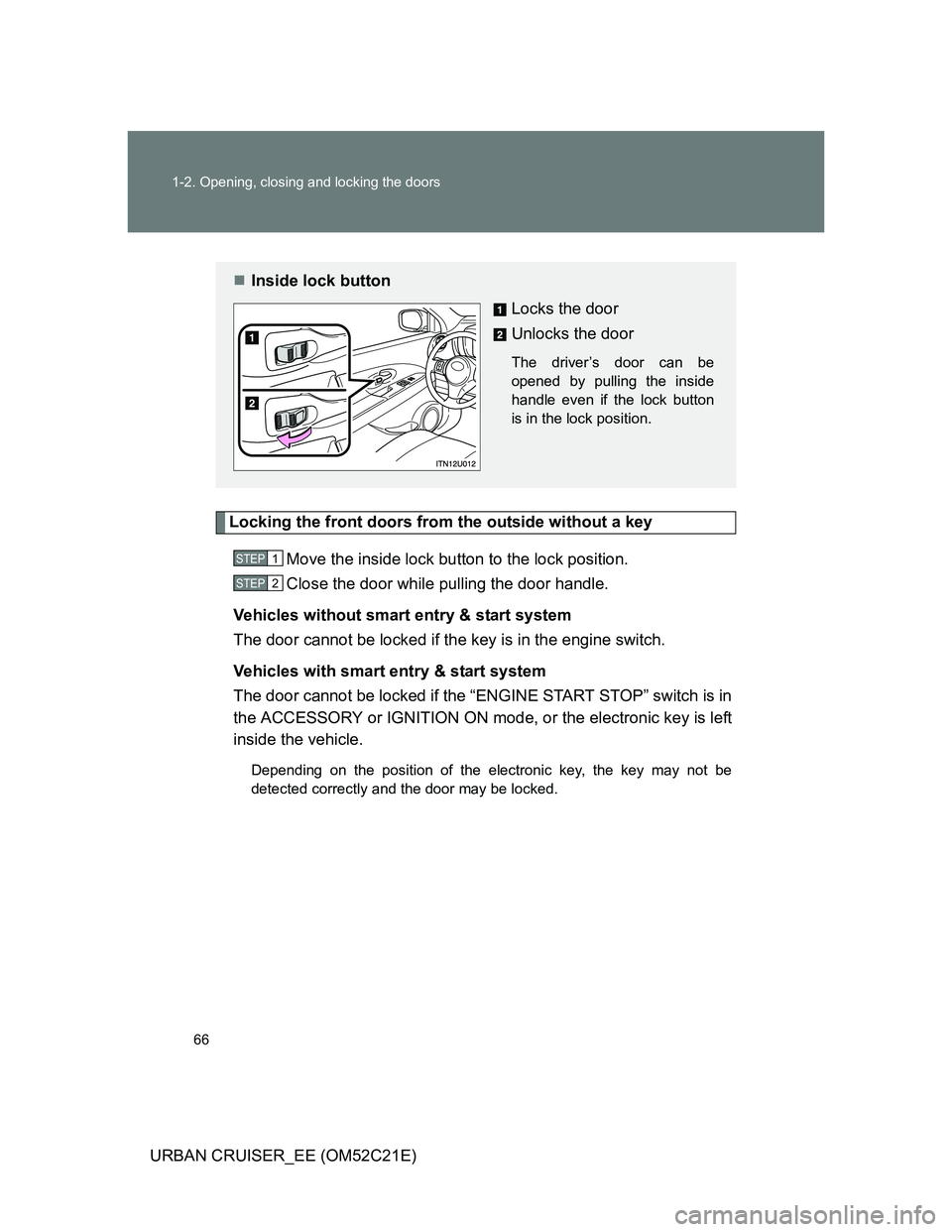
Locking the front doors from the outside without a key
Move the inside lock button to the lock position.
Close the door while pulling the door handle.
Vehicles without smart entry & start system
The door cannot be locked if the key is in the engine switch.
Vehicles with smart entry & start system
The door cannot be locked if the “ENGINE START STOP” switch is in
the ACCESSORY or IGNITION ON mode, or the electronic key is left
inside the vehicle.
Depending on the position of the electronic key, the key may not be
detected correctly and the door may be locked.
Inside lock button
Locks the door
Unlocks the door
The driver’s door can be
opened by pulling the inside
handle even if the lock button
is in the lock position.
STEP1
STEP2
Page 67 of 532
67 1-2. Opening, closing and locking the doors
1
Before driving
URBAN CRUISER_EE (OM52C21E)
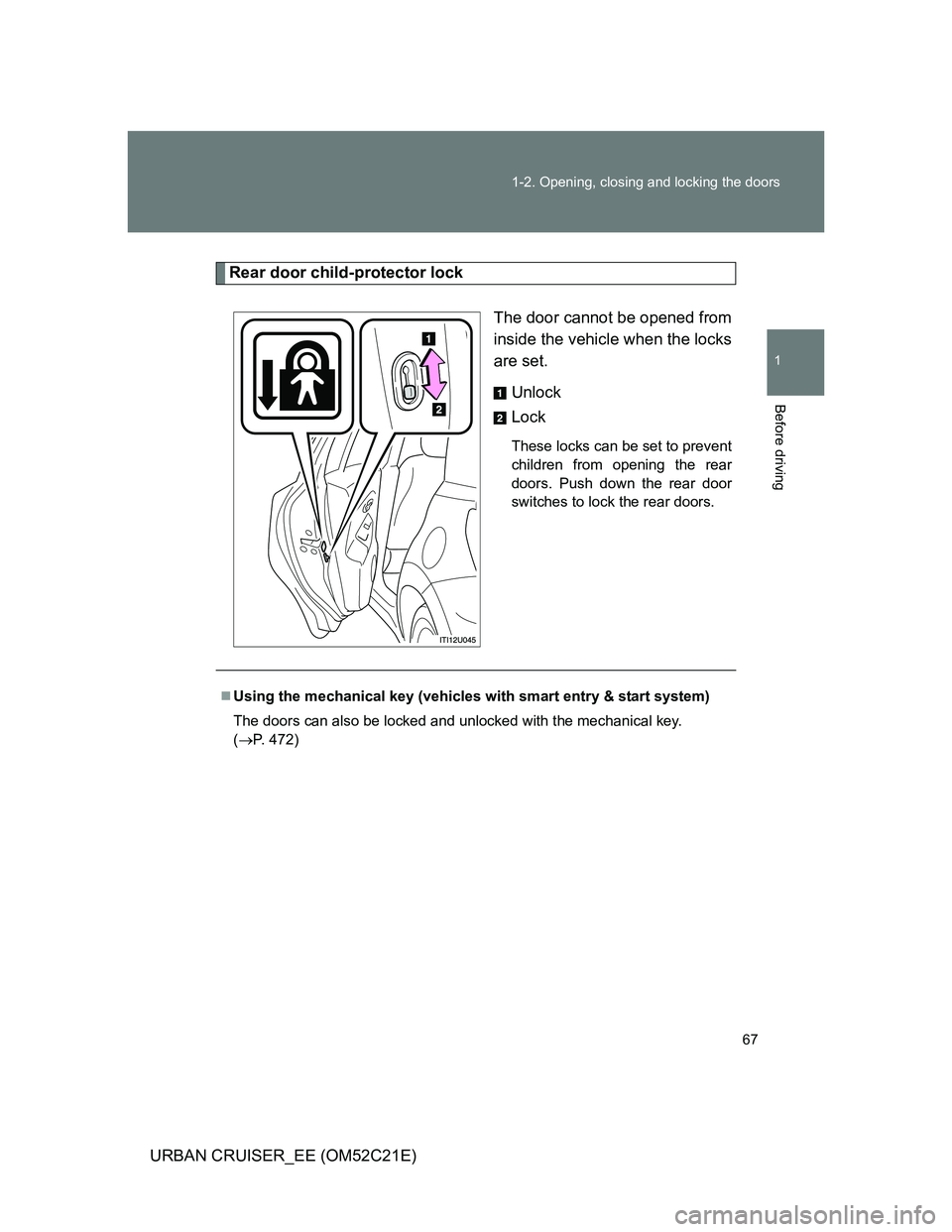
Rear door child-protector lock
The door cannot be opened from
inside the vehicle when the locks
are set.
Unlock
Lock
These locks can be set to prevent
children from opening the rear
doors. Push down the rear door
switches to lock the rear doors.
Using the mechanical key (vehicles with smart entry & start system)
The doors can also be locked and unlocked with the mechanical key.
(P. 472)
Page 68 of 532
68 1-2. Opening, closing and locking the doors
URBAN CRUISER_EE (OM52C21E)
CAUTION
To prevent an accident
Observe the following precautions while driving the vehicle.
Failure to do so may result in a door opening and an occupant falling out,
resulting in death or serious injury.
Always use a seat belt.
Ensure that all doors are properly closed.
Do not pull the inside handle of the doors while driving.
The doors may be opened and the passengers are thrown out of the vehi-
cle and it may result in death or serious injury.
Be especially careful for the driver’s door, as the door may be opened
even if the inside lock button is in locked position.
Set the rear door child-protector locks when children are seated in the rear
seat.