trailer TOYOTA VENZA HYBRID 2021 Owners Manual (in English)
[x] Cancel search | Manufacturer: TOYOTA, Model Year: 2021, Model line: VENZA HYBRID, Model: TOYOTA VENZA HYBRID 2021Pages: 548, PDF Size: 18.43 MB
Page 3 of 548
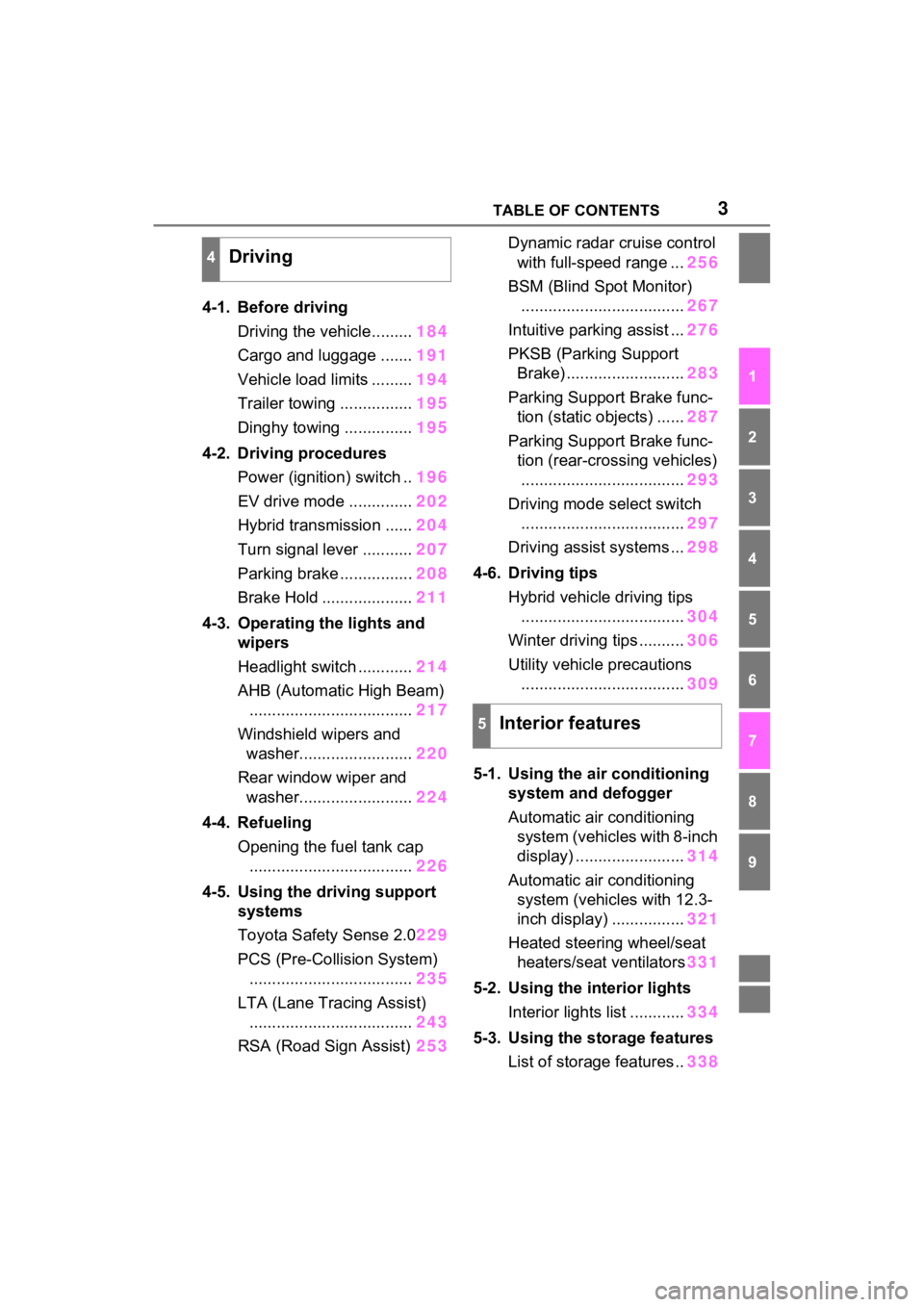
3TABLE OF CONTENTS
1
2
3
4
5
6
7
8
9
4-1. Before drivingDriving the vehicle......... 184
Cargo and luggage ....... 191
Vehicle load limits ......... 194
Trailer towing ................ 195
Dinghy towing ............... 195
4-2. Driving procedures Power (ignition) switch .. 196
EV drive mode .............. 202
Hybrid transmission ...... 204
Turn signal lever ........... 207
Parking brake ................ 208
Brake Hold .................... 211
4-3. Operating the lights and wipers
Headlight switch ............ 214
AHB (Automatic High Beam) .................................... 217
Windshield wipers and washer......................... 220
Rear window wiper and washer......................... 224
4-4. Refueling Opening the fuel tank cap.................................... 226
4-5. Using the driving support
systems
Toyota Safety Sense 2.0 229
PCS (Pre-Collision System) .................................... 235
LTA (Lane Tracing Assist) .................................... 243
RSA (Road Sign Assist) 253Dynamic radar cruise control
with full-speed range ... 256
BSM (Blind Spot Monitor) .................................... 267
Intuitive parking assist ... 276
PKSB (Parking Support Brake) .......................... 283
Parking Support Brake func- tion (static objects) ...... 287
Parking Support Brake func- tion (rear-crossing vehicles).................................... 293
Driving mode s elect switch
.................................... 297
Driving assist systems ... 298
4-6. Driving tips Hybrid vehicle driving tips.................................... 304
Winter driving tips .......... 306
Utility vehicle precautions .................................... 309
5-1. Using the ai r conditioning
system and defogger
Automatic air conditioning system (vehicles with 8-inch
display) ........................ 314
Automatic air conditioning system (vehicl es with 12.3-
inch display) ................ 321
Heated steering wheel/seat heater s/sea
t ventilators331
5-2. Using the interior lights Interior lights list ............ 334
5-3. Using the storage features List of storage features .. 338
4Driving
5Interior features
Page 184 of 548
183
4
4
Driving
Driving
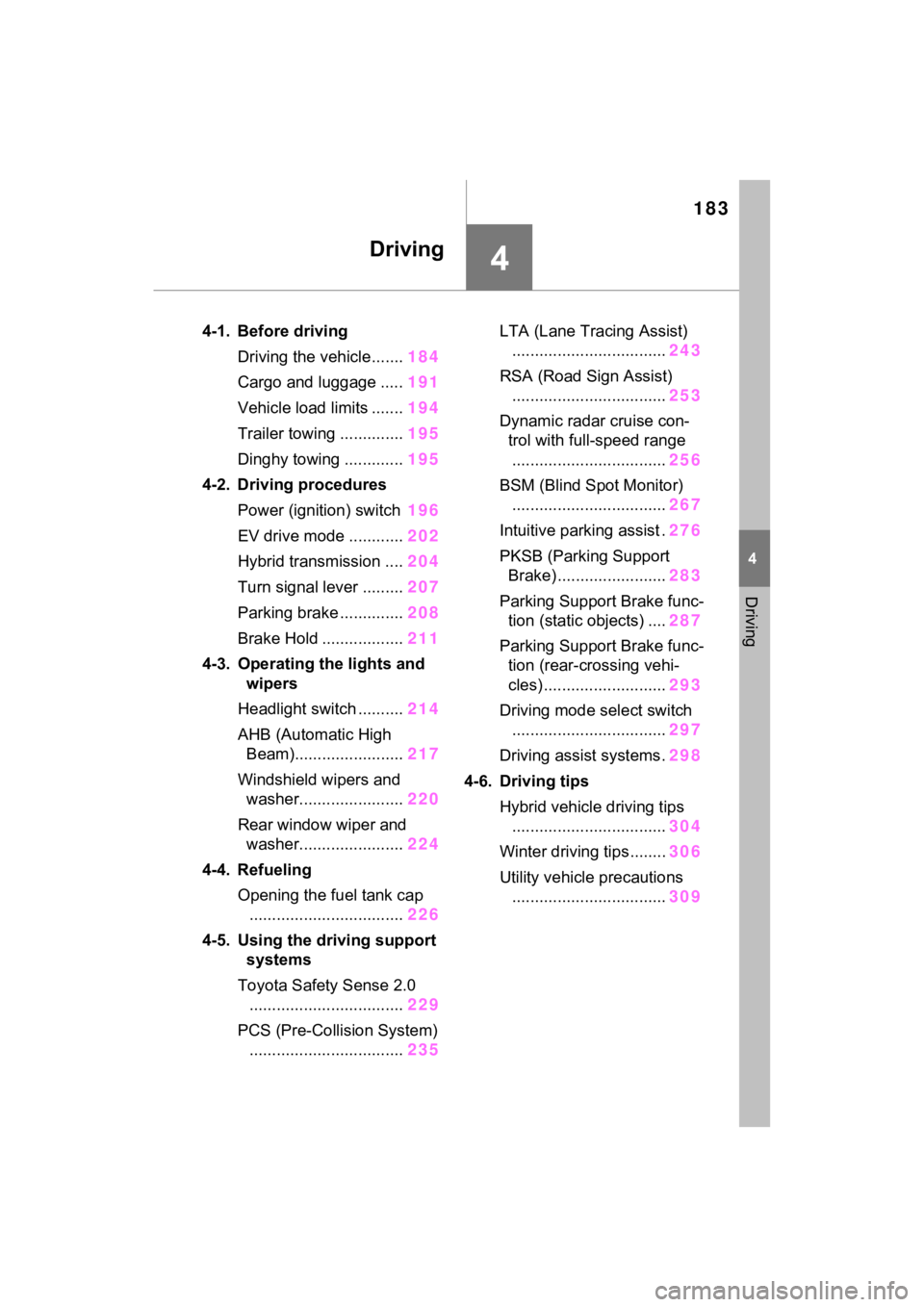
4-1. Before drivingDriving the vehicle....... 184
Cargo and luggage ..... 191
Vehicle load limits ....... 194
Trailer towing .............. 195
Dinghy towing ............. 195
4-2. Driving procedures Power (ignition) switch 196
EV drive mode ............ 202
Hybrid transmission .... 204
Turn signal lever ......... 207
Parking brake .............. 208
Brake Hold .................. 211
4-3. Operating the lights and wipers
Headlight switch .......... 214
AHB (Automatic High Beam)........................ 217
Windshield wipers and washer....................... 220
Rear window wiper and washer....................... 224
4-4. Refueling Opening the fuel tank cap.................................. 226
4-5. Using the driving support
systems
Toyota Safety Sense 2.0 .................................. 229
PCS (Pre-Collision System) .................................. 235LTA (Lane Tracing Assist)
.................................. 243
RSA (Road Sign Assist) .................................. 253
Dynamic radar cruise con- trol with full-speed range
.................................. 256
BSM (Blind Spot Monitor) .................................. 267
Intuitive parking assist . 276
PKSB (Parking Support Brake) ........................ 283
Parking Support Brake func- tion (static objects) .... 287
Parking Support Brake func- tion (rear-crossing vehi-
cles) ........................... 293
Driving mode select switch .................................. 297
Driving assist systems. 298
4-6. Driving tips Hybrid vehicle driving tips.................................. 304
Winter driving tips........ 306
Utility vehicle precautions .................................. 309
Page 193 of 548
1924-1. Before driving
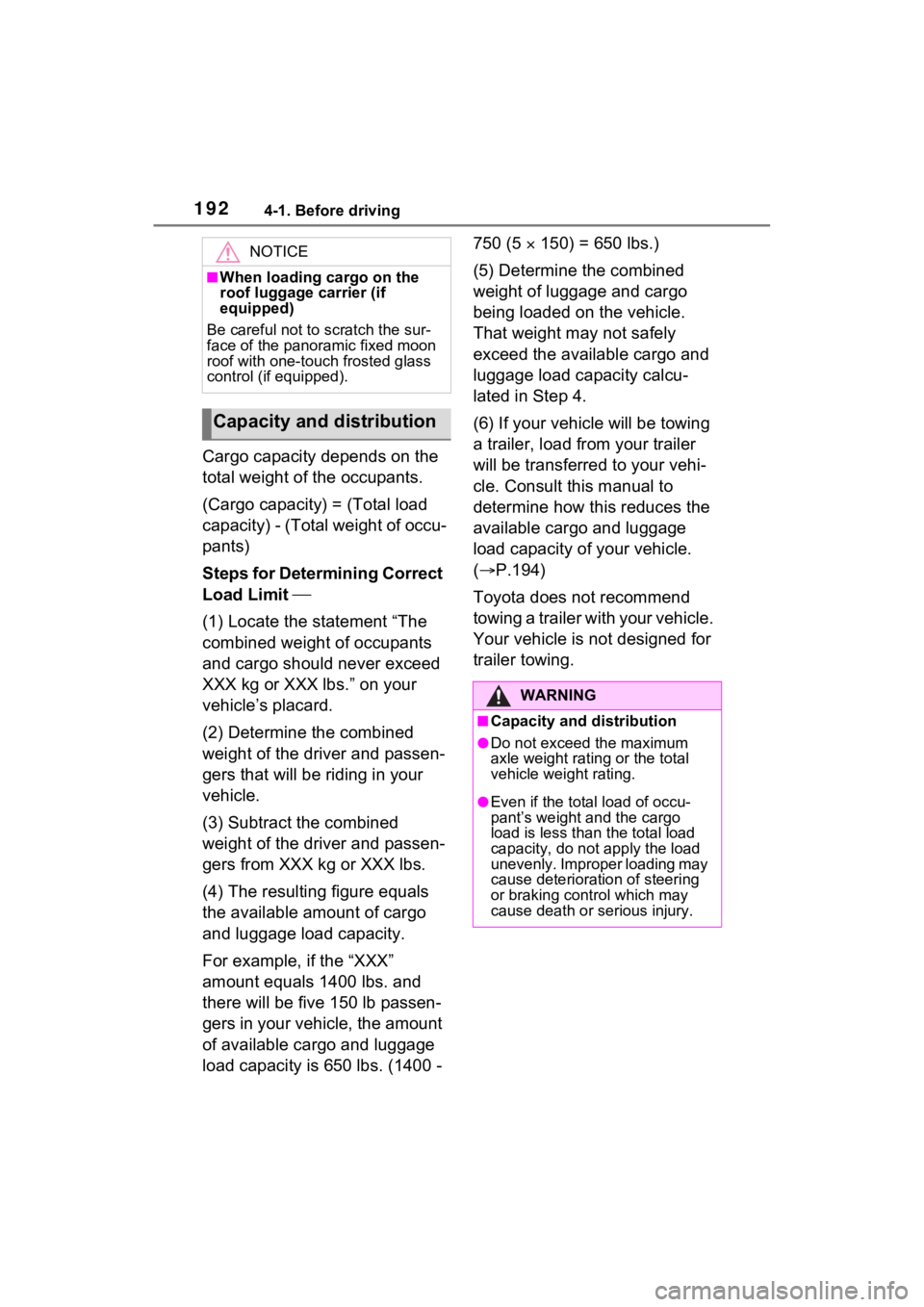
Cargo capacity depends on the
total weight of the occupants.
(Cargo capacity) = (Total load
capacity) - (Total weight of occu-
pants)
Steps for Determining Correct
Load Limit
(1) Locate the statement “The
combined weight of occupants
and cargo should never exceed
XXX kg or XXX lbs.” on your
vehicle’s placard.
(2) Determine the combined
weight of the driver and passen-
gers that will be riding in your
vehicle.
(3) Subtract the combined
weight of the driver and passen-
gers from XXX kg or XXX lbs.
(4) The resulting figure equals
the available amount of cargo
and luggage load capacity.
For example, if the “XXX”
amount equals 1400 lbs. and
there will be five 150 lb passen-
gers in your vehicle, the amount
of available cargo and luggage
load capacity is 650 lbs. (1400 - 750 (5
150) = 650 lbs.)
(5) Determine the combined
weight of luggage and cargo
being loaded on the vehicle.
That weight may not safely
exceed the available cargo and
luggage load capacity calcu-
lated in Step 4.
(6) If your vehicle will be towing
a trailer, load from your trailer
will be transferred to your vehi-
cle. Consult this manual to
determine how this reduces the
available cargo and luggage
load capacity of your vehicle.
( P.194)
Toyota does not recommend
towing a trailer with your vehicle.
Your vehicle is not designed for
trailer towing.
NOTICE
■When loading cargo on the
roof luggage carrier (if
equipped)
Be careful not to scratch the sur-
face of the panoramic fixed moon
roof with one-touch frosted glass
control (if equipped).
Capacity and distribution
WARNING
■Capacity and distribution
●Do not exceed the maximum
axle weight rating or the total
vehicle weight rating.
●Even if the total load of occu-
pant’s weight and the cargo
load is less than the total load
capacity, do not apply the load
unevenly. Improper loading may
cause deterioration of steering
or braking control which may
cause death or serious injury.
Page 195 of 548
1944-1. Before driving
■Total load capacity and seating
capacity
These details are also described on
the tire and loading information
label. ( P.412)
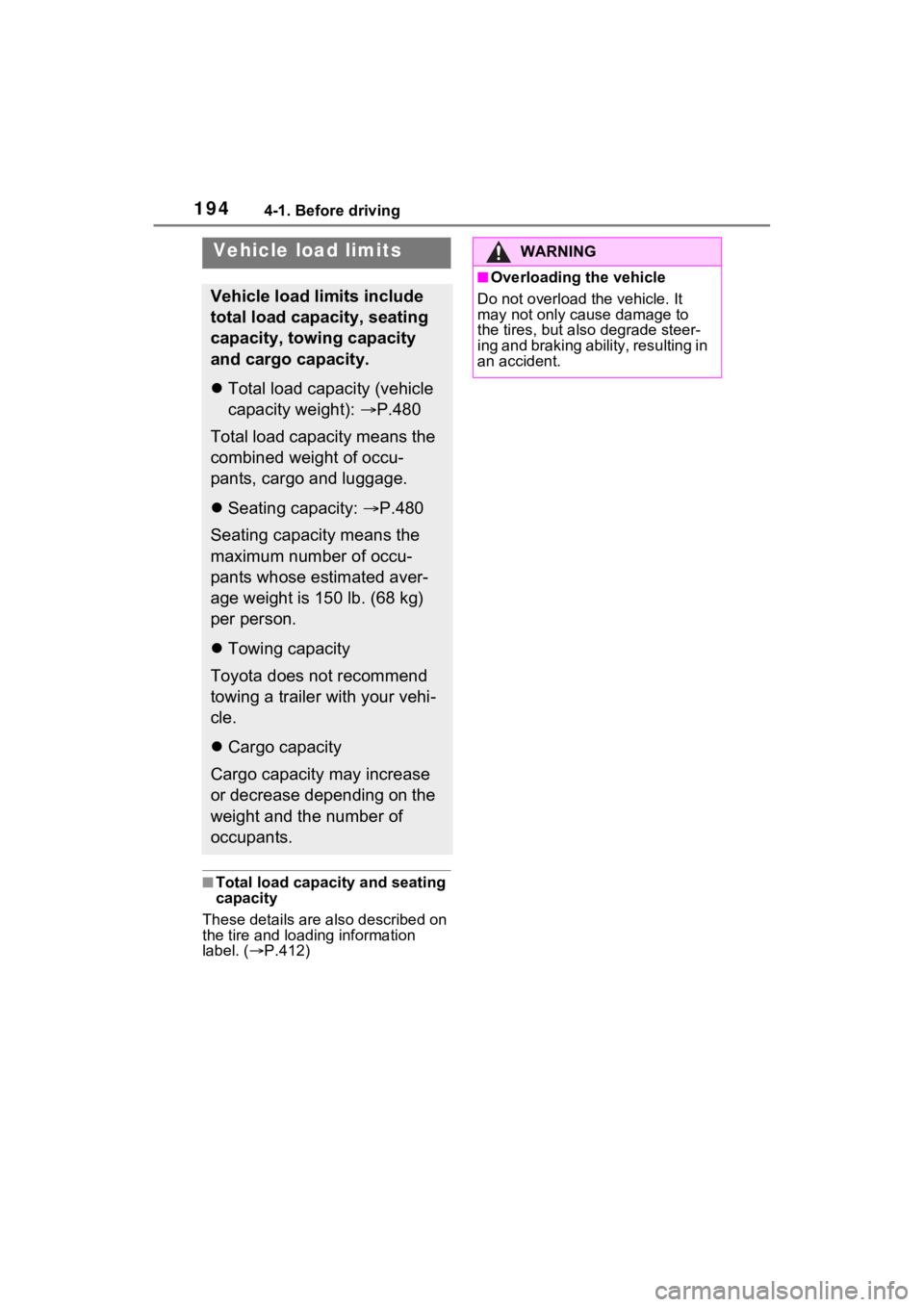
Vehicle load limits
Vehicle load limits include
total load capacity, seating
capacity, towing capacity
and cargo capacity.
Total load capacity (vehicle
capacity weight): P.480
Total load capacity means the
combined weight of occu-
pants, cargo and luggage.
Seating capacity: P.480
Seating capacity means the
maximum number of occu-
pants whose estimated aver-
age weight is 150 lb. (68 kg)
per person.
Towing capacity
Toyota does not recommend
towing a trailer with your vehi-
cle.
Cargo capacity
Cargo capacity may increase
or decrease depending on the
weight and the number of
occupants.
WARNING
■Overloading the vehicle
Do not overload the vehicle. It
may not only cause damage to
the tires, but also degrade steer-
ing and braking ability, resulting in
an accident.
Page 196 of 548
1954-1. Before driving
4
Driving
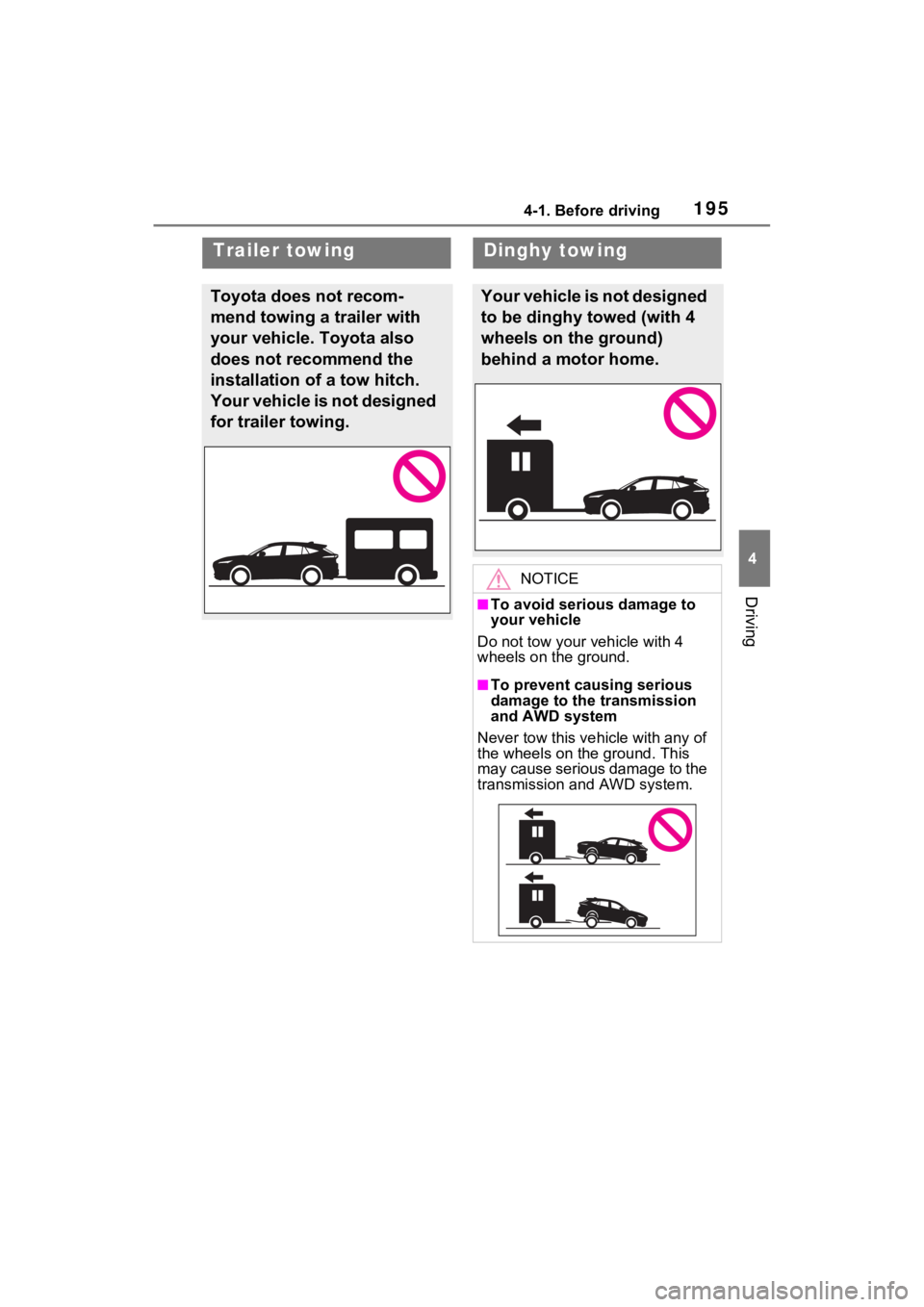
Trailer towing
Toyota does not recom-
mend towing a trailer with
your vehicle. Toyota also
does not recommend the
installation of a tow hitch.
Your vehicle is not designed
for trailer towing.
Dinghy towing
Your vehicle is not designed
to be dinghy towed (with 4
wheels on the ground)
behind a motor home.
NOTICE
■To avoid serious damage to
your vehicle
Do not tow your vehicle with 4
wheels on the ground.
■To prevent causing serious
damage to the transmission
and AWD system
Never tow this vehicle with any of
the wheels on the ground. This
may cause serious damage to the
transmission and AWD system.
Page 219 of 548

2184-3. Operating the lights and wipers
by another vehicle
• When vehicles ahead are hidden from sight due to repeated curves,
road dividers or roadside trees
• When vehicles ahead appear from the faraway lane on a wide road
• When vehicles ahead have no lights
●The high beams may be turned off
if a vehicle ahead that is using fog
lights without using the headlights
is detected.
●House lights, street lights, traffic
signals, and illumi nated billboards
or signs may cause the high
beams to switch to the low beams,
or the low beams to remain on.
●The following factors may affect
the amount of time taken to turn
the high beams on or off:
• The brightness of headlights, fog
lights, and tail lig hts of vehicles
ahead
• The movement and direction of
vehicles ahead
• When a vehicle ahead only has operational lights on one side
• When a vehicle ahead is a two- wheeled vehicle
• The condition of the road (gradi-
ent, curve, condi tion of the road
surface etc.)
• The number of passengers and
amount of luggage
●The high beams may be turned on
or off when the driver does not
expect it.
●Bicycles or similar objects may not
be detected.
●In the situations shown below, the
system may not be able to accu-
rately detect surrounding bright-
ness levels. This may cause the
low beams to remain on or the
high beams to cause problems for
pedestrians, vehicles ahead or
other parties. In these cases,
manually switch between the high
and low beams.
• In bad weather (rain, snow, fog, sandstorms, etc.)
• The windshield is obscured by fog, mist, i
ce, dirt, etc.
• The windshield is cracked or dam- aged
• The front camera is deformed or dirty
• When the temperature of the front
camera is extremely high
• Surrounding brightness levels are equal to those of headlights, tail
lights or fog lights
• When headlights or tail lights of vehicles ahead are turned off,
dirty, changing color, or not aimed
properly
• When the vehicle is hit by water,
snow, dust, etc. from a preceding
vehicle
• When driving through an area of
intermittently changing brightness
and darkness
• When frequently and repeatedly
driving ascending/descending
roads, or roads with rough, bumpy
or uneven surfaces (such as
stone-paved roads, gravel roads,
etc.)
• When frequently and repeatedly
taking curves or driving on a wind-
ing road
• There is a highly reflective object
ahead of the vehicle, such as a
sign or mirror
• The back of a vehicle ahead is
highly reflective, such as a con-
tainer on a truck
• The vehicle’s headlights are dam-
aged or dirty, or are not aimed
properly
• The vehicle is listing or titling due
to a flat tire, a trailer being towed,
etc.
• The high beams and low beams
are repeatedly being switched
between in an abnormal manner
• The driver believes that the high
beams may be causing problems
or distress to other drivers or
pedestrians nearby
■If “Headlight System Malfunc-
tion Visit Your Dealer” is dis-
played on the multi-information
display
The system may be malfunctioning.
Page 242 of 548
2414-5. Using the driving support systems
4
Driving
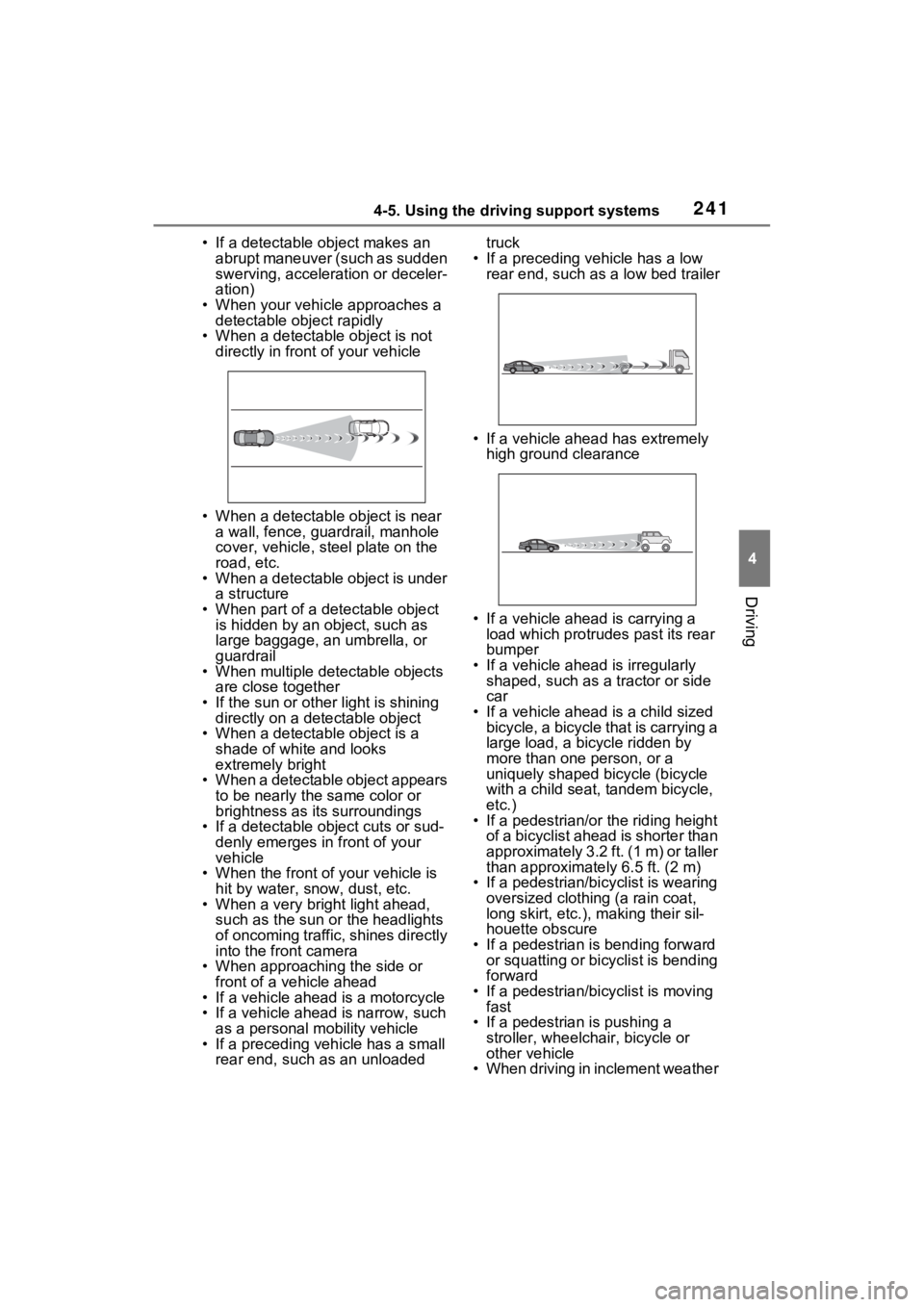
• If a detectable object makes an abrupt maneuver (such as sudden
swerving, accelera tion or deceler-
ation)
• When your vehicle approaches a detectable object rapidly
• When a detectable object is not directly in front of your vehicle
• When a detectable object is near a wall, fence, guardrail, manhole
cover, vehicle, steel plate on the
road, etc.
• When a detectable object is under a structure
• When part of a detectable object is hidden by an object, such as
large baggage, an umbrella, or
guardrail
• When multiple detectable objects are close together
• If the sun or other light is shining directly on a detectable object
• When a detectable object is a
shade of white and looks
extremely bright
• When a detectable object appears
to be nearly the same color or
brightness as its surroundings
• If a detectable object cuts or sud-
denly emerges in front of your
vehicle
• When the front of your vehicle is
hit by water, snow, dust, etc.
• When a very bright light ahead, such as the sun or the headlights
of oncoming traffic, shines directly
into the front camera
• When approaching the side or front of a vehicle ahead
• If a vehicle ahead is a motorcycle
• If a vehicle ahead is narrow, such as a personal mobility vehicle
• If a preceding vehicle has a small rear end, such as an unloaded truck
• If a preceding vehicle has a low rear end, such as a low bed trailer
• If a vehicle ahead has extremely high ground clearance
• If a vehicle ahead is carrying a load which protrudes past its rear
bumper
• If a vehicle ahead is irregularly shaped, such as a tractor or side
car
• If a vehicle ahead is a child sized bicycle, a bicycle that is carrying a
large load, a bicycle ridden by
more than one person, or a
uniquely shaped bicycle (bicycle
with a child seat, tandem bicycle,
etc.)
• If a pedestrian/or the riding height
of a bicyclist ahead is shorter than
approximately 3.2 ft. (1 m) or taller
than approximate ly 6.5 ft. (2 m)
• If a pedestrian/bic yclist is wearing
oversized clothing (a rain coat,
long skirt, etc.), making their sil-
houette obscure
• If a pedestrian is bending forward or squatting or bicyclist is bending
forward
• If a pedestrian/bicyclist is moving fast
• If a pedestrian is pushing a
stroller, wheelchair, bicycle or
other vehicle
• When driving in inclement weather
Page 266 of 548
2654-5. Using the driving support systems
4
Driving
resumed.
■Automatic cancelation of vehi-
cle-to-vehicle distance control
mode
Vehicle-to-vehicle distance control
mode is automatically canceled in
the following situations.
●VSC is activated.
●TRAC is activated for a period of
time.
●When the VSC or TRAC system is
turned off.
●The sensor cannot detect cor-
rectly because i t is covered in
some way.
●Pre-collision braking is activated.
●The parking brake is operated.
●The vehicle is stopped by system
control on a steep incline.
●The following are detected when
the vehicle has been stopped by
system control:
• The driver is not wearing a seat belt.
• The driver’s door is opened.
• The vehicle has been stopped for
about 3 minutes
If vehicle-to-vehicle distance control
mode is automatically canceled for
any reasons other than the above,
there may be a malfunction in the
system. Contact your Toyota dealer.
■Automatic cancelation of con-
stant speed control mode
Constant speed control mode is
automatically cance led in the follow-
ing situations:
●Actual vehicle speed is more than
approximately 10 mph (16 km/h)
below the set vehicle speed.
●Actual vehicle speed falls below
approximately 20 mph (30 km/h).
●VSC is activated.
●TRAC is activated for a period of
time.
●When the VSC or TRAC system is turned off.
●Pre-collision braking is activated.
●The parking brake is operated.
If constant speed control mode is
automatically canceled for any rea-
sons other than the above, there
may be a malfunction in the system.
Contact your Toyota dealer.
■Brake operation
A brake operation sound may be
heard and the brake pedal response
may change, but these are not mal-
functions.
■Warning messages and buzzers
for dynamic radar cruise con-
trol with full-speed range
Warning messages and buzzers are
used to indicate a system malfunc-
tion or to inform the driver of the
need for caution while driving. If a
warning message is shown on the
multi-information display, read the
message and follow the instructions.
( P.233, 453)
■When the sensor may not be
correctly detecting the vehicle
ahead
In the case of the following and
depending on the conditions, oper-
ate the brake pedal when decelera-
tion of the system is insufficient or
operate the accelerator pedal when
acceleration is required.
As the sensor may not be able to
correctly detect th ese types of vehi-
cles, the approach warning
( P.263) may not be activated.
●Vehicles that cut in suddenly
●Vehicles traveling at low speeds
●Vehicles that are not moving in
the same lane
●Vehicles with small rear ends
(trailers with no load on board,
etc.)
Page 542 of 548

542Alphabetical Index
switch ................................. 224
Seat adjustment ................... 155
Seat heater switches ............ 331
Seat ventilator switches ....... 332
Vehicle-to-vehicle distance switch ................................. 256
VSC OFF switch................... 299
Window lock switch .............. 181
Windshield defogger switch ................................... 315, 323
Windshield wiper de-icer switch ................................... 319, 329
Windshield wipers and washer switch ................................. 220
Wireless charger .................. 352
T
Tail lights Light switch .......................... 214
Replacing light bulbs ............ 431
Theft deterrent system Alarm ...................................... 78
Immobilizer system ................ 77
Theft prevention labels (U.S.A.)
................................................. 80
Tire inflati on pressure
Maintenance data................. 485
Tire inflation pressure display function............................... 400
Warning light ........................ 448
Tire information ...................... 490 Glossary ............................... 494
Size ...................................... 492
Tire identification number ..... 491
Tire section names ............... 492
Tire pressure warning system Function ............................... 400
Initializing ............................. 404
Installing tire pressure warning valves and transmitters ...... 403
Registering ID codes ............ 406
Warning light ........................ 448 Tires .........................................397
Chains ..................................308
Checking ..............................397
Glossary ...............................494
If you have a flat tire .............457
Inflation pressure ..................412
Information ......... ..................490
Replacing .............................457
Rotating tires ........................399
Size ......................................485
Snow tires.............................306
Spare tire ..............................457
Tire identification number .....491
Tire inflation pressure display function ...............................400
Tire pressure warning system ...........................................400
Uniform Tire Qua lity Grading 493
Warning light ........................448
Tools ................................342, 458
Top tether strap ........................59
Total load capacity .........191, 194
Towing Dinghy towing .......................195
Emergency towing ................439
Towing eyelet ...............439, 458
Trailer towing ........................195
Toyota multi-operation touch 345
Toyota Safety Sense 2.0 ........229 Automatic High Be am ...........217
Dynamic radar cruise control with full-speed range ..........256
LTA (Lane Traci ng Assist) ....243
PCS (Pre-Collisio n System) .235
RSA (Road Sign Assist) .......253
TRAC (Traction Control) ........299
Traction battery (Hybrid battery) .................................................72Hybrid battery (tr action battery)
air intake and discharge vents .............................................75
Location ..................................72
Page 543 of 548
Alphabetical Index543
Specification ......................... 482
Warning messages ................ 76
Traction Control (TRAC) ........ 299
Traction motor (e lectric motor)68
Trailer towing .......................... 195
Transmission Driving mode select switch... 297
Hybrid transmission.............. 204
Trip meters .......................... 87, 91
Turn signal lights Replacing light bulbs ............ 431
Turn signal lever................... 207
U
USB charging ports................ 350
Utility vehicle precautions ..... 309
V
Vanity lightsVanity lights .......................... 349
Vanity mirrors ......................... 349
Vehicle data recordings ............. 7
Vehicle identification number480
Vehicle Stability Control (VSC) ............................................... 299
Ventilators (seat ventilators) . 331
VSC (Vehicle Stability Control) ............................................... 299
W
Warning buzzers Approach warning ................ 263
Brake hold ............................ 447
Brake Override System ........ 447
Brake system ....................... 442
Downshifting......................... 206
Drive-Start Control ............... 447
Electric power steering ......... 444
High coolant temperature ..... 443
Intuitive parking assist OFF indi- cator ...................................445
Intuitive parking assist ..........276
Low engine oil pressure .......443
LTA (Lane Traci ng Assist) ....243
LTA indicator ........................445
Open door ............................134
Open hood............................134
PKSB OFF indicator .............445
PKSB ............ ........................447
Pre-collision warn ing ............235
RCTA (Rear Cross Traffic Alert) ...........................................267
RCTA OFF indicator .............446
Seat belt reminder ........449, 449
Vehicle sway warning ...........247
Warning lights ABS ......................................444
Brake hold operated indicator...........................................447
Brake Override System ........447
Brake system ........................442
Charging system ..................442
Drive-Start Control ................447
Electric power steering .........444
Engine ..................................443
High coolant temperature .....443
Intuitive parking assist OFF indi- cator ...................................445
Low engine oil pressure .......443
Low fuel level........................448
LTA indicator ........................445
Malfunction indica tor lamp ....443
Parking brake indicator.........448
PCS warning light .................444
PKSB (Parking Support Brake) ...........................................447
PKSB OFF indicator .............445
RCTA OFF indicator .............446
Seat belt reminder light 449, 449
Slip indicator .........................446
SRS ......................................443
Tire pressure ...... ..................448