remote control TOYOTA VERSO S 2012 User Guide
[x] Cancel search | Manufacturer: TOYOTA, Model Year: 2012, Model line: VERSO S, Model: TOYOTA VERSO S 2012Pages: 540, PDF Size: 17.43 MB
Page 54 of 540
54 1-2. Opening, closing and locking the doors
VERSO-S_EE
Security feature
If a door is not opened within approximately 30 seconds after the vehicle is
unlocked, the security feature automatically locks the vehicle again.
Alarm (vehicles with an alarm)
Using the wireless remote control to lock the doors will set the alarm system.
(P. 107)
Conditions affecting operation
Vehicles without a smart entry & start system
The wireless remote control function may not operate normally in the follow-
ing situations:
When the wireless key battery is depleted
Near a TV tower, electric power plant, gas station, radio station, large dis-
play, airport or other facility that generates strong radio waves or electri-
cal noise
When carrying a portable radio, cellular phone or other wireless commu-
nication devices
When the wireless key is in contact with, or is covered by a metallic
object
When other wireless key (that emit radio waves) is being used nearby
If window tint with a metallic content or metallic objects are attached to
the rear window
Vehicles with a smart entry & start system
P. 4 1
If the wireless remote control does not operate properly (vehicles with
a smart entry & start system)
Locking and unlocking the doors: Use the mechanical key. (P. 478)
Key battery depletion
Vehicles without a smart entry & start system
If the wireless remote control function does not operate, the battery may be
depleted. Replace the battery when necessary. (P. 387)
Vehicles with a smart entry & start system
P. 4 4
Page 55 of 540
55 1-2. Opening, closing and locking the doors
1
Before driving
VERSO-S_EE
When the key battery is fully depleted
P. 387
Confirmation of the registered key number (vehicles with a smart entry
and start system)
The number of keys already registered to the vehicle can be confirmed. Ask
any authorized Toyota dealer or repairer, or another duly qualified and
equipped professional for details.
Customization that can be configured at any authorized Toyota dealer
or repairer, or another duly qualified and equipped professional
Settings (e.g. wireless remote control system) can be changed.
(Customizable features P. 518)
Page 56 of 540
56 1-2. Opening, closing and locking the doors
VERSO-S_EE
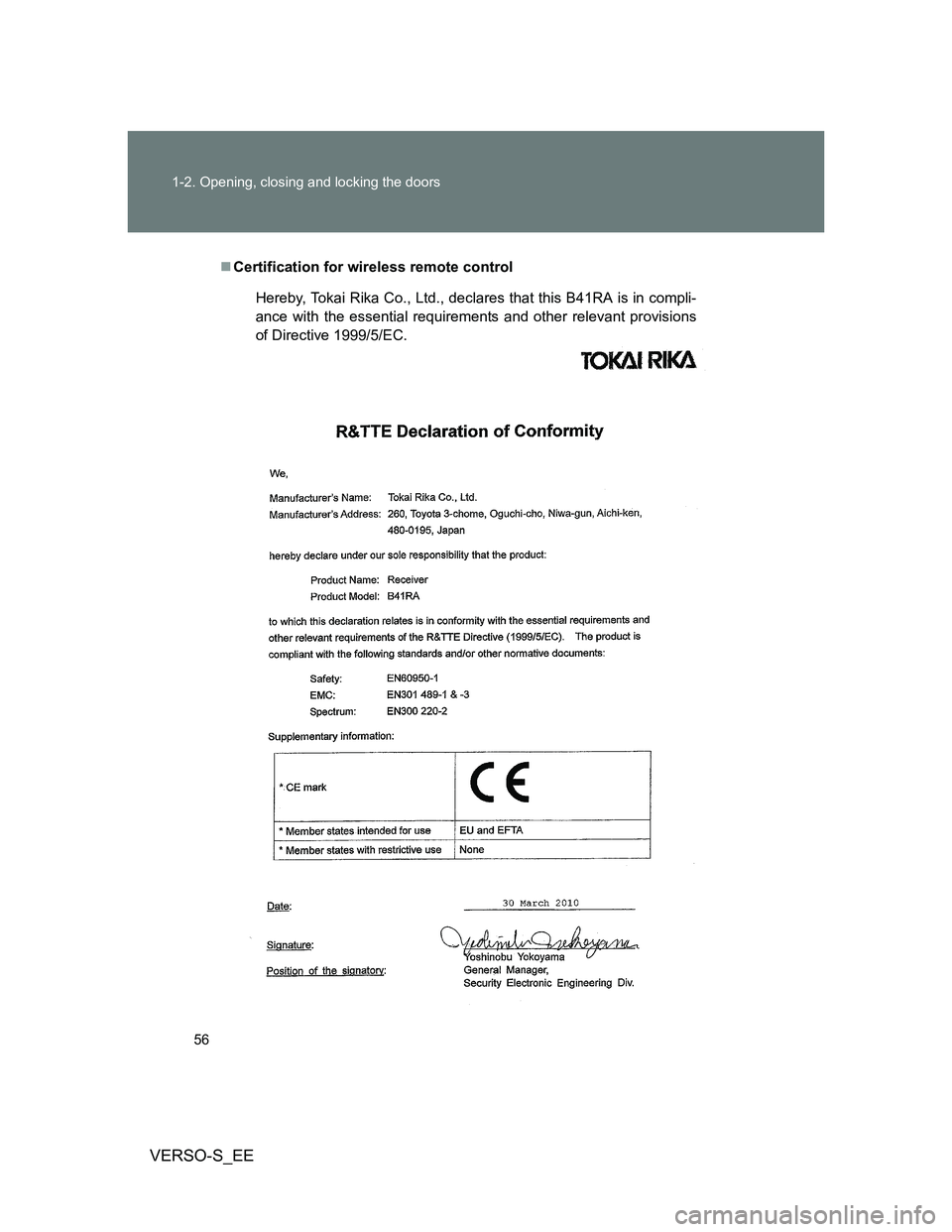
Certification for wireless remote control
Hereby, Tokai Rika Co., Ltd., declares that this B41RA is in compli-
ance with the essential requirements and other relevant provisions
of Directive 1999/5/EC.
Page 58 of 540
58
1-2. Opening, closing and locking the doors
VERSO-S_EE
Side doors
The vehicle can be locked and unlocked using the entry function,
wireless remote control, key or door lock switch.
Entry function (vehicles with a smart entry & start system)
P. 3 4
Wireless remote control
P. 5 3
Keys
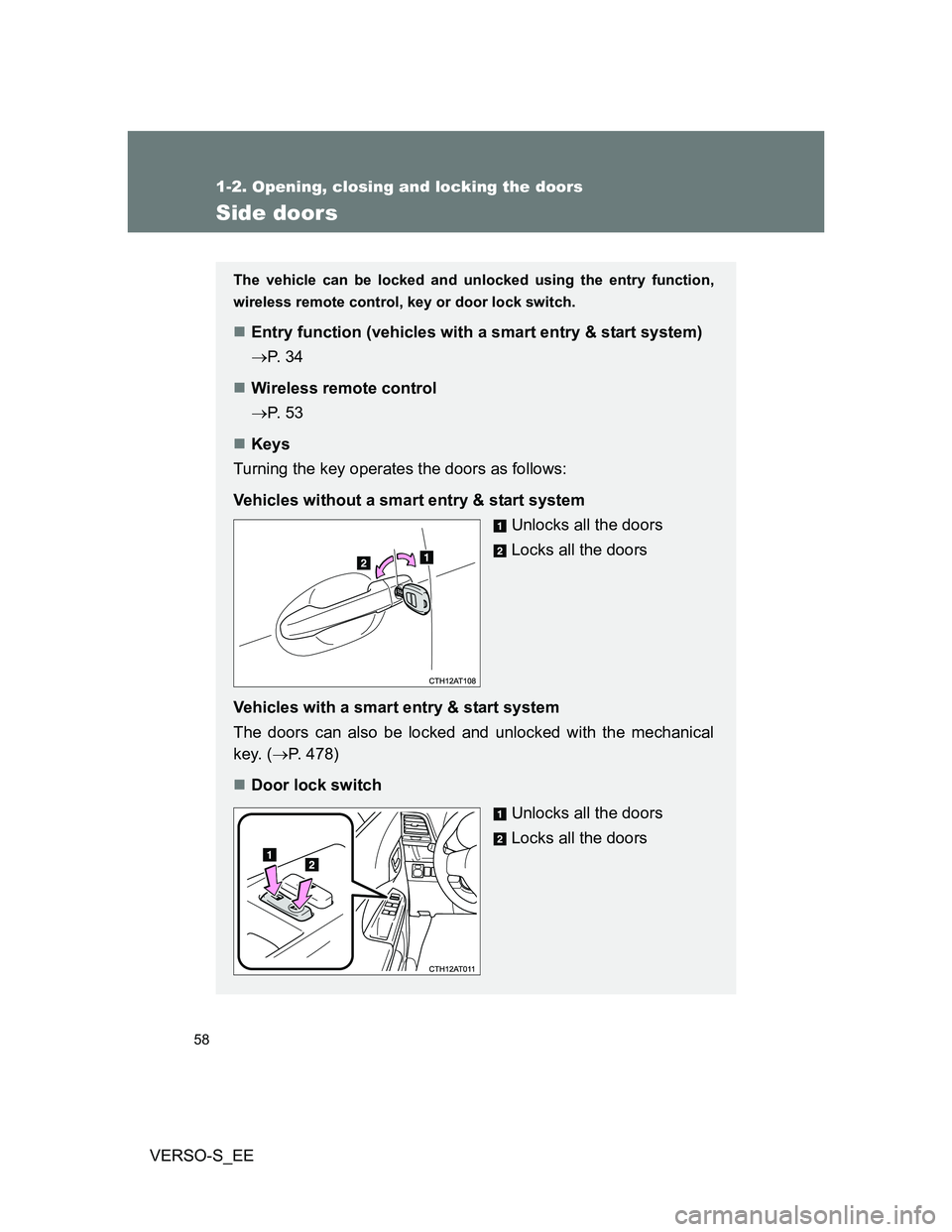
Turning the key operates the doors as follows:
Vehicles without a smart entry & start system
Unlocks all the doors
Locks all the doors
Vehicles with a smart entry & start system
The doors can also be locked and unlocked with the mechanical
key. (P. 478)
Door lock switch
Unlocks all the doors
Locks all the doors
Page 63 of 540
63 1-2. Opening, closing and locking the doors
1
Before driving
VERSO-S_EE
Impact detection door lock release system
In the event that the vehicle is subject to a strong impact, all the doors are
unlocked. Depending on the force of the impact or the type of accident, how-
ever, the system may not operate.
Using the mechanical key (vehicles with a smart entry & start system)
The doors can also be locked and unlocked with the mechanical key.
(P. 478)
If a wrong key is used (left-hand drive vehicles with smart entry & start
system and right-hand drive vehicles)
The key cylinder rotates freely to isolate inside mechanism.
If the smart entry & start system has been deactivated in a customized
setting (vehicles with a smart entry & start system)
Use the wireless remote control or mechanical key. (P. 53, 478)
Customization that can be configured at any authorized Toyota dealer
or repair, or another duly qualified and equipped professional
Settings (e.g. speed linked door locking function) can be changed.
(Customizable features: P. 518)
CAUTION
To prevent an accident
Observe the following precautions while driving the vehicle.
Failing to do so may result in a door opening and an occupant falling out,
resulting in death or serious injury.
Always use a seat belt.
Ensure that all the doors are properly closed.
Do not pull the inside handle of the doors while driving.
The doors may be opened and the passengers are thrown out of the vehi-
cle and it may result in serious injury or death.
Be especially careful for the front doors, as the doors may be opened even
if the inside lock buttons are in locked position.
Set the rear door child-protector locks when children are seated in the rear
seats.
Page 64 of 540
64
1-2. Opening, closing and locking the doors
VERSO-S_EE
Back door
The back door can be locked/unlocked and opened by the following
procedures.
Locking and unlocking the back door
Keys
P. 5 8
Wireless remote control
P. 5 3
Door lock switch
P. 5 8
Entry function (vehicles with a smart entry & start system)
P. 3 3
Opening the back door from outside the vehicle
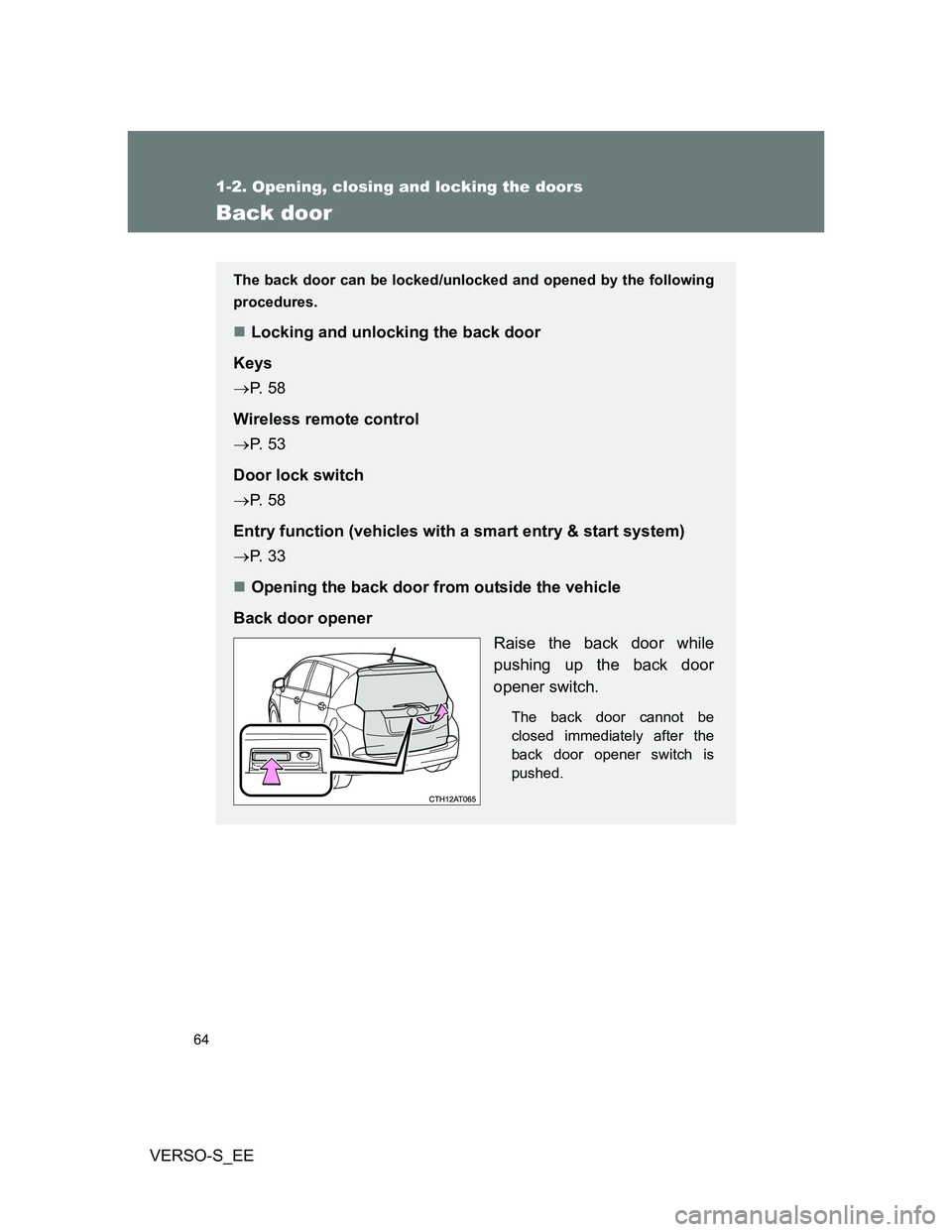
Back door opener
Raise the back door while
pushing up the back door
opener switch.
The back door cannot be
closed immediately after the
back door opener switch is
pushed.
Page 66 of 540
66 1-2. Opening, closing and locking the doors
VERSO-S_EE
If the smart entry & start system has been deactivated in a customized
setting (vehicles with a smart entry & start system)
Use the wireless remote control or mechanical key. (P. 53, 478)
CAUTION
Caution while driving
Keep the back door closed while driving.
If the back door is left open, it may hit near-by objects while driving or lug-
gage may be unexpectedly thrown out, causing an accident.
In addition, exhaust gases may enter the vehicle, causing death or a seri-
ous health hazard. Make sure to close the back door before driving.
Before driving the vehicle, make sure that the back door is fully closed. If
the back door is not fully closed, it may open unexpectedly while driving,
causing an accident.
Never let anyone sit in the luggage compartment. In the event of sudden
braking or a collision, they are susceptible to death or serious injury.
When children are in the vehicle
Observe the following precautions.
Failure to do so may result in death or serious injury.
Do not leave children alone in the luggage compartment.
If a child is accidentally locked in the luggage compartment, they could
have heat exhaustion.
Do not allow a child to open or close the back door.
Doing so may cause the back door to operate unexpectedly, or cause the
child’s hands, head, or neck to be caught by the closing back door.
Page 105 of 540
105
1
1-6. Theft deterrent system
Before driving
VERSO-S_EE
Double locking system
Setting the double locking system
Vehicles without smart entry & start system: Turn the engine switch
off, have all the passengers exit the vehicle and ensure that all the
doors are closed.
Vehicles with smart entry & start system: Turn the “ENGINE START
STOP” switch off, have all the passengers exit the vehicle and ensure
that all the doors are closed.
Using the entry function (vehicles with a smart entry & start system):
Touch the sensor area on the outside door handle twice within 5 sec-
onds.
Using the wireless remote control: Press twice within 5 sec-
onds.
Canceling the double locking system
Using the entry function (vehicles with a smart entry & start system):
Hold either front outside door handle or push up the back door
opener switch.
Using the wireless remote control: Press .
: If equipped
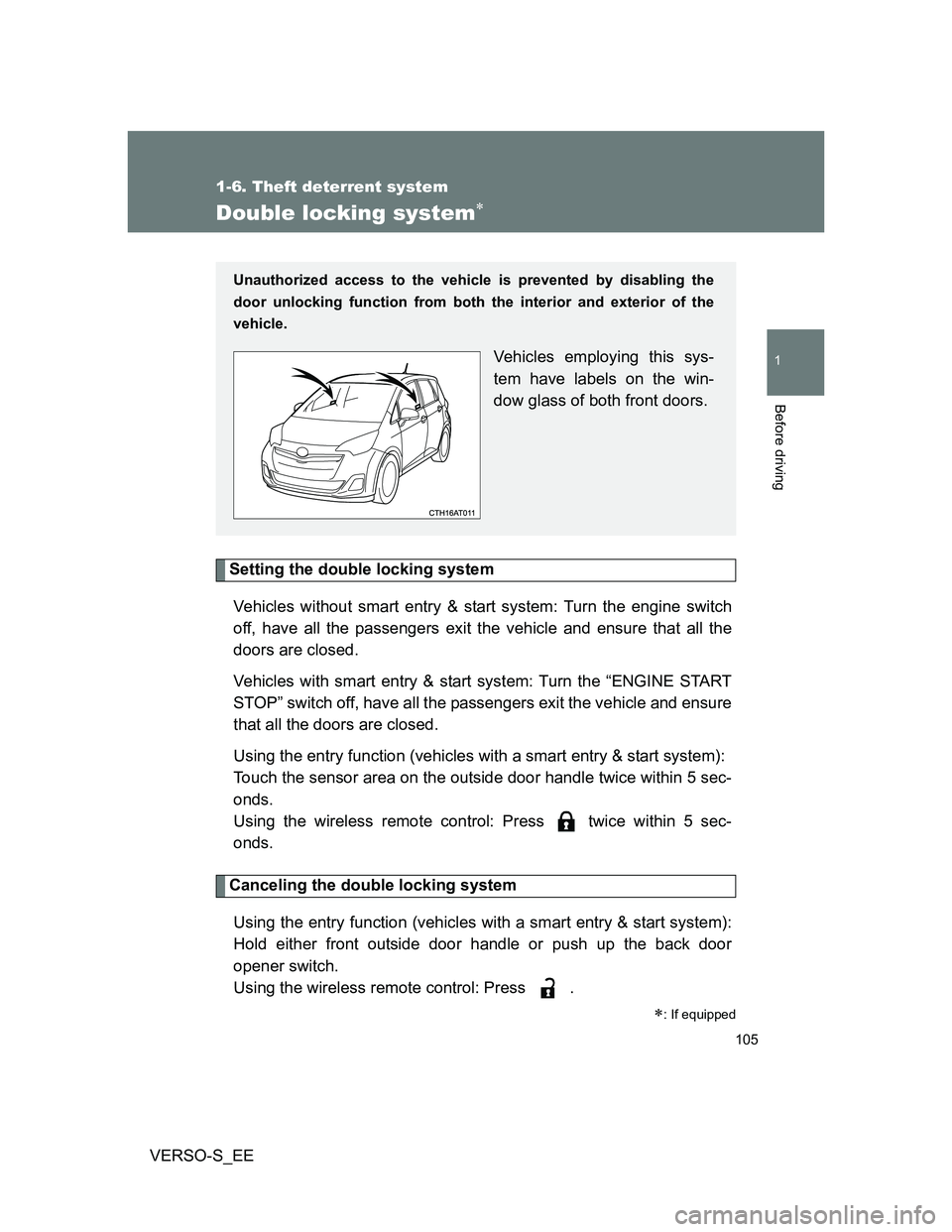
Unauthorized access to the vehicle is prevented by disabling the
door unlocking function from both the interior and exterior of the
vehicle.
Vehicles employing this sys-
tem have labels on the win-
dow glass of both front doors.
Page 107 of 540
107
1
1-6. Theft deterrent system
Before driving
VERSO-S_EE
Alarm
: If equipped
The system sounds the alarm and flashes the lights when forced
entry is detected.
Triggering of the alarm
The alarm is triggered in the following situations when the alarm
is set:
A locked door is unlocked or opened in any way other than
using the entry function (vehicles with a smart entry & start
system) or wireless remote control. (The doors will lock again
automatically.)
The hood is opened.
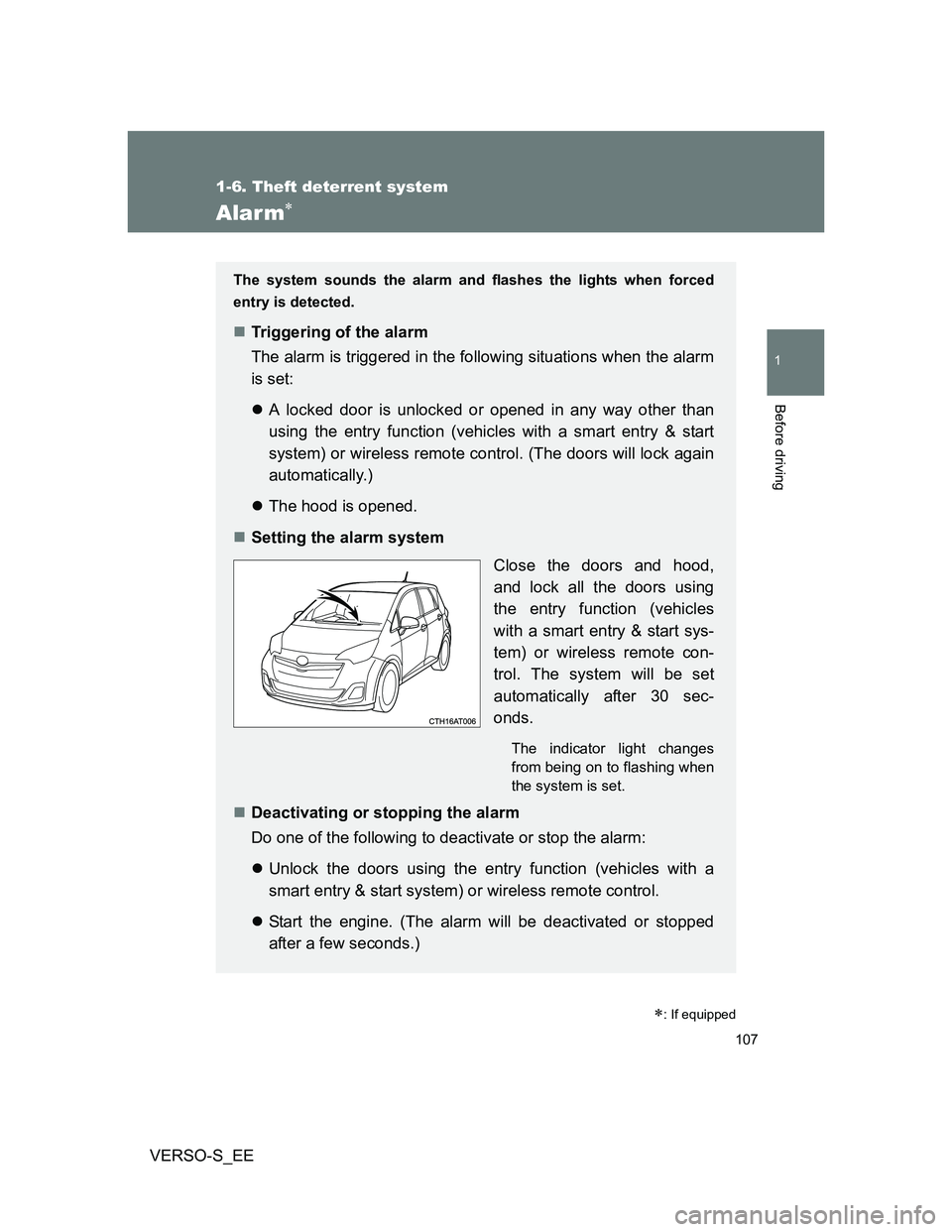
Setting the alarm system
Close the doors and hood,
and lock all the doors using
the entry function (vehicles
with a smart entry & start sys-
tem) or wireless remote con-
trol. The system will be set
automatically after 30 sec-
onds.
The indicator light changes
from being on to flashing when
the system is set.
Deactivating or stopping the alarm
Do one of the following to deactivate or stop the alarm:
Unlock the doors using the entry function (vehicles with a
smart entry & start system) or wireless remote control.
Start the engine. (The alarm will be deactivated or stopped
after a few seconds.)
Page 345 of 540
4Maintenance and care
345
VERSO-S_EE
4-1. Maintenance and care
Cleaning and protecting
the vehicle exterior ......... 346
Cleaning and protecting
the vehicle interior .......... 350
4-2. Maintenance
Maintenance
requirements................... 353
4-3. Do-it-yourself
maintenance
Do-it-yourself service
precautions ..................... 356
Hood ................................. 359
Positioning a floor jack ...... 360
Engine compartment......... 362
Tires .................................. 377
Tire inflation pressure ....... 380
Wheels .............................. 382
Air conditioning filter ......... 384
Wireless remote control/
electronic key battery...... 387
Checking and replacing
fuses ............................... 391
Light bulbs ........................ 407