CD player TOYOTA VERSO S 2012 Owners Manual
[x] Cancel search | Manufacturer: TOYOTA, Model Year: 2012, Model line: VERSO S, Model: TOYOTA VERSO S 2012Pages: 540, PDF Size: 17.43 MB
Page 3 of 540
1
2
3
4
5
6
VERSO-S_EE
3
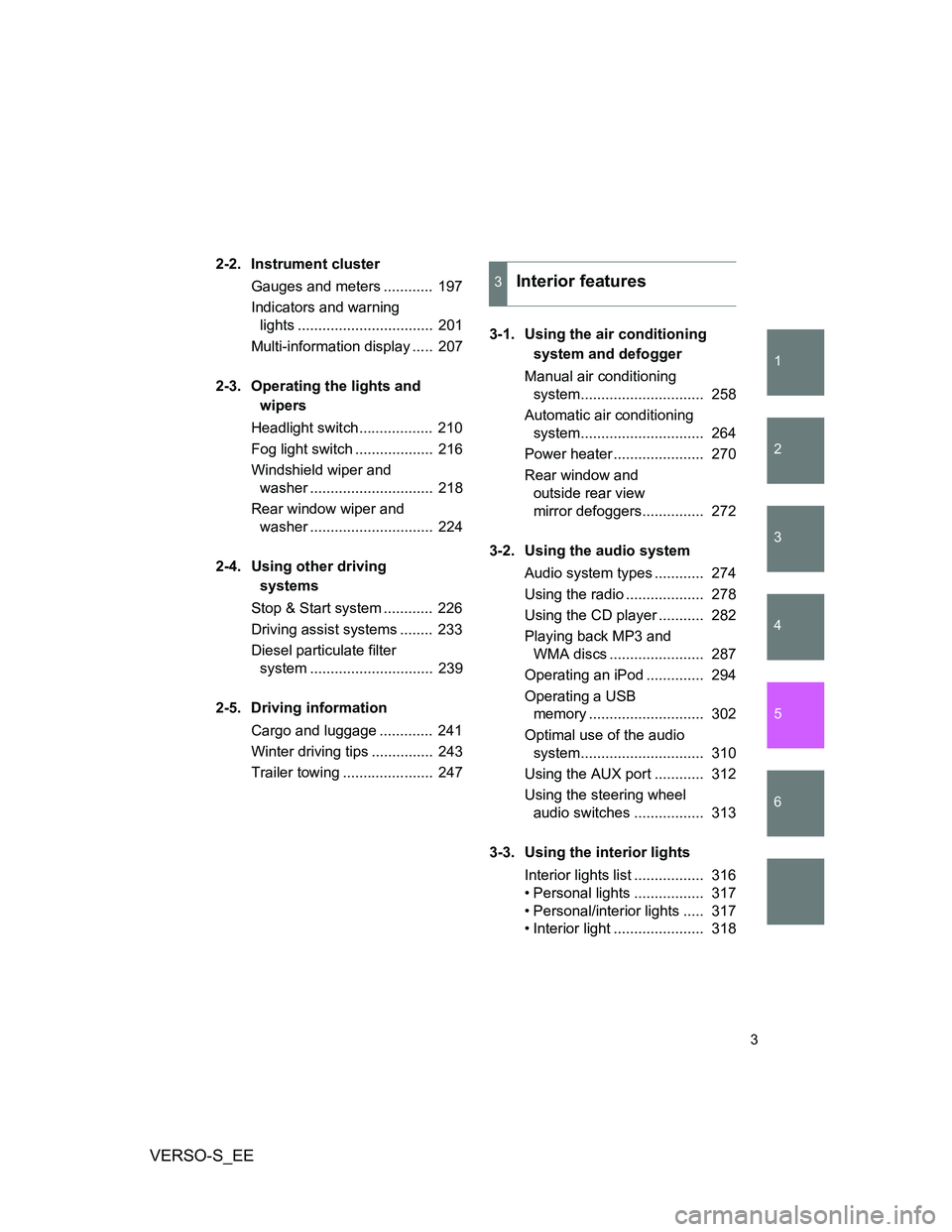
2-2. Instrument cluster
Gauges and meters ............ 197
Indicators and warning
lights ................................. 201
Multi-information display ..... 207
2-3. Operating the lights and
wipers
Headlight switch.................. 210
Fog light switch ................... 216
Windshield wiper and
washer .............................. 218
Rear window wiper and
washer .............................. 224
2-4. Using other driving
systems
Stop & Start system ............ 226
Driving assist systems ........ 233
Diesel particulate filter
system .............................. 239
2-5. Driving information
Cargo and luggage ............. 241
Winter driving tips ............... 243
Trailer towing ...................... 2473-1. Using the air conditioning
system and defogger
Manual air conditioning
system.............................. 258
Automatic air conditioning
system.............................. 264
Power heater ...................... 270
Rear window and
outside rear view
mirror defoggers............... 272
3-2. Using the audio system
Audio system types ............ 274
Using the radio ................... 278
Using the CD player ........... 282
Playing back MP3 and
WMA discs ....................... 287
Operating an iPod .............. 294
Operating a USB
memory ............................ 302
Optimal use of the audio
system.............................. 310
Using the AUX port ............ 312
Using the steering wheel
audio switches ................. 313
3-3. Using the interior lights
Interior lights list ................. 316
• Personal lights ................. 317
• Personal/interior lights ..... 317
• Interior light ...................... 318
3Interior features
Page 41 of 540
41 1-2. Opening, closing and locking the doors
1
Before driving
VERSO-S_EE
Conditions affecting operation
The smart entry & start system uses weak radio waves. In the following situ-
ations, the communication between the electronic key and the vehicle may
be affected, preventing the smart entry & start system, wireless remote con-
trol and engine immobilizer system from operating properly.
(Way of coping P. 478)
When the electronic key battery is depleted
Near a TV tower, electric power plant, gas station, radio station, large dis-
play, airport or other facility that generates strong radio waves or electri-
cal noise
When the electronic key is in contact with, or is covered by the following
metallic objects
• Cards to which aluminum foil is attached
• Cigarette boxes that have aluminum foil inside
• Metallic wallets or bags
• Coins
• Hand warmers made of metal
• Media such as CDs and DVDs
When other wireless key (that emit radio waves) is being used nearby
When carrying the electronic key together with the following devices that
emit radio waves
• A portable radio, cellular phone, cordless phone or other wireless com-
munication device
• Another vehicle's electronic key or a wireless key that emits radio
waves
• Personal computers or personal digital assistants (PDAs)
• Digital audio players
• Portable game systems
If window tint with a metallic content or metallic objects are attached to
the rear window
When the electronic key is placed near a battery charger or electronic
devices
Page 257 of 540
3Interior features
257
VERSO-S_EE
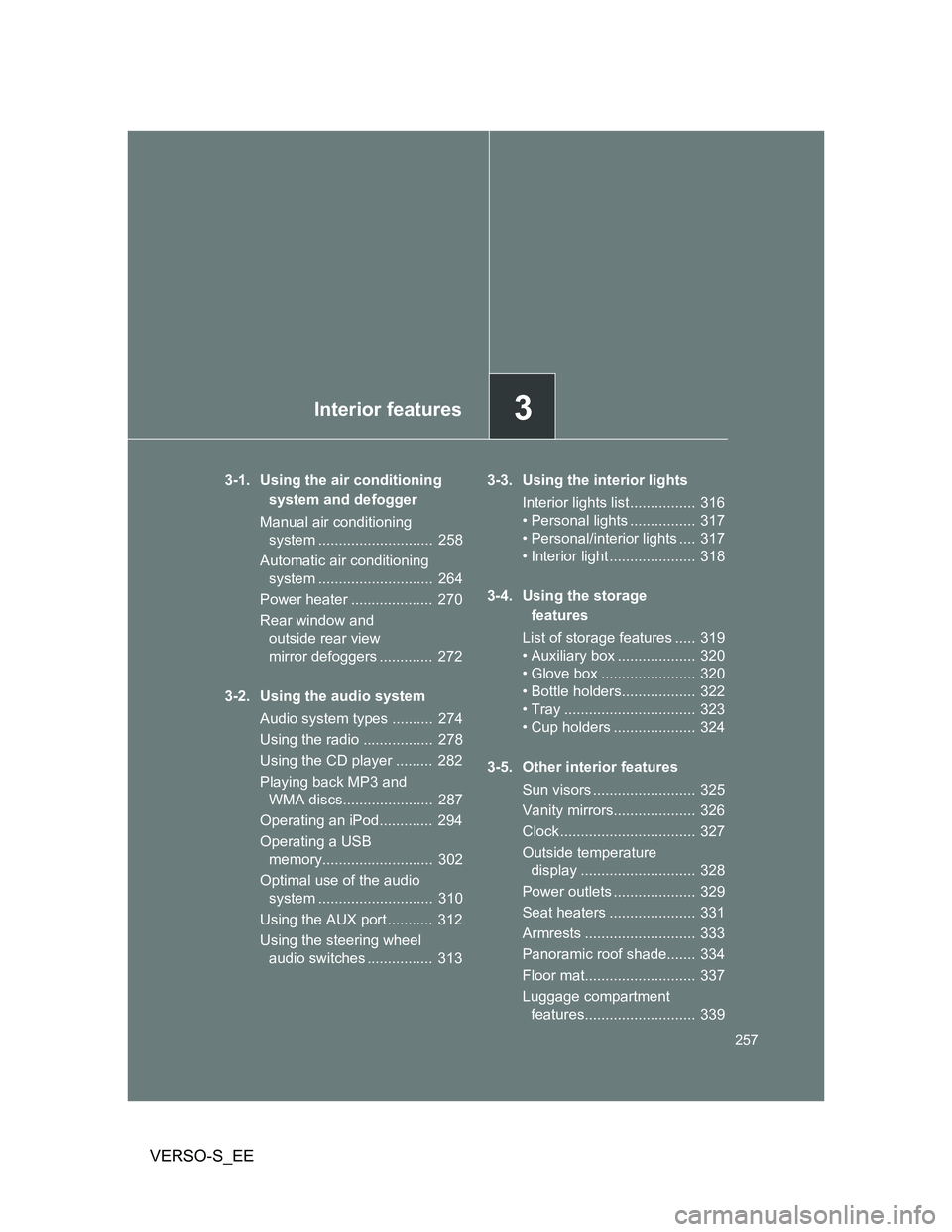
3-1. Using the air conditioning
system and defogger
Manual air conditioning
system ............................ 258
Automatic air conditioning
system ............................ 264
Power heater .................... 270
Rear window and
outside rear view
mirror defoggers ............. 272
3-2. Using the audio system
Audio system types .......... 274
Using the radio ................. 278
Using the CD player ......... 282
Playing back MP3 and
WMA discs...................... 287
Operating an iPod............. 294
Operating a USB
memory........................... 302
Optimal use of the audio
system ............................ 310
Using the AUX port ........... 312
Using the steering wheel
audio switches ................ 3133-3. Using the interior lights
Interior lights list ................ 316
• Personal lights ................ 317
• Personal/interior lights .... 317
• Interior light ..................... 318
3-4. Using the storage
features
List of storage features ..... 319
• Auxiliary box ................... 320
• Glove box ....................... 320
• Bottle holders.................. 322
• Tray ................................ 323
• Cup holders .................... 324
3-5. Other interior features
Sun visors ......................... 325
Vanity mirrors.................... 326
Clock ................................. 327
Outside temperature
display ............................ 328
Power outlets .................... 329
Seat heaters ..................... 331
Armrests ........................... 333
Panoramic roof shade....... 334
Floor mat........................... 337
Luggage compartment
features........................... 339
Page 274 of 540
274
VERSO-S_EE
3-2. Using the audio system
Audio system types
: If equipped
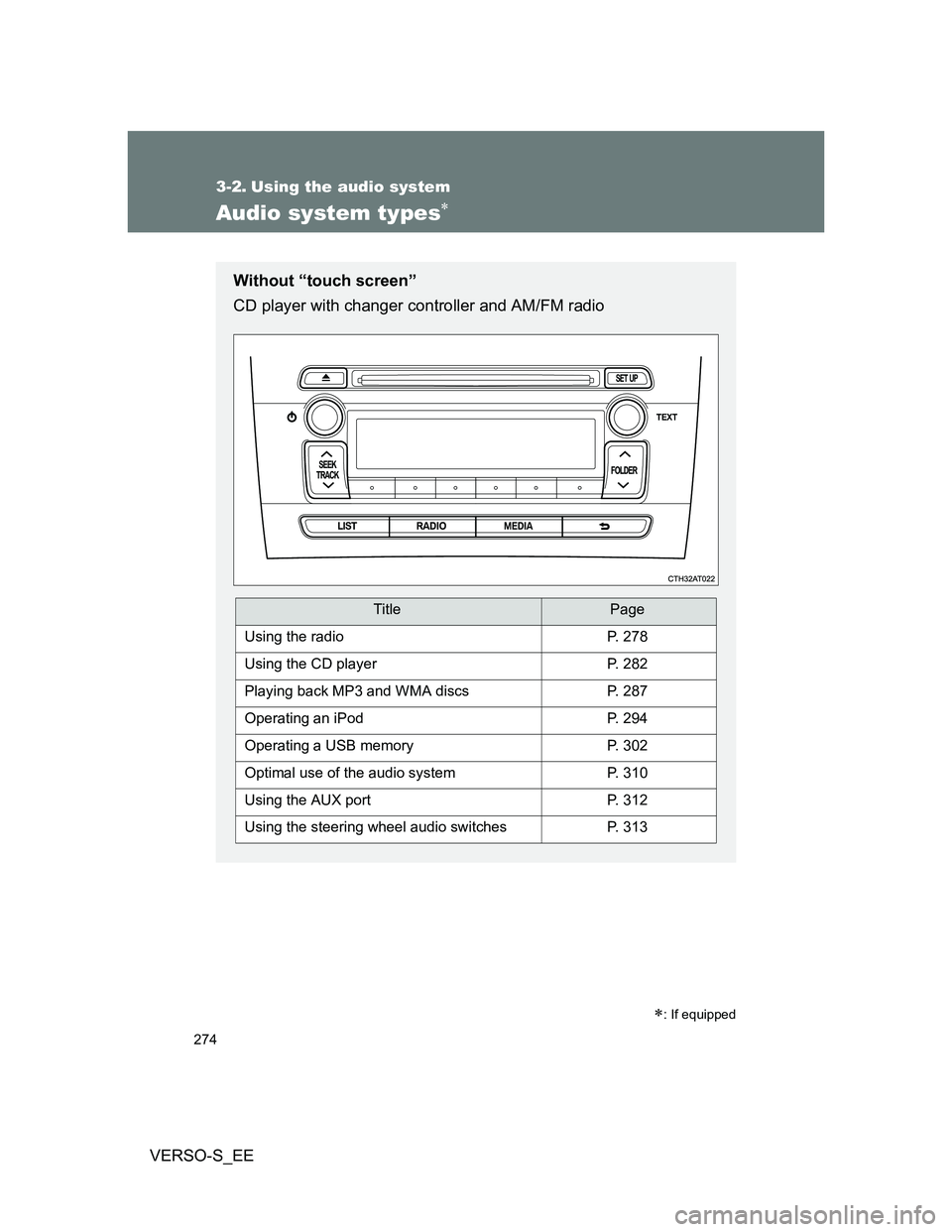
Without “touch screen”
CD player with changer controller and AM/FM radio
TitlePage
Using the radioP. 278
Using the CD playerP. 282
Playing back MP3 and WMA discsP. 287
Operating an iPodP. 294
Operating a USB memoryP. 302
Optimal use of the audio systemP. 310
Using the AUX portP. 312
Using the steering wheel audio switchesP. 313
Page 282 of 540
282
3-2. Using the audio system
VERSO-S_EE
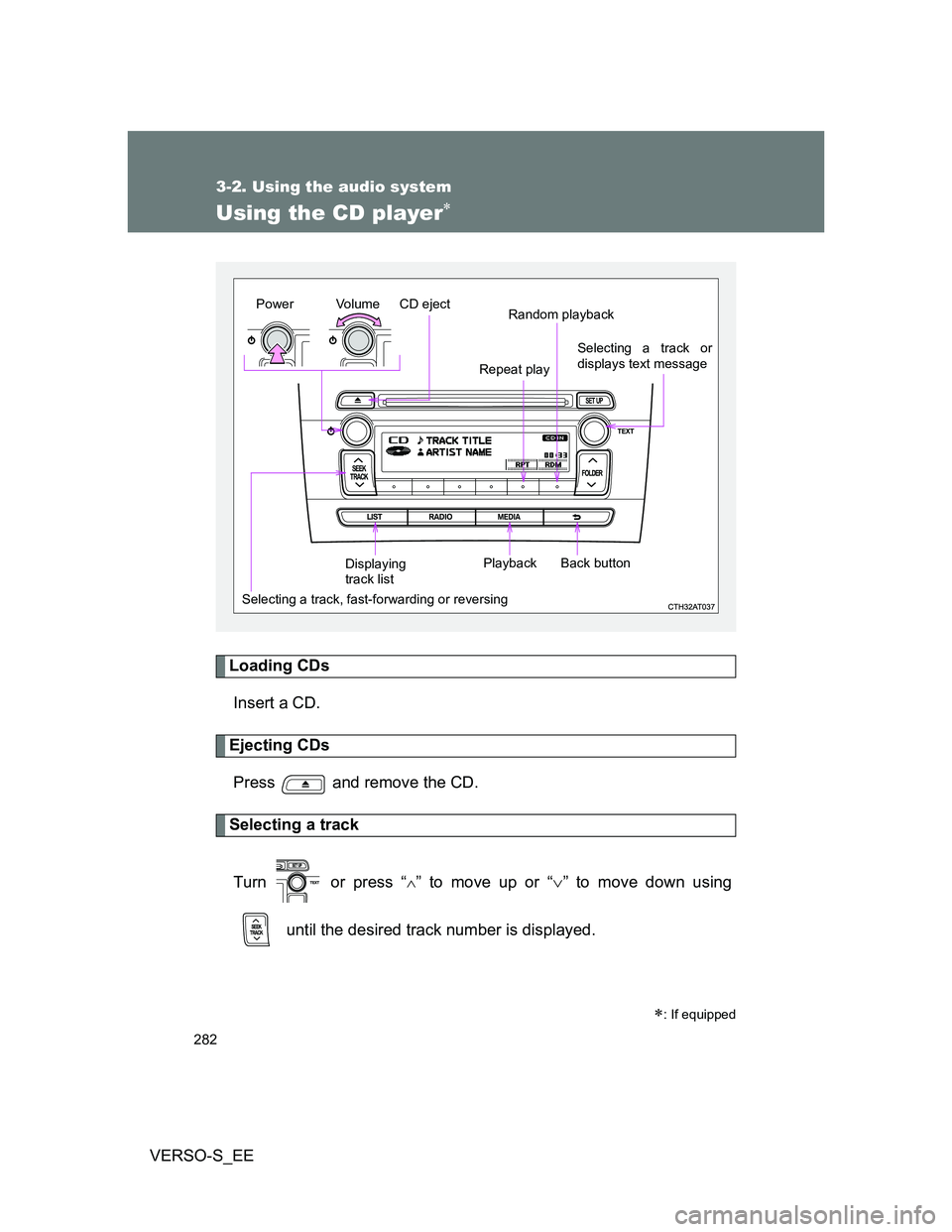
Using the CD player
Loading CDs
Insert a CD.
Ejecting CDs
Press and remove the CD.
Selecting a track
Turn or press “
” to move up or “” to move down using
until the desired track number is displayed.
: If equipped
Vo lu m e
Random playback
Selecting a track, fast-forwarding or reversingRepeat play
Playback PowerCD eject
Selecting a track or
displays text message
Displaying
track listBack button
Page 284 of 540
284 3-2. Using the audio system
VERSO-S_EE
Switching the display
Press .
Track name, Artist name and CD title are shown on the display.
To return to the previous display, press or .
Display
Up to 24 characters can be displayed.
Depending on the contents recorded, the characters may not be displayed
properly or may not be displayed at all.
Error messages
“ERROR”: This indicates a problem either in the CD or inside the player.
“CD CHECK”: The CD may be dirty, damaged or inserted up-side down.
“WAIT”: Operation has stopped due to a high temperature inside the
player. Wait for a while and then press . Contact
your Toyota dealer if the CD still cannot be played.
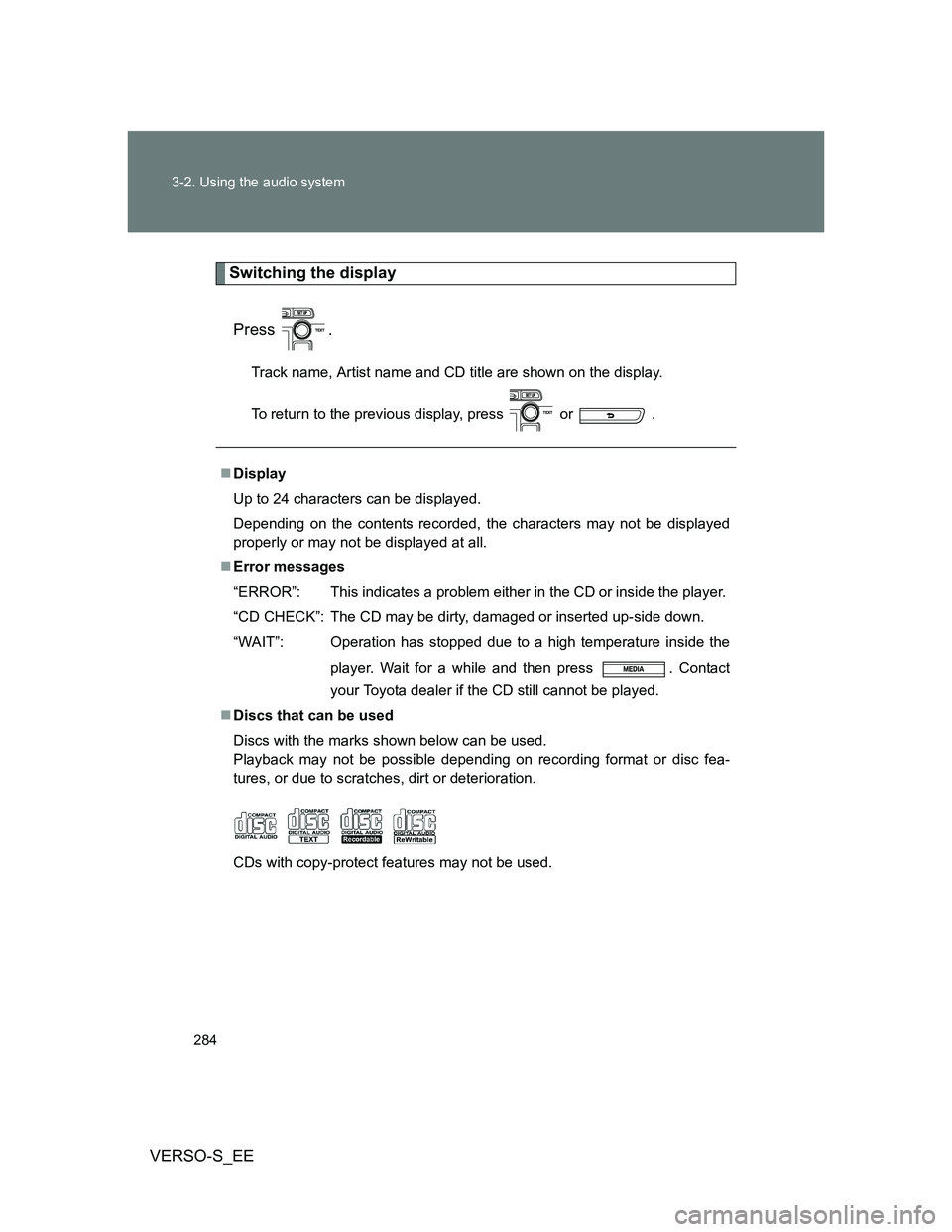
Discs that can be used
Discs with the marks shown below can be used.
Playback may not be possible depending on recording format or disc fea-
tures, or due to scratches, dirt or deterioration.
CDs with copy-protect features may not be used.
Page 285 of 540
285 3-2. Using the audio system
3
Interior features
VERSO-S_EE
CD player protection feature
To protect the internal components, playback is automatically stopped when
a problem is detected while the CD player is being used.
If a CD is left inside the CD player or in the ejected position for
extended periods
The CD may be damaged and may not play properly.
Lens cleaners
Do not use lens cleaners. Doing so may damage the CD player.
CAUTION
Certification for the CD player
This product is a class I laser product.
A laser beam leak may result in hazardous radiation exposure.
Do not open the cover of the player or attempt to repair the unit yourself.
Refer servicing to qualified personnel.
Laser power: No hazardous
NOTICE
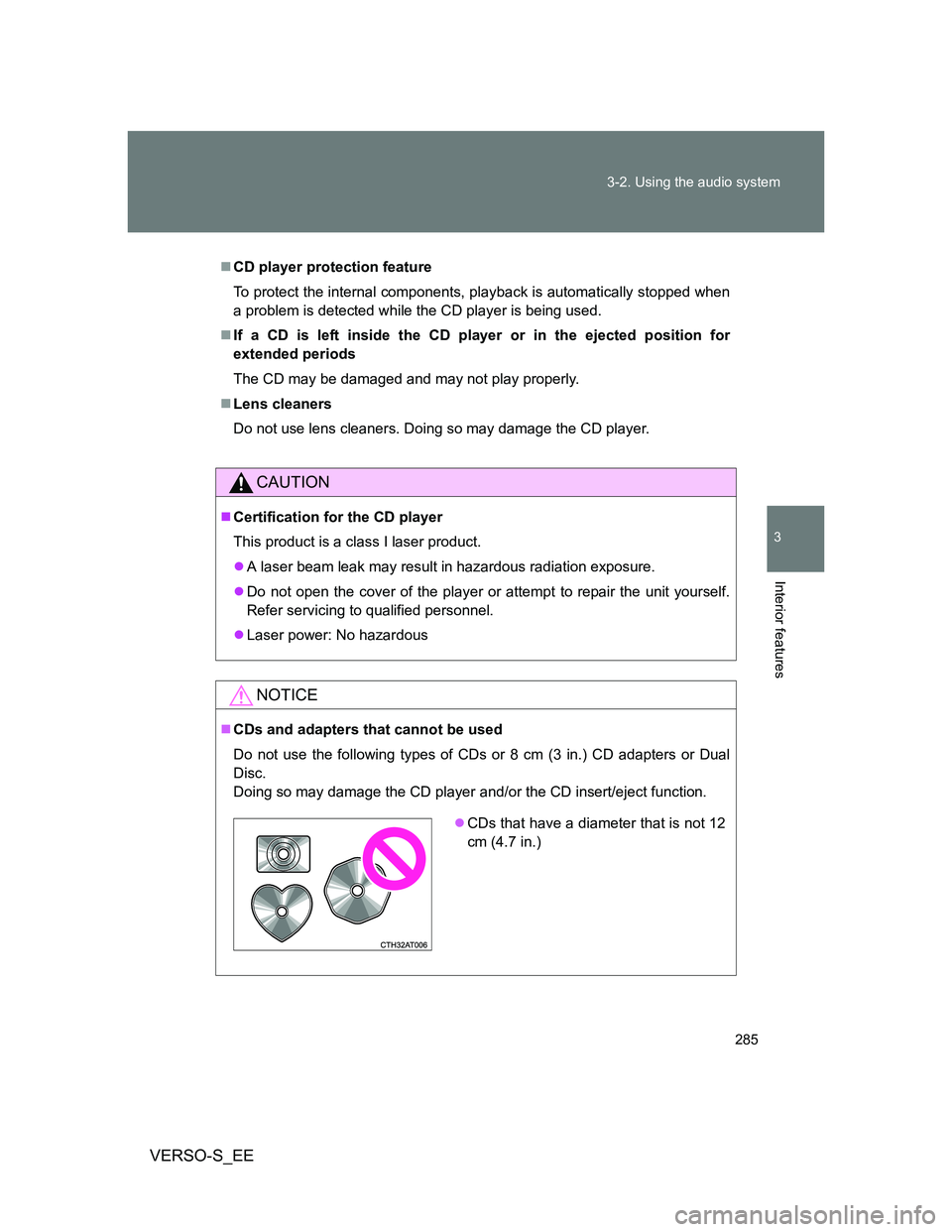
CDs and adapters that cannot be used
Do not use the following types of CDs or 8 cm (3 in.) CD adapters or Dual
Disc.
Doing so may damage the CD player and/or the CD insert/eject function.
CDs that have a diameter that is not 12
cm (4.7 in.)
Page 286 of 540
286 3-2. Using the audio system
VERSO-S_EE
NOTICE
CD player precautions
Failure to follow the precautions below may result in serious damage to the
CDs or the player itself.
Do not insert anything other than CDs into the CD slot.
Do not apply oil to the CD player.
Store CDs away from direct sunlight.
Never try to disassemble any part of the CD player.
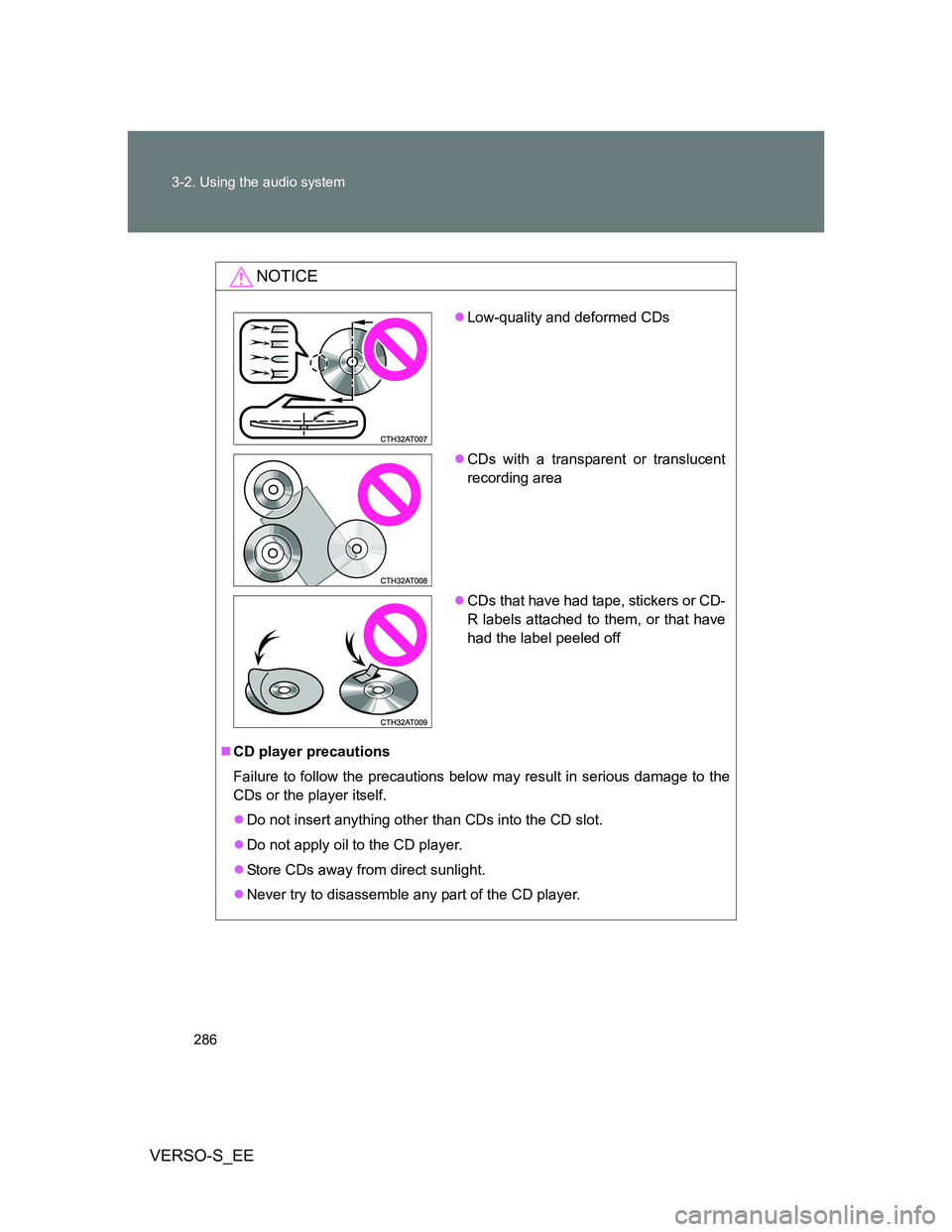
Low-quality and deformed CDs
CDs with a transparent or translucent
recording area
CDs that have had tape, stickers or CD-
R labels attached to them, or that have
had the label peeled off
Page 290 of 540
290 3-2. Using the audio system
VERSO-S_EE
Display
Up to 24 characters can be displayed.
Depending on the contents recorded, the characters may not be displayed
properly or may not be displayed at all.
Canceling random and repeat playback
Press
(RPT) or (RDM), or press and hold “” on .
Error messages
“ERROR”: This indicates a problem either in the CD or inside the
player.
“CD CHECK”: The CD may be dirty, damaged or inserted up-side down.
“NO SUPPORT”: This indicates that the MP3/WMA file is not included in the
CD.
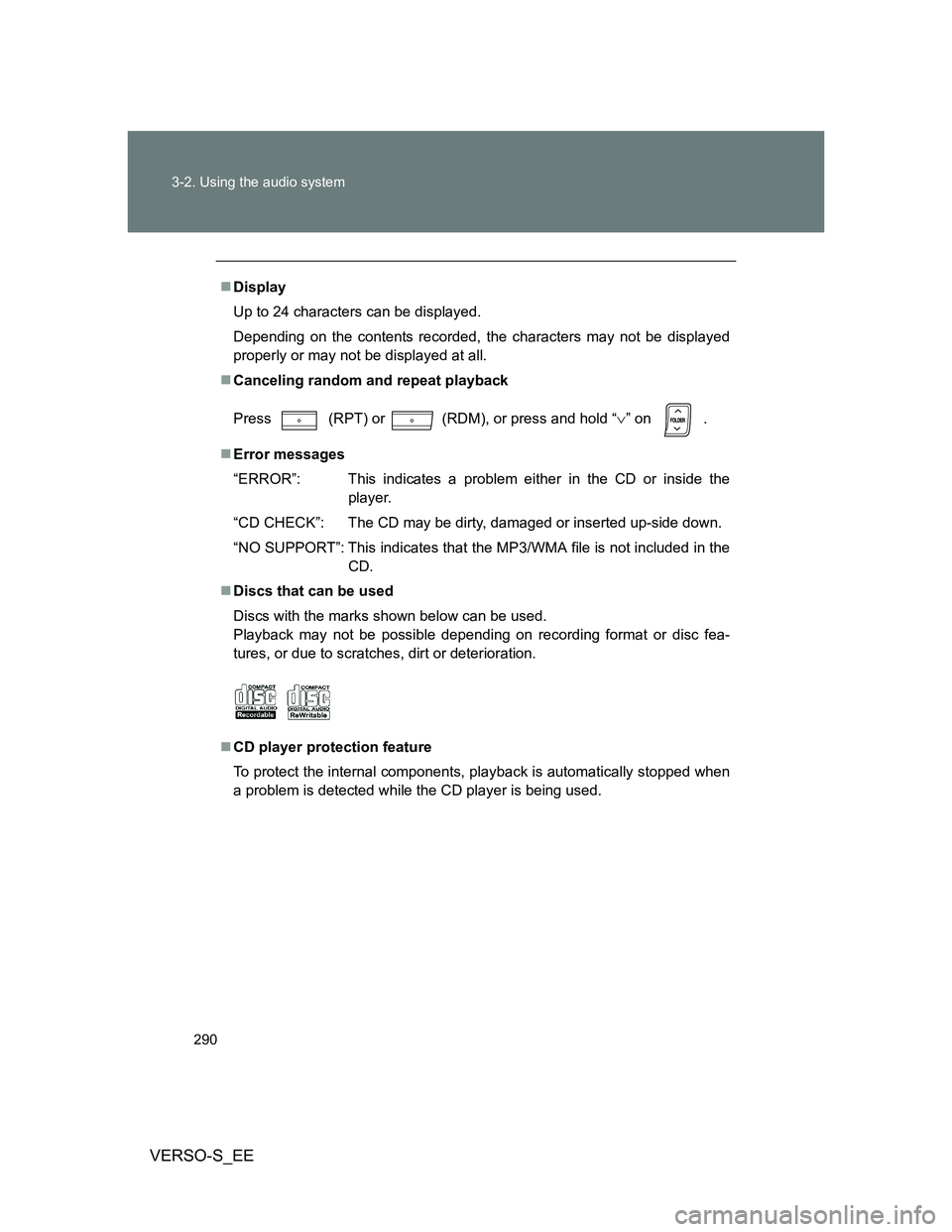
Discs that can be used
Discs with the marks shown below can be used.
Playback may not be possible depending on recording format or disc fea-
tures, or due to scratches, dirt or deterioration.
CD player protection feature
To protect the internal components, playback is automatically stopped when
a problem is detected while the CD player is being used.
Page 291 of 540
291 3-2. Using the audio system
3
Interior features
VERSO-S_EE
If a CD is left inside the CD player or in the ejected position for
extended periods
The CD may be damaged and may not play properly.
Lens cleaners
Do not use lens cleaners. Doing so may damage the CD player.
MP3 and WMA files
MP3 (MPEG Audio LAYER3) is a standard audio compression format.
Files can be compressed to approximately 1/10 of their original size by using
MP3 compression.
WMA (Windows Media Audio) is a Microsoft audio compression format.
This format compresses audio data to a size smaller than that of the MP3
format.
There is a limit to the MP3 and WMA file standards and to the media/formats
recorded by them that can be used.
MP3 file compatibility
• Compatible standards
MP3 (MPEG1 LAYER3, MPEG2 LSF LAYER3)
• Compatible sampling frequencies
MPEG1 LAYER3: 32, 44.1, 48 (kHz)
MPEG2 LSF LAYER3: 16, 22.05, 24 (kHz)
• Compatible bit rates
MPEG1 LAYER3: 64, 80, 96, 112, 128, 160, 192, 224, 256, 320 (kbps)
MPEG2 LSF LAYER3: 64, 80, 96, 112, 128, 144, 160 (kbps)
* Compatible with VBR
• Compatible channel modes: stereo, joint stereo, dual channel and
monaural
WMA file compatibility
• Compatible standards
WMA Ver. 7, 8, 9
• Compatible sampling frequencies
32, 44.1, 48 (kHz)
• Compatible bit rates
Ver. 7, 8: CBR 48, 64, 80, 96, 128, 160, 192 (kbps)
Ver. 9: CBR 48, 64, 80, 96, 128, 160, 192, 256, 320 (kbps)
* Only compatible with 2-channel playback