radio TOYOTA VERSO S 2015 User Guide
[x] Cancel search | Manufacturer: TOYOTA, Model Year: 2015, Model line: VERSO S, Model: TOYOTA VERSO S 2015Pages: 564, PDF Size: 18.47 MB
Page 283 of 564
283
3
Interior features
3-2. Using the audio system
Audio system types
: If equipped
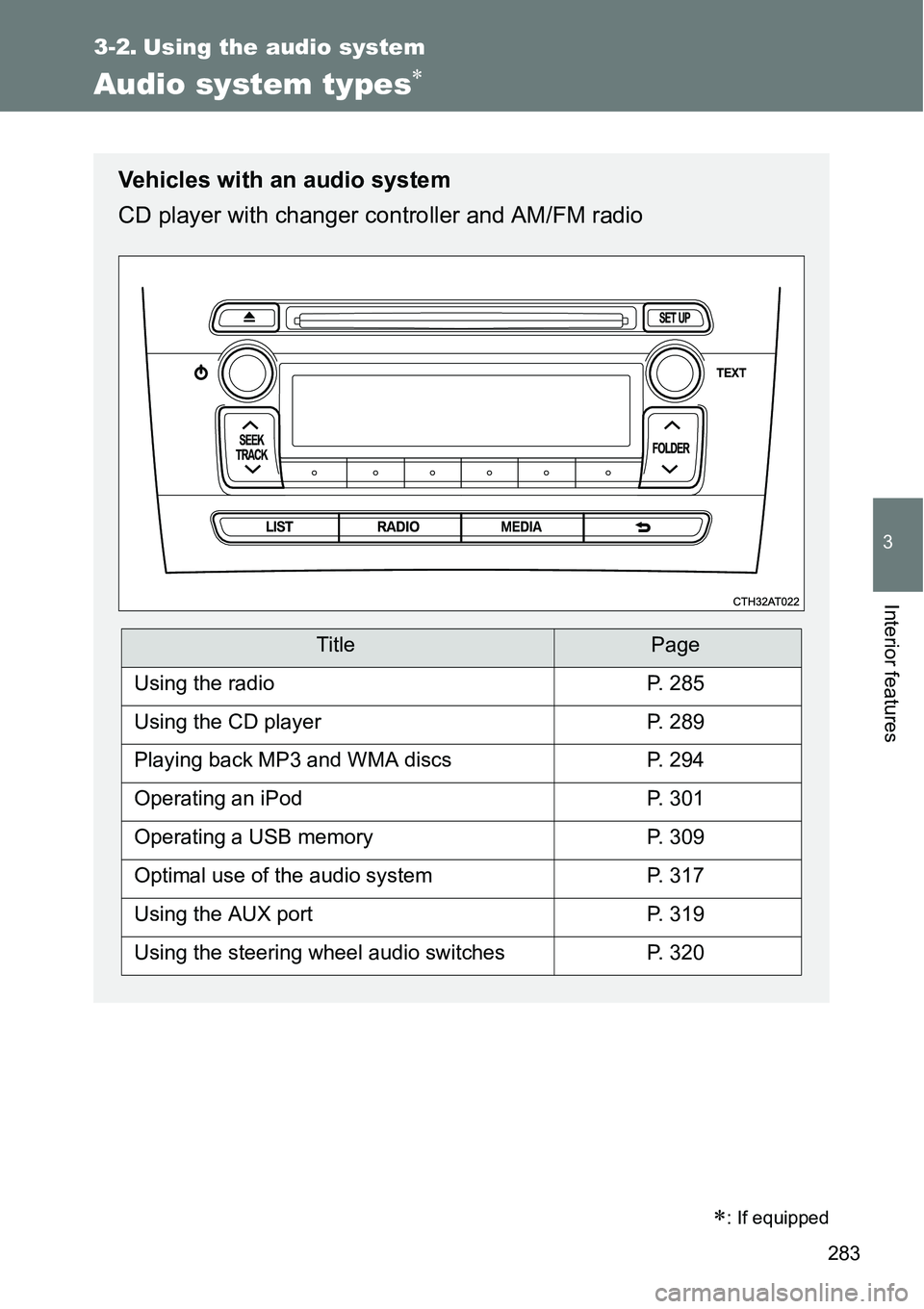
Vehicles with an audio system
CD player with changer controller and AM/FM radio
TitlePage
Using the radioP. 285
Using the CD playerP. 289
Playing back MP3 and WMA discsP. 294
Operating an iPodP. 301
Operating a USB memoryP. 309
Optimal use of the audio systemP. 317
Using the AUX portP. 319
Using the steering wheel audio switchesP. 320
Page 285 of 564
285
3-2. Using the audio system
3
Interior features
Using the radio
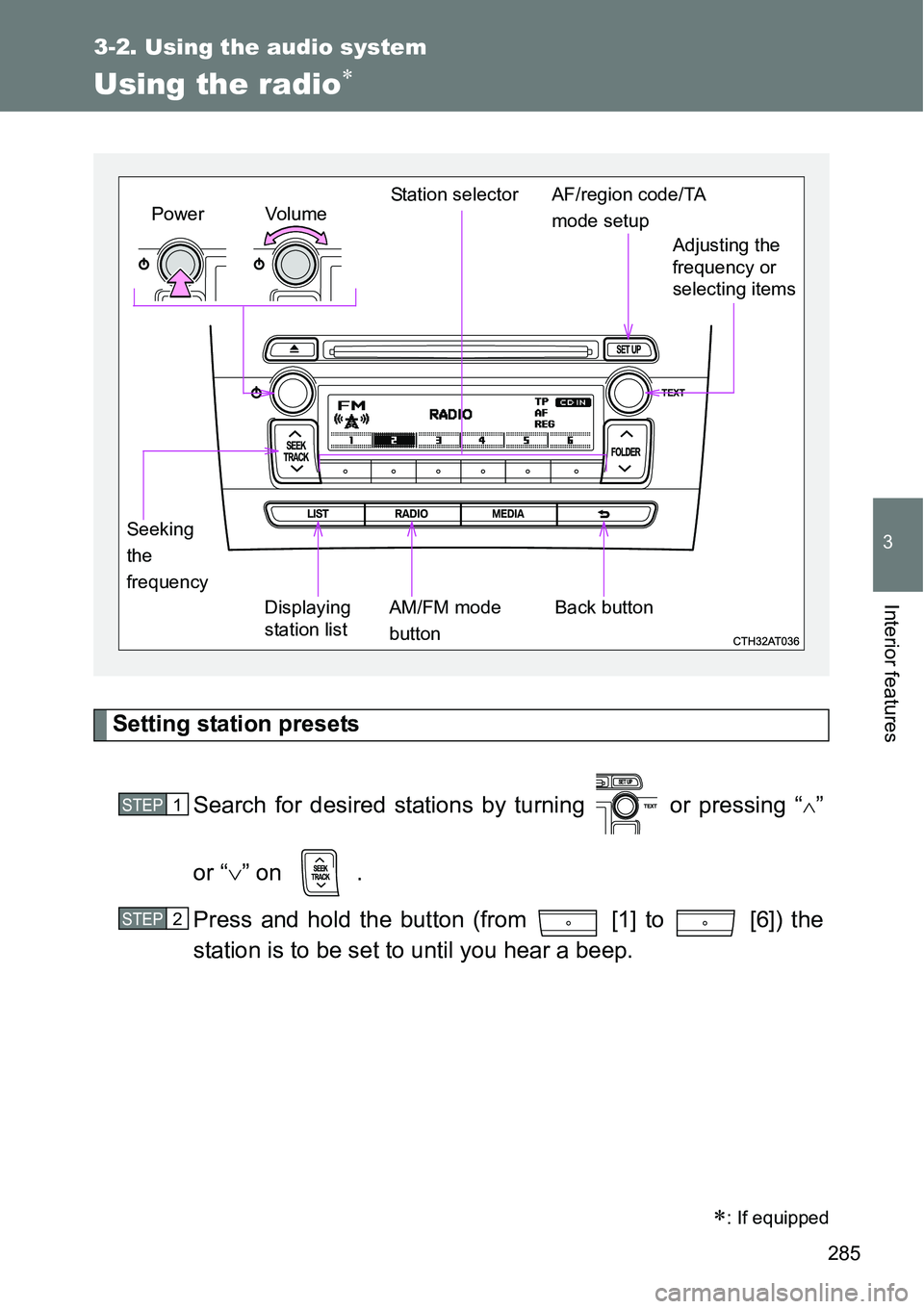
Setting station presets
Search for desired stations by turning or pressing “
”
or “” on .
Press and hold the button (from [1] to [6]) the
station is to be set to until you hear a beep.
: If equipped
Vo lu m e
Displaying
station listStation selector
Seeking
the
frequencyAdjusting the
frequency or
selecting items
AM/FM mode
buttonPowerAF/region code/TA
mode setup
Back button
STEP1
STEP2
Page 286 of 564
286 3-2. Using the audio system
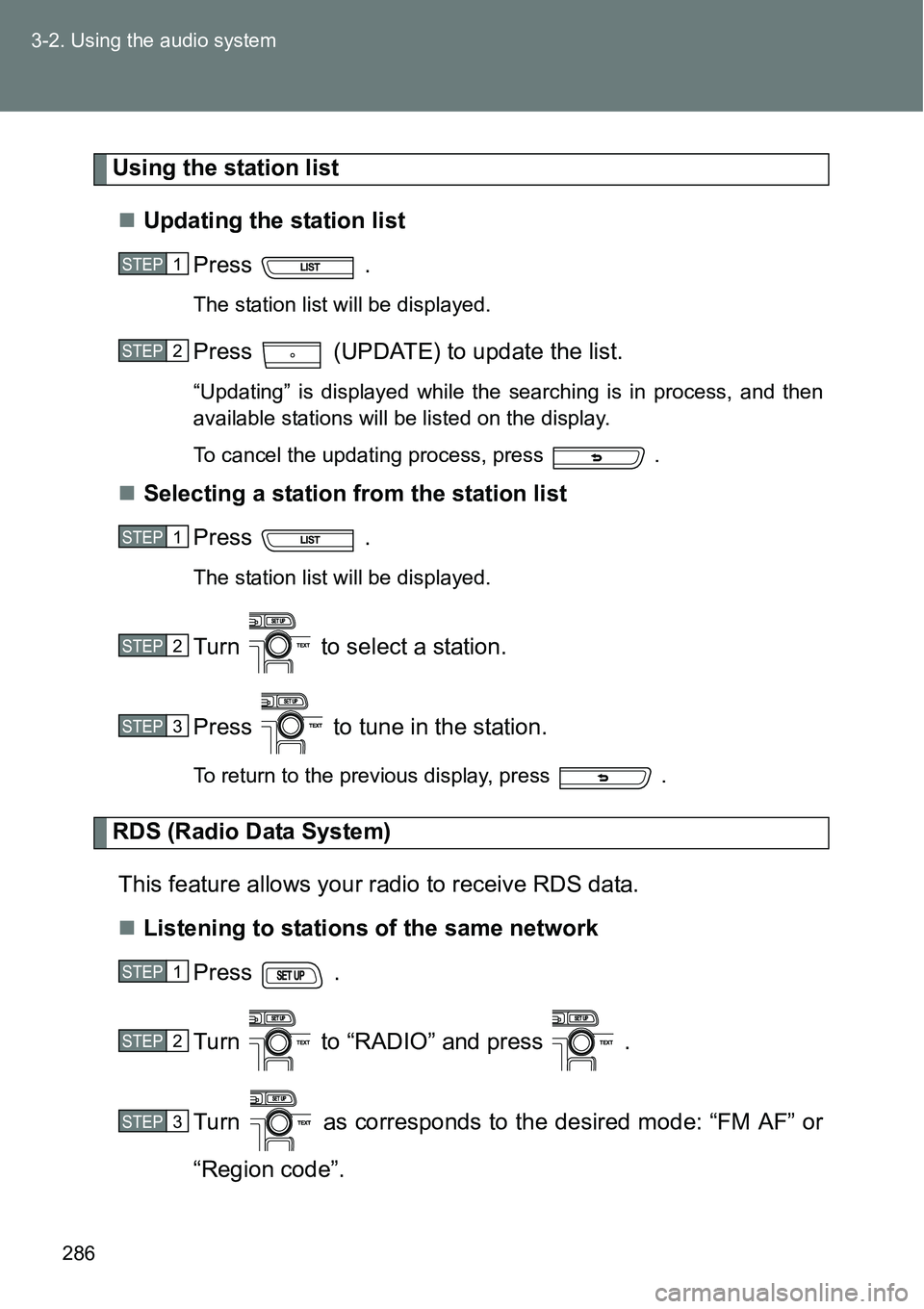
Using the station list
Updating the station list
Press .
The station list will be displayed.
Press (UPDATE) to update the list.
“Updating” is displayed while the searching is in process, and then
available stations will be listed on the display.
To cancel the updating process, press .
Selecting a station from the station list
Press .
The station list will be displayed.
Turn to select a station.
Press to tune in the station.
To return to the previous display, press .
RDS (Radio Data System)
This feature allows your radio to receive RDS data.
Listening to stations of the same network
Press .
Turn to “RADIO” and press .
Turn as corresponds to the desired mode: “FM AF” or
“Region code”.
STEP1
STEP2
STEP1
STEP2
STEP3
STEP1
STEP2
STEP3
Page 287 of 564
287 3-2. Using the audio system
3
Interior features
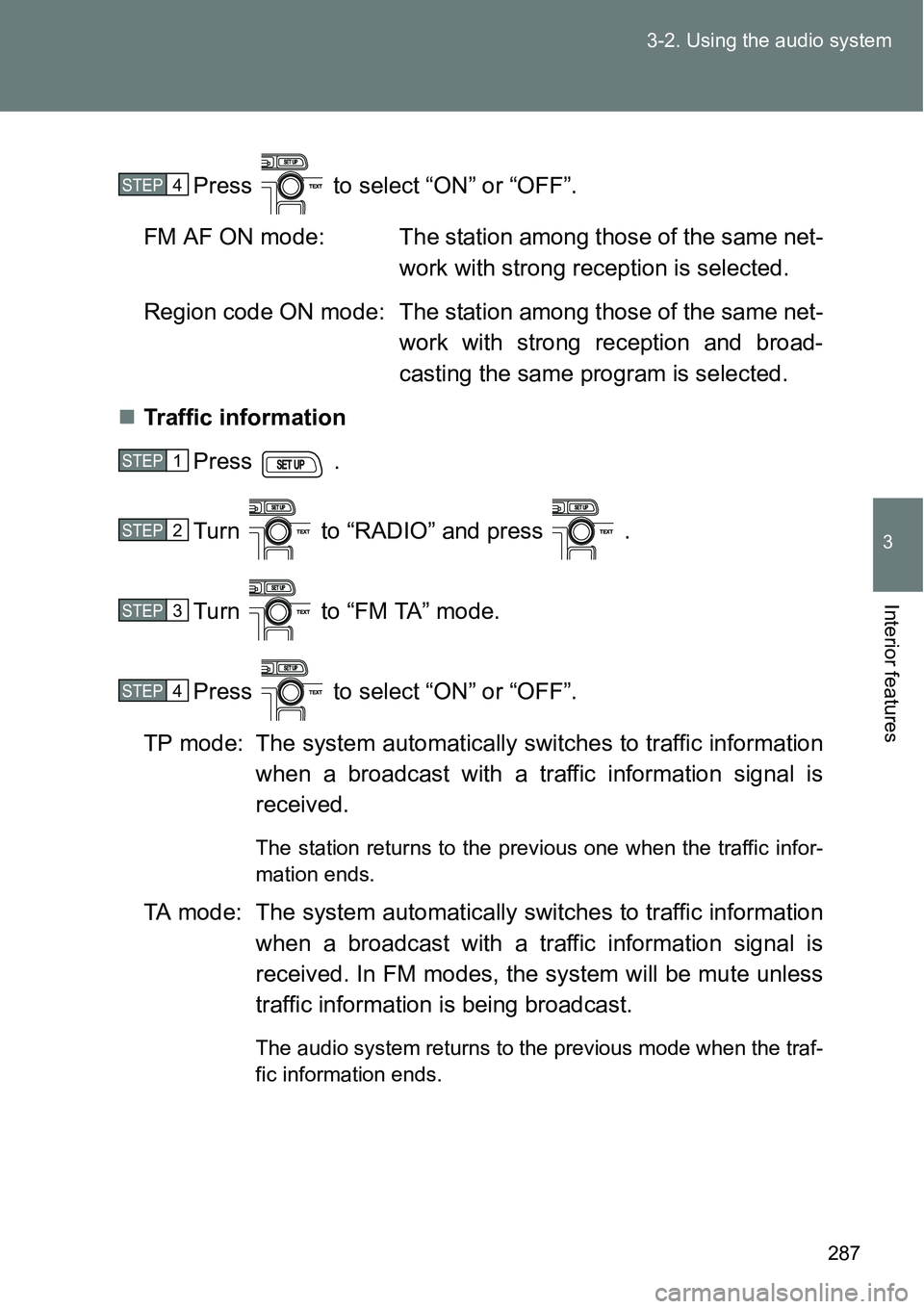
Press to select “ON” or “OFF”.
FM AF ON mode: The station among those of the same net-
work with strong reception is selected.
Region code ON mode: The station among those of the same net-
work with strong reception and broad-
casting the same program is selected.
Traffic information
Press .
Turn to “RADIO” and press .
Turn to “FM TA” mode.
Press to select “ON” or “OFF”.
TP mode: The system automatically switches to traffic information
when a broadcast with a traffic information signal is
received.
The station returns to the previous one when the traffic infor-
mation ends.
TA mode: The system automatically switches to traffic information
when a broadcast with a traffic information signal is
received. In FM modes, the system will be mute unless
traffic information is being broadcast.
The audio system returns to the previous mode when the traf-
fic information ends.
STEP4
STEP1
STEP2
STEP3
STEP4
Page 288 of 564
288 3-2. Using the audio system
Certification for the radio (for Italy)
IL PRODUTTORE Panasonic Corporation Automotive Systems Company
4261, Ikonobe-cho, Tsuzuki-ku, Yokohama, 224-8520, JAPAN
DI QUESTO APPARECCHIO MODELLO 86120 52B00 DICHIARA CHE
ESSO E’CONFORME AL D.M.28.08.1995 Nr.548, OTTEMPERANDO ALLE
PRESCRIZIONI DI CUI AL D.M.25.6.1985 (PARAGRAFO 3,ALL.A) ED AL
D.M.27.8.1987 (PARAGRAFO 3,ALL.I)
EON (Enhanced Other Network) system (for traffic announcement
function)
If the RDS station (with EON data) you are listening to is not broadcasting a
traffic information program and the audio system is in the TA (traffic
announcement) mode, the radio will be switched automatically to a station
broadcasting a traffic information program in the EON AF list when traffic
information begins.
When the battery is disconnected
Stations presets are erased.
Reception sensitivity
Maintaining perfect radio reception at all times is difficult due to the con-
tinually changing position of the antenna, differences in signal strength
and surrounding objects, such as trains, transmitters, etc.
The radio antenna is mounted on the rear roof. The antenna can be
removed from the base by turning it.
Digital Audio Broadcast (DAB) radio
The optional radio antenna and tuner are necessary for the use of Digital
Audio Broadcast (DAB) radio.
NOTICE
To prevent damage, remove the antenna in the following cases.
The antenna will touch the ceiling of a garage.
A cover will be put on the roof.
Page 320 of 564
320
3-2. Using the audio system
Using the steering wheel audio switches
Turning on the power
Press when the audio system is turned off.
Changing the audio source
Press when the audio system is turned on. The audio source
changes as follows each time is pressed.
AMFMCD modeiPod or USB memory mode*
AUX*AM
*: If equipped
: If equipped
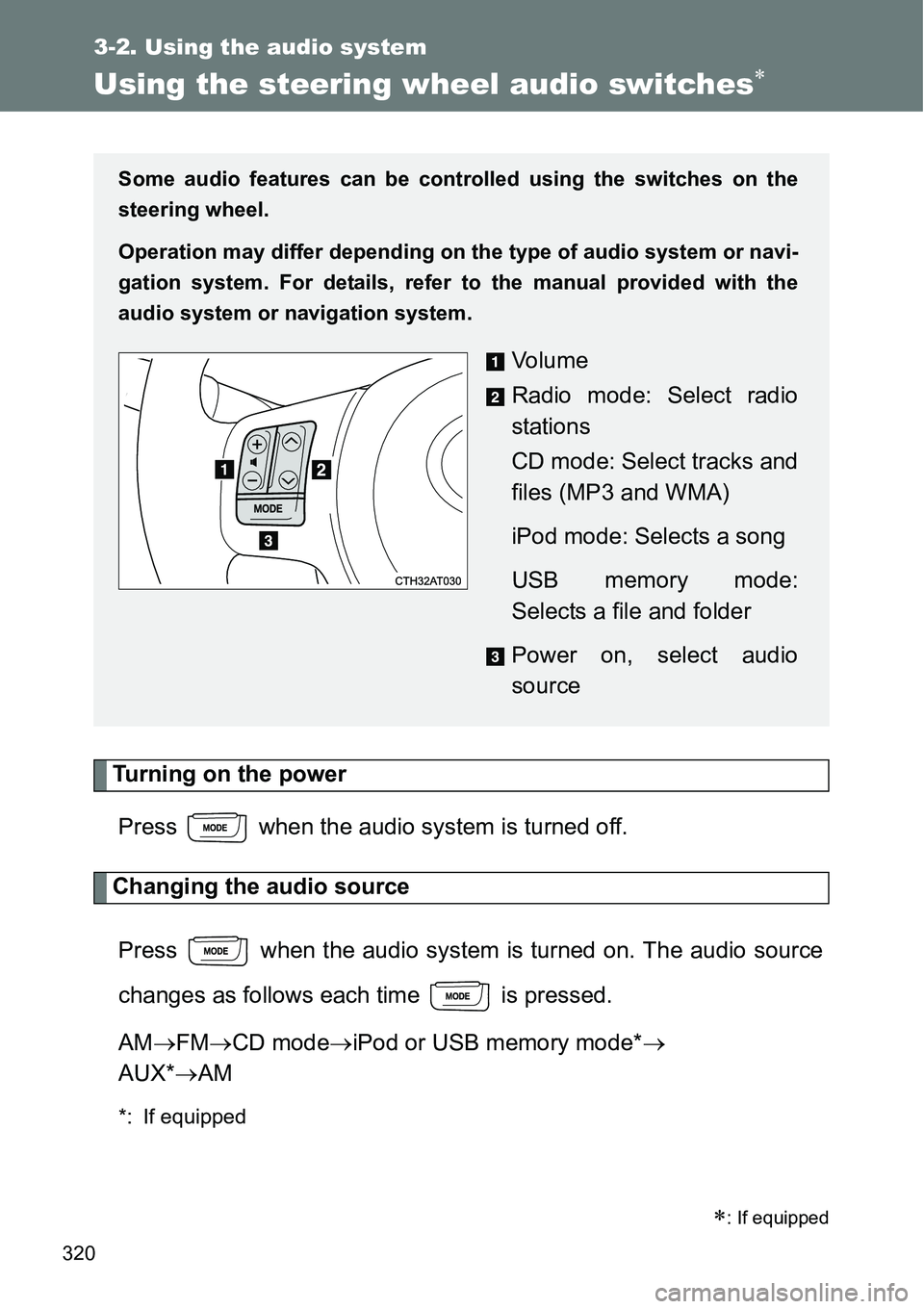
Some audio features can be controlled using the switches on the
steering wheel.
Operation may differ depending on the type of audio system or navi-
gation system. For details, refer to the manual provided with the
audio system or navigation system.
Vo l u m e
Radio mode: Select radio
stations
CD mode: Select tracks and
files (MP3 and WMA)
iPod mode: Selects a song
USB memory mode:
Selects a file and folder
Power on, select audio
source
Page 321 of 564
321 3-2. Using the audio system
3
Interior features
Adjusting the volume
Press “+” on to increase the volume and “-” to decrease the
volume.
Hold down “+” or “-” on to continue increasing or decreasing the
volume.
Silencing a sound
Press and hold .
To cancel, press and hold again.
Selecting a radio station
Press to select the radio mode.
Press “” or “” on to select a preset station.
To scan for receivable stations, press and hold “” or “” on
until you hear a beep.
Selecting a track/file or song
Press to select CD, iPod or USB memory mode.
Press “” or “” on to select the desired track/file or
song.
Selecting a folder (MP3 and WMA or USB memory)
Press to select CD or USB memory mode.
Press and hold “” or “” on until you hear a beep.
STEP1
STEP2
STEP1
STEP2
STEP1
STEP2
Page 459 of 564
5
459 5-2. Steps to take in an emergency
When trouble arises
If the tire pressure warning system is not functioning
The tire pressure warning system will be disabled in the following conditions:
(When the condition becomes normal, the system will work properly.)
If tires not equipped with tire pressure warning valves and transmitters
are used
If the ID code on the tire pressure warning valves and transmitters is not
registered in the tire pressure warning computer
If the tire inflation pressure is 500 kPa (5.1 kgf/cm
2 or bar, 73 psi) or
higher
The tire pressure warning system may be disabled in the following condi-
tions:
(When the condition becomes normal, the system will work properly.)
If electronic devices or facilities using similar radio wave frequencies are
nearby
If a radio set at a similar frequency is in use in the vehicle
If a window tint that affects the radio wave signals is installed
If there is a lot of snow or ice on the vehicle, particularly around the
wheels or wheel housings
If non-genuine Toyota wheels are used (Even if you use Toyota wheels,
the tire pressure warning system may not work properly with some types
of tires.)
If tire chains are used
If the tire pressure warning light frequently comes on after blinking for
1 minute
If the tire pressure warning light frequently comes on after blinking for 1 min-
ute when the “ENGINE START STOP” switch (vehicles with a smart entry &
start system) or the engine switch (vehicles without a smart entry & start sys-
tem) is turned on, have it checked by any authorized Toyota dealer or
repairer, or another duly qualified and equipped professional.
If the engine oil change reminder light flashes (diesel engine only)
Repeated short trips and/or low-speed driving may cause the oil to degrade
sooner than usual, regardless of the actual distance driven. If this happens,
the engine oil change reminder light will flash.
Page 547 of 564
547
Alphabetical index
Alphabetical index
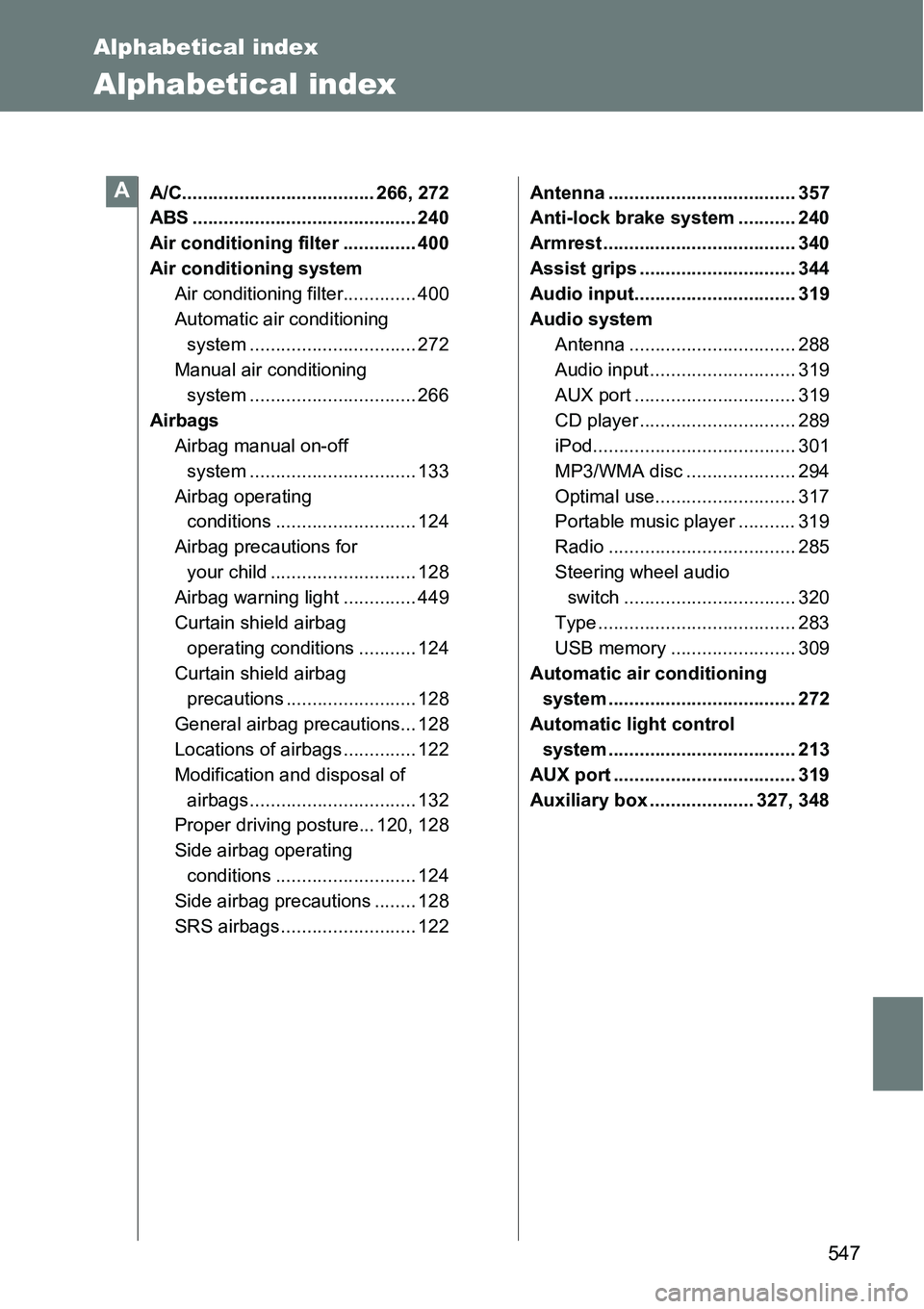
A/C..................................... 266, 272
ABS ........................................... 240
Air conditioning filter .............. 400
Air conditioning system
Air conditioning filter.............. 400
Automatic air conditioning
system ................................ 272
Manual air conditioning
system ................................ 266
Airbags
Airbag manual on-off
system ................................ 133
Airbag operating
conditions ........................... 124
Airbag precautions for
your child ............................ 128
Airbag warning light .............. 449
Curtain shield airbag
operating conditions ........... 124
Curtain shield airbag
precautions ......................... 128
General airbag precautions... 128
Locations of airbags .............. 122
Modification and disposal of
airbags ................................ 132
Proper driving posture... 120, 128
Side airbag operating
conditions ........................... 124
Side airbag precautions ........ 128
SRS airbags .......................... 122Antenna .................................... 357
Anti-lock brake system ........... 240
Armrest ..................................... 340
Assist grips .............................. 344
Audio input............................... 319
Audio system
Antenna ................................ 288
Audio input ............................ 319
AUX port ............................... 319
CD player .............................. 289
iPod....................................... 301
MP3/WMA disc ..................... 294
Optimal use........................... 317
Portable music player ........... 319
Radio .................................... 285
Steering wheel audio
switch ................................. 320
Type ...................................... 283
USB memory ........................ 309
Automatic air conditioning
system .................................... 272
Automatic light control
system .................................... 213
AUX port ................................... 319
Auxiliary box .................... 327, 348A
Page 556 of 564
556 Alphabetical index
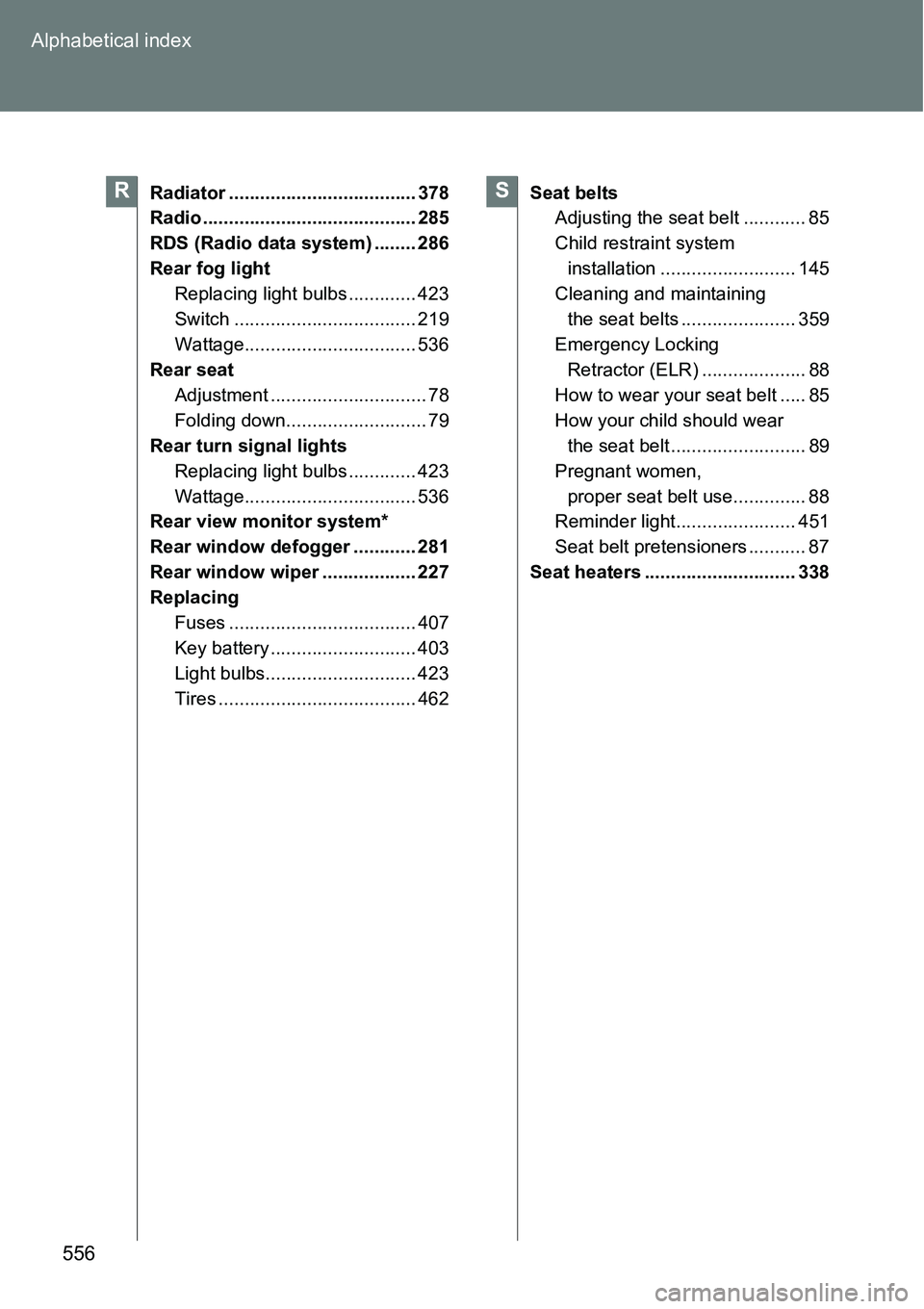
Radiator .................................... 378
Radio ......................................... 285
RDS (Radio data system) ........ 286
Rear fog light
Replacing light bulbs ............. 423
Switch ................................... 219
Wattage................................. 536
Rear seat
Adjustment .............................. 78
Folding down........................... 79
Rear turn signal lights
Replacing light bulbs ............. 423
Wattage................................. 536
Rear view monitor system*
Rear window defogger ............ 281
Rear window wiper .................. 227
Replacing
Fuses .................................... 407
Key battery ............................ 403
Light bulbs............................. 423
Tires ...................................... 462Seat belts
Adjusting the seat belt ............ 85
Child restraint system
installation .......................... 145
Cleaning and maintaining
the seat belts ...................... 359
Emergency Locking
Retractor (ELR) .................... 88
How to wear your seat belt ..... 85
How your child should wear
the seat belt .......................... 89
Pregnant women,
proper seat belt use.............. 88
Reminder light....................... 451
Seat belt pretensioners ........... 87
Seat heaters ............................. 338RS