display TOYOTA YARIS 2013 Owner's Manual
[x] Cancel search | Manufacturer: TOYOTA, Model Year: 2013, Model line: YARIS, Model: TOYOTA YARIS 2013Pages: 712, PDF Size: 30.2 MB
Page 284 of 712
284
2-2. Instrument cluster
YARIS_F(including HV)_WE_52E26E
Multi-infor mation display
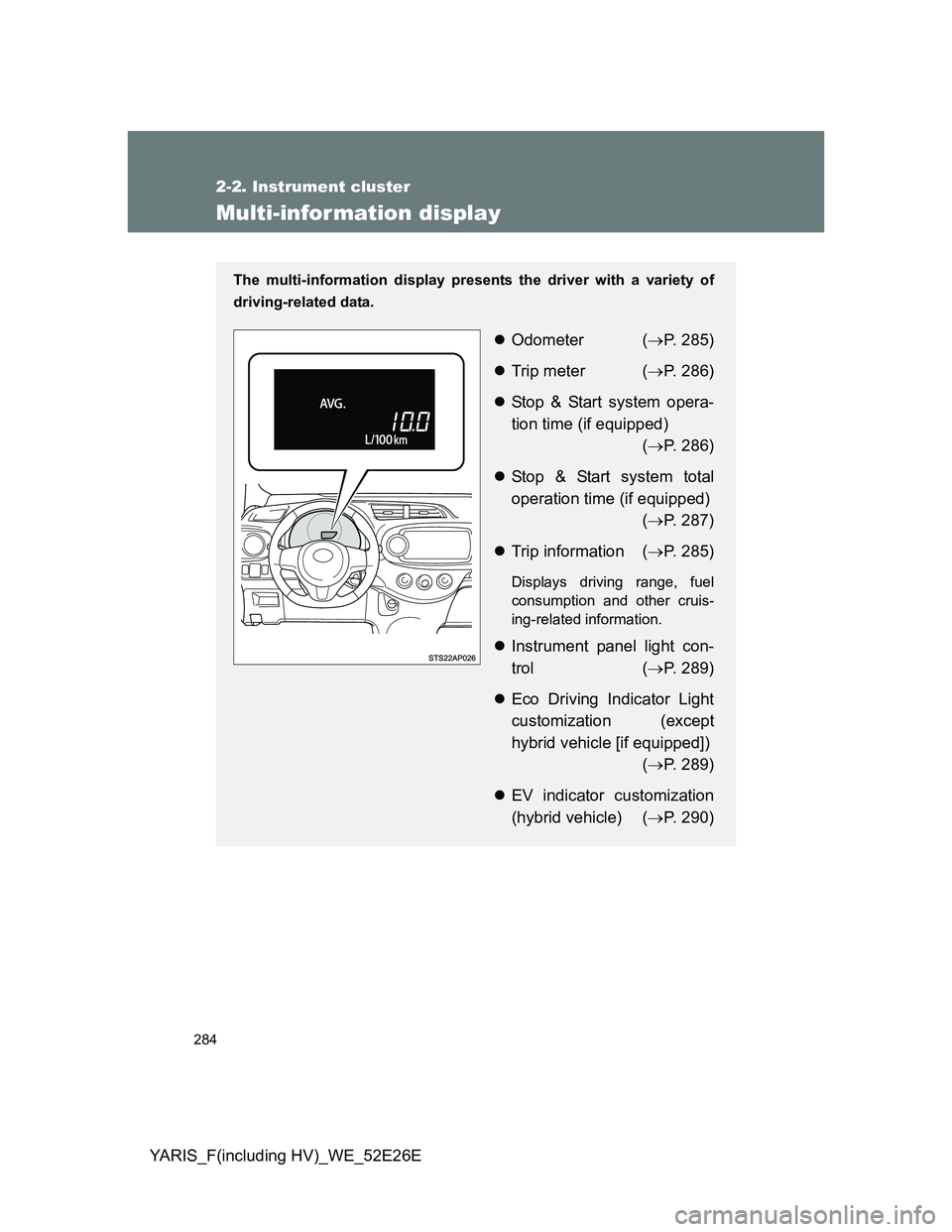
The multi-information display presents the driver with a variety of
driving-related data.
Odometer (P. 285)
Trip meter (P. 286)
Stop & Start system opera-
tion time (if equipped)
(P. 286)
Stop & Start system total
operation time (if equipped)
(P. 287)
Trip information (P. 285)
Displays driving range, fuel
consumption and other cruis-
ing-related information.
Instrument panel light con-
trol (P. 289)
Eco Driving Indicator Light
customization (except
hybrid vehicle [if equipped])
(P. 289)
EV indicator customization
(hybrid vehicle) (P. 290)
Page 285 of 712
285 2-2. Instrument cluster
2
When driving
YARIS_F(including HV)_WE_52E26E
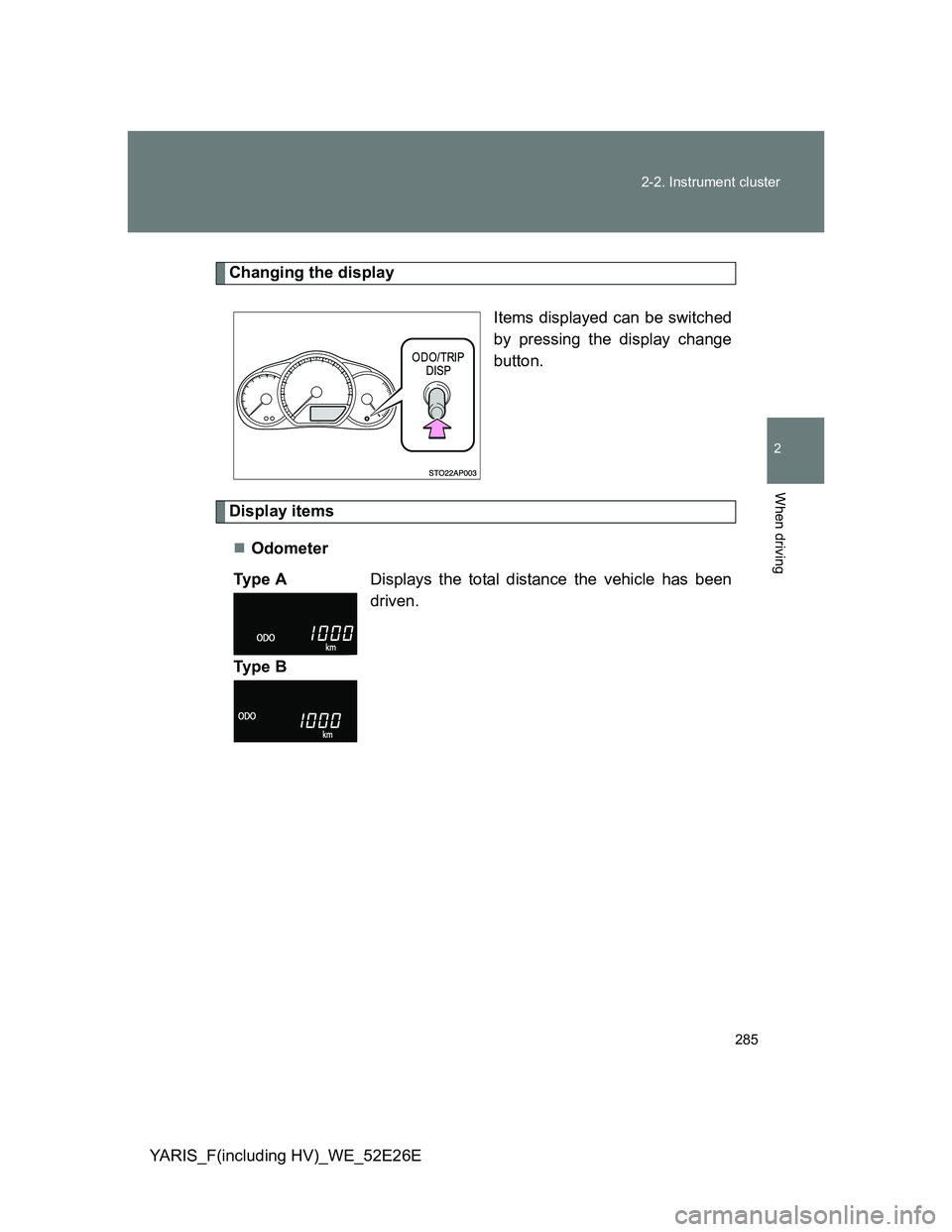
Changing the display
Items displayed can be switched
by pressing the display change
button.
Display items
Odometer
Ty p e ADisplays the total distance the vehicle has been
driven.
Ty p e B
Page 286 of 712
286 2-2. Instrument cluster
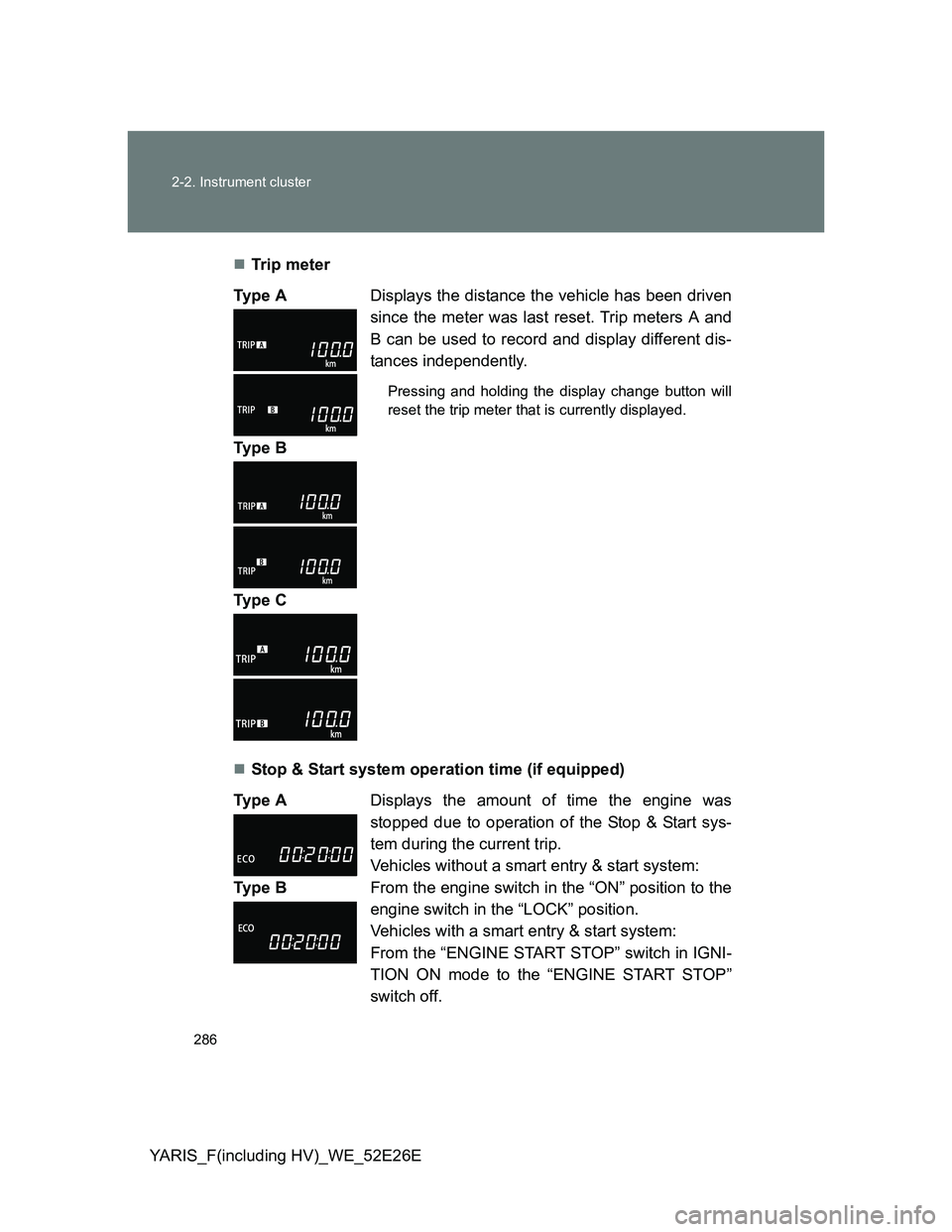
YARIS_F(including HV)_WE_52E26ETr ip m eter
Stop & Start system operation time (if equipped) Ty p e ADisplays the distance the vehicle has been driven
since the meter was last reset. Trip meters A and
B can be used to record and display different dis-
tances independently.
Pressing and holding the display change button will
reset the trip meter that is currently displayed.
Ty p e B
Ty p e C
Ty p e ADisplays the amount of time the engine was
stopped due to operation of the Stop & Start sys-
tem during the current trip.
Vehicles without a smart entry & start system:
From the engine switch in the “ON” position to the
engine switch in the “LOCK” position.
Vehicles with a smart entry & start system:
From the “ENGINE START STOP” switch in IGNI-
TION ON mode to the “ENGINE START STOP”
switch off. Ty p e B
Page 287 of 712
287 2-2. Instrument cluster
2
When driving
YARIS_F(including HV)_WE_52E26EStop & Start system total operation time (if equipped)
Instantaneous fuel consumption
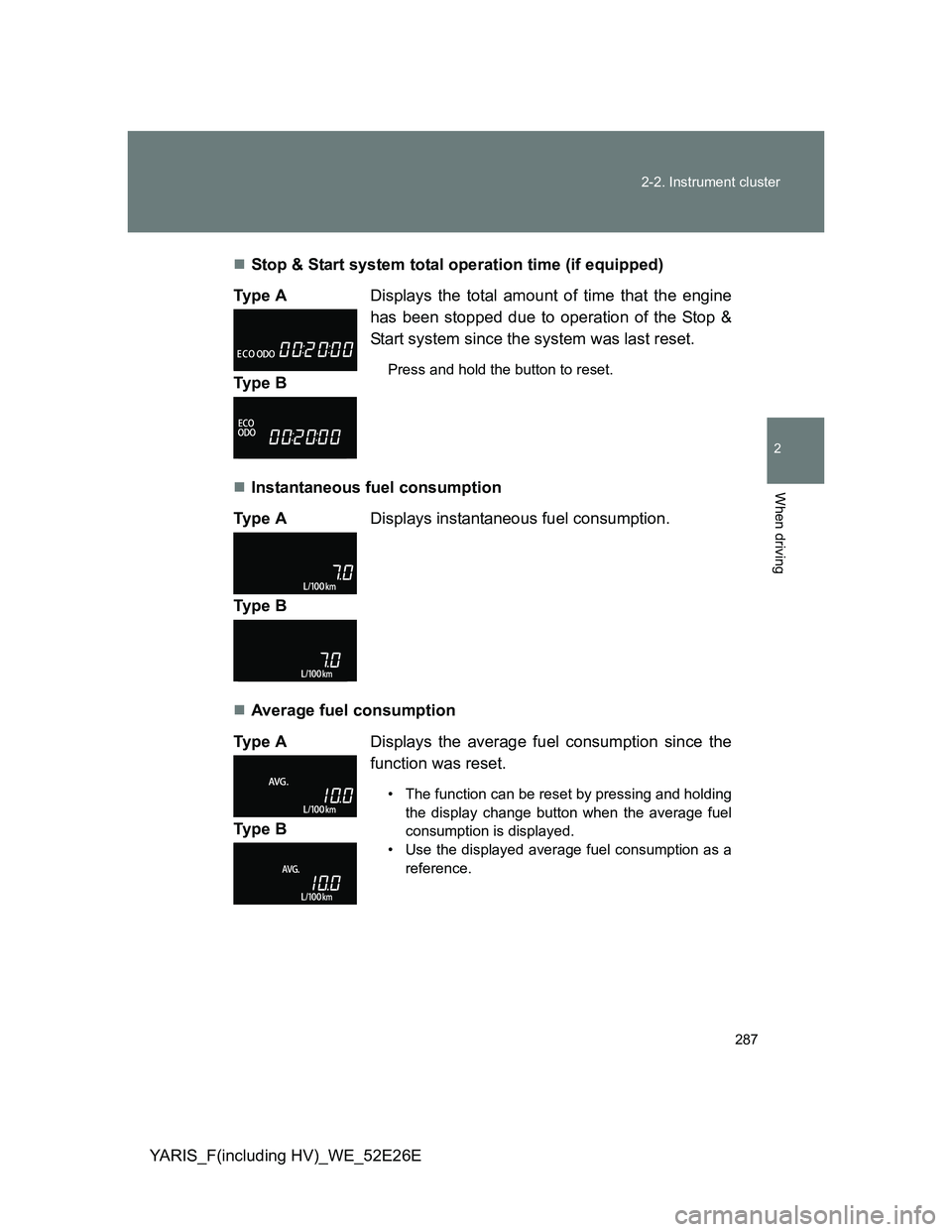
Average fuel consumption Ty p e ADisplays the total amount of time that the engine
has been stopped due to operation of the Stop &
Start system since the system was last reset.
Press and hold the button to reset.Ty p e B
Ty p e ADisplays instantaneous fuel consumption.
Ty p e B
Ty p e ADisplays the average fuel consumption since the
function was reset.
• The function can be reset by pressing and holding
the display change button when the average fuel
consumption is displayed.
• Use the displayed average fuel consumption as a
reference.
Ty p e B
Page 288 of 712
288 2-2. Instrument cluster
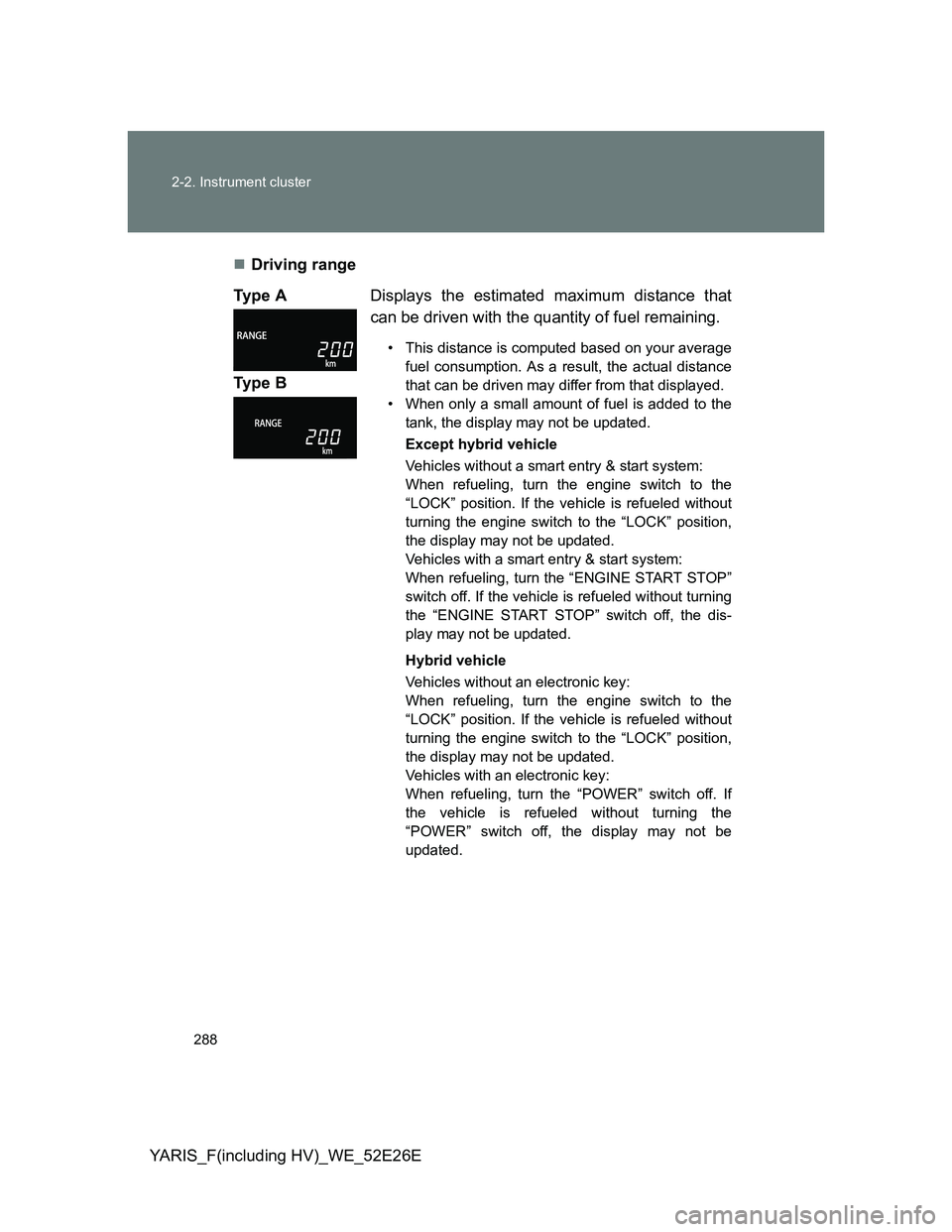
YARIS_F(including HV)_WE_52E26EDriving range
Ty p e ADisplays the estimated maximum distance that
can be driven with the quantity of fuel remaining.
• This distance is computed based on your average
fuel consumption. As a result, the actual distance
that can be driven may differ from that displayed.
• When only a small amount of fuel is added to the
tank, the display may not be updated.
Except hybrid vehicle
Vehicles without a smart entry & start system:
When refueling, turn the engine switch to the
“LOCK” position. If the vehicle is refueled without
turning the engine switch to the “LOCK” position,
the display may not be updated.
Vehicles with a smart entry & start system:
When refueling, turn the “ENGINE START STOP”
switch off. If the vehicle is refueled without turning
the “ENGINE START STOP” switch off, the dis-
play may not be updated.
Hybrid vehicle
Vehicles without an electronic key:
When refueling, turn the engine switch to the
“LOCK” position. If the vehicle is refueled without
turning the engine switch to the “LOCK” position,
the display may not be updated.
Vehicles with an electronic key:
When refueling, turn the “POWER” switch off. If
the vehicle is refueled without turning the
“POWER” switch off, the display may not be
updated.
Ty p e B
Page 289 of 712
289 2-2. Instrument cluster
2
When driving
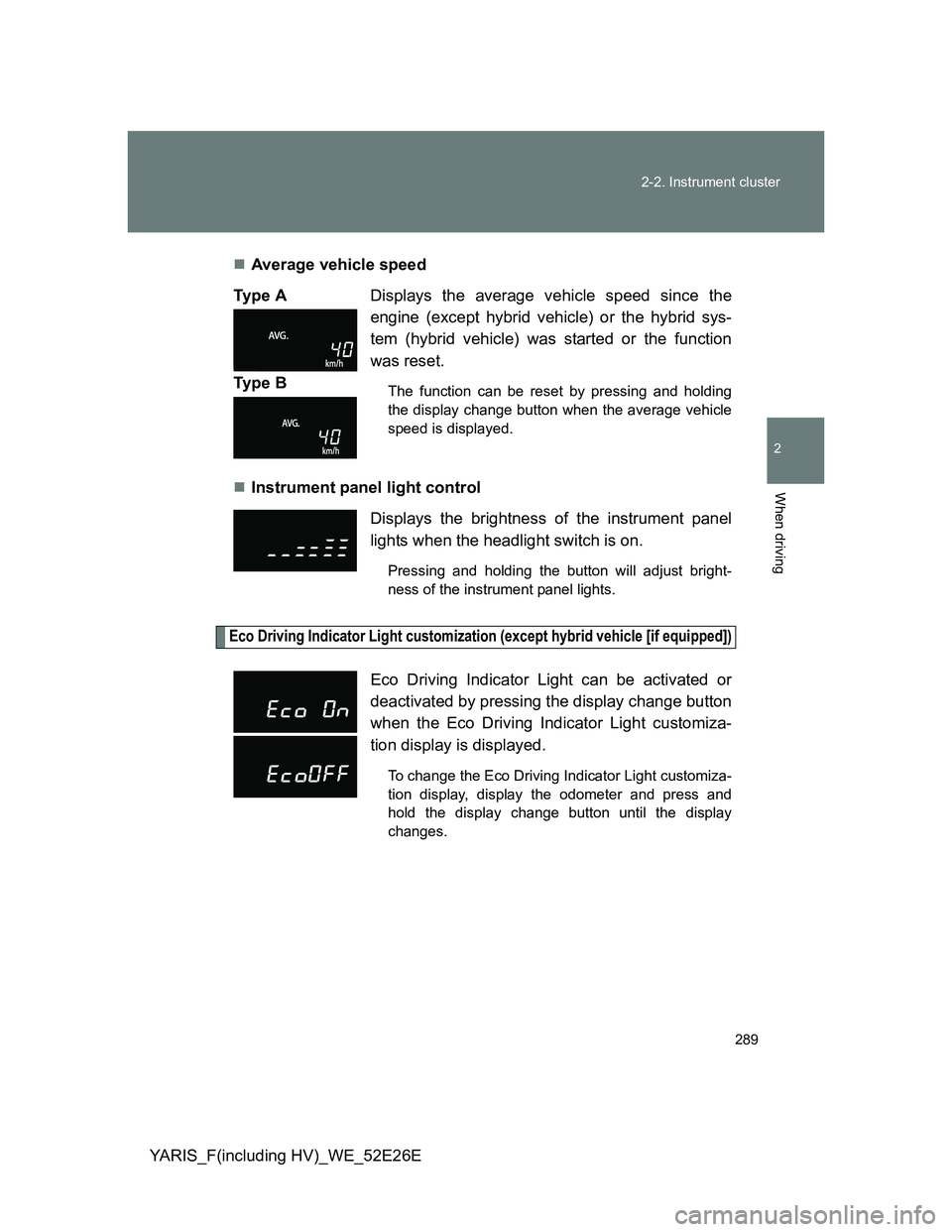
YARIS_F(including HV)_WE_52E26EAverage vehicle speed
Instrument panel light control
Eco Driving Indicator Light customization (except hybrid vehicle [if equipped])
Ty p e ADisplays the average vehicle speed since the
engine (except hybrid vehicle) or the hybrid sys-
tem (hybrid vehicle) was started or the function
was reset.
The function can be reset by pressing and holding
the display change button when the average vehicle
speed is displayed.Ty p e B
Displays the brightness of the instrument panel
lights when the headlight switch is on.
Pressing and holding the button will adjust bright-
ness of the instrument panel lights.
Eco Driving Indicator Light can be activated or
deactivated by pressing the display change button
when the Eco Driving Indicator Light customiza-
tion display is displayed.
To change the Eco Driving Indicator Light customiza-
tion display, display the odometer and press and
hold the display change button until the display
changes.
Page 290 of 712
290 2-2. Instrument cluster
YARIS_F(including HV)_WE_52E26E
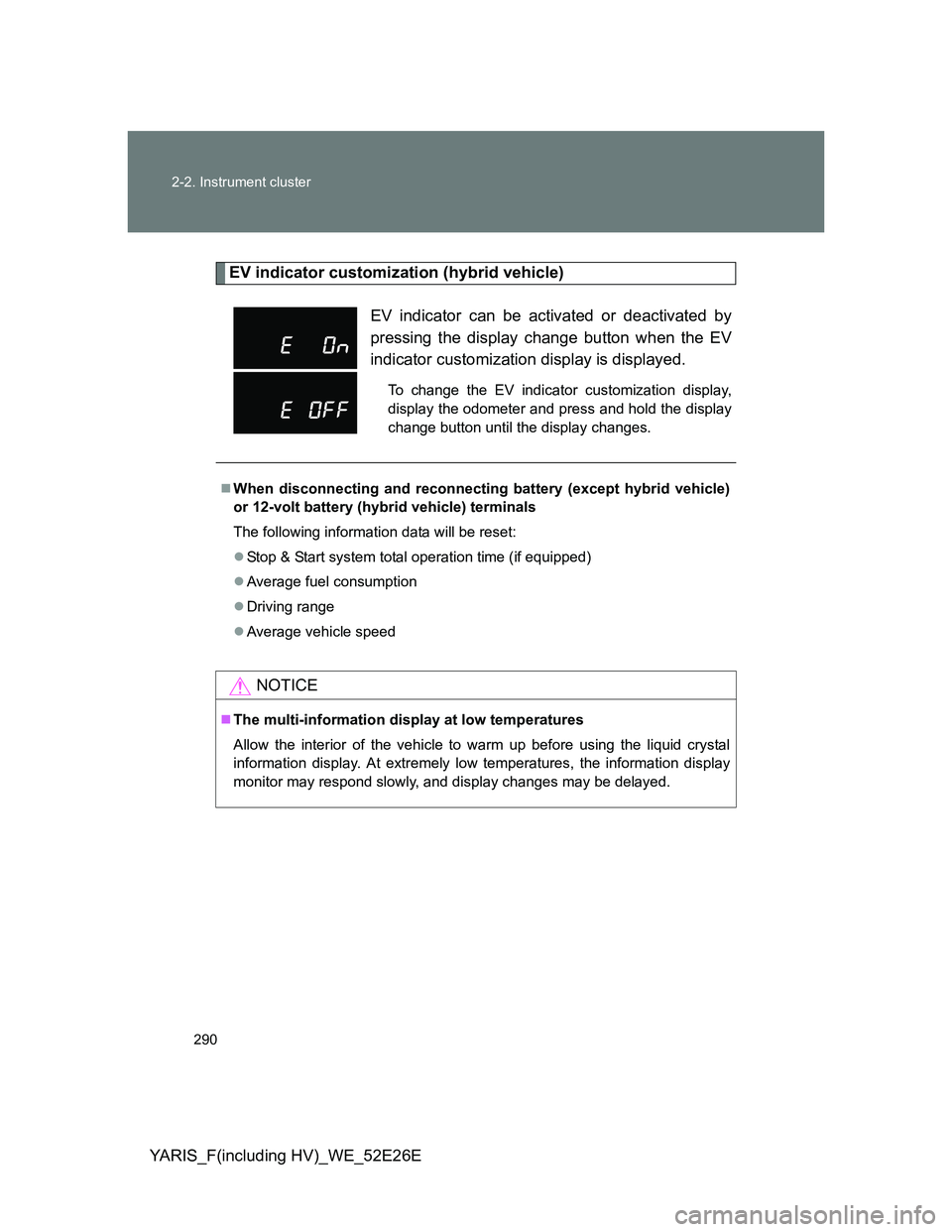
EV indicator customization (hybrid vehicle)
EV indicator can be activated or deactivated by
pressing the display change button when the EV
indicator customization display is displayed.
To change the EV indicator customization display,
display the odometer and press and hold the display
change button until the display changes.
When disconnecting and reconnecting battery (except hybrid vehicle)
or 12-volt battery (hybrid vehicle) terminals
The following information data will be reset:
Stop & Start system total operation time (if equipped)
Average fuel consumption
Driving range
Average vehicle speed
NOTICE
The multi-information display at low temperatures
Allow the interior of the vehicle to warm up before using the liquid crystal
information display. At extremely low temperatures, the information display
monitor may respond slowly, and display changes may be delayed.
Page 313 of 712
313
2-4. Using other driving systems
2
When driving
YARIS_F(including HV)_WE_52E26E
Speed limiter
: If equipped
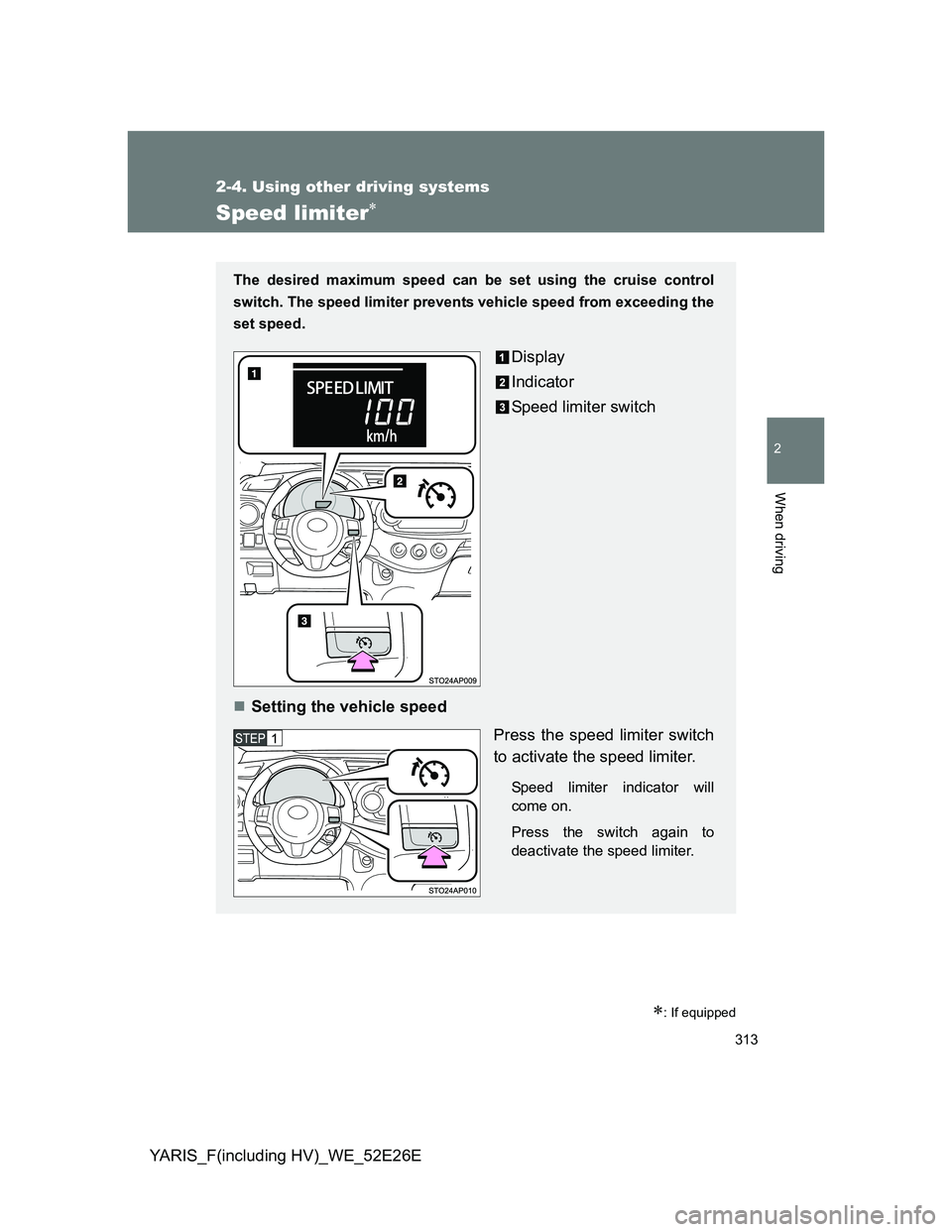
The desired maximum speed can be set using the cruise control
switch. The speed limiter prevents vehicle speed from exceeding the
set speed.
Display
Indicator
Speed limiter switch
Setting the vehicle speed
Press the speed limiter switch
to activate the speed limiter.
Speed limiter indicator will
come on.
Press the switch again to
deactivate the speed limiter.
Page 315 of 712
315 2-4. Using other driving systems
2
When driving
YARIS_F(including HV)_WE_52E26E
Speed limiter can be set when
The speed limiter can be set at any vehicle speed. However, if the speed lim-
iter is set while the vehicle speed is below 30 km/h (18 mph), the speed lim-
iter will be set to 30 km/h (18 mph).
Exceeding the set speed
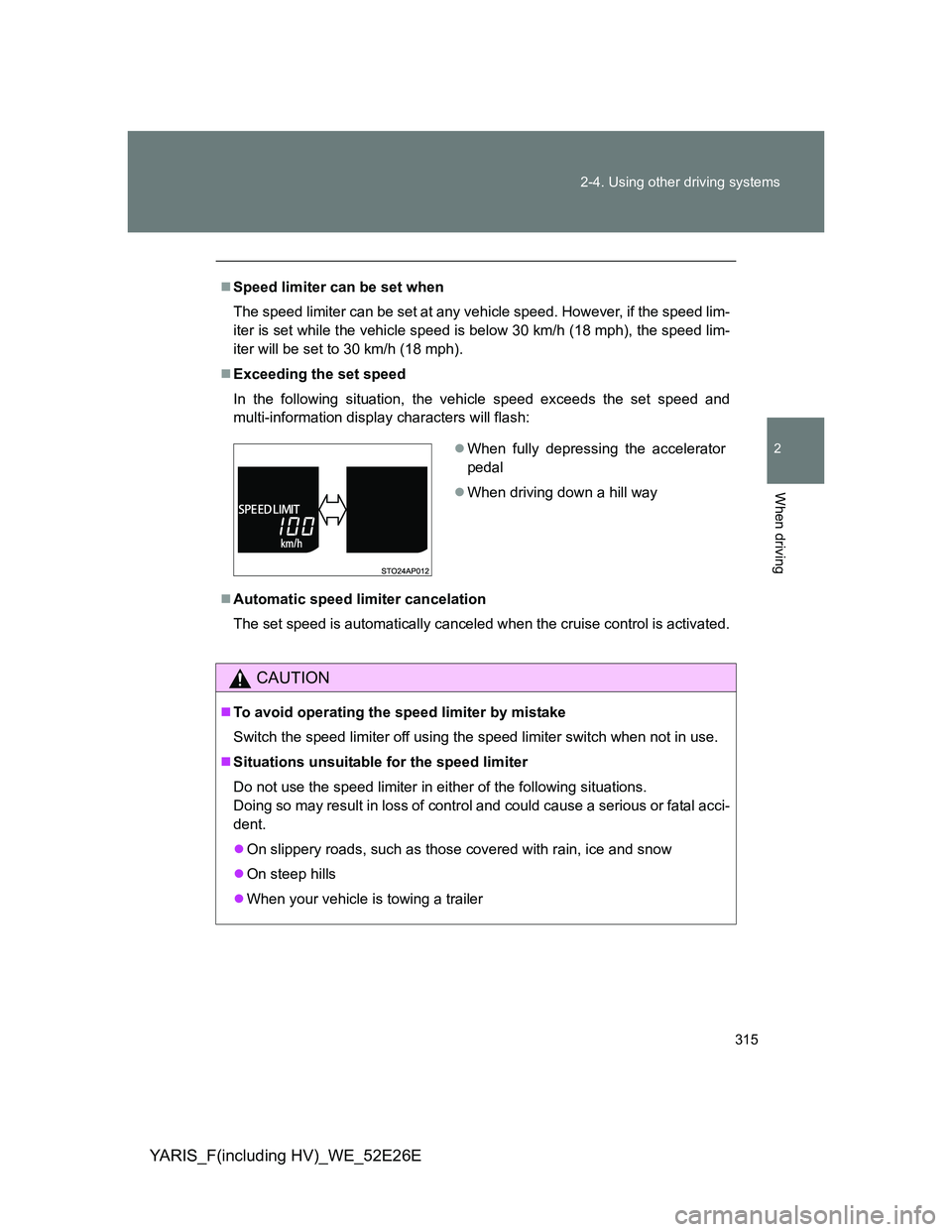
In the following situation, the vehicle speed exceeds the set speed and
multi-information display characters will flash:
Automatic speed limiter cancelation
The set speed is automatically canceled when the cruise control is activated.
CAUTION
To avoid operating the speed limiter by mistake
Switch the speed limiter off using the speed limiter switch when not in use.
Situations unsuitable for the speed limiter
Do not use the speed limiter in either of the following situations.
Doing so may result in loss of control and could cause a serious or fatal acci-
dent.
On slippery roads, such as those covered with rain, ice and snow
On steep hills
When your vehicle is towing a trailer
When fully depressing the accelerator
pedal
When driving down a hill way
Page 322 of 712
322 2-4. Using other driving systems
YARIS_F(including HV)_WE_52E26E
The Stop & Start system operation time and Stop & Start system total
operation time display
P. 286287
Replacing battery
The installed battery is specific to the Stop & Start system. It should only be
replaced with a battery of identical type and rating.
Ask any authorized Toyota dealer or repairer, or another duly qualified and
equipped professional for further details.
CAUTION
When the Stop & Start system is operating
Keep the shift lever in N and apply the brake pedal or parking brake for
safety while the engine is stopped due to the Stop & Start system (while
the Stop & Start indicator is on).
Unexpected accidents may occur due to the automatic engine start func-
tion.
Do not leave the vehicle while the engine is stopped due to the Stop &
Start system (while the Stop & Start indicator is on).
Unexpected accidents may occur due to the automatic engine start func-
tion.
Ensure that the engine is not stopped by the Stop & Start system while the
vehicle is in a poorly ventilated area. The engine may restart due to the
automatic engine start function, causing exhaust gases to collect and
enter the vehicle and resulting in death or a serious health hazard.