warning TOYOTA YARIS 2016 Owners Manual
[x] Cancel search | Manufacturer: TOYOTA, Model Year: 2016, Model line: YARIS, Model: TOYOTA YARIS 2016Pages: 592, PDF Size: 10.44 MB
Page 233 of 592
YARIS_SEDAN_OM_OM99M18z_(U)
2313-13. Rear View Monitor
3
When Driving
Picture quality adjustment can be done while the shift lever is in
reverse (R).
There are four settings which can be adjusted including, brightness,
contrast, tint, and color. When adjusting, pay sufficient attention to the
vehicle surroundings.Select the icon on the screen to display the tabs.
Select the desired tab item.
Adjust the brightness, contrast, tint, and color using the slider.
If you need to reset, press the reset button.
Select the icon on the screen to close the tab.
Picture Quality Adjustment
WARNING
■Always adjust the picture quality of the rear view monitor while the
vehicle is stopped
Do not adjust the picture quality of the rear view monitor while driving the
vehicle. Adjusting the picture quality of the rear view monitor such as bright-
ness, contrast, color, and tint while driving the vehicle is dangerous as it
could distract your attention from the vehicle operation which could lead to
an accident.
1
2
3
4
YARIS_SEDAN_OM_OM99M18z_(U).book Page 231 Monday, June 1, 2015 9:22 PM
Page 241 of 592
YARIS_SEDAN_OM_OM99M18z_(U)
2394-1. Climate Control System
4
Interior Features
■Control Switches
●When the mode is set to or with the fan control dial in a posi-
tion other than 0 and the temperature control dial in the maximum cold posi-
tion, the air intake selector switches to the recirculated air position and the
A/C turns on automatically. If A/C is not desired, press the A/C switch to turn
it off.
● The mode selector dial can be set at the intermediate positions ( )
between each mode. Set the dial to an intermediate position if you want to
split the airflow between the two modes.
● For example, when the mode selector dial is at the position between
the and positions, airflow from the floor vent is less than that of
the
c position.
● The air conditioner may not function when the outside temperature
approaches 32 °F (0 °C).
WARNING
■Do not use the recirculated air po sition in cold or rainy weather:
Using the recirculated air position in cold or rainy weather is dangerous as it
will cause the windows to fog up. Your vision will be hampered, which could
lead to a serious accident.
■ Do not use the position in cold or rainy weather
Using the position in cold or ra iny weather is dangerous as it will
cause the windows to fog up. Your vision will be hampered, which could
lead to a serious accident.
YARIS_SEDAN_OM_OM99M18z_(U).book Page 239 Monday, June 1, 2015 9:22 PM
Page 243 of 592
YARIS_SEDAN_OM_OM99M18z_(U)
2414-1. Climate Control System
4
Interior Features
Set the mode selector dial to the position.
Set the temperature control dial to the cold position.
Set the fan control dial to the desired speed.
Turn on the air conditioner by pressing the A/C switch.
After cooling begins, adjust the fan control dial and temperature
control dial as needed to maintain maximum comfort.
■Cooling
●When maximum cooling is desired, set the temperature control dial to the
extreme cold position and set the air intake selector to the recirculated air
position, then set the fan control dial to position 4.
● If warmer air is desired at floor level, set the mode selector dial to the
position and adjust the temperature control dial to maintain maximum com-
fort.
● The air to the floor is warmer than air to the face (except when the tempera-
ture control dial is set at the extreme hot or cold position).
Cooling
NOTICE
If the air conditioner is used while driving up long hills or in heavy traffic,
monitor the engine coolant temperature warning light to see if it is illumi-
nated or flashing ( →P. 148).
The air conditioner may cause engine overheating. If the warning light is
illuminated or flashing, turn the air conditioning off ( →P. 502).
1
2
3
4
5
YARIS_SEDAN_OM_OM99M18z_(U).book Page 241 Monday, June 1, 2015 9:22 PM
Page 244 of 592
242
YARIS_SEDAN_OM_OM99M18z_(U)
4-1. Climate Control System
Set the mode selector dial to the position.
Set the air intake selector to the outside air position.
Set the temperature control dial to the desired position.
Set the fan control dial to the desired speed.
Set the mode selector dial to the position.
Set the temperature control dial to the desired position.
Set the fan control dial to the desired speed.
If dehumidified heating is desired, turn on the air conditioner.
■Windshield Defrosting and Defogging
●For maximum defrosting, turn on the air conditioner, set the temperature
control dial to the extreme hot position, and the fan control dial to position 4.
● If warm air is desired at the floor, set the mode selector dial to the
position.
● In the or position, the air conditioner is automatically turned on
and the outside air position is automatically selected to defrost the wind-
shield. In the or position, the outside air position cannot be
changed to the recirculated air position.
Ve n t i l a t i o n
Windshield Defrosting and Defogging
WARNING
■Do not defog the windshield using the position with the tempera-
ture control set to the cold position
Using the position with the temperature control set to the cold posi-
tion is dangerous as it will cause the outside of the windshield to fog up.
Your vision will be hampered, which could lead to a serious accident. Set
the temperature control to the hot or warm position when using the
position.
1
2
3
4
1
2
3
4
YARIS_SEDAN_OM_OM99M18z_(U).book Page 242 Monday, June 1, 2015 9:22 PM
Page 247 of 592
245
YARIS_SEDAN_OM_OM99M18z_(U)
4-2. Audio System
4
Interior Features
Operating Tips for Audio System
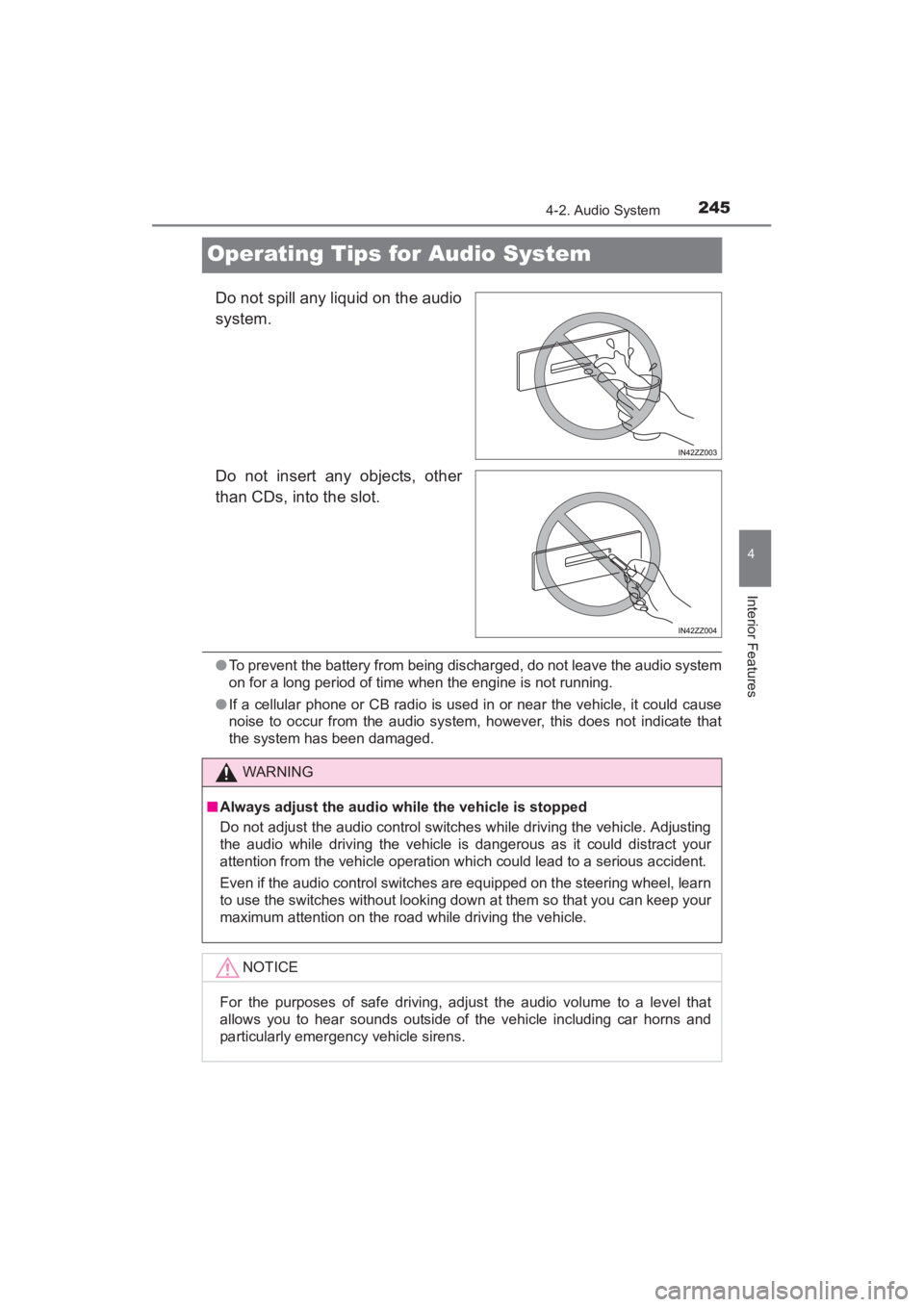
Do not spill any liquid on the audio
system.
Do not insert any objects, other
than CDs, into the slot.
●To prevent the battery from being discharged, do not leave the audio system
on for a long period of time when the engine is not running.
● If a cellular phone or CB radio is used in or near the vehicle, it could cause
noise to occur from the audio system, however, this does not indicate that
the system has been damaged.
WARNING
■ Always adjust the audio while the vehicle is stopped
Do not adjust the audio control switches while driving the vehicle. Adjusting
the audio while driving the vehicle is dangerous as it could distract your
attention from the vehicle operation which could lead to a serious accident.
Even if the audio control switches are equipped on the steering wheel, learn
to use the switches without looking down at them so that you can keep your
maximum attention on the road while driving the vehicle.
NOTICE
For the purposes of safe driving, adjust the audio volume to a level that
allows you to hear sounds outside of the vehicle including car horns and
particularly emergency vehicle sirens.
YARIS_SEDAN_OM_OM99M18z_(U).book Page 245 Monday, June 1, 2015 9:22 PM
Page 281 of 592
YARIS_SEDAN_OM_OM99M18z_(U)
2794-2. Audio System
4
Interior Features
■Return to previous screen
Touch the .
■Displaying the home screen
Touch the .
Home screen
IconFunction
Applications
Information such as average fuel economy, mainte-
nance, and warnings can be verified. Depending on
the grade and specification, the screen display may
differ.
Entertainment
Operates audio such as the radio and CDs. The
audio source most recently used is displayed. An
audio source which cannot be used at that time is
skipped and the previous audio source is displayed.
To change the audio source, select the icon
displayed at the bottom of the screen.
Communication
Bluetooth® related functions are available.
Navigation
Navigation screen is displayed (vehicles with navi-
gation system).
If the SD card for the navigation system is not
inserted, the compass indicating the direction in
which the vehicle is moving is displayed.
The compass may not indicate the correct bearing
when the vehicle is stopped or traveling at a slow
speed.
Settings
Overall setting menu (Such as display, sound,
Bluetooth
® and Language). Depending on the grade
and specification, the screen display may differ.
YARIS_SEDAN_OM_OM99M18z_(U).book Page 279 Monday, June 1, 2015 9:22 PM
Page 300 of 592
298
YARIS_SEDAN_OM_OM99M18z_(U)
4-2. Audio System
Depending on the grade and specification, the screen display may dif-
fer.
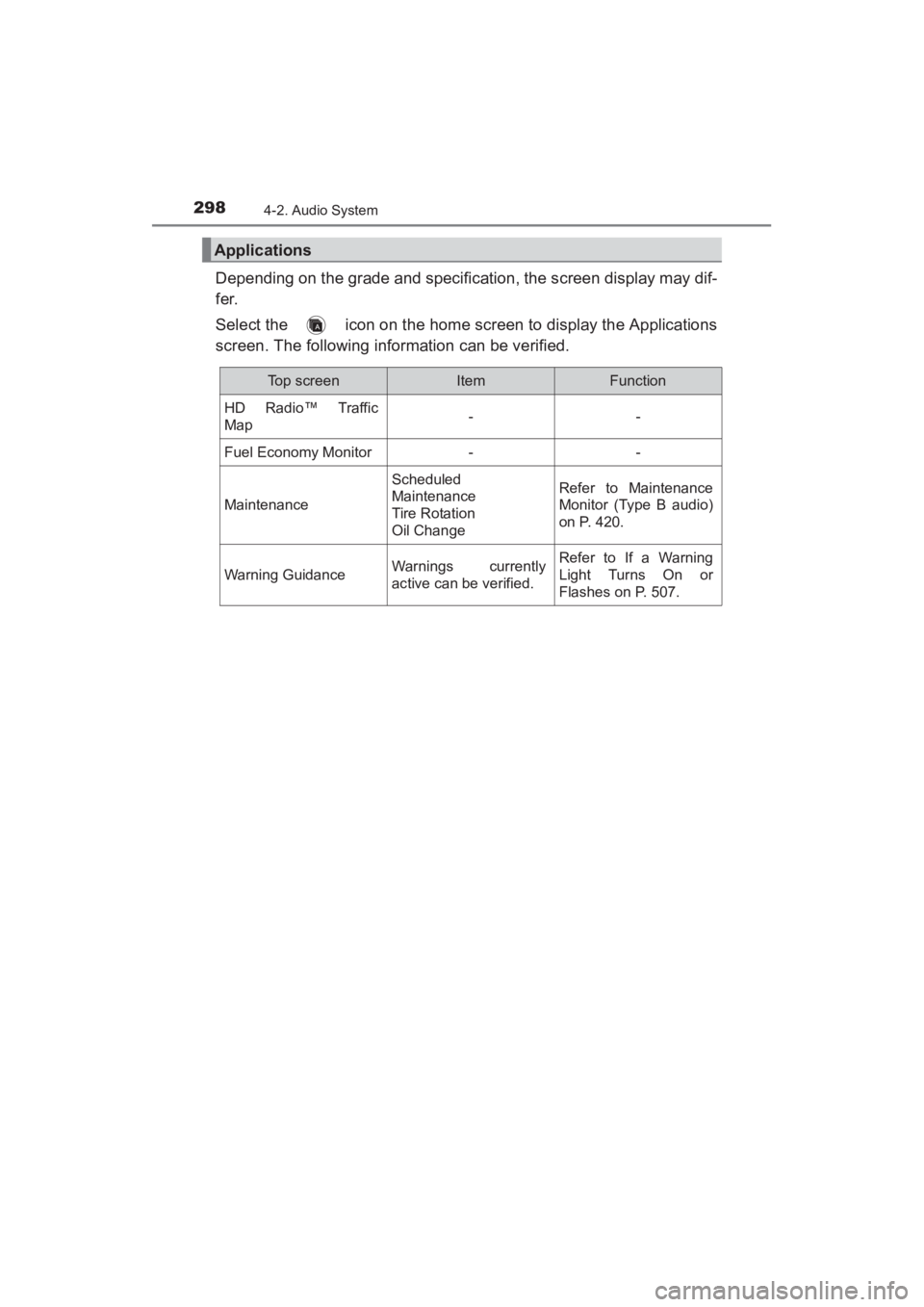
Select the icon on the home screen to display the Applications
screen. The following information can be verified.
Applications
Top screenItemFunction
HD Radio™ Traffic
Map--
Fuel Economy Monitor--
Maintenance
Scheduled
Maintenance
Tire Rotation
Oil ChangeRefer to Maintenance
Monitor (Type B audio)
on P. 420.
Warning GuidanceWarnings currently
active can be verified.Refer to If a Warning
Light Turns On or
Flashes on P. 507.
YARIS_SEDAN_OM_OM99M18z_(U).book Page 298 Monday, June 1, 2015 9:22 PM
Page 305 of 592
YARIS_SEDAN_OM_OM99M18z_(U)
3034-2. Audio System
4
Interior Features
How to use AUX mode (Type A) (→P. 305)
How to use USB mode (Type A) ( →P. 306)
How to use iPod mode (Type A) ( →P. 3 1 1 )
How to use AUX mode (Type B) ( →P. 316)
How to use USB mode (Type B) ( →P. 316)
■AUX/USB/iPod mode
●Type B only:
The SD card slot is for the navigation system. For vehicles with the naviga-
tion system, the SD card (Toyota genuine) with stored map data is inserted
into the SD card slot and used.
● This mode may not be usable depending on the portable audio device to be
connected.
● Before using the auxiliary jack/USB port, refer to the instruction manual for
the portable audio device.
● Use a commercially-available, non- impedance (3.5 ∅) stereo mini plug for
connecting the portable audio unit to the auxiliary jack. Before using the
auxiliary jack, read the manufacturer’s instructions for connecting a portable
audio unit to the auxiliary jack.
● To prevent discharging of the battery, do not use the auxiliary input for long
periods with the engine off or idling.
● When connecting a device to the auxiliary jack or USB port, noise may
occur depending on the connected device. If the device is connected to the
vehicle’s accessory socket, the noise can be reduced by unplugging it from
the accessory socket.
WARNING
■Do not adjust the portable audio unit or a similar product while driving
the vehicle
Adjusting the portable audio unit or a similar product while driving the vehi-
cle is dangerous as it could distract your attention from the vehicle opera-
tion which could lead to a serious accident. Always adjust the portable
audio unit or a similar product while the vehicle is stopped.
NOTICE
●Always close the auxiliary jack/USB port lid when it is not in use. If foreign
matter or liquid penetrates the auxiliary jack/ USB port, it may cause a
malfunction.
● Depending on the portable audio device, noise may occur when the device
is connected to the vehicle accessory socket. (If noise occurs, do not use
the accessory socket.)
1
2
3
4
5
YARIS_SEDAN_OM_OM99M18z_(U).book Page 303 Monday, June 1, 2015 9:22 PM
Page 307 of 592
YARIS_SEDAN_OM_OM99M18z_(U)
3054-2. Audio System
4
Interior Features
■How to connect USB port/ Auxiliary jack
●Insert the plug into the auxiliary jack/ USB port securely.
● Insert or pull out the plug with the plug perpendicular to the auxiliary jack/
USB port hole.
● Insert or remove the plug by holding its base.
Switch the ignition to ACC or ON.
Press the power/volume dial to turn the audio system on.
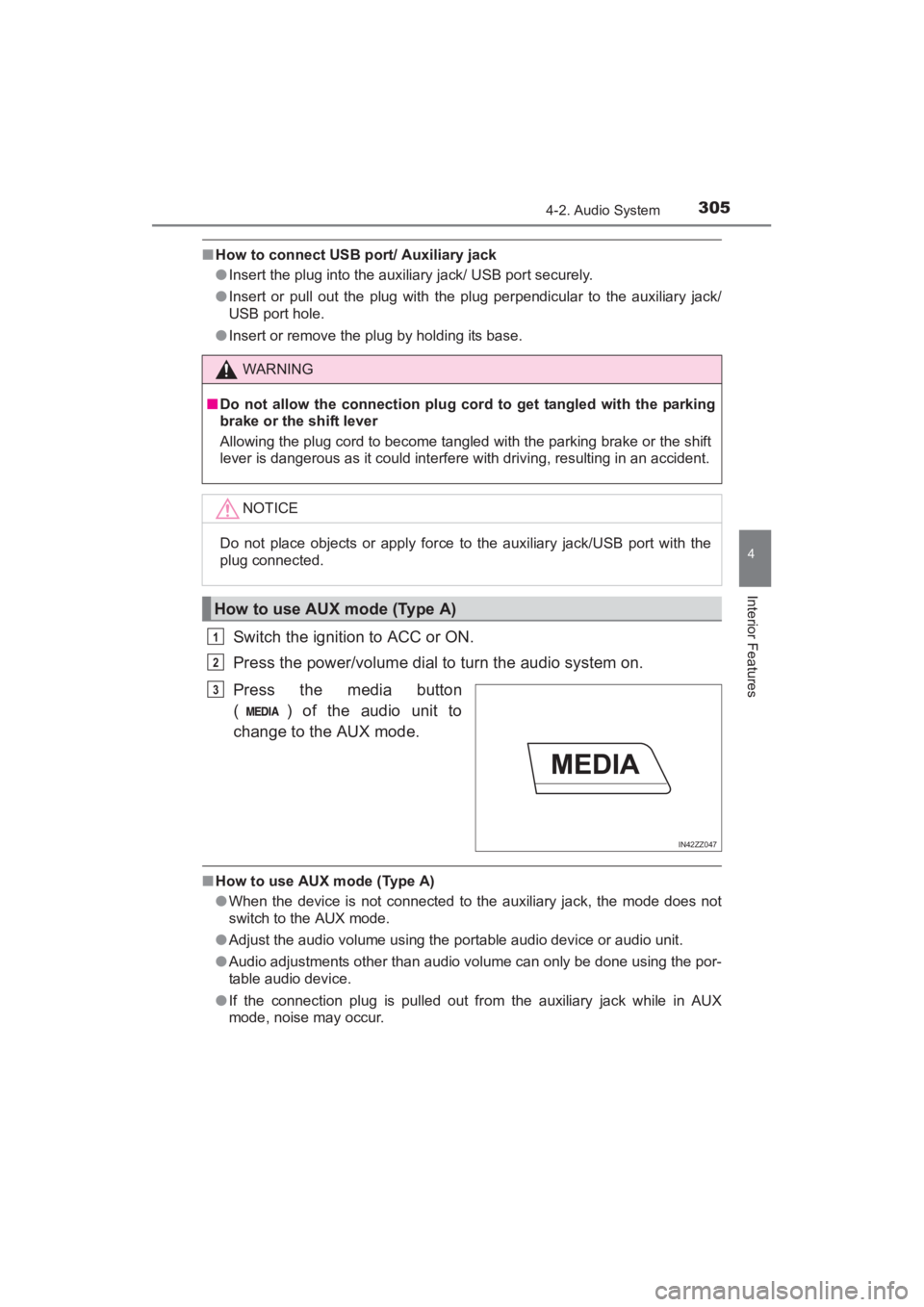
Press the media button
( ) of the audio unit to
change to the AUX mode.
■How to use AUX mode (Type A)
●When the device is not connected to the auxiliary jack, the mode does not
switch to the AUX mode.
● Adjust the audio volume using the portable audio device or audio unit.
● Audio adjustments other than audio volume can only be done using the por-
table audio device.
● If the connection plug is pulled out from the auxiliary jack while in AUX
mode, noise may occur.
WARNING
■Do not allow the connection plug cord to get tangled with the parking
brake or the shift lever
Allowing the plug cord to become tangled with the parking brake or the shift
lever is dangerous as it could interfere with driving, resulting in an accident.
NOTICE
Do not place objects or apply force to the auxiliary jack/USB port with the
plug connected.
How to use AUX mode (Type A)
1
2
IN42ZZ047
3
YARIS_SEDAN_OM_OM99M18z_(U).book Page 305 Monday, June 1, 2015 9:22 PM
Page 412 of 592
410
YARIS_SEDAN_OM_OM99M18z_(U)
4-4. Interior Equipment
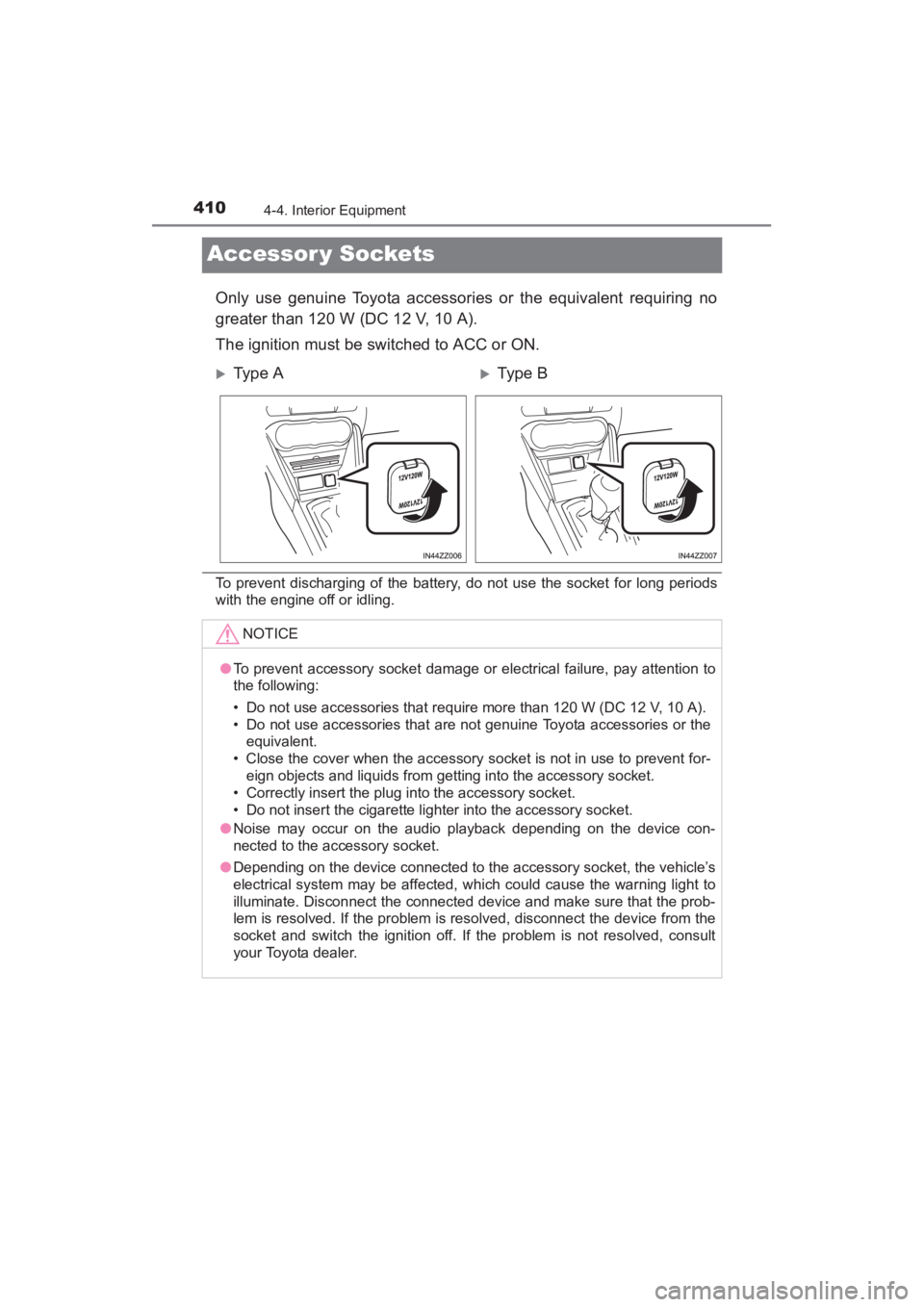
Accessor y Sockets
Only use genuine Toyota accessories or the equivalent requiring no
greater than 120 W (DC 12 V, 10 A).
The ignition must be switched to ACC or ON.
To prevent discharging of the battery, do not use the socket for long periods
with the engine off or idling.
XType AXTy pe B
NOTICE
●To prevent accessory socket damage or electrical failure, pay attention to
the following:
• Do not use accessories that require more than 120 W (DC 12 V, 10 A).
• Do not use accessories that are not genuine Toyota accessories or the
equivalent.
• Close the cover when the accessory socket is not in use to prevent for- eign objects and liquids from getting into the accessory socket.
• Correctly insert the plug into the accessory socket.
• Do not insert the cigarette lighter into the accessory socket.
● Noise may occur on the audio playback depending on the device con-
nected to the accessory socket.
● Depending on the device connected to the accessory socket, the vehicle’s
electrical system may be affected, which could cause the warning light to
illuminate. Disconnect the connected device and make sure that the prob-
lem is resolved. If the problem is resolved, disconnect the device from the
socket and switch the ignition off. If the problem is not resolved, consult
your Toyota dealer.
YARIS_SEDAN_OM_OM99M18z_(U).book Page 410 Monday, June 1, 2015 9:22 PM