air conditioning TOYOTA YARIS 2016 Owners Manual
[x] Cancel search | Manufacturer: TOYOTA, Model Year: 2016, Model line: YARIS, Model: TOYOTA YARIS 2016Pages: 592, PDF Size: 10.44 MB
Page 3 of 592
YARIS_SEDAN_OM_OM99M18z_(U)
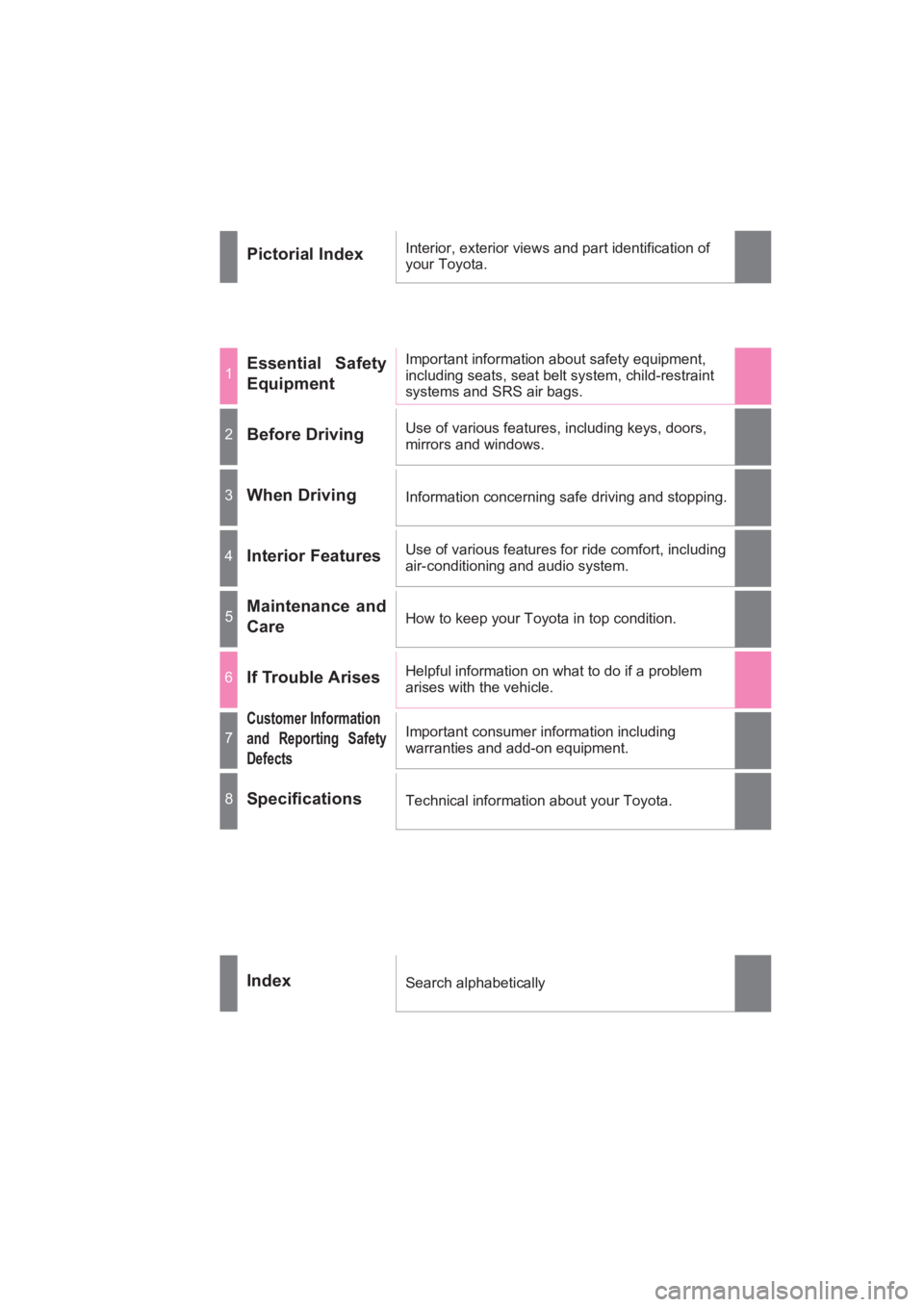
Pictorial IndexInterior, exterior views and part identification of
your Toyota.
1Essential Safety
EquipmentImportant information about safety equipment,
including seats, seat belt system, child-restraint
systems and SRS air bags.
2Before DrivingUse of various features, including keys, doors,
mirrors and windows.
3When DrivingInformation concerning safe driving and stopping.
4Interior FeaturesUse of various features for ride comfort, including
air-conditioning and audio system.
5Maintenance and
CareHow to keep your Toyota in top condition.
6If Trouble ArisesHelpful information on what to do if a problem
arises with the vehicle.
7
Customer Information
and Reporting Safety
DefectsImportant consumer information including
warranties and add-on equipment.
8SpecificationsTechnical information about your Toyota.
IndexSearch alphabetically
YARIS_SEDAN_OM_OM99M18z_(U).book Page 1 Monday, June 1, 2015 9:22 PM
Page 10 of 592
8
YARIS_SEDAN_OM_OM99M18z_(U)
Please be aware that this manual applies to all models, equipment
and options. As a result, you may find some explanations for equip-
ment not installed on your vehicle.
■Important Notes About This Manual
Keep this manual in the glove box as a handy reference for the safe
and enjoyable use of your Toyota. Should you resell the vehicle,
leave this manual with it for the next owner.
All specifications and descriptions are accurate at the time of print-
ing. Because improvement is a constant goal at Toyota, we reserve
the right to make changes in specifications at any time without
notice and without obligation.
■Air Conditioning and the Environment
Your Toyota’s genuine air conditioner is filled with a refrigerant that
has been found not to damage the earth’s ozone layer. If the air
conditioner does not operate properly, consult your Toyota dealer.
Perchlorate
Certain components of this vehicle such as [air bag modules, seat
belt pretensioners, lithium batteries,...] may contain Perchlorate
Material-- Special handling may apply for service or vehicle end of
life disposal. See www.dtsc.ca.gov/hazardouswaste/perchlorate.
YARIS_SEDAN_OM_OM99M18z_(U).book Page 8 Monday, June 1, 2015 9:22 PM
Page 243 of 592
YARIS_SEDAN_OM_OM99M18z_(U)
2414-1. Climate Control System
4
Interior Features
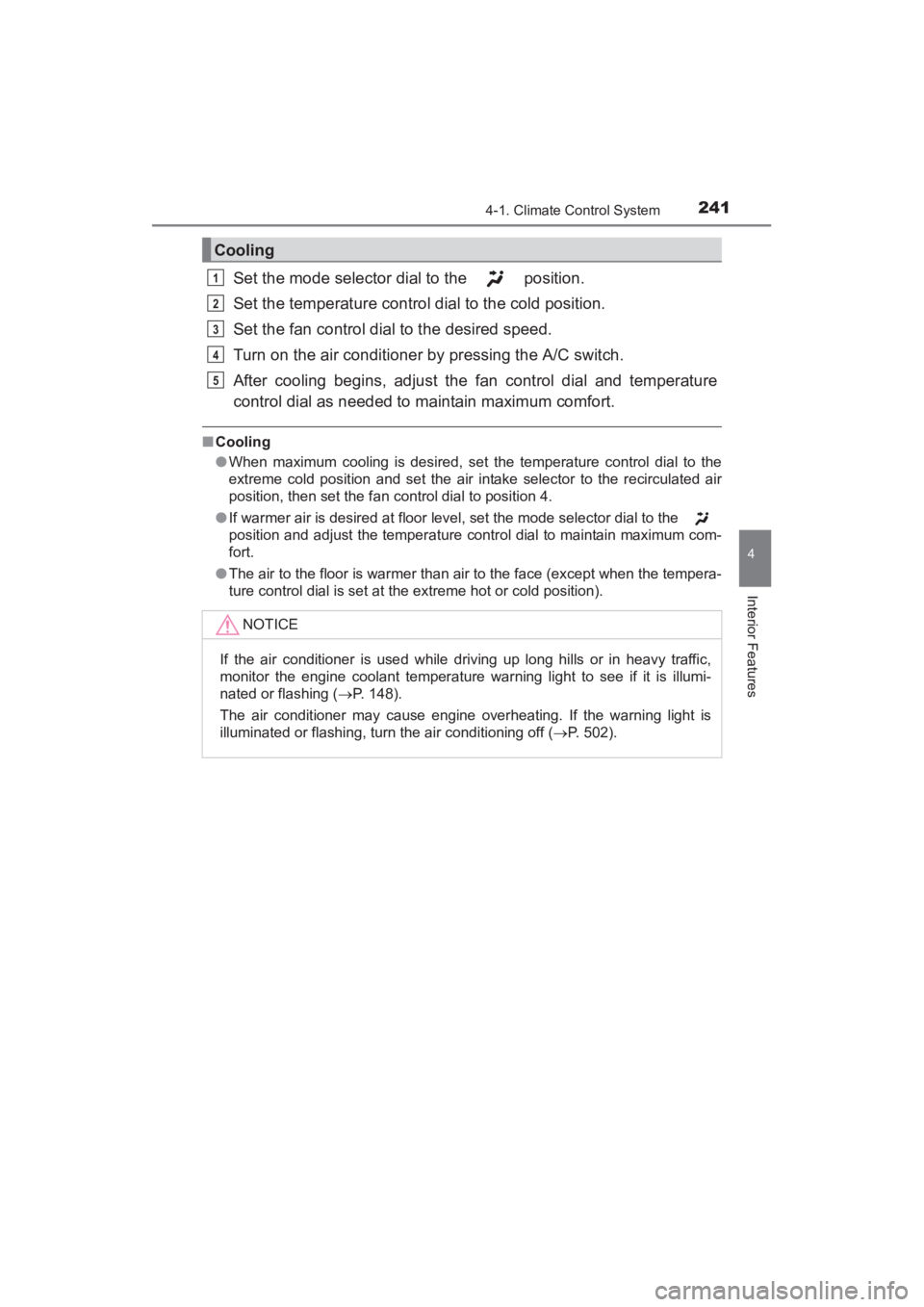
Set the mode selector dial to the position.
Set the temperature control dial to the cold position.
Set the fan control dial to the desired speed.
Turn on the air conditioner by pressing the A/C switch.
After cooling begins, adjust the fan control dial and temperature
control dial as needed to maintain maximum comfort.
■Cooling
●When maximum cooling is desired, set the temperature control dial to the
extreme cold position and set the air intake selector to the recirculated air
position, then set the fan control dial to position 4.
● If warmer air is desired at floor level, set the mode selector dial to the
position and adjust the temperature control dial to maintain maximum com-
fort.
● The air to the floor is warmer than air to the face (except when the tempera-
ture control dial is set at the extreme hot or cold position).
Cooling
NOTICE
If the air conditioner is used while driving up long hills or in heavy traffic,
monitor the engine coolant temperature warning light to see if it is illumi-
nated or flashing ( →P. 148).
The air conditioner may cause engine overheating. If the warning light is
illuminated or flashing, turn the air conditioning off ( →P. 502).
1
2
3
4
5
YARIS_SEDAN_OM_OM99M18z_(U).book Page 241 Monday, June 1, 2015 9:22 PM
Page 347 of 592
YARIS_SEDAN_OM_OM99M18z_(U)
3454-3. Bluetooth®
4
Interior Features
■Tu t o r i a l
The tutorial explains how to use Bluetooth
® Hands-Free.
To activate the tutorial, do the following:
Press the pick-up button or talk button with a short press.
Say: [Beep] “Tutorial”
Follow the prompts to receive the appropriate voice guidance
instructions.
■Commands useable anytime during voice recognition
“Help” or “Go Back” are commands which can be used at anytime
during voice recognition.
●Help function use
The help function informs the user of all the available voice com-
mands under the current conditions.
Say: [Beep] “Help”
Follow the prompts to receive the appropriate voice guidance
instructions.
■Returning to previous operation
This command is for returning to the previous operation while in the
voice recognition mode.
Say: [Beep] “Go Back”
■To prevent a deterioration in the voice recognition rate and
voice quality, the following points should be observed:
●The voice recognition cannot be performed while voice guidance
or the beep sound is operating. Wait until the voice guidance or
the beep sound is finished before saying your commands.
● Dialects or different wording other than hands-free prompts can-
not be recognized by voice recognition. Speak in the wording
specified by the voice commands.
● It is not necessary to face the microphone or approach it. Speak
the voice commands while maintaining a safe driving position.
● Do not speak too slow or too loud.
● Speak clearly, without pausing between words or numbers.
● Close the windows to reduce loud noises from outside the vehi-
cle, or turn down the airflow of the air-conditioning system while
Bluetooth
® Hands-Free is being used.
1
2
3
1
2
YARIS_SEDAN_OM_OM99M18z_(U).book Page 345 Monday, June 1, 2015 9:22 PM
Page 359 of 592
YARIS_SEDAN_OM_OM99M18z_(U)
3574-3. Bluetooth®
4
Interior Features
■To prevent a deterioration in the voice recognition rate and
voice quality, the following points should be observed:
●The voice recognition cannot be performed while voice guidance
or the beep sound is operating. Wait until the voice guidance or
the beep sound is finished before saying your commands.
● Phone related commands are available only when your phone is
connected via Bluetooth
®. Make sure your phone is connected
via Bluetooth® before you operate phone related voice com-
mands.
● Music play commands, such as Play Artist and Play Album can
be used only in USB audio mode.
● Do not speak too slowly or loudly (no loud voice).
● Speak clearly, without pausing between words or numbers.
● Dialects or different wording other than hands-free prompts can-
not be recognized by voice recognition. Speak in the wording
specified by the voice commands.
● It is not necessary to face the microphone or approach it. Speak
the voice commands while maintaining a safe driving position.
● Close the windows to reduce loud noises from outside the vehi-
cle, or turn down the airflow of the air-conditioning system while
Bluetooth
® Hands-Free is being used.
● Make sure the vents are not directing air up towards the micro-
phone.
If the voice recognition performance is not satisfactory.
Refer to Troubleshooting on P. 401.
YARIS_SEDAN_OM_OM99M18z_(U).book Page 357 Monday, June 1, 2015 9:22 PM