TOYOTA YARIS 2019 Repair Manual
YARIS 2019
TOYOTA
TOYOTA
https://www.carmanualsonline.info/img/14/49216/w960_49216-0.png
TOYOTA YARIS 2019 Repair Manual
Page 413 of 700
4135-8. Bluetooth® Audio
5
Audio system
YARIS_F_OM_Europe_OM52K19E
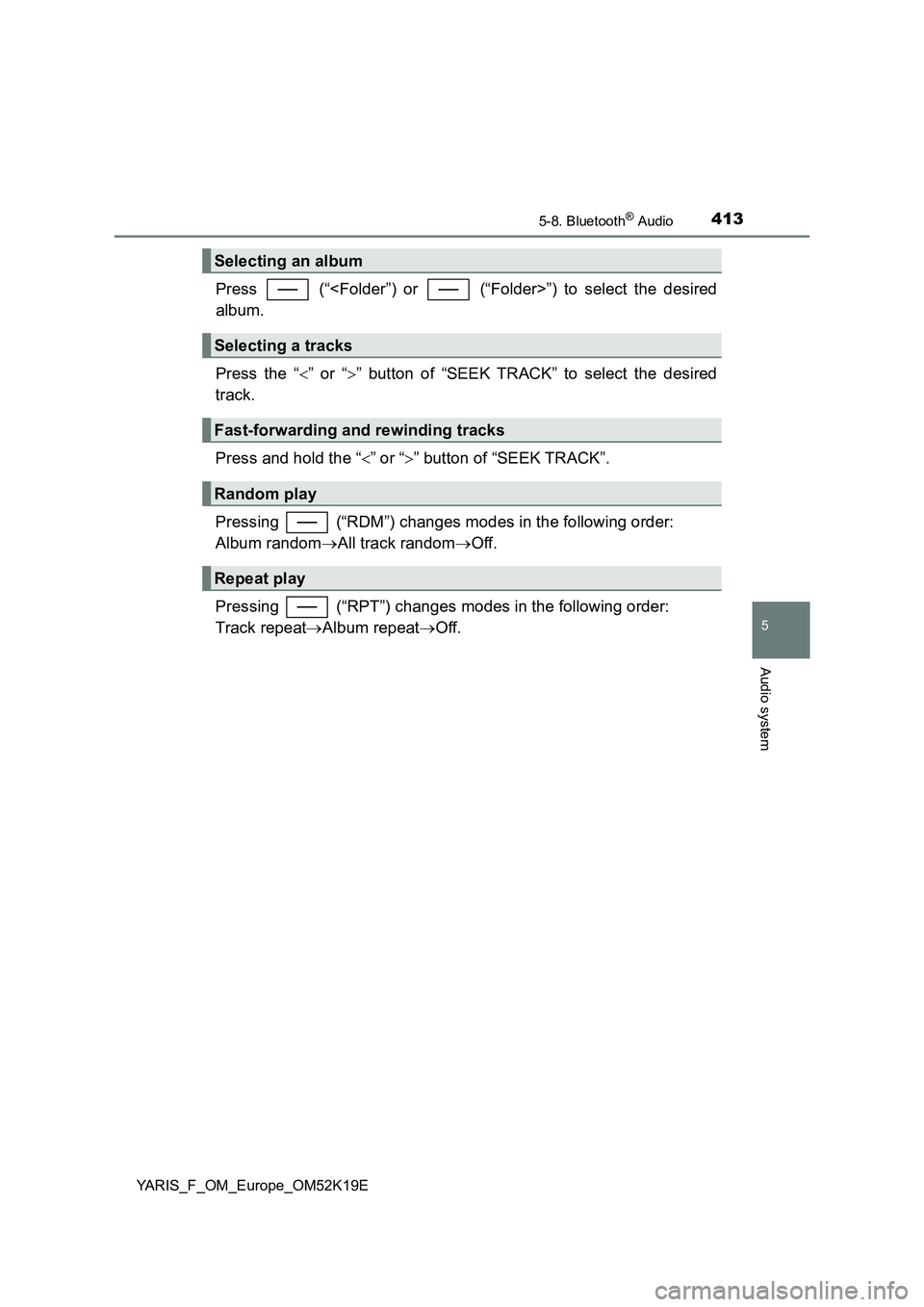
Press (“”) to select the desired
album.
Press the “ ” or “” button of “SEEK TRACK” to select the desired
track.
Press and hold the “ ” or “” button of “SEEK TRACK”.
Pressing (“RDM”) changes modes in the following order:
Album random All track randomOff.
Pressing (“RPT”) changes modes in the following order:
Track repeat Album repeatOff.
Selecting an album
Selecting a tracks
Fast-forwarding and rewinding tracks
Random play
Repeat play
Page 414 of 700
4145-8. Bluetooth® Audio
YARIS_F_OM_Europe_OM52K19E
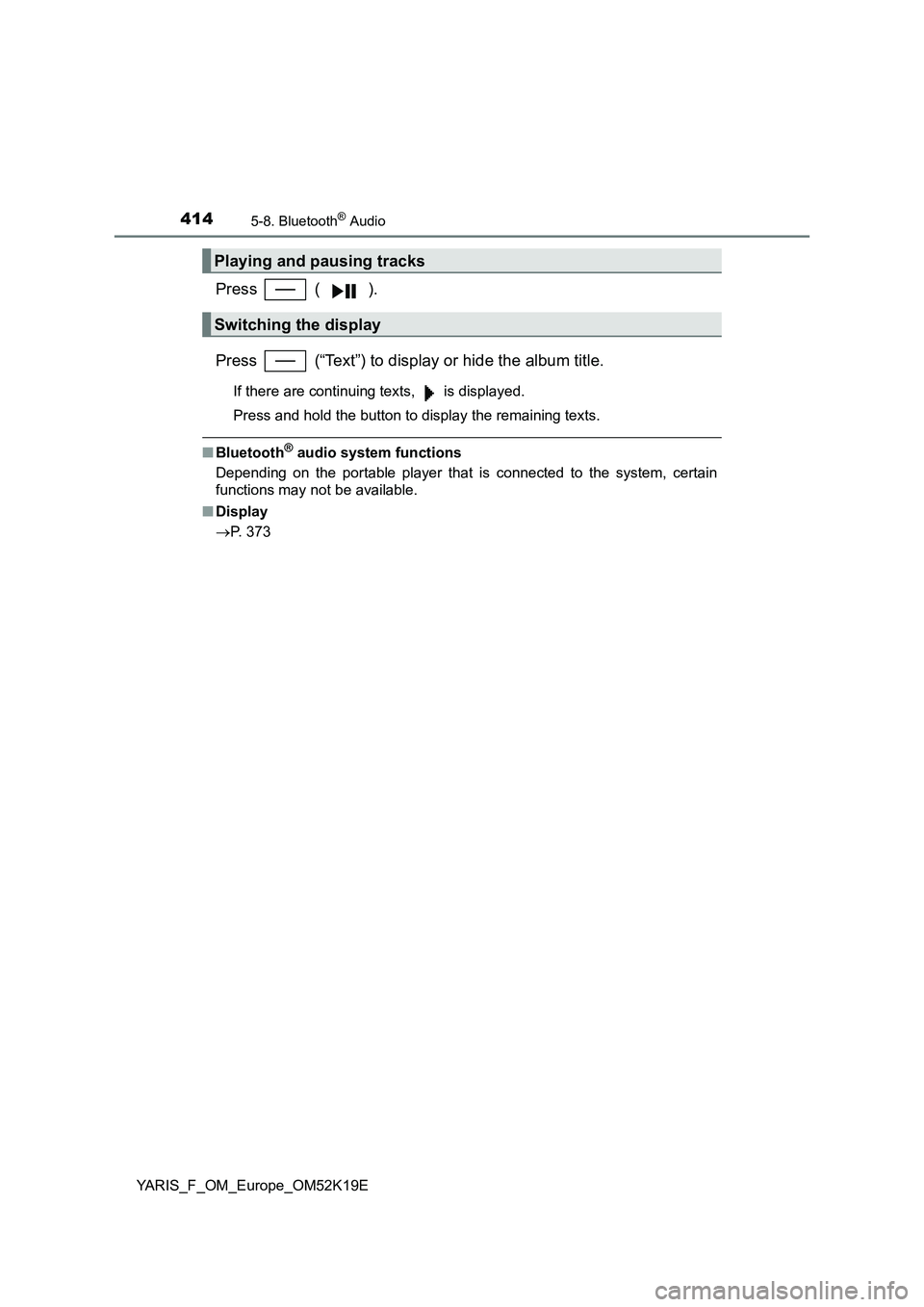
Press ( ).
Press (“Text”) to display or hide the album title.
If there are continuing texts, is displayed.
Press and hold the button to display the remaining texts.
■ Bluetooth® audio system functions
Depending on the portable player that is connected to the system, certain
functions may not be available.
■ Display
P. 373
Playing and pausing tracks
Switching the display
Page 415 of 700
4155-9. Bluetooth® Phone
5
Audio system
YARIS_F_OM_Europe_OM52K19E
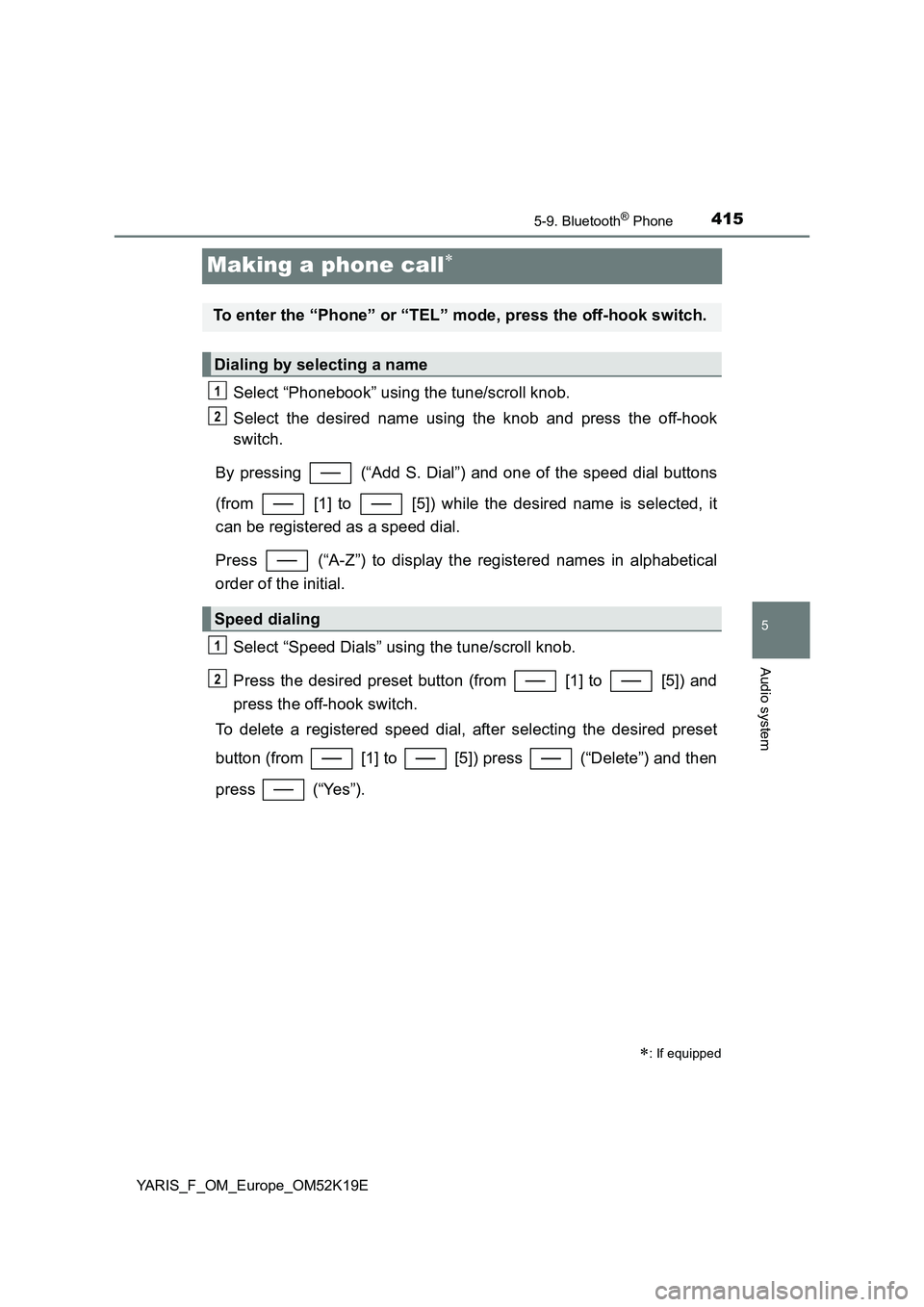
Making a phone call
Select “Phonebook” using the tune/scroll knob.
Select the desired name using the knob and press the off-hook
switch.
By pressing (“Add S. Dial”) and one of the speed dial buttons
(from [1] to [5]) while the desired name is selected, it
can be registered as a speed dial.
Press (“A-Z”) to display the registered names in alphabetical
order of the initial.
Select “Speed Dials” using the tune/scroll knob.
Press the desired preset button (from [1] to [5]) and
press the off-hook switch.
To delete a registered speed dial, after selecting the desired preset
button (from [1] to [5]) press (“Delete”) and then
press (“Yes”).
: If equipped
To enter the “Phone” or “TEL” mode, press the off-hook switch.
Dialing by selecting a name
Speed dialing
1
2
1
2
Page 417 of 700
4175-9. Bluetooth® Phone
5
Audio system
YARIS_F_OM_Europe_OM52K19E
Receiving a phone call
Press the off-hook switch.
Press the on-hook switch.
Press the off-hook switch.
Pressing the off-hook switch again returns you to the previous call.
To decrease the volume: Turn the power/volume knob counterclock-
wise.
To increase the volume: Turn the power/volume knob clockwise.
: If equipped
Answering the phone
Refusing the call
Receiving a call when on another call
Adjusting the ring tone volume when receiving a call
Page 419 of 700
4195-9. Bluetooth® Phone
5
Audio system
YARIS_F_OM_Europe_OM52K19E
■When talking on the phone
● Do not talk simultaneously with the other party.
● Keep the volume of the received voice down. Otherwise, voice echo will
increase.
■ Automatic volume adjustment
When vehicle speed is 80 km/h (50 mph) or more, the volume automatically
increases. The volume returns to the previous volume setting when vehicle
speed drops to 70 km/h (43 mph) or less.
■ Phone call system functions
Depending on the cellular phone, certain functions may not be available.
■ Situations where the other party may not recognize your voice
● When driving on a rough road
● When driving at high speeds
● When air is blowing out of the vents onto the microphone
● When the air conditioning fan emits a loud noise
Page 420 of 700
4205-10. Bluetooth®
YARIS_F_OM_Europe_OM52K19E
Bluetooth®
■When using the Bluetooth® audio/phone
● In the following situations, the system may not function.
• The portable player does not support Bluetooth®
• The cellular phone is located outside the service area
• The Bluetooth® device is switched off
• The Bluetooth® device has a low battery
• The Bluetooth® device is not connected to the system
• The Bluetooth® device is behind the seat or in the glove box or console
box, or metal material covers or touches the device
● There may be a delay if a cellular phone connection is made during
Bluetooth® audio play.
● Depending on the type of portable audio player that is connected to the sys-
tem, operation may differ slightly and certain functions may not be available.
■ When transferring ownership of the vehicle
Be sure to initialize the system to prevent personal data from being improp-
erly accessed. ( P. 407)
: If equipped
Page 421 of 700
4215-10. Bluetooth®
5
Audio system
YARIS_F_OM_Europe_OM52K19E
■ About Bluetooth®
■Compatible models
● Bluetooth® specifications:
Ver. 1.1, or higher (Recommended: Ver. 2.1 + EDR or higher)
● Following Profiles:
• A2DP (Advanced Audio Distribution Profile) Ver. 1.0 or higher (recom-
mended: Ver. 1.2 or higher)
• AVRCP (Audio/Video Remote Control Profile) Ver. 1.0 or higher (recom-
mended: Ver. 1.3 or higher)
Portable players must correspond to the above specifications in order to be
connected to the Bluetooth® audio/phone. However, please note that some
functions may be limited depending on the type of portable player.
● Cellular phone
• HFP (Hands Free Profile) Ver. 1.0 or higher (Recommended: Ver. 1.5)
• OPP (Object Push Profile) Ver. 1.1
• PBAP (Phone Book Access Profile) Ver. 1.0
Bluetooth is a registered trademark of
Bluetooth SIG, Inc.
Page 423 of 700
4235-10. Bluetooth®
5
Audio system
YARIS_F_OM_Europe_OM52K19E
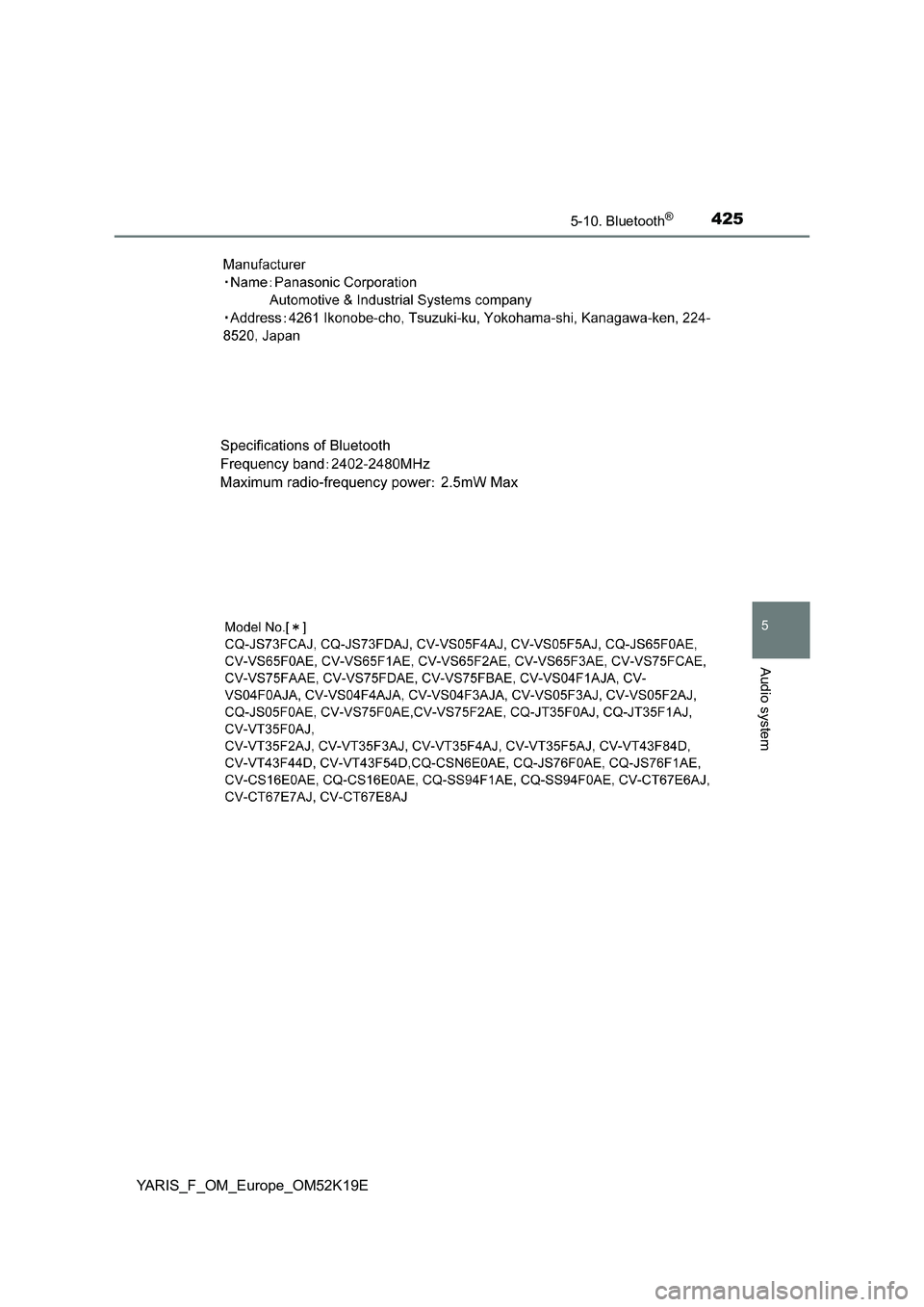
Page 425 of 700
4255-10. Bluetooth®
5
Audio system
YARIS_F_OM_Europe_OM52K19E
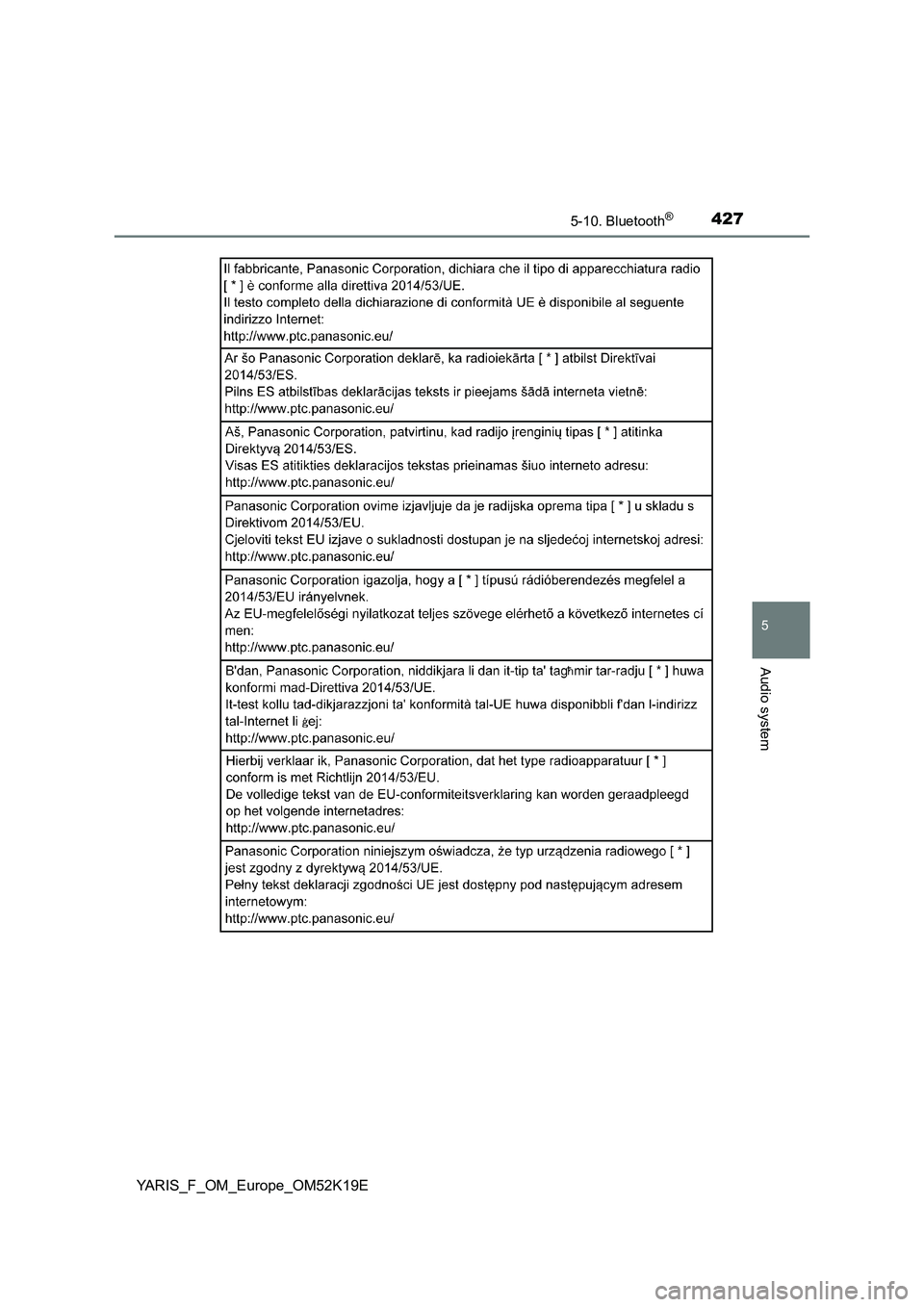
Page 427 of 700
4275-10. Bluetooth®
5
Audio system
YARIS_F_OM_Europe_OM52K19E