change time TOYOTA YARIS CROSS 2022 Workshop Manual
[x] Cancel search | Manufacturer: TOYOTA, Model Year: 2022, Model line: YARIS CROSS, Model: TOYOTA YARIS CROSS 2022Pages: 618, PDF Size: 130.77 MB
Page 440 of 618
438
CV Owner's Manual_Europe_M52N20_en
7-2. Steps to take in an emergency
1Vehicles with a Multidrive:
Ensure that the shift lever is in P
and depress the brake pedal.
Vehicles with a manual trans-
mission: Shift the shift lever to N
and depress the clutch pedal.
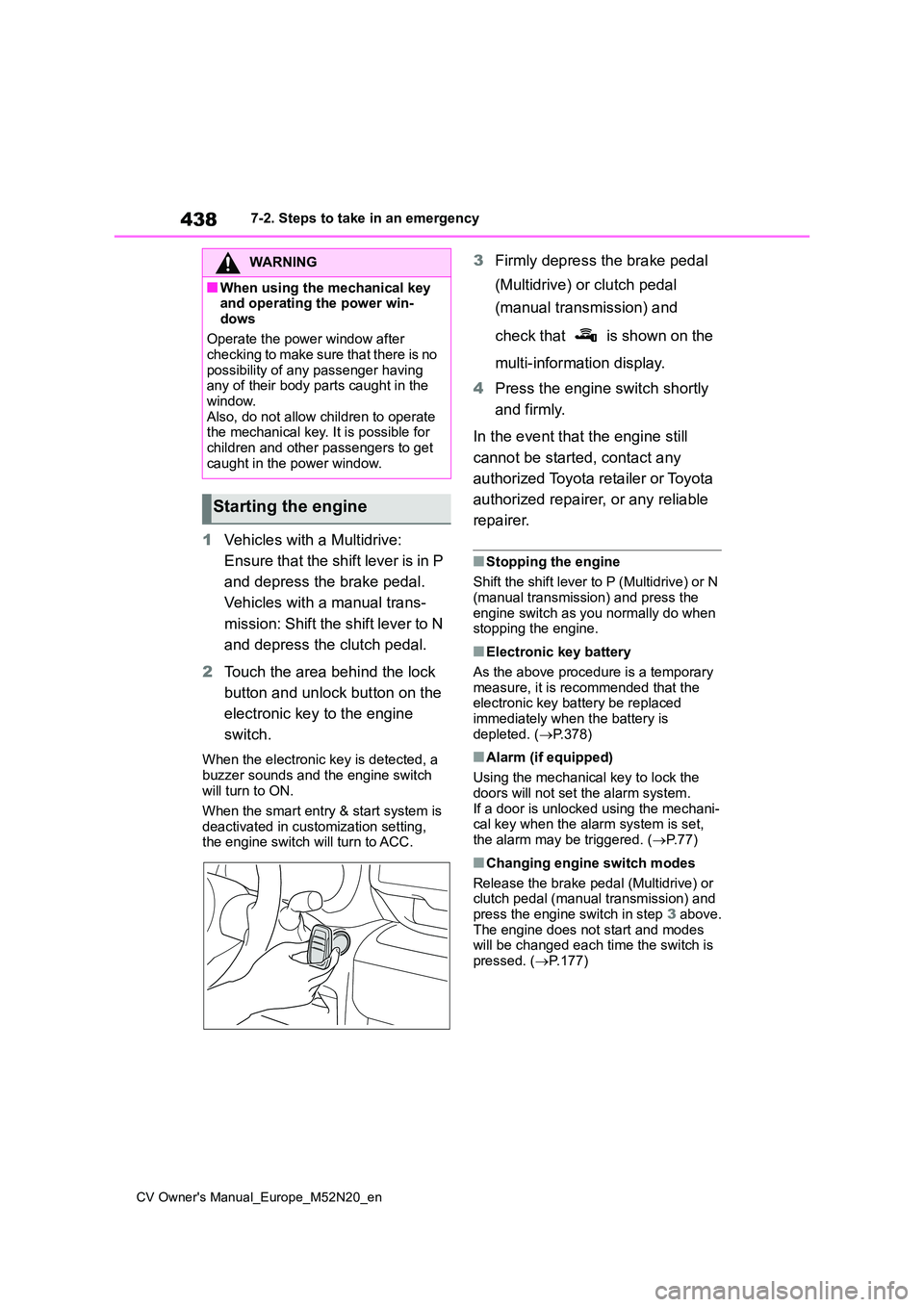
2 Touch the area behind the lock
button and unlock button on the
electronic key to the engine
switch.
When the electronic key is detected, a
buzzer sounds and the engine switch will turn to ON.
When the smart entry & start system is
deactivated in customization setting, the engine switch will turn to ACC.
3 Firmly depress the brake pedal
(Multidrive) or clutch pedal
(manual transmission) and
check that is shown on the
multi-information display.
4 Press the engine switch shortly
and firmly.
In the event that the engine still
cannot be started, contact any
authorized Toyota retailer or Toyota
authorized repairer, or any reliable
repairer.
■Stopping the engine
Shift the shift lever to P (Multidrive) or N
(manual transmission) and press the engine switch as you normally do when stopping the engine.
■Electronic key battery
As the above procedure is a temporary measure, it is recommended that the electronic key battery be replaced
immediately when the battery is depleted. ( P.378)
■Alarm (if equipped)
Using the mechanical key to lock the
doors will not set the alarm system. If a door is unlocked using the mechani-cal key when the alarm system is set,
the alarm may be triggered. ( P. 7 7 )
■Changing engine switch modes
Release the brake pedal (Multidrive) or clutch pedal (manual transmission) and
press the engine switch in step 3 above. The engine does not start and modes will be changed each time the switch is
pressed. ( P.177)
WARNING
■When using the mechanical key and operating the power win-
dows
Operate the power window after checking to make sure that there is no
possibility of any passenger having any of their body parts caught in the window.
Also, do not allow children to operate the mechanical key. It is possible for children and other passengers to get
caught in the power window.
Starting the engine
Page 459 of 618
457
8
CV Owner's Manual_Europe_M52N20_en
8-2. Customization
Vehicle specifications
8-2.Customiz ation
■Changing by using the naviga-
tion/multimedia system screen
(vehicles with 7-inch/8-inch
display multimedia system)
1 Press the “MENU” button.
2 Select “Setup” on the “Menu”
screen.
3 Select “Vehicle” on the “Setup”
screen.
4 4 Select “Vehicle customiza-
tion”.
Various setting can be changed. Refer to the list of settings that can be
changed for details.
■Changing by using the meter
control switches
1 Press / (4.2-inch display)
or / (7-inch display) of
the meter control switch to
select .
2 Press / (4.2-inch display)
or / (7-inch display) of
the meter control switch to
select the desired item to be
customized.
3 Press or press and hold .
The available settings will differ
depending on if is pressed or
pressed and held. Follow the instruc-
tions on the display.
Customizable features
Your vehicle includes a variety
of electronic features that can
be personalized to suit your
preferences. The settings of
these features can be changed
using the multi-information
display, the nav igation/multi-
media system or at any autho-
rized Toyota retailer or Toyota
authorized repairer, or any reli-
able repairer.
Customizing vehicle fea-
turesWARNING
■During customization
As the engine needs to be running during customization, ensure that the
vehicle is parked in a place with ade- quate ventilation. In a closed area such as a garage, exhaust gases
including harmful carbon monoxide (CO) may collect and enter the vehi-cle. This may lead to death or a seri-
ous health hazard.
NOTICE
■During customization
To prevent battery discharge, ensure that the engine is running while cus-tomizing features.
Page 460 of 618
458
CV Owner's Manual_Europe_M52N20_en
8-2. Customization
Some function settings are changed simultaneously with other functions
being customized. Contact any authorized Toyota retailer or Toy ota autho-
rized repairer, or any reliable repairer for further details.
Settings that can be changed using the 7-inch/8-inch display m ultimedia
system
Settings that can be changed using the multi-information displ ay
Settings that can be changed by any authorized Toyota retailer or Toy ota
authorized repairer, or any reliable repairer
Definition of symbols: O = Available, — = Not available
■Alarm* ( P.77)
*: If equipped
■Gauges, meters and multi-information display (P.85, 89, 94, 100)
Customizable features
FunctionDefault settingCustomized setting
Deactivates the alarm
when the doors are
unlocked using the key or
mechanical key
OffOn——O
Function*1Default settingCustomized setting
Language*2EnglishExcept English*3—O—
Units*2L/100 kmkm/L—O—miles (MPG)*4
Speedometer display*5AnalogDigital—O—
Eco Driving Indicator
Light*4OnOff—O—
Fuel economy display
Total average
(Average fuel
consumption
[after reset])
Trip average (Aver-
age fuel consump-
tion [after start])—O—Tank average (Aver-
age fuel consump-
tion [after refuel])
Page 477 of 618
475
CV Owner's Manual_Europe_M52N20_en
Alphabetical Index
Display
Dynamic radar cruise control ..... 250
Dynamic radar cruise control with
full-speed range ....................... 238
Head-up display ......................... 106
LTA (Lane-Tracing Assist) .......... 234
Multi-information display ...... 94, 100
Speed limiter .............................. 261
Toyota parking assist-sensor ..... 277
Warning message ...................... 413
Display change button ............. 87, 92
Distance until next engine oil change
................................................. 87, 92
Do-it-yourself maintenance ......... 348
Door
Double locking system ................. 76
Door lock
Back door ................................... 123
Side doors .................................. 119
Smart entry & start system......... 136
Wireless remote control ............. 116
Doors
Back door ................................... 123
Door glasses .............................. 153
Door lock ............................ 119, 123
Open door warning buzzer. 120, 122
Outside rear view mirrors ........... 150
Rear door child-protectors ......... 123
Side doors .................................. 119
Double locking system .................. 76
Drive distance ......................... 98, 103
Drive information .................... 98, 103
Driving ........................................... 158
Break-in tips ............................... 160
Correct driving posture................. 33
Driving mode select switch ........ 299
Procedures................................. 158
Winter drive tips ......................... 307
Driving information display ... 96, 101
Driving range................... 96, 101, 102
Driving support system information
display ...................................97, 103
Dynamic radar cruise control ...... 250
Road Sign Assist (RSA) ............. 257
Warning message ...................... 259
Dynamic radar cruise control with
full-speed range.......................... 238
Road Sign Assist (RSA) ............. 246
Warning message ...................... 248
E
eCall ................................................. 65
“SOS” button ................................ 65
Eco drive mode .............................299
Eco Driving Indicator...... 96, 102, 109
Eco Driving Indicator Light ....96, 102
Elapsed time............................98, 103
Electric Power Steering (EPS) ..... 301
Warning light .............................. 406
Electronic key ............................... 114
Battery-saving function............... 137
If the electronic key does not operate
properly .................................... 437
Replacing the battery ................. 378
Emergency brake signal .............. 301
Emergency flashers...................... 394
Emergency tire puncture ............. 415
Emergency, in case of
If a warning buzzer sounds ........ 403
If a warning light turns on ........... 403
If a warning message is displayed
................................................. 413
If the battery is discharged ......... 439
If the electronic key does not operate
properly .................................... 437
If the engine will not start ........... 435
If the vehicle is trapped in rising
water ........................................395