AUX VAUXHALL CORSA 2015 Infotainment system
[x] Cancel search | Manufacturer: VAUXHALL, Model Year: 2015, Model line: CORSA, Model: VAUXHALL CORSA 2015Pages: 105, PDF Size: 2.09 MB
Page 1 of 105
Vauxhall CorsaInfotainment System
Page 6 of 105

6IntroductionIntroductionGeneral information.......................6
Theft-deterrent feature ...................7
Control elements overview ............8
Usage .......................................... 10
Basic operation ............................ 13
Tone settings ............................... 16
Volume settings ........................... 17
System settings ........................... 18General information
The Infotainment system provides
you with state-of-the-art in-car
infotainment.
Using radio tuner functions, you may register up to 35 stations on seven
favourites pages.
For the different wavebands the radio is equipped with fifteen automatically
assignable channel presets.
Furthermore, 35 channels can be
allocated manually (waveband-
independent).
You can connect external data
storage devices, e.g. iPod, USB
devices, or other auxiliary devices to
the Infotainment system as further
audio sources; either via cable or via
Bluetooth.
Using the controls and menus of the Infotainment system, you can operate approved smartphone applications,
e.g. a navigation app.
In addition, the Infotainment system is
equipped with a Phone portal that
allows for comfortable and safe use of your mobile phone in the vehicle.Optionally, the Infotainment system
can be operated using the controls on the steering wheel, or via the speechrecognition application 'Siri Eyes
Free'.
The well-thought-out design of the
control elements, the touch screen
and the clear displays enable you to
control the system easily and
intuitively.
Notice
This manual describes all options
and features available for the
various Infotainment systems.
Certain descriptions, including those
for display and menu functions, may
not apply to your vehicle due to
model variant, country
specifications, special equipment or
accessories.
Page 9 of 105

Introduction9
1Display / Touch screen .........13
2 Home menu .......................... 13
Screen buttons for access to:
♪ Audio : audio functions
P Gallery : picture and
movie functions
h Phone : mobile phone
functions
K Apps : smartphone
applications
L Settings : system settings
3 Function indicators
If symbol highlighted:
TP - radio traffic service
active ..................................... 24
M : external device
connected to USB port ..........30
G : auxiliary device
connected to AUX input ........30
N : Bluetooth device
connected ............................. 30g : smartphone application
active ..................................... 30
p : volume muted ..................10
4 Time and date, outside
temperature
Adjusting time and date,
see Owner's Manual.
5 ; button ............................... 13
Press: open Home menu
(see item 2)
6 m button ................................ 10
Press: switch on/off
Infotainment system
7 ∨ VOL ∧ buttons ....................10
∨ : reduce volume
∧ : increase volumeSteering wheel audio controls
1 7w
Short press: take phone call . 44
or dial number in call list .......48
or activate speech
recognition ............................ 42
Long press: open call list ......48
or switch handsfree mode
on/off ..................................... 48
2 SRC (Source) ........................ 10
Press: select audio source ....10
Page 12 of 105
12Introduction
For a detailed description of:■ Radio tuner functions 3 20
■ External devices ( USB, AUX ,
Bluetooth ) 3 33.
Gallery
Select the Gallery screen button to
open the main menu of the last
selected picture or movie mode.
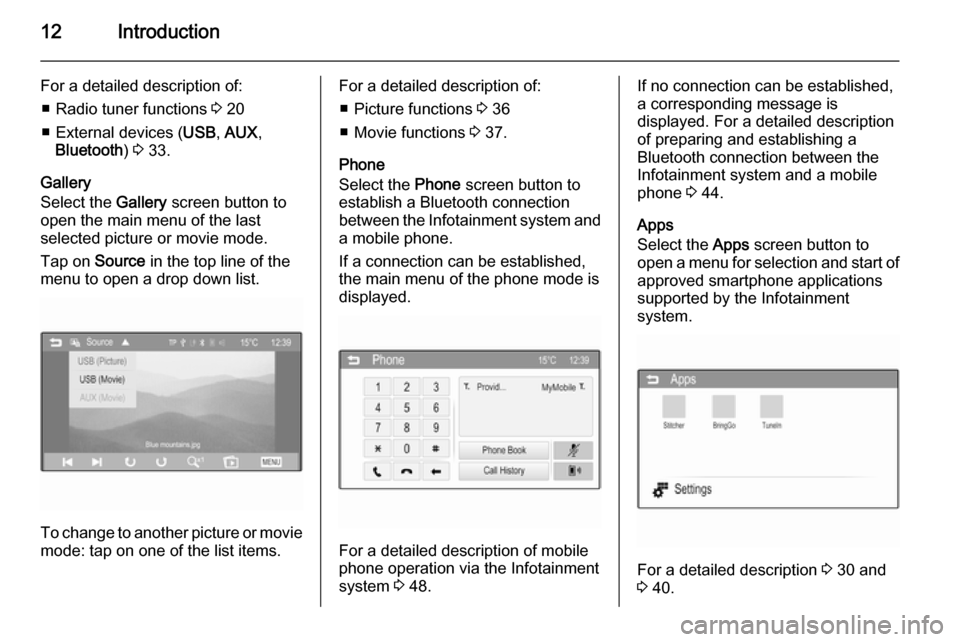
Tap on Source in the top line of the
menu to open a drop down list.
To change to another picture or movie mode: tap on one of the list items.
For a detailed description of:
■ Picture functions 3 36
■ Movie functions 3 37.
Phone
Select the Phone screen button to
establish a Bluetooth connection between the Infotainment system and
a mobile phone.
If a connection can be established,
the main menu of the phone mode is
displayed.
For a detailed description of mobile
phone operation via the Infotainment
system 3 48.
If no connection can be established,
a corresponding message is
displayed. For a detailed description
of preparing and establishing a
Bluetooth connection between the
Infotainment system and a mobile phone 3 44.
Apps
Select the Apps screen button to
open a menu for selection and start of
approved smartphone applications
supported by the Infotainment
system.
For a detailed description 3 30 and
3 40.
Page 30 of 105

30External devicesExternal devicesGeneral information.....................30
Playing audio ............................... 33
Displaying pictures ....................... 36
Playing movies ............................. 37
Using smartphone applications ...40General information
In the centre console below the
climate controls, there is an AUX
socket and a USB socket for the
connection of external audio data
sources.
Notice
The sockets must always be kept
clean and dry.
AUX input
It is possible to connect e.g. an iPod
or another auxiliary device to the AUX input.
When connected to the AUX input,
the audio signal of the auxiliary device is transmitted via the speakers of theInfotainment system.
The volume and the tone settings can
be adjusted via the Infotainment
system. All other control functions
must be operated via the auxiliary device.Connecting a device
To connect the auxiliary device to the
AUX input socket of the Infotainment
system, use one of the following
cables:
3-pole for audio source, 4-pole for
movie source.1=Left audio signal2=Right audio signal3=Ground4=Video signal
Page 31 of 105

External devices31
AUX audio function
The Infotainment system can play music files contained in auxiliary
devices e.g. smartphones or iPod/
iPhone products.
AUX movie function
The Infotainment system can play
movies contained in auxiliary devices e.g. smartphones or iPod/iPhone
products.
Notice
To use the movie function with your
iPod/iPhone, connect your device to
the AUX port only. A constant
connection cannot be established
via the USB port.
USB port
An MP3 player, USB drive, SD card
(via USB connector/adapter), iPod or
Smartphone can be connected to the USB port.
When connected to the USB port,
various functions of the devices
mentioned above can be operated via
the controls and menus of the
Infotainment system.Notice
Not all MP3 player, USB drive, SD card, iPod models or Smartphones
are supported by the Infotainment
system.
Connecting/disconnecting a device
Connect the USB device or iPod to
the USB port. For the iPod, use the
appropriate connection cable. The
music function starts automatically.
Notice
If a non-readable USB device or
iPod is connected, a corresponding
error message appears and the
Infotainment system automatically
switches to the previous function.
To disconnect the USB device or
iPod, select another function and then remove the USB storage device.Caution
Avoid disconnecting the device
during playback. This may
damage the device or the
Infotainment system.
USB audio function
The Infotainment system can play music files contained in USB storage
devices or iPod/iPhone products.
USB picture function
The Infotainment system can display
pictures contained in USB storage
devices.
USB movie function
The Infotainment system can play
movies contained in USB storage
devices.
Notice
To use the movie function with your iPod/iPhone, connect your device to the AUX port only. A constant
connection cannot be established
via the USB port.
Bluetooth Bluetooth enabled audio sources
(e.g. music mobile phones, MP3
players featuring Bluetooth, etc.),
which support the Bluetooth music
profiles A2DP and AVRCP can be
connected wirelessly to the
Infotainment system.
Page 33 of 105
External devices33Playing audioAuxiliary device
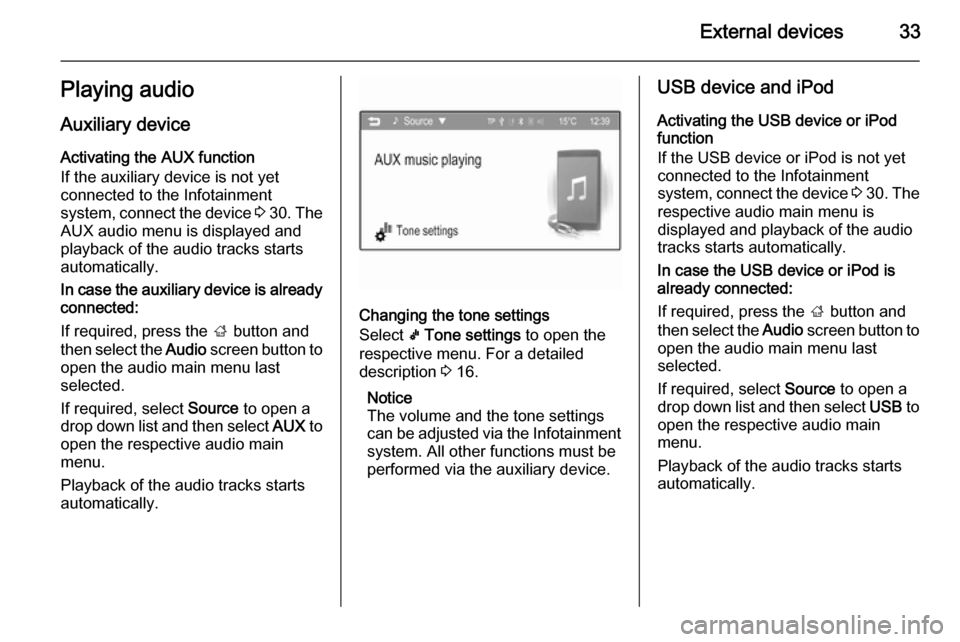
Activating the AUX function
If the auxiliary device is not yet
connected to the Infotainment
system, connect the device 3 30 . The
AUX audio menu is displayed and
playback of the audio tracks starts
automatically.
In case the auxiliary device is already
connected:
If required, press the ; button and
then select the Audio screen button to
open the audio main menu last
selected.
If required, select Source to open a
drop down list and then select AUX to
open the respective audio main menu.
Playback of the audio tracks starts
automatically.
Changing the tone settings
Select k Tone settings to open the
respective menu. For a detailed
description 3 16.
Notice
The volume and the tone settings
can be adjusted via the Infotainment
system. All other functions must be
performed via the auxiliary device.
USB device and iPod
Activating the USB device or iPod function
If the USB device or iPod is not yet
connected to the Infotainment
system, connect the device 3 30 . The
respective audio main menu is
displayed and playback of the audio
tracks starts automatically.
In case the USB device or iPod is
already connected:
If required, press the ; button and
then select the Audio screen button to
open the audio main menu last
selected.
If required, select Source to open a
drop down list and then select USB to
open the respective audio main
menu.
Playback of the audio tracks starts
automatically.
Page 37 of 105

External devices37
Picture file list
All lists with picture files are
displayed. Search for the picture you want to display and select it.
If you tap on the picture file name
once, a small preview picture is
displayed next to the file list. If you tap on it a second time or if you select
O under the preview picture, the
picture is displayed in the main menu.
Sort by title
A list with all picture files
alphabetically ordered is displayed.
Sort by date
A list with all picture files sorted by
date and starting with the latest date
is displayed.
Slide show time
Adjust the time sequence in which
one picture is shown in a slide show.
Clock/temp. display
If you want the time and temperature
to be displayed in full screen mode,
set Clock/temp. display to On.
Display settings
Adjust the brightness and contrast of
the picture display.
Set Brightness to a value between
-9 and 9.
Set Contrast to a value between -15
and 15.
Playing movies
You can view movies from an
auxiliary device connected to the
AUX input or from a USB device
connected to the USB port.
Page 38 of 105
38External devices
Notice
To use the movie function with your
iPod/iPhone, connect your device to
the AUX port only. A constant
connection cannot be established
via the USB port.
Notice
For your safety, the movie function is not available while driving.
Auxiliary device
Activating the AUX function
If the auxiliary device is not yet
connected to the Infotainment
system, connect the device 3 30 . The
AUX movie menu is displayed and
playback of the movie files starts
automatically.
In case the auxiliary device is already
connected:
If required, press the ; button and
then select the Gallery screen button
to open the picture or movie main menu last selected.If required, select Source to open a
drop down list and then select AUX
(Movie) to open the respective main
menu.
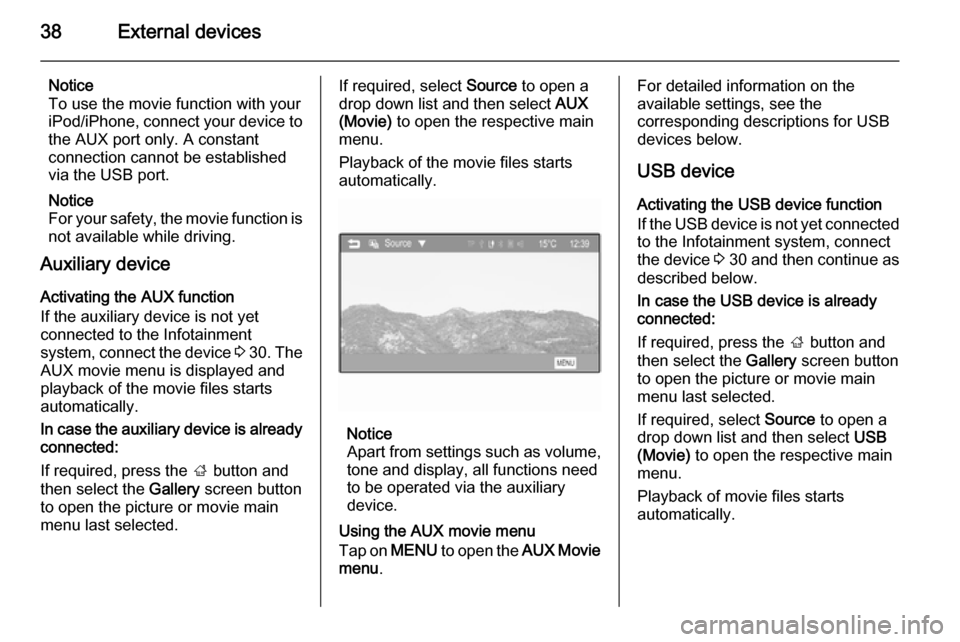
Playback of the movie files starts
automatically.
Notice
Apart from settings such as volume, tone and display, all functions need
to be operated via the auxiliary
device.
Using the AUX movie menu
Tap on MENU to open the AUX Movie
menu .
For detailed information on the
available settings, see the
corresponding descriptions for USB devices below.
USB device
Activating the USB device function
If the USB device is not yet connected
to the Infotainment system, connect
the device 3 30 and then continue as
described below.
In case the USB device is already
connected:
If required, press the ; button and
then select the Gallery screen button
to open the picture or movie main menu last selected.
If required, select Source to open a
drop down list and then select USB
(Movie) to open the respective main
menu.
Playback of movie files starts
automatically.
Page 54 of 105

54IndexAActivating AUX audio ....................33
Activating AUX movie ...................37
Activating Bluetooth music ...........33
Activating iPod audio ....................33
Activating phone ........................... 48
Activating radio ............................. 20
Activating USB audio ....................33
Activating USB movie ...................37
Activating USB picture ..................36
Apps ....................................... 30, 40
Audio files ..................................... 30
Autostore lists ............................... 21
Retrieving stations..................... 21
Storing stations ......................... 21
Auto volume.................................. 17
AUX AUX audio menu .......................33
AUX movie menu ......................37
Connecting device ....................30
General information................... 30
B Basic operation ............................. 13
Bluetooth Bluetooth connection ................45
Bluetooth music menu ..............33
Connecting device ....................30
General information................... 30Pairing ....................................... 45
Phone ........................................ 48
Bluetooth connection ....................45
C Call Functions during a call ..............48
Incoming call ............................. 48
Initiating a phone call ................48
Ring tone ................................... 48
Call history .................................... 48
Category list.................................. 22
Control elements Infotainment system ....................8
Steering wheel ............................ 8
Control elements overview .............8
D DAB .............................................. 26
Date settings................................. 10
Digital audio broadcasting ............26
Displaying pictures .......................36
Display settings ......................36, 37
Dynamic range compression ........26
E Emergency call ............................. 48
EPG .............................................. 26