trac VOLKSWAGEN BEETLE 2008 User Guide
[x] Cancel search | Manufacturer: VOLKSWAGEN, Model Year: 2008, Model line: BEETLE, Model: VOLKSWAGEN BEETLE 2008Pages: 138, PDF Size: 48.59 MB
Page 91 of 138
Downloaded from www.Manualslib.com manuals search engine • When a vehi cle doo r is opened .
• When the TCS or ESC systems are taking cor
rective action.
• If the vehicle is sta tionary for longe r than ap
proximately
3 minutes .
~ ~~ .....
A WARNING
'"
Do not allow the images shown on the screen
to distract you from the traffic around you.
ParkPilot menu
r-('n First read and observe the i~troductory
l.-.l.:JJ information and safety warnmgs on
page 201.
ParkPilot settings in the infotainment
system menu
Switch on the ignition .
If necessary , switch on the infota inment system .
Function button: action
CD
Failure to observe thhe.ill
1
umbi~ated text messag.
es can lead to the ve tc e emg damaged .
1:1 lt can take a fe w seconds be for e the area
L!J scanned by the sensors ls displayed on the
screen
of the factory- fitted infot ainm ent system .
Press the@) button .
Touch the
G fu n ction button .
Touch the
(Parkmg and mAnoeuverin g) fun ction button.
Select the required settings in the ParkPilot
menu .
[10Act1vate automatically ): 1f the checkbox 1n the functio n button is t1cked ~.the mini display will be SWitched
on automat ically when the vehicle slowly approaches an obstacle located to the front. Touc h .
[10Act1vate automat1ca lly) again to switch off this function . After deactiva tion, the ParkPilot will no t be activated
automatically when the veh1cle approa ches an obstacle located to the front.
(Front volume): d1fferent volumes can be set separately fo r the acoustic warnings for the fron t by touching
the 8 or 8 funct ion butt ons , or by adJusting the control. ___
(Front p1tch): different pit ches can be set for the acoustic warnings for the front by touching the 0 or G
fun ction buttons , o r by adjust1ng the control.
(Rear volume) : different volumes can be set for the acoustic warnings for the rear by touchtng the 0 or G
function buttons. o r by adjusting the control. _
(Rear p1tc h ): different pitches can be set for the acoust ic warmngs for the rear by tou ch ing the 0 or 8 tunc·
tio n buttons . o r by adjusting the control. _
~~==~==~~~~-=~~--~~~-----------------------------~---(AudiO volume reduct1on): settmg the level to which the infota inment system volume should be reduced when
the ParkPilot 1s act1ve.
Audio volume reduction
Menu option Explanation
r.O:-ff ___________________ -+-=T~he::.._ . ..:.v.:..ol:.:u::.m.:..:e~i~n:,:th~e~~n~fotamment sytem is not reduced. __ ----
Low Th e volume in the infota1nmen t sytem IS red~c;;d ~~~~tly. _..
Medium The volume in the infota inment syt e m is red uced to ~~~d1unl. -
Strong Th e 1 . - -11111un1. vo ume m the infota1nmen t sytem is reduced to a 11111
Muting the ParkPilot
You can mute the acoustic signals from the ParkPi
lot by touching the (!) fun ction button on the info
tainment system screen. Pr ess the functio n button
again to switch the acoustic warnings back on.
206 While driving
park Pilot The mute setting will be ca ncelled 1f the rn·
system is switched off and on again . Error w a
ings canno t be swi tc h ed off.
. d off ntJfl'
If the ParkPilot display has been sw1tcl'~9 et·
ually
and ParkP1Iot remains act1ve. the nnlt s t
tlng is also cance lled .
Page 94 of 138
Downloaded from www.Manualslib.com manuals search engine ~ ; ) J
Reverse assist system (Rear Assist)
eo Introduction
ThiS c hflp t r co nlc:tln s Informa tio n on th e fo llowing
subjor.ts :
G 11 rat Infor m ation . . . . . . . . . . . . . . . . . . . . . . 210
Parking ....... ········· ....... . ........ 2 12
A cam era in th e ta il g a te he lp s th e driver when re
ve rsing o r m an o e uv ring the ve hi cle . The came ra
picture and th e o rienta tio n lin e s projecte d by the
syste m are di sp la ye d o n the s creen of th e facto ry
littcd ra d io or n avi gatio n sy ste m .
Additional information and warnings:
• Exte rio r v ie ws ~p age 6
• Accessories, modifica tio ns , re pai rs a nd re ne w al
of parts ::>p ag e 32 0
•
=>Bookle t R ad io o r ~Booklet N av iga tio n sy s
te m
A WARNING
Using cameras to estimate the distance from
obstacles (persons, vehicle etc. ) is inaccurate
and can cause accidents and severe injuries.
• The camera lens enlarges and distorts the
field of vision and makes objects on the
screen appear to be different and imprecise.
• Certain objects, for example narrow posts
or grids , may be difficult or impossible to see
on the screen because of its low resolution or
poor light conditions.
• The camera has blind spots within which
obstacles and people cannot be detected.
• Keep the camera lens clean, free of snow
and ice and do not cover it.
A WARNING
~------------~--------~~~------~ The technology of the Rear Assist system
cannot overcome the laws of physics or sys
tem-related vehicle limitations. Careless or
unintentional use of the Rear Assist system
can cause accidents and severe injuries. The
system is not a substitute for the full concen
tration of the driver.
• Adapt your speed and driving style to suit
visibility, weather, road and traffic conditions.
• Keep looking to check the direction in
which you are parking and the relevant area
around the vehicle. The front of the vehicle
swings out more than the rear of the vehicle.
•
Do not allow the images shown on the
screen to distract you from the traffic around
you.
• Always monitor the area around the vehi
cle as the cameras will not always detect in
fants, animals and objects.
• The system may not be able to d isplay all
areas clearly.
• The Rear Assist system should only be
used when the tailgate is fully closed.
• The camera only shows two-dimensional
images on the screen. The lack of depth of field
means that recesses and protruding objects on
the ground may only be detected with difficulty,
or may not be detected at all.
• The camera may not always be able to de
tect objects such as thin rails, fences, posts,
trees etc. This can result in damage to your ve
hicle.
Driver assist systems 209
Page 115 of 138
Downloaded from www.Manualslib.com manuals search engine ,,nti pttllinfl W• y I not wnllniJI for tdl vo h l-
fltllOI · and cOtllltJJ(' ciOS ·
. g th o clist::tnco lo vo l sett Ill
P d -d O I nclt nt dl st:1n
lhe s t t o n of 5 I v front can b -
vo hl cl In
lnfot in-
n,ent sy stem ,.-;. Pt g 3 1 .
w et road con d ill n , y u llo uld alw y s s t a
:~rger distn nce lh c n wl 1 n drivl11g In dry road con-
ditions.
lt1e following di sta nc s c n b pre-s I cle d :
• very sm 11
• Small
• Medium
• Large
• V ery large
The dis ta nce le ve l to the ve hi cle ahead is se t u sing
the© button on the multifun ction stee ring wheel
~Fig. 168 . The ACC disp la y appears whe n the
button is pressed ~page 227. To se t th e dis ta nce
level, press the (1) button .
When the hig hes t lev el is reached, the distance re
turns to the low est level when th e butt on is press
ed again.
The distance level can also be set usi ng the Q or
8 buttons on the mult ifun ction stee ring wheel im
mediately after the (1) button on the mult ifunction
steering whee l ~Fig. 168 has been pressed .
The~ button and the G and (Dnver ass1stance )
function buttons in the infotainment system can be
used to set the dista nce level that should be selec
ted when the ACC is sw itched on ~page 31 .
Setting the driving programme
In vehicles with Driving Mode Selection , the selec
t~d driving mode can affect the vehicle 's accelera
tion response ~page 248.
The following driving modes can be selected :
• Normal
• Sport
• Eco
In v h' . e lcles Without Driving Mode Selection , the ac-
Celeration response can be affected by the driving
rnode s I IT.Dl ~a e ected by pressing the ~ butto.n and _ the
I . nd @nver assistance ) function buttons 1n the 1nfoa1nrne t n system ~page 31 .
The following conditions can prevent the
adaptive cruise control from reacting:
• If the the acce le rator is depressed.
• If no g ear is selected .
• If the ESC is taking corre ctive action .
• If the driv er h as no t f astened seat belt.
• If there is a fau lt in seve ral brake lights on the
v e hicle or on a traile r with an electrical
connection
to the vehic le .
• If the vehicle is reve rsing .
• If the vehicle is travelling faster than approxi
mately 160 km/h (100 mph).
A WARNING
If you close the gap to a vehicle in front and
the difference in speed between the two vehi
cles is so great that the braking action of the
ACC is insufficient, you are in danger of col
liding with the vehicle in front. You should re
duce the vehicle speed immediately with the
foot brake.
• The ACC may not be able to recognise all
driving situations correctly.
• Leaving your foot on the accelerator will
mean that the ACC will not brake automatical
ly. This is because manual acceleration over
rides the system.
• You should always be prepared to brake
the vehicle yourself.
• Observe country-specific regulations re
garding the minimum distance.
rn
The set speed will be deleted if the ig nition or
the ACC is switched off.
rn
The ACC is automatically deactivated when
the tract ion control system (T CS ) is deactiva-
ted .
rn
In vehicles with a start/stop system, the e n
g ine is switched off automatical ly during the
stat ionary phase of ACC and is then restarted for
moving off.
Page 117 of 138
Downloaded from www.Manualslib.com manuals search engine I ation to standstill (only vehicles with pece er )
rnatic gearbox 3uto hicle travelling ahead brakes to a standst1ll ,
If a ;~c will also brake your vehicle to a s tands till.
~:e vehicle is then he ld stationary by th e brakes.
Stationary phase (only vehicles with
autornatic gearbox)
If the adap tive cruise control has decele ra t d the
vehicle to a standstill, the adapt.ive cruise contr o l
will not be switched off automatically wh en the
brake pedal is depressed .
The electronic parking brake will be activated auto4
matically and the adap tive cruise control will be
switched off if one of the following situations occurs
while the vehicle is stationary:
• The safety be lt is unfastened .
• The driver's door is opened.
• The ignition is switched off.
• The stationary phase lasts longer than approxi4
mately 3 minutes .
Driving off after a stationary phase (only
vehicles with automatic gearbox)
After a stationary phase, the adaptive cruise con
trol can start the vehicle moving automatically as
soon as the vehicle in front begins to move again.
Overtaking
If the turn signal is activated when starting an over
taking manoeuvre , the adaptive cruise control ac
celerates the vehicle automatically and thus re
duces the distance to the vehicle in front.
If you move your vehicle into the overtaking lane
and there is no vehicle ahead of you , the ACC will
automatically increase the speed to your set level
and maintain it.
Acceleration can be stopped at any point
by de
Pressing the brake pedal or pressing the @ button
on the multifunction steering wheel ~page 229.
When driving through bends
While dr iving through bends, the radar sensor may
sometimes lose the ve hicle travelling ahead or
rnay r eac t to a ve hicle in the next lane
; Fig. 169 A. In such situations, the vehicle might
.
ecel e rate unnec essarily or not react to the veh icle
In front. In this case the driver must override the
Abcc by depressing the accelerator, or interrupt the rak· lng procedure by depressing the brake peda l
or Pressing the ~ button on the multifunction
ste · ~ enng wh eel ~page 229.
Driving In tunn I
Th rnd~u nso r run .tton mt y lH n slt11.l clln tun ·
n Is. Sw1tch off th ACC m tunn I•
Narrow v e hlcl
situation
nd · zl -z g tr ff c
Vehicles with special load or p cl
equipment
Any load or cc sari th, t pr
trude from tile sld , r r or ov r 111 r o f o f th v •
hicle m y no t be d t et d y th ACC .
Swit ch
off the ACC wh n tt1 v 'hi cl ~h ld h e
special lo d or sp ci I equi pm nt o r whil ov rt ;Jk·
ing such vehic les. If req uir d. brak th v hi I
yourself.
When othe r vehicles change lane
V ehicles that are ve ry close whon th y mov Into
your lane can onl y be do tec t d by th r d. r s n
sors when they h ave moved Into the s nsor r ng
This w ill resul t in a late r action by th dap tiv
cruise control
F1g. 17 0 C. If r quir d , br ke th e
vehicl e your self.
Stationary vehicles
The ACC do es not de tec t st tionary obj cts durin
a journey , such as st tion ary traffic
or a ve hi cl
th at has brok en down .
If a stationary ve hi cle is hidd en behind a ve hi cle
th at h as been detected by
the adap tive cruis e con
trol and this vehic le turns off the road or changes
la ne , the adaptive cruise contr ol will not be ble to
re ac t to the s ta tion ary vehicle Fig.
170 D. If re-
quired, brake the vehic le yourself.
Oncoming vehicles and vehicles crossing
your path
The adap tive cruise contro l does not react to ap
proaching vehicles or v ehicles crossing your p th.
Metal
objects
M eta l objects, such as tracks In the road or m et 1
plates used in roadworks, can confuse the radar
sensor and cause in correc t reactions from the
adap tive cr uise con trol.
..,..
Driver assist systems 233
Page 123 of 138
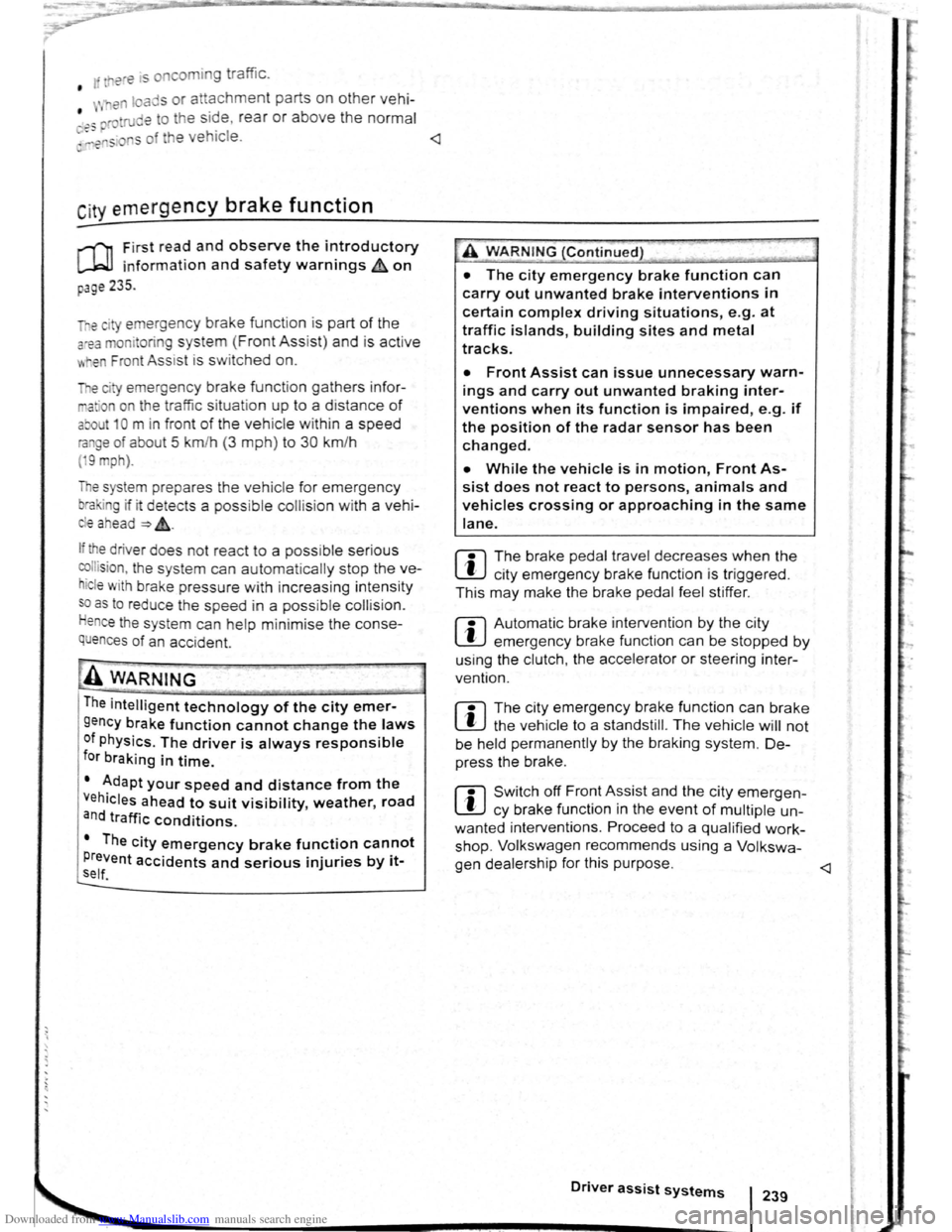
Downloaded from www.Manualslib.com manuals search engine ere is oncomin g traffic . • If
en loads or attachment parts on other vehi-
• tru e to the side, rear or above the normal .e s h. I ~-ers s of he ve ICe.
C ity emergency brake function
rl'i1 First read and observe the introductory
L-WJ information and safety warnings A on
page 235 .
e city emerg ency brake function is part of the
a'Ba monitorin g system (Front Assist) and is act ive
"' .en Front Ass ist is s witched on.
The c· emerg ency brake function gathers in for
ma ·on on the traffic situation up to a distance of
about 10 m in front of the vehicle with in a speed
ra ge of abo ut 5 km/h (3 mph) to 30 km /h
( 9 mph).
e system prepare s the vehicle for emergency
bra in g if it detects a possib le colli sion with a vehi -
eahead ~~-
If the dr iver does not react to a possib le serious
collis ion, the s ystem can autom atically stop the ve
h i
cle with bra ke pressure with increas ing intensit y
so as to reduce the s peed in a possib le co llision .
Hence the s ys tem can help min im ise the conse
quences of an accident.
A WARNING
The intelligent technology of the city emer
gency brake function cannot change the laws
of physics. The driver is always responsible
for braking in time.
• Adapt your speed and distance from the
Vehicles ahead to suit visibility, weather, road
an d traffic conditions.
• The city emergency brake function cannot
Prevent accidents and serious injuries by itself '---" ----------------------------~
• The city emergency brake function can
carry out unwanted brake interventions in
certain complex driving situations, e.g. at
traffic islands, building sites and metal
tracks.
• Front Assist can issue unnecessary warn
ings and carry out unwanted braking inter
ventions when its function is impaired, e .g . if
the position of the radar sensor has been
changed.
• While the vehicle is in motion, Front As
sist does not react to persons, animals and
vehicles crossing or approaching in the same
lane.
m The brake pedal travel decreases when the
~ city emergency brake function is triggered .
This
may make the brake pedal feel stiffer.
m Automatic brake intervention by the city
~ emergency brake fun ction can be stopped by
using the clutch , the accelerator or steering inter
vent ion.
m The city emergency brake function can brake
~ the vehicle to a standstill. The vehicle will not
be held permanently by the braking system. De
press the brake.
m Switch off Front Assist and the city emergen
~ cy brake functio n in the event of multiple un
wanted interventions . Proceed to a qualified work
shop . Volkswagen recommends using a Volkswa-
gen dealership for this purpose .
Page 127 of 138
Downloaded from www.Manualslib.com manuals search engine J DFW«Z
Driving Mode Selection
o:n Introduction
This chapte r con ta in s inform ation on the following
subje cts :
Function an d ope ratio n . . . . . . . . . . . . . . . . . . .
248
Adjusting the driving mode to suit yo ur
r equir em ents . . . . . . . . . . . . . . . . . . . . . . . . . . .
250
Th e driver can use Driving Mode Selection to acti
vate a variety
of vehicle settings as required .
Additional information and warnings:
• Lights ~page 105
•
lnfo ta in ment system ~page 31
• Changing gear ~page 169
Function and operation
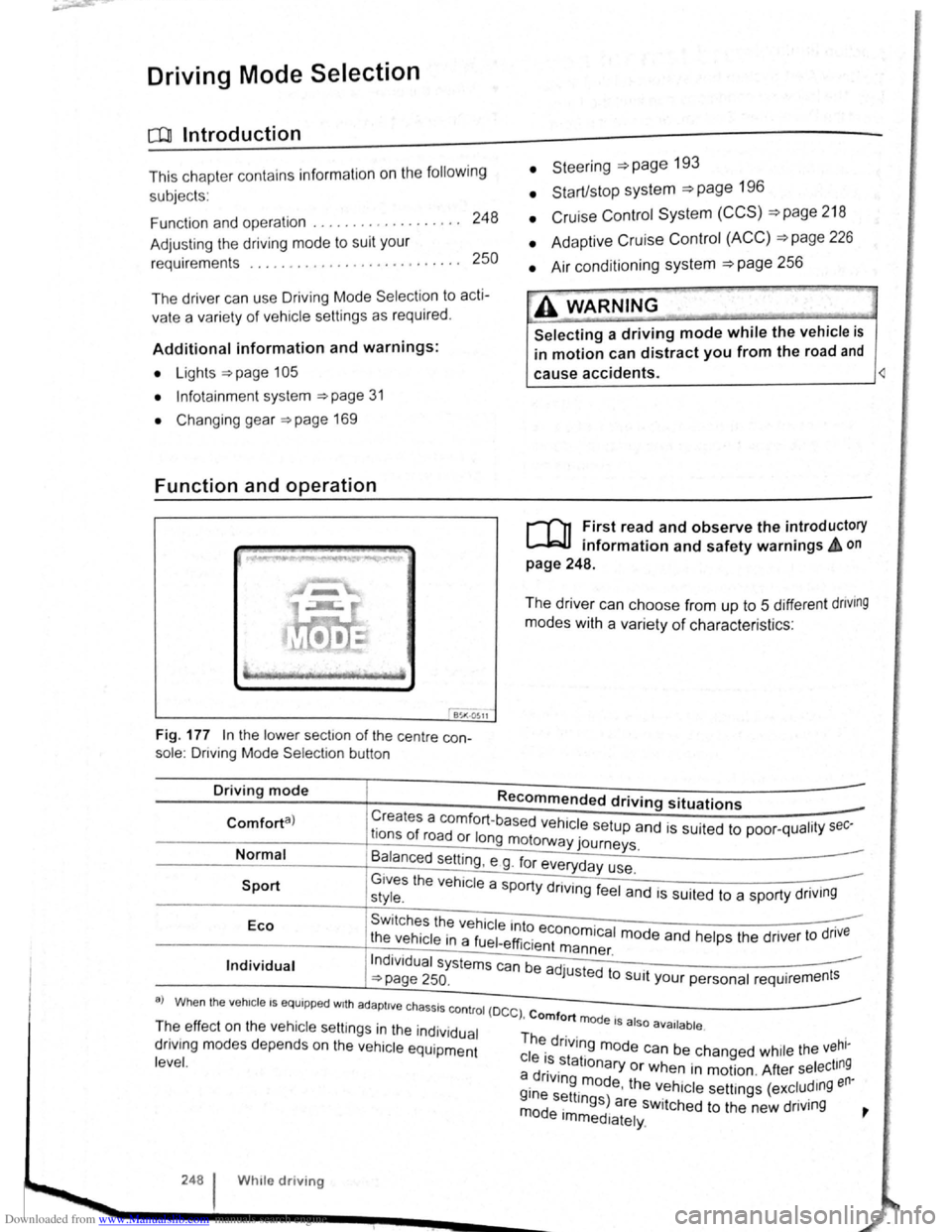
Fig. 177 In the lo we r sect1o n of the centre con
sole : Driving Mode Selectio n button
• Steeri ng =>page 193
• Start/stop system =>page 196
• Cruise Con trol System (CCS) =>page 218
• Adaptive Cruise Control (ACC) =>page 226
• Air conditioning system =>page 256
A WARNING
Selecting a driving mode while the vehicle is
in motion can distract you from the road and
cause accidents. ~
r-f"n First read and observe the introductory
L-lr:JJ information and safety warnings & on
page 248.
The driver can choose from up to 5 different dnving
modes with a variety of characteris ti cs :
Driving mode Recommended driving situations
Creates a comfort-ba se d h 1 . Comforta) r f ve ICe setup and is suited to poo r-qualit y sec-Ions o road or long motorway journeys.
Normal
Sport
B~lanced setting , e g . fo r everyday use.
G1ves the vehicle a sport d .. style. Y rtvlng feel and is suited to a sporty driv1ng
Eco Swi tches the vehicle into . .
t he vehicle in a fuel-effi . economica l mode and he lp s the drive r to dnve 1c1ent m ann er
Individual Indi vidua l systems can be ad ·u · . ~page 250. J sted to SUit your personal requir ement s
a) Wh en the veh1c le I S equipp ed w1th ad apti ve chassis co ntro l (D
C C) , Comfort mode I I T~e ef fec t o n th e vehicle se ttin gs in the individual Th . . 5 a 50 ava1lable .
dnv1ng m od es depends on the vehi cle equipment ~ dnvlng mode can be chang ed whil e the vehl-
l eve
l. c le ~~.stationary or when in motion . After select ing a dnv1ng m od th en· i . e, e ve h icle se tt ings (excludmg
~~~ s~ttmgs) are switched to the new driving ~ e Immediately.
248 W h1le driv ing