spec VOLKSWAGEN BEETLE 2010 Owner's Manual
[x] Cancel search | Manufacturer: VOLKSWAGEN, Model Year: 2010, Model line: BEETLE, Model: VOLKSWAGEN BEETLE 2010Pages: 138, PDF Size: 48.59 MB
Page 126 of 138
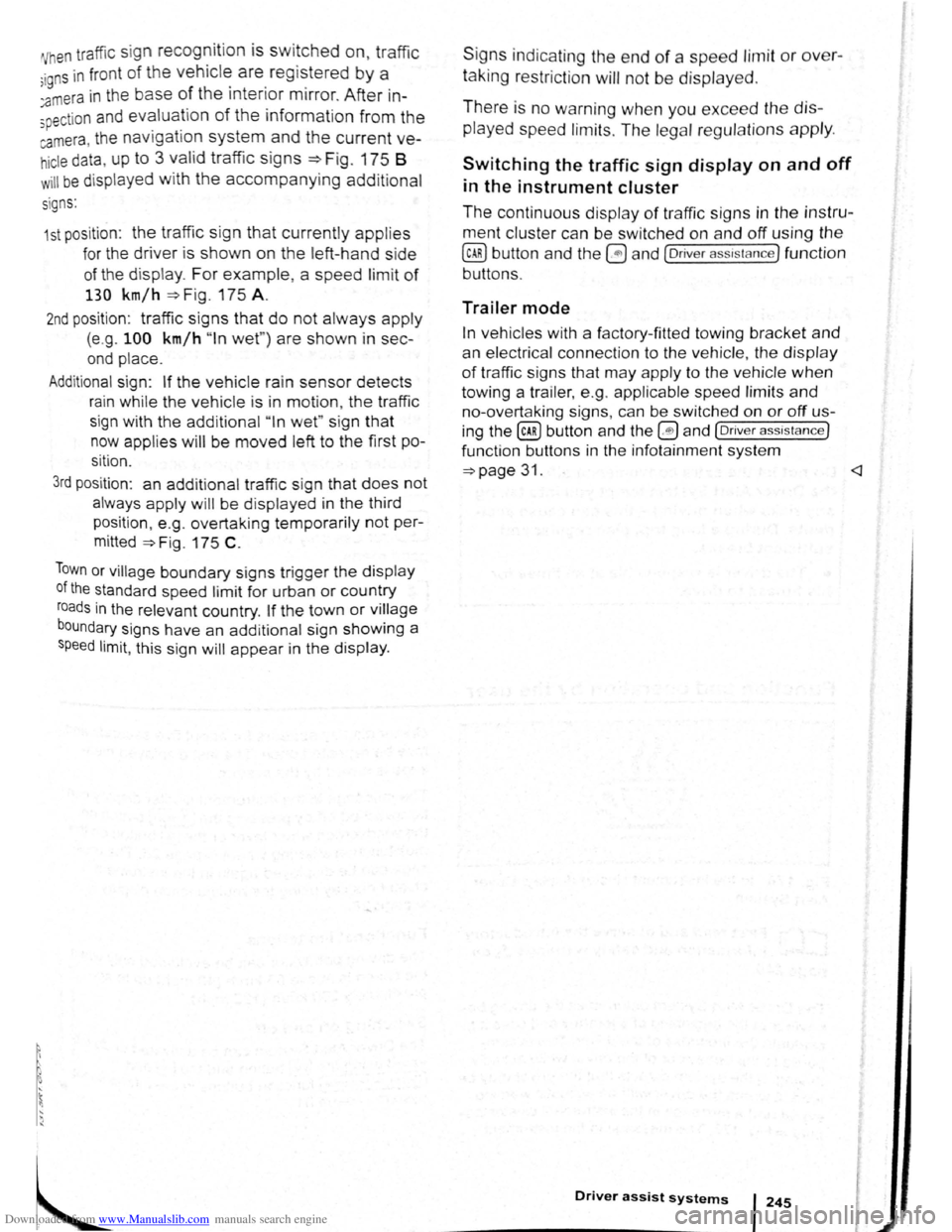
Downloaded from www.Manualslib.com manuals search engine 'Vhen traffic sign recognition is switched on, traffic
;igns in fron t of the vehicl~ are. regi~tered by a
:amera in the base of the mtenor m1rror. After in
spection a nd evaluation of the information from the
camera, the navigation system and the current ve
hicle data , up to 3 valid traffic signs ~Fig. 175 B
w ill be disp layed with the accompanying addit ional
s i
gns:
1st posit ion : the traffic sign that currently applies
for the driver is shown on the left-hand side
of the display. For example, a speed limit of
130 km/h ~Fig. 175 A.
2nd position : traffic signs that do not always apply
(e.g . 100 km/h "In wet" ) are shown in sec
ond place.
Additional sign: If the vehicle ra in sensor detects
rain while the vehicle is in motion , the traffic
sign with the addit ional
" In wet" sign that
now applies will be moved left to the first po
sition .
3rd position : an additional traffic sign that does not
always apply will be displayed in the third
position , e .g . overtaking temporarily
not per
mitted
~Fig. 175 C .
Town or village boundary signs trigger the display
of the standard speed limit for urban or country
roads in the relevant country. If the town or village
boundary signs have an add itional sign showing a
speed limit, this sign will appear in the display . S
ig ns ind icating the
end of a speed limit or over
taking restriction will not be displaye d .
There is no warning when you exceed the dis
played
speed limits . The legal regulations apply.
Switching the traffic sign display on and off
in the instrument cluster
The continuous display of traffic signs in the instru
ment cluster can be switched on and off using the
(ili) button and the G and (Driver assista nce) function
buttons .
Trailer mode
In vehicles with a factory-fitted towing bracket and
an electrical connection to the vehicle , the display
of traffic signs that may apply to the vehicle when
towing a trailer, e.g. applicable speed limits and
no-overtaking signs, can be switched on or off us
ing the~ button and the G!) and (Driv er a ssist ance}
function buttons in the infotainment system
~page 31. <1
Driver assist systems I 245
Page 128 of 138
Downloaded from www.Manualslib.com manuals search engine J J
' ·, ' '~
' i '
traff ic c ond itions allow, briefly take your foot
When accle rator to activate the newly selected off the . . .
9 mode fo r the eng me. dnvm
daptive chassis control (DCC)
~h·le the vehicle is in motion , the DCC constantly
d.
1
sts the suspensio n characteristics to match the
a J~ surface and the cu rrent driving situation, in
~~~ordance with the preset vehicle setti ngs.
If there is a fault in the DCC, th e ~ symbol appears
in the instrument cluste r display along with the
message Fault: damper control.
Steering
In Sport mode, power steerin~ is r~duced and the
effort required to stee r the vehicle mcreases. The
vehicle's driving response becomes more agile.
Powertrain (engine and gearbox)
The engine and gearbox will give either a more dy
namic or more balanced response to the move
ment of the accelerato r, depending on th e selec ted
driving mode . In vehicles with an automatic gear
box, the gear shift po ints and the coasting mode
will also change . An active cruise contro l sys tem
(CCS) can affec t the acceleration response.
Adaptive Cruise Control (ACC)
When the ACC is active, accele ratio n and deceler
ation of the vehicle becomes more ecological or
sporty.
Dynamic bend lighting and automatic main
beam assist
The dynamic bend lighting and the automatic main
beam assist will give either a more dynamic or
more balanced respo nse to the current driving sit
uation, depe nding on the selected driving m ode.
Air conditioning system
In Eco mode , the air cond itio ning will be set to run
even more economica lly.
Displaying the driving mode
• Ensure that the ignition is switched on.
• Press the Driving Mode Selection button(~ MOD£)
~Fig. 177 . The Driving Mode Selec tio n menu ap
~ears in the infotainment system display. The ac
tive driving mode is selected .
• Touch the (Informa tion ) function button to disp lay
additional information about the current driving
rnode.
..,...,_ . _ ..
-
Selecting the driving mode
• Ensure that the igniti on 1s swit c hed on.
• Press the Driving Mode Se lection button (t:'t wooe)
~Fig. 177 and touch the fun ction button for the se·
lected driving mode in the lnfota inm ent system dis
pla y.
The selec te d driving mode
will re m ain set e ve n a f
t e r the ignition has bee n swi tc he d off . Th e las t acti ·
va ted driving mode will be assigned to the ve hic le
key that h as been use d.
Changing the driving mode can alter the vehi
cle handling. Never allow Driving Mode S elec
tion to tempt you into taking any risks when
driving.
• Always adapt your speed and driving style
to suit visibility, weather, road and traffic con
ditions.
It A WARNING . ~
Failure to observe illuminated w arning lamps
and text messages can lea d to your vehicle
breaking down in traffic, and can cause acci
dent and serious injury.
• Never ignore any illuminated warning
lamps or text messages.
• Stop the vehicle as soon as possible and
when safe to do so.
---
Failure to observe illuminated indicator lamps
and text messages can lead to your vehicle be
ing damaged.
r::l The Eco mode is blocked when the ve hicle is
l!J towi ng a trai le r. If the vehi cle is in Eco mode
when a trailer is hitched and electrica lly connected
to the towing
ve hicle via th e trailer socket. the sys
tem will automatica lly swi tch to
Normal mode.
r::l In vehicles with an automa tic gearbox, the
l!J system automatically switches to gear posi
tion S when the
Sport drivin g mode is se lected .
The syste m aut omatically switches to
gear position
E when the
Eco driving mode is se lected .
r::l The driver can adjust certain vehicle fun c
l!J tions irrespective of the selected driving
mode . For examp le, the driver can swi tc h to
gear
position
S wh en the Eco driving mode is selected.
r::l In some model ve rsions the highest speed of
l!J th e veh ic le ca n only be achie ved in the Nor-
mal or Sport driving modes.
Page 130 of 138
Downloaded from www.Manualslib.com manuals search engine Tyre monitoring system
Introduction
Th1s ct1,1pt r contnin s inform ation on th e follow1ng
SlllliN~ts.
Tymmomto r in d1ca to r lamp . . . . . . . . . . . . . . 253
T
ro m onito r disp l y . . . . . . . . . . . . . . . . . . . 254
Additional information and warnings:
• Voll-.s w age n Inf orm ation sys te m ~p ag e 26
• lnfotainment sys te m ~page 3 1
• Tmnspo rting c:> page 126
• Brak1ng. stopp rng and parking ~page 179
• C leani ng a nd ca rin g for th e vehicle ex terio r
::-page 294
• Wheels and tyres ~page 308
•
A ccessones, modrficatrons, re parr s and renewal
or parts ~page 320
•
Consumer i nfor mation ~pag e 328
A WARNING ~~-~ ,c_. ""]
Incor rec t handling of the wheels and tyres
can lead to a sudden loss of pressure in the
tyres , trea d separation and even tyre blowout.
• Check tyre pressures regularly and always
keep to the specified tyre pressure value. If
the tyre pressure is too low, the tyre could
warm up to such an extent that the tread may
separate and the tyre could burst
~e monitor indicator lamp
• Always maintain correct cold tyre inflation
pressure as listed on the tyre pressure label
=>page 308 .
• Check tyre inflation pressure regularly
when the tyres are cold. Adjust tyre pressure
in the cold tyre to the recommended tyre
pressure for the tyres installed on your vehi
cle as necessary.
• Check your tyres regularly for signs of
w ea r or damage.
• Never exceed the top speed and load per
mitted for the fitted tyres.
CQ"' Und er-in nated tyres w111 increase fuel con
(Jtf sumption and tyre wear.
m When new tyres are dnven at high speeds for
W the firs t time, they can expand slightly and
trigger a one-off pressure
warn1ng.
m O ld tyres should o nly be re placed by tyres
W tha t have bee n app roved by Vo lkswagen fo r
the vehrcle type.
m Do not rely solely on the Tyr e Pressure Moni
L!J to nng System . Check your tyres regularly to
ensure that th
ey are properly inflated and have no
srgns of damage, such as punc tures, cuts, cracks ,
and bliste rs Remove an y
Objects th at become em
bedded 1n the tyre tread but have not penetrated
into the body
of the tyre itself
r--~~L~it_u_p _____ P_o_s_s_ib_l_e_c_a_u_s_e_~--.----------------T,S--o-lu-t-io_n __________________________ __
(I
The tyre pressure of one tyre or several • ir; Do not drive on! Reduce speed lmmedi
tyres has decreased considerably in com- 1 ately St op the vehic le as soon as possrble
panson to the tyre
pressure set by the I and when safe to do so. Avo1d swerv1ng me-
driver . or the structure of the tyre is dam-1 noeuvres and heavy brakrng'
aged .
An acoustic wamrng wrll also be Check all tyres and the tyre pressures The
sounded ,
and a correspondrng message damaged tyre should be replaced
will appear 1n the mstrument cluster and
infotainment system displays
Driver assi
st systems 253
Page 133 of 138
Downloaded from www.Manualslib.com manuals search engine Engine oil specification
r-T'n First read and observe the introductory
L-WJ information and safety warnings~ on
page 281.
The engine oil used must correspond exactly to
specifications .
The correct engine oil is important for the function
and service l
ife of the engine . A special high quali
ty multigrade oil has been filled at the factory and
th is can
normally be used as an all-season oil.
If possible , only use Volkswagen-approved engine
o il
~CD. To comply with the requirements of the
flexible service, only use approved flexible service
engine oil that
complies with the corresponding
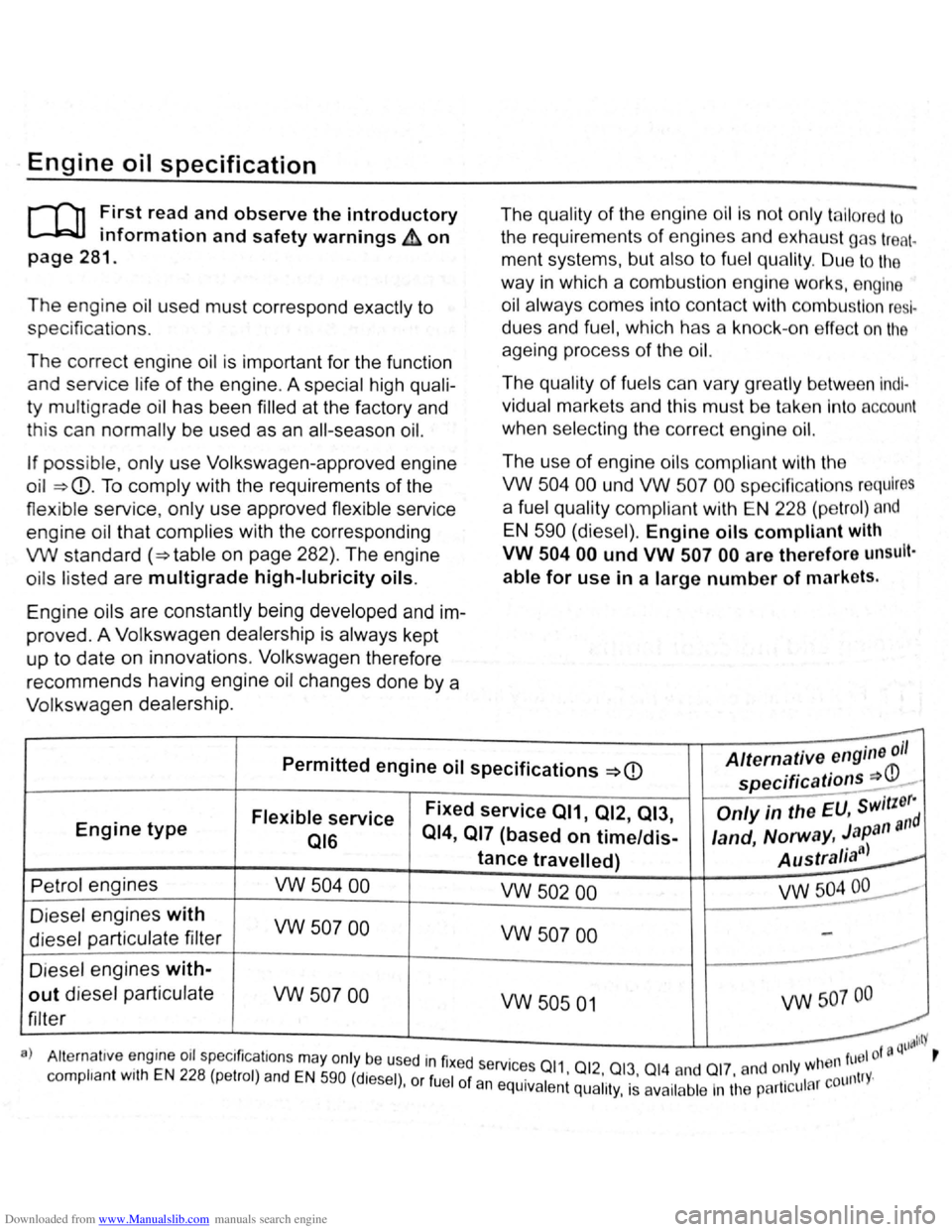
VW standard (~table on page 282). The engine
o ils listed are
multigrade high-lubricity oils.
Engine oils are constantly being developed and
im
proved . A Volkswagen dealership is always kept
up to date on innovations . Volkswagen therefore
recommends having engine oil changes done by a
Volkswagen dealership. The
qu
ality of the engine oil is not only ta ilor ed to
the requirements of engines and exhaust gas treat.
ment systems, but also to fuel quality . Due to the
way
in which a combustion engine works, engine
oil always comes into contact with combustion
resl
dues and fuel, which has a kno ck-o n effect on the
ageing process of the oil.
The quality of fuels can var y gr ea tly between lndl·
vidual markets and this must be take n Into account
when selecting the correct engine oil.
The use of engine oils compliant with the
VW
504 00 und VW 507 00 specific ations requires
a fuel quality compliant with EN 228 (petrol) and
EN 590 (diesel). Engine oils compliant with
VW
504 00 und VW 507 00 are therefore unsult·
able for use in a large number of markets.
--Permitted engine oil specifications ~CD Alternative engine oil
specifications =:P-
Engine type Flexible service Fixed service 011, 012, 013, Only in the EU, switzerd
016 014,
017 (based on time/dis-land, Norway, Japan all
tance travelled) Australia")~
Petrol engines vw 504 00 vw 502 00 VW504~·
Die sel engines with vw 507 00 vw 507 00 diesel particulate filter
------D iesel engines with-
out diesel particulate vw 507 00
filter vw 505 01 vw 507 oo
t ill lit)'
a } Alternat1ve engme 011 spec1ficat1ons may only be used in fixed services 011 0 1 wtl
en fuel of !J Q r
complian t w1th EN 228 (petrol) and EN 590 (diesel) or fuel of an . 1 •
1
2
•.
01~· 014. a nd Ol 7
· and 0~ Y 1 r countrY· ' eqUiva ent qual1ty, IS ava1lable In tl1e partl cu a