ABS VOLKSWAGEN BORA 1998 Service Manual
[x] Cancel search | Manufacturer: VOLKSWAGEN, Model Year: 1998, Model line: BORA, Model: VOLKSWAGEN BORA 1998Pages: 339, PDF Size: 2.35 MB
Page 272 of 339
Downloaded from www.Manualslib.com manuals search engine 01-264
Basic setting, initiating
Function 04 "Initiate basic setting" performs
several functions with ABS Mark 60:
Display group number 001 is required only to
bleed the hydraulic system Page 01
-266
Note:
The basic setting is only necessary to bleed the
hydraulic unit if at least one chamber of the brake
fluid reservoir has completely run dry.
Display group number 0401) is required to shut
off the longitudinal acceleration sensor -G251-
in order to utilize the maximum engine
performance for a test, e.g. on a rolling road
test stand Page 01
-269 .
Display group number 0602) is required to
perform a zero compensation for steering angle
sensor -G85- Page 01
-271 . Subsequently a
test drive must be performed Page 01
-284 .
Display group number 0632) is required to
perform a zero compensation for sensor for
transverse acceleration -G200- Page 01
-
275 . Subsequently a test drive must be
performed Page 01
-284 .
Display group number 0662) is required to
perform a zero compensation for Sender 1 for
brake booster -G201- Page 01
-278 .
Subsequently a test drive must be performed
Page 01
-284 .
Стр. 106из 129 On Board Diagnostic (OBD), performing
Page 273 of 339

Downloaded from www.Manualslib.com manuals search engine 01-265
Display group number 0691) is required to
perform a zero compensation of longitudinal
acceleration sensor -G251- Page 01
-281 .
Display group number 0932) is required to
perform a driving test Page 01
-284. It serves
to check the plausibility of the signals from the
steering angle sensor -G85-, Sensor for
transverse acceleration -G200- Sender for
Rotation Rate -G202- and sender 1 for brake
booster -G201-.
When the ABS control module (w/EDL) -J104- is
replaced, a zero compensation must be
performed for the following components:
Sensor for transverse acceleration -G200-.
Steering angle sensor -G85-.
Sender 1 for brake booster -G201-.
Longitudinal acceleration sensor -G251-.1)
When the individual sensors or sensors are
changed, a zero compensation must only be
carried out for the changed component.
1) For 4MOTION vehicles only
2) For ABS/EDL/ASR/ESP and
ABS/EDL/ASR/ESP 4MOTION only
Стр. 107из 129 On Board Diagnostic (OBD), performing
Page 274 of 339
Downloaded from www.Manualslib.com manuals search engine 01-266
Display group number 01: Bleeding
hydraulic unit
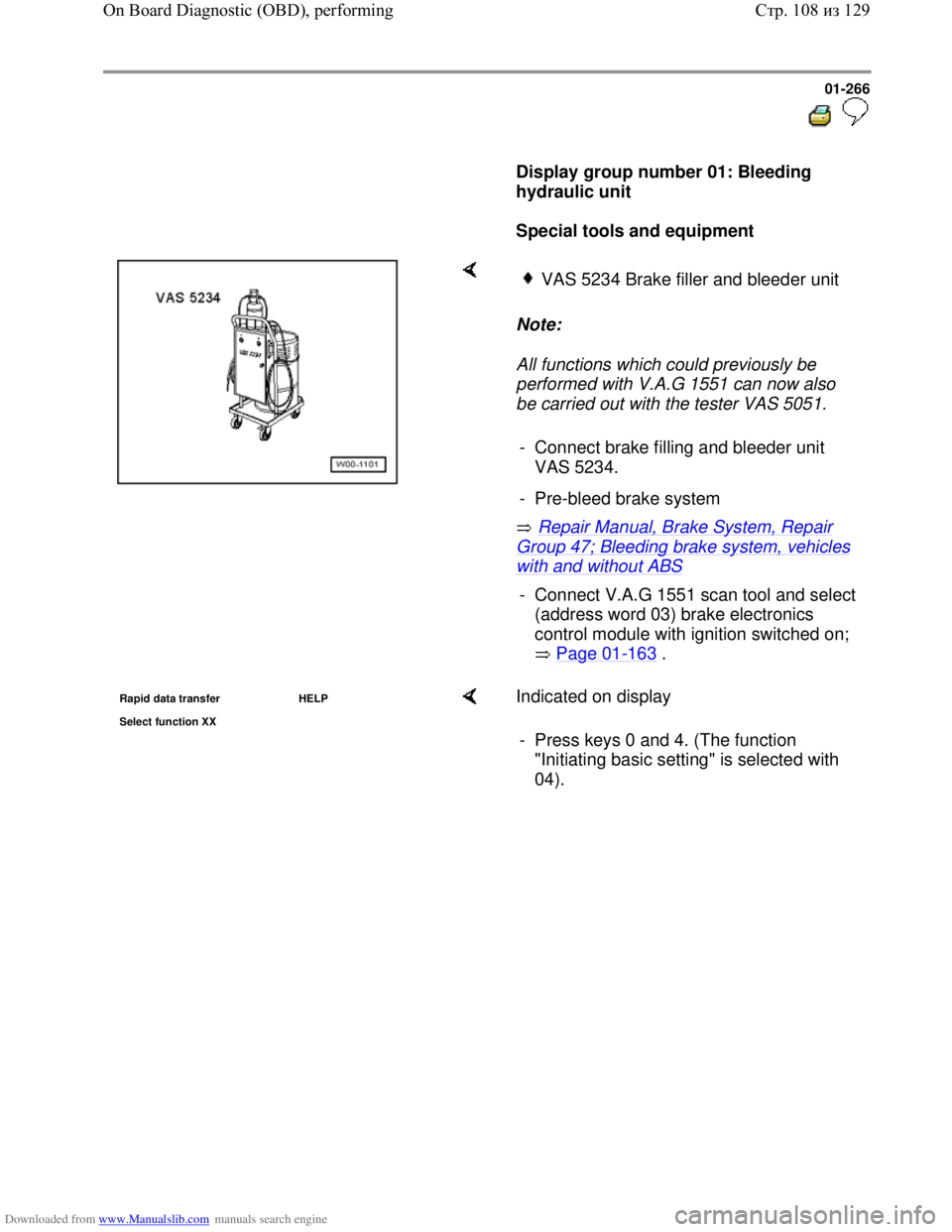
Special tools and equipment
Note:
All functions which could previously be
performed with V.A.G 1551 can now also
be carried out with the tester VAS 5051.
Repair Manual, Brake System, Repair
Group 47; Bleeding brake system, vehicles
with and without ABS
VAS 5234 Brake filler and bleeder unit
- Connect brake filling and bleeder unit
VAS 5234.
- Pre-bleed brake system
- Connect V.A.G 1551 scan tool and select
(address word 03) brake electronics
control module with ignition switched on;
Page 01
-163 .
Rapid data transfer HELP
Select function XX Indicated on display
- Press keys 0 and 4. (The function
"Initiating basic setting" is selected with
04).
Стр. 108из 129 On Board Diagnostic (OBD), performing
Page 276 of 339
Downloaded from www.Manualslib.com manuals search engine 01-268
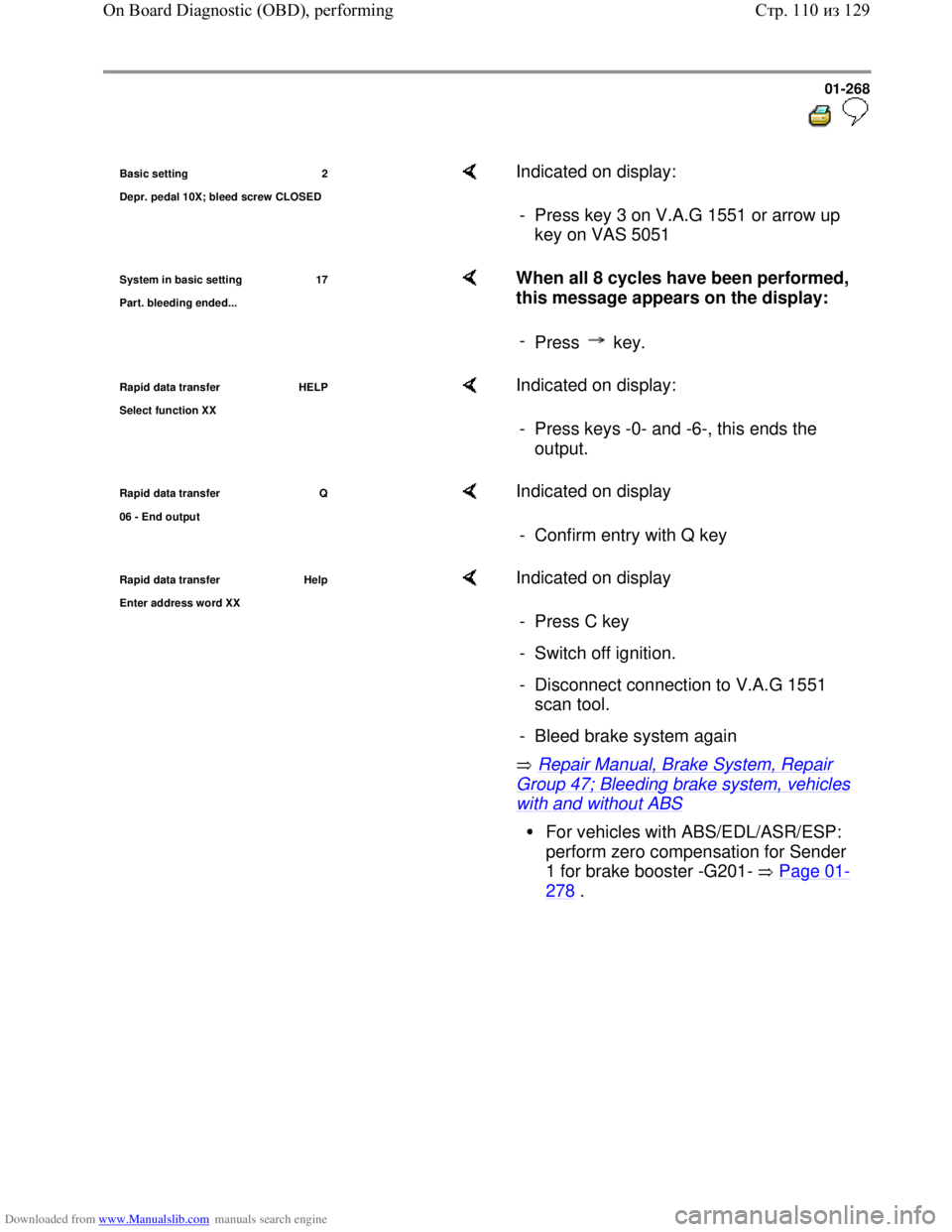
Basic setting 2
De
pr. pedal 10X; bleed screw CLOSED
Indicated on display:
- Press key 3 on V.A.G 1551 or arrow up
key on VAS 5051
System in basic setting 17
Part. bleedin
g ended...
When all 8 cycles have been performed,
this message appears on the display:
-
Press key.
Rapid data transfer HELP
Select function XX Indicated on display:
- Press keys -0- and -6-, this ends the
output.
Rapid data transfer Q
06 - End output Indicated on display
- Confirm entry with Q key
Rapid data transfer Help
Enter address word XX
Indicated on display
Repair Manual, Brake System, Repair
Group 47; Bleeding brake system, vehicles
with and without ABS - Press C key
- Switch off ignition.
- Disconnect connection to V.A.G 1551
scan tool.
- Bleed brake system again
For vehicles with ABS/EDL/ASR/ESP:
perform zero compensation for Sender
1 for brake booster -G201- Page 01
-
278 .
Стр. 110из 129 On Board Diagnostic (OBD), performing
Page 278 of 339
Downloaded from www.Manualslib.com manuals search engine 01-270
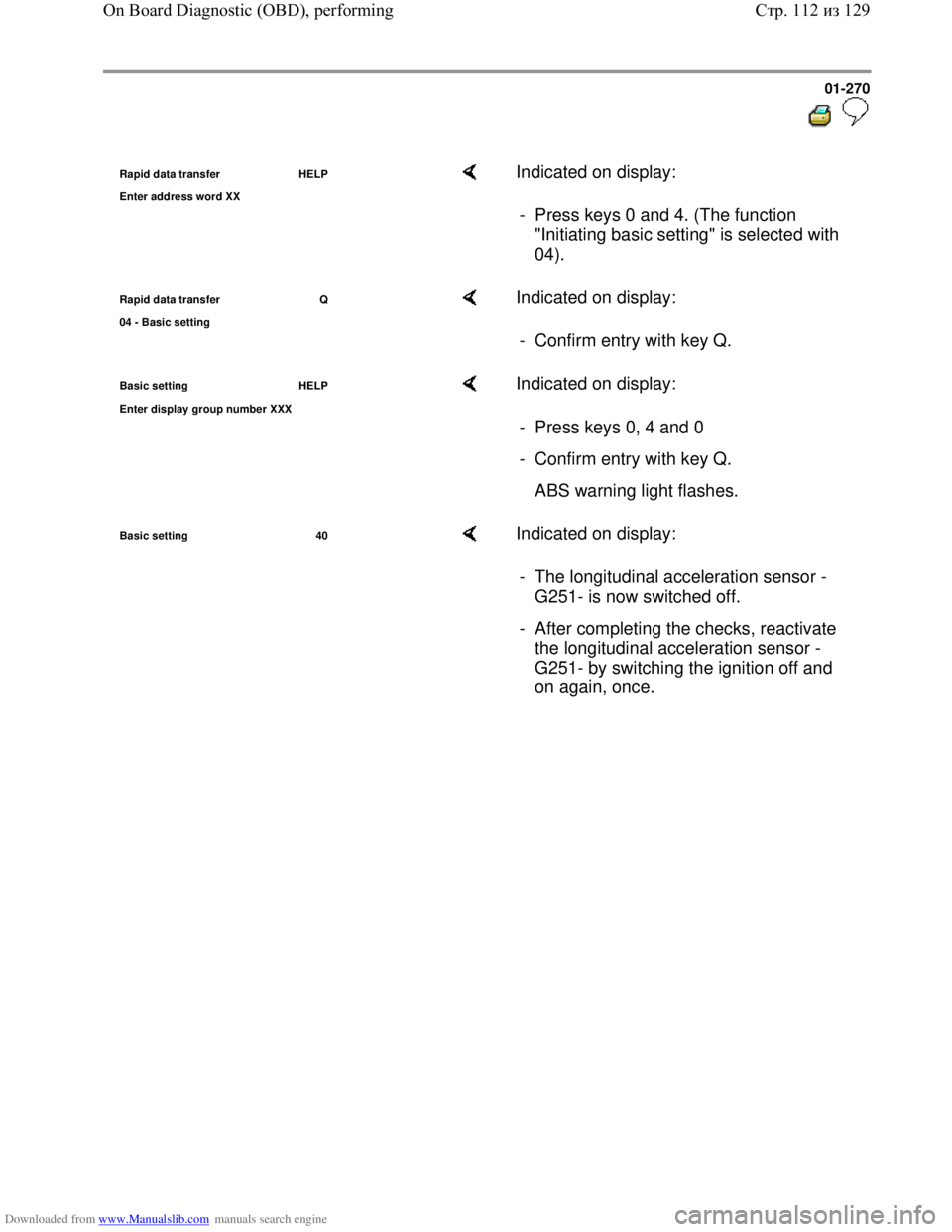
Rapid data transfer HELP
Enter address word XX Indicated on display:
- Press keys 0 and 4. (The function
"Initiating basic setting" is selected with
04).
Rapid data transfer Q
04 - Basic settin
g
Indicated on display:
- Confirm entry with key Q.
Basic setting HELP
Enter displa
y group number XXX
Indicated on display:
- Press keys 0, 4 and 0
- Confirm entry with key Q.
ABS warning light flashes.
Basic setting 40 Indicated on display:
- The longitudinal acceleration sensor -
G251- is now switched off.
- After completing the checks, reactivate
the longitudinal acceleration sensor -
G251- by switching the ignition off and
on again, once.
Стр. 112из 129 On Board Diagnostic (OBD), performing
Page 281 of 339
Downloaded from www.Manualslib.com manuals search engine 01-273
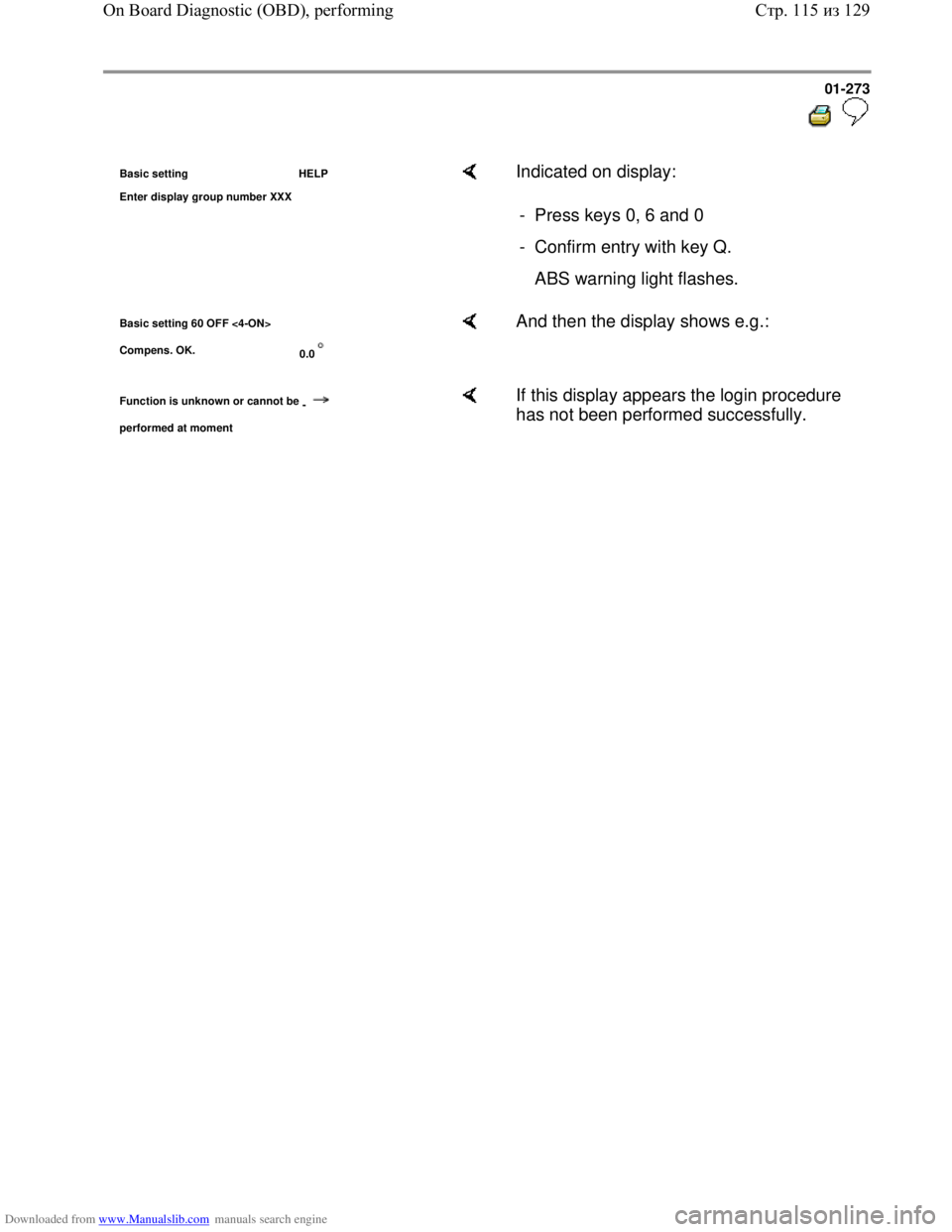
Basic setting HELP
Enter dis
play group number XXX
Indicated on display:
- Press keys 0, 6 and 0
- Confirm entry with key Q.
ABS warning light flashes.
Basic setting 60 OFF <4-ON>
Compens. OK.
0.0 And then the display shows e.g.:
Function is unknown or cannot be
-
performed at moment
If this display appears the login procedure
has not been performed successfully.
Стр. 115из 129 On Board Diagnostic (OBD), performing
Page 282 of 339
Downloaded from www.Manualslib.com manuals search engine 01-274
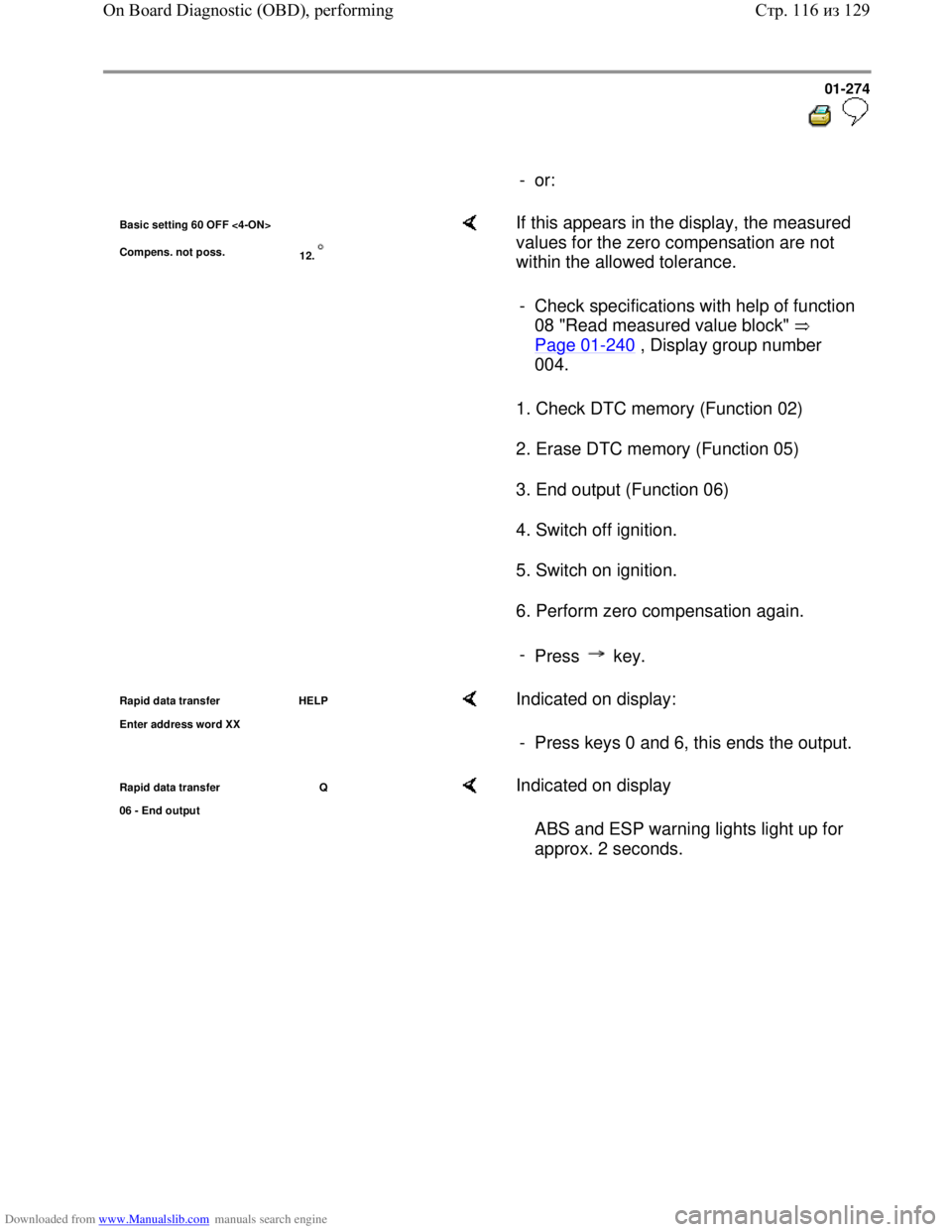
- or:
Basic setting 60 OFF <4-ON>
Compens. not poss.
12. If this appears in the display, the measured
values for the zero compensation are not
within the allowed tolerance.
1. Check DTC memory (Function 02)
2. Erase DTC memory (Function 05)
3. End output (Function 06)
4. Switch off ignition.
5. Switch on ignition.
6. Perform zero compensation again. - Check specifications with help of function
08 "Read measured value block"
Page 01
-240 , Display group number
004.
-
Press key.
Rapid data transfer HELP
Enter address word XX Indicated on display:
- Press keys 0 and 6, this ends the output.
Rapid data transfer Q
06 - End output Indicated on display
ABS and ESP warning lights light up for
approx. 2 seconds.
Стр. 116из 129 On Board Diagnostic (OBD), performing
Page 284 of 339
Downloaded from www.Manualslib.com manuals search engine 01-276
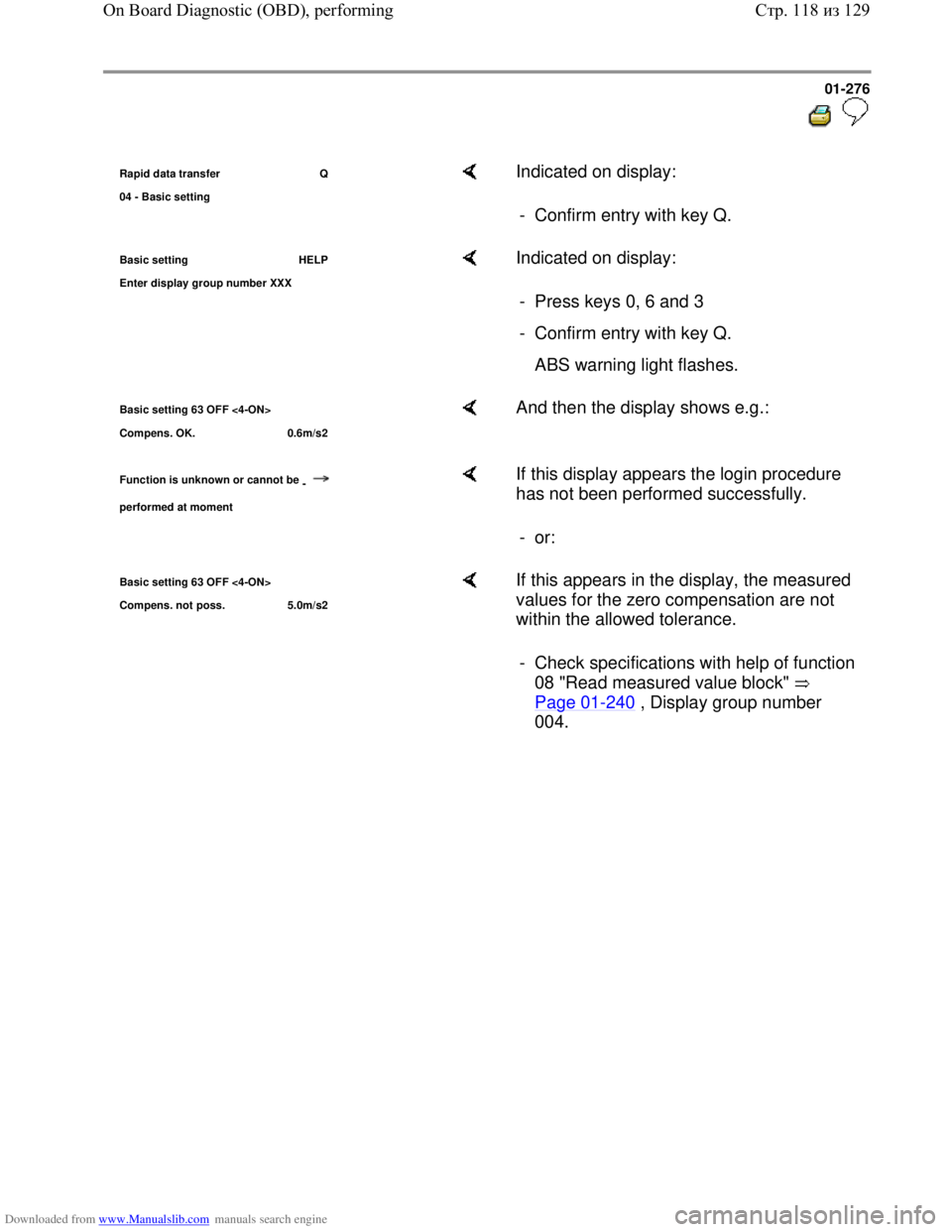
Rapid data transfer Q
04 - Basic settin
g
Indicated on display:
- Confirm entry with key Q.
Basic setting HELP
Enter dis
play group number XXX
Indicated on display:
- Press keys 0, 6 and 3
- Confirm entry with key Q.
ABS warning light flashes.
Basic setting 63 OFF <4-ON>
Compens. OK. 0.6m/s2 And then the display shows e.g.:
Function is unknown or cannot be
-
performed at moment
If this display appears the login procedure
has not been performed successfully.
- or:
Basic setting 63 OFF <4-ON>
Com
pens. not poss. 5.0m/s2
If this appears in the display, the measured
values for the zero compensation are not
within the allowed tolerance.
- Check specifications with help of function
08 "Read measured value block"
Page 01
-240 , Display group number
004.
Стр. 118из 129 On Board Diagnostic (OBD), performing
Page 285 of 339
Downloaded from www.Manualslib.com manuals search engine 01-277
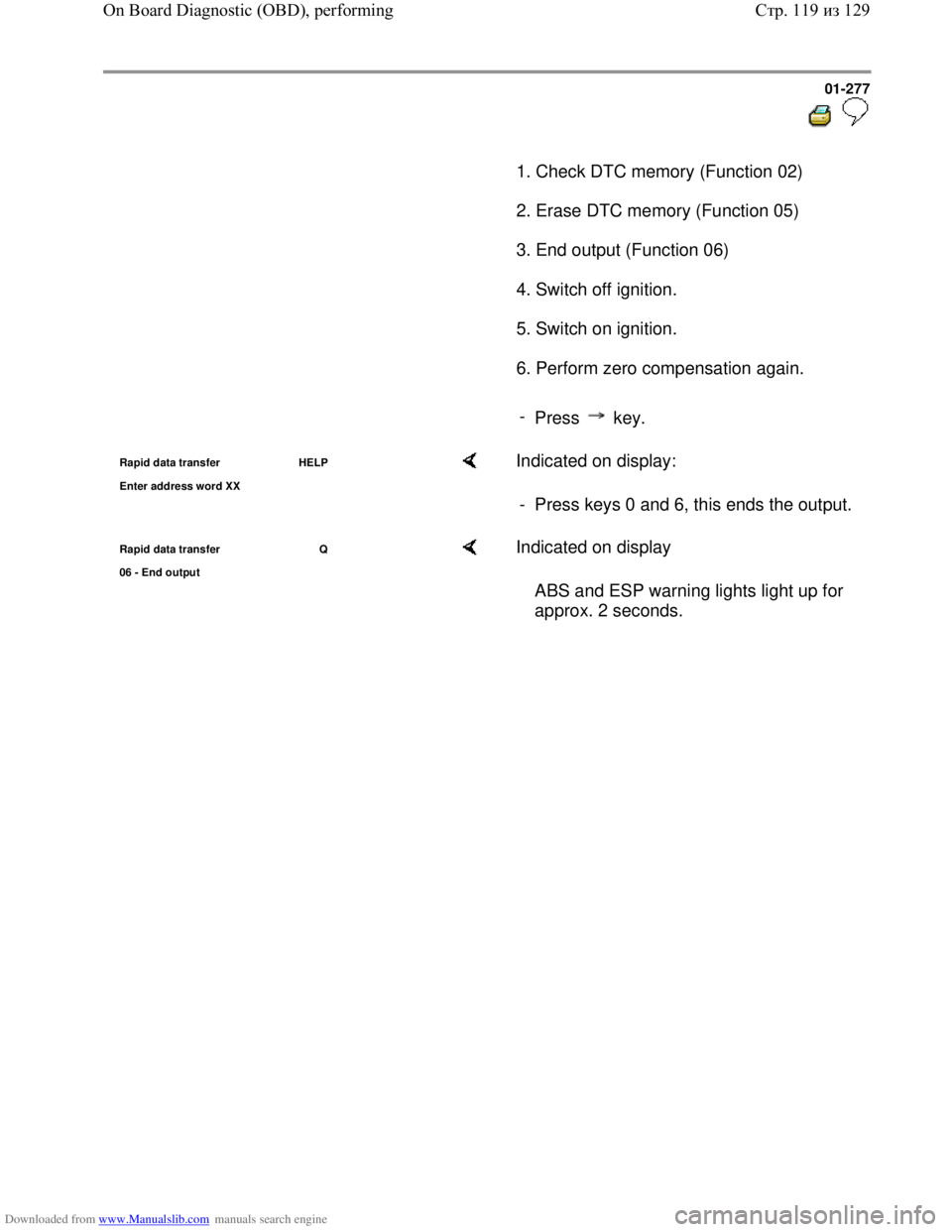
1. Check DTC memory (Function 02)
2. Erase DTC memory (Function 05)
3. End output (Function 06)
4. Switch off ignition.
5. Switch on ignition.
6. Perform zero compensation again.
-
Press key.
Rapid data transfer HELP
Enter address word XX Indicated on display:
- Press keys 0 and 6, this ends the output.
Rapid data transfer Q
06 - End output Indicated on display
ABS and ESP warning lights light up for
approx. 2 seconds.
Стр. 119из 129 On Board Diagnostic (OBD), performing
Page 287 of 339
Downloaded from www.Manualslib.com manuals search engine 01-279
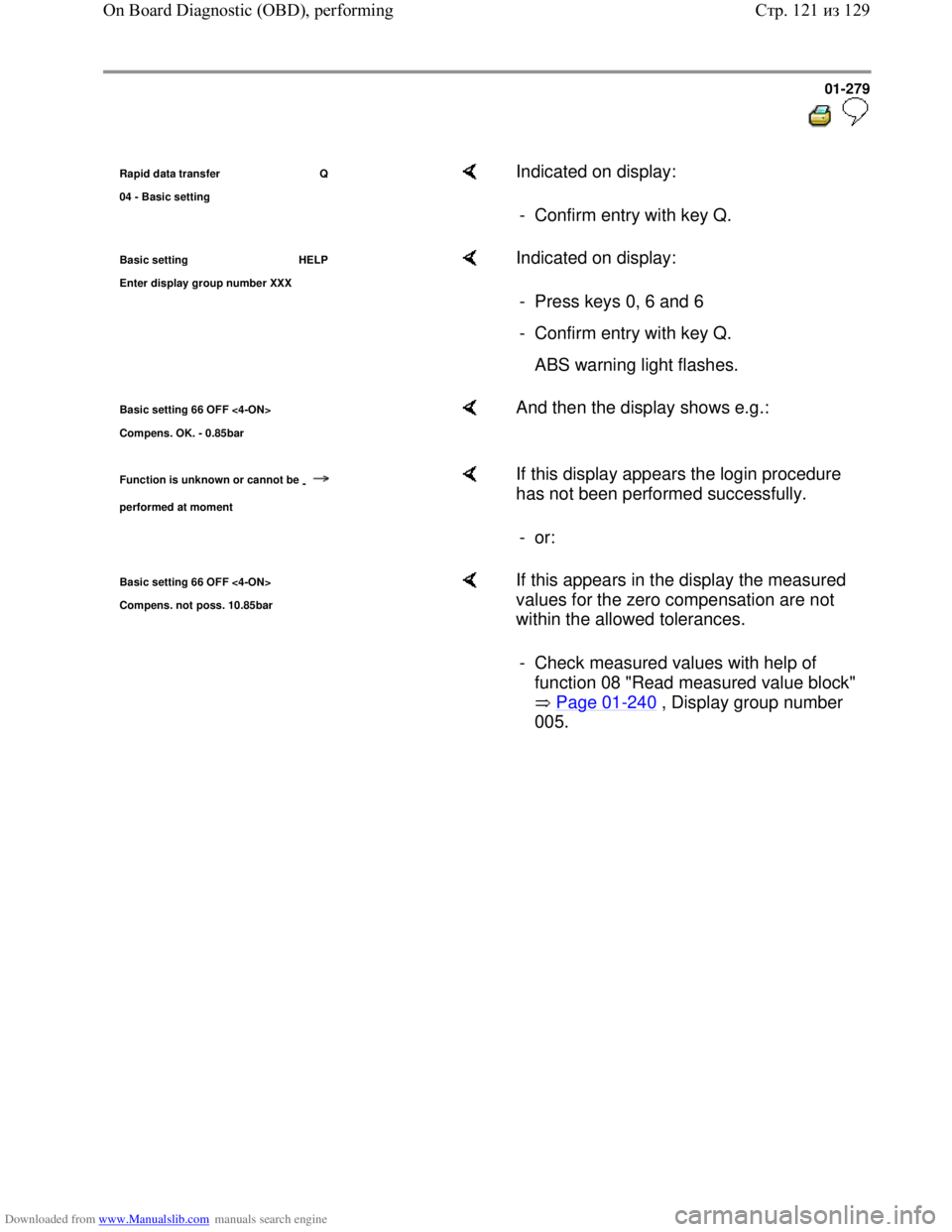
Rapid data transfer Q
04 - Basic settin
g
Indicated on display:
- Confirm entry with key Q.
Basic setting HELP
Enter dis
play group number XXX
Indicated on display:
- Press keys 0, 6 and 6
- Confirm entry with key Q.
ABS warning light flashes.
Basic setting 66 OFF <4-ON>
Compens. OK. - 0.85bar And then the display shows e.g.:
Function is unknown or cannot be
-
performed at moment
If this display appears the login procedure
has not been performed successfully.
- or:
Basic setting 66 OFF <4-ON>
Com
pens. not poss. 10.85bar
If this appears in the display the measured
values for the zero compensation are not
within the allowed tolerances.
- Check measured values with help of
function 08 "Read measured value block"
Page 01
-240 , Display group number
005.
Стр. 121из 129 On Board Diagnostic (OBD), performing