Engine parts VOLKSWAGEN GOLF 2011 Owner´s Manual
[x] Cancel search | Manufacturer: VOLKSWAGEN, Model Year: 2011, Model line: GOLF, Model: VOLKSWAGEN GOLF 2011Pages: 138, PDF Size: 49.24 MB
Page 98 of 138
Downloaded from www.Manualslib.com manuals search engine park Assist system
WJl Introduction
is c ha pt er contain s information on th e following
5 bJects :
par in g using the Park Assist system . . . . . . . 214
Driv in g out of a parkin g space with the Park
Assist s y stem (only parking spaces paralle l to
s id e of
road) . . . . . . . . . . . . . . . . . . . . . . . . . . . . 216
A
toma ti c brak e intervention . . . . . . . . . . . . . . 216
; e Park As sist s y stem helps the driver in findi ng
su·table park in g spaces, when parking in suitable
p a ra
lle l or perpend icu lar parking spaces and whe n
get ·n g o ut of para lle l parking spaces.
T
e Park Ass ist system has certa in system-rela ted
limitations and th e driver should be particularly
carefully when using the Park Assist system => 4::,..
One element of the Park Assi st system is the Park
Pilo~ which is des igned to provide assist an ce
when parkin g.
In vehicles w ith ParkP ilot optical display the scan
ned area to the front , rear and to the sides of the
vehicle will be shown on the screen of the radio or
the navigat ion sys tem. W ith in the scope permitted
by the sys tem , the pos it ion of obstacles w ill be
s
hown in rel at ion to the vehicle .
T he
Park Ass is t system cannot be sw itched on if
the factory -fitted towing bracket is e lectrically co n
n e
cted to the trailer.
Additional information and warnings:
• Exterior views =>page 6
• Braking , stopp ing and parking =>page 179
• ParkPilo t =>page 201
•
C leaning and caring for the vehicle exterior
~page 294
• Accessor ies, mod ificatio ns, repairs and renew al
of Parts =>page 320
..._A W ARN ING
D o not le t the extra convenience afforded by
the Park Assist system tempt you into taking
any risks when driving-this can cause acci
dents. The system is not a substitute for the
full concentration of the driver.
• Un intentional vehicle movements can
cause serious injury.
A WARNING (Continuec;f) -
• Always adapt your speed and driving style
to suit visibility, weather, road and traffic con
ditions.
• The surface of certain objects, including
clothing, as well as external noise sources do
not reflect the signals from the Park Assist
system or the parking distance warning sen
sors or can cause the system to fail to detect
objects or persons.
• Sensors have blind spots in which obsta
cles and people cannot be detected.
• Always monitor the area around the vehi
cle as the sensors will not always detect in
fants, animals and objects.
..
A WARNING .. p k
When driving into or out of a parking space
using the Park Assist system, the steering
wheel will automatically make quick turning
movements. You could be injured if you at
tempt to touch the steering wheel spokes.
• The Park Assist system uses parked vehi
cles, the kerb and other objects as guidance.
Please ensure that the wheels and tyres are not
damaged when parking the vehicle. If necessa
ry, stop the parking procedure in good time to
prevent damage to the vehicle.
• The sensors may not always be able to de
tect objects such as trailer drawbars, thin rails,
fences, posts, trees and open or opening tail
gates. This can result in damage to your vehi
cle.
•
If the ParkPilot has detected an obstacle
and issued a warning, the obstacle may move
out of the detection range of the sensors as the
vehicle approaches it, particularly if the object
is very high or very low. These objects are no
longer registered. The vehicle can sustain con
siderable damage if the warning given by the
ParkPilot is ignored. The same applies to the
Park Assist system, for example when parking
behind a lorry o r a motorbike. Therefore, al
ways check the space in front of and behind
the vehicle and stop the vehicle in good time if
necessary.
I D•ive• assist systems 12t3
~~------------------~-~! ----------------~~@~-~· ~---J~-
Page 102 of 138
Downloaded from www.Manualslib.com manuals search engine Cruise control system (CCS)
CQJ Introduction
This chap te r co ntains inf ormation on the follo wing
sub jects :
D is pl ay and indi cator la mp . . . . . . . . . . . . . . . .
2 18
O pe ra tin g the c ruise contr ol sy ste m (CCS ) . . 219
Th e crui se co ntr ol s y ste m (CC S) helps to maint ain
an indiv idu al s e t s pee d wh en the vehic le is trave l
l i
ng forw ards at spee ds of m ore tha n app rox im ate
ly
20 km /h (15 mph)1
).
The CCS only slows the vehicle by easing o ff the
acce lerato r, not by activ ely brakin g
~ ~.
Additional information and warnings:
• Changing gear ~page 169
• Speed limiter ~p age 222
• Adaptive Cruise Control (ACC) ~page 226
• Accessories , modifi cations, re pair s and rene wal
of parts
~page 320
The use of the cruise control system can lead
to accidents and serious injuries if traffic
does not allow you to drive at a safe distance
from the vehicle in front at a constant speed.
Display and indicator lamp
®
@
Fig. 159 Instrument cluster display: cruise control
(CCS) status display
A WARNING Continued)
• N ever use the CCS In heavy traffic, when
there Is In sufficient distance from the vehicle
In front, on steep or winding roads, or on
slippery road surface s, e.g. on snow, ice, w et
road s, loose chlppings, or on flooded roads.
• N ever use the CCS when driving off-road
or on unsurfaced roads .
• Adapt your speed and distance from the
vehicles ahead to suit visibility, weather, road
and traffic conditions.
• Always switch cruise control off after use
to avoid unintentional operation.
• lt is dangerous to use a set speed that is
too high for the prevailing road, traffic or
weather conditions.
• The CCS cannot maintain a constant
speed
when travelling downhill. The vehicle
speed can Increase under its own weight.
Shift down a gear or brake the vehicle using
the foot brake. 4
r-T'n First read and observe the introductory
L-.bU information and safety warnings & on
page 218.
CCS display
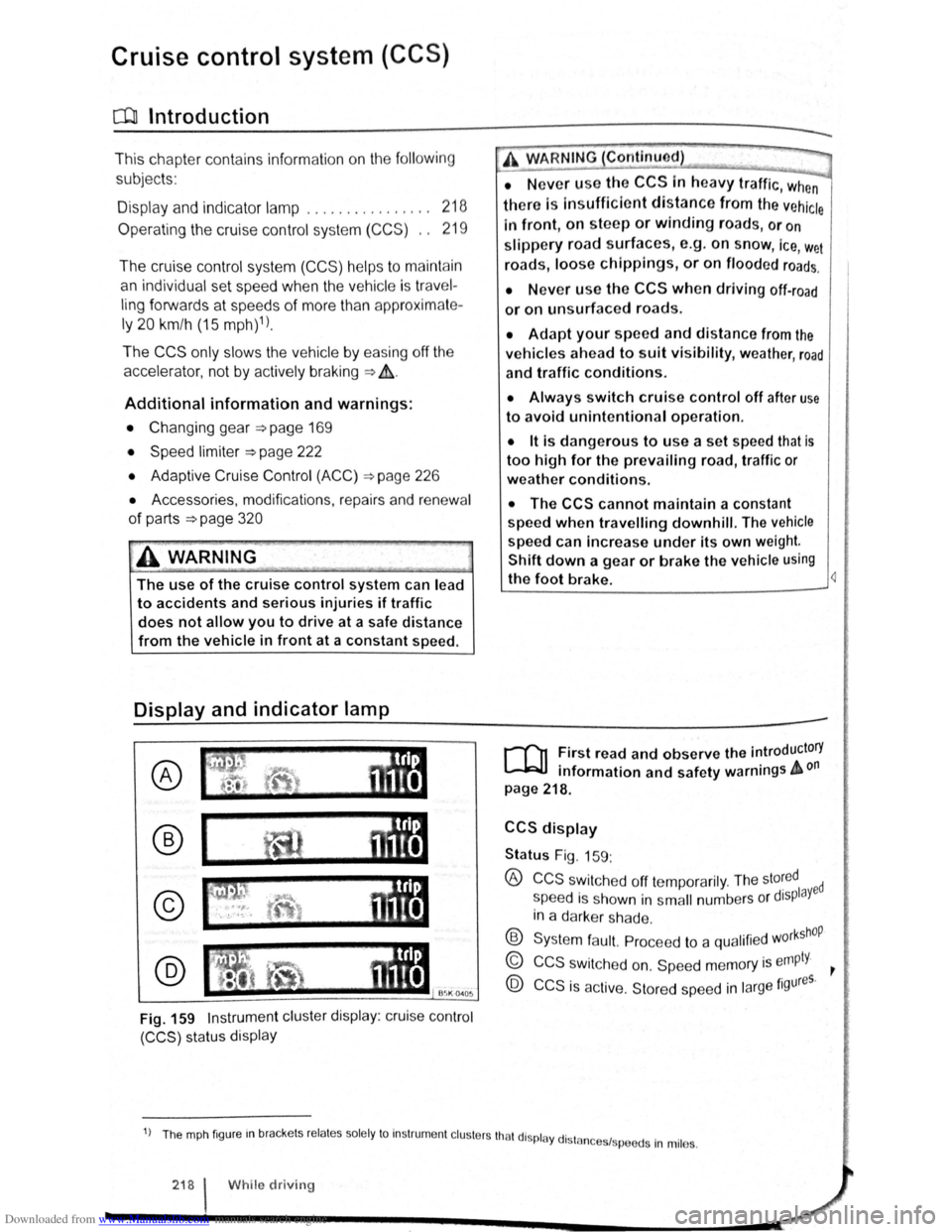
Status Fig. 159:
® CCS swit che d off te mp ora rily . The sto~ed ed
s peed i s s hown in s m all numbers o r displaY
in a darke r sh a de .
® Syste m fa ult. Pro cee d to a qualifi ed w orkshOP
© CCS s wit ch e d on. Sp eed m em ory is empty. ~
@ CCS is ac tive. Stor ed sp ee d in la rge figures.
1) Th e mph fig ur e m brac ke ts re la te s so le ly to In str um ent cl uste rs tha t di spl ay dl stn 1 .
n ces sp ee ds In mil es.
218 I While driv in g
Page 106 of 138
Downloaded from www.Manualslib.com manuals search engine Speed lirniter
~~~~n~t~ro~d~t~tc~t~io~r~,-----------------------------------------------
hi , h:.1~t r ntains inf nn3tion on th e fo llo wing
subjt 't ~:
lmd indi 1t r I mp . . . . . . . 222
d
limit er . . . . . . . . . . . . . . . 223
h s~ d limit r hel~ t11e driv er n ot to excee d an
individua l ~t r d ~ d wh en driving forwards at
~ t ds f 3~pr im ate ly 30 km /h (20 m ph) and
~1b -
Addition3l Information and w arnings:
• IKm in g g r page 169
• ruls Co ntro l Syst em (CCS) ==-page 218
• dnptive Cruise Con trol (ACC ) ~page 226
• Ac -s ri s, m odifications , re pairs and re newa l
f parts ~ pRge 320
Display & warning and indicator lamp
®
©
' B~K Oot06
Fig. 162 In th e instrument clu ste r display : speed
limit er sta tus disp lays
·~ ~ ' -
~~~_W_A_R_N_IN_G ________ ~~----~
Always switch off the speed limiter after use
to avoid unintentional cruise control.
• The speed limiter does not relieve the
driver of their responsibility for the speed of
the vehicle. Do not drive at full throttle if it is
not required.
• Use of the speed limiter in adverse weath·
er conditions is dangerous and can cause se
rious injury, e.g. through aquaplaning, snow,
ice, or leaves. Only use the speed limiter
when the road and weather conditions allow
it to be used safely.
• The speed limiter cannot limit the vehicle
speed when travelling downhill. The vehicle
speed can increase under its own weight.
Shift down a gear or brake the vehicle using
the foot brake.
r-f'n First read and observe the introductory
L-JcJ.I information and safety warnings A on
page 222.
Speed limiter display
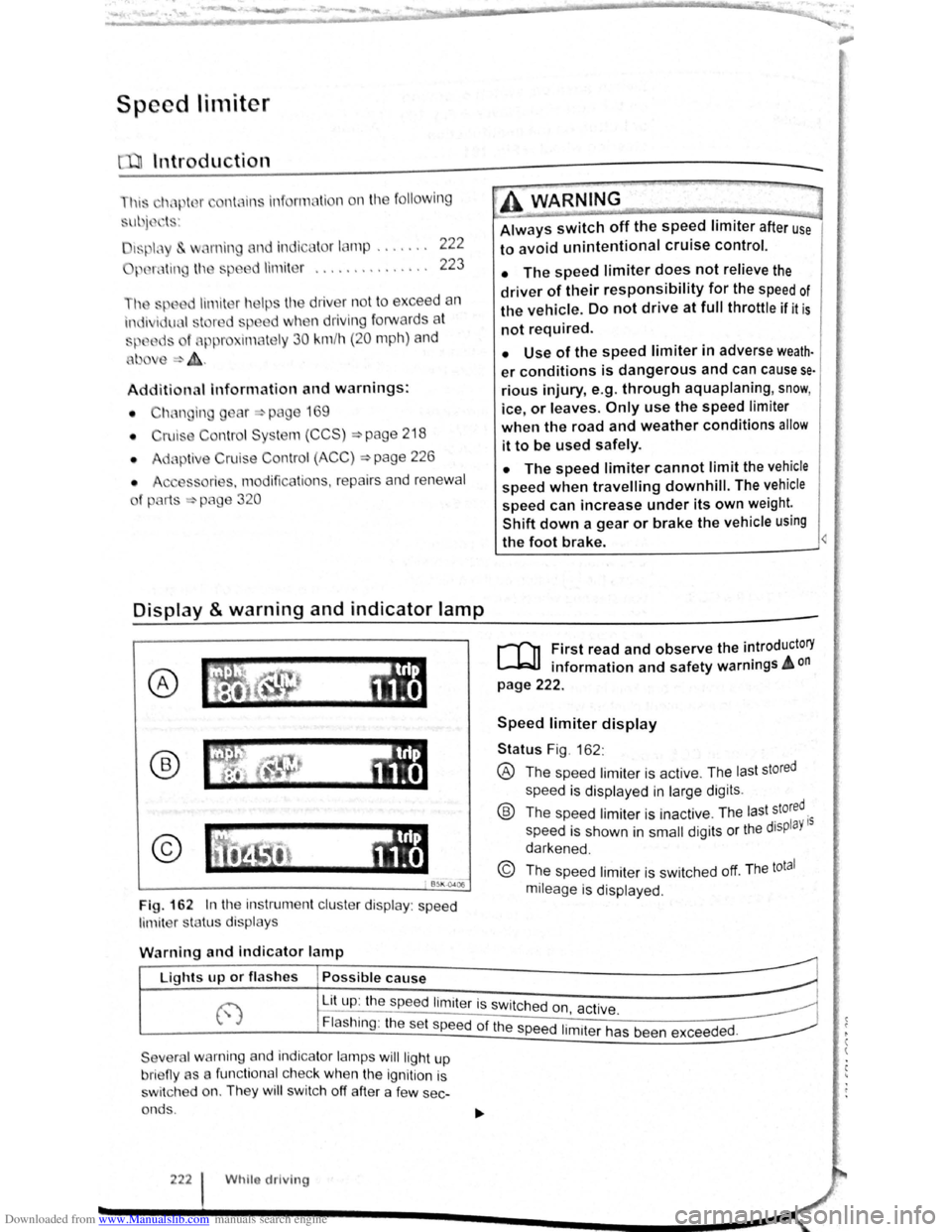
Status Fig . 162 :
® The spee d limiter is active . The las t stored
speed is displayed in large dig its .
® Th e speed limiter is ina ctive . Th e last stored.
speed is shown in
small digits or the displaY 15
darkened .
© The speed limiter is sw itched off. The total
mileage is displayed .
W
arning and indicator lamp
r~~~fucl,~~~~~---------------------~ Lights up or fl as hes Possible cause
j-~~----~~==~==~~---------------~ ~ L_it;u~p~:~th~e~sp~e:e:d~l:im:i:te:r~is~sw~itc~h~e~d~o~n~~~·~~---------------~ t.,.; :1 , ac 1ve. ~
Flashing : the set speed of the speed 1. .
t h d d
Severa l warning and indicator lamps will ligh t up
bri eny as a func tiona l c h ec k
when the ignition is
s wi tc h ed on. They
wi ll swi tc h off after a few sec
onds .
222 Whilo driving
1m1 er as been excee e .
Page 110 of 138
Downloaded from www.Manualslib.com manuals search engine Adaptive cruise control (ACC)
Introduction
Th1s chapter contatns tnformat1on on the followtng
subjects
01spla y. wammg and •nd•catOf lamps 22
Radarsensor 228
Operating adaptive crwse COP r-cY (ACC) ,g
Sw1tch off the adapt ve ens se CO"tro' \ACC
temporanly tn he follow f'l9 S ua~ ""S 3
S I ~~ pec1a dnv ng St ua:10ns ~
The adapt.rve cru'se con··ol (ACC combtn
cruise control and d •s nee control ~
ThG dn r 1
m s ag tn •
rng br l In
page 227
A dd1t1onal informat•on od ar mg :
• Extel'l()( ~ e s ~ pag -
• Vo s agen in!orma~ s rS:e 5
• lnfota.nme t sys:e'n ::. p.aoJ~ 3
• Crurse Co tr04 s.,-s•em CCS :;:) pa,;_ 2i 3
•
Speed I m1ter ~page 222
• Area mon toong SJSte (Front s:s.)
~page 235
• lane departure wa'Tl "'9 sys:e,.., La AssiS~)
~page 240
• AccessofleS mod rca:~ns. repatrS and rene..-aJ
ot parts ~page 320
A WARNING
The intelligent t chnology of th daptive
crul e control (ACC) c nnot ovorcom the
la of phy ic or yst m-r lat d v h1cl hrn.
itation . Cnr I or unlnt ntlon I u of tht
adapttv crui control (ACC) c n c u tiCC•·
dent nd I ad to criou Injury. Th y tem
'i
not ub t
itut forth full cone ntr t1on
of th dn or.
• A
dapt your p d nd d• t ne from tht
ehlclc h nd to uit v i iblltty, w • thcr , r~
nd traffic condition .
• Do not u e th ACC In poor vi 1blllty , on '
steoep or winding ro d , or on ltpp ry ro•d
surfaces e.g . on snow, Ieo , wet road . loo •
chippings or flooded road .
I • Never use the ACC otf-"'oa d or on oon ur·
faced roads. The ACC de ign d for u • on
urface
acle , .g . the tail end of tr ff1c J m . I ..
hicl that ha broken down. or v htcl w.t ,t ·
tng t trnHlc light
1 • Th ACC do not r et t o r on . ant--
mat nd vch cl cro ing or ppr03chm9
r mu t be pr~~r•d to t~t~• '~ 1
htcl (by cc t r ltng ot b,~
------------------------------
Swt eh off lh ACC 1 you u p4t<:t t '~~ ,..,tJJ
s.ensor ha be.tn d mag d . Th• c n h lp ~
pre ent urt.h()r damage. H v• the r dar ,.
realigned
Page 119 of 138
Downloaded from www.Manualslib.com manuals search engine ' )
)
Area monito ring system (Front Assist)
QJl Introduction
This ch a pter contains information on the following
s
ubjects:
warning lamps and displays . . . . . . . . . . . . . . 236
Radar sensor ....... · · . . . . . . . . . . . . . . . . . . 237
Operating the area monitoring system (Front
Assist) .... . .. · · · · · · · · · · · · · · · · · · . . . . . . . . 237
Temporarily switch off the area monitoring
system (Front Assist) in the following
s it u
ations . . . . . . . . . . . . . . . . . . . . . . . . . . . . . . 238
System limits . . . . . . . . . . . . . . . . . . . . . . . . . . . 238
C i
ty emergency brake function . . . . . . . . . . . . 239
The area monitoring system (Front Assist) helps to
avoid rear-end collisions.
lt uses a radar sensor to monitor traffic situations
up to a distance of approximately 120 metres in
front of the vehicle within a speed range of approx
i
mately 5 km/h (3 mph) to 210 km/h (130 mph) .
The area monitoring system (Front Assist) can
warn the driver about imminent collisions, pre
pare the vehicle for emergency braking in case
of danger, assist with braking, and initiate auto
matic braking.
Additional
information and warnings:
• Exterior views ~page 6
• Volkswagen information system ~ page 26
• lnfotainment system ~page 31
' Cruise Control System (CCS ) ~page 218
'
Speed limiter ~page 222
' Accessories , modifications , repairs and renewal
o f
Parts ~page 320
Distance warning
If the system detects danger from driving too close
to.the vehicle in front , the system can warn the
~nver by showing a corresponding message in the
~nstrument cluster display ~page 236. The warn
Ing Period varies according to the traffic situation
a
nd the driver's response . Front Assist is not a
sub t · · s ltue for the full concentration of the dnver .
Advance warning
h lfth e system detects a potential collision with a veICI · e .e .1n front, the system can warn the driver by 1111tt1ng an acoustic warning and showing a corre-spond· · PI lng message in the instrument clus~er diS-
ay ~Page 236 . The warning period vanes ac- carding
to the
traffic situation and the driver's re
sponse . Front Assist is not a substitue for the
full
concentration of the driver .
At the
same time it prepares the vehicle for possi
ble emergency braking ~ ~.
Urgent warning
If the driver fails to respond to the advance warn
ing, the system can initiate a quick jolt of the brake
in order to draw the driver's attention to the
in
creasing danger of a collision.
Automatic braking
If the driver also fails to react to the urgent warn
ing, the system can slow the vehicle down auto
matically by gradually increasing the braking force.
The system can help to reduce the consequences
of an accident by reducing the speed at which a
potential collision might take place .
Brake assistance
If Front Assist detects that the driver is not braking
sufficiently when there is a risk
of collision , the sys
tem can increase the braking force and thereby
help to prevent a collision . Brake assistance works
only
for as long as the brake pedal is pressed
hard.
The intelligent technology used in Front As
sist cannot overcome the laws of physics.
The driver is always responsible for braking
in time. If Front Assist issues a warning, im
mediately apply the foot brake to slow the ve
hicle down or avoid the obstacle, depending
on the traffic situation.
• Adapt your speed and distance from the
vehicles ahead to suit visibility, weather, road
and traffic conditions.
• Front Assist cannot prevent accidents and
serious injuries on its own.
• Front Assist can issue unnecessary warn
ings and carry out unwanted braking inter
ventions in certain complex driving situa
tions, e.g . at traffic islands.
~----------------------------_j~
Driver assist systems 235
-
Page 123 of 138
Downloaded from www.Manualslib.com manuals search engine ere is oncomin g traffic . • If
en loads or attachment parts on other vehi-
• tru e to the side, rear or above the normal .e s h. I ~-ers s of he ve ICe.
C ity emergency brake function
rl'i1 First read and observe the introductory
L-WJ information and safety warnings A on
page 235 .
e city emerg ency brake function is part of the
a'Ba monitorin g system (Front Assist) and is act ive
"' .en Front Ass ist is s witched on.
The c· emerg ency brake function gathers in for
ma ·on on the traffic situation up to a distance of
about 10 m in front of the vehicle with in a speed
ra ge of abo ut 5 km/h (3 mph) to 30 km /h
( 9 mph).
e system prepare s the vehicle for emergency
bra in g if it detects a possib le colli sion with a vehi -
eahead ~~-
If the dr iver does not react to a possib le serious
collis ion, the s ystem can autom atically stop the ve
h i
cle with bra ke pressure with increas ing intensit y
so as to reduce the s peed in a possib le co llision .
Hence the s ys tem can help min im ise the conse
quences of an accident.
A WARNING
The intelligent technology of the city emer
gency brake function cannot change the laws
of physics. The driver is always responsible
for braking in time.
• Adapt your speed and distance from the
Vehicles ahead to suit visibility, weather, road
an d traffic conditions.
• The city emergency brake function cannot
Prevent accidents and serious injuries by itself '---" ----------------------------~
• The city emergency brake function can
carry out unwanted brake interventions in
certain complex driving situations, e.g. at
traffic islands, building sites and metal
tracks.
• Front Assist can issue unnecessary warn
ings and carry out unwanted braking inter
ventions when its function is impaired, e .g . if
the position of the radar sensor has been
changed.
• While the vehicle is in motion, Front As
sist does not react to persons, animals and
vehicles crossing or approaching in the same
lane.
m The brake pedal travel decreases when the
~ city emergency brake function is triggered .
This
may make the brake pedal feel stiffer.
m Automatic brake intervention by the city
~ emergency brake fun ction can be stopped by
using the clutch , the accelerator or steering inter
vent ion.
m The city emergency brake function can brake
~ the vehicle to a standstill. The vehicle will not
be held permanently by the braking system. De
press the brake.
m Switch off Front Assist and the city emergen
~ cy brake functio n in the event of multiple un
wanted interventions . Proceed to a qualified work
shop . Volkswagen recommends using a Volkswa-
gen dealership for this purpose .
Page 130 of 138
Downloaded from www.Manualslib.com manuals search engine Tyre monitoring system
Introduction
Th1s ct1,1pt r contnin s inform ation on th e follow1ng
SlllliN~ts.
Tymmomto r in d1ca to r lamp . . . . . . . . . . . . . . 253
T
ro m onito r disp l y . . . . . . . . . . . . . . . . . . . 254
Additional information and warnings:
• Voll-.s w age n Inf orm ation sys te m ~p ag e 26
• lnfotainment sys te m ~page 3 1
• Tmnspo rting c:> page 126
• Brak1ng. stopp rng and parking ~page 179
• C leani ng a nd ca rin g for th e vehicle ex terio r
::-page 294
• Wheels and tyres ~page 308
•
A ccessones, modrficatrons, re parr s and renewal
or parts ~page 320
•
Consumer i nfor mation ~pag e 328
A WARNING ~~-~ ,c_. ""]
Incor rec t handling of the wheels and tyres
can lead to a sudden loss of pressure in the
tyres , trea d separation and even tyre blowout.
• Check tyre pressures regularly and always
keep to the specified tyre pressure value. If
the tyre pressure is too low, the tyre could
warm up to such an extent that the tread may
separate and the tyre could burst
~e monitor indicator lamp
• Always maintain correct cold tyre inflation
pressure as listed on the tyre pressure label
=>page 308 .
• Check tyre inflation pressure regularly
when the tyres are cold. Adjust tyre pressure
in the cold tyre to the recommended tyre
pressure for the tyres installed on your vehi
cle as necessary.
• Check your tyres regularly for signs of
w ea r or damage.
• Never exceed the top speed and load per
mitted for the fitted tyres.
CQ"' Und er-in nated tyres w111 increase fuel con
(Jtf sumption and tyre wear.
m When new tyres are dnven at high speeds for
W the firs t time, they can expand slightly and
trigger a one-off pressure
warn1ng.
m O ld tyres should o nly be re placed by tyres
W tha t have bee n app roved by Vo lkswagen fo r
the vehrcle type.
m Do not rely solely on the Tyr e Pressure Moni
L!J to nng System . Check your tyres regularly to
ensure that th
ey are properly inflated and have no
srgns of damage, such as punc tures, cuts, cracks ,
and bliste rs Remove an y
Objects th at become em
bedded 1n the tyre tread but have not penetrated
into the body
of the tyre itself
r--~~L~it_u_p _____ P_o_s_s_ib_l_e_c_a_u_s_e_~--.----------------T,S--o-lu-t-io_n __________________________ __
(I
The tyre pressure of one tyre or several • ir; Do not drive on! Reduce speed lmmedi
tyres has decreased considerably in com- 1 ately St op the vehic le as soon as possrble
panson to the tyre
pressure set by the I and when safe to do so. Avo1d swerv1ng me-
driver . or the structure of the tyre is dam-1 noeuvres and heavy brakrng'
aged .
An acoustic wamrng wrll also be Check all tyres and the tyre pressures The
sounded ,
and a correspondrng message damaged tyre should be replaced
will appear 1n the mstrument cluster and
infotainment system displays
Driver assi
st systems 253