navigation VOLKSWAGEN GOLF 2012 Workshop Manual

VOLKSWAGEN GOLF 2012 Workshop Manual GOLF 2012 VOLKSWAGEN VOLKSWAGEN https://www.carmanualsonline.info/img/18/55614/w960_55614-0.png VOLKSWAGEN GOLF 2012 Workshop Manual

Page 455 of 516
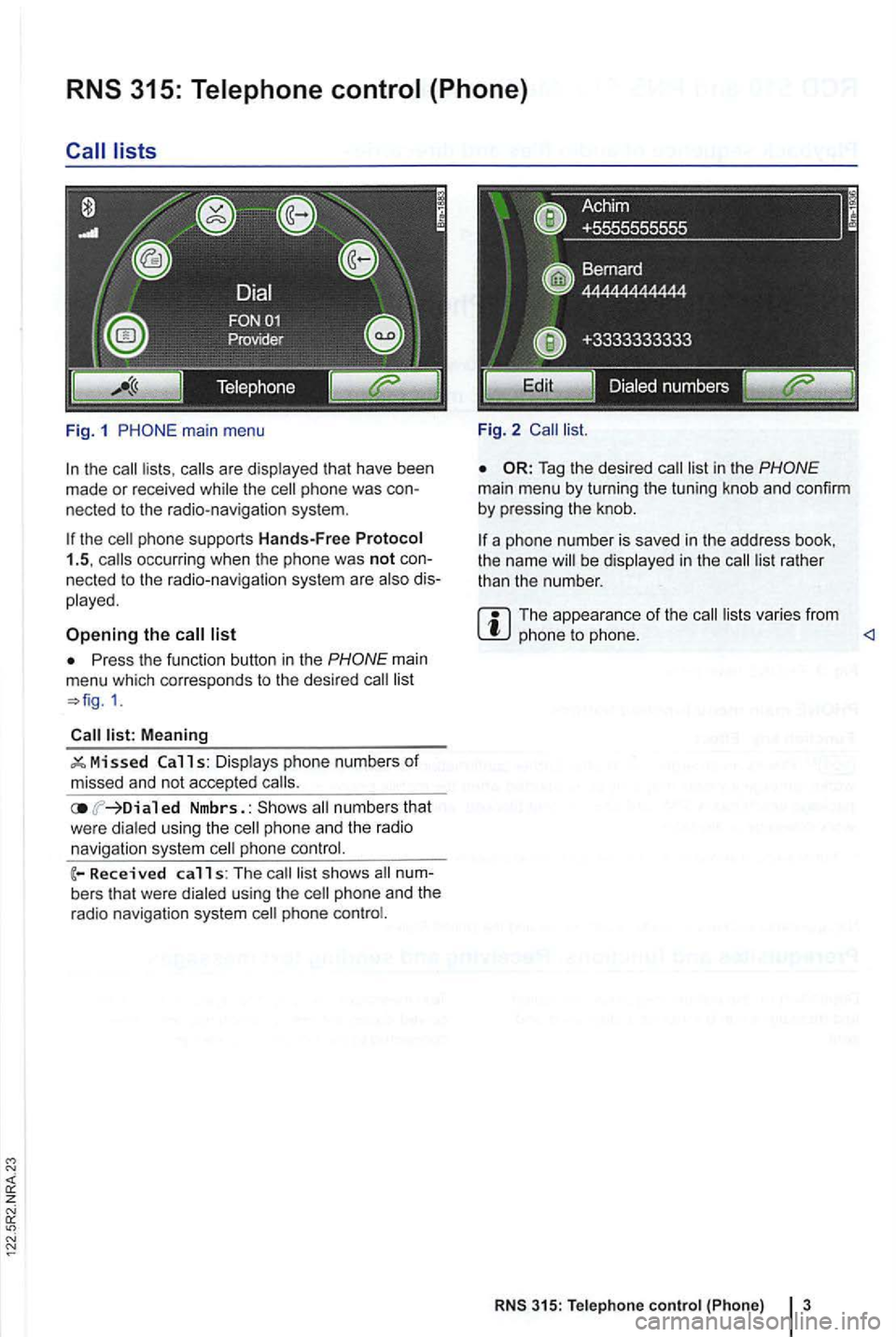
VOLKSWAGEN GOLF 2012 Workshop Manual lists 
Fig. 1 
the the 
list 
Press  the function  button in the 
Meaning 
ed  Nmbrs. : numbers  that 
w ere  dialed  using th e phone  an d  the  radio 
navigation  system phone 
calls: The s hows 
p

Page 457 of 516

VOLKSWAGEN GOLF 2012 Workshop Manual z 
in 
this section find information  about: 
Devi ce and  function  overview  . . . . .  . . . . . .  . .  6 
Deviating  from the 
scribed  in a separate Exbox II, Navigation  System with DMB & tooth

Page 458 of 516

VOLKSWAGEN GOLF 2012 Workshop Manual Valid only in Korea 
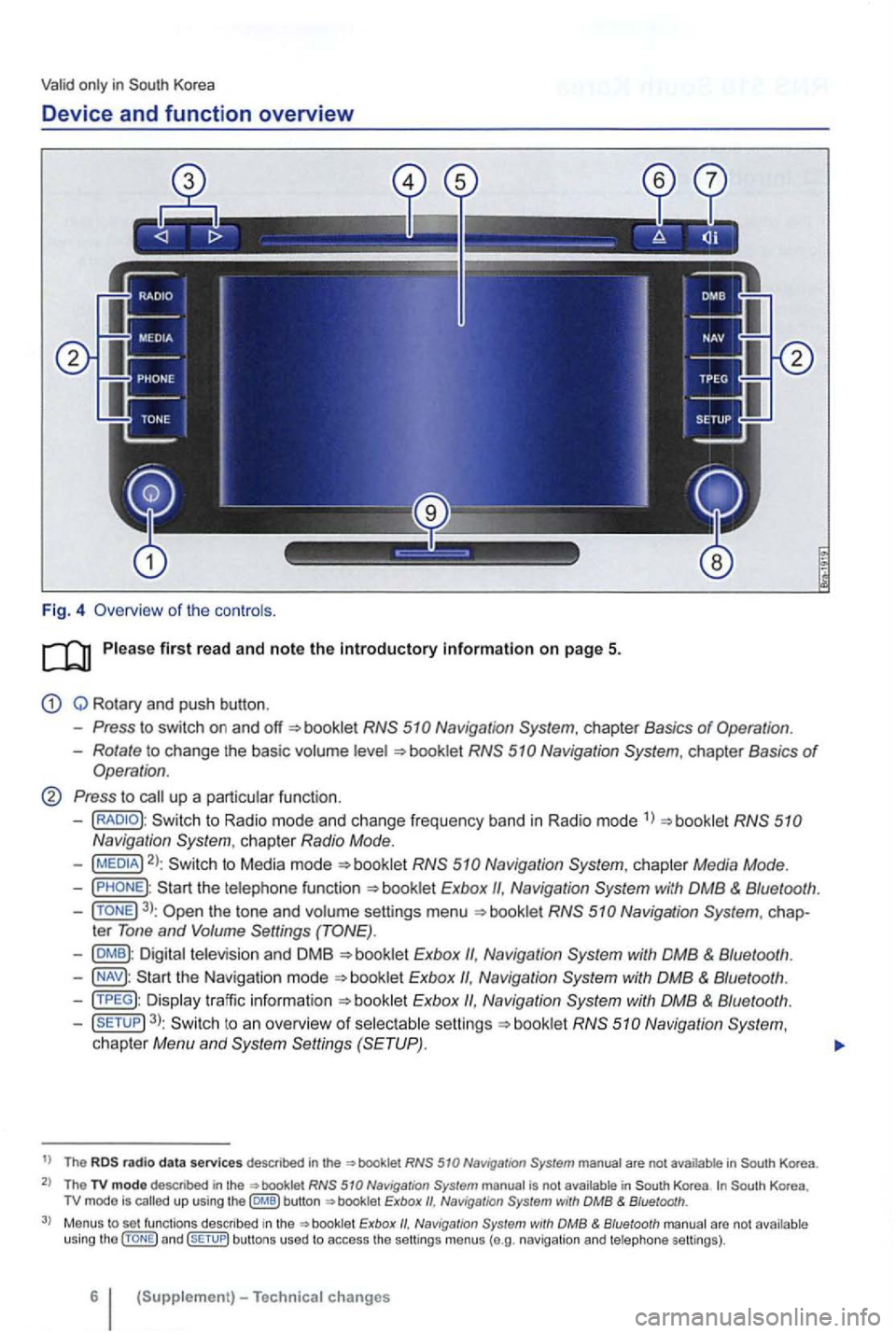
Device and function  overview 
Fig. 4  Overv iew  of the controls . 
Q  Rotary  and push  button . 
Press to switch  on and booklet 
Rotate to change  the basic volume 
Press to

Page 459 of 516

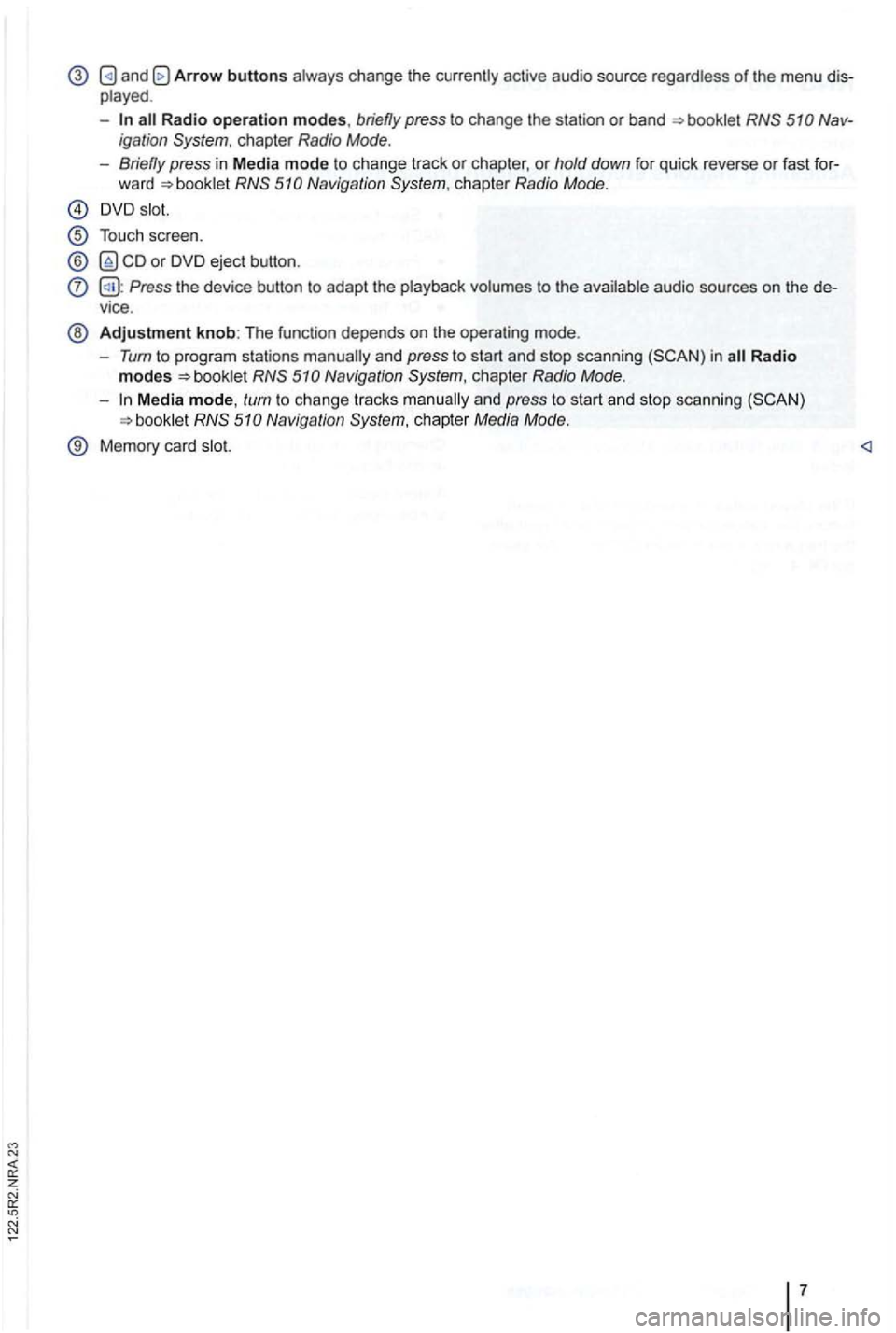
VOLKSWAGEN GOLF 2012 Workshop Manual Arrow buttons 
-Radio operation modes, briefly press to cha nge the  station  or  band Nav ­
igati on 
Naviga tion 
Touch  scree n. 
® or DVD  eject  button . 
Press the device  button to adapt the

Page 483 of 516

VOLKSWAGEN GOLF 2012 Workshop Manual Service Publications 
Volkswagen 
the se rvi ce 
information  about Volkswage n 
may avoid costly  future repai rs. bulletins 
describe  repairs ab out  new or  unex pected  condi­
tions. d esc ribe
Page:   < prev 1-10 ... 11-20 21-30 31-40 41-50 51-60