transmission VOLKSWAGEN ID.4 2020 Owner´s Manual
[x] Cancel search | Manufacturer: VOLKSWAGEN, Model Year: 2020, Model line: ID.4, Model: VOLKSWAGEN ID.4 2020Pages: 417, PDF Size: 6.31 MB
Page 28 of 417
tional sign in the head-up display and in the
instrument cluster.
Displays
In addition to speed limits and o
vertaking re-
strictions, Dynamic Road Sign Display also
detects the road sign which indicates that all
restrictions have been lifted on motorways
and main roads in Germany. In all other coun-
tries in which the system is operated, the
current speed limit is displayed instead.
The road signs detected by the Dynamic Road
Sign Display system are displayed on the in-
strument cluster. Road signs may also be dis-
played in the Infotainment system, depend-
ing on the system installed in the vehicle.
With some equipment levels, a display is also
shown on the Head-up Display.
The system is in the initial-
isation phase. OR: the camera has not
detected any regulatory or warning
signs.
System fault. Go to
a qualified workshop.
Fault in the Dy-
namic Road Sign Display system
speed warning. Go to a qualified
workshop.
The
windscreen is dirty in the area of the
camera or the camera view is im-
paired due to the weather conditions.
Clean the windscreen.
No data
transmission from the Infotainment
system. Check whether valid map da-
ta is loaded in the Infotainment sys-
tem. OR: the vehicle is located in an
area that is not covered by the map
stored in the Infotainment system.
Dynamic Road Sign Display is
not supported in the country in which
you are currently travelling.
No road signs available.
Error: Dynamic Road Sign Display
Speed warning currently not available.
Dynamic Road Sign Display: Clean the windscreen!
Dynamic Road Sign Display is currently restricted.
No data available.
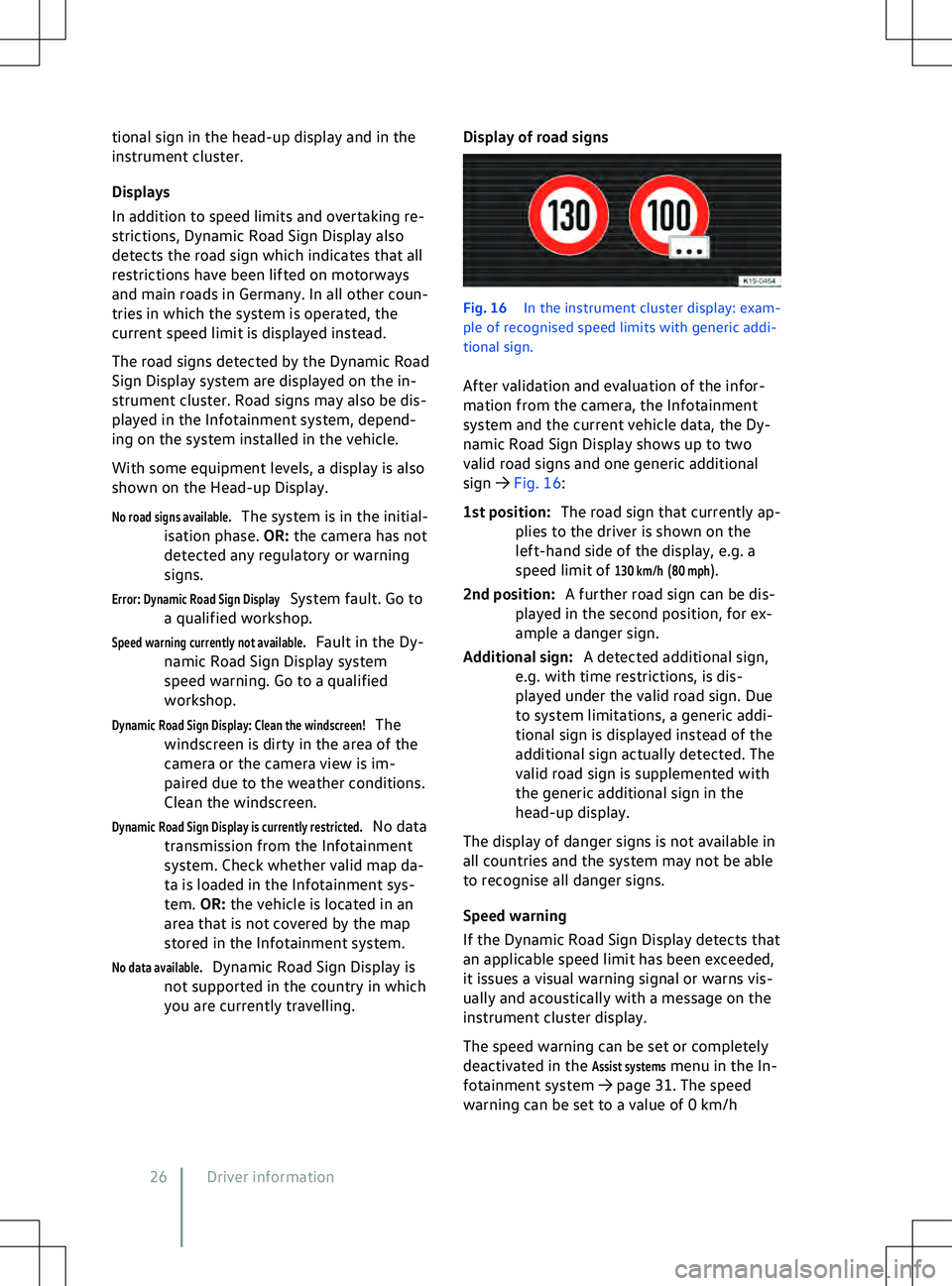
Display of road signs Fig. 16
In the instrument cluster display: e
xam-
ple of recognised speed limits with generic addi-
tional sign.
After validation and evaluation of the infor-
mation from the camera, the Infotainment
system and the current vehicle data, the Dy-
namic Road Sign Display shows up to two
valid road signs and one generic additional
sign
Page 197 of 417
Data transfer
CybersecurityWhat is cybersecurity?
Cybersecurity comprises measures to reduce
the risk of unauthorised access by malware or
an Internet attack on v
ehicle functions, data
and control units.
What are connectivity components?
Control units for data transmission, interfa-
ces, and media and diagnostic connections
are connectivity components, via which in-
formation and data can be exchanged be-
tween the vehicle and external devices or the
Internet. The connectivity components that
are not included in all vehicles are, in particu-
lar:
Page 206 of 417
E-mail: [email protected]
We will gladly answer your questions about
digital services.
Europe-wide. 24 hours a day. 7 days a week.
If your telephone pro
vider does not support
the number 00800-43347328, please call
+49 5361 3790510. The costs depend on the
applicable tariff of your provider. Roaming
charges may apply for calls made from out-
side Germany. Privacy settings
Introduction to the topic
The “Priv
acy settings” function enables you
to permit or prevent data transmission be-
tween the vehicle and the Internet.
The required mode can be set in the vehicle
settings in the Infotainment system.
The “Privacy settings” function cannot pre-
vent data transmission from external devices
and their communication with the vehicle.
Legally required services and their data trans-
missions cannot be switched off and cannot
be deactivated, e.g. “eCall Emergency Sys-
tem”.
Please note that every vehicle user can
adjust individual privacy function set-
tings. These settings may be different from
those preferred by the vehicle owner. Privacy settings
In order to permit or pre
vent data transmis-
sion, activate or deactivate offline mode in
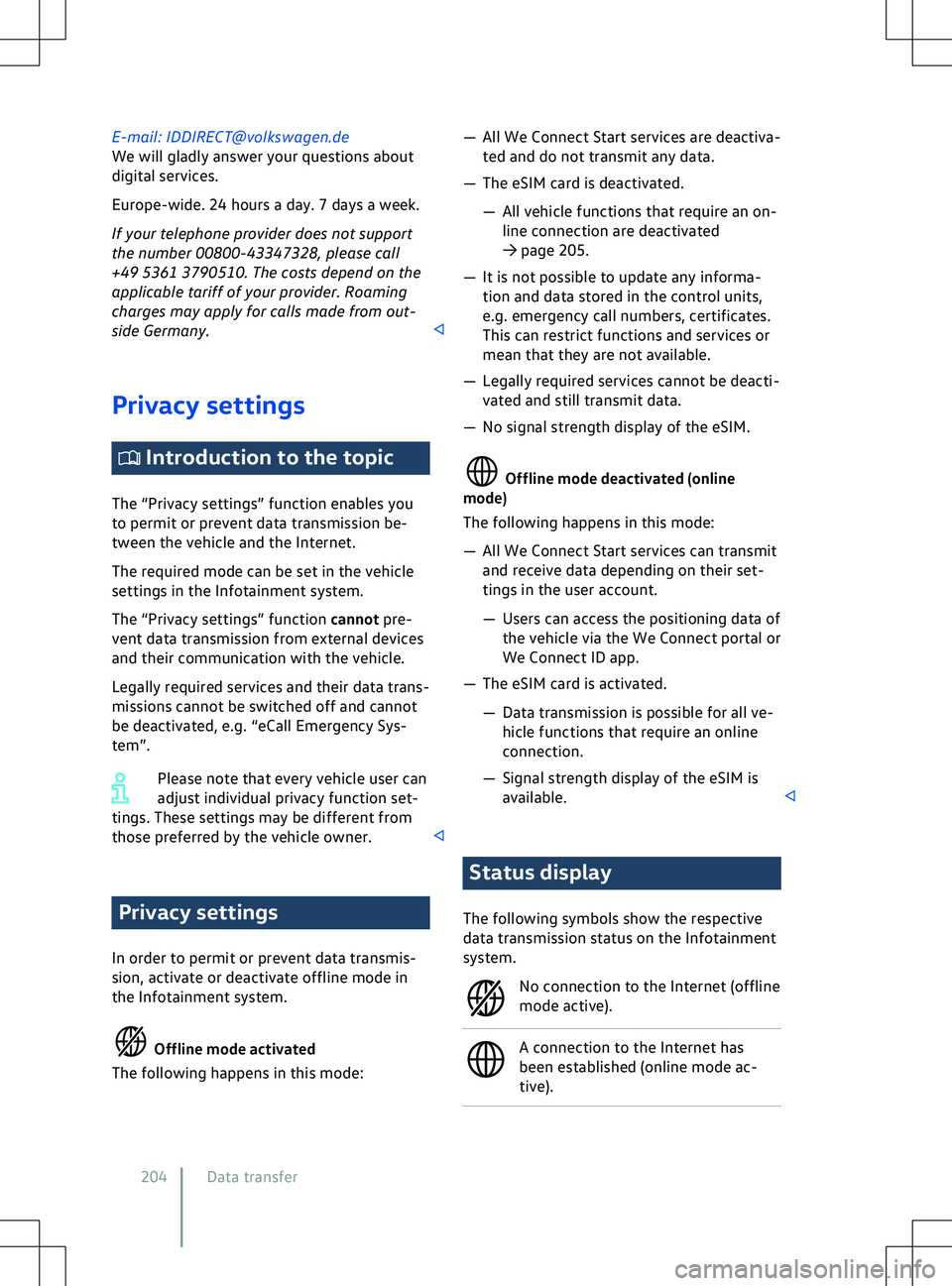
the Infotainment system. Offline mode activated
The f
ollowing happens in this mode:
Page 207 of 417
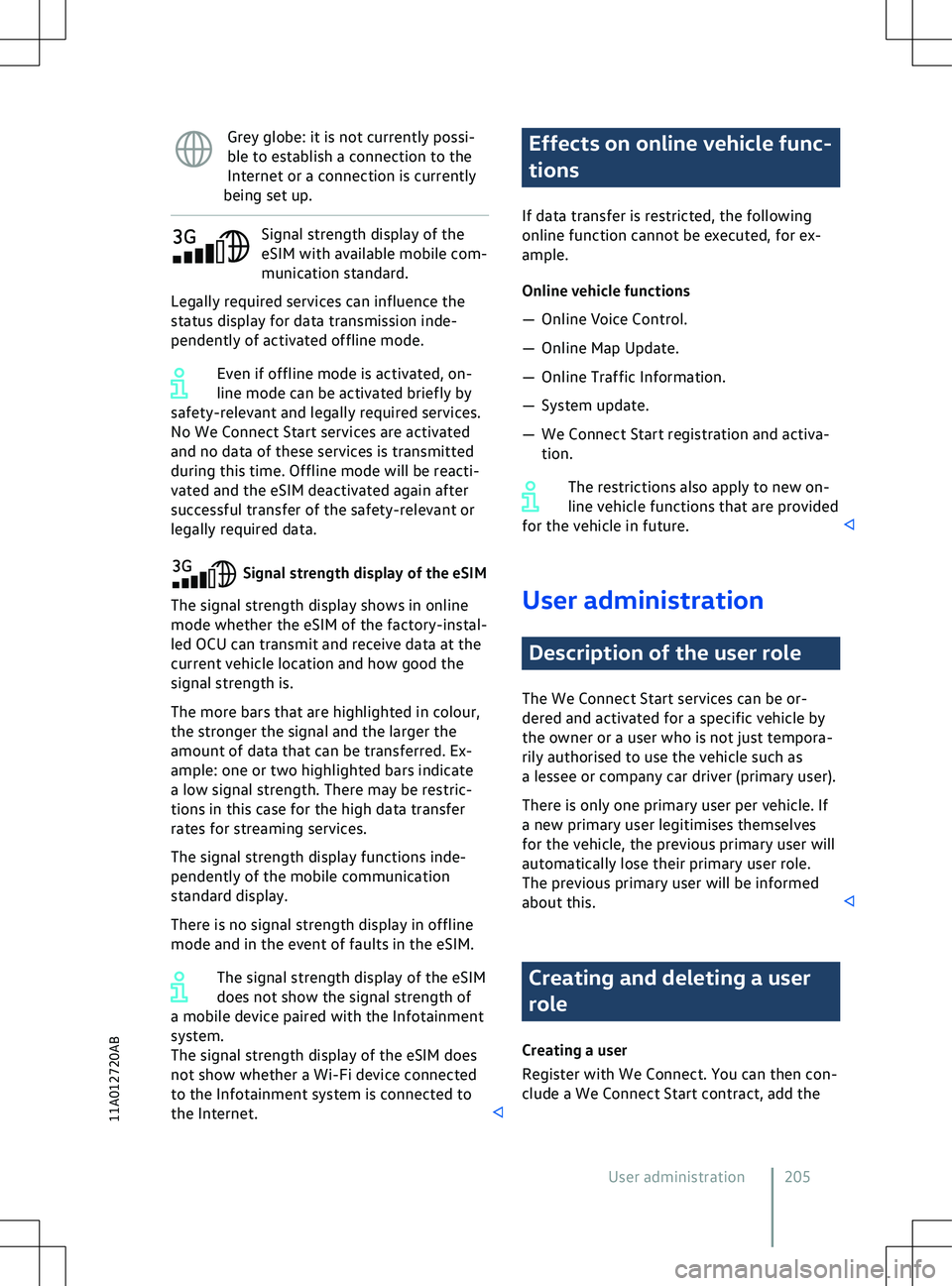
Grey globe: it is not currently possi-
ble to establish a connection to the
Internet or a connection is currently
being set up. Signal strength display of the
eSIM with a
vailable mobile com-
munication standard.
Legally required services can influence the
status display for data transmission inde-
pendently of activated offline mode.
Even if offline mode is activated, on-
line mode can be activated briefly by
safety-relevant and legally required services.
No We Connect Start services are activated
and no data of these services is transmitted
during this time. Offline mode will be reacti-
vated and the eSIM deactivated again after
successful transfer of the safety-relevant or
legally required data. Signal strength display of the eSIM
The signal strength display shows in online
mode whether the eSIM of the factory-instal-
led OCU can transmit and receiv
e data at the
current vehicle location and how good the
signal strength is.
The more bars that are highlighted in colour,
the stronger the signal and the larger the
amount of data that can be transferred. Ex-
ample: one or two highlighted bars indicate
a low signal strength. There may be restric-
tions in this case for the high data transfer
rates for streaming services.
The signal strength display functions inde-
pendently of the mobile communication
standard display.
There is no signal strength display in offline
mode and in the event of faults in the eSIM.
The signal strength display of the eSIM
does not show the signal strength of
a mobile device paired with the Infotainment
system.
The signal strength display of the eSIM does
not show whether a Wi-Fi device connected
to the Infotainment system is connected to
the Internet. Effects on online vehicle func-
tions
If data transf
er is restricted, the following
online function cannot be executed, for ex-
ample.
Online vehicle functions
Page 221 of 417
x
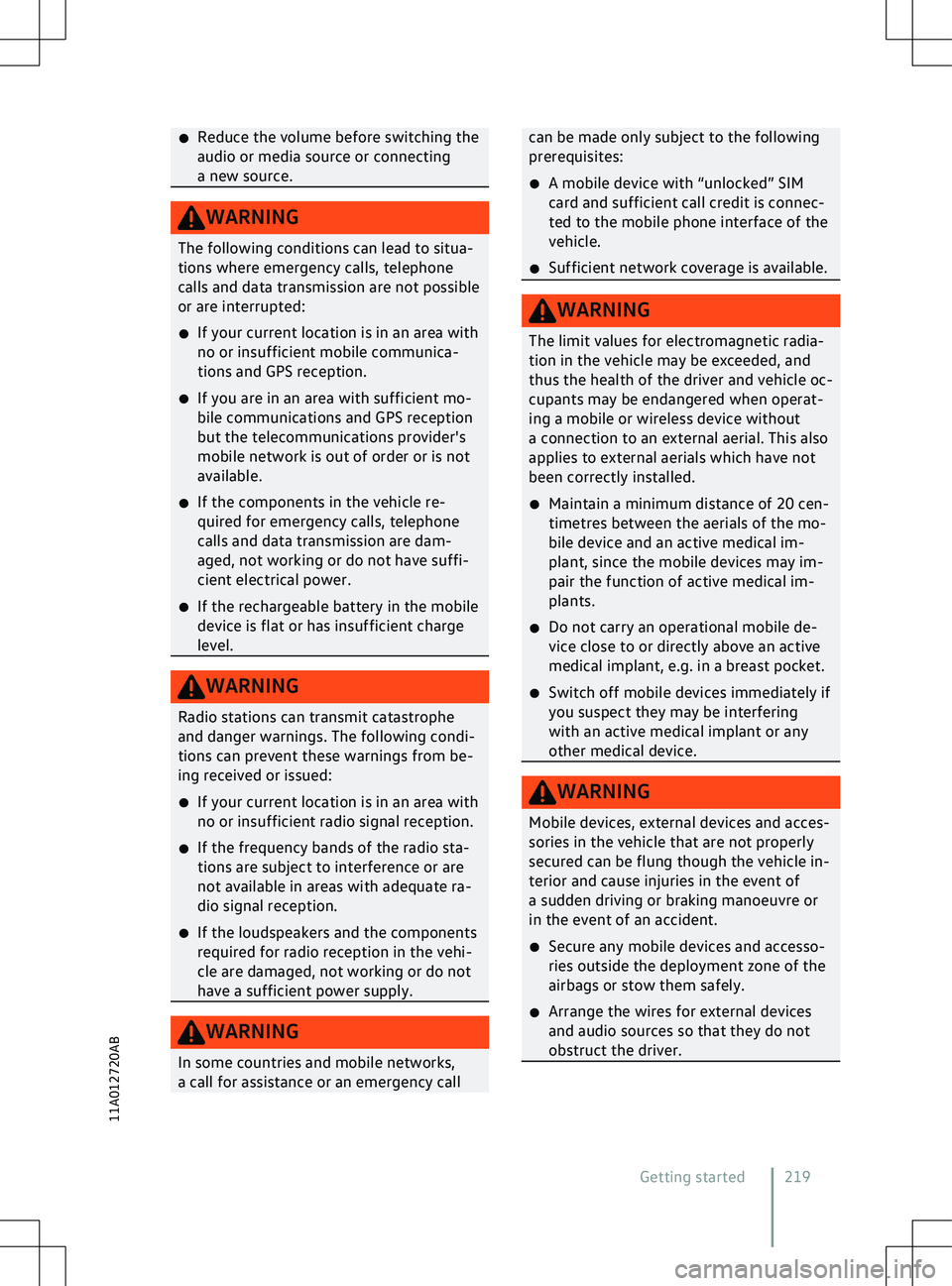
Reduce the v olume before switching the
audio or media source or connecting
a new source. WARNING
The following conditions can lead to situa-
tions where emergency calls, telephone
calls and data transmission are not possible
or are interrupted:
x If your current location is in an area with
no or insufficient mobile communica-
tions and GPS reception.
x If you are in an area with sufficient mo-
bile communications and GPS reception
but the telecommunications pro
vider
Page 232 of 417
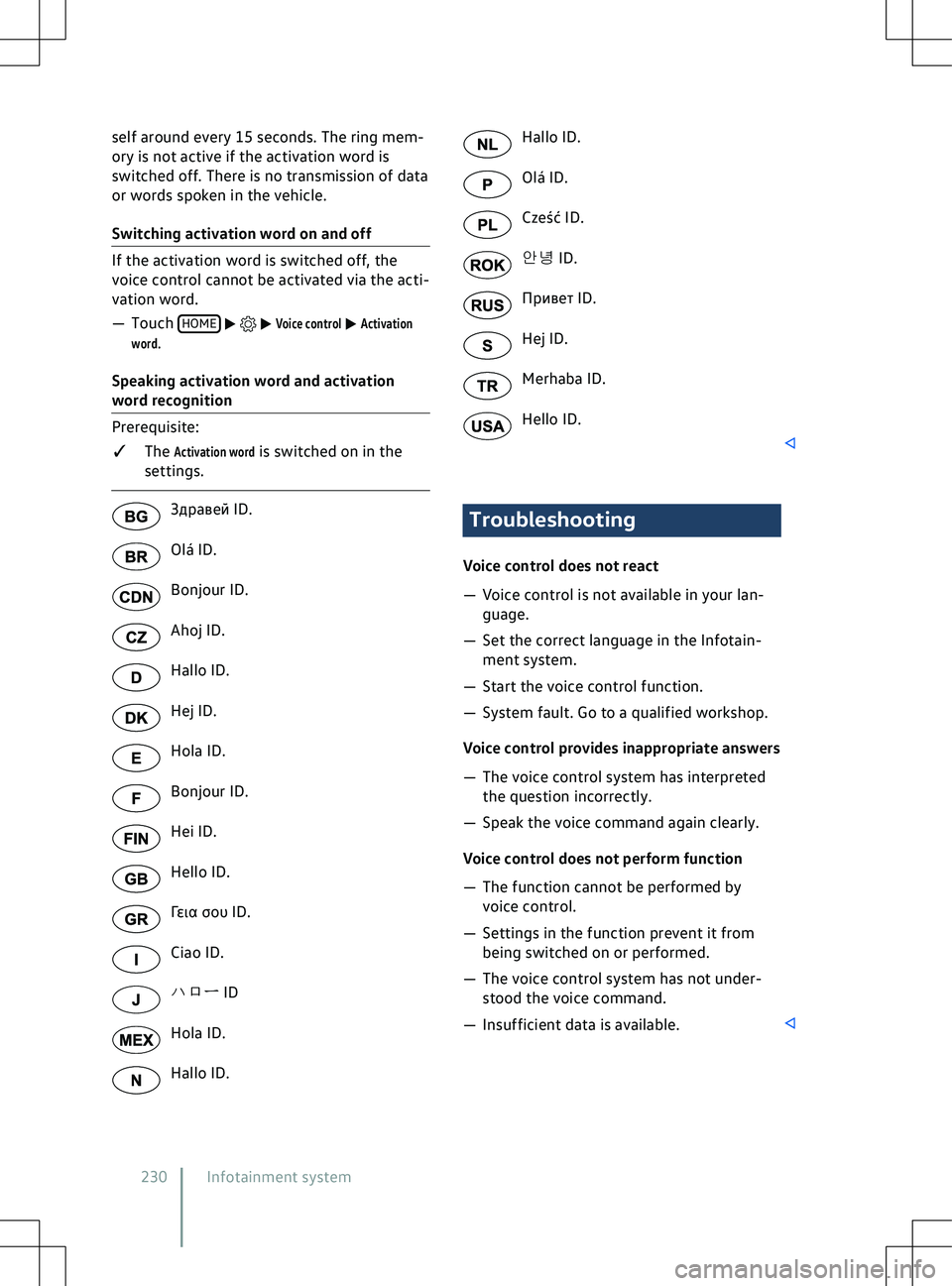
self around every 15 seconds. The ring mem-
ory is not activ e if the activation word is
switched off. There is no transmission of data
or words spoken in the vehicle.
Switching activation word on and off If the activation word is switched off, the
v
oice control cannot be activated via the acti-
vation word.
Page 395 of 417

Abbreviations used
Abbreviation Definition A2DP Advanced Audio Distribution Profile: manufacturer-independent technology for audio signal transmission via Bluetooth
Page 396 of 417
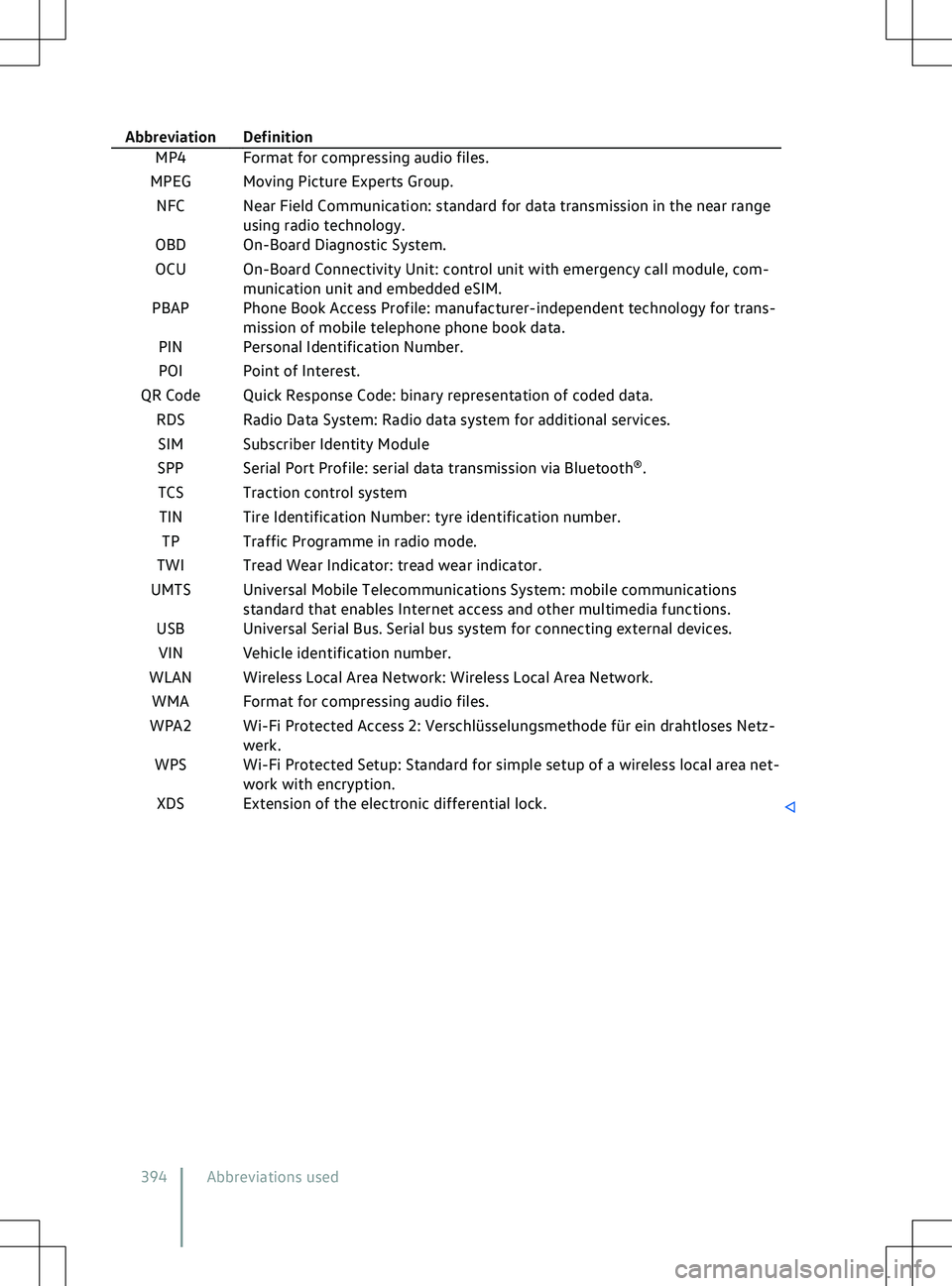
Abbreviation Definition
MP4 Format for compressing audio files.
MPEG Moving Picture Experts Group.
NFC Near Field Communication: standard for data transmission in the near range using radio technology.
OBD On-Board Diagnostic System.
OCU On-Board Connectivity Unit: control unit with emergency call module, com\
- munication unit and embedded eSIM.
PBAP Phone Book Access Profile: manufacturer-independent technology for trans- mission of mobile telephone phone book data.
PIN Personal Identification Number.
POI Point of Interest.
QR Code Quick Response Code: binary representation of coded data. RDS Radio Data System: Radio data system for additional services.SIM Subscriber Identity Module
SPP Serial Port Profile: serial data transmission via Bluetooth