Services VOLKSWAGEN ID.4 2022 User Guide
[x] Cancel search | Manufacturer: VOLKSWAGEN, Model Year: 2022, Model line: ID.4, Model: VOLKSWAGEN ID.4 2022Pages: 417, PDF Size: 5.39 MB
Page 299 of 417
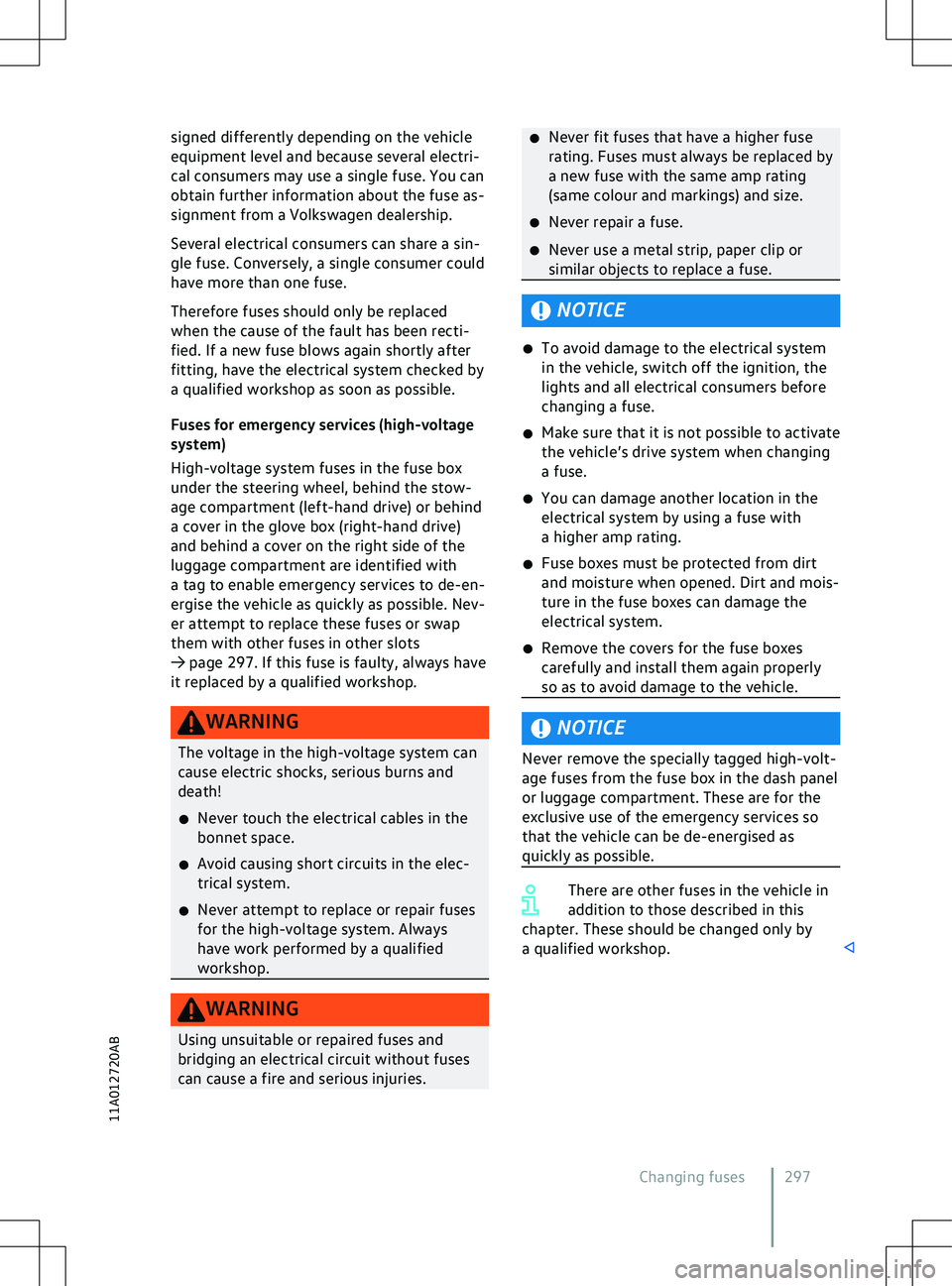
signed differently depending on the vehicle
equipment le vel and because several electri-
cal consumers may use a single fuse. You can
obtain further information about the fuse as-
signment from a Volkswagen dealership.
Several electrical consumers can share a sin-
gle fuse. Conversely, a single consumer could
have more than one fuse.
Therefore fuses should only be replaced
when the cause of the fault has been recti-
fied. If a new fuse blows again shortly after
fitting, have the electrical system checked by
a qualified workshop as soon as possible.
Fuses for emergency services (high-voltage
system)
High-voltage system fuses in the fuse box
under the steering wheel, behind the stow-
age compartment (left-hand drive) or behind
a cover in the glove box (right-hand drive)
and behind a cover on the right side of the
luggage compartment are identified with
a tag to enable emergency services to de-en-
ergise the vehicle as quickly as possible. Nev-
er attempt to replace these fuses or swap
them with other fuses in other slots
Page 356 of 417
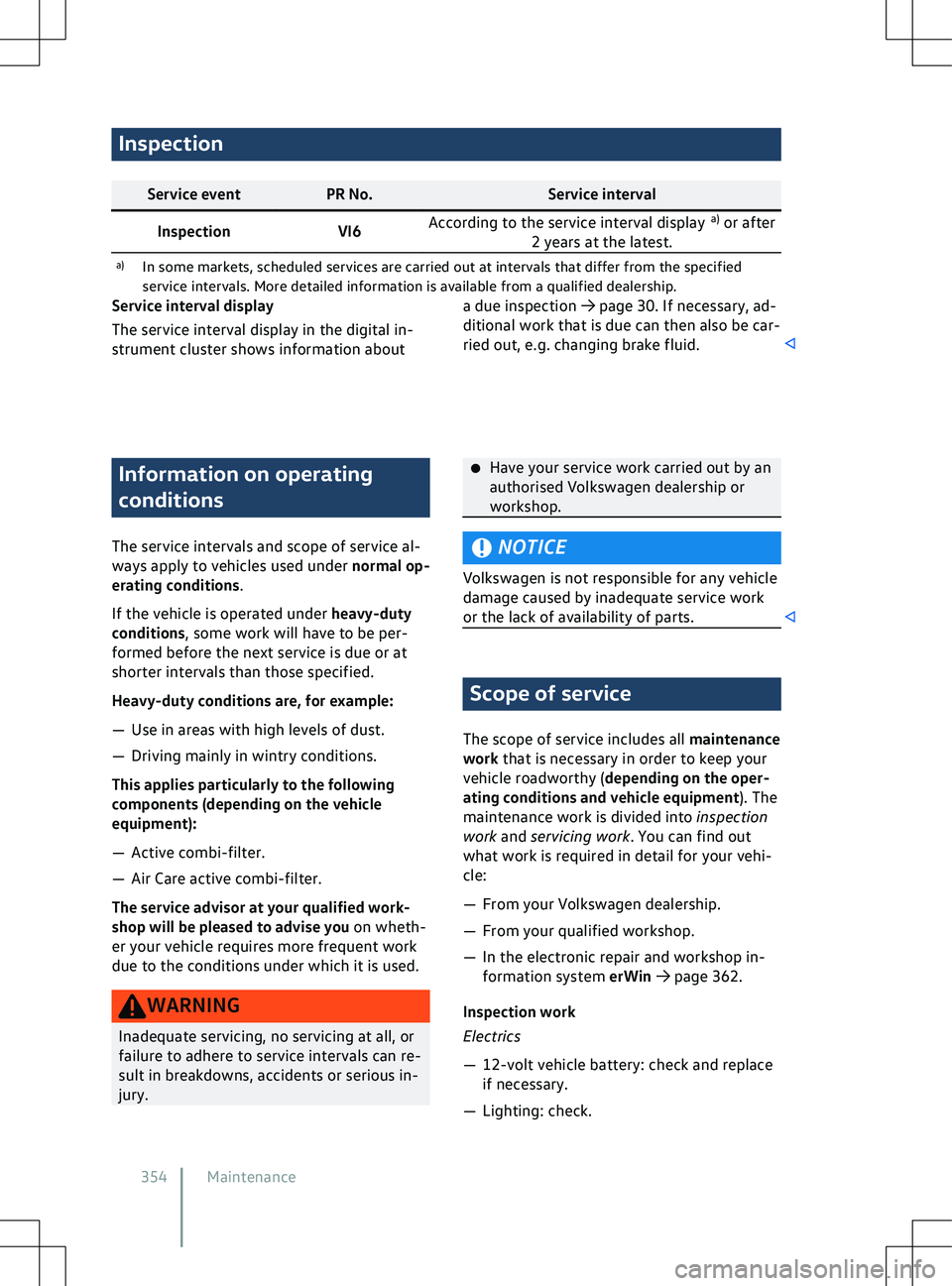
Inspection
Service event
PR No. Service interval
Inspection VI6According to the service interval display
a)
or after
2 years at the latest.
a) In some markets, scheduled services are carried out at interv als that differ from the specified
service intervals. More detailed information is available from a qualified dealership. Information on operating
conditions
The service interv
als and scope of service al-
ways apply to vehicles used under normal op-
erating conditions.
If the vehicle is operated under heavy-duty
conditions, some work will have to be per-
formed before the next service is due or at
shorter intervals than those specified.
Heavy-duty conditions are, for example:
Page 370 of 417
with the vehicle identification number. The
data can be read from the v ehicle by employ-
ees of the service network, e.g. workshops, or
third parties, e.g. breakdown services. The
same applies to warranty cases and quality
assurance measures.
The data is read using the legally required
OBD interface (“On Board Diagnosis”) in the
vehicle
Page 371 of 417
cle do not interact in any other ways than
those described here, in particular the de
vice
does not actively access vehicle data. The
type of further data processing depends on
the app provider. The settings that you can
adjust here depend on the app in question
and the operating system on your mobile de-
vice.
Online services
If your vehicle is equipped with a connection
to a mobile network, your vehicle will be able
to exchange data with other systems. The ve-
hicle can be connected to a mobile network
using a transmitter and receiver unit in the
vehicle or using your own mobile device. This
mobile network connection enables you to
use online functions. This includes online
services and apps provided by Volkswagen or
other third-party providers.
Manufacturer services
In the case of Volkswagen online services,
Volkswagen describes the respective func-
tions in a suitable place, e.g. in a separate
service description or on an Internet page,
and the associated privacy information is
provided. Personal data may be required in
order to provide online services. For this, data
is exchanged over a secure connection, e.g.
using the designated IT systems of the manu-
facturer. Any collection, processing and use
of personal data that goes beyond the provi-
sion of the service takes place exclusively ac-
cording to legal regulations, contractual
agreements or the necessary permission.
You can activate and deactivate the services
and functions, some of which are subject to
a fee and in some cases also disable the vehi-
cle
Page 396 of 417
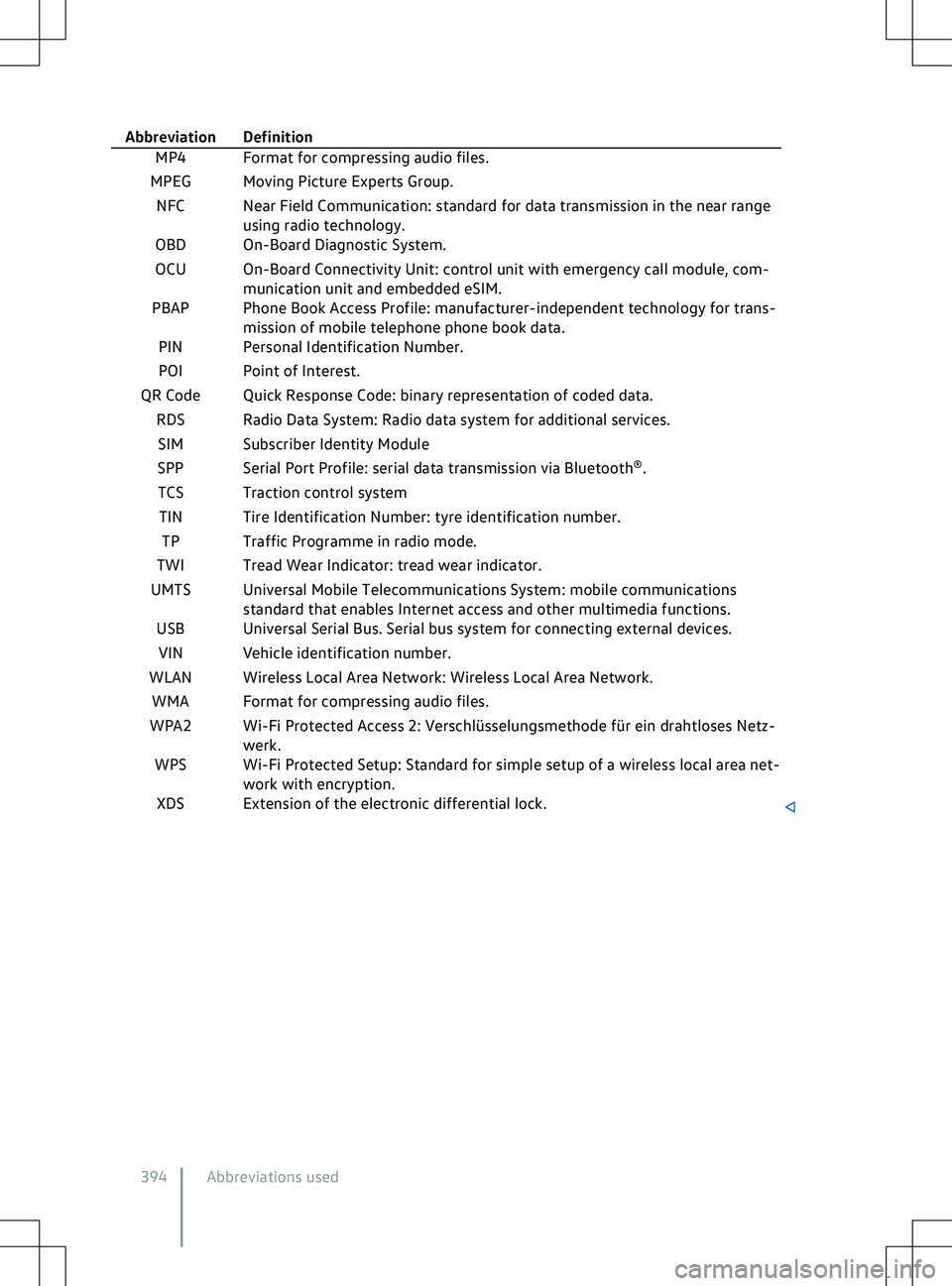
Abbreviation Definition
MP4 Format for compressing audio files.
MPEG Moving Picture Experts Group.
NFC Near Field Communication: standard for data transmission in the near range using radio technology.
OBD On-Board Diagnostic System.
OCU On-Board Connectivity Unit: control unit with emergency call module, com- munication unit and embedded eSIM.
PBAP Phone Book Access Profile: manufacturer-independent technology for trans- mission of mobile telephone phone book data.
PIN Personal Identification Number.
POI Point of Interest.
QR Code Quick Response Code: binary representation of coded data. RDS Radio Data System: Radio data system for additional services.SIM Subscriber Identity Module
SPP Serial Port Profile: serial data transmission via Bluetooth
Page 401 of 417
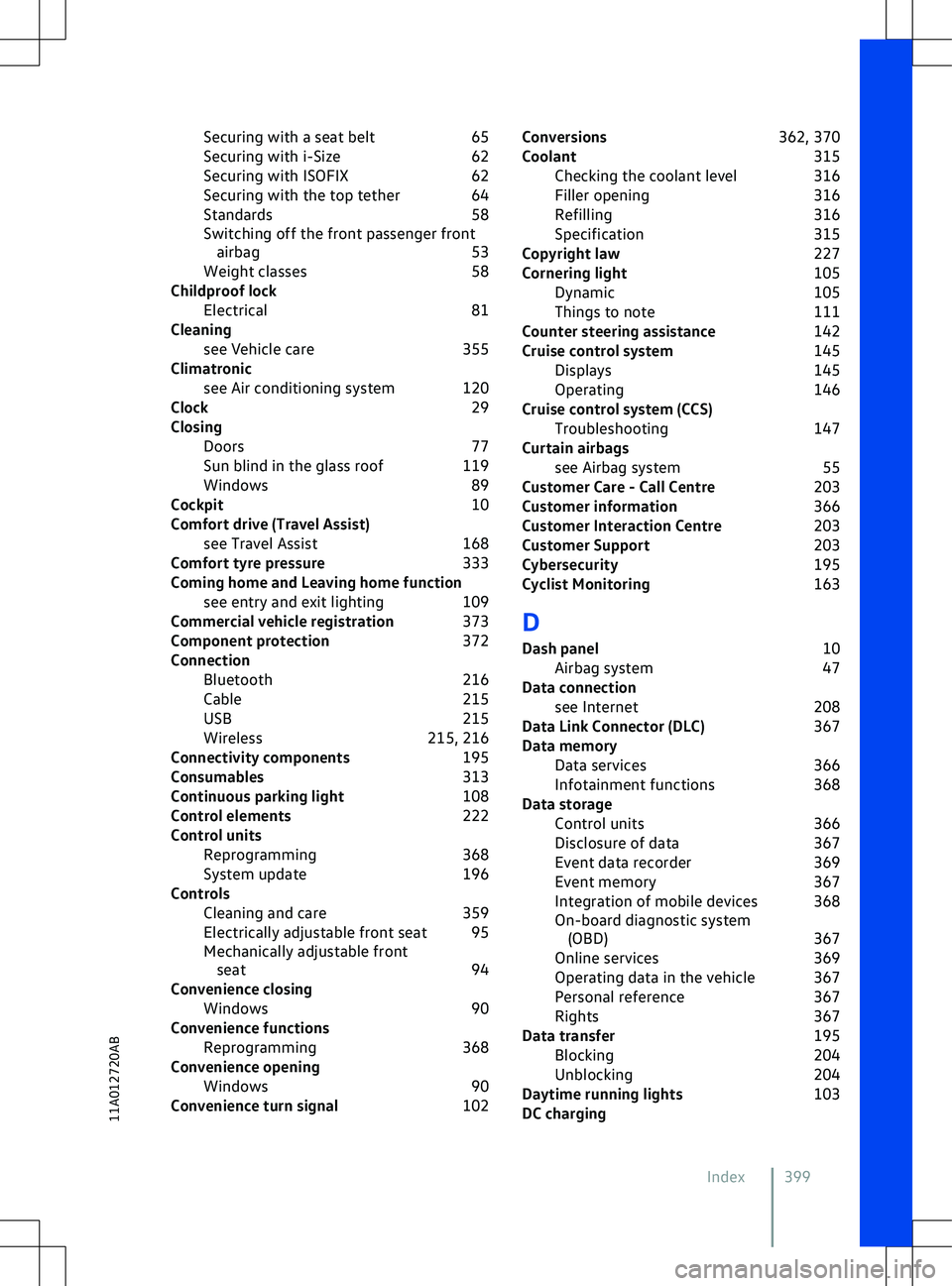
Securing with a seat belt
65
Securing with i-Size 62
Securing with ISOFIX 62
Securing with the top tether 64
Standards 58
Switching off the front passenger front airbag 53
Weight classes 58
Childproof lock Electrical 81
Cleaning see Vehicle care 355
Climatronic see Air conditioning system 120
Clock 29
Closing Doors 77
Sun blind in the glass roof 119
Windows 89
Cockpit 10
Comfort drive (Travel Assist) see Travel Assist 168
Comfort tyre pressure 333
Coming home and Leaving home function see entry and exit lighting 109
Commercial vehicle registration 373
Component protection 372
Connection Bluetooth 216
Cable 215
USB 215
Wireless 215, 216
Connectivity components 195
Consumables 313
Continuous parking light 108
Control elements 222
Control units Reprogramming 368
System update 196
Controls Cleaning and care 359
Electrically adjustable front seat 95
Mechanically adjustable front seat 94
Convenience closing Windows 90
Convenience functions Reprogramming 368
Convenience opening Windows 90
Convenience turn signal 102Conversions
362, 370
Coolant 315
Checking the coolant level 316
Filler opening 316
Refilling 316
Specification 315
Copyright law 227
Cornering light 105
Dynamic 105
Things to note 111
Counter steering assistance 142
Cruise control system 145
Displays 145
Operating 146
Cruise control system (CCS) Troubleshooting 147
Curtain airbags see Airbag system 55
Customer Care - Call Centre 203
Customer information 366
Customer Interaction Centre 203
Customer Support 203
Cybersecurity 195
Cyclist Monitoring 163
D
Dash panel 10
Airbag system 47
Data connection see Internet 208
Data Link Connector (DLC) 367
Data memory Data services 366
Infotainment functions 368
Data storage Control units 366
Disclosure of data 367
Event data recorder 369
Event memory 367
Integration of mobile devices 368
On-board diagnostic system ( OBD) 367
Online services 369
Operating data in the vehicle 367
Personal reference 367
Rights 367
Data transfer 195
Blocking 204
Unblocking 204
Daytime running lights 103
DC charging
Index 399
11A012720AB
Page 402 of 417
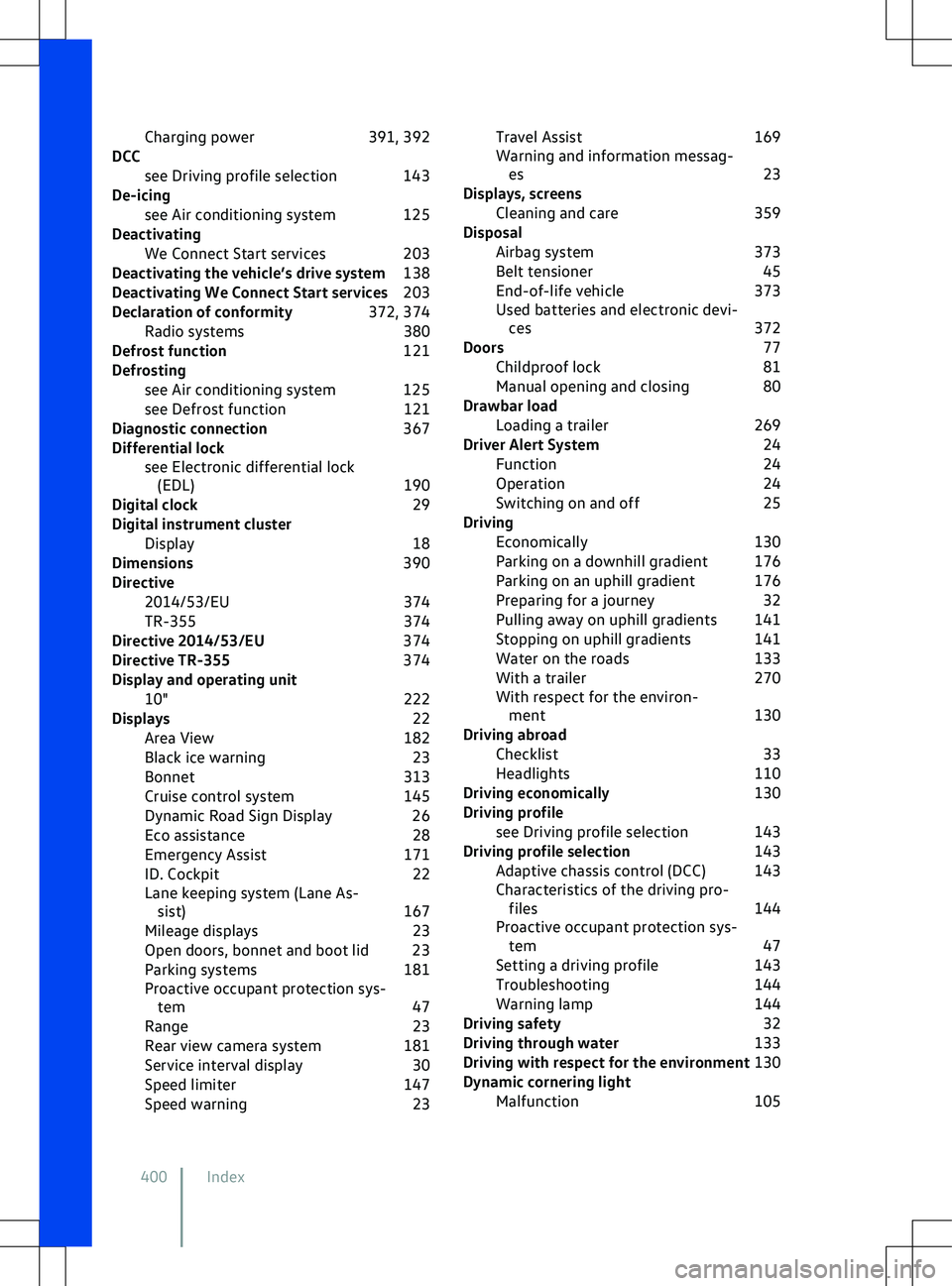
Charging power
391, 392
DCC see Driving profile selection 143
De-icing see Air conditioning system 125
Deactivating We Connect Start services 203
Deactivating the vehicle
Page 404 of 417
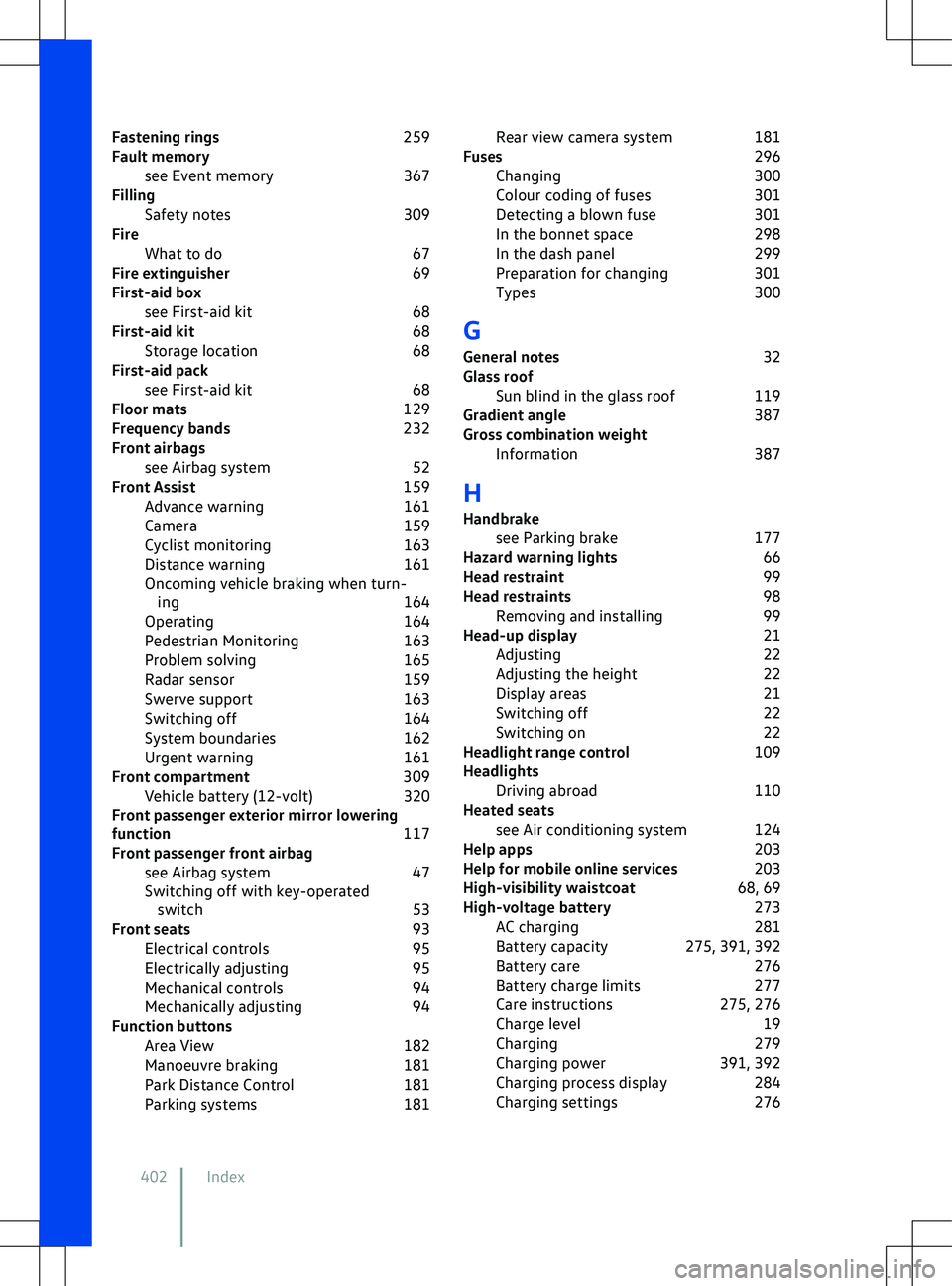
Fastening rings
259
Fault memory see Event memory 367
Filling Safety notes 309
Fire What to do 67
Fire extinguisher 69
First-aid box see First-aid kit 68
First-aid kit 68
Storage location 68
First-aid pack see First-aid kit 68
Floor mats 129
Frequency bands 232
Front airbags see Airbag system 52
Front Assist 159
Advance warning 161
Camera 159
Cyclist monitoring 163
Distance warning 161
Oncoming vehicle braking when turn- ing 164
Operating 164
Pedestrian Monitoring 163
Problem solving 165
Radar sensor 159
Swerve support 163
Switching off 164
System boundaries 162
Urgent warning 161
Front compartment 309
Vehicle battery (12-volt) 320
Front passenger exterior mirror lowering
function 117
Front passenger front airbag see Airbag system 47
Switching off with key-operated switch 53
Front seats 93
Electrical controls 95
Electrically adjusting 95
Mechanical controls 94
Mechanically adjusting 94
Function buttons Area View 182
Manoeuvre braking 181
Park Distance Control 181
Parking systems 181Rear view camera system
181
Fuses 296
Changing 300
Colour coding of fuses 301
Detecting a blown fuse 301
In the bonnet space 298
In the dash panel 299
Preparation for changing 301
Types 300
G
General notes 32
Glass roof Sun blind in the glass roof 119
Gradient angle 387
Gross combination weight Information 387
H Handbrake see Parking brake 177
Hazard warning lights 66
Head restraint 99
Head restraints 98
Removing and installing 99
Head-up display 21
Adjusting 22
Adjusting the height 22
Display areas 21
Switching off 22
Switching on 22
Headlight range control 109
Headlights Driving abroad 110
Heated seats see Air conditioning system 124
Help apps 203
Help for mobile online services 203
High-visibility waistcoat 68, 69
High-voltage battery 273
AC charging 281
Battery capacity 275, 391, 392
Battery care 276
Battery charge limits 277
Care instructions 275, 276
Charge level 19
Charging 279
Charging power 391, 392
Charging process display 284
Charging settings 276
402 Index
Page 407 of 417
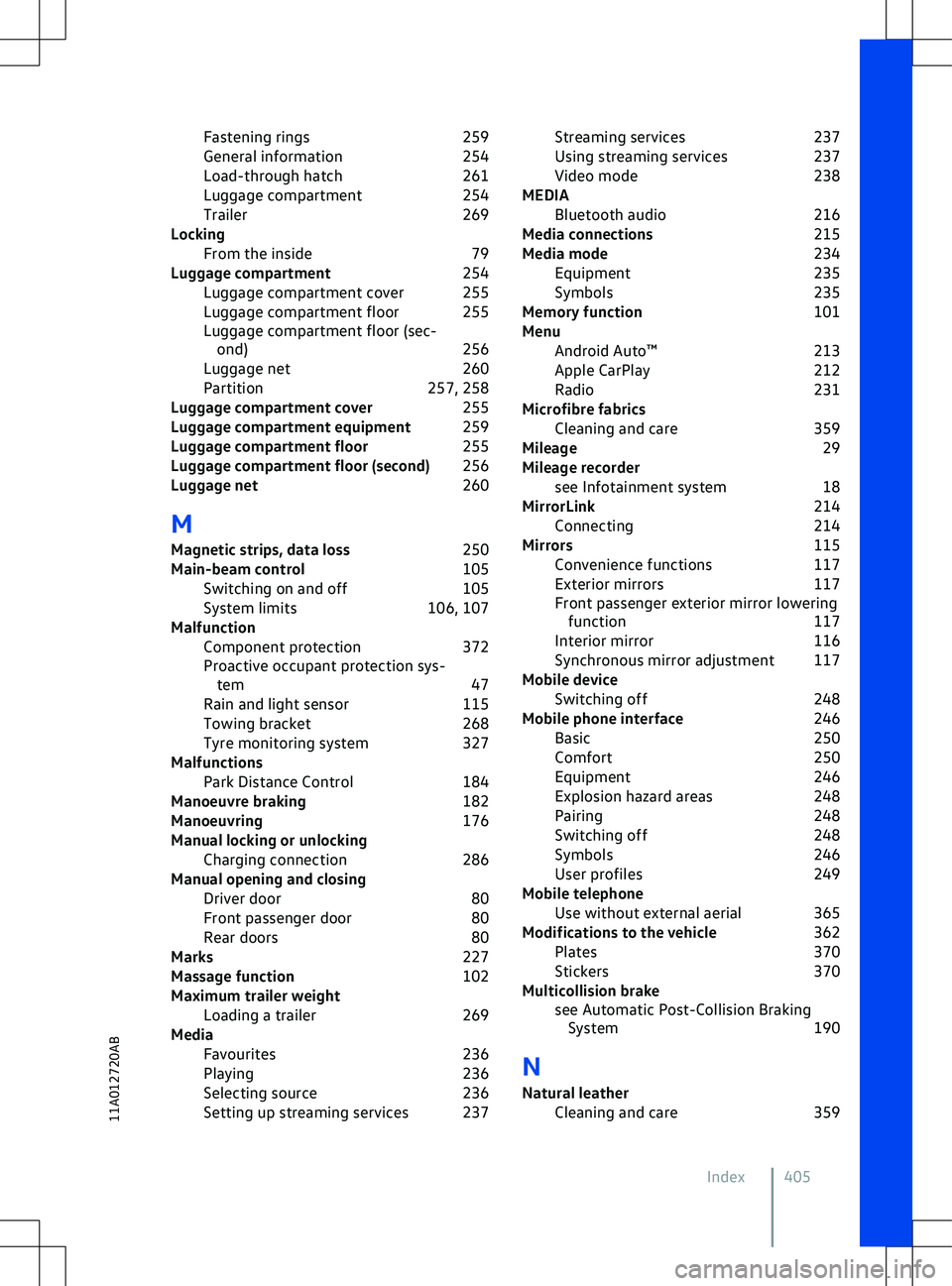
Fastening rings
259
General information 254
Load-through hatch 261
Luggage compartment 254
Trailer 269
Locking From the inside 79
Luggage compartment 254
Luggage compartment cover 255
Luggage compartment floor 255
Luggage compartment floor (sec- ond) 256
Luggage net 260
Partition 257, 258
Luggage compartment cover 255
Luggage compartment equipment 259
Luggage compartment floor 255
Luggage compartment floor (second) 256
Luggage net 260
M Magnetic strips, data loss 250
Main-beam control 105
Switching on and off 105
System limits 106, 107
Malfunction Component protection 372
Proactive occupant protection sys- tem 47
Rain and light sensor 115
Towing bracket 268
Tyre monitoring system 327
Malfunctions Park Distance Control 184
Manoeuvre braking 182
Manoeuvring 176
Manual locking or unlocking Charging connection 286
Manual opening and closing Driver door 80
Front passenger door 80
Rear doors 80
Marks 227
Massage function 102
Maximum trailer weight Loading a trailer 269
Media Favourites 236
Playing 236
Selecting source 236
Setting up streaming services 237 Streaming services
237
Using streaming services 237
Video mode 238
MEDIA Bluetooth audio 216
Media connections 215
Media mode 234
Equipment 235
Symbols 235
Memory function 101
Menu Android Auto
Page 408 of 417
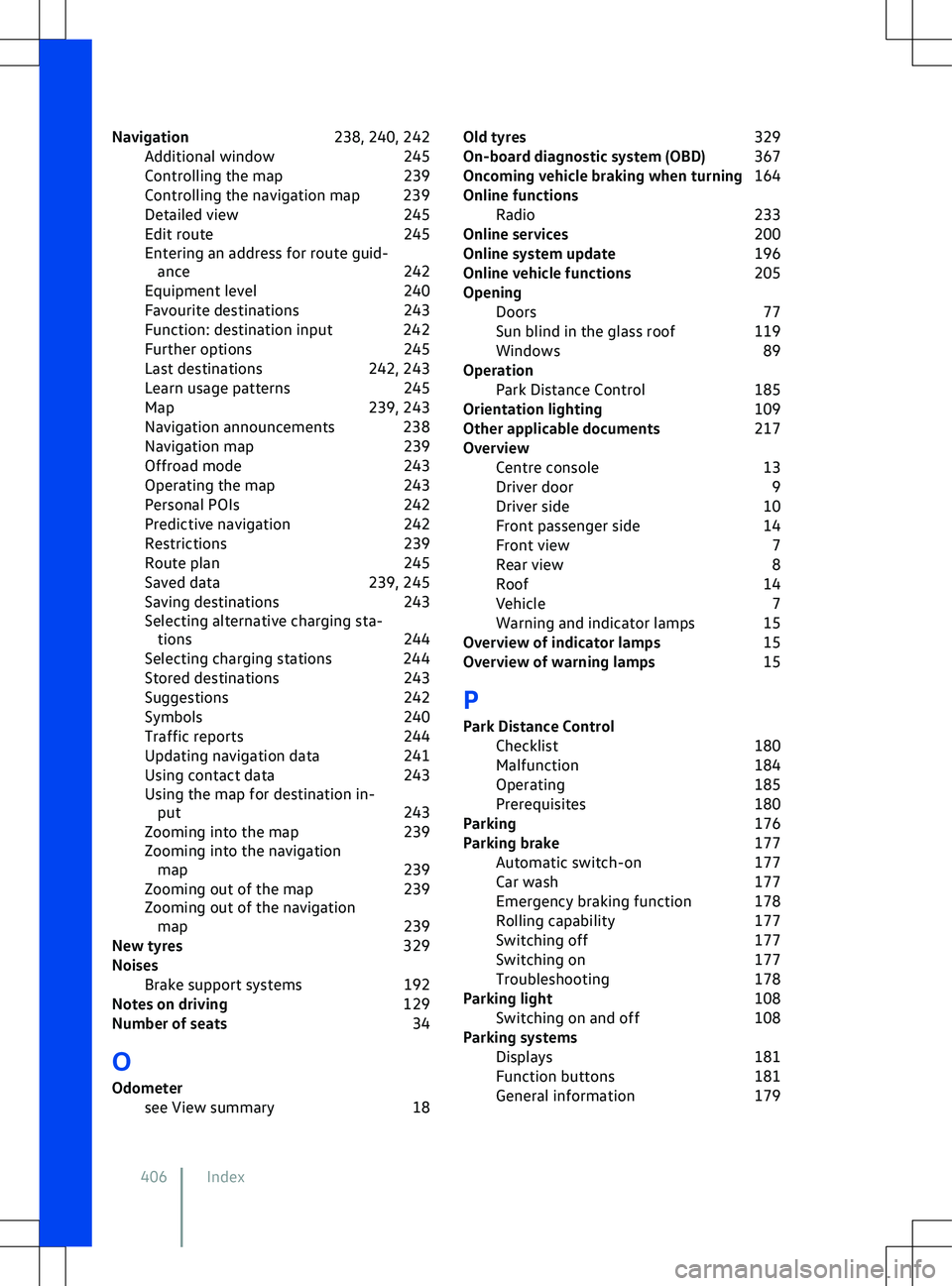
Navigation
238, 240, 242
Additional window 245
Controlling the map 239
Controlling the navigation map 239
Detailed view 245
Edit route 245
Entering an address for route guid- ance 242
Equipment level 240
Favourite destinations 243
Function: destination input 242
Further options 245
Last destinations 242, 243
Learn usage patterns 245
Map 239, 243
Navigation announcements 238
Navigation map 239
Offroad mode 243
Operating the map 243
Personal POIs 242
Predictive navigation 242
Restrictions 239
Route plan 245
Saved data 239, 245
Saving destinations 243
Selecting alternative charging sta- tions 244
Selecting charging stations 244
Stored destinations 243
Suggestions 242
Symbols 240
Traffic reports 244
Updating navigation data 241
Using contact data 243
Using the map for destination in- put 243
Zooming into the map 239
Zooming into the navigation map 239
Zooming out of the map 239
Zooming out of the navigation map 239
New tyres 329
Noises Brake support systems 192
Notes on driving 129
Number of seats 34
O
Odometer see View summary 18Old tyres
329
On-board diagnostic system (OBD) 367
Oncoming vehicle braking when turning 164
Online functions Radio 233
Online services 200
Online system update 196
Online vehicle functions 205
Opening Doors 77
Sun blind in the glass roof 119
Windows 89
Operation Park Distance Control 185
Orientation lighting 109
Other applicable documents 217
Overview Centre console 13
Driver door 9
Driver side 10
Front passenger side 14
Front view 7
Rear view 8
Roof 14
Vehicle 7
Warning and indicator lamps 15
Overview of indicator lamps 15
Overview of warning lamps 15
P P ark Distance Control Checklist 180
Malfunction 184
Operating 185
Prerequisites 180
Parking 176
Parking brake 177
Automatic switch-on 177
Car wash 177
Emergency braking function 178
Rolling capability 177
Switching off 177
Switching on 177
Troubleshooting 178
Parking light 108
Switching on and off 108
Parking systems Displays 181
Function buttons 181
General information 179
406 Index