warning VOLKSWAGEN T-ROC 2018 User Guide
[x] Cancel search | Manufacturer: VOLKSWAGEN, Model Year: 2018, Model line: T-ROC, Model: VOLKSWAGEN T-ROC 2018Pages: 502, PDF Size: 8.58 MB
Page 24 of 502
rocker switch on the wiper lever or the
or buttons on the multifunction steering wheel. Then press the or button or
wait a few seconds. The speed is now saved and the warning is activated.
To deactivate, press the or button again. The stored speed will be deleted.
The speed warning can be adjusted within a range of 30 km/h (18 mph) to 250 km/h (155 mph).
Some settings can be saved in the user accounts for personalisation and therefore change
automatically when the user account is changed Personalis
1) Varies depending on the instrument cluster version.
2) Not available in all countries.
Warning and information messages
First read and observe the introductoryinformation and safety warnings
The system runs a check on certain components and functions in the vehicle when the ignition is
switched on or while the vehicle is in motion. Malfunctions are indicated by red and yellow warning
symbols with information messages on the instrument cluster display Symbols in instrument
cluster
messages and symbols can vary depending on the version of the instrument cluster.
In addition, a list of current malfunctions can be opened manually. To open the list, select the
Vehicle status or Vehicle menu Instrument cluster menus
Priority 1 warning (red)The symbol flashes or lights up (sometimes together with a signal tone).
Do not drive on! Danger. Check the fault and correct the cause. Seek expert assistance if
necessary.Priority 2 warning (yellow)The symbol flashes or lights up (sometimes together with a
signal tone). Malfunctions and insufficient service fluids can damage the vehicle and cause it to
break down. Check the fault as soon as possible. Seek expert assistance if necessary.Information
messageInformation about various vehicle procedures and conditions.
With some equipment levels, some settings and displays may also appear in the Infotainment
system.
If several warnings are present, the symbols will appear for several seconds, one after another. The
symbols will continue to appear until the faults are rectified.
If warning messages about malfunctions are displayed when the ignition is switched on, it may not
be possible to adjust some settings as described, or the information display may appear differently.
If this is the case, take the vehicle to a qualified workshop to have the malfunctions rectified.
Page 25 of 502
First read and observe the introductoryinformation and safety warnings
The Driver Alert System informs the driver if their driving shows signs of tiredness.
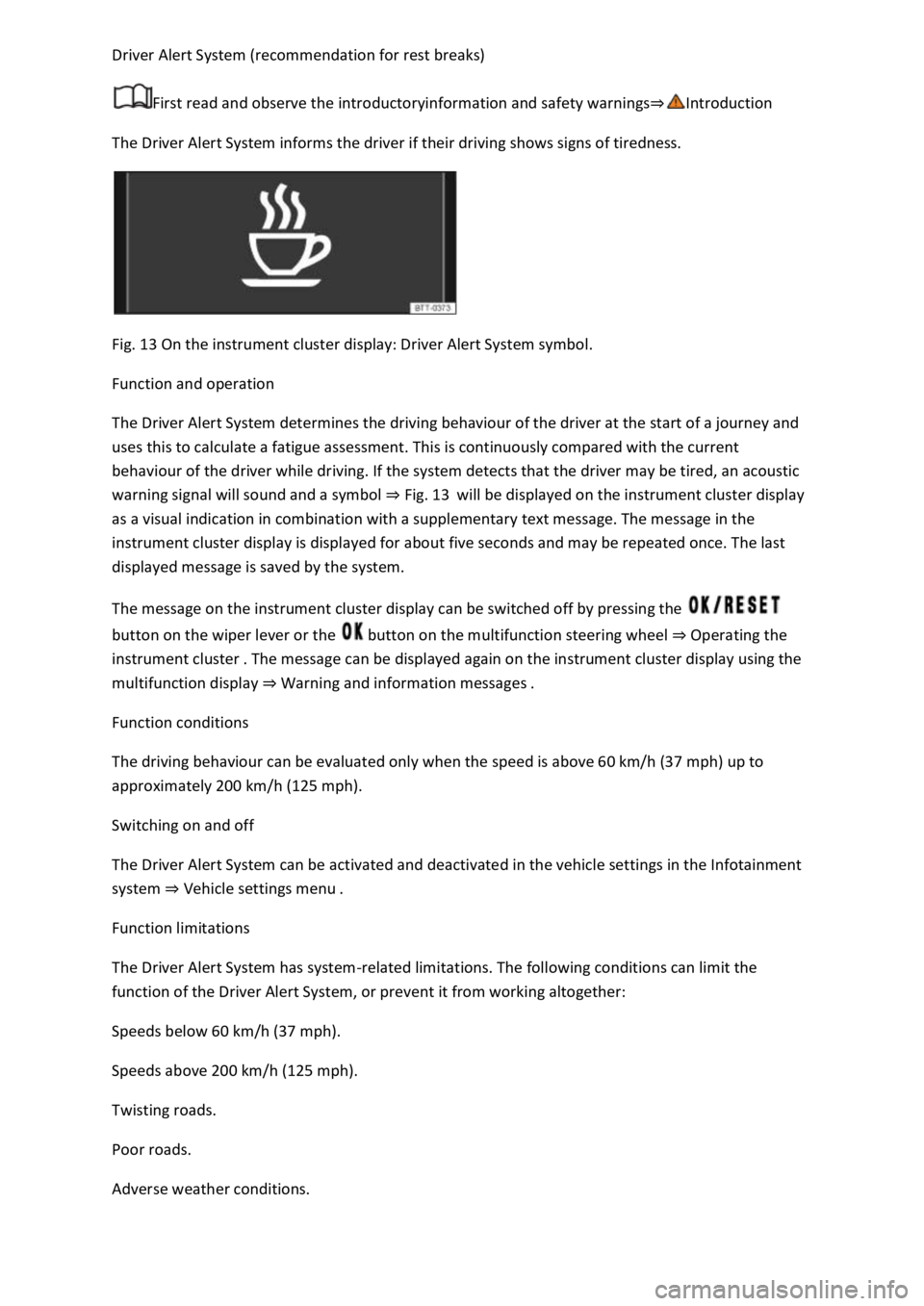
Fig. 13 On the instrument cluster display: Driver Alert System symbol.
Function and operation
The Driver Alert System determines the driving behaviour of the driver at the start of a journey and
uses this to calculate a fatigue assessment. This is continuously compared with the current
behaviour of the driver while driving. If the system detects that the driver may be tired, an acoustic
warning signal will sound and a symbol Fig. 13will be displayed on the instrument cluster display
as a visual indication in combination with a supplementary text message. The message in the
instrument cluster display is displayed for about five seconds and may be repeated once. The last
displayed message is saved by the system.
The message on the instrument cluster display can be switched off by pressing the
button on the wiper lever or the button on the multifunction steering wheel Operating the
instrument clustere can be displayed again on the instrument cluster display using the
multifunction display W
Function conditions
The driving behaviour can be evaluated only when the speed is above 60 km/h (37 mph) up to
approximately 200 km/h (125 mph).
Switching on and off
The Driver Alert System can be activated and deactivated in the vehicle settings in the Infotainment
system Vehicle settings menu
Function limitations
The Driver Alert System has system-related limitations. The following conditions can limit the
function of the Driver Alert System, or prevent it from working altogether:
Speeds below 60 km/h (37 mph).
Speeds above 200 km/h (125 mph).
Twisting roads.
Poor roads.
Adverse weather conditions.
Page 26 of 502

Towing a heavy/long trailer.
The driver is distracted.
The Driver Alert System is reset in the following situations:
The ignition is switched off.
The driver seat belt is unfastened and the driver door is opened.
The vehicle has been stationary for longer than 15 minutes.
The Driver Alert System is automatically reset in the event of an extended period of driving at slow
speeds (speed less than 60 km/h (37 mph)). When the speed is increased again, the system
evaluates the driving behaviour once more.
WARNING
The intelligent technology used in the Driver Alert System cannot overcome the laws of physics, and
functions only within the limits of the system. Do not let the extra convenience afforded by the
Driver Alert System tempt you into taking any risks when driving. During a long trip, plan regular and
sufficient breaks.
The driver is responsible at all times for their fitness to drive.
Never drive a vehicle when you are tired.
The system cannot always detect the driver's level of alertness. Observe the information in the
Function limitations section.
In certain situations, the system may wrongly interpret intentional driving manoeuvres as a lack of
alertness from the driver.
No urgent warning will be given in the event of the phenomenon known as microsleep.
Observe the information in the instrument cluster display and act according to the commands.
The Driver Alert System has been developed for use only while driving on motorways and good
roads.
If there is a system fault, go to a qualified workshop and have the system checked.
Page 27 of 502
Dynamic Road Sign Display (Sign Assist)
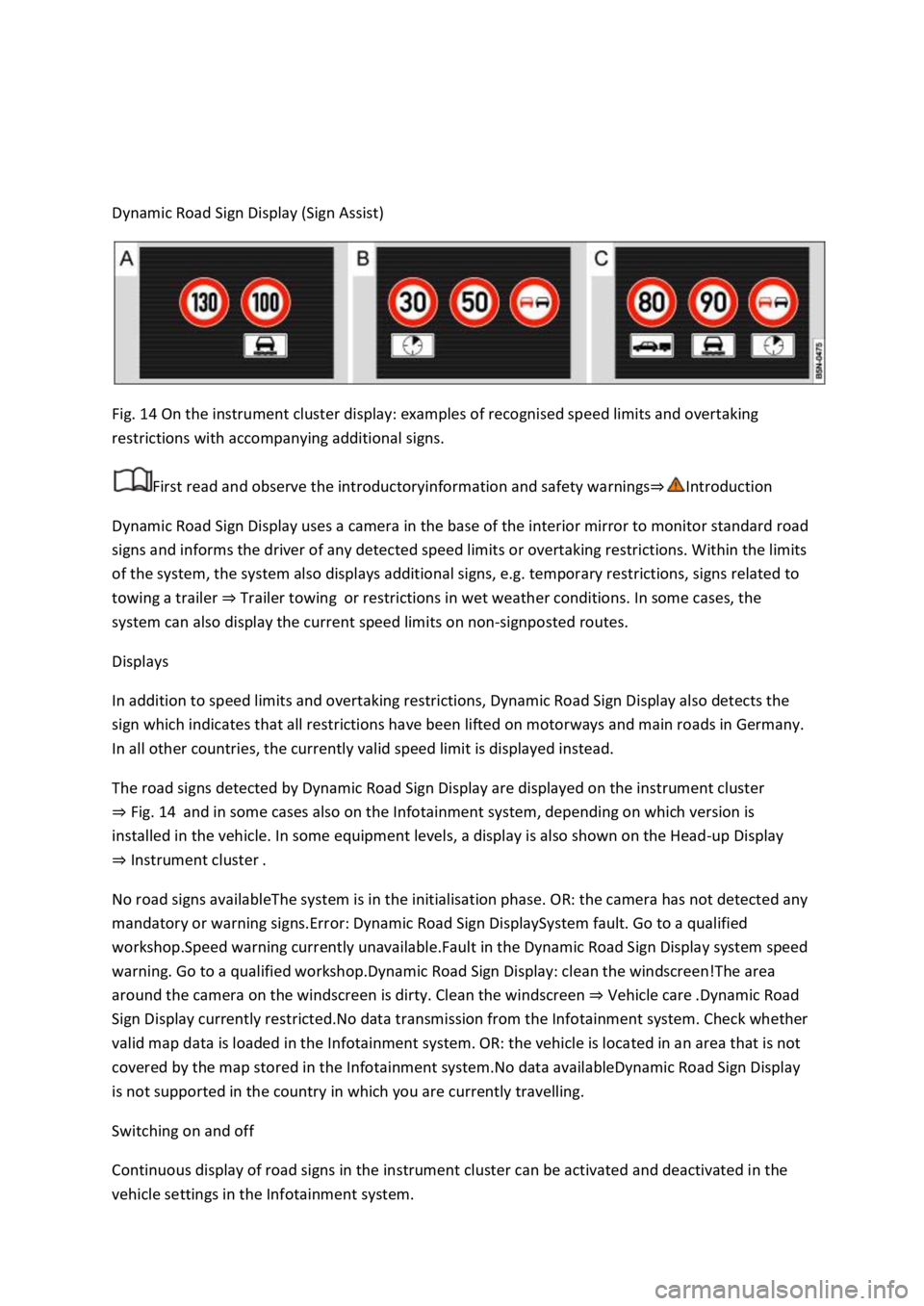
Fig. 14 On the instrument cluster display: examples of recognised speed limits and overtaking
restrictions with accompanying additional signs.
First read and observe the introductoryinformation and safety warnings
Dynamic Road Sign Display uses a camera in the base of the interior mirror to monitor standard road
signs and informs the driver of any detected speed limits or overtaking restrictions. Within the limits
of the system, the system also displays additional signs, e.g. temporary restrictions, signs related to
towing a trailer Trailer towingor restrictions in wet weather conditions. In some cases, the
system can also display the current speed limits on non-signposted routes.
Displays
In addition to speed limits and overtaking restrictions, Dynamic Road Sign Display also detects the
sign which indicates that all restrictions have been lifted on motorways and main roads in Germany.
In all other countries, the currently valid speed limit is displayed instead.
The road signs detected by Dynamic Road Sign Display are displayed on the instrument cluster
Fig. 14and in some cases also on the Infotainment system, depending on which version is
installed in the vehicle. In some equipment levels, a display is also shown on the Head-up Display
Instrument cluster
No road signs availableThe system is in the initialisation phase. OR: the camera has not detected any
mandatory or warning signs.Error: Dynamic Road Sign DisplaySystem fault. Go to a qualified
workshop.Speed warning currently unavailable.Fault in the Dynamic Road Sign Display system speed
warning. Go to a qualified workshop.Dynamic Road Sign Display: clean the windscreen!The area
around the camera on the windscreen is dirty. Clean the windscreen Vehicle care
Sign Display currently restricted.No data transmission from the Infotainment system. Check whether
valid map data is loaded in the Infotainment system. OR: the vehicle is located in an area that is not
covered by the map stored in the Infotainment system.No data availableDynamic Road Sign Display
is not supported in the country in which you are currently travelling.
Switching on and off
Continuous display of road signs in the instrument cluster can be activated and deactivated in the
vehicle settings in the Infotainment system.
Page 28 of 502

After validation and evaluation of the information from the camera, the Infotainment system and
the current vehicle data, the activated Dynamic Road Sign Display shows up to three valid road signs
Fig. 14 with the accompanying additional signs:
1st position:The road sign that currently applies for the driver is shown on the left-hand side of the
display, e.g. a speed limit of 130 km/h (80 mph) Fig. 14.2nd position:Road signs that do not
always apply (e.g. 100 km/h (60 mph) in wet) are shown in second place.Additional sign:if the
windscreen wiper is active while the vehicle is in motion, the now valid road sign with the additional
In wet sign, for example, will be moved left to the first position.3rd position:Further road signs that
do not always apply will be displayed in the third position, e.g. overtaking not permitted at certain
times Fig. 14.
Speed warning
If the Dynamic Road Sign Display detects that an applicable speed limit has been exceeded, it can
issue an acoustic warning signal and display a message on the instrument cluster display.
The speed warning can be set or completely deactivated in the vehicle settings in the Infotainment
system Vehicle settings menu km/h (3 mph)
within a range between 0 km/h (mph) and 15 km/h (9 mph) above the permitted maximum speed.
Trailer mode
In vehicles with a factory-fitted towing bracket and a trailer with an electrical connection to the
vehicle, the display of road signs that may apply to the vehicle when towing a trailer, e.g. applicable
speed limits and no-overtaking signs, can be activated or deactivated in the vehicle settings in the
Infotainment system Vehicle settings menu
In trailer mode, the speed warning function display can be adjusted to the type of trailer or to legal
requirements. The settings can be adjusted in increments of 10 km/h (5 mph) within a range
between 60 km/h (40 mph) and 130 km/h (80 mph). If a higher speed is set than is permitted for
driving with a trailer in the country in which you are currently travelling, Dynamic Road Sign Display
automatically issues a warning at the usual speed limit, e.g. at 80 km/h (50 mph) in Germany.
If the speed warning for the trailer is deactivated, Dynamic Road Sign Display issues warnings as if
the vehicle was being driven without a trailer.
Function limitations
Dynamic Road Sign Display is subject to system-related limitations. The following conditions can
restrict the function of Dynamic Road Sign Display, or prevent it from working altogether:
Poor visibility, e.g. snow, rain, fog or heavy spray.
Glare, e.g. due to oncoming traffic or sunlight.
High speeds.
Covered or dirty camera.
Road signs that are located outside of the camera's field of view.
Page 29 of 502

by trees, snow, dirt or other vehicles.
Road signs that do not correspond to the standard design.
Damaged or bent traffic signs.
Variable road signs on gantries (changeable road sign display using LEDs or other light sources).
Out-of-date map material in the Infotainment system.
Stickers on vehicles that show road signs, e.g. speed restrictions on trucks.
WARNING
The intelligent technology used by the Dynamic Road Sign Display cannot overcome the laws of
physics, and functions only within the limits of the system. Do not let the extra convenience afforded
by the Dynamic Road Sign Display system tempt you into taking any risks when driving. The system is
not a substitute for the full concentration of the driver.
Always adapt your speed and driving style to suit visibility, weather, road and traffic conditions.
Poor visibility, darkness, snow, rain and fog can cause road signs not to be displayed or to be
incorrectly displayed by the system.
If the camera's field of view is dirty, covered or damaged, the function of the Dynamic Road Sign
Display system may be impaired.
WARNING
Driving recommendations and traffic symbols displayed by the Dynamic Road Sign Display system
may differ from the current traffic situation.
Not all road signs can be recognised by the system and displayed correctly.
Road signs on the road and traffic regulations have priority over the recommendations and displays
provided by the Dynamic Road Sign Display system.
NOTICE
Availability of the Dynamic Road Sign Display function is limited in waypoint mode (waypoint
navigation) of the Infotainment system.
Some settings can be saved in the user accounts of the personalisation function and can therefore
change automatically when the user account is changed Personalisation
Page 30 of 502

Time
First read and observe the introductory information and safety warnings
Press the button or function button.
Press the Vehicle and function buttons.
Select the Time and date menu option to set the time Vehicle settings menu
To set the time (on all vehicle clocks), press and hold the button in the instrument cluster until
the word Time appears in the display Analogue instrument cluster
Release the button. The time is shown in the instrument cluster display and the hour setting is
marked.
Then press the button repeatedly until the required hour value is displayed. Press and hold the
button to scroll through quickly.
Once you have set the hour, wait until the minutes display is marked in the instrument cluster
display.
Then press the button repeatedly until the required minute value is displayed. Press and hold the
button to scroll through quickly.
Release the button to finish setting the clock.
Select the Range information profile.
Press and hold the button on the multifunction steering wheel until the Service menu is available
on the instrument cluster display Service menu
Select the Time menu.
Set the correct time with the arrow buttons or .
Lap timer
First read and observe the introductory information and safety warnings
With the appropriate equipment the lap timer can be shown on the instrument cluster display
Instrument cluster menus
The lap timer has the option of timing your own laps manually in the vehicle on a race track, to store
the times and to compare them with best times.
Page 31 of 502

-level menus can be displayed:
Lap timer
Lap (with the current lap number)
Statistics
Switching between the menus
Vehicles without multifunction steering wheel:
Press the rocker switch on the wiper lever Operating the instrument cluster
Vehicles with multifunction steering wheel:
Press the or button Operating the instrument cluster
The following list shows an example of how the menus in the instrument cluster display are
structured. The actual scope of the menus and the names of the individual menu options vary
according to the instrument cluster design and the vehicle electronics.
Menu displays and functions
Lap timer menu
StartStarts the lap timer.Since startTiming starts when the vehicle drives off. If the vehicle is already
in motion, timing will begin when the vehicle has come to a temporary standstill.StatisticsAn
overview of the laps driven until now are displayed.
Lap menu
Stop!Active timing is interrupted. This will not end the lap.ContinuePaused timing resumes.Split
time:A split time will be displayed for approximately five seconds. Active timing continues parallel to
this.New lapTiming of the current lap will then be interrupted and a new lap will begin. The time of
the completed lap will be carried over to the statistics.Abort lapThe timing is ended and disregarded.
The current lap is not entered into the statistics.EndTiming is ended. The lap is entered into the
statistics.
Statistics menu
BackIt will be reset to the previous menu.ResetAll stored statistics data will be reset.
In the Statistics menu, the lap times most recently achieved are shown. If the maximum number of
99 laps or the maximum time of 99 hours, 59 minutes and 59 seconds has been reached, a new
timing can only be started after the statistics have been reset.
WARNING
Accidents and injuries can occur if the driver is distracted.
Make lap timer settings and access statistics only when the vehicle is stationary.
Page 32 of 502
Fuel gauge
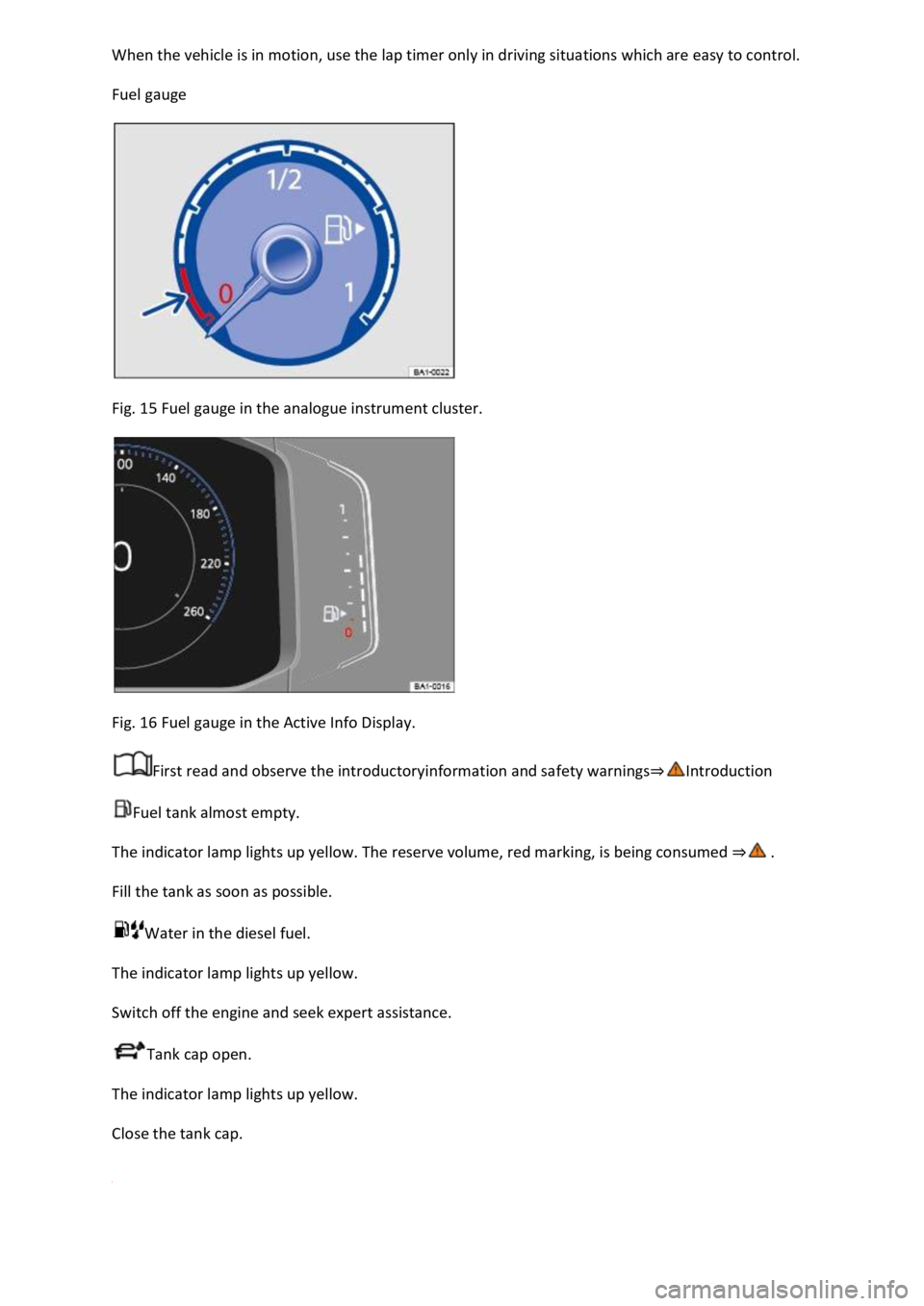
Fig. 15 Fuel gauge in the analogue instrument cluster.
Fig. 16 Fuel gauge in the Active Info Display.
First read and observe the introductoryinformation and safety warnings
Fuel tank almost empty.
The indicator lamp lights up yellow. The reserve volume, red marking, is being consumed
Fill the tank as soon as possible.
Water in the diesel fuel.
The indicator lamp lights up yellow.
Switch off the engine and seek expert assistance.
Tank cap open.
The indicator lamp lights up yellow.
Close the tank cap.
Page 34 of 502
18 Coolant temperature gauge in the Active Info Display.
First read and observe the introductory information and safety warnings
Cold area. The engine has not yet reached operating temperature. Avoid high engine revs and
heavy engine loads until the engine is warm.
Normal area.
Warning area. The temperature may also rise to the hot area when the engine is working hard,
especially at high ambient temperatures.
Coolant
The indicator lamp lights up and the central warning lamp flashes red.
The coolant level is not correct or there is a fault in the coolant system.
Do not drive on!
Stop the vehicle, switch off the engine and allow it to cool down.
Check the coolant level Coolant
Seek expert assistance if the warning lamp does not go out although the coolant level is adequate.
Service interval display
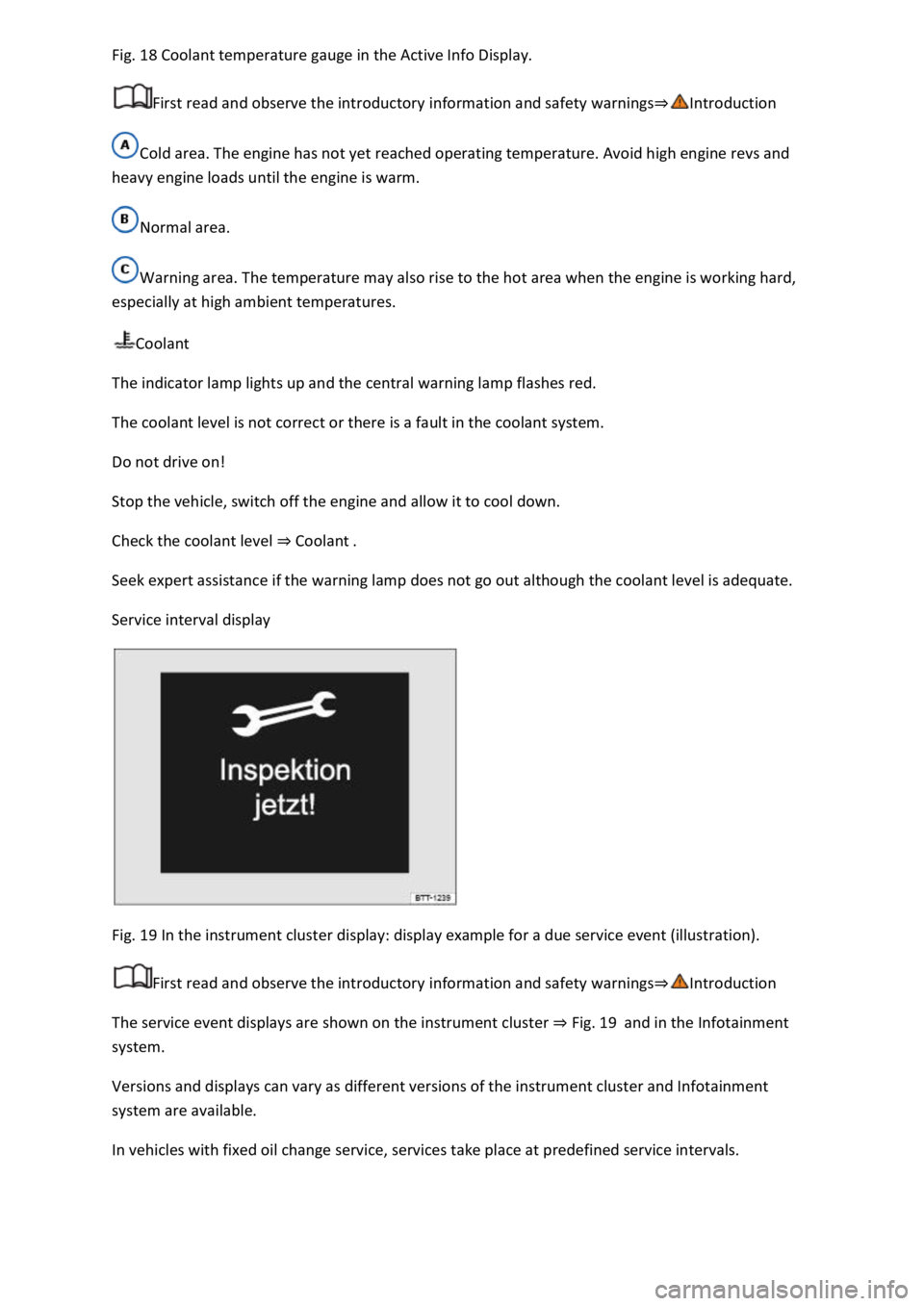
Fig. 19 In the instrument cluster display: display example for a due service event (illustration).
First read and observe the introductory information and safety warnings
The service event displays are shown on the instrument cluster Fig. 19and in the Infotainment
system.
Versions and displays can vary as different versions of the instrument cluster and Infotainment
system are available.
In vehicles with fixed oil change service, services take place at predefined service intervals.