Phone VOLKSWAGEN TOUAREG 2012 Owner's Guide
[x] Cancel search | Manufacturer: VOLKSWAGEN, Model Year: 2012, Model line: TOUAREG, Model: VOLKSWAGEN TOUAREG 2012Pages: 684, PDF Size: 6.36 MB
Page 366 of 684

The volume of the telephone control can only be adjusted if a mobile phone is paired or a SIM card is inserted in the SIM card reader24.
Information and breakdown call
Page 368 of 684

WARNING
Driving on today's roads demands the full attention of the driver at all times. Driver distrac-tion causes accidents, collisions and serious personal injury!
x Never pair the mobile phone or configure user profiles while driving. Do this only when the vehicle is parked in a safe place.
x Never let yourself be distracted when setting, adjusting, or using the Infotainment System, when using your mobile phone, or when operating the mobile phone controls.
x Always drive attentively and responsibly. Use the Infotainment system, your mobile phone, and the mobile phone controls only if road, traffic, and weather conditions permit and you will not be distracted from your driving.
x If you cannot use the Infotainment System, your mobile phone, or the mobile phone con-trols safely while driving, wait until later or find a safe spot where you can pull off the road and park the vehicle.
x Always set sound volume levels so that you can clearly hear horns, sirens, and other warning sounds outside the vehicle.
For device search, select a location with the likelihood of only a few unknown Bluetooth devices, for example in the garage. The search range for Bluetooth is approximately 10 meters.
Pairing a mobile phone via Bluetooth-HFP
Page 369 of 684

x If necessary activate “wait for incoming Bluetooth connections”.
x Hold the mobile phone in your hand ready to enter the password within the time limit.
x Select the mobile phone from the device list in the vehicle by pressing the corresponding function key.
x Select the required pairing protocol below the mobile phone found.
x On the mobile phone, confirm the connection queries from the vehicle if required.
x Confirm the 4-digit password displayed on the Infotainment System screen.
x Enter the password on the mobile phone within 30 seconds.27.
x Confirm password entry.
x If necessary, confirm further queries on the mobile phone.
Pairing procedure if a mobile phone has already been paired with the telephone control
x Set the Bluetooth connection to visible on the mobile phone ⇒ step 1.
x Switch on the ignition.
x Access the SETUP main menu with the SETUP Infotainment button.
x Press the Telephone function key.
x Press the Bluetooth settings function key.
x In the Bluetooth settings menu, press the Search for Bluetooth devices function key.
x If necessary, confirm the query about whether Bluetooth has been activated on the mobile phone with Next .
x Carry out pairing as described ⇒ step 3.
Failed pairing
There is no limit on the number of attempts to pair the device with the telephone control.
Linking will not be successful if the password input time limit is exceeded or if the PIN code is entered incorrectly.
Restart linking if the process fails despite correct entries.
Copying telephone directory to the telephone control
Once pairing has been successfully completed, the telephone directory entries from the mobile phone27 are loaded automatically into the data memory of the telephone control. Depending on the number of entries copied, the process can take several minutes.
The telephone directory memory of the telephone control is limited to 5000 entries. Each user profile can be assigned a maximum of 2000 entries as well as 100 user-created or edited entries.
Automatic connection to a paired mobile phone
Page 370 of 684

The telephone control can be used as soon as the PHONE main menu is displayed on the Infotain-ment System screen.
When connecting automatically, the system will first search for the telephone that was last used in order to reconnect it with the telephone control. If this mobile phone is not in the Bluetooth range, the system will start to search for the mobile phone (user) that was used before it.
x Switch on the ignition.
x Enter the PIN code if it is not stored in the telephone control28.
Requirements for automatic connection
d The mobile phone needs to have already been paired with the telephone control.
d The mobile phone must be switched on and contain a valid SIM card to make telephone calls.
d Bluetooth must be activated on the mobile phone.
d The mobile phone should have no connection to another Bluetooth device.
d The mobile phone must be within the Bluetooth range of the telephone control.
d The ignition must be switched on.
d The mobile phone must have been last connected to the telephone control or another mobile phone connected via Bluetooth is no longer in the Bluetooth range of the telephone control or its Bluetooth feature has been switched off.
If the automatic connection is made during an active telephone call, the telephone control can only make a connection via HFP. Change the Bluetooth connection to rSAP in order to use all tele-phone control functions.
If a Bluetooth connection cannot be set up even though all requirements are fulfilled or if the telephone control does not function “normally”, the mobile phone's system may have crashed. Re-move the battery and insert again. Switch the mobile phone back on and try to establish a Bluetooth connection.
Volkswagen recommends not switching on authorization on the mobile phone so that you confirm the connection queries again before each automatic connection setup.
28 country specific
Page 372 of 684
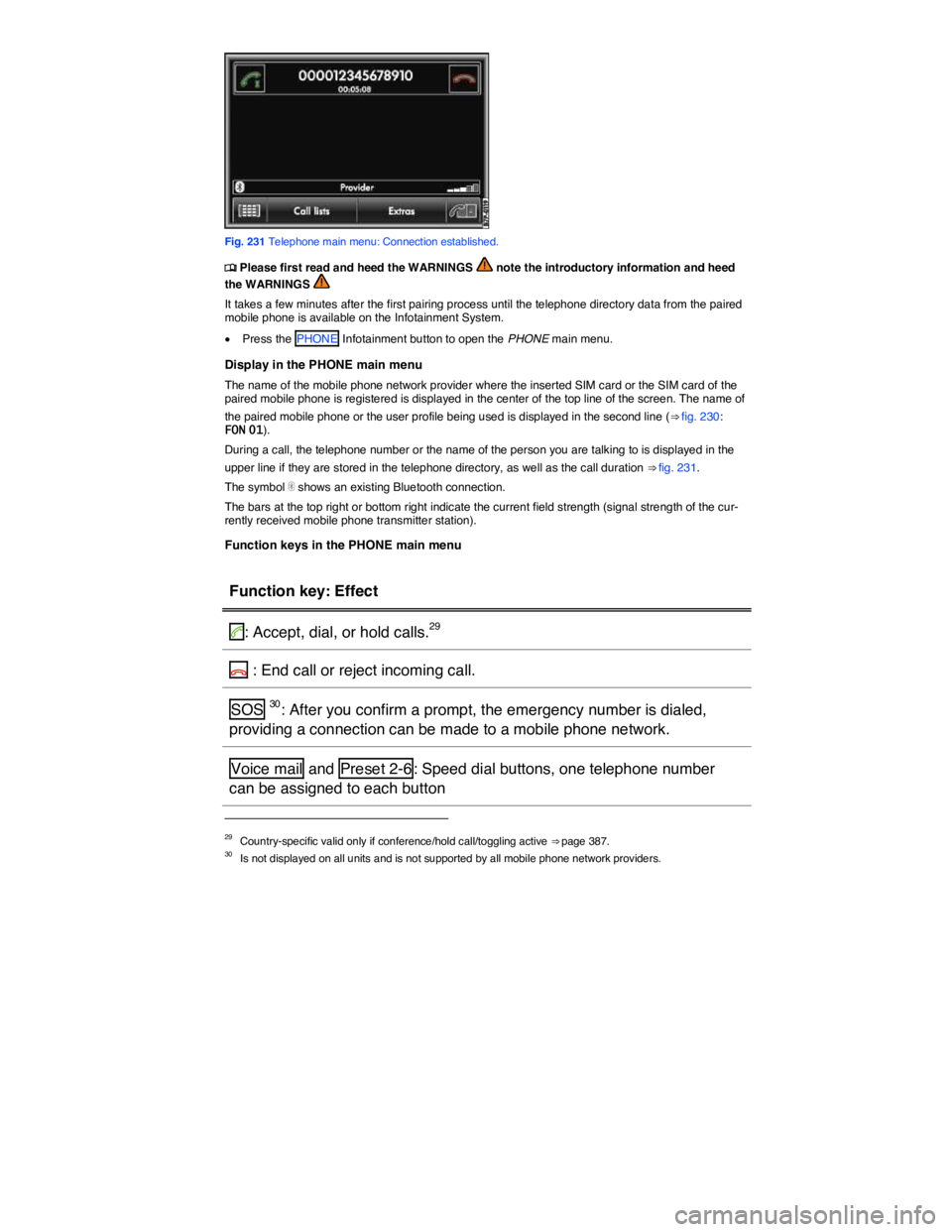
Fig. 231 Telephone main menu: Connection established.
Page 373 of 684

Function key: Effect
o: Open the number pad to enter a telephone number
Call lists : Opens a pop-up window for selection of a call list for calls
missed, dialed or received on the telephone control
SMS31: Opens a pop-up window with the following options:
Inbox : Displays received SMS.
Templates : Selection of available templates for sending SMS.
Extras : Opens a pop-up window with the following options:
Display off : Switches off the display. Press one of the Infotainment
buttons or the screen to switch on again.
Conference details29: Opens a list of the parties in a current confer-
ence call
Mute : Switches the microphone off during a telephone call, so that the
person on the line cannot hear what is being said in the vehicle.
]: Opens the telephone directory of the paired mobile phone to select a
telephone number
31 Dependent on mobile phone and country.
Page 374 of 684
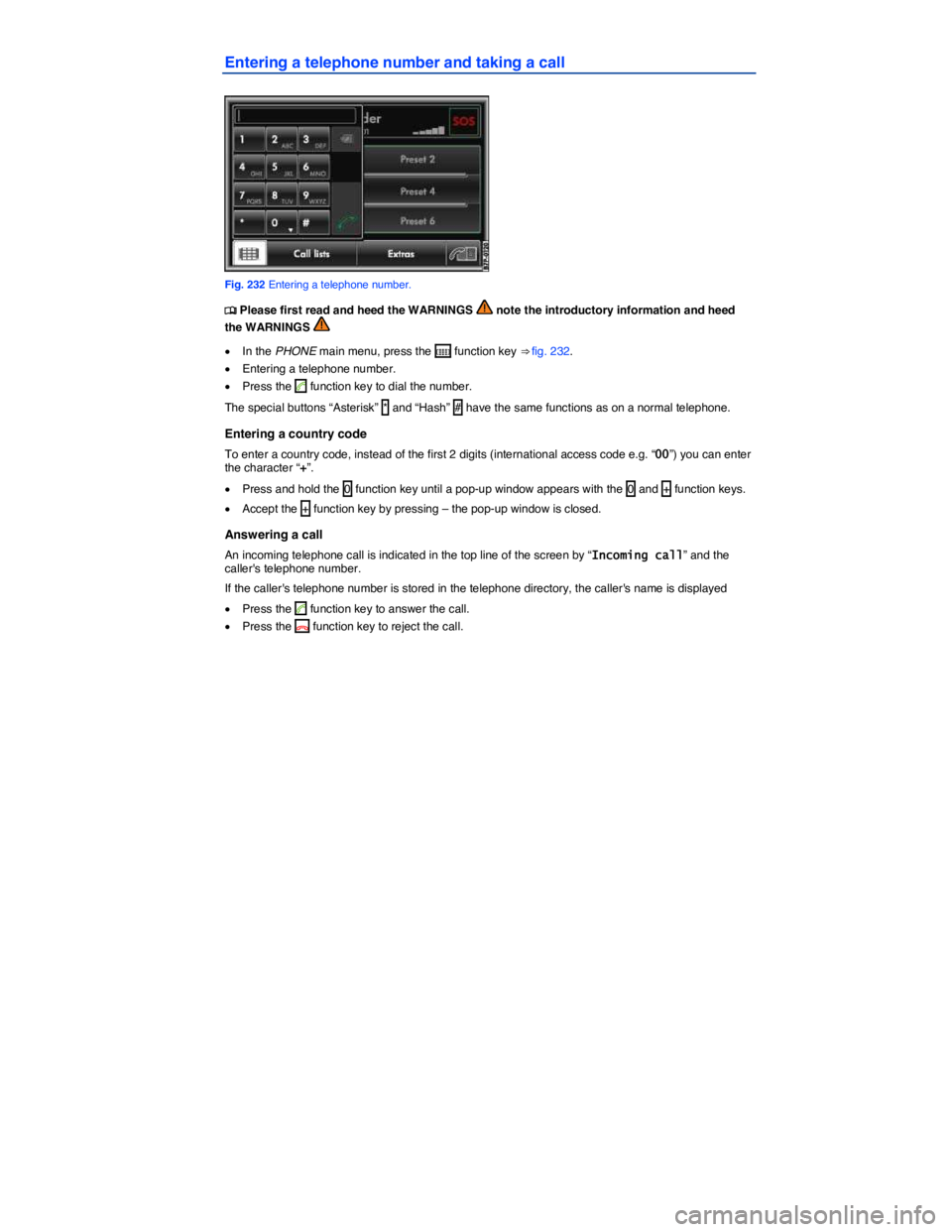
Entering a telephone number and taking a call
Fig. 232 Entering a telephone number.
Page 375 of 684
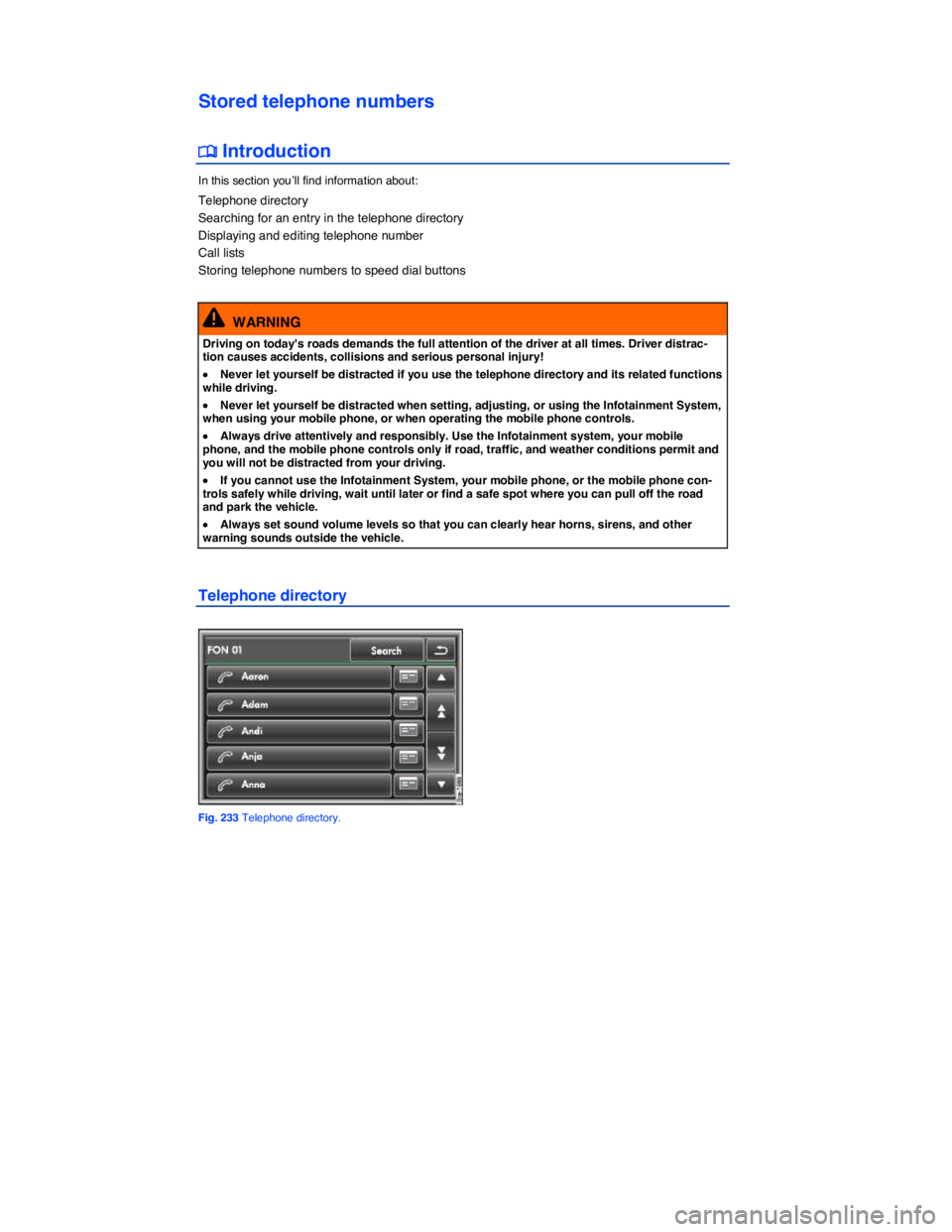
Stored telephone numbers
Page 376 of 684
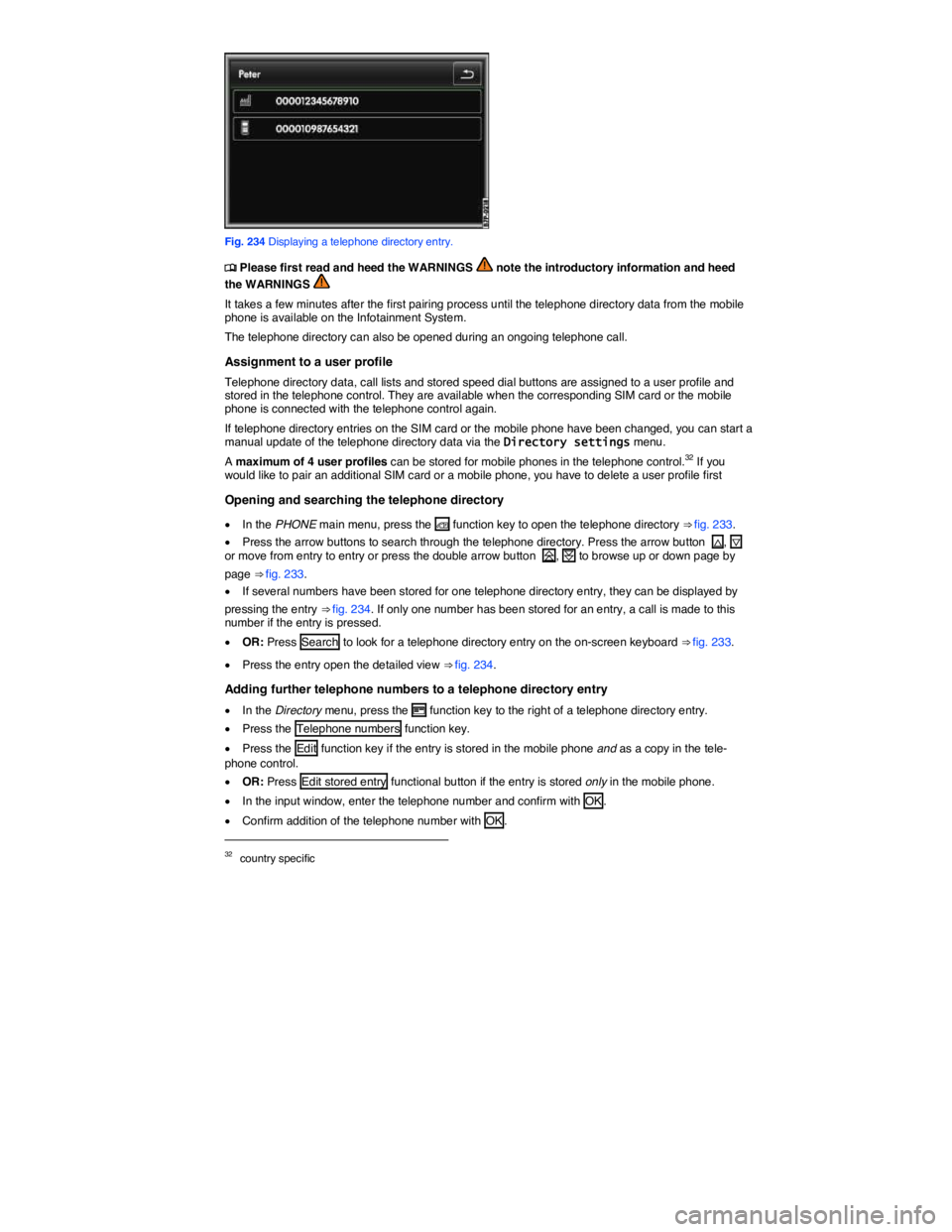
Fig. 234 Displaying a telephone directory entry.
Page 377 of 684
The entries in the telephone directory of the mobile phone cannot be changed permanently via the telephone control. A telephone number stored in the telephone directory on the mobile phone can only be modified for calls from the vehicle. You can add a country code
The telephone directory entries can be called up in the Navigation system via the Directory menu.
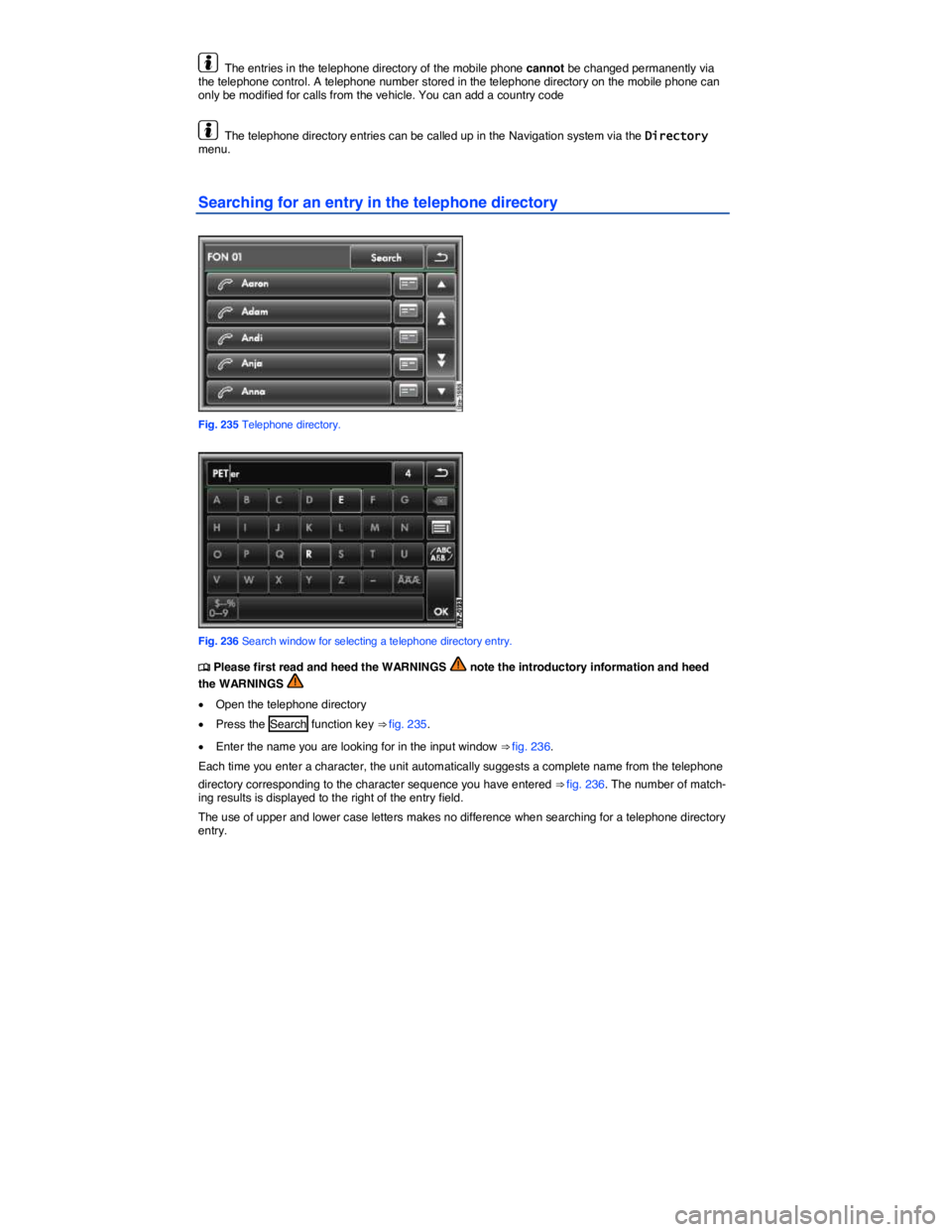
Searching for an entry in the telephone directory
Fig. 235 Telephone directory.
Fig. 236 Search window for selecting a telephone directory entry.