parking brake VOLVO C30 2008 Owners Manual
[x] Cancel search | Manufacturer: VOLVO, Model Year: 2008, Model line: C30, Model: VOLVO C30 2008Pages: 234, PDF Size: 4.8 MB
Page 2 of 234
In Canada: Volvo Cars of Canada Corp.
National Customer Service
175 Gordon Baker Road
North York, Ontario M2H 2N7
1-800-663-8255
www.volvocanada.com
2007 © Volvo Car Corporation. All rights reserved.
2 Contents
00 Introduction
General information 6
Volvo and the environment7
Important warnings9
01 Safety
Occupant safety 12
Reporting safety defects13
Seat belts14
Supplemental Restraint System18
Front airbags19
Occupant Weight Sensor (OWS)22
Side impact protection airbags25
Volvo Inflatable Curtain (VIC)26
Whiplash Protection System28
Crash mode30
Child safety31
Child restraint systems33
Infant seats35
Convertible seats37
Booster cushions40
ISOFIX lower anchors41
Top tether anchors42
Child restraint registration and
02 Instruments and control
Instrument overview46
Instrument panel49
Instrument and warning symbols51
Information display56
Lighting panel58
Left-side steering wheel lever60
Trip computer (option)61
Right-side steering wheel lever63
Cruise control (option)66
Steering wheel adjustment, Hazard
warning flashers68
Parking brake
69
12-volt sockets70
Power windows71
Mirrors72
Power moonroof (option)75
Personal settings77
Home Link® Universal80
Page 40 of 234
2 0 0 8
VOLVO C30
44 02 Instruments and controls
Instrument overview 46
Instrument panel49
Instrument and warning symbols51
Information display56
Lighting panel58
Left-side steering wheel lever60
Trip computer (option)61
Right-side steering wheel lever63
Cruise control (option)66
Steering wheel adjustment, Hazard warning flashers68
Parking brake69
12-volt sockets70
Power windows71
Mirrors72
Power moonroof (option)75
Personal settings77
Home Link® Universal Transceiver (option)80
45 02 Instruments and controls
46 02 Instruments and controls
Instrument overview
Page 42 of 234
24. Audio system228
25. Controls for climate system, audio system and personal settings77
26. Climate system89/92
27. Gear selector, manual 144
Gear selector, automatic145
28. Hazard warning flashers68
29. Door open handle, and locking button126
30. Glove compartment105
31. Parking brake69
32. 12-volt socket70
33. Not in use
34. Button for optional equipment
48 02 Instruments and controls
Instrument overview
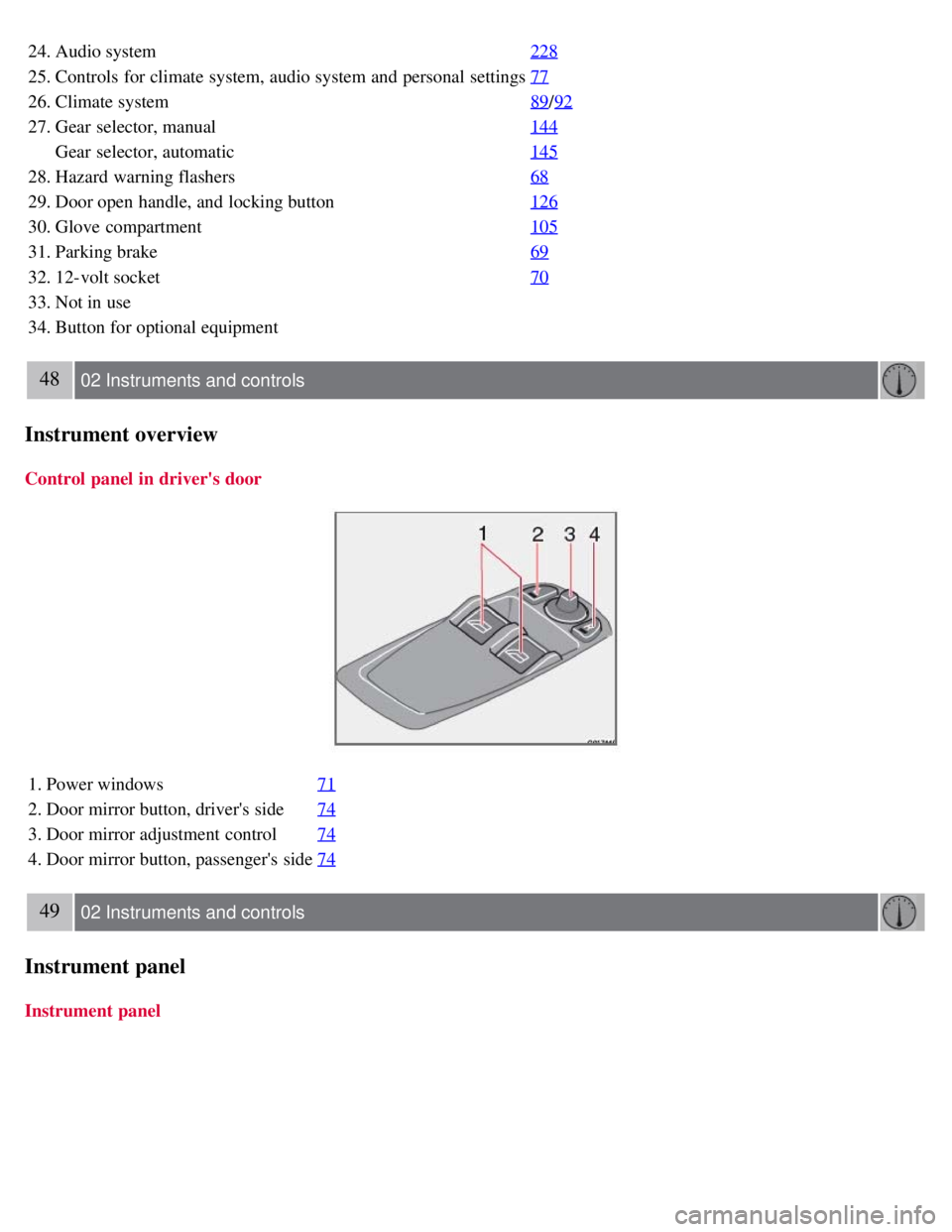
Control panel in driver's door
1. Power windows71
2. Door mirror button, driver's side74
3. Door mirror adjustment control74
4. Door mirror button, passenger's side74
49 02 Instruments and controls
Instrument panel
Instrument panel
Page 44 of 234
control.
12. High beam indicator
13. Temperature gauge
The gauge indicates the temperature of the engine cooling system. If the temperature is abnormally high and the needle
enters the red zone, a message is shown in the display. Bear in mind that auxiliary lamps in front of the air intake reduce
the cooling capacity at high outside temperatures and high engine loads.
14. Indicator and warning symbols
51 02 Instruments and controls
Instrument and warning symbols
Function check
The indicator and warning symbols light
1 up when you turn the ignition key or the optional keyless drive start control to
the driving position (position II) before starting. This shows that the symbols are functioning.
When the engine starts, all symbols go out. If the engine is not started within 5 seconds, all of the symbols except
CHECK ENGINE and will go out. Certain symbols may not have their functions illustrated, depending on the car's
equipment.
The PARK BRAKE symbol will not go out until the parking brake has been released.
1On certain engines, the symbol for low oil pressure is not used. Instead, a text warning is provided in the information display, see also page 203.
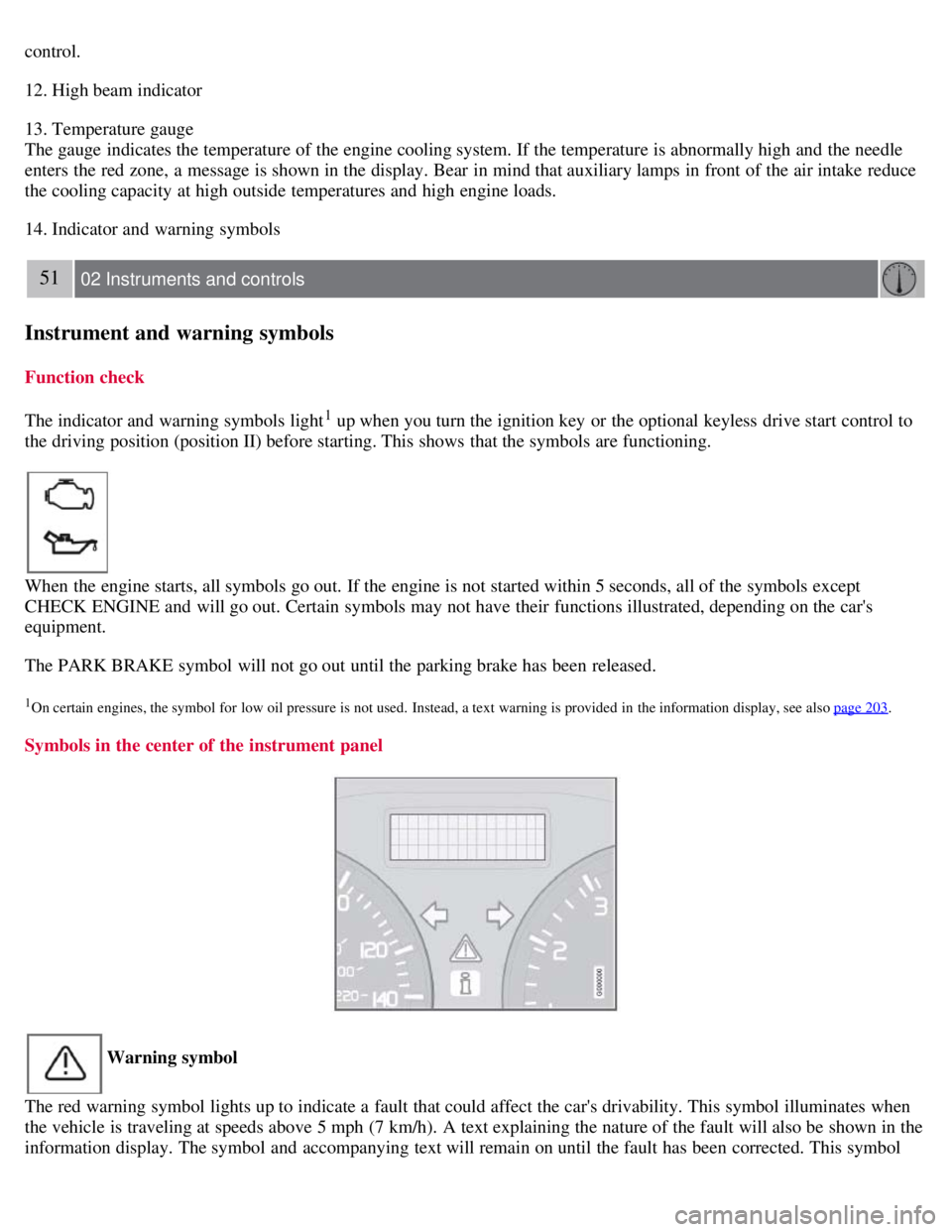
Symbols in the center of the instrument panel
Warning symbol
The red warning symbol lights up to indicate a fault that could affect the car's drivability. This symbol illuminates when
the vehicle is traveling at speeds above 5 mph (7 km/h). A text explaining the nature of the fault will also be shown in the
information display. The symbol and accompanying text will remain on until the fault has been corrected. This symbol
Page 47 of 234
stabilize the car. See page 150 for more detailed information.
5. Not in use
6. Fuel level warning light
When this light comes on, there are approximately 2.1 US gallons (8 liters) of fuel remaining in the tank.
54 02 Instruments and controls
Instrument and warning symbols
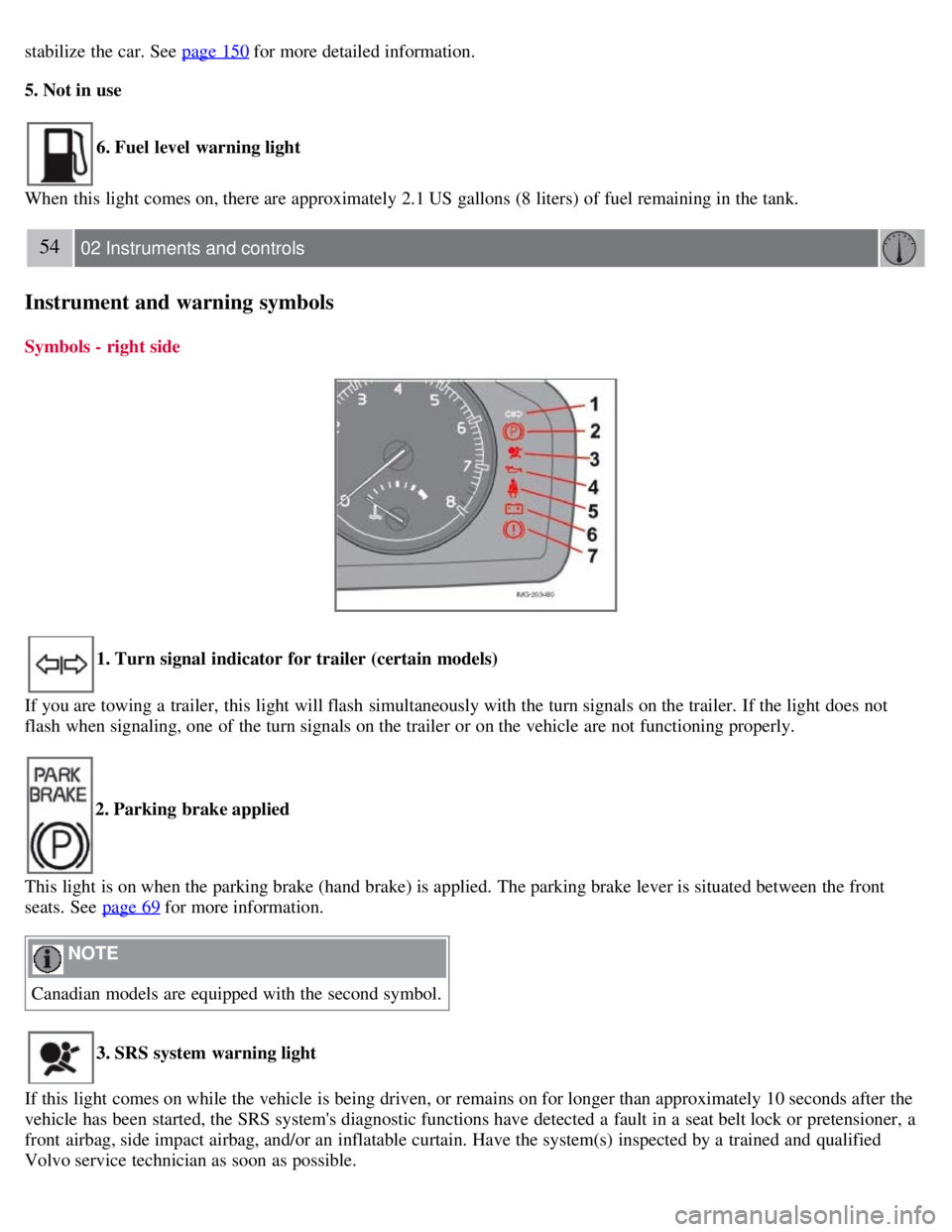
Symbols - right side
1. Turn signal indicator for trailer (certain models)
If you are towing a trailer, this light will flash simultaneously with the turn signals on the trailer. If the light does not
flash when signaling, one of the turn signals on the trailer or on the vehicle are not functioning properly.
2. Parking brake applied
This light is on when the parking brake (hand brake) is applied. The parking brake lever is situated between the front
seats. See page 69
for more information.
NOTE
Canadian models are equipped with the second symbol.
3. SRS system warning light
If this light comes on while the vehicle is being driven, or remains on for longer than approximately 10 seconds after the
vehicle has been started, the SRS system's diagnostic functions have detected a fault in a seat belt lock or pretensioner, a
front airbag, side impact airbag, and/or an inflatable curtain. Have the system(s) inspected by a trained and qualified
Volvo service technician as soon as possible.
Page 51 of 234
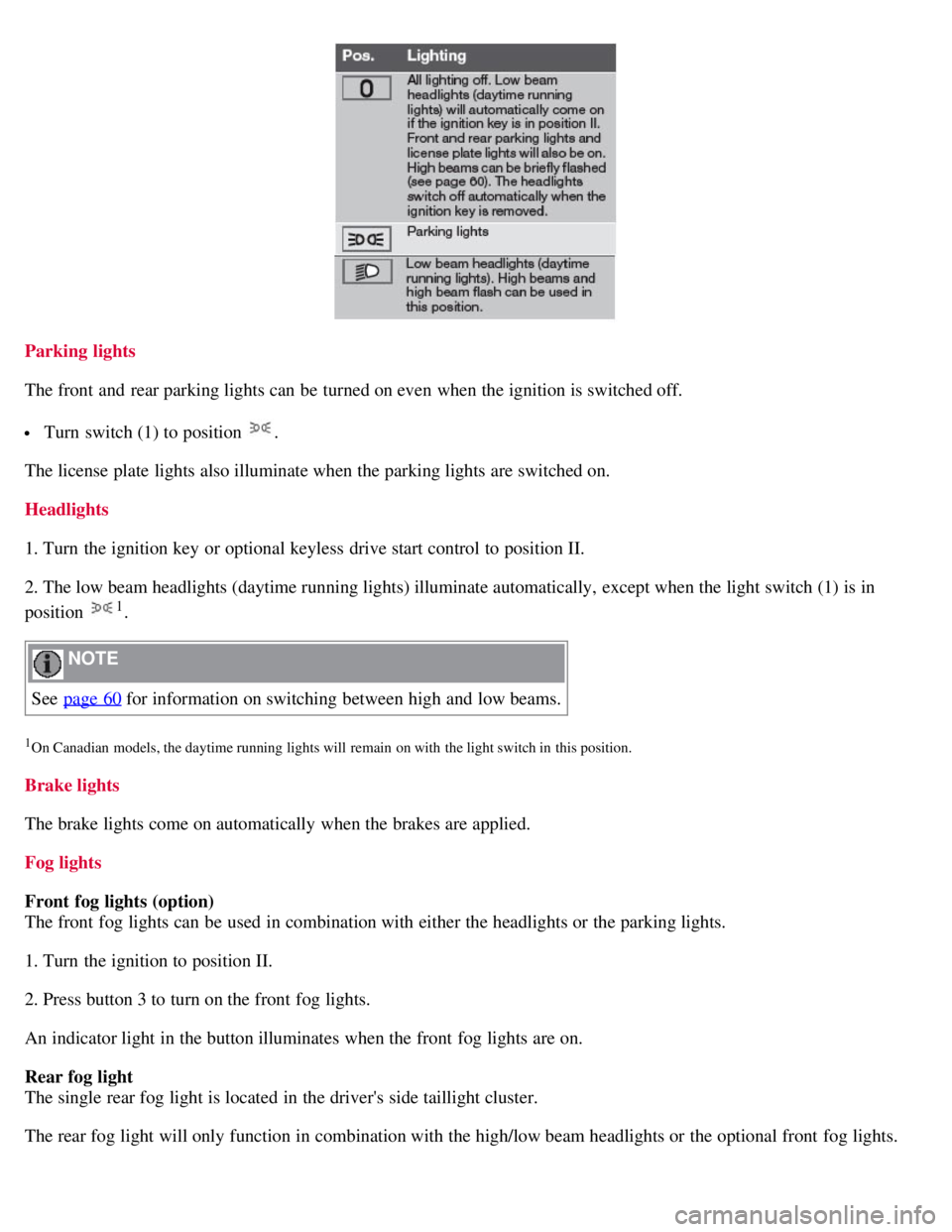
Parking lights
The front and rear parking lights can be turned on even when the ignition is switched off.
Turn switch (1) to position .
The license plate lights also illuminate when the parking lights are switched on.
Headlights
1. Turn the ignition key or optional keyless drive start control to position II.
2. The low beam headlights (daytime running lights) illuminate automatically, except when the light switch (1) is in
position
1.
NOTE
See page 60
for information on switching between high and low beams.
1On Canadian models, the daytime running lights will remain on with the light switch in this position.
Brake lights
The brake lights come on automatically when the brakes are applied.
Fog lights
Front fog lights (option)
The front fog lights can be used in combination with either the headlights or the parking lights.
1. Turn the ignition to position II.
2. Press button 3 to turn on the front fog lights.
An indicator light in the button illuminates when the front fog lights are on.
Rear fog light
The single rear fog light is located in the driver's side taillight cluster.
The rear fog light will only function in combination with the high/low beam headlights or the optional front fog lights.
Page 61 of 234
Hazard warning flashers
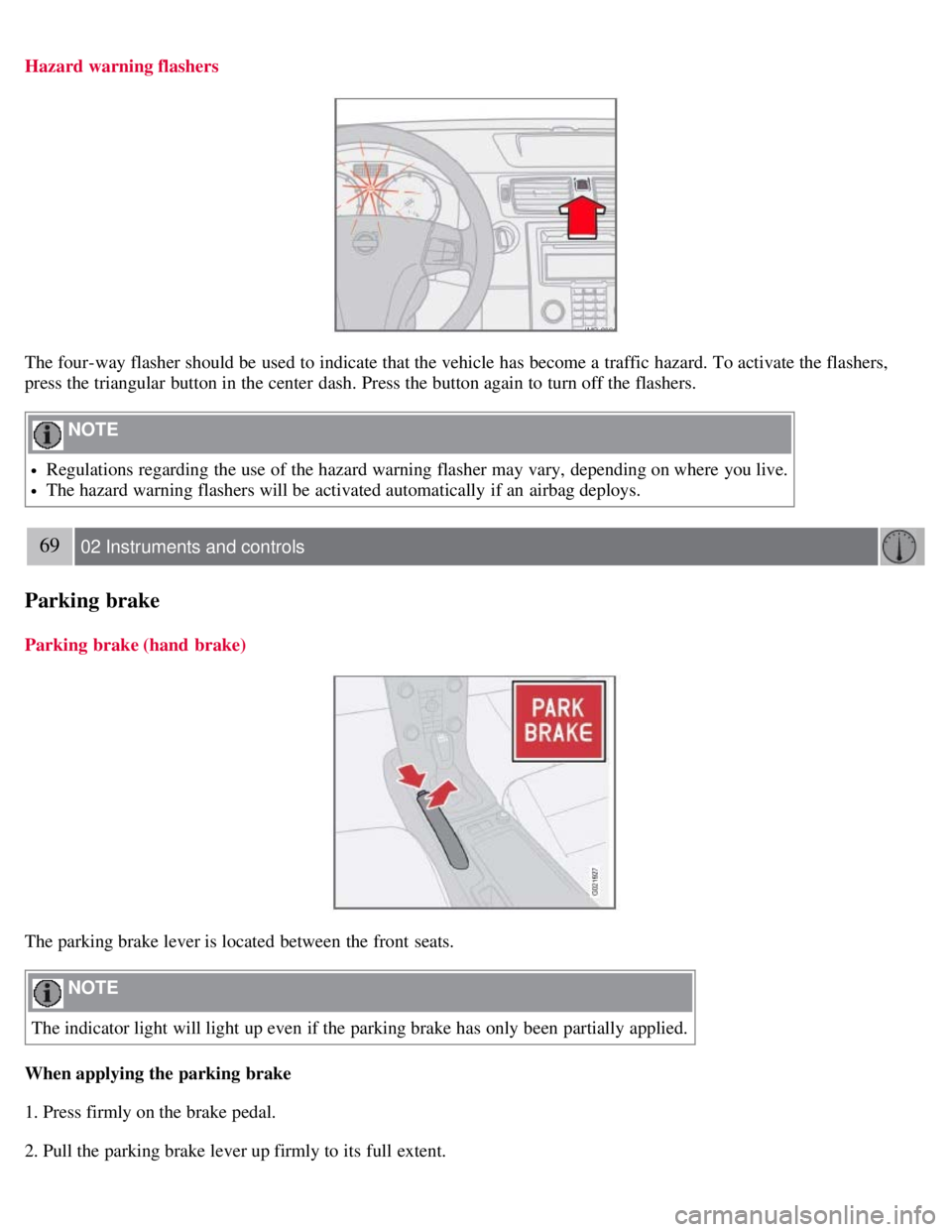
The four-way flasher should be used to indicate that the vehicle has become a traffic hazard. To activate the flashers,
press the triangular button in the center dash. Press the button again to turn off the flashers.
NOTE
Regulations regarding the use of the hazard warning flasher may vary, depending on where you live.
The hazard warning flashers will be activated automatically if an airbag deploys.
69 02 Instruments and controls
Parking brake
Parking brake (hand brake)
The parking brake lever is located between the front seats.
NOTE
The indicator light will light up even if the parking brake has only been partially applied.
When applying the parking brake
1. Press firmly on the brake pedal.
2. Pull the parking brake lever up firmly to its full extent.
Page 62 of 234
3. Release the brake pedal and ensure that the vehicle is at a standstill.
4. If the vehicle rolls, the parking brake lever must be pulled more firmly.
5. When parking a vehicle always put the gear selector in first gear (for manual transmission) or P (for automatic
transmission).
Parking on a hill
If the vehicle is pointing uphill, turn the front wheels so that they point away from the curb.
If the vehicle is pointing downhill, turn the front wheels so that they point toward the curb.
Releasing the parking brake
1. Press firmly on the brake pedal.
2. Pull the lever up slightly, press the button at the end of the lever and lower the lever completely.
WARNING
Pull up the parking brake lever up firmly to its full extent.
70 02 Instruments and controls
12-volt sockets
12-volt socket (front seat)
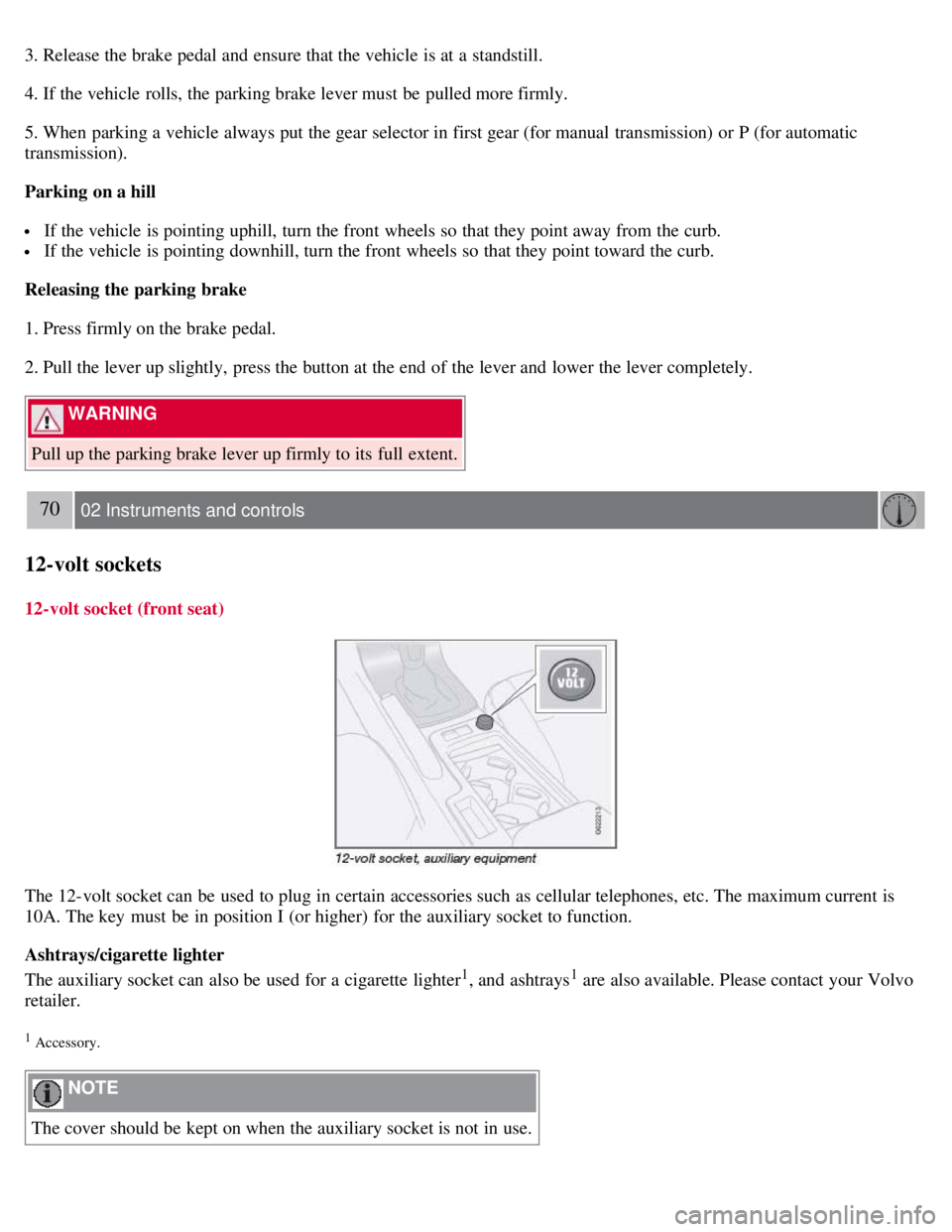
The 12-volt socket can be used to plug in certain accessories such as cellular telephones, etc. The maximum current is
10A. The key must be in position I (or higher) for the auxiliary socket to function.
Ashtrays/cigarette lighter
The auxiliary socket can also be used for a cigarette lighter
1, and ashtrays1 are also available. Please contact your Volvo
retailer.
1 Accessory.
NOTE
The cover should be kept on when the auxiliary socket is not in use.
Page 126 of 234
141 06 Starting and driving
Starting the vehicle
To start the engine
1. Fasten the seat belt.
WARNING
Before starting, check that the seat, steering wheel and mirrors are adjusted properly. Make sure the brake pedal can
be depressed completely. Adjust the seat if necessary.
2. Apply the parking brake if not already set. The gear selector should be locked in the (P)ark position (Shiftlock). See
also page 147
.
Manual transmission : the clutch must be fully depressed.
3. The vehicle is equipped with an autostart feature. Without touching the throttle pedal, turn the key to position III
and release it. The starter motor will then operate automatically (for up to ten seconds) until the engine starts. If the
engine fails to start, repeat this step.
NOTE
After a cold start, idle speed may be noticeably higher than normal for a short period. This is done to help bring
components in the emission control system to their normal operating temperature as quickly as possible, which
enables them to control emissions and help reduce the vehicle's impact on the environment.
4. To release the gear selector from the (P)ark position, the engine must be running (or the ignition key must be in
position II) and the brake pedal must be depressed.
5. Select the desired gear. On models with an automatic transmission, the gear engages after a very slight delay which
is especially noticeable when selecting R.
NOTE
Immobilizer : If two of the keys to your vehicle are close together, e.g., on the same key ring when you try to start
the vehicle, this could cause interference in the immobilizer system and result in the vehicle not starting. If this
should occur, remove one of the keys from the key ring before trying to start the vehicle again.
Keylock: Models equipped an automatic transmission have a keylock system. When the engine is switched off, the
gear selector must be in the ( P)ark position before the key can be removed from the ignition switch
1.
When starting in cold weather, the transmission may shift up at slightly higher engine speeds than normal until the
automatic transmission fluid reaches normal operating temperature.
Do not race a cold engine immediately after starting. Oil flow may not reach some lubrication points fast enough
to prevent engine damage.
1The optional keyless drive start control does not need to be removed from the ignition switch.
142 06 Starting and driving
Starting the vehicle
Page 127 of 234
WARNING
Volvo's floor mats are specially manufactured for your car. They must be firmly secured in the clips on the floor so
that they cannot slide and become trapped under the pedals on the driver's side.
CAUTION
Automatic transmission: The engine should be idling when you move the gear selector. Never accelerate until after
you feel the transmission engage! Accelerating immediately after selecting a gear will cause harsh engagement and
premature transmission wear. Selecting P or N when idling at a standstill for prolonged periods of time will help
prevent overheating of the automatic transmission fluid.
WARNING
Always place the gear selector in Park (manual transmission: first or reverse gear) and apply the parking brake
before leaving the vehicle. Never leave the vehicle unattended with the engine running.
Always open garage doors fully before starting the engine inside a garage to ensure adequate ventilation. The
exhaust gases contain carbon monoxide, which is invisible and odorless but very poisonous.
143 06 Starting and driving
Starting the vehicle (keyless drive)
Starting a vehicle with keyless drive (option as available)
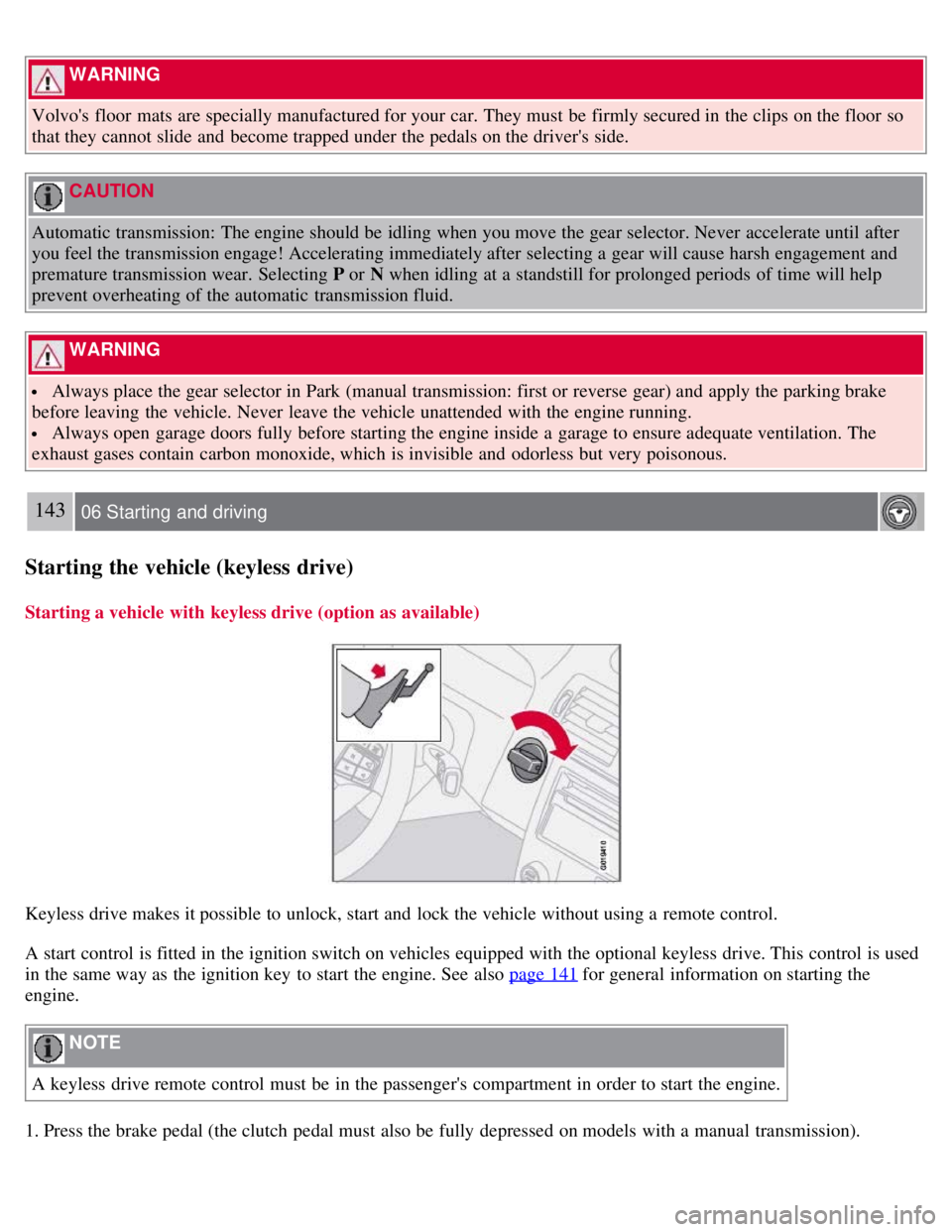
Keyless drive makes it possible to unlock, start and lock the vehicle without using a remote control.
A start control is fitted in the ignition switch on vehicles equipped with the optional keyless drive. This control is used
in the same way as the ignition key to start the engine. See also page 141
for general information on starting the
engine.
NOTE
A keyless drive remote control must be in the passenger's compartment in order to start the engine.
1. Press the brake pedal (the clutch pedal must also be fully depressed on models with a manual transmission).