ECO mode VOLVO S60 2004 Owner's Manual
[x] Cancel search | Manufacturer: VOLVO, Model Year: 2004, Model line: S60, Model: VOLVO S60 2004Pages: 113, PDF Size: 2.35 MB
Page 97 of 113
the Advanced User Mode on the HU -803 equipped with this feature.
"ASC ON" or "ASC OFF" will be shown in the display for several seconds.
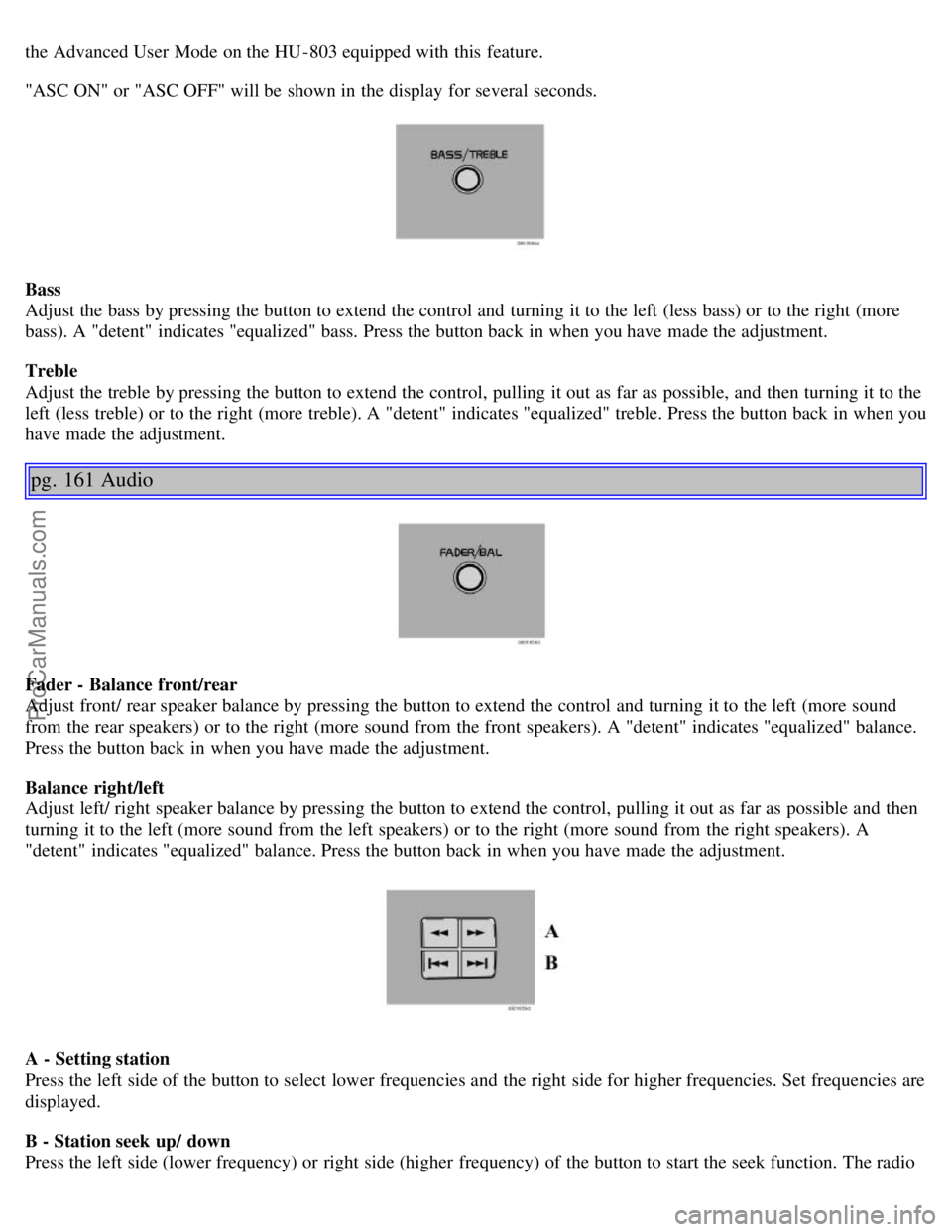
Bass
Adjust the bass by pressing the button to extend the control and turning it to the left (less bass) or to the right (more
bass). A "detent" indicates "equalized" bass. Press the button back in when you have made the adjustment.
Treble
Adjust the treble by pressing the button to extend the control, pulling it out as far as possible, and then turning it to the
left (less treble) or to the right (more treble). A "detent" indicates "equalized" treble. Press the button back in when you
have made the adjustment.
pg. 161 Audio
Fader - Balance front/rear
Adjust front/ rear speaker balance by pressing the button to extend the control and turning it to the left (more sound
from the rear speakers) or to the right (more sound from the front speakers). A "detent" indicates "equalized" balance.
Press the button back in when you have made the adjustment.
Balance right/left
Adjust left/ right speaker balance by pressing the button to extend the control, pulling it out as far as possible and then
turning it to the left (more sound from the left speakers) or to the right (more sound from the right speakers). A
"detent" indicates "equalized" balance. Press the button back in when you have made the adjustment.
A - Setting station
Press the left side of the button to select lower frequencies and the right side for higher frequencies. Set frequencies are
displayed.
B - Station seek up/ down
Press the left side (lower frequency) or right side (higher frequency) of the button to start the seek function. The radio
ProCarManuals.com
Page 99 of 113
Another auto-stored station is selected with each turn.
Programming stations
1. Tune in the desired frequency.
2. Press the "1-20/DISC" knob. Select a number by turning forwards or backwards. Press again to store the selected
frequency and station.
Preset
To choose a pre-set station, turn "1-20/DISC" knob to the stored number. The currently selected station is displayed.
Radio Data System (RDS, also referred to as RBDS) - HU-803 only
This feature, which may not work in your area, functions only with FM broadcasts. The HU -803 radio in your car is
equipped with an advanced system allowing information from broadcasters to be transmitted visually, as text, together
with the audio signal. This information is then decoded by the radio and made available for several new and unique
features. The RDS or Radio Data System operates in the FM band only, and the information transmitted is
supplied exclusively by participating broadcasters. Volvo has no control over the accuracy of the data or
information. Please refer to the following pages regarding specific descriptions and operation of these functions.
Coverage by local broadcasters may be limited at this time, but as the technology and benefits grow, you will find the
radio in your car is equipped to take advantage of this system.
pg. 164 Audio
Audio systems HU-613/HU-803 (contd)
Traffic information (TP) - HU-803 only
This feature may not be apply in your area and only functions with FM broadcasts. (See previous page)
Push the "TP" button for traffic information from RDS stations. "TP" is displayed when the function is connected.
When the unit is in Cassette or CD mode, the FM radio function will seek in the background for a station with a strong
signal broadcasting traffic information. If a cassette or CD are playing when the radio receives a traffic bulletin, that
function is interrupted and the bulletin is broadcast with the volume pre-selected for traffic information.
When the bulletin is finished the unit immediately returns to the previously set volume and continues playing the
cassette or CD.
Traffic information can only be heard when TP and are displayed at the same time.
ProCarManuals.com
Page 108 of 113
Side marker lamp137
SIPS airbags10
Ski hatch64
Snow chains109
Snow tires109
Spare tires110
Spare wheel64
Spark plugs154
Specifications145
Speedometer22
Spoiler lamps30
Sport mode89
SRS4
Stability system94
Stability systems94
Stability Traction Control (STC)94
Start inhibitor (immobilizer)68
Starting the car81
STC27
Steering82
Steering wheel adjustment29
Steering wheel lock82
Stone chips118
STOP ENGINE26
Storage compartments61
Studded tires109
Sun visor41
Supplemental Restraint System (SRS)4
Supplemental Restraint System (SRS) - warning light25
Suspension152
Switches in the center console27
T
Tachometer22
Temperature47
Temperature gauge22
Temporary spare tire110
Text window - messages26
TIME FOR REGULAR SERVICE26
Tires economy108
Tires economy - improving108
Tires108
Tires - tread wear indicators111
Towing96
Towing - cars with All Wheel Drive97
ProCarManuals.com