wheel VOLVO S60 2008 User Guide
[x] Cancel search | Manufacturer: VOLVO, Model Year: 2008, Model line: S60, Model: VOLVO S60 2008Pages: 230, PDF Size: 5.33 MB
Page 53 of 230
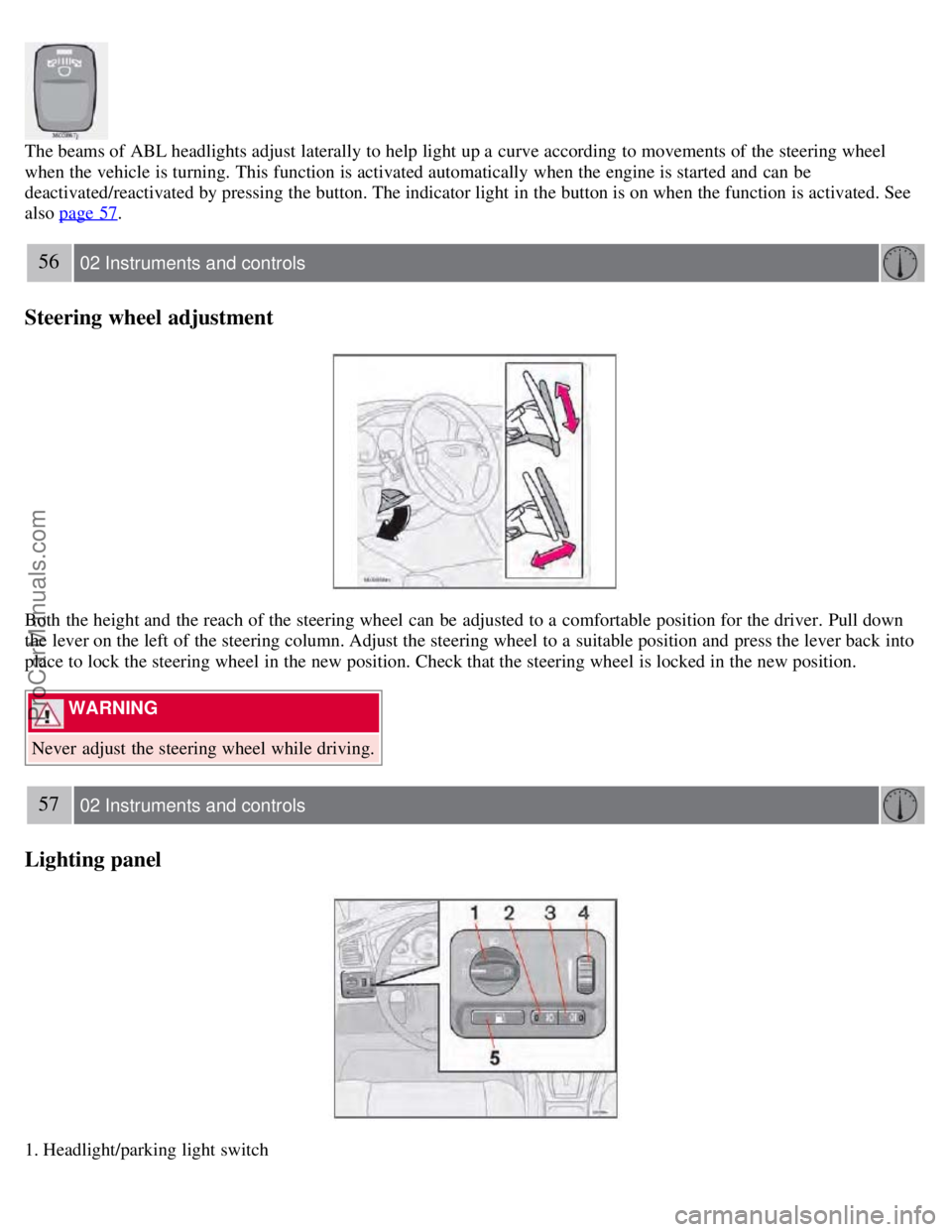
The beams of ABL headlights adjust laterally to help light up a curve according to movements of the steering wheel
when the vehicle is turning. This function is activated automatically when the engine is started and can be
deactivated/reactivated by pressing the button. The indicator light in the button is on when the function is activated. See
also page 57
.
56 02 Instruments and controls
Steering wheel adjustment
Both the height and the reach of the steering wheel can be adjusted to a comfortable position for the driver. Pull down
the lever on the left of the steering column. Adjust the steering wheel to a suitable position and press the lever back into
place to lock the steering wheel in the new position. Check that the steering wheel is locked in the new position.
WARNING
Never adjust the steering wheel while driving.
57 02 Instruments and controls
Lighting panel
1. Headlight/parking light switch
ProCarManuals.com
Page 54 of 230
2. Front fog lights
3. Rear fog light
4. Instrument panel lighting
5. Fuel filler door unlock button
Parking lights
The front and rear parking lights can be turned on even when the ignition is switched off.
Turn switch 1 to position .
The license plate lights also illuminate when the parking lights are switched on.
Headlights
Turn the ignition key to position II.
The low beam headlights (daytime running lights) illuminate automatically, except when the light switch (1) is in
position
1.
See page 60
for information on switching between high and low beams.
NOTE
Active Bi -Xenon® headlights (option): Turn the headlight switch to position 0 to activate a daylight sensor, which
automatically switches the low beams on or off, depending on ambient light conditions. When driving in daylight, the
headlights will switch off and the daytime running lights will come on. In darkness, the daytime running lights will
switch off and the Active Bi -Xenon® headlights will switch on.
1On Canadian models, the daytime running lights will remain on with the light switch in this position.
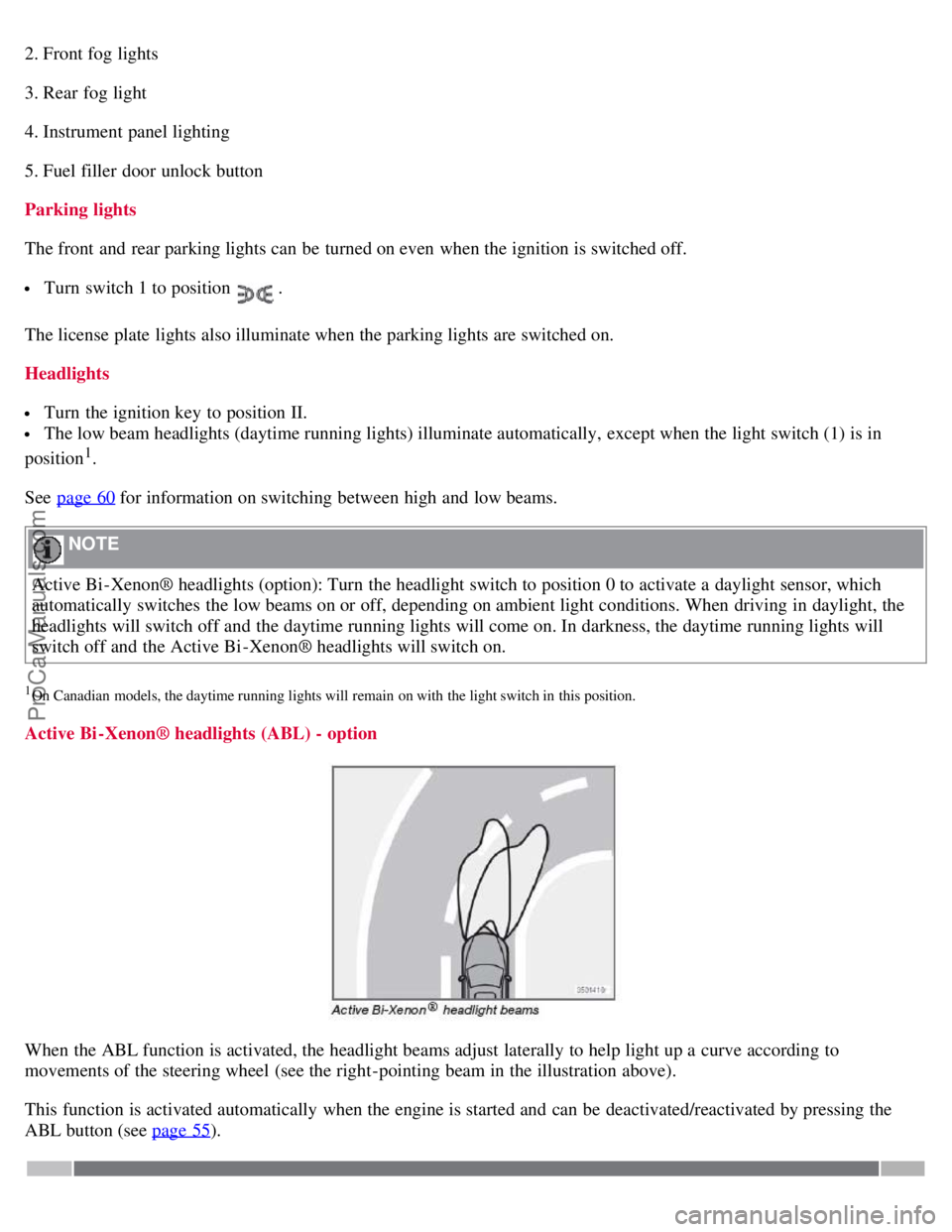
Active Bi -Xenon® headlights (ABL) - option
When the ABL function is activated, the headlight beams adjust laterally to help light up a curve according to
movements of the steering wheel (see the right-pointing beam in the illustration above).
This function is activated automatically when the engine is started and can be deactivated/reactivated by pressing the
ABL button (see page 55
).
ProCarManuals.com
Page 55 of 230
58 02 Instruments and controls
Lighting panel
Fog lights
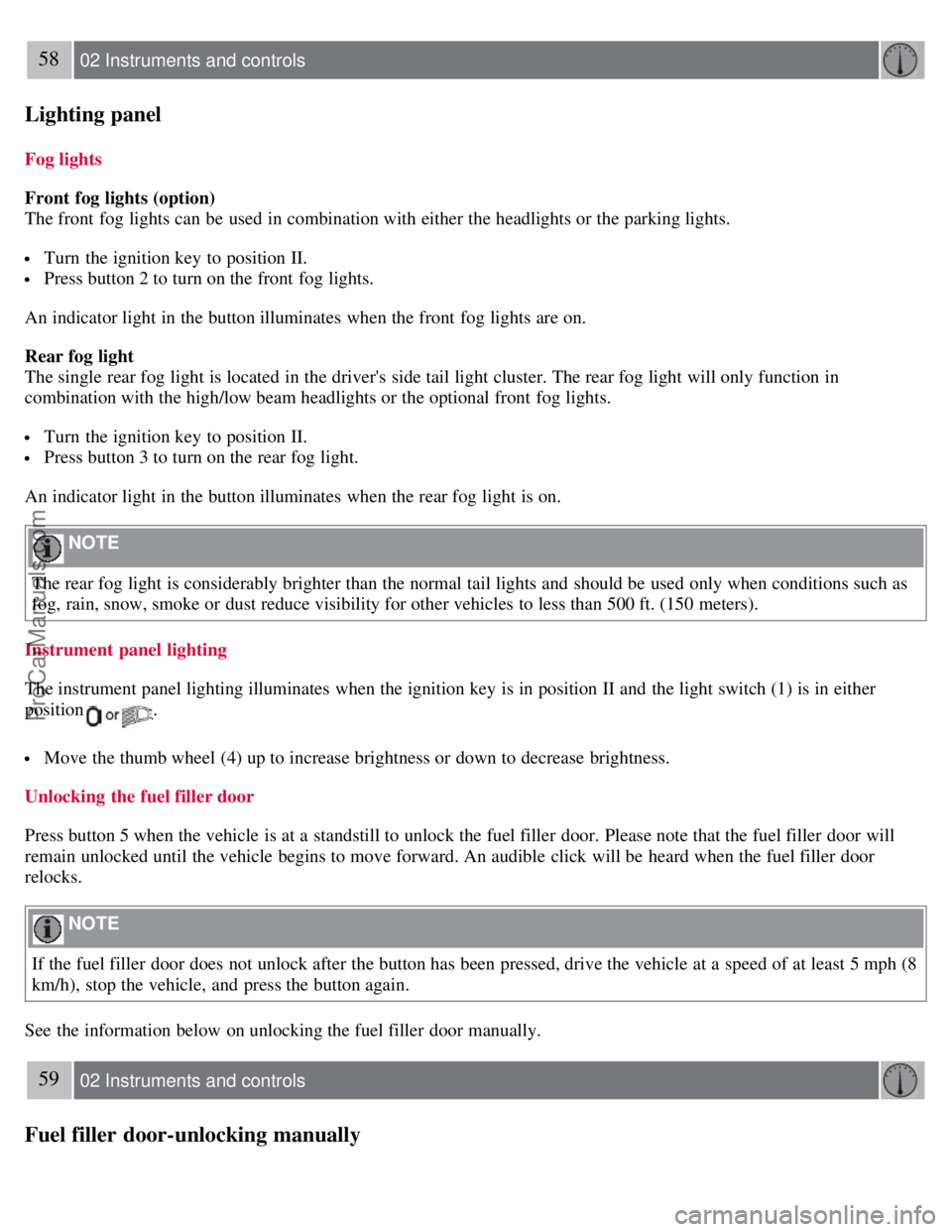
Front fog lights (option)
The front fog lights can be used in combination with either the headlights or the parking lights.
Turn the ignition key to position II.
Press button 2 to turn on the front fog lights.
An indicator light in the button illuminates when the front fog lights are on.
Rear fog light
The single rear fog light is located in the driver's side tail light cluster. The rear fog light will only function in
combination with the high/low beam headlights or the optional front fog lights.
Turn the ignition key to position II.
Press button 3 to turn on the rear fog light.
An indicator light in the button illuminates when the rear fog light is on.
NOTE
The rear fog light is considerably brighter than the normal tail lights and should be used only when conditions such as
fog, rain, snow, smoke or dust reduce visibility for other vehicles to less than 500 ft. (150 meters).
Instrument panel lighting
The instrument panel lighting illuminates when the ignition key is in position II and the light switch (1) is in either
position
.
Move the thumb wheel (4) up to increase brightness or down to decrease brightness.
Unlocking the fuel filler door
Press button 5 when the vehicle is at a standstill to unlock the fuel filler door. Please note that the fuel filler door will
remain unlocked until the vehicle begins to move forward. An audible click will be heard when the fuel filler door
relocks.
NOTE
If the fuel filler door does not unlock after the button has been pressed, drive the vehicle at a speed of at least 5 mph (8
km/h), stop the vehicle, and press the button again.
See the information below on unlocking the fuel filler door manually.
59 02 Instruments and controls
Fuel filler door-unlocking manually
ProCarManuals.com
Page 56 of 230
Manually unlocking the fuel filler door
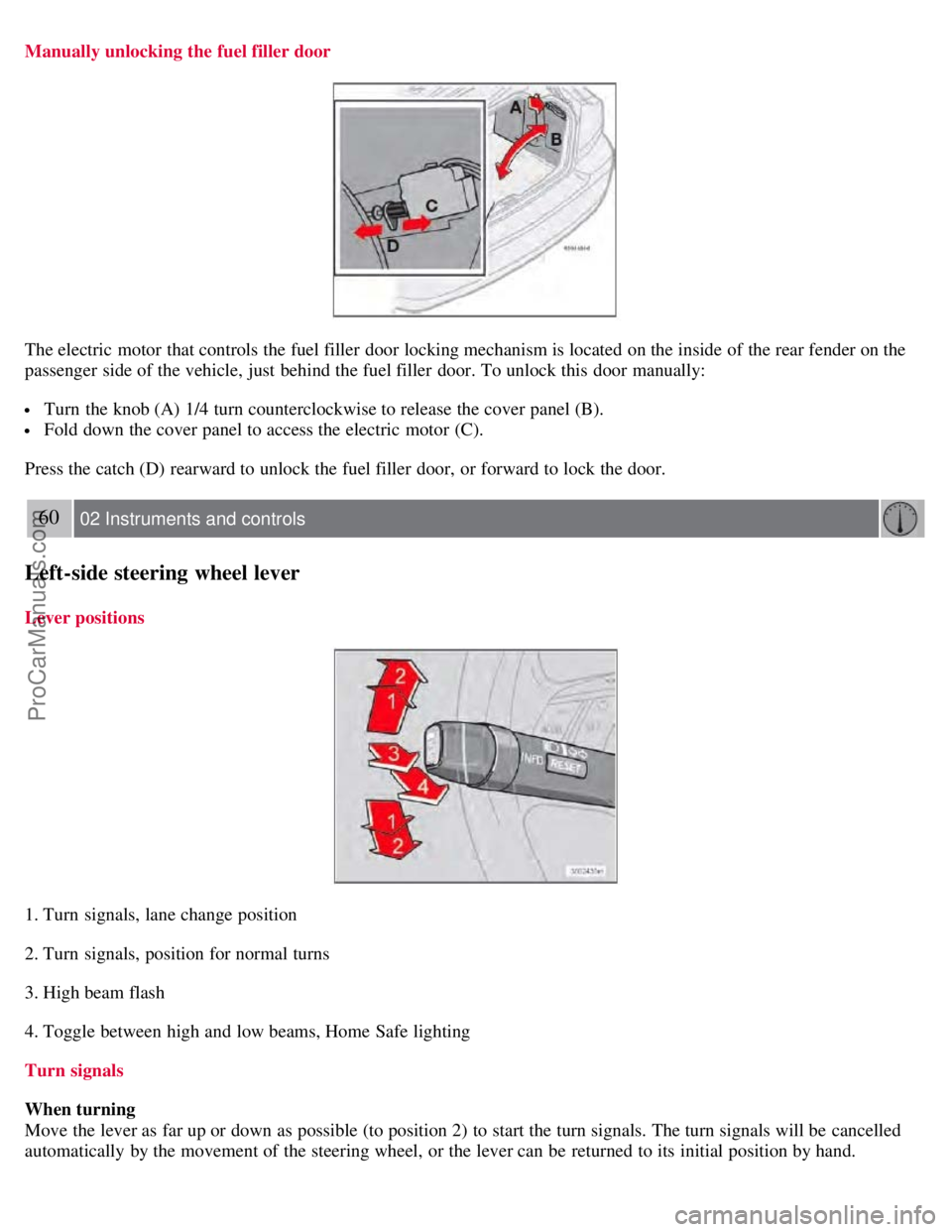
The electric motor that controls the fuel filler door locking mechanism is located on the inside of the rear fender on the
passenger side of the vehicle, just behind the fuel filler door. To unlock this door manually:
Turn the knob (A) 1/4 turn counterclockwise to release the cover panel (B).
Fold down the cover panel to access the electric motor (C).
Press the catch (D) rearward to unlock the fuel filler door, or forward to lock the door.
60 02 Instruments and controls
Left-side steering wheel lever
Lever positions
1. Turn signals, lane change position
2. Turn signals, position for normal turns
3. High beam flash
4. Toggle between high and low beams, Home Safe lighting
Turn signals
When turning
Move the lever as far up or down as possible (to position 2) to start the turn signals. The turn signals will be cancelled
automatically by the movement of the steering wheel, or the lever can be returned to its initial position by hand.
ProCarManuals.com
Page 57 of 230
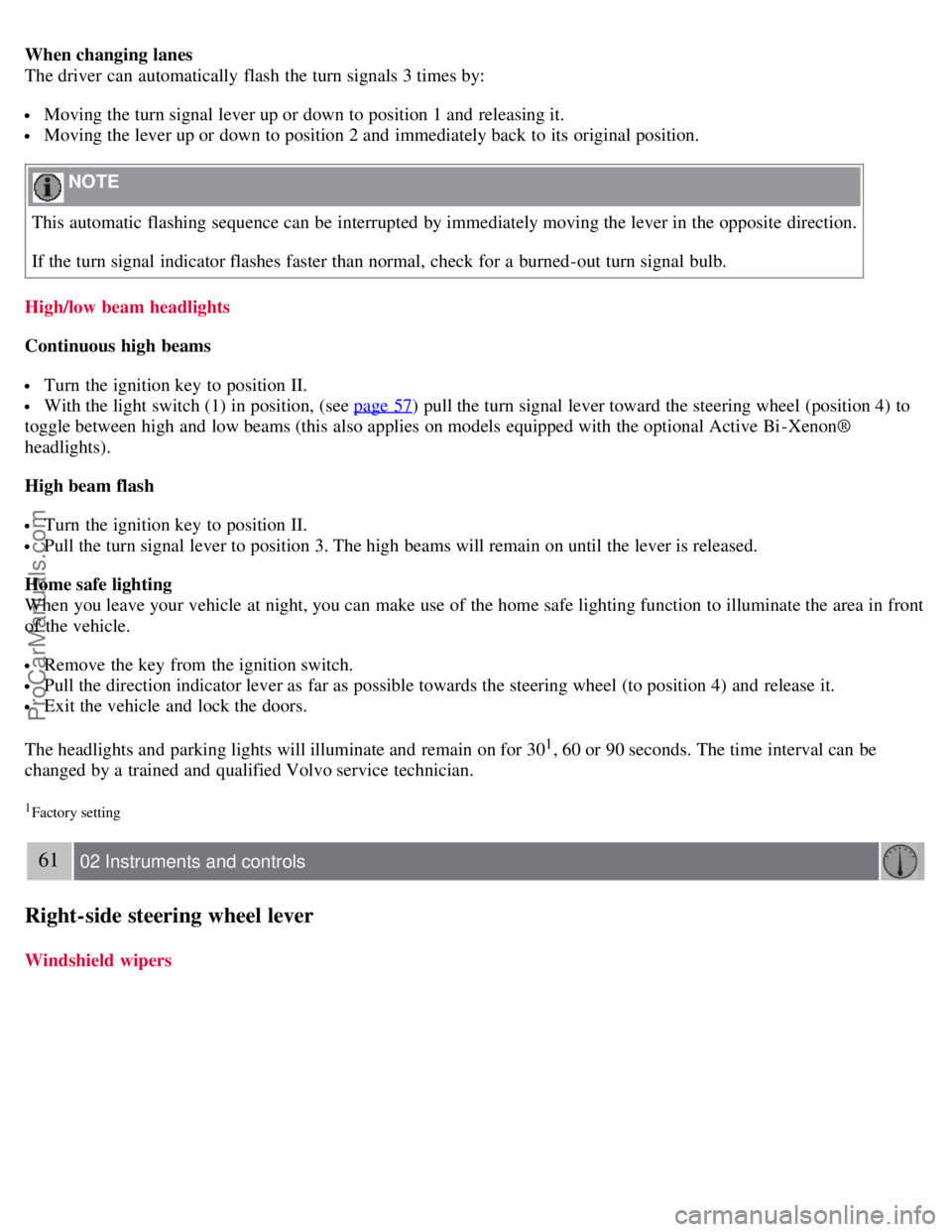
When changing lanes
The driver can automatically flash the turn signals 3 times by:
Moving the turn signal lever up or down to position 1 and releasing it.
Moving the lever up or down to position 2 and immediately back to its original position.
NOTE
This automatic flashing sequence can be interrupted by immediately moving the lever in the opposite direction.
If the turn signal indicator flashes faster than normal, check for a burned-out turn signal bulb.
High/low beam headlights
Continuous high beams
Turn the ignition key to position II.
With the light switch (1) in position, (see page 57) pull the turn signal lever toward the steering wheel (position 4) to
toggle between high and low beams (this also applies on models equipped with the optional Active Bi -Xenon®
headlights).
High beam flash
Turn the ignition key to position II.
Pull the turn signal lever to position 3. The high beams will remain on until the lever is released.
Home safe lighting
When you leave your vehicle at night, you can make use of the home safe lighting function to illuminate the area in front
of the vehicle.
Remove the key from the ignition switch.
Pull the direction indicator lever as far as possible towards the steering wheel (to position 4) and release it.
Exit the vehicle and lock the doors.
The headlights and parking lights will illuminate and remain on for 30
1, 60 or 90 seconds. The time interval can be
changed by a trained and qualified Volvo service technician.
1Factory setting
61 02 Instruments and controls
Right-side steering wheel lever
Windshield wipers
ProCarManuals.com
Page 59 of 230
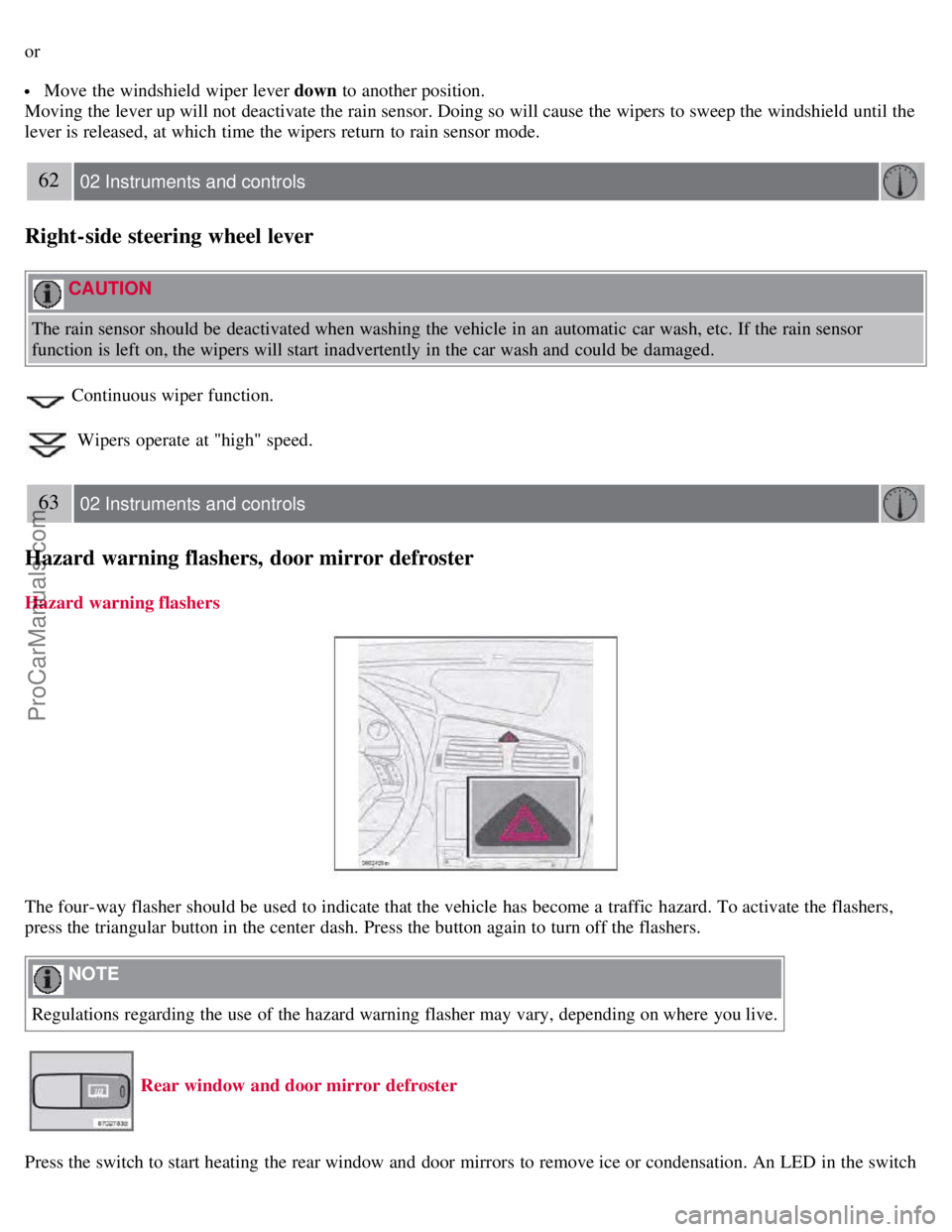
or
Move the windshield wiper lever down to another position.
Moving the lever up will not deactivate the rain sensor. Doing so will cause the wipers to sweep the windshield until the
lever is released, at which time the wipers return to rain sensor mode.
62 02 Instruments and controls
Right-side steering wheel lever
CAUTION
The rain sensor should be deactivated when washing the vehicle in an automatic car wash, etc. If the rain sensor
function is left on, the wipers will start inadvertently in the car wash and could be damaged.
Continuous wiper function.
Wipers operate at "high" speed.
63 02 Instruments and controls
Hazard warning flashers, door mirror defroster
Hazard warning flashers
The four-way flasher should be used to indicate that the vehicle has become a traffic hazard. To activate the flashers,
press the triangular button in the center dash. Press the button again to turn off the flashers.
NOTE
Regulations regarding the use of the hazard warning flasher may vary, depending on where you live.
Rear window and door mirror defroster
Press the switch to start heating the rear window and door mirrors to remove ice or condensation. An LED in the switch
ProCarManuals.com
Page 61 of 230
5. Current speed in miles per hour (Canadian models only)
This function provides the driver with an instantaneous conversion of the vehicle's current speed from km/h to mph.
65 02 Instruments and controls
Trip computer
NOTE
Trip computer readings may vary slightly depending on the circumference of the tires on the vehicle and driving style.
66 02 Instruments and controls
Cruise control
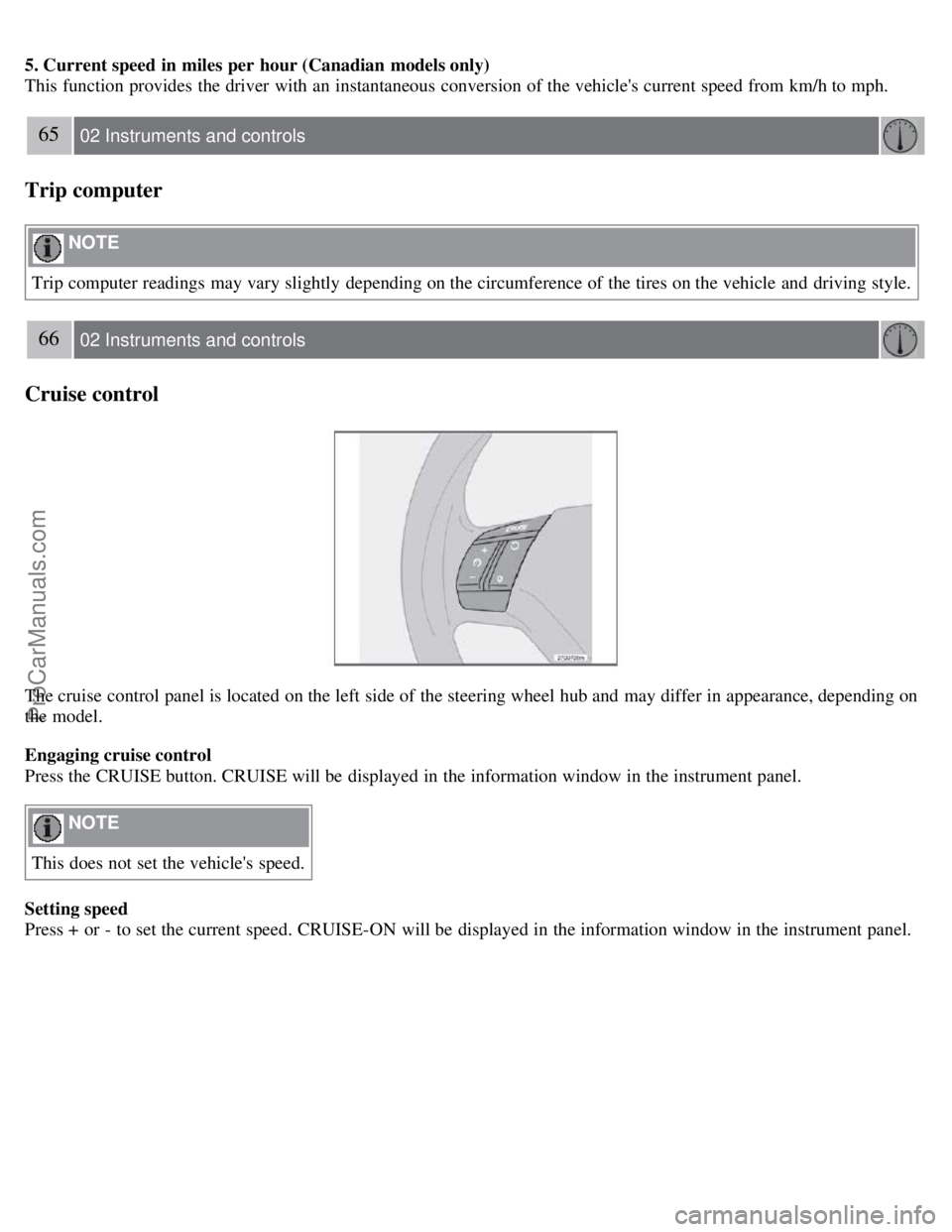
The cruise control panel is located on the left side of the steering wheel hub and may differ in appearance, depending on
the model.
Engaging cruise control
Press the CRUISE button. CRUISE will be displayed in the information window in the instrument panel.
NOTE
This does not set the vehicle's speed.
Setting speed
Press + or - to set the current speed. CRUISE-ON will be displayed in the information window in the instrument panel.
ProCarManuals.com
Page 62 of 230
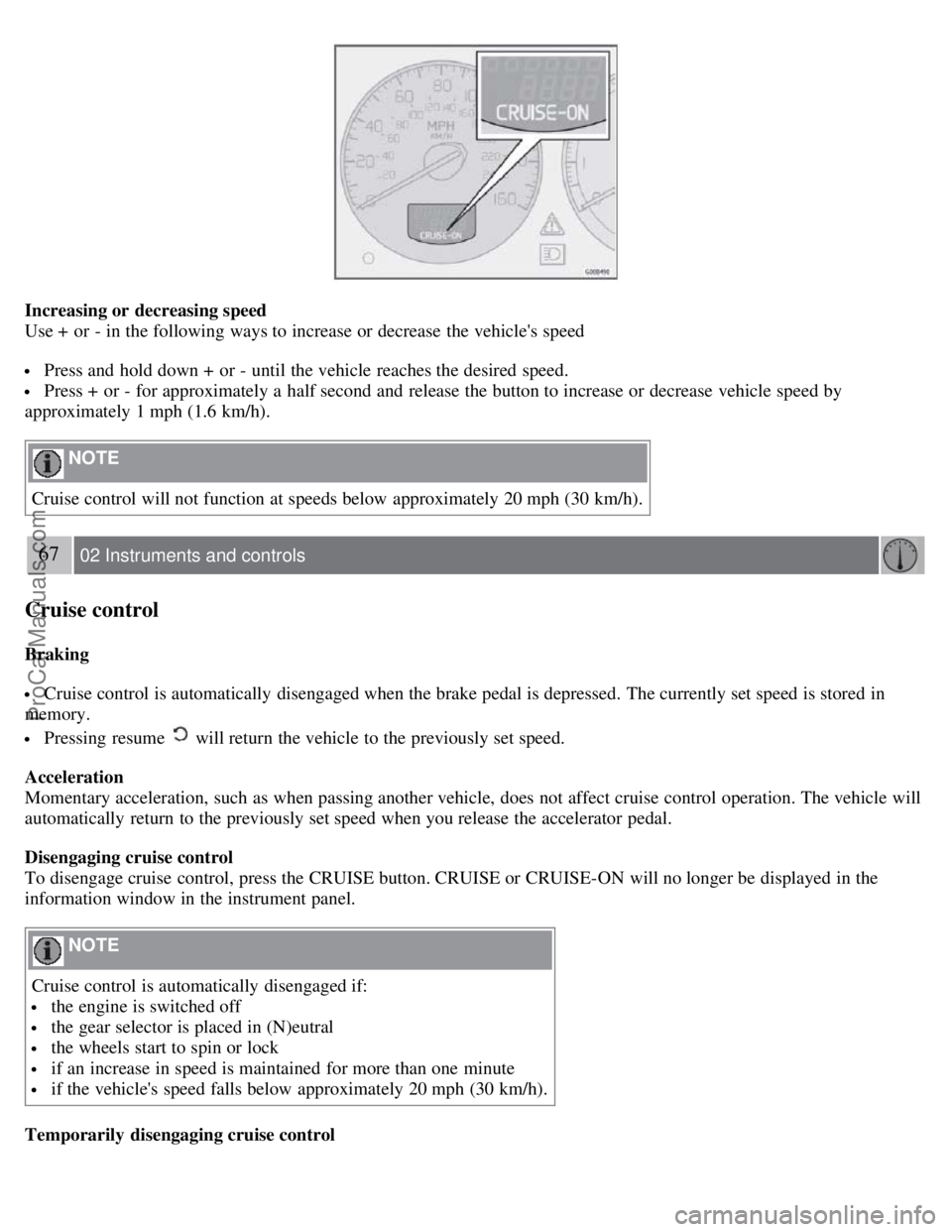
Increasing or decreasing speed
Use + or - in the following ways to increase or decrease the vehicle's speed
Press and hold down + or - until the vehicle reaches the desired speed.
Press + or - for approximately a half second and release the button to increase or decrease vehicle speed by
approximately 1 mph (1.6 km/h).
NOTE
Cruise control will not function at speeds below approximately 20 mph (30 km/h).
67 02 Instruments and controls
Cruise control
Braking
Cruise control is automatically disengaged when the brake pedal is depressed. The currently set speed is stored in
memory.
Pressing resume will return the vehicle to the previously set speed.
Acceleration
Momentary acceleration, such as when passing another vehicle, does not affect cruise control operation. The vehicle will
automatically return to the previously set speed when you release the accelerator pedal.
Disengaging cruise control
To disengage cruise control, press the CRUISE button. CRUISE or CRUISE-ON will no longer be displayed in the
information window in the instrument panel.
NOTE
Cruise control is automatically disengaged if:
the engine is switched off
the gear selector is placed in (N)eutral
the wheels start to spin or lock
if an increase in speed is maintained for more than one minute
if the vehicle's speed falls below approximately 20 mph (30 km/h).
Temporarily disengaging cruise control
ProCarManuals.com
Page 63 of 230
Press 0 to temporarily disengage cruise control. CRUISE will be displayed in the information window in the
instrument panel.
Press the brake pedal.
Press "resume"
to return to the previously set speed.
WARNING
Cruise control should not be used in heavy traffic or when driving on wet or slippery roads, or when driving on
unpaved or uneven road surfaces. Cruise control may not maintain set speed on steep downgrades.
68 02 Instruments and controls
Parking brake
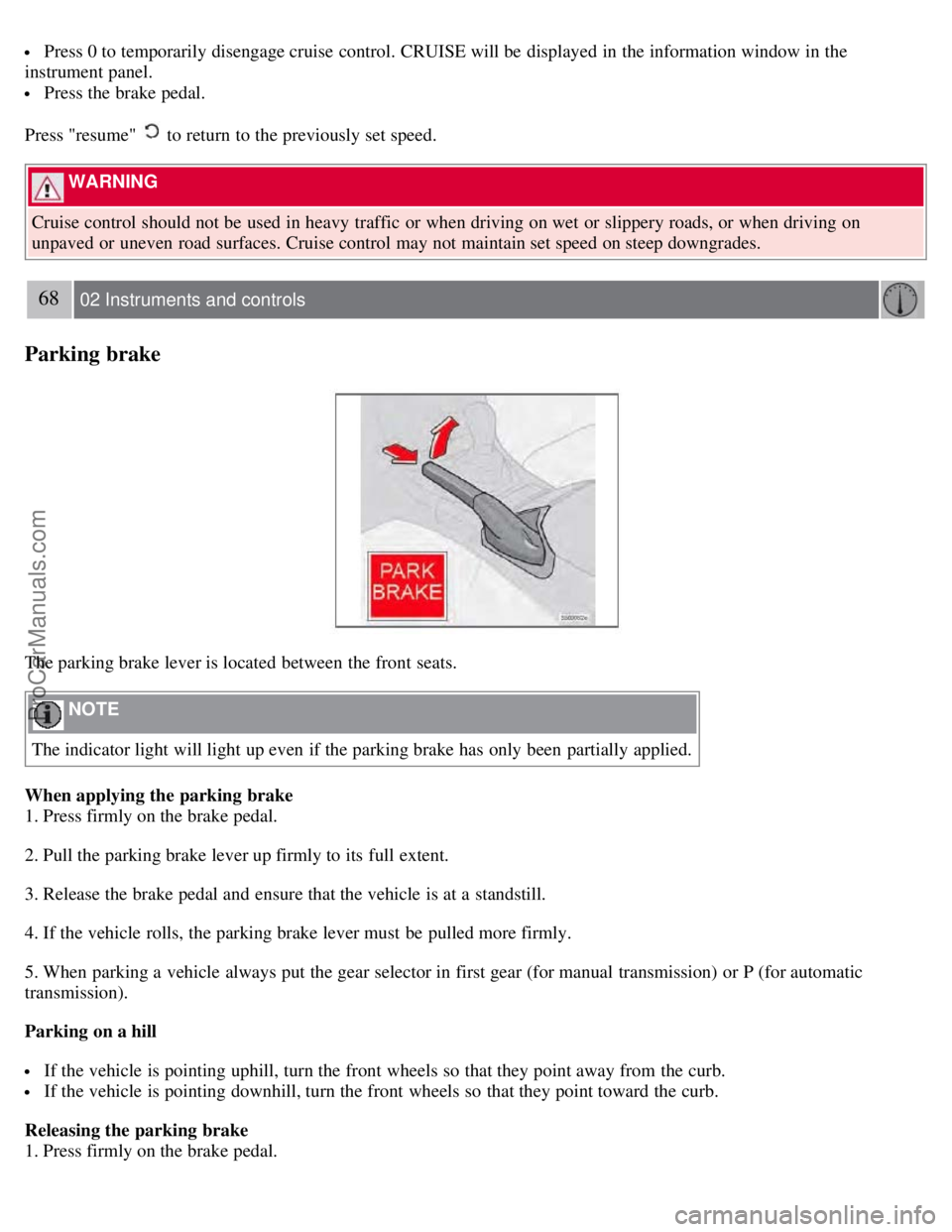
The parking brake lever is located between the front seats.
NOTE
The indicator light will light up even if the parking brake has only been partially applied.
When applying the parking brake
1. Press firmly on the brake pedal.
2. Pull the parking brake lever up firmly to its full extent.
3. Release the brake pedal and ensure that the vehicle is at a standstill.
4. If the vehicle rolls, the parking brake lever must be pulled more firmly.
5. When parking a vehicle always put the gear selector in first gear (for manual transmission) or P (for automatic
transmission).
Parking on a hill
If the vehicle is pointing uphill, turn the front wheels so that they point away from the curb.
If the vehicle is pointing downhill, turn the front wheels so that they point toward the curb.
Releasing the parking brake
1. Press firmly on the brake pedal.
ProCarManuals.com
Page 85 of 230
2 0 0 8
VOLVO S60
90 04 Interior
Front seats 92
Interior lighting97
Storage compartments99
Rear seat and trunk103
Spare wheel, tools and jack106
91 04 Interior
92 04 Interior
Front seats
Manually adjusted front seats
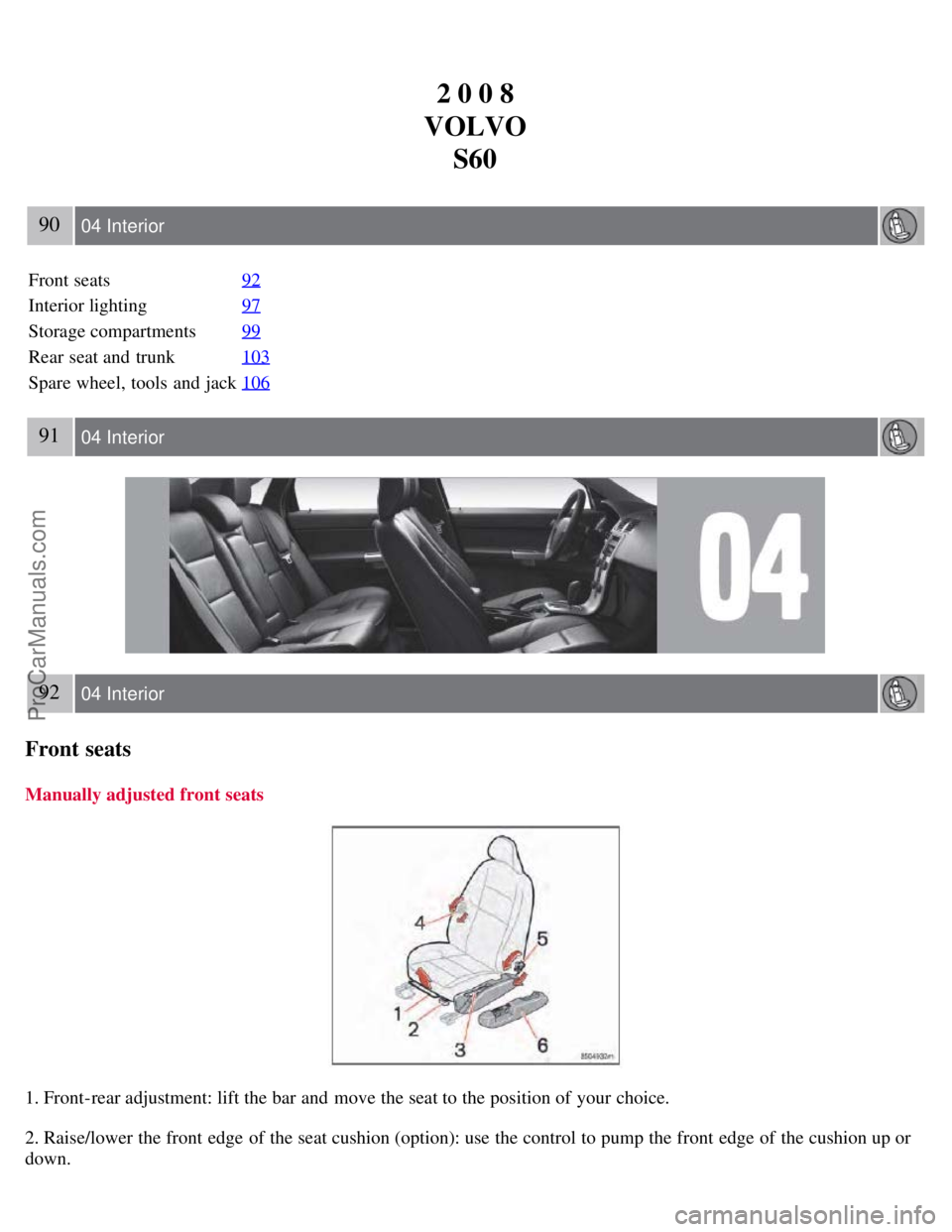
1. Front-rear adjustment: lift the bar and move the seat to the position of your choice.
2. Raise/lower the front edge of the seat cushion (option): use the control to pump the front edge of the cushion up or
down.
ProCarManuals.com