ECO mode VOLVO S60 2008 Owner's Guide
[x] Cancel search | Manufacturer: VOLVO, Model Year: 2008, Model line: S60, Model: VOLVO S60 2008Pages: 230, PDF Size: 5.33 MB
Page 205 of 230
PI (Program Information) Seek:
When an FM station has been stored as a preset, the radio also stores RBDS program information if it is available.
When the preset is selected at a later time, the radio tries to access updated program information. In weak signal areas,
there may be a delay before the station becomes audible. During this delay, "PI seek" will be displayed and there will
be no sound.
PI seek can be interrupted by pressing EXIT.
Radio text
Certain RBDS stations broadcast program information, which can be shown in the display. The text will be shown
twice in the display.
To start this function:
Press the FM button for several seconds.
To deactivate this function:
Press FM briefly.
Station information will be shown twice in the display.
Alarm
Alarms bulletins are transmitted automatically by certain RBDS stations. The function cannot be deactivated.
"Alarm!" is shown in the radio display when an alarm message is sent. The function is used to warn motorists of
serious accidents, etc.
Program type/station format -PTY
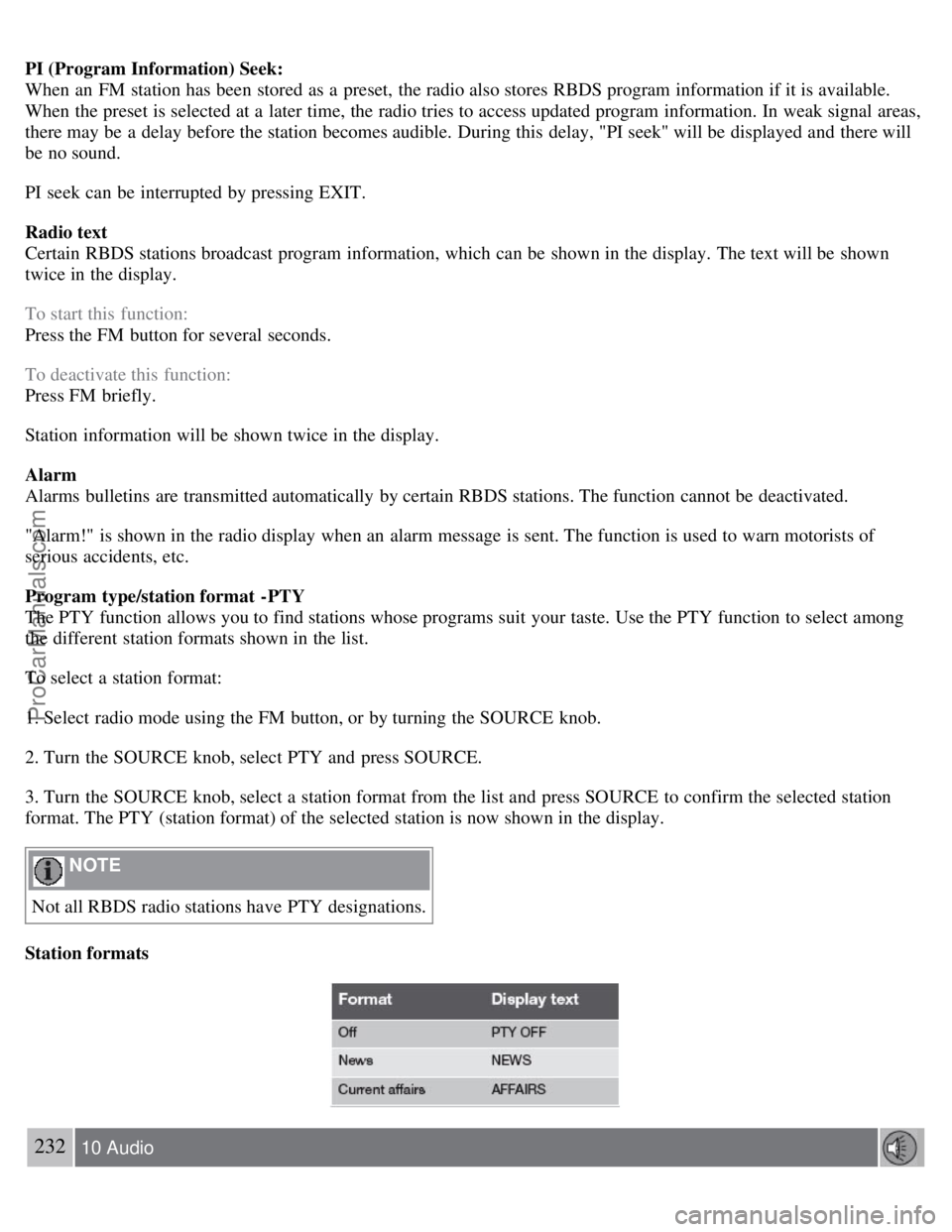
The PTY function allows you to find stations whose programs suit your taste. Use the PTY function to select among
the different station formats shown in the list.
To select a station format:
1. Select radio mode using the FM button, or by turning the SOURCE knob.
2. Turn the SOURCE knob, select PTY and press SOURCE.
3. Turn the SOURCE knob, select a station format from the list and press SOURCE to confirm the selected station
format. The PTY (station format) of the selected station is now shown in the display.
NOTE
Not all RBDS radio stations have PTY designations.
Station formats
232 10 Audio
ProCarManuals.com
Page 208 of 230
Press and hold down the keys to search within a track or the entire disc. The search continues for as long as
the buttons are held in.
NOTE
The corresponding keys on the optional steering wheel keypad cannot be used for fast forward/back.
Random play
This function plays the tracks on a CD in random order (shuffle).
1. Select CD mode and press the RND button. RND is shown in the display as long as the function is activated.
2. Press RND again to stop random play.
Scan
This function plays the first 10 seconds of each track on the CD.
1. Press SCAN to start the function.
2. Press SCAN again or EXIT to stop the scan function and listen to an entire track.
CD eject
Press the button (no. 6 in the illustration on page 223
) to eject the disc.
NOTE
For reasons of traffic safety, the ejected CD must be removed within 12 seconds or it will be automatically drawn
back into the slot and the CD player will resume playing the most recently selected track.
See page 222 for information on caring for compact discs.
235 10 Audio
HU-850 - internal CD changer
Starting the CD changer
The HU -850 is equipped with an internal, 6-disc CD changer.
Please refer to the illustration on page 224
for the location of the buttons referred to on this page.
To load discs into the changer:
1. Press the CD button or turn the SOURCE knob to CD.
2. Select an empty position by pressing one of the preset buttons. The display shows which positions are empty.
LOAD DISC must be displayed before a disc is inserted into the player.
3. Insert a disc.
If there are discs in the player when CD mode is selected, the changer will resume playing the disc and track that were
most recently played.
Selecting a disc position (number)
Use the station setting buttons 1-6 to select the disc to be played. The number of the disc and the track being played
ProCarManuals.com
Page 209 of 230
are shown in the display.
Changing tracks
Briefly press the
keys (or the corresponding keys on the optional steering wheel keypad) to skip to the
previous or next track. The track number is shown in the display.
Fast forward/back
Press and hold down the
keys to search within a track or the entire disc. The search continues for as long as
the buttons are held in.
The corresponding keys on the optional steering wheel keypad cannot be used for fast forward/back.
Random play
This function plays the tracks on a CD in random order (shuffle).
Select CD mode and press the RND button. RND is shown in the display as long as the function is activated.
Random tracks from randomly selected discs will be played.
Press RND again to stop random play.
Scan
This function plays the first 10 seconds of each track on the CD.
1. Press SCAN to start the function.
2. Press SCAN again or EXIT to stop the scan function and listen to an entire track.
Scan only works on the selected disc.
CD eject
This function makes it possible to eject a single disc, or to eject all of the discs in the changer.
Press the eject button briefly to eject the disc that is currently playing.
A longer press (more than 2 seconds) starts the process of ejecting all of the discs in the changer.
NOTE
The EJECT ALL function can only be used while the vehicle is at a standstill and will be cancelled if the vehicle
begins to move.
For reasons of traffic safety, you have 12 seconds in which to remove the ejected disc. After that, the disc
automatically reinserts into the player, and the CD player will resume playing the most recently selected track.
See page 222
for information on caring for compact discs.
236 10 Audio
External CD changer (option)
ProCarManuals.com
Page 211 of 230
This function plays the first 10 seconds of each track on the CD.
1. Press SCAN to start the function.
2. Press SCAN or EXIT to stop the scan function and listen to an entire track.
Scan only works on the selected disc.
237 10 Audio
Dolby Surround Pro Logic II - HU-850 only
Dolby Surround Pro Logic II
Dolby Surround Pro Logic II is a further development of the previous version of the system and provides enhanced
sound quality. The improved sound is particularly apparent to passengers in the rear seat.
Dolby Surround Pro Logic II, together with a center speaker in the dashboard, offers you a sound experience very
close to a live performance. The normal left-right stereo channels are divided to left-center -right. In addition, surround
sound is produced by the rear speakers. This surround sound mirrors the ambience of a concert hall.
NOTE
Dolby Surround Pro Logic II is optimized for CD mode.
When listening to FM radio stations, Dolby Surround Pro Logic II functions best in areas with strong reception. If
reception is weak, selecting 2 or 3-channel stereo may provide better sound quality.
3 channel stereo is recommended for AM and FM broadcasts.
Dolby Surround Pro Logic II and the Dolby icon are trademarks of Dolby Laboratories Licensing Corporation.
Dolby Pro Logic II Surround System is manufactured under license from Dolby Laboratories Licensing Corporation.
Selecting Dolby Surround Pro Logic II
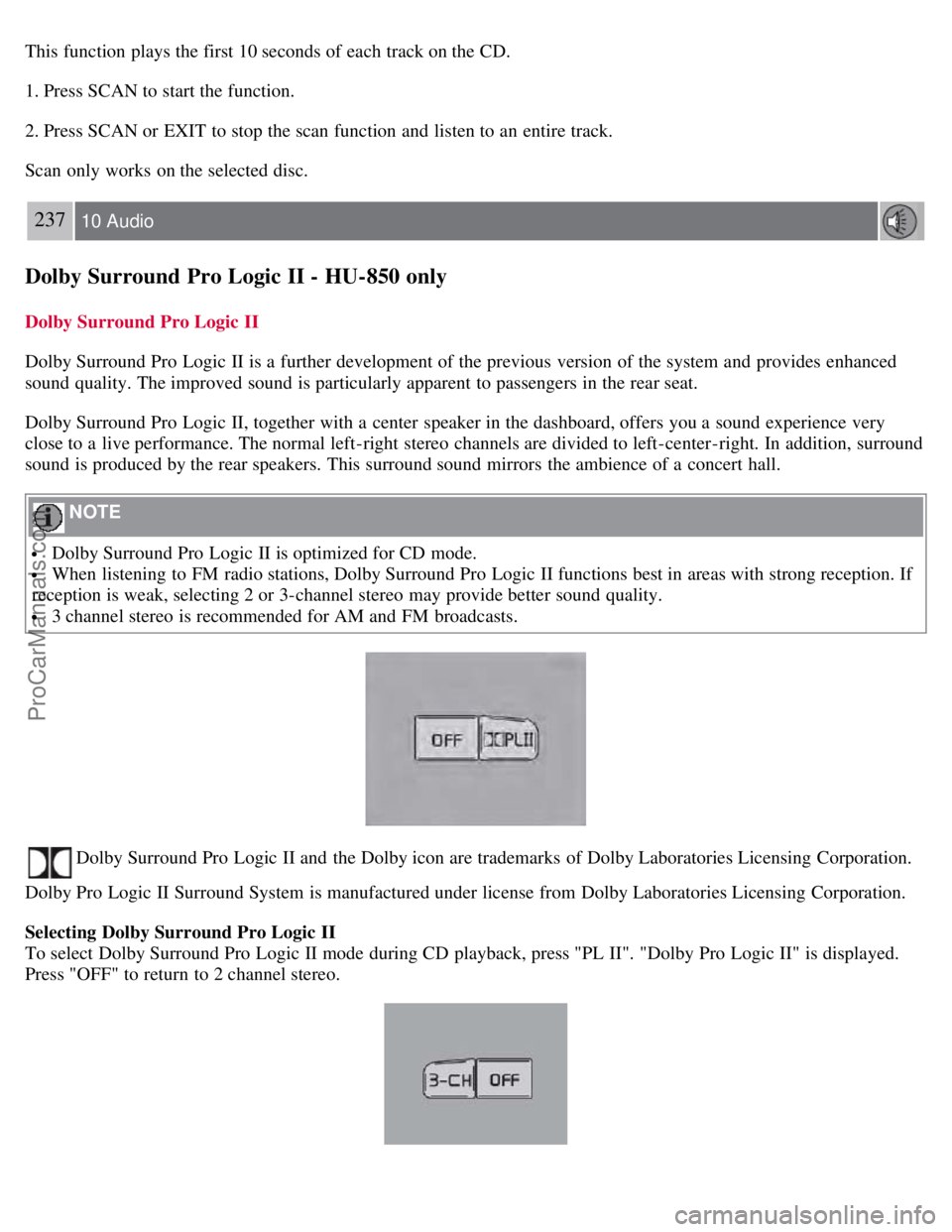
To select Dolby Surround Pro Logic II mode during CD playback, press "PL II". "Dolby Pro Logic II" is displayed.
Press "OFF" to return to 2 channel stereo.
ProCarManuals.com
Page 229 of 230
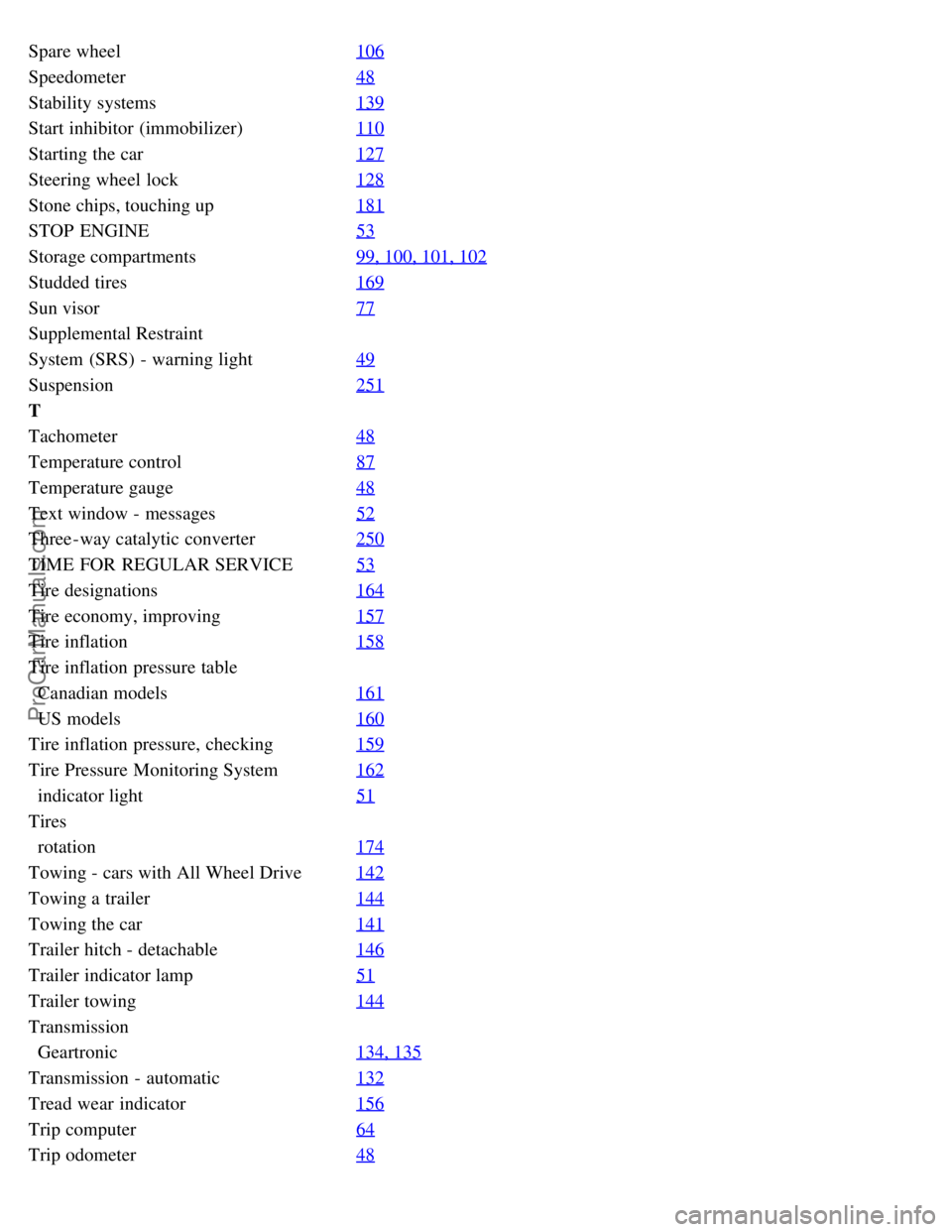
Spare wheel106
Speedometer48
Stability systems139
Start inhibitor (immobilizer)110
Starting the car127
Steering wheel lock128
Stone chips, touching up181
STOP ENGINE53
Storage compartments99, 100, 101, 102
Studded tires169
Sun visor77
Supplemental Restraint
System (SRS) - warning light49
Suspension251
T
Tachometer48
Temperature control87
Temperature gauge48
Text window - messages52
Three-way catalytic converter250
TIME FOR REGULAR SERVICE53
Tire designations164
Tire economy, improving157
Tire inflation158
Tire inflation pressure table
Canadian models161
US models160
Tire inflation pressure, checking159
Tire Pressure Monitoring System162
indicator light51
Tires
rotation174
Towing - cars with All Wheel Drive142
Towing a trailer144
Towing the car141
Trailer hitch - detachable146
Trailer indicator lamp51
Trailer towing144
Transmission
Geartronic134, 135
Transmission - automatic132
Tread wear indicator156
Trip computer64
Trip odometer48
ProCarManuals.com