audio VOLVO S80 2005 User Guide
[x] Cancel search | Manufacturer: VOLVO, Model Year: 2005, Model line: S80, Model: VOLVO S80 2005Pages: 123, PDF Size: 2.33 MB
Page 103 of 123
Switch on/off
Press the knob to switch on or turn off the radio.
Volume control
Turn the knob clockwise to increase volume. Volume control is electronic and does not have an end stop. If you have
a key pad in the steering wheel, increase or decrease the volume with the + or- buttons.
Volume control - ALARM
If a CD is playing when the radio receives an alarm bulletin (available in certain areas only), the CD player enters
pause mode. The bulletin is broadcast at the volume selected for this type of message.
After the bulletin has been completed, the audio system reverts to the originally selected sound source (radio or CD),
which is played at the volume that was selected for that source.
If the bulletin volume is adjusted while the bulletin is being broadcast, this new volume is saved and used for
subsequent bulletins.
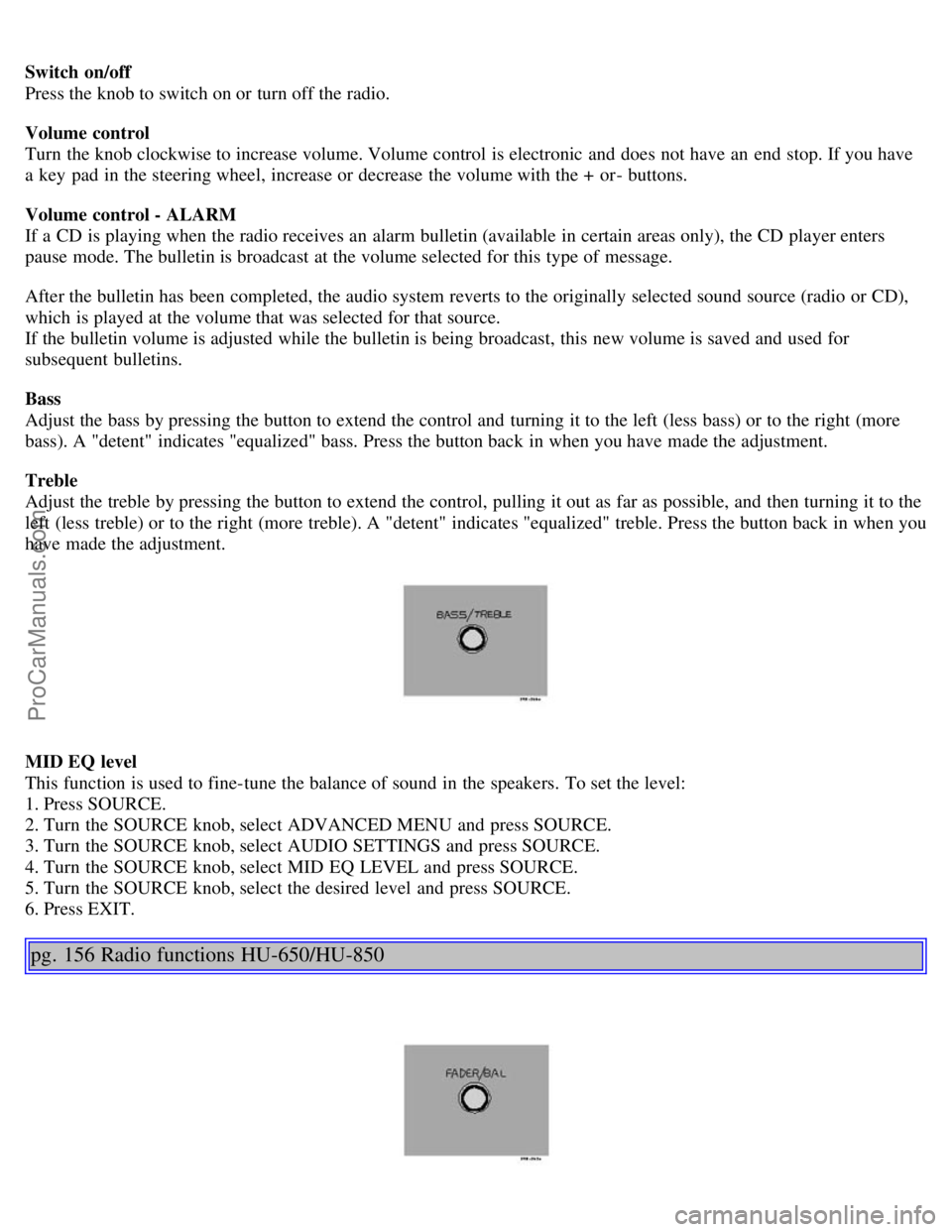
Bass
Adjust the bass by pressing the button to extend the control and turning it to the left (less bass) or to the right (more
bass). A "detent" indicates "equalized" bass. Press the button back in when you have made the adjustment.
Treble
Adjust the treble by pressing the button to extend the control, pulling it out as far as possible, and then turning it to the
left (less treble) or to the right (more treble). A "detent" indicates "equalized" treble. Press the button back in when you
have made the adjustment.
MID EQ level
This function is used to fine-tune the balance of sound in the speakers. To set the level:
1. Press SOURCE.
2. Turn the SOURCE knob, select ADVANCED MENU and press SOURCE.
3. Turn the SOURCE knob, select AUDIO SETTINGS and press SOURCE.
4. Turn the SOURCE knob, select MID EQ LEVEL and press SOURCE.
5. Turn the SOURCE knob, select the desired level and press SOURCE.
6. Press EXIT.
pg. 156 Radio functions HU-650/HU-850
ProCarManuals.com
Page 104 of 123
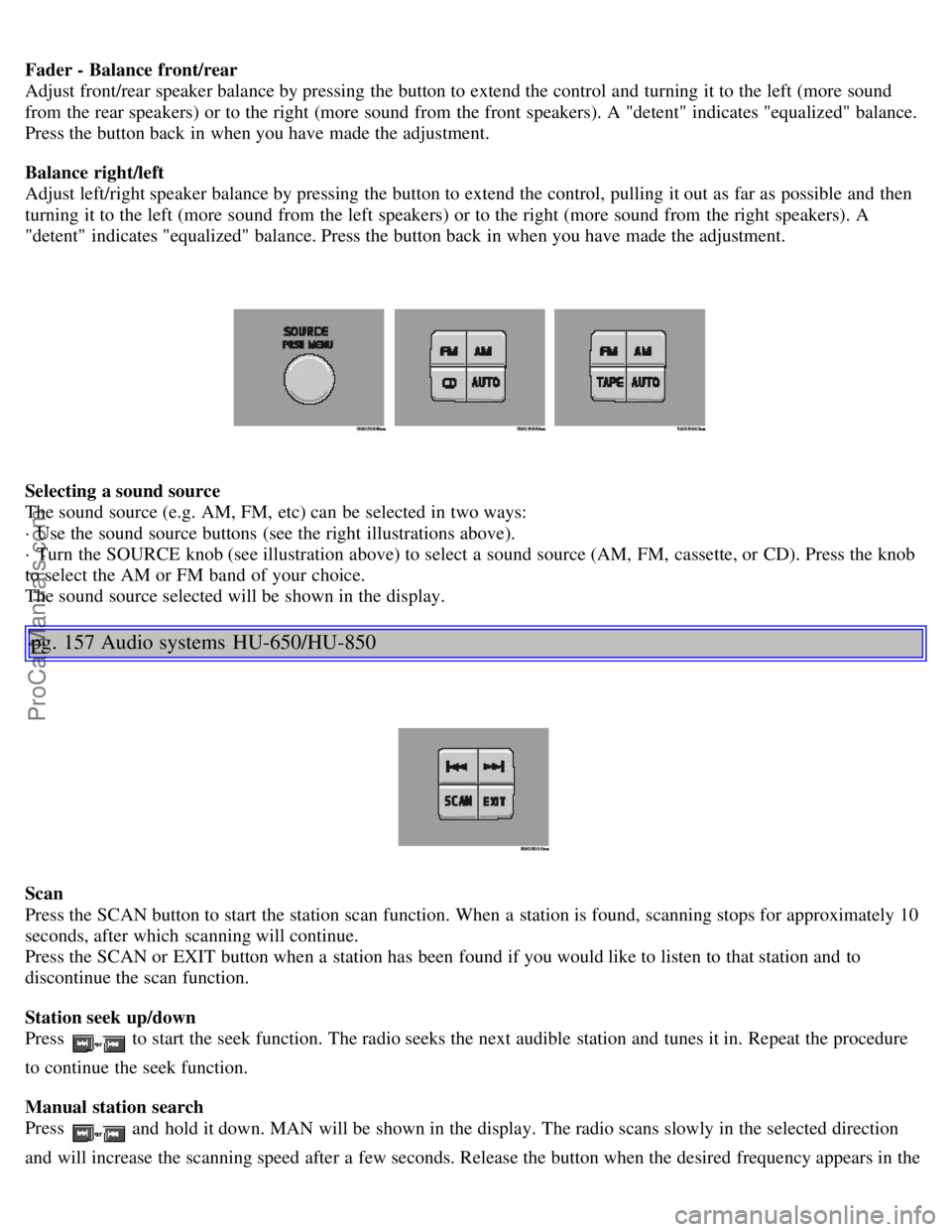
Fader - Balance front/rear
Adjust front/rear speaker balance by pressing the button to extend the control and turning it to the left (more sound
from the rear speakers) or to the right (more sound from the front speakers). A "detent" indicates "equalized" balance.
Press the button back in when you have made the adjustment.
Balance right/left
Adjust left/right speaker balance by pressing the button to extend the control, pulling it out as far as possible and then
turning it to the left (more sound from the left speakers) or to the right (more sound from the right speakers). A
"detent" indicates "equalized" balance. Press the button back in when you have made the adjustment.
Selecting a sound source
The sound source (e.g. AM, FM, etc) can be selected in two ways:
· Use the sound source buttons (see the right illustrations above).
· Turn the SOURCE knob (see illustration above) to select a sound source (AM, FM, cassette, or CD). Press the knob
to select the AM or FM band of your choice.
The sound source selected will be shown in the display.
pg. 157 Audio systems HU-650/HU-850
Scan
Press the SCAN button to start the station scan function. When a station is found, scanning stops for approximately 10
seconds, after which scanning will continue.
Press the SCAN or EXIT button when a station has been found if you would like to listen to that station and to
discontinue the scan function.
Station seek up/down
Press
to start the seek function. The radio seeks the next audible station and tunes it in. Repeat the procedure
to continue the seek function.
Manual station search
Press
and hold it down. MAN will be shown in the display. The radio scans slowly in the selected direction
and will increase the scanning speed after a few seconds. Release the button when the desired frequency appears in the
ProCarManuals.com
Page 105 of 123
display.
The frequency can be fine-tuned by short presses on the keys.
The system will remain in manual search mode for 5 seconds after the button is released, after which it will return to
seek mode.
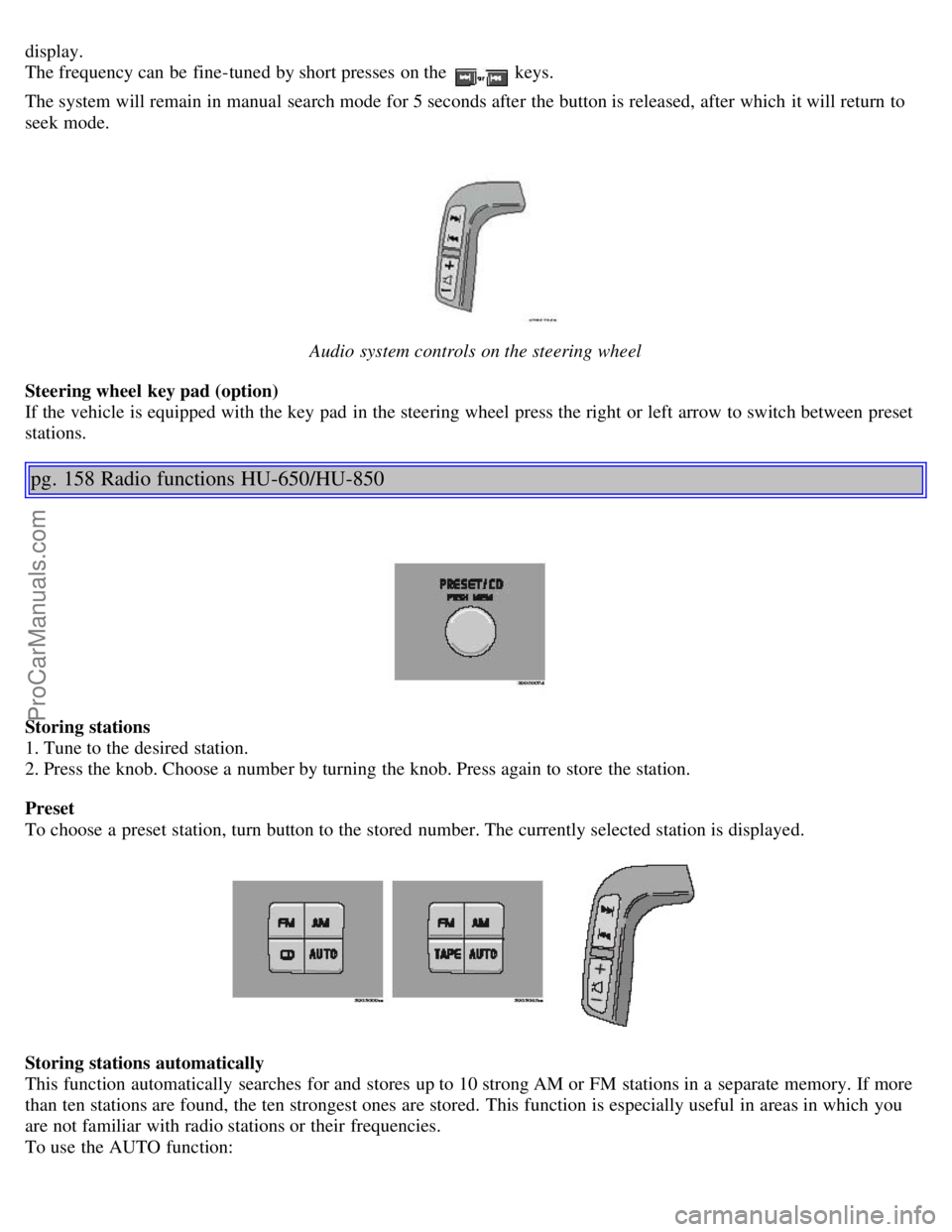
Audio system controls on the steering wheel
Steering wheel key pad (option)
If the vehicle is equipped with the key pad in the steering wheel press the right or left arrow to switch between preset
stations.
pg. 158 Radio functions HU-650/HU-850
Storing stations
1. Tune to the desired station.
2. Press the knob. Choose a number by turning the knob. Press again to store the station.
Preset
To choose a preset station, turn button to the stored number. The currently selected station is displayed.
Storing stations automatically
This function automatically searches for and stores up to 10 strong AM or FM stations in a separate memory. If more
than ten stations are found, the ten strongest ones are stored. This function is especially useful in areas in which you
are not familiar with radio stations or their frequencies.
To use the AUTO function:
ProCarManuals.com
Page 106 of 123
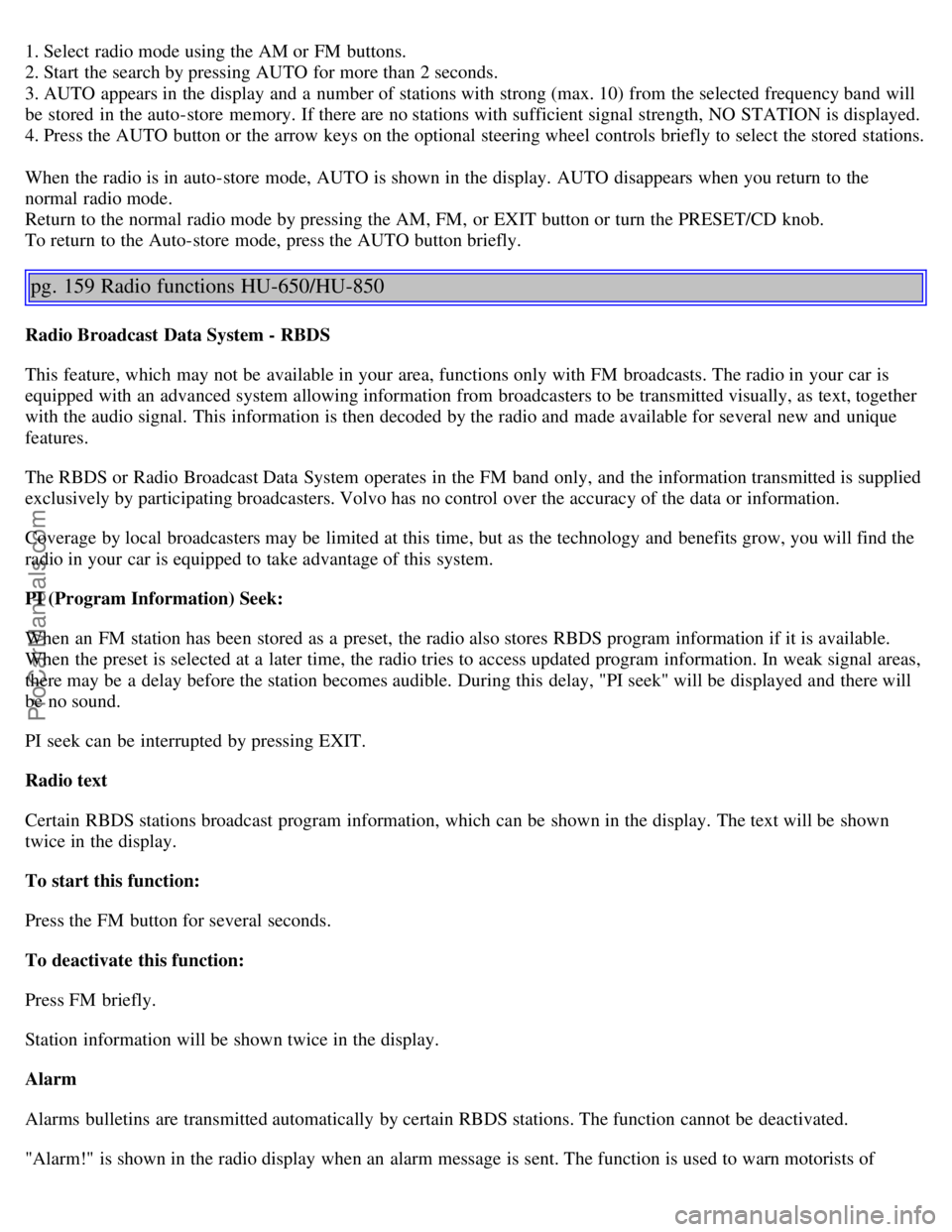
1. Select radio mode using the AM or FM buttons.
2. Start the search by pressing AUTO for more than 2 seconds.
3. AUTO appears in the display and a number of stations with strong (max. 10) from the selected frequency band will
be stored in the auto-store memory. If there are no stations with sufficient signal strength, NO STATION is displayed.
4. Press the AUTO button or the arrow keys on the optional steering wheel controls briefly to select the stored stations.
When the radio is in auto-store mode, AUTO is shown in the display. AUTO disappears when you return to the
normal radio mode.
Return to the normal radio mode by pressing the AM, FM, or EXIT button or turn the PRESET/CD knob.
To return to the Auto-store mode, press the AUTO button briefly.
pg. 159 Radio functions HU-650/HU-850
Radio Broadcast Data System - RBDS
This feature, which may not be available in your area, functions only with FM broadcasts. The radio in your car is
equipped with an advanced system allowing information from broadcasters to be transmitted visually, as text, together
with the audio signal. This information is then decoded by the radio and made available for several new and unique
features.
The RBDS or Radio Broadcast Data System operates in the FM band only, and the information transmitted is supplied
exclusively by participating broadcasters. Volvo has no control over the accuracy of the data or information.
Coverage by local broadcasters may be limited at this time, but as the technology and benefits grow, you will find the
radio in your car is equipped to take advantage of this system.
PI (Program Information) Seek:
When an FM station has been stored as a preset, the radio also stores RBDS program information if it is available.
When the preset is selected at a later time, the radio tries to access updated program information. In weak signal areas,
there may be a delay before the station becomes audible. During this delay, "PI seek" will be displayed and there will
be no sound.
PI seek can be interrupted by pressing EXIT.
Radio text
Certain RBDS stations broadcast program information, which can be shown in the display. The text will be shown
twice in the display.
To start this function:
Press the FM button for several seconds.
To deactivate this function:
Press FM briefly.
Station information will be shown twice in the display.
Alarm
Alarms bulletins are transmitted automatically by certain RBDS stations. The function cannot be deactivated.
"Alarm!" is shown in the radio display when an alarm message is sent. The function is used to warn motorists of
ProCarManuals.com
Page 112 of 123
2 0 0 5
VOLVO S80
Index
pg. 173 Index
A
ABS..........19
ABS - warning light..........29
Active chassis system (Four-C)..........82
Adjusting the steering wheel..........38
Air conditioning..........47- 49, 51
Air filter - engine..........133
Air vents..........46
Airbag (SIPS)..........10
Airbag (SRS)..........4
Alarm..........67, 68
Alarm - "panic" function..........67
All Wheel Drive (AWD) general information..........96
ALR/ELR..........16
Anti-lock Brake System (ABS)..........19
Anti-lock Brake System - warning light..........29
Antifreeze..........93, 132
Approach lighting..........62
Ashtrays..........40
Audio systems..........151
CD player..........163
HU -650 - overview..........153
HU -850 - overview..........154
specifications..........168
Automatic car washing..........128
Automatic Locking Retractor (ALR)..........16
Automatic transmission
five speed..........78
four speed..........76
Geartronic..........80
Auxiliary socket..........40
ProCarManuals.com
Page 121 of 123
2 0 0 5
VOLVO S80
Back Cover
Back Cover
Accessory Installation - Important Warning
We strongly recommend that Volvo owners install only genuine, Volvo-approved accessories, and that accessory
installations be performed only by the factory-trained technicians at your authorized Volvo retailer.
Genuine Volvo accessories are tested to ensure compatibility with the performance, safety, and emission systems in
your car. Additionally, your authorized Volvo retailer knows where accessories may and may not be safely installed in
your Volvo. In all cases, please consult your authorized Volvo retailer before installing any accessory in or on your
car.
Accessories that have not been approved by Volvo may or may not be specifically tested for compatibility with your
car. Additionally, an inexperienced installer may not be familiar with some of your car's systems.
Any of your car's performance and safety systems could be adversely affected if you install accessories that Volvo
has not tested, or if you allow accessories to be installed by someone unfamiliar with your car.
Damage caused by unapproved or improperly installed accessories may not be covered by your new car warranty.
See your Warranty and Service Records Information booklet for more warranty information. Volvo assumes no
responsibility for death, injury, or expenses that may result from the installation of non-genuine accessories.
Driver Distraction
Driver distraction results from driver activities that are not directly related to controlling the car in the driving
environment. Your new Volvo is, or can be, equipped with many feature-rich entertainment and communication
systems. These include hands-free cellular telephones, navigation systems, and multipurpose audio systems. You may
also own other portable electronic devices for your own convenience. When used properly and safely, they enrich the
driving experience. Improperly used, any of these could cause a distraction.
For all of these systems, we want to provide the following warning that reflects the strong Volvo concern for your
safety:
Never use these devices or any feature of your vehicle in a way that distracts you from the task of driving safely.
Distraction can lead to a serious accident.
In addition to this general warning, we offer the following guidance regarding specific newer features that may be
found in your vehicles:
Never use a hand -held cellular telephone while driving. Some jurisdictions prohibit cellular telephone use by a
driver while the vehicle is moving.
If your car is equipped with a navigation system, set and make changes to your travel itinerary only with the vehicle
parked.
Never program your audio system while the vehicle is moving. Program radio presets with the vehicle parked, and
use your programmed presets to make radio use quicker and simpler.
Never use portable computers or personal digital assistants while the vehicle is moving.
A driver has a responsibility to do everything possible to ensure his or her own safety and the safety of passengers in
ProCarManuals.com