steering VOLVO V60 2021 Owners Manual
[x] Cancel search | Manufacturer: VOLVO, Model Year: 2021, Model line: V60, Model: VOLVO V60 2021Pages: 661, PDF Size: 12.68 MB
Page 611 of 661
MAINTENANCE AND SERVICE
}}
* Option/accessory.609
Cleaning the leather steering wheel (p. 612)
Cleaning interior plastic, metal and woodsurfaces (p. 613)
Cleaning the head-up display
* and
instrument panel
Carefully wipe the glass covering the head-up display unit with a clean and dry microfibercloth. If necessary, the cloth may be slightlymoistened.
Never use strong stain removers. For difficult cleaning conditions, a special cleaning agentcan be purchased at a Volvo retailer.
Related information
Activating and deactivating the head-up display
* (p. 141)
Head-up display
* (p. 140)
Cleaning fabric upholstery and ceiling liner
Use of textile cleaner is recommended when cleaning textile materials. Clean as neededand treat stains immediately.
CAUTION
Never scrape or rub a stain because this may damage the upholstery.
CAUTION
Never use stain removers or strong sol- vents because these may damage theupholstery.
Cleaning textile upholstery1. Start by vacuuming the upholstery.
2. Follow the instructions of the textile cleaner.
3. When cleaning upholstery, a spray extrac- tion cleaner is recommended for sucking up cleaning fluids and rinse water.
CAUTION
Certain dyed clothing (such as denim and suede garments) may stain the upholstery.Difficult stains, like oil, can be difficult toremove.
Page 612 of 661
||
MAINTENANCE AND SERVICE
* Option/accessory.
610
CAUTION
Always clean all of the upholstery, even if it only has isolated stains. This helps to pre-vent permanent water rings.
NOTE
Do not remove the upholstery when clean- ing.
Cleaning the ceiling liner1. Carefully brush the ceiling liner using a
soft brush.
2. Follow the instructions of the textile cleaner.
3. Then use a soft, lint-free cloth to wipe the ceiling liner.
CAUTION
Failure to take care during cleaning could lead to damage to the ceiling liner.
Related information
Cleaning the interior (p. 607)
Cleaning the center display (p. 608)
Cleaning the seat belt (p. 610)
Cleaning textile floor and inlay mats (p. 611)
Cleaning leather upholstery
* (p. 611)
Cleaning the leather steering wheel(p. 612)
Cleaning interior plastic, metal and woodsurfaces (p. 613)
Cleaning the seat belt
Use cleaning agents and car care products recommended by Volvo. Clean regularly andtreat stains immediately. It is important tovacuum before using a cleaning agent.
Use water and a synthetic soap solution. Spe- cially designed textile cleaning agents areavailable for purchase at Volvo retailers. Makesure the belt is dry before it is retracted.
Related information
Cleaning the interior (p. 607)
Cleaning the center display (p. 608)
Cleaning fabric upholstery and ceiling liner(p. 609)
Cleaning textile floor and inlay mats(p. 611)
Cleaning leather upholstery
* (p. 611)
Cleaning the leather steering wheel(p. 612)
Cleaning interior plastic, metal and woodsurfaces (p. 613)
Page 613 of 661
MAINTENANCE AND SERVICE
}}
* Option/accessory.611
Cleaning textile floor and inlay mats
Use of textile cleaner is recommended when cleaning textile mats. Clean regularly andtreat stains immediately. It is important tovacuum before using a cleaning agent.
Remove the inlay mats to clean the floor mats and inlay mats separately. Each inlay mat issecured into place with pins.
1. Remove the inlay mat by grasping the inlay mat at each pin and lifting the mat straight up.
2. Use a vacuum to remove dust and dirt.
NOTE
Do not swing or strike the inlay mats vio- lently against another object to remove dirtas this could damage the mats.
3. After vacuuming, a specially designed tex- tile cleaning agent should be used to remove stains on floor mats.
4. After cleaning, put the inlay mat back into place by pressing it in at each pin.
WARNING
Never use more than one inlay mat at a time on the driver's floor. If any othertype of floor mat is used, remove theoriginal mat from the driver's seat floorbefore driving. All types of mats mustbe securely anchored in the attach-ment points in the floor. Make sure thefloor mat does not impede the move-ment of the brake pedal or acceleratorpedal in any way, as this could be aserious safety hazard.
Volvo's floor mats are specially manu-factured for your vehicle. They must beproperly secured in the attachmentpoints in the floor to help ensure theycannot slide and become trappedunder the pedals.
Related information
Cleaning the interior (p. 607)
Cleaning the center display (p. 608)
Cleaning fabric upholstery and ceiling liner(p. 609)
Cleaning the seat belt (p. 610)
Cleaning leather upholstery
* (p. 611)
Cleaning the leather steering wheel(p. 612)
Cleaning interior plastic, metal and woodsurfaces (p. 613)
Cleaning leather upholstery
*
Use cleaning agents and car care products recommended by Volvo. Clean regularly andtreat stains immediately. It is important tovacuum before using a cleaning agent.
Volvo's leather upholstery * is treated to pro-
tect its original appearance. Over time, sun- light, grease, dirt, etc. could break down theprotective layer. This could result in scratchesand cracking. Leather upholstery * is a natural product that
changes and acquires a beautiful patina over time. Regular cleaning and treatments arerequired to preserve the qualities and color ofthe leather. Volvo offers a comprehensiveproduct, Volvo Leather Care KitWipes, forcleaning and treating leather upholstery.When used as directed, it helps preserve theleather's protective coating. For optimal results, Volvo recommends clean- ing and applying protective cream one to fourtimes a year (or more often as needed). VolvoLeather Care Kit 951 0251 and Volvo LeatherSoftener 943 7429 are available for purchaseat Volvo retailers.
Cleaning the leather upholstery1. Apply the leather cleaner to a damp sponge and squeeze it until the cleanerfoams.
Page 614 of 661
||
MAINTENANCE AND SERVICE
* Option/accessory.
612 2. Move the sponge in circular motions to
apply the foam to the stain.
3. Dampen the stain thoroughly with the sponge. Let the sponge absorb the stain and do not rub.
4. Dry the stain using a soft towel and let the leather dry completely.
Protecting the leather upholstery1. Apply a small amount of leather protector to a cloth and then apply the protector tothe leather using light circular movements.
2. Let it dry for approximately 20 minutes. > Protecting the leather upholsterymakes it better able to withstand sun-light's harmful UV rays.
Related information
Cleaning the interior (p. 607)
Cleaning the center display (p. 608)
Cleaning fabric upholstery and ceiling liner(p. 609)
Cleaning the seat belt (p. 610)
Cleaning textile floor and inlay mats(p. 611)
Cleaning the leather steering wheel(p. 612)
Cleaning interior plastic, metal and wood surfaces (p. 613)
Cleaning the leather steering wheel
Use cleaning agents and car care products recommended by Volvo. Clean regularly andtreat stains immediately. It is important tovacuum before using a cleaning agent.
Leather needs to breathe. Never cover the leather steering wheel with a plastic protector.Volvo Leather Care Kit 951 0251 and LeatherSoftener 943 7429 are recommended forcleaning the leather steering wheel. First,remove dirt, dust, etc. with a damp sponge orcloth.
CAUTION
Sharp objects such as rings could damage the leather on the steering wheel.
Treating stains on the steering wheel:Type 1 (ink, wine, coffee, milk, sweat or blood)
–Use a soft cloth or sponge. Wipe the steering wheel using a solution of 5%ammonia. For blood stains, mix approxi-mately 2 dl (1 cup) of water with 25 g(one ounce) of salt and wipe the stain.
Type 2 (grease, oil, sauces or chocolate)
1. Same procedure as for Type 1 stains.
2. Finish by wiping the wheel with an absorbent paper or towel. Type 3
(dry dirt or dust)
1. Remove the dirt/dust using a soft brush.
2. Same procedure as for Type 1 stains.
Related information
Cleaning the interior (p. 607)
Cleaning the center display (p. 608)
Cleaning fabric upholstery and ceiling liner (p. 609)
Cleaning the seat belt (p. 610)
Cleaning textile floor and inlay mats(p. 611)
Cleaning leather upholstery
* (p. 611)
Cleaning interior plastic, metal and woodsurfaces (p. 613)
Page 615 of 661
MAINTENANCE AND SERVICE
* Option/accessory.613
Cleaning interior plastic, metal and wood surfaces
Use cleaning agents and car care products recommended by Volvo. Clean regularly andtreat stains immediately.
A lightly dampened microfiber cloth is recom- mended for cleaning interior details and surfa-ces. These cloths are available for purchase atVolvo retailers. Never scrape or rub a stain. Never use strong stain removers.
CAUTION
Do not use solvent containing alcohol to clean the instrument panel glass.
CAUTION
Keep in mind that glossy surfaces can be easily scratched. Wipe these surfaces witha clean and dry microfiber cloth usingsmall, circular motions. If necessary, mois-ten the cloth lightly with clean water.
Related information
Cleaning the interior (p. 607)
Cleaning the center display (p. 608)
Cleaning fabric upholstery and ceiling liner (p. 609)
Cleaning the seat belt (p. 610)
Cleaning textile floor and inlay mats(p. 611)
Cleaning leather upholstery
* (p. 611)
Cleaning the leather steering wheel(p. 612)
Cleaning the exterior
The vehicle should be washed as soon as it becomes dirty. This makes the vehicle easierto clean because dirt does not attach asstrongly. It also reduces the risk of scratchesand keeps the vehicle looking new. Wash therims at a car wash or garage with an oil sepa-rator. Use a car washing detergent recom-mended by Volvo.
Related information
Cleaning the exterior (p. 613)
Polishing and waxing (p. 614)
Hand washing (p. 615)
Automatic car washes (p. 616)
High-pressure washing (p. 617)
Cleaning the wiper blades (p. 618)
Cleaning exterior plastic, rubber and trim components (p. 618)
Cleaning rims (p. 619)
Corrosion protection (p. 620)
Page 643 of 661
INDEX
641
1, 2, 3 ...
4WD 413
A
ABSanti-lock brakes 397
AC (Air conditioning) 225
Accessories and extra equipment 36 installation 37
Accessory installation warning 37
Active Bending Lights 156
Adapting driving characteristics 413
Adaptive Cruise Control 286 activating 289
auto-brake 315
change cruise control functionality 293
controls 288
deactivate 290
display 288
limitations 292
passing 310
set time interval 314
standby mode 291
stored speed 313
switching target vehicles 312
Symbols and messages 294
troubleshooting 292
WARNING 311
Adjusting the steering wheel 195
Advanced Air Cleaner 204
Airbag 55 activation/deactivation 59
driver's side 56
passenger side 56, 59
Air bag, see Airbag 55
Air conditioning 225 Air conditioning, fluid volume and grade 637
Air distribution 204 air vents 204, 206
changing 205
defrosting 218
recirculation 217
table showing options 207
Air quality 201, 203 Advanced Air Cleaner 204
allergy and asthma 202
passenger compartment filter 204
Air recirculation 217
Alarm 266 deactivating 267
Alarm about slippery road conditions 276
Alarm on hazard warning flashers 276Allergy and asthma-inducing sub-
stances 202
All Wheel Drive, AWD 413
All Wheel Drive (AWD) 413
All Wheel Drive (four-wheel drive) 413
Android Auto 482, 483, 484Antenna location 257
Apple CarPlay 478, 479, 481
Approach lighting 160
Apps 450
Assistance at risk of collision 337 activating/deactivating 338
at risk of run-off 338
during collision risks from behind 340 during collision risks from oncoming
traffic 339
limitations 341
Symbols and messages 342
Audio and media 448 Audio system HD digital radio 459 SiriusXM ®
Satellite radio 460, 461,
463
Auto-climate 216
Auto hold 403
INDEX
Page 648 of 661
INDEX
646Fluids and oils 581, 636, 637 Fog lights
front 157
rear 158
Four-C 422 Front seat blower 220
climate 210
heating 212, 213
temperature 222
ventilation 215
Front seat manual 182
Front seats, power 183 adjusting passenger seat from driv-
er's seat 191
adjusting seat 183
lumbar support 189
massage 186, 187, 188
multifunction control 186, 187, 188, 189
side bolsters 189
store position 184, 185
FSC, environmental labeling 23
Fuel 427 Travel Link service 467
Fuel filling 426
Fuel gauge 87
Fuel requirements 427, 428
Fuel tank volume 637
Fuse box 589
Fuses 589 below the glove compartment 596
in engine compartment 591
in the cargo compartment 602
replacing 589
G
Gasoline grade 427 Gaugefuel gauge 87
Gear selector positions automatic transmission 407
Glass, laminated/reinforced 164
Glove compartment 554 Gracenote ® 473
Grocery bag holders 557
Gross vehicle weight 633
H
Handbrake 400
Hand wash 615
Hard disk space 508
Hazard warning flashers 159
HD radio 457
Head restraint 193
Head-up display 140 activating/deactivating 141
cleaning 609
Distance Alert 350
replacing windshield 576
settings 142
store position 142, 184, 185
Heated wiper blades 174 Heating Seats 212, 213
steering wheel 215, 216
windows 219
high beams 154, 155
High engine temperature 430
Hill Start Assist 405 Hill Start Assist (HSA) 405
Hoisting the vehicle 573 HomeLink ®
441
programming 442
type approval 444
use 443
Page 651 of 661
INDEX
649
Media player 469, 470, 471
compatible file formats 477
voice control 147
Messages and symbols Adaptive Cruise Control 294
Assistance at risk of collision 342
BLIS 347
camera and radar unit 388
City Safety 336
Cross Traffic Alert 355
Lane Keeping Aid 320
Park Assist Camera 369
Park Assist Pilot 379
Parking Assist 360
Pilot Assist 306
stability and traction control system 274
Messages in display 104, 138 handling 105, 138
saved 106, 139
Mileage 87 Misting condensation in headlights 613, 616
Mood lighting 161 adjusting 162
N
Net
cargo compartment 563
O
Occupant safety 45
Occupant weight sensor 59
Octane rating 428
Oil, see also Engine oil 636
Oil filter 579
Oil level 580
On-board diagnostics 566
On-board Diagnostic socket 37
Option/accessory 21
Outside temperature gauge 92
Overheating 430, 434
Owner's information 16
OWNER'S MANUAL 21
environmental labeling 23
in cellular phone 20
in the center display 17, 18
P
Paddle at steering wheel 195 Paintcolor code 622
paint damage and touch-up 620,621 , 622
Panoramic roof 170 opening and closing 171
pinch protection 164
sun shade 173
ventilation position 172
Parallel parking 371
Park Assist Camera 361 activating 367
limitations 383
location and views 362
sensor field 366
Symbols and messages 369
trajectory lines 364
Park Assist Pilot 371 limitations 376
parallel parking 372
perpendicular parking 372
pulling out of a parking space 376
Symbols and messages 379
use 373
Park Assist System 356
Page 652 of 661
INDEX
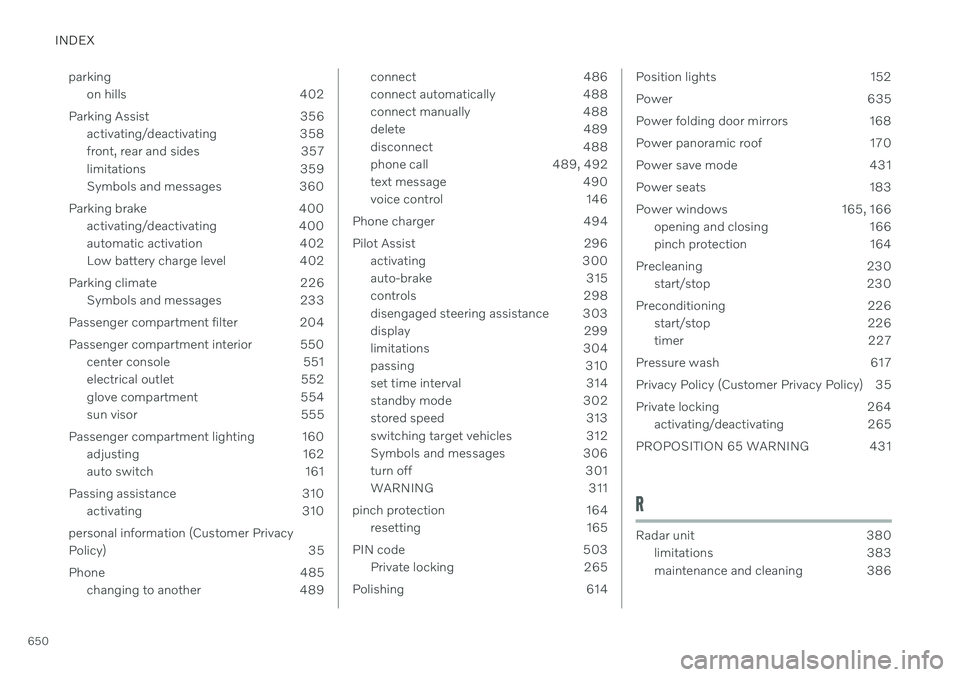
650parking
on hills 402
Parking Assist 356 activating/deactivating 358
front, rear and sides 357
limitations 359
Symbols and messages 360
Parking brake 400 activating/deactivating 400
automatic activation 402
Low battery charge level 402
Parking climate 226 Symbols and messages 233
Passenger compartment filter 204
Passenger compartment interior 550 center console 551
electrical outlet 552
glove compartment 554
sun visor 555
Passenger compartment lighting 160 adjusting 162
auto switch 161
Passing assistance 310 activating 310
personal information (Customer Privacy
Policy) 35
Phone 485 changing to another 489
connect 486
connect automatically 488
connect manually 488
delete 489
disconnect 488
phone call 489, 492
text message 490
voice control 146
Phone charger 494
Pilot Assist 296 activating 300
auto-brake 315
controls 298
disengaged steering assistance 303
display 299
limitations 304
passing 310
set time interval 314
standby mode 302
stored speed 313
switching target vehicles 312
Symbols and messages 306
turn off 301
WARNING 311
pinch protection 164 resetting 165
PIN code 503 Private locking 265
Polishing 614Position lights 152
Power 635
Power folding door mirrors 168
Power panoramic roof 170
Power save mode 431
Power seats 183
Power windows 165, 166 opening and closing 166
pinch protection 164
Precleaning 230 start/stop 230
Preconditioning 226 start/stop 226
timer 227
Pressure wash 617
Privacy Policy (Customer Privacy Policy) 35
Private locking 264 activating/deactivating 265
PROPOSITION 65 WARNING 431
R
Radar unit 380 limitations 383
maintenance and cleaning 386
Page 655 of 661
INDEX
653
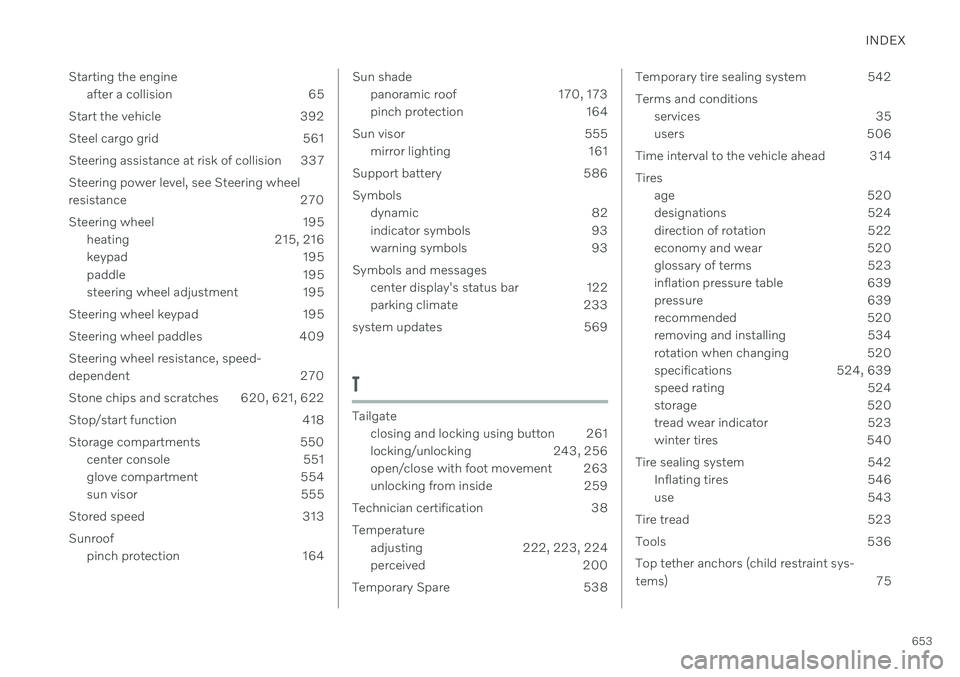
Starting the engine
after a collision 65
Start the vehicle 392
Steel cargo grid 561 Steering assistance at risk of collision 337Steering power level, see Steering wheel
resistance 270
Steering wheel 195 heating 215, 216
keypad 195
paddle 195
steering wheel adjustment 195
Steering wheel keypad 195
Steering wheel paddles 409 Steering wheel resistance, speed-
dependent 270
Stone chips and scratches 620, 621, 622
Stop/start function 418
Storage compartments 550 center console 551
glove compartment 554
sun visor 555
Stored speed 313 Sunroof pinch protection 164
Sun shade
panoramic roof 170, 173
pinch protection 164
Sun visor 555 mirror lighting 161
Support battery 586 Symbols dynamic 82
indicator symbols 93
warning symbols 93
Symbols and messages center display's status bar 122
parking climate 233
system updates 569
T
Tailgate closing and locking using button 261
locking/unlocking 243, 256
open/close with foot movement 263
unlocking from inside 259
Technician certification 38 Temperature adjusting 222, 223, 224
perceived 200
Temporary Spare 538
Temporary tire sealing system 542 Terms and conditions services 35
users 506
Time interval to the vehicle ahead 314 Tires age 520
designations 524
direction of rotation 522
economy and wear 520
glossary of terms 523
inflation pressure table 639
pressure 639
recommended 520
removing and installing 534
rotation when changing 520
specifications 524, 639
speed rating 524
storage 520
tread wear indicator 523
winter tires 540
Tire sealing system 542 Inflating tires 546
use 543
Tire tread 523
Tools 536 Top tether anchors (child restraint sys-
tems) 75