ABS VOLVO V60 2021 User Guide
[x] Cancel search | Manufacturer: VOLVO, Model Year: 2021, Model line: V60, Model: VOLVO V60 2021Pages: 661, PDF Size: 12.68 MB
Page 400 of 661
||
STARTING AND DRIVING
398
Symbols in the instrument panel
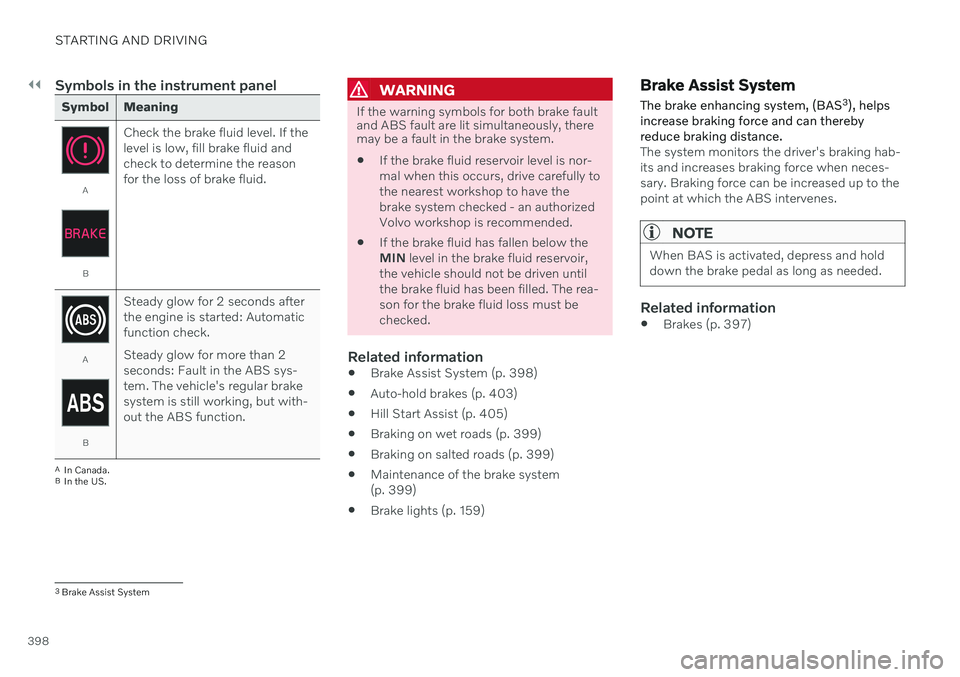
Symbol Meaning
A
BCheck the brake fluid level. If the level is low, fill brake fluid andcheck to determine the reasonfor the loss of brake fluid.
A
BSteady glow for 2 seconds after the engine is started: Automaticfunction check. Steady glow for more than 2 seconds: Fault in the ABS sys-tem. The vehicle's regular brakesystem is still working, but with-out the ABS function.
A
In Canada.
B In the US.
WARNING
If the warning symbols for both brake fault and ABS fault are lit simultaneously, theremay be a fault in the brake system.
If the brake fluid reservoir level is nor- mal when this occurs, drive carefully tothe nearest workshop to have thebrake system checked - an authorizedVolvo workshop is recommended.
If the brake fluid has fallen below theMIN
level in the brake fluid reservoir,
the vehicle should not be driven untilthe brake fluid has been filled. The rea-son for the brake fluid loss must bechecked.
Related information
Brake Assist System (p. 398)
Auto-hold brakes (p. 403)
Hill Start Assist (p. 405)
Braking on wet roads (p. 399)
Braking on salted roads (p. 399)
Maintenance of the brake system(p. 399)
Brake lights (p. 159)
Brake Assist System The brake enhancing system, (BAS 3
), helps
increase braking force and can thereby reduce braking distance.
The system monitors the driver's braking hab- its and increases braking force when neces-sary. Braking force can be increased up to thepoint at which the ABS intervenes.
NOTE
When BAS is activated, depress and hold down the brake pedal as long as needed.
Related information
Brakes (p. 397)
3
Brake Assist System
Page 415 of 661
STARTING AND DRIVING
}}
* Option/accessory.413
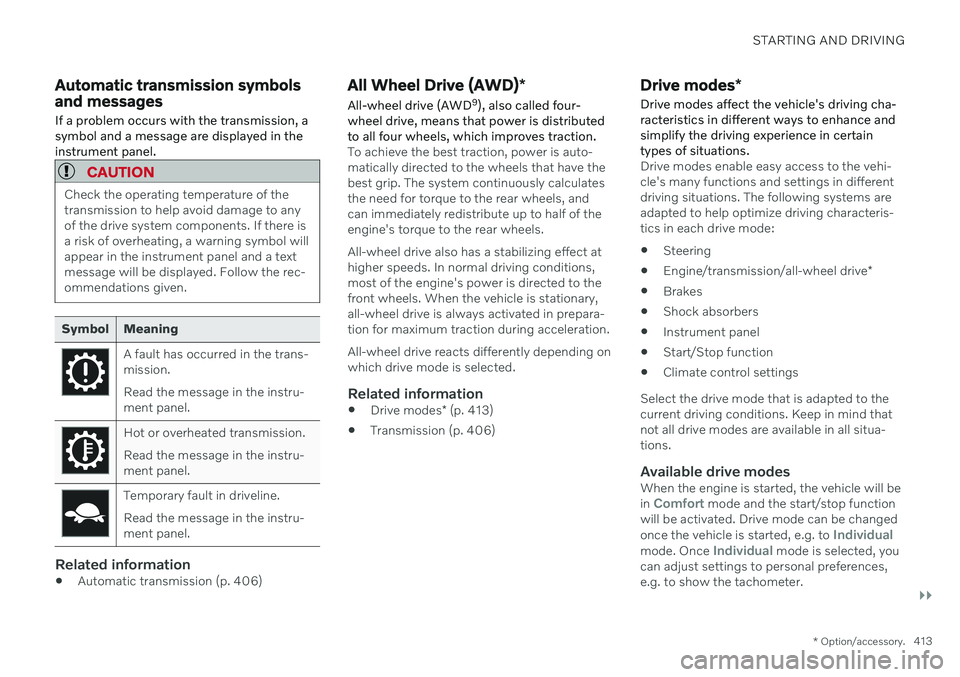
Automatic transmission symbols and messages If a problem occurs with the transmission, a symbol and a message are displayed in theinstrument panel.
CAUTION
Check the operating temperature of the transmission to help avoid damage to anyof the drive system components. If there isa risk of overheating, a warning symbol willappear in the instrument panel and a textmessage will be displayed. Follow the rec-ommendations given.
Symbol Meaning
A fault has occurred in the trans- mission. Read the message in the instru- ment panel.
Hot or overheated transmission. Read the message in the instru- ment panel.
Temporary fault in driveline. Read the message in the instru- ment panel.
Related information
Automatic transmission (p. 406)
All Wheel Drive (AWD)
*
All-wheel drive (AWD 9
), also called four-
wheel drive, means that power is distributed to all four wheels, which improves traction.
To achieve the best traction, power is auto- matically directed to the wheels that have thebest grip. The system continuously calculatesthe need for torque to the rear wheels, andcan immediately redistribute up to half of theengine's torque to the rear wheels. All-wheel drive also has a stabilizing effect at higher speeds. In normal driving conditions,most of the engine's power is directed to thefront wheels. When the vehicle is stationary,all-wheel drive is always activated in prepara-tion for maximum traction during acceleration. All-wheel drive reacts differently depending on which drive mode is selected.
Related information
Drive modes
* (p. 413)
Transmission (p. 406)
Drive modes
*
Drive modes affect the vehicle's driving cha- racteristics in different ways to enhance andsimplify the driving experience in certaintypes of situations.
Drive modes enable easy access to the vehi- cle's many functions and settings in differentdriving situations. The following systems areadapted to help optimize driving characteris-tics in each drive mode: Steering
Engine/transmission/all-wheel drive
*
Brakes
Shock absorbers
Instrument panel
Start/Stop function
Climate control settings
Select the drive mode that is adapted to the current driving conditions. Keep in mind thatnot all drive modes are available in all situa-tions.
Available drive modesWhen the engine is started, the vehicle will be in Comfort mode and the start/stop function
will be activated. Drive mode can be changed once the vehicle is started, e.g. to
Individualmode. Once Individual mode is selected, you
can adjust settings to personal preferences, e.g. to show the tachometer.
Page 422 of 661
STARTING AND DRIVING
420
Deactivating the Start/Stop function
In certain situations, it may be advisable to turn the Start/Stop function off.
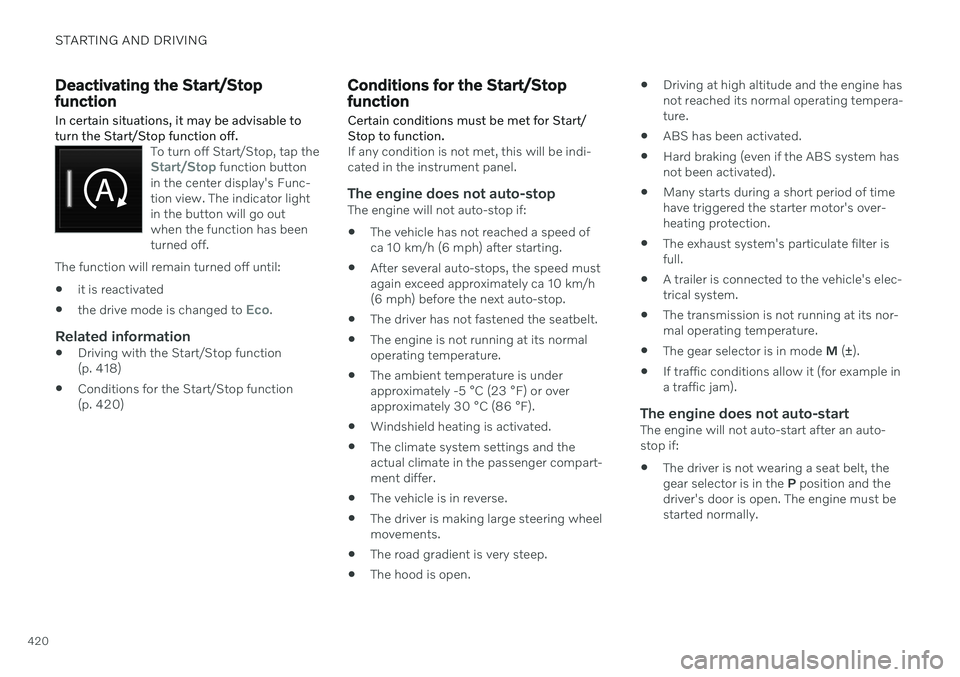
To turn off Start/Stop, tap theStart/Stop function button
in the center display's Func- tion view. The indicator lightin the button will go outwhen the function has beenturned off.
The function will remain turned off until:
it is reactivated
the drive mode is changed to
Eco.
Related information
Driving with the Start/Stop function (p. 418)
Conditions for the Start/Stop function(p. 420)
Conditions for the Start/Stop function
Certain conditions must be met for Start/ Stop to function.
If any condition is not met, this will be indi- cated in the instrument panel.
The engine does not auto-stopThe engine will not auto-stop if: The vehicle has not reached a speed of ca 10 km/h (6 mph) after starting.
After several auto-stops, the speed mustagain exceed approximately ca 10 km/h(6 mph) before the next auto-stop.
The driver has not fastened the seatbelt.
The engine is not running at its normaloperating temperature.
The ambient temperature is underapproximately -5 °C (23 °F) or overapproximately 30 °C (86 °F).
Windshield heating is activated.
The climate system settings and theactual climate in the passenger compart-ment differ.
The vehicle is in reverse.
The driver is making large steering wheelmovements.
The road gradient is very steep.
The hood is open.
Driving at high altitude and the engine hasnot reached its normal operating tempera-ture.
ABS has been activated.
Hard braking (even if the ABS system hasnot been activated).
Many starts during a short period of timehave triggered the starter motor's over-heating protection.
The exhaust system's particulate filter isfull.
A trailer is connected to the vehicle's elec-trical system.
The transmission is not running at its nor-mal operating temperature.
The gear selector is in mode
M (±
).
If traffic conditions allow it (for example ina traffic jam).
The engine does not auto-startThe engine will not auto-start after an auto-stop if:
The driver is not wearing a seat belt, thegear selector is in the
P position and the
driver's door is open. The engine must bestarted normally.
Page 424 of 661
STARTING AND DRIVING
* Option/accessory.
422
Leveling control * and suspension
Self-leveling and suspension functions are controlled automatically.
Shock absorbers (Four-C)On vehicles equipped with Four-C, the shock absorbers are adapted to the selected drive mode and the current vehicle speed. Theshock absorbers are normally set to help opti-mize comfort and are adjusted continuouslyaccording to the road surface and the vehicle'sacceleration, braking and cornering.
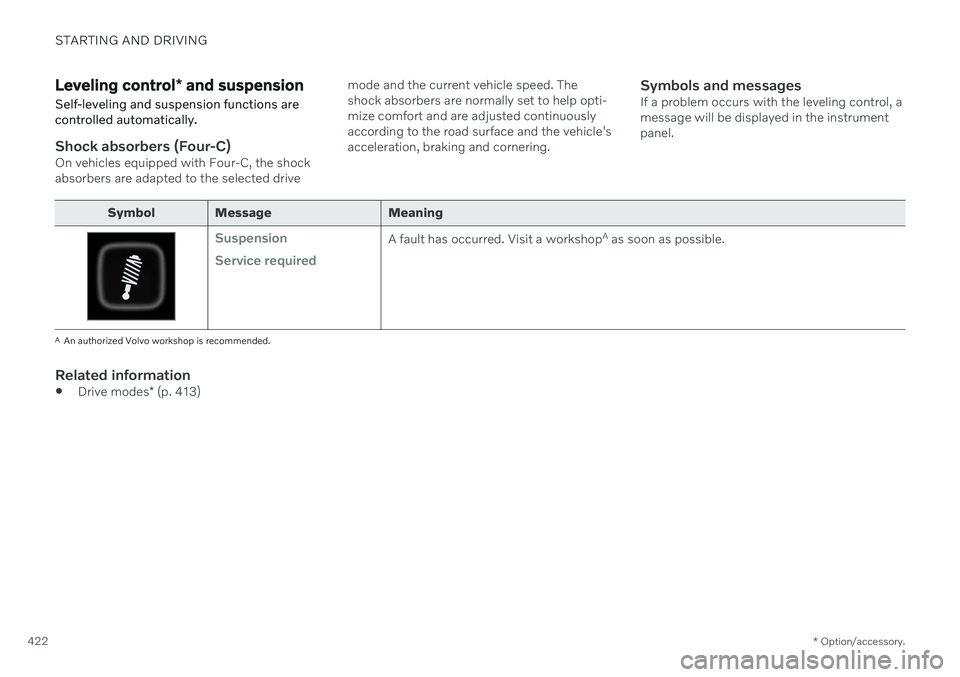
Symbols and messagesIf a problem occurs with the leveling control, amessage will be displayed in the instrumentpanel.
Symbol Message Meaning
Suspension Service requiredA fault has occurred. Visit a workshop
A
as soon as possible.
A An authorized Volvo workshop is recommended.
Related information
Drive modes
* (p. 413)
Page 427 of 661
STARTING AND DRIVING
* Option/accessory.425
Driving through standing water
It may be necessary to drive the vehicle through standing water e.g. deep puddles orflooding on the road. This must be done withgreat caution.
The vehicle can be driven through water up to a depth of 25 cm (9 in) at no more than walk-ing speed. Be particularly careful when drivingthrough flowing water. When driving through standing water, drive slowly and do not stop the vehicle. When youhave passed the water, press lightly on thebrake pedal and check that the brakes arefunctioning properly. Water, mud, slush, etc.can make the brake linings slippery, resultingin delayed braking effect. If the vehicle is equipped with contacts for an electric heater or trailer coupling, cleanthese after driving in water or mud.
Do not allow the vehicle to stand in waterup to the sills any longer than absolutelynecessary. This could result in electricalmalfunctions.
CAUTION
Engine damage could occur if water enters the air cleaner.
If water enters the transmission, thelubricating ability of the oils is reducedand the service life of these systems isshortened.
Damage to any component, engine,transmission, turbocharger, differentialor its internal components caused byflooding, vapor lock or insufficient oil isnot covered under warranty.
If the engine stalls while the vehicle isin water, do not attempt to restart it.Have the vehicle towed out of thewater to a workshop. An authorizedVolvo workshop is recommended. Riskof engine failure.
CAUTION
Because it can be difficult to determine the water depth, Volvo recommends not driv-ing through standing or running water. Thedriver is always responsible for operatingthe vehicle in a safe manner and adheringto all applicable laws and regulations.
Related information
Recovery (p. 440)
Opening/closing the fuel filler door
The vehicle must be unlocked before the fuel filler door can be opened 15
.
An arrow next to the fuel pump symbol in the instru-ment panel indicates the sideof the vehicle on which thefuel filler door is located.
1. Open the fuel filler door by pressing lightly
on its rear edge.
2. After refueling, press the fuel filler door lightly to close it.
Related information
Refueling (p. 426)
Page 531 of 661
WHEELS AND TIRES
}}
* Option/accessory.529
Recommended tire pressure
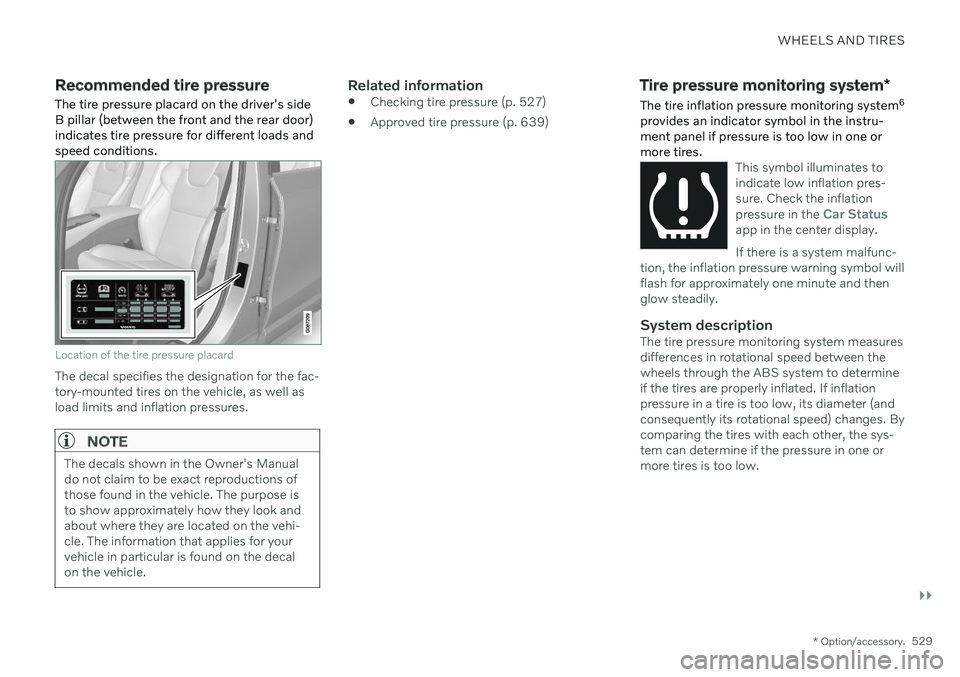
The tire pressure placard on the driver's side B pillar (between the front and the rear door)indicates tire pressure for different loads andspeed conditions.
Location of the tire pressure placard
The decal specifies the designation for the fac- tory-mounted tires on the vehicle, as well asload limits and inflation pressures.
NOTE
The decals shown in the Owner's Manual do not claim to be exact reproductions ofthose found in the vehicle. The purpose isto show approximately how they look andabout where they are located on the vehi-cle. The information that applies for yourvehicle in particular is found on the decalon the vehicle.
Related information
Checking tire pressure (p. 527)
Approved tire pressure (p. 639)
Tire pressure monitoring system
*
The tire inflation pressure monitoring system 6
provides an indicator symbol in the instru- ment panel if pressure is too low in one ormore tires.
This symbol illuminates to indicate low inflation pres-sure. Check the inflation pressure in the
Car Statusapp in the center display. If there is a system malfunc-
tion, the inflation pressure warning symbol will flash for approximately one minute and thenglow steadily.
System descriptionThe tire pressure monitoring system measures differences in rotational speed between thewheels through the ABS system to determineif the tires are properly inflated. If inflationpressure in a tire is too low, its diameter (andconsequently its rotational speed) changes. Bycomparing the tires with each other, the sys-tem can determine if the pressure in one ormore tires is too low.
Page 572 of 661
||
MAINTENANCE AND SERVICE
* Option/accessory.
570
NOTE
Data downloading can affect other services such as transfer data, e.g. web radio. If theaffect on other services is experienced asproblematic, the download can be interrup-ted. Alternatively, it may be appropriate toswitch off or cancel other services.
NOTE
An update can be interrupted when the ignition is switched off and the vehicle isleft. However, the update does not have to be completed before the vehicle is left as theupdate is resumed the next time the vehi-cle is used.
Updating all system software–Select Install all at the bottom of the list.
To avoid displaying a list, select
Install all viaSystem updates.
Updating individual system software–Select Install to choose the software you
would like to download.
Canceling software download–Tap the checkbox in the activity indicator that replaced Install when the download
began. Note that only a download can be cancelled. An installation cannot be cancelled once it hasbegun.
Deactivating the background search for software update
Automatic searching for software updates is activated as the default factory setting, but thefunction can be deactivated. 1.
Tap
Settings in the center display's Top
view.
2. Tap
SystemDownload Center.
3. Tap to deselect
Auto Software Update.
Related information
Download Center (p. 569)
Internet-connected vehicle
* (p. 500)
Navigating in the center display's views (p. 113)
Vehicle status The general status of the vehicle can be viewed in the center display.
The Car Status app is started
from the center display's App view and has four tabs:
Messages - status messages
Status – checking engine oil level and
AdBlue level 3
TPMS - tire inflation pressure check
Appointments - appointment information
and vehicle information 4
Related information
Handling messages saved from the instru- ment panel (p. 106)
Checking and filling engine oil (p. 580)
Tire pressure monitoring system
* (p. 529)
Scheduling service and repairs (p. 571)
Sending vehicle information to the work-shop (p. 572)
Navigating in the center display's views(p. 113)
Page 614 of 661
||
MAINTENANCE AND SERVICE
* Option/accessory.
612 2. Move the sponge in circular motions to
apply the foam to the stain.
3. Dampen the stain thoroughly with the sponge. Let the sponge absorb the stain and do not rub.
4. Dry the stain using a soft towel and let the leather dry completely.
Protecting the leather upholstery1. Apply a small amount of leather protector to a cloth and then apply the protector tothe leather using light circular movements.
2. Let it dry for approximately 20 minutes. > Protecting the leather upholsterymakes it better able to withstand sun-light's harmful UV rays.
Related information
Cleaning the interior (p. 607)
Cleaning the center display (p. 608)
Cleaning fabric upholstery and ceiling liner(p. 609)
Cleaning the seat belt (p. 610)
Cleaning textile floor and inlay mats(p. 611)
Cleaning the leather steering wheel(p. 612)
Cleaning interior plastic, metal and wood surfaces (p. 613)
Cleaning the leather steering wheel
Use cleaning agents and car care products recommended by Volvo. Clean regularly andtreat stains immediately. It is important tovacuum before using a cleaning agent.
Leather needs to breathe. Never cover the leather steering wheel with a plastic protector.Volvo Leather Care Kit 951 0251 and LeatherSoftener 943 7429 are recommended forcleaning the leather steering wheel. First,remove dirt, dust, etc. with a damp sponge orcloth.
CAUTION
Sharp objects such as rings could damage the leather on the steering wheel.
Treating stains on the steering wheel:Type 1 (ink, wine, coffee, milk, sweat or blood)
–Use a soft cloth or sponge. Wipe the steering wheel using a solution of 5%ammonia. For blood stains, mix approxi-mately 2 dl (1 cup) of water with 25 g(one ounce) of salt and wipe the stain.
Type 2 (grease, oil, sauces or chocolate)
1. Same procedure as for Type 1 stains.
2. Finish by wiping the wheel with an absorbent paper or towel. Type 3
(dry dirt or dust)
1. Remove the dirt/dust using a soft brush.
2. Same procedure as for Type 1 stains.
Related information
Cleaning the interior (p. 607)
Cleaning the center display (p. 608)
Cleaning fabric upholstery and ceiling liner (p. 609)
Cleaning the seat belt (p. 610)
Cleaning textile floor and inlay mats(p. 611)
Cleaning leather upholstery
* (p. 611)
Cleaning interior plastic, metal and woodsurfaces (p. 613)
Page 643 of 661
INDEX
641
1, 2, 3 ...
4WD 413
A
ABSanti-lock brakes 397
AC (Air conditioning) 225
Accessories and extra equipment 36 installation 37
Accessory installation warning 37
Active Bending Lights 156
Adapting driving characteristics 413
Adaptive Cruise Control 286 activating 289
auto-brake 315
change cruise control functionality 293
controls 288
deactivate 290
display 288
limitations 292
passing 310
set time interval 314
standby mode 291
stored speed 313
switching target vehicles 312
Symbols and messages 294
troubleshooting 292
WARNING 311
Adjusting the steering wheel 195
Advanced Air Cleaner 204
Airbag 55 activation/deactivation 59
driver's side 56
passenger side 56, 59
Air bag, see Airbag 55
Air conditioning 225 Air conditioning, fluid volume and grade 637
Air distribution 204 air vents 204, 206
changing 205
defrosting 218
recirculation 217
table showing options 207
Air quality 201, 203 Advanced Air Cleaner 204
allergy and asthma 202
passenger compartment filter 204
Air recirculation 217
Alarm 266 deactivating 267
Alarm about slippery road conditions 276
Alarm on hazard warning flashers 276Allergy and asthma-inducing sub-
stances 202
All Wheel Drive, AWD 413
All Wheel Drive (AWD) 413
All Wheel Drive (four-wheel drive) 413
Android Auto 482, 483, 484Antenna location 257
Apple CarPlay 478, 479, 481
Approach lighting 160
Apps 450
Assistance at risk of collision 337 activating/deactivating 338
at risk of run-off 338
during collision risks from behind 340 during collision risks from oncoming
traffic 339
limitations 341
Symbols and messages 342
Audio and media 448 Audio system HD digital radio 459 SiriusXM ®
Satellite radio 460, 461,
463
Auto-climate 216
Auto hold 403
INDEX
Page 644 of 661
INDEX
642Auto-hold brakes 403
activating/deactivating 404
after collision 405
driver support 270
Automatic car wash 616 Automatic engine stop auto-stop 418
Automatic high beam 155
Automatic locking 260
Automatic relocking 241, 255
Automatic transmission 406, 407 kickdown 412
oil 636
Trailer 434
B
Backrestfront seat, adjusting 182, 183, 186, 187 , 188, 189
rear seat, folding 192
Battery jump-start 431
Maintenance 584
recycling 588
starter battery 584
support 586
symbols on the battery 588
Blind Spot Information 344
BLIS 344 activating/deactivating 345
limitations 346
Symbols and messages 347
Blower adjusting 220, 221
air distribution 205
air vents 206
Bluetooth connect 475
connecting vehicle to Internet 501
phone 485
settings 493
Book service and repair 571
Booster cushions 74 Brake assist after collision 405
Brake fluid grade 637
Brake functions 397
Brakes 397 anti-lock brakes, ABS 397
auto-brake with Pilot Assist 315auto-braking with Adaptive Cruise
Control 315automatic when stationary 403
Brake Assist System, BAS 398
brake lights 159
brake system 397
emergency brake lights 159
Maintenance 399
on salted roads 399
on wet roads 399
parking brake 400
brake system fluid 637
C
Camera sensorsee Camera 383
Camera unit 383 limitations 383
maintenance and cleaning 386
Symbols and messages 388
Capacity weight 547, 633 Care Key restricted remote key 248
settings 249
Cargo compartment 555 attachment points 558
cargo net 563