steering VOLVO V60 TWIN ENGINE 2020 Owners Manual
[x] Cancel search | Manufacturer: VOLVO, Model Year: 2020, Model line: V60 TWIN ENGINE, Model: VOLVO V60 TWIN ENGINE 2020Pages: 673, PDF Size: 14.2 MB
Page 7 of 673
5
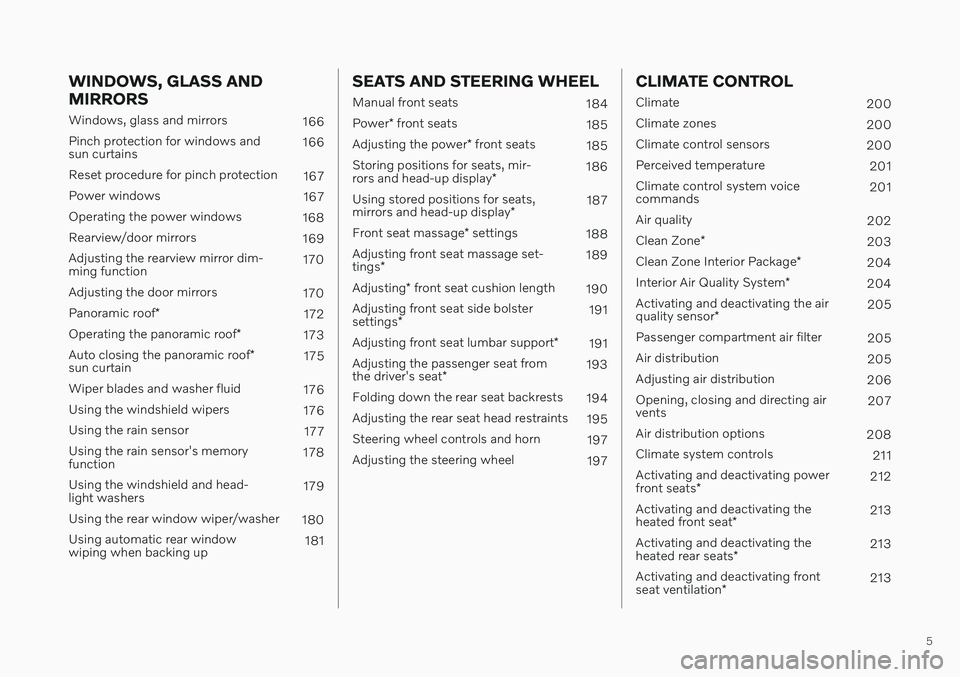
WINDOWS, GLASS AND MIRRORS
Windows, glass and mirrors166
Pinch protection for windows and sun curtains 166
Reset procedure for pinch protection 167
Power windows 167
Operating the power windows 168
Rearview/door mirrors 169
Adjusting the rearview mirror dim-ming function 170
Adjusting the door mirrors 170
Panoramic roof *
172
Operating the panoramic roof *
173
Auto closing the panoramic roof *
sun curtain 175
Wiper blades and washer fluid 176
Using the windshield wipers 176
Using the rain sensor 177
Using the rain sensor's memoryfunction 178
Using the windshield and head-light washers 179
Using the rear window wiper/washer 180
Using automatic rear windowwiping when backing up 181
SEATS AND STEERING WHEEL
Manual front seats
184
Power * front seats
185
Adjusting the power * front seats
185
Storing positions for seats, mir- rors and head-up display *186
Using stored positions for seats,mirrors and head-up display *187
Front seat massage * settings
188
Adjusting front seat massage set-tings * 189
Adjusting * front seat cushion length
190
Adjusting front seat side bolstersettings * 191
Adjusting front seat lumbar support *
191
Adjusting the passenger seat fromthe driver's seat * 193
Folding down the rear seat backrests 194
Adjusting the rear seat head restraints 195
Steering wheel controls and horn 197
Adjusting the steering wheel 197
CLIMATE CONTROL
Climate200
Climate zones 200
Climate control sensors 200
Perceived temperature 201
Climate control system voice commands 201
Air quality 202
Clean Zone *
203
Clean Zone Interior Package *
204
Interior Air Quality System *
204
Activating and deactivating the air quality sensor * 205
Passenger compartment air filter 205
Air distribution 205
Adjusting air distribution 206
Opening, closing and directing air vents 207
Air distribution options 208
Climate system controls 211
Activating and deactivating power front seats * 212
Activating and deactivating theheated front seat * 213
Activating and deactivating theheated rear seats * 213
Activating and deactivating frontseat ventilation * 213
Page 8 of 673
6
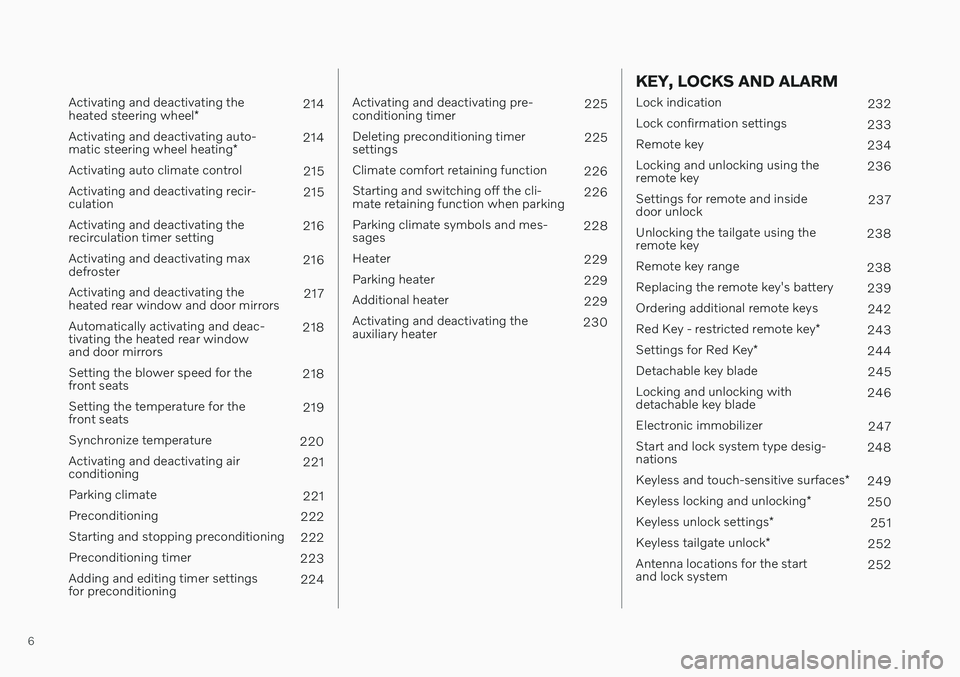
Activating and deactivating the heated steering wheel*214
Activating and deactivating auto-matic steering wheel heating *214
Activating auto climate control 215
Activating and deactivating recir- culation 215
Activating and deactivating therecirculation timer setting 216
Activating and deactivating maxdefroster 216
Activating and deactivating theheated rear window and door mirrors 217
Automatically activating and deac-tivating the heated rear windowand door mirrors 218
Setting the blower speed for thefront seats 218
Setting the temperature for thefront seats 219
Synchronize temperature 220
Activating and deactivating airconditioning 221
Parking climate 221
Preconditioning 222
Starting and stopping preconditioning 222
Preconditioning timer 223
Adding and editing timer settingsfor preconditioning 224
Activating and deactivating pre- conditioning timer 225
Deleting preconditioning timersettings 225
Climate comfort retaining function 226
Starting and switching off the cli-mate retaining function when parking 226
Parking climate symbols and mes-sages 228
Heater 229
Parking heater 229
Additional heater 229
Activating and deactivating theauxiliary heater 230
KEY, LOCKS AND ALARM
Lock indication
232
Lock confirmation settings 233
Remote key 234
Locking and unlocking using the remote key 236
Settings for remote and insidedoor unlock 237
Unlocking the tailgate using theremote key 238
Remote key range 238
Replacing the remote key's battery 239
Ordering additional remote keys 242
Red Key - restricted remote key *
243
Settings for Red Key *
244
Detachable key blade 245
Locking and unlocking withdetachable key blade 246
Electronic immobilizer 247
Start and lock system type desig-nations 248
Keyless and touch-sensitive surfaces *
249
Keyless locking and unlocking *
250
Keyless unlock settings *
251
Keyless tailgate unlock *
252
Antenna locations for the startand lock system 252
Page 9 of 673

7
Locking and unlocking from inside the vehicle253
Unlocking the tailgate from insidethe vehicle 254
Activating and deactivating childsafety locks 255
Automatic locking when driving 256
Opening and closing the power tailgate * 257
Setting a maximum height for thepower tailgate * 260
Foot movement tailgate operation *
260
Private Locking 261
Activating and deactivating pri- vate locking 262
Alarm 263
Arming and disarming the alarm 264
DRIVER SUPPORT
Driver support systems268
Speed-dependent steering wheel resistance 268
Electronic Stability Control 269
Electronic Stability Control insport mode 270
Activating or deactivating Sportmode for Electronic Stability Control 271
Electronic Stability Control sym-bols and messages 272
Distance Alert *
273
Activating or deactivating Dis-tance Alert 274
Distance Alert limitations 274
Cruise control 275
Selecting and activating cruise control 276
Deactivating cruise control 277
Cruise control standby mode 277
Adaptive Cruise Control *
278
Adaptive Cruise Control * controls
and display 279
Selecting and activating Adaptive Cruise Control * 280
Deactivating Adaptive Cruise Control *
281
Adaptive Cruise Control * standby
mode 282
Adaptive Cruise Control * limitations
283
Switching between cruise control and Adaptive Cruise Control * in
the center display 284
Symbols and messages for Adap-tive Cruise Control * 285
Pilot Assist *
287
Pilot Assist * controls and display
289
Selecting and activating Pilot Assist *
290
Deactivating Pilot Assist *
291
Pilot Assist * standby mode
292
Temporarily deactivating steeringassistance with Pilot Assist *293
Pilot Assist * limitations
293
Pilot Assist * symbols and messages
295
Collision risk warning from driver support 296
Switching target vehicles withdriver support 297
Adjusting set speed for driver support 298
Setting time interval to the vehicleahead 299
Auto-hold braking with driver support 300
Drive mode for driver support 301
Curve Speed Assist (CSA) *
302
Activating or deactivating Curve Speed Assist (CSA) * 303
Curve Speed Assist (CSA) * limitations
303
Page 10 of 673

8
Passing assistance304
Using passing assistance 304
Radar sensor 305
Radar sensor type approval 306
Camera 308
Camera/radar sensor limitations 309
Recommended camera and radar sensor maintenance 313
City Safety ™
314
City Safety sub-functions 315
Setting a warning distance forCity Safety 317
Detecting obstacles with City Safety 318
City Safety in crossing traffic 320
Limitations of City Safety in cross-ing traffic 321
City Safety steering assistance forevasive maneuver 322
City Safety steering assistancelimitations during evasive maneuvers 322
Automatic braking during delayedevasive maneuvers with City Safety 323
City Safety braking for oncomingvehicles 323
City Safety limitations 324
City Safety messages 327
Rear Collision Warning *
328
Rear Collision Warning * limitations
328
BLIS *
329
Activating or deactivating BLIS 330
BLIS limitations 331
BLIS messages 332
Cross Traffic Alert *
333
Activating or deactivating Cross Traffic Alert * 334
Cross Traffic Alert * limitations
334
Cross Traffic Alert * messages
336
Road Sign Information *
337
Activating or deactivating RoadSign Information * 338
Road Sign Information * display
338
Road Sign Information andSensus Navigation * 339
Speed limit and speed camerawarnings from Road Sign Information *339
Activating or deactivating warn-ings from Road Sign Information *340
Road Sign Information * limitations
341
Driver Alert Control 342
Activating or deactivating Driver Alert Control 343
Selecting guidance to a rest area ifthe Driver Alert Control warninghas been given 343
Driver Alert Control limitations
344
Lane Keeping Aid 344
Activating or deactivating Lane Keeping Aid 346
Selecting type of assistance forLane Keeping Aid 346
Lane Keeping Aid limitations 347
Lane Keeping Aid symbols andmessages 348
Lane Keeping Aid display 350
Steering assistance at risk of collision 351
Activating or deactivating steeringassistance during collision risks 352
Run-Off Mitigation with steeringassistance 352
Steering assistance during colli-sion risks from oncoming traffic 353
Steering assistance during colli- sion risks from behind *354
Steering assistance during colli- sion risks limitations 355
Symbols and messages for steer-ing assistance during collision risks 356
Park Assist *
357
Park Assist front, rear and sides *
358
Activating or deactivating Park Assist *
359
Park Assist limitations 359
Park Assist symbols and messages 361
Page 12 of 673
10
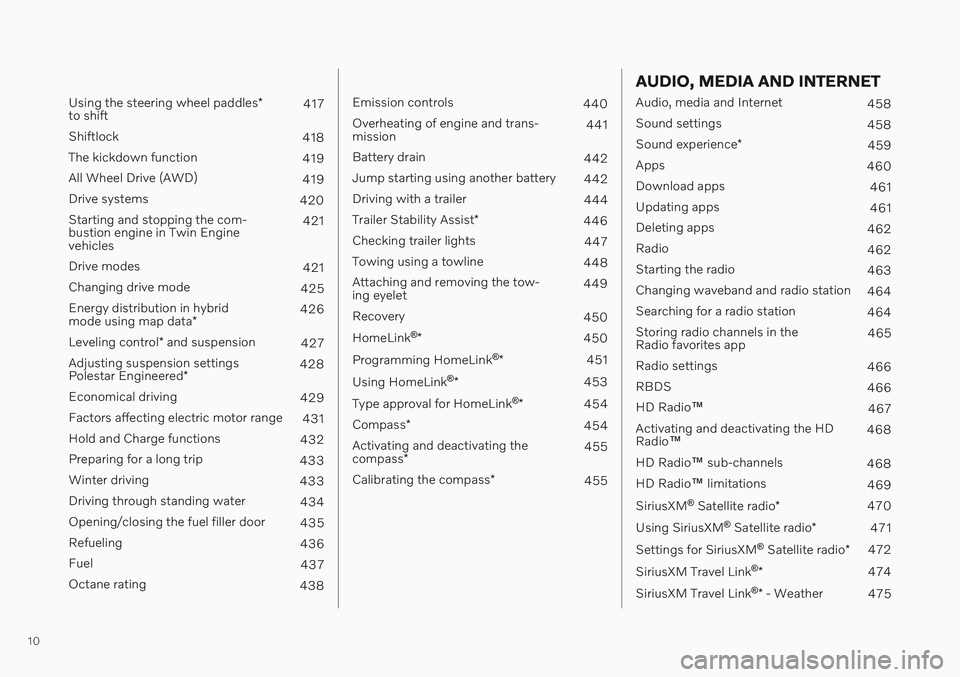
Using the steering wheel paddles*
to shift 417
Shiftlock 418
The kickdown function 419
All Wheel Drive (AWD) 419
Drive systems 420
Starting and stopping the com- bustion engine in Twin Enginevehicles 421
Drive modes 421
Changing drive mode 425
Energy distribution in hybrid mode using map data *426
Leveling control * and suspension
427
Adjusting suspension settingsPolestar Engineered * 428
Economical driving 429
Factors affecting electric motor range 431
Hold and Charge functions 432
Preparing for a long trip 433
Winter driving 433
Driving through standing water 434
Opening/closing the fuel filler door 435
Refueling 436
Fuel 437
Octane rating 438
Emission controls440
Overheating of engine and trans- mission 441
Battery drain 442
Jump starting using another battery 442
Driving with a trailer 444
Trailer Stability Assist *
446
Checking trailer lights 447
Towing using a towline 448
Attaching and removing the tow-ing eyelet 449
Recovery 450
HomeLink ®
* 450
Programming HomeLink ®
* 451
Using HomeLink ®
* 453
Type approval for HomeLink ®
* 454
Compass *
454
Activating and deactivating the compass * 455
Calibrating the compass *
455
AUDIO, MEDIA AND INTERNET
Audio, media and Internet
458
Sound settings 458
Sound experience *
459
Apps 460
Download apps 461
Updating apps 461
Deleting apps 462
Radio 462
Starting the radio 463
Changing waveband and radio station 464
Searching for a radio station 464
Storing radio channels in the Radio favorites app 465
Radio settings 466
RBDS 466
HD Radio ™
467
Activating and deactivating the HDRadio ™ 468
HD Radio ™ sub-channels
468
HD Radio ™ limitations
469
SiriusXM ®
Satellite radio *
470
Using SiriusXM ®
Satellite radio *
471
Settings for SiriusXM ®
Satellite radio *
472
SiriusXM Travel Link ®
* 474
SiriusXM Travel Link ®
* - Weather
475
Page 15 of 673
13
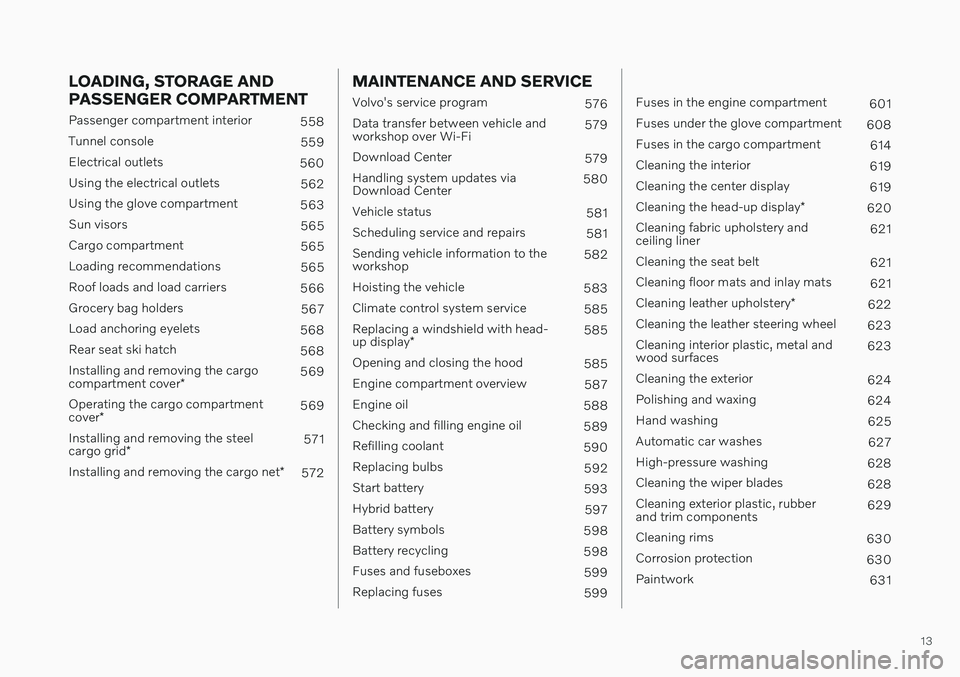
LOADING, STORAGE AND PASSENGER COMPARTMENT
Passenger compartment interior558
Tunnel console 559
Electrical outlets 560
Using the electrical outlets 562
Using the glove compartment 563
Sun visors 565
Cargo compartment 565
Loading recommendations 565
Roof loads and load carriers 566
Grocery bag holders 567
Load anchoring eyelets 568
Rear seat ski hatch 568
Installing and removing the cargo compartment cover * 569
Operating the cargo compartmentcover * 569
Installing and removing the steelcargo grid * 571
Installing and removing the cargo net *
572
MAINTENANCE AND SERVICE
Volvo's service program
576
Data transfer between vehicle and workshop over Wi-Fi 579
Download Center 579
Handling system updates viaDownload Center 580
Vehicle status 581
Scheduling service and repairs 581
Sending vehicle information to theworkshop 582
Hoisting the vehicle 583
Climate control system service 585
Replacing a windshield with head- up display * 585
Opening and closing the hood 585
Engine compartment overview 587
Engine oil 588
Checking and filling engine oil 589
Refilling coolant 590
Replacing bulbs 592
Start battery 593
Hybrid battery 597
Battery symbols 598
Battery recycling 598
Fuses and fuseboxes 599
Replacing fuses 599
Fuses in the engine compartment 601
Fuses under the glove compartment 608
Fuses in the cargo compartment 614
Cleaning the interior 619
Cleaning the center display 619
Cleaning the head-up display *
620
Cleaning fabric upholstery and ceiling liner 621
Cleaning the seat belt 621
Cleaning floor mats and inlay mats 621
Cleaning leather upholstery *
622
Cleaning the leather steering wheel 623
Cleaning interior plastic, metal andwood surfaces 623
Cleaning the exterior 624
Polishing and waxing 624
Hand washing 625
Automatic car washes 627
High-pressure washing 628
Cleaning the wiper blades 628
Cleaning exterior plastic, rubberand trim components 629
Cleaning rims 630
Corrosion protection 630
Paintwork 631
Page 30 of 673
YOUR VOLVO
28
Drive-E ‒ purer driving pleasure
Volvo is committed to the well-being of its customers. As a natural part of this commit-ment, we care about the environment inwhich we all live. Concern for the environ-ment means an everyday involvement inreducing our environmental impact.
Volvo's environmental activities are based on a holistic view, which means we consider theoverall environmental impact of a productthroughout its complete life cycle. In this con-text, design, production, product use, andrecycling are all important considerations. Inproduction, Volvo has partly or completelyphased out several chemicals including CFCs,lead chromates, asbestos, and cadmium; andreduced the number of chemicals used in ourplants 50% since 1991. Volvo was the first in the world to introduce into production a three-way catalytic converterwith a Lambda sond, now called the heatedoxygen sensor, in 1976. The current version ofthis highly efficient system reduces emissionsof harmful substances (CO, HC, NOx) from theexhaust pipe by approximately 95 - 99% andthe search to eliminate the remaining emis-sions continues. Volvo is the only automobilemanufacturer to offer CFC-free retrofit kits forthe air conditioning system of all models as farback as the 1975 model 240. Advanced elec-tronic engine controls and cleaner fuels arebringing us closer to our goal. In addition to continuous environmental refinement of con-ventional gasoline-powered internal combus-tion engines, Volvo is actively looking atadvanced technology alternative-fuel vehicles. When you drive a Volvo, you become our part- ner in the work to lessen the vehicle's impacton the environment. To reduce your vehicle'senvironmental impact, you can:
Maintain proper air pressure in your tires.Tests have shown decreased fuel econ-omy with improperly inflated tires.
Follow the recommended maintenanceschedule in your Warranty and ServiceRecords Information booklet.
Drive at a constant speed whenever possi-ble.
See a trained and qualified Volvo servicetechnician as soon as possible for inspec-tion if the check engine (malfunction indi-cator) light illuminates, or stays on afterthe vehicle has started.
Properly dispose of any vehicle-relatedwaste such as used motor oil, used batter-ies, brake pads, etc.
When cleaning your vehicle, please usegenuine Volvo car care products. All Volvocar care products are formulated to beenvironmentally friendly.
Twin Engine vehicles
If possible, precondition the vehicle withthe charging cable before driving.
If preconditioning is not possible in coldweather, use the seat and steering wheelheating primarily. Avoid heating the entirepassenger compartment, which reducesthe hybrid battery's charge level.
Choose the
Pure drive mode to help mini-
mize electric power consumption.
In hilly terrain, put the gear selector in mode
B to utilize the electric motor's
braking function when the acceleratorpedal is released. This helps charge thehybrid battery.
Related information
Economical driving (p. 429)
Starting and stopping preconditioning(p. 222)
The Owner's Manual and the environment(p. 23)
Air quality (p. 202)
Page 33 of 673

YOUR VOLVO
}}
* Option/accessory.31
Different types of information are shown in different displays depending on how the information should be prioritized.
Head-up display*
The head-up display presents information that the driver should react to immediately.For example, traffic warnings, speed informa- tion and navigation messages
*. Road sign
information and incoming phone calls are alsoshown in the head-up display. These can behandled using the right-side steering wheelkeypad or the center display.
Instrument panel
The instrument panel displays information such as speed, incoming phone calls or the
Page 34 of 673
||
YOUR VOLVO
* Option/accessory.
32 track currently playing. It is controlled using the steering wheel keypads.
Center display
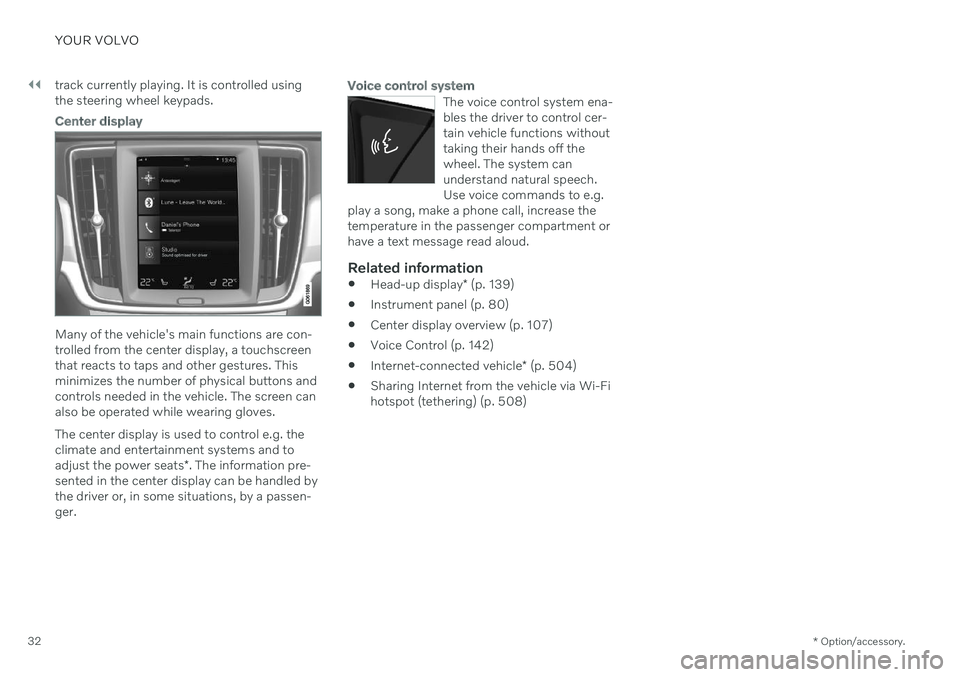
Many of the vehicle's main functions are con- trolled from the center display, a touchscreenthat reacts to taps and other gestures. Thisminimizes the number of physical buttons andcontrols needed in the vehicle. The screen canalso be operated while wearing gloves. The center display is used to control e.g. the climate and entertainment systems and to adjust the power seats
*. The information pre-
sented in the center display can be handled by the driver or, in some situations, by a passen-ger.
Voice control system
The voice control system ena- bles the driver to control cer-tain vehicle functions withouttaking their hands off thewheel. The system canunderstand natural speech.Use voice commands to e.g.
play a song, make a phone call, increase thetemperature in the passenger compartment orhave a text message read aloud.
Related information
Head-up display
* (p. 139)
Instrument panel (p. 80)
Center display overview (p. 107)
Voice Control (p. 142)
Internet-connected vehicle
* (p. 504)
Sharing Internet from the vehicle via Wi-Fi hotspot (tethering) (p. 508)
Page 38 of 673
||
YOUR VOLVO
36
NOTE
Do not export your Volvo to another coun- try before investigating that country'sapplicable safety and exhaust emissionrequirements. In some cases it may be dif-ficult or impossible to comply with theserequirements. Modifications to the emis-sion control system(s) may render yourVolvo not certifiable for legal operation inthe U.S., Canada and other countries.
WARNING
CALIFORNIA proposition 65 Engine exhaust, some of its constituents, and certain vehicle components contain oremit chemicals known to the state of Cali-fornia to cause cancer, and birth defects orother reproductive harm. In addition, cer-tain fluids contained in vehicles and certainproducts of component wear contain oremit chemicals known to the State of Cali-fornia to cause cancer, and birth defects orother reproductive harm.
WARNING
Certain components of this vehicle such as air bag modules, seat belt tensioners,adaptive steering columns, and button cellbatteries may contain Perchlorate material.Special handling may apply for service orvehicle end of life disposal. See www.dtsc.ca.gov/hazardouswaste/ perchlorate.
WARNING
The driver is always responsible for operat- ing the vehicle in a safe manner and forcomplying with current statutes and regu-lations. It is also essential to maintain and service the vehicle according to Volvo's recom-mendations as stated in the owner's infor-mation and the service and warranty book-let. If the on-board information differs from the printed owner's manual, the printed infor-mation always takes precedence.
Related information
Accessory installation (p. 36)
Connecting equipment to the vehicle's data link connector (p. 37)
Using the Owner's Manual (p. 21)
Accessory installation
We strongly recommend that Volvo owners use only genuine, Volvo-approved accesso-ries, and that accessory installations be per-formed only by a trained and qualified Volvoservice technician. Certain accessories onlywork when the associated software is instal-led in the vehicle's computer system.
Genuine Volvo accessories are tested to ensure compatibility with the perform-ance, safety, and emission systems in yourvehicle. Additionally, a trained and quali-fied Volvo service technician knows whereaccessories may and may not be safelyinstalled in your Volvo. In all cases, pleaseconsult a trained and qualified Volvo serv-ice technician before installing any acces-sory in or on your vehicle.
Accessories that have not been approvedby Volvo may or may not be specificallytested for compatibility with your vehicle.
Any of your vehicle's performance andsafety systems could be adversely affec-ted if you install accessories that Volvohas not tested, or if you allow accessoriesto be installed by someone unfamiliar withyour vehicle.
Damage caused by unapproved orimproperly installed accessories may notbe covered by your new vehicle warranty.See your Warranty and Service RecordsInformation booklet for more warranty