steering VOLVO V70 2008 Owner's Manual
[x] Cancel search | Manufacturer: VOLVO, Model Year: 2008, Model line: V70, Model: VOLVO V70 2008Pages: 274, PDF Size: 7.82 MB
Page 114 of 274

The navigation button can be used instead of ENTER and EXIT when navigating the menu hierarchy. The right arrow
is equal to ENTER and the left arrow to EXIT .
The menu options are numbered and can also be selected directly with the numerical keypad (1-9 only).
125 04 Comfort and driving pleasure
Menus and messages
Menu overview
Car key memory
Seat & mirror positions
Car settings
Fold mirr. when locking (option on certain markets only)
Collision warning settings (option)
Light settings
Lock settings
Reduced guard
1
Parking camera settings (accessory)
Steering force level (option)
Information
Climate settings
Automatic blower adjust
Recirculation timer
Auto. rear defroster
Reset climate settings
1Certain models
Main menu AM
Audio settings
2
Sound stage
Equalizer, front
Equalizer, rear
ProCarManuals.com
Page 126 of 274

Socket for external audio source (AUX)
Steering wheel keypad
Center console control panel
Control panel with headphones socket (option)
Steering wheel keypad
Confirm selection in menu system.
Go higher in the menu system. Interrupt current function.
Volume
A short press scrolls between CD tracks or preset radio stations. A long press searches within CD tracks or searches
for radio stations automatically.
137 04 Comfort and driving pleasure
Audio system
Rear control panel with headphones socket (option)
Headphones with an impedance of 16-32 ohm and sensitivity of 102 dB or higher are recommended for best sound
reproduction.
ProCarManuals.com
Page 132 of 274

NOTE
The Eject all function can only be used while the vehicle is at a standstill and will be cancelled if the vehicle begins
to move.
Pause
When the audio system volume is turned off completely, the CD player will pause and will resume playing when the
volume is turned up again.
Sound files
In addition to playing normal music CDs, the CD player/changer can also play discs containing files in mp3 or wma
format.
NOTE
Some copy protected sound files may not be read by the player.
When a CD containing sound files is inserted into the player the disc's directory structure is scanned before the CD
begins playing. The length of time that this takes depends on the quality of the disc.
Navigating the disc and playing tracks
If a disc containing sound files is inside the CD player, press ENTER to display the disc's directory structure. The
directory structure is navigated in the same way as the audio system's menu structure. Sound files have the
symbol
and directories have the
symbol. Press ENTER to play a selected folder or a file.
When the music file has been played, the player will continue to play the rest of the files in the current folder. When
all of the files in the folder have been played, the player will automatically go to the next folder and play the files in it.
Fast-forward/change CD tracks and sound files
Short presses
/ on the navigation button are used to scroll between CD tracks/sound files. Long presses are used
to search within CD tracks/sound files. TUNING (or the steering wheel keypad) can also be used for this purpose.
Scan CD
This function plays the first ten seconds of each CD track/sound file. Press SCAN to activate. Interrupt with EXIT or
SCAN to
142 04 Comfort and driving pleasure
Audio system
continue playing the current CD track/sound file.
Random
This function plays the tracks in random order (shuffle). The random CD tracks/sound files can be scrolled through in
the normal way.
NOTE
It is only possible to scroll between random CD tracks on the current disc.
ProCarManuals.com
Page 144 of 274
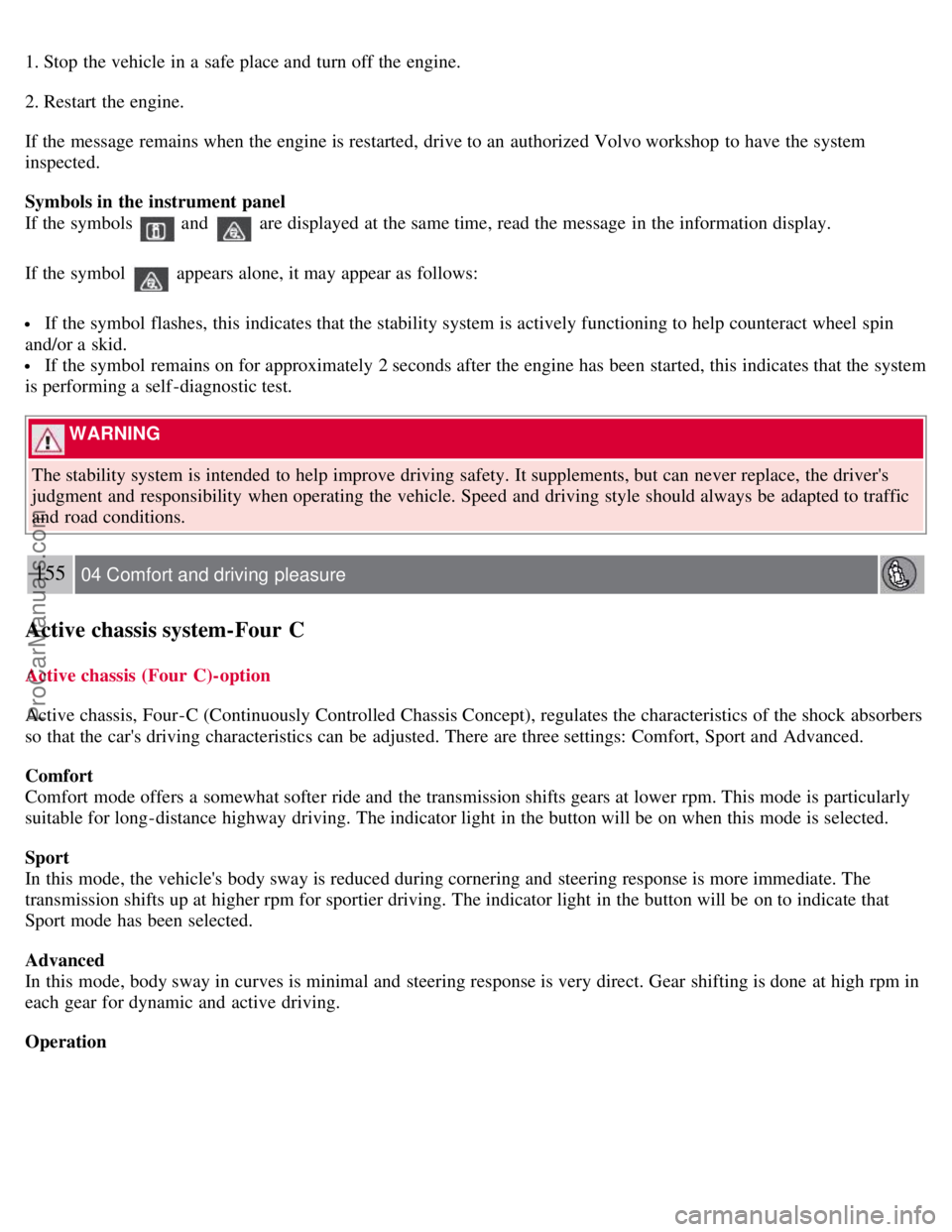
1. Stop the vehicle in a safe place and turn off the engine.
2. Restart the engine.
If the message remains when the engine is restarted, drive to an authorized Volvo workshop to have the system
inspected.
Symbols in the instrument panel
If the symbols
and are displayed at the same time, read the message in the information display.
If the symbol
appears alone, it may appear as follows:
If the symbol flashes, this indicates that the stability system is actively functioning to help counteract wheel spin
and/or a skid.
If the symbol remains on for approximately 2 seconds after the engine has been started, this indicates that the system
is performing a self -diagnostic test.
WARNING
The stability system is intended to help improve driving safety. It supplements, but can never replace, the driver's
judgment and responsibility when operating the vehicle. Speed and driving style should always be adapted to traffic
and road conditions.
155 04 Comfort and driving pleasure
Active chassis system-Four C
Active chassis (Four C)-option
Active chassis, Four-C (Continuously Controlled Chassis Concept), regulates the characteristics of the shock absorbers
so that the car's driving characteristics can be adjusted. There are three settings: Comfort, Sport and Advanced.
Comfort
Comfort mode offers a somewhat softer ride and the transmission shifts gears at lower rpm. This mode is particularly
suitable for long-distance highway driving. The indicator light in the button will be on when this mode is selected.
Sport
In this mode, the vehicle's body sway is reduced during cornering and steering response is more immediate. The
transmission shifts up at higher rpm for sportier driving. The indicator light in the button will be on to indicate that
Sport mode has been selected.
Advanced
In this mode, body sway in curves is minimal and steering response is very direct. Gear shifting is done at high rpm in
each gear for dynamic and active driving.
Operation
ProCarManuals.com
Page 145 of 274

Use the buttons in the center console to change setting. The setting in use when the engine is switched off is activated
the next time the engine is started.
Speed-dependent steering force (option)
Steering force increases with the speed of the vehicle to give the driver enhanced sensitivity. At low speed the vehicle
is easy to steer in order to facilitate parking, etc.
Steering force can be changed under Car settings
Steering force level. For a description of the menu system, see
page 125
.
NOTE
This menu function cannot be accessed when the vehicle is in motion.
Contents | Top of Page
ProCarManuals.com
Page 156 of 274

Setting a time interval
The buttons for setting a time interval are located on the left side of the steering wheel (see the illustration on page
160). Press to increase the interval or to decrease it.
Five different time intervals can be selected and are shown in the display as 1-5 horizontal bars. The
greater the number of bars, the longer the time interval.
166 04 Comfort and driving pleasure
Distance Alert
The number of bars indicating the selected time interval are shown while the setting is being made and for several
seconds afterward. A smaller version of the symbol is then shown to the right in the display. The same symbol is also
displayed when Adaptive Cruise Control is activated.
NOTE
The higher your vehicle's speed, the greater the distance to the vehicle ahead, measured in feet (meters), for a
given time interval.
The set time interval is also used by Adaptive Cruise Control, see page 161.
WARNING
Only use a time interval that is suitable in current traffic conditions.
Limitations
The Distance Alert function uses the same radar sensor used by Adaptive Cruise Control and the Collision Warning
system. See page 162
for more information on the radar sensor's limitations.
NOTE
Strong sunlight, reflections, extreme light contrasts, the use of sunglasses, or if the driver is not looking straight
ahead may make the visual warning signal in the windshield difficult to see.
WARNING
ProCarManuals.com
Page 160 of 274

Limitations
Strong sunlight, reflections, extreme light contrasts, the use of sunglasses, or if the driver is not looking straight ahead
may make the visual warning signal in the windshield difficult to see. For this reason, always activate the audible
warning signal in such conditions.
NOTE
The visual warning signal may be temporarily disengaged in the event of high passenger compartment temperature
due to strong sunlight, etc. If this occurs, the audible warning signal will be used, even if it has been deactivated in
the menu system.
Warnings may not appear if the distance to the vehicle ahead is very small or if steering wheel and pedal movements
are great, for example, due to a very active driving style.
WARNING
In certain situations, the system cannot provide warnings or warning may be delayed if traffic conditions or other
external factors make it impossible for the radar sensor or camera to detect the vehicle ahead.
Warnings may not be provided if the distance to the vehicle ahead is short, or if movements of the steering
wheel/brake pedal are great, such as during active driving.
The sensor system has a limited range for stationary or slow-moving vehicles and may therefore give delayed or
no warnings if your vehicle's speed is above approximately 45 mph (70 km/h).
Warnings for stationary or slow-moving vehicles may not be provided in dark conditions.
The Collision Warning system uses the same radar sensors as Adaptive Cruise Control. For more information on the
radar sensor and its limitations, see page 162.
If no warning is given, or if a warning is delayed, Auto-brake will also not be provided or will be delayed.
NOTE
If warnings are given too frequently, the warning distance can be reduced (see "Setting a warning distance" on page
169). This causes the system to provide later warnings, which decreases the total number of warnings provided.
The camera's limitations
The camera is used by Collision Warning with Auto-brake, Driver Alert Control (see page 173
), and Lane Departure
Warning (see page 176
).
NOTE
Keep the section of the windshield in front of the camera clean and free of ice, snow, or condensation.
171 04 Comfort and driving pleasure
Collision Warning with Auto-brake (option)
WARNING
The camera has the same limitations as the human eye. In other words, its "vision is impaired" by adverse weather
conditions such as heavy snowfall, dense fog, etc. These conditions may reduce the function of systems that depend
ProCarManuals.com
Page 162 of 274

173 04 Comfort and driving pleasure
Driver Alert System -option
Introduction
The Driver Alert System is designed to help a driver who may be becoming fatigued or who is inadvertently leaving
the lane.
The Driver Alert System consists of two different functions that can be switched on together or separately.
Driver Alert Control (DAC)
Lane Departure Warning (LDW)
When one or both of the functions has been switched on, it is in standby mode and is activated when the vehicle
exceeds a speed of 40 mph (65 km/h).
The function deactivates if speed goes under 37 mph (60 km/h).
Both functions use a camera that is dependent on the road/lane being clearly marked by painted lines on each side.
WARNING
The Driver Alert system does not function in all situations and is designed to be a supplementary aid. It is not,
however, intended to replace the driver's attention and judgement.
Driver Alert Control (DAC)-general information
This function is intended to alert the driver if his/her driving becomes erratic, such as if the driver is distracted or
fatigued.
A camera monitors the painted lines marking the lane in which the vehicle is traveling and compares the direction of
the road with the driver's movements of the steering wheel. The driver is alerted if the vehicle does not follow the lane
smoothly.
ProCarManuals.com
Page 163 of 274

NOTE
The camera has certain limitations, see page 170.
DAC is designed to help detect a slowly changing driving pattern. It is primarily intended to be used on main roads
and is not meant for use in city traffic.
WARNING
DAC is not intended to extend the duration of driving. Always plan breaks at regular intervals to help remain
alert.
In certain cases, fatigue may not affect the driver's behavior. In situations of this type, no warning will be
provided. Therefore, it is important to take breaks at regular intervals, regardless of whether or not DAC has given a
warning
Limitations
In certain situations, DAC may provide warnings even if the driver's driving pattern has not become erratic.
if the driver is testing the LDW function
in strong crosswinds
on grooved road surfaces.
174 04 Comfort and driving pleasure
Driver Alert System -option
Operating DAC
Certain settings can be made from the menu system controlled from the center instrument panel. See page 124
for
more information on the menu system.
The current system status can be checked on the trip computer's display by using the buttons on the left steering wheel
lever.
Thumb wheel. Turn this wheel until Driver Alert is displayed. The second line shows the alternative Off ,
Unavailable , or [-----], i.e., the number of bars.
READ button. Confirms and erases a message in the display.
Activating DAC
In the center instrument panel, go to Car settings
Driver Alert . Select On.
ProCarManuals.com
Page 165 of 274

This function is designed to help reduce the risk of accidents in situations where the vehicle leaves its lane and there is
a risk of driving off the road or into the opposite lane.
LDW consists of a camera that monitors the lane's side marker lines. The driver is alerted by an audible signal if the
vehicle crosses a side marker line or the road's center dividing line.
Operation and function
LDW can be switched on or off by pressing the button on the center console. A light in the button illuminates when the
function is on.
The trip computer display shows Lane Depart Warn Unavailable when the function is in standby mode.
When LDW is in standby mode, the function is activated automatically after the camera has monitored the road's side
marker lines and the vehicle's speed exceeds 40 mph (65 km/h). Lane Depart Warn Available will be displayed.
If the camera can no longer monitor the road's side marker lines, or if the vehicle's speed falls below 37 mph (60
km/h), LDW will return to standby mode and Lane Depart Warn Unavailable will be displayed.
If the vehicle unexpectedly crosses the lane's left or right side marker lines, the driver will be alerted by an audible
signal.
No warning signal will be given in the following situations:
The turn signal is being used
The driver's foot is on the brake pedal1
The throttle pedal is pressed quickly
If the steering wheel is moved quickly
In sharp turns that cause the vehicle's body to sway.
The camera also has certain limitations. See page 170
for information.
WARNING
ProCarManuals.com