reset VOLVO V90 CROSS COUNTRY 2018 Owner´s Manual
[x] Cancel search | Manufacturer: VOLVO, Model Year: 2018, Model line: V90 CROSS COUNTRY, Model: VOLVO V90 CROSS COUNTRY 2018Pages: 662, PDF Size: 11.93 MB
Page 495 of 662
AUDIO, MEDIA AND INTERNET
* Option/accessory.493
From a previously connected Android device
1. Connect the device to the USB port.
>If the auto start setting is selected -
the name of the phone will be displayed.
2. Tap the name of the phone - the Android Auto tile will open and compatible apps will be displayed.
3. If the automatic start setting is not acti- vated - open the
Android Auto app from
App view.
> The Android Auto tile will open and com- patible apps will be displayed.
4. Tap the desired app. > The app will start up.
Android Auto will run in the background if another app is started in the same tile. To displayAndroid Auto in the tile, tap the Android Autoicon in App view.
Related information
• Android Auto
* (p. 492)
• Settings for Android Auto
* (p. 493)
• Connecting a device via the USB port(p. 488)
• Voice control (p. 147)
Settings for Android Auto
*
Settings for phones initially connected with Android Auto.
Automatic start1. Tap Settings in the Top view.
2. Tap
CommunicationAndroid Auto and
select setting:
• Check the box - Android Auto will start automatically when the USB cable is con-nected.
• Uncheck the box - Android Auto will notstart automatically when the USB cable isconnected.
A maximum of 20 Android devices can be storedin the list. When the list is full and a new device isconnected, the oldest one will be deleted. A factory reset must be performed to delete the list.
System Volumes1. Tap Settings in the Top view.
2. Tap
SoundSystem Volumes to change
the settings for the following:
•
Voice Control
•Navi Voice Guidance
•Phone Ringtone
Related information
• Android Auto
* (p. 492)
• Using Android Auto
* (p. 492)
• Resetting center display settings (p. 137)
Page 509 of 662
AUDIO, MEDIA AND INTERNET
}}
507
Vehicle modem settings
Your vehicle is equipped with a modem that can be used to connect the vehicle to the Internet. Itis also possible to share this Internet connectionover Wi-Fi.
1. Tap Settings in the Top view.
2. Tap
CommunicationVehicle Modem
Internet and select settings:
•
Vehicle modem Internet - select this to
use the vehicle's modem to connect to the Internet.
•
Data usage - tap Reset to reset the coun-
ter for the amount of data received and sent.
•
Network Select carrier
- select a service provider
manually or automatically.
Data roaming - if the box is checked, the
vehicle modem will attempt to connect to the Internet when the vehicle is outside its homenetwork (e.g. if you are in another country).Please note that this could entail additionalcharges. Consult with your service providerfor data roaming terms under your contract.
•
SIM card PIN Change PIN
- a maximum of 4 digits can be
entered.
Disable PIN - select whether a PIN code
will be required to access the SIM card. •
Send request code - used to e.g. download
or check the balance remaining on a prepaid phone card. This function is specific to yourservice provider.
Related information
• Connect the car to the Internet via carmodem (SIM card) (p. 506)
• No or poor Internet connection (p. 508)
Sharing Internet from the vehicle viaWi-Fi hotspot (tethering)
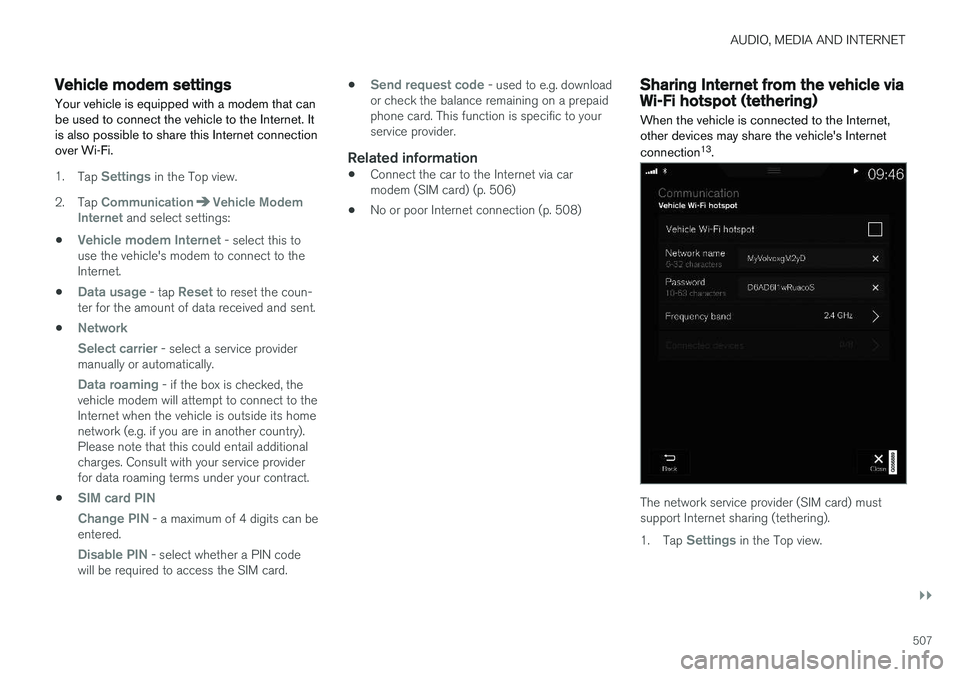
When the vehicle is connected to the Internet, other devices may share the vehicle's Internet connection 13
.
The network service provider (SIM card) must support Internet sharing (tethering). 1. Tap
Settings in the Top view.
Page 511 of 662
AUDIO, MEDIA AND INTERNET
* Option/accessory.509
Restarting the phoneIf you experience any Internet connection prob- lems, it may help to restart your phone.
Related information
•Internet-connected vehicle
* (p. 503)
• Wi-Fi technology and security (p. 509)
Deleting Wi-Fi networks
Networks that are not needed can be deleted.
1. Tap Settings in the Top view.
2. Proceed to
CommunicationWi-FiSaved networks.
3. Tap
Forget to delete the network.
4. Confirm the selection. > The vehicle will no longer connect to thedeleted network.
Deleting all networksAll networks can be deleted at once by perform- ing a factory reset. Please note that all user dataand system settings will be restored to originaldefault factory settings.
Related information
• Internet-connected vehicle
* (p. 503)
• No or poor Internet connection (p. 508)
• Resetting center display settings (p. 137)
• Connecting the car to the Internet via amobile device (Wi-Fi) (p. 505)
Wi-Fi technology and security
Networks must meet certain criteria in order for the vehicle to connect.
It is possible to connect to the following types of networks:
• Frequency - 2.4 or 5 GHz 14
.
• Standards - 802.11 a/b/g/n.
• Security type - WPA2-AES-CCMP.
The vehicle's Wi-Fi system is designed to handleWi-Fi devices inside the vehicle. Performance may be impaired if multiple devices are using a frequency at the same time.
Related information
• Internet-connected vehicle
* (p. 503)
14
Selecting a frequency is not possible on all markets.
Page 598 of 662
||
MAINTENANCE AND SERVICE
596
CAUTION
Only a modern battery charger with controlled charge voltage should be used to charge thestarter battery and support battery. The rapidcharging function should not be used as thiscould damage the battery.
CAUTION
Failure to observe the following could cause the infotainment energy save mode to tempo-rarily stop working and/or a message in thedriver's display regarding the state of chargeof the starter battery may be temporarilyincorrect after an external starter battery orbattery charger has been connected:
• The negative battery terminal of the vehi- cle's starter battery must
never be used
to connect an external starter battery orbattery charger – only the vehicle's neg-
ative charging point should be used as
a grounding point.
NOTE
If the starter battery becomes discharged too many times, it will shorten its service life. The service life of the starter battery is affec- ted by several factors, such as driving condi-tions and climate. The starting capacity of thebattery reduces gradually over time. The bat-tery must therefore be recharged if the vehi-cle is not used or a long period of time or if itis only driven short distances. Severe cold fur-ther limits the starting capacity. To keep the starter battery in a good condi- tion, the vehicle should be driven at least15 minutes per week or the battery should beconnected to a battery charger with automatictrickle charging. A starter battery that is always kept fully charged has the maximum service life.
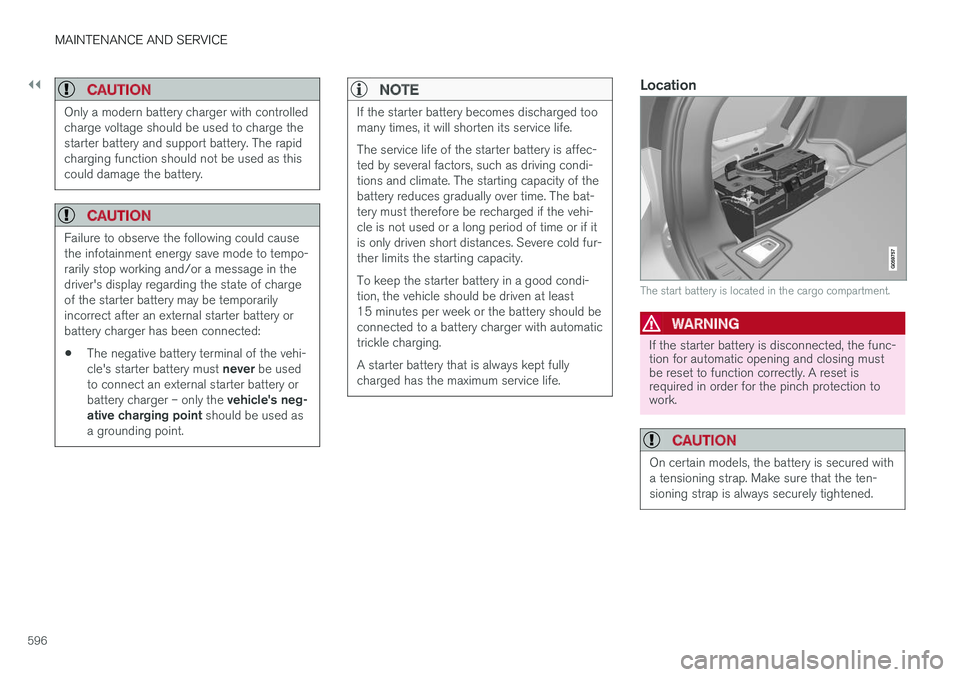
Location
The start battery is located in the cargo compartment.
WARNING
If the starter battery is disconnected, the func- tion for automatic opening and closing mustbe reset to function correctly. A reset isrequired in order for the pinch protection towork.
CAUTION
On certain models, the battery is secured with a tensioning strap. Make sure that the ten-sioning strap is always securely tightened.
Page 650 of 662

INDEX
648CZIP (Clean Zone Interior Package) 206
D
Data
recording 33 transferring between vehicle and work-
shop 574
Data sharing 510
Daytime running lights 156Decals location of 632
Defrosting 222
Detection of cyclist 333
Dimensions 635
Dipstick, electronic 584
Direction of rotation 526
Disengaging the shiftlock 417
Display lighting 167
Distance Alert 285, 286, 287 limitations 288
DivX ®
486
Door mirrors 173, 175 compass 456
dimming 174
outer 173, 175
power folding 175
resetting 175
Driveline transmission 413
Drive mode 419 changing 421
Driver Alert Control 356 operation 357, 358
Driver Alert Control limitations 358
Driver performance 92, 93
Driver profile 139 edit 141
select 140
Driver support system 266 Driving cooling system 440
with a trailer 445
Driving economy 433
Driving through standing water 435 driving with a trailer towball load 638
towing capacity 638E
ECO climate 422
ECO mode 422
activate with function button 424
Economical driving 422, 433
Electrical outlet 556 use 558
Electrical system 595
Electric parking brake 407
Electronic immobilizer 246
emergency brake lights 163
Emission inspection readiness 572 Engine overheating 440
start 400
Start/Stop 424
turn off 402
Engine braking, automatic 431 Engine compartment coolant 586
engine oil 583
overview 583
Engine drag control 268
Engine oil 583 filling 584
Page 655 of 662
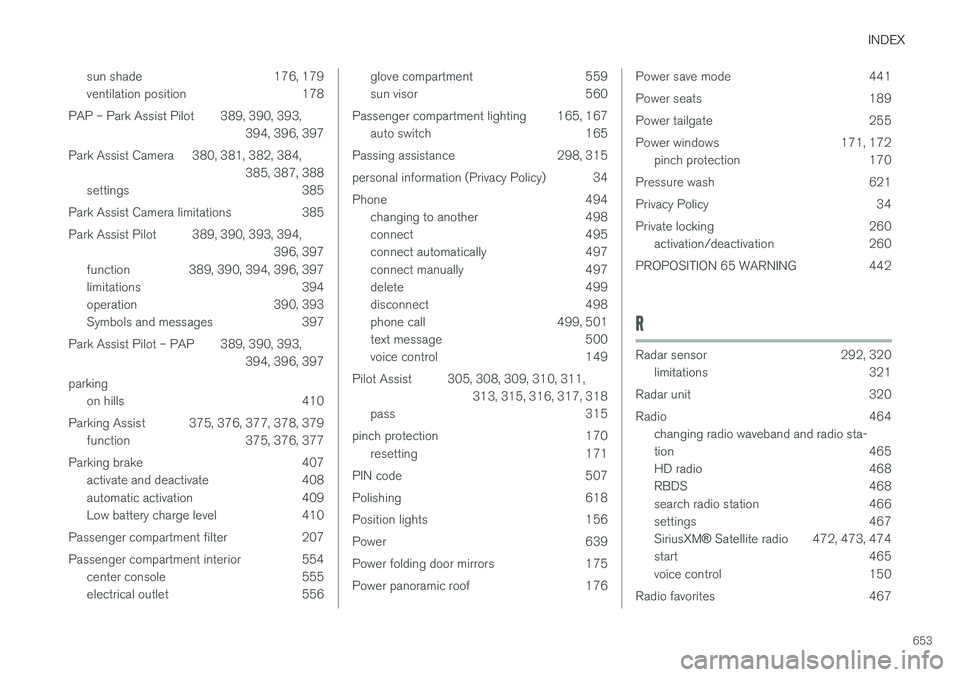
INDEX
653
sun shade 176, 179
ventilation position 178
PAP – Park Assist Pilot 389, 390, 393, 394, 396, 397
Park Assist Camera 380, 381, 382, 384, 385, 387, 388
settings 385
Park Assist Camera limitations 385
Park Assist Pilot 389, 390, 393, 394, 396, 397
function 389, 390, 394, 396, 397
limitations 394
operation 390, 393
Symbols and messages 397
Park Assist Pilot – PAP 389, 390, 393, 394, 396, 397
parking on hills 410
Parking Assist 375, 376, 377, 378, 379 function 375, 376, 377
Parking brake 407 activate and deactivate 408
automatic activation 409
Low battery charge level 410
Passenger compartment filter 207
Passenger compartment interior 554 center console 555
electrical outlet 556
glove compartment 559
sun visor 560
Passenger compartment lighting 165, 167 auto switch 165
Passing assistance 298, 315
personal information (Privacy Policy) 34
Phone 494 changing to another 498
connect 495
connect automatically 497
connect manually 497
delete 499
disconnect 498
phone call 499, 501
text message 500
voice control 149
Pilot Assist 305, 308, 309, 310, 311, 313, 315, 316, 317, 318
pass 315
pinch protection 170 resetting 171
PIN code 507
Polishing 618
Position lights 156
Power 639
Power folding door mirrors 175
Power panoramic roof 176Power save mode 441
Power seats 189
Power tailgate 255
Power windows 171, 172 pinch protection 170
Pressure wash 621
Privacy Policy 34
Private locking 260 activation/deactivation 260
PROPOSITION 65 WARNING 442
R
Radar sensor 292, 320 limitations 321
Radar unit 320
Radio 464 changing radio waveband and radio sta-
tion 465
HD radio 468
RBDS 468
search radio station 466
settings 467 SiriusXM ® Satellite radio 472, 473, 474
start 465
voice control 150
Radio favorites 467
Page 656 of 662
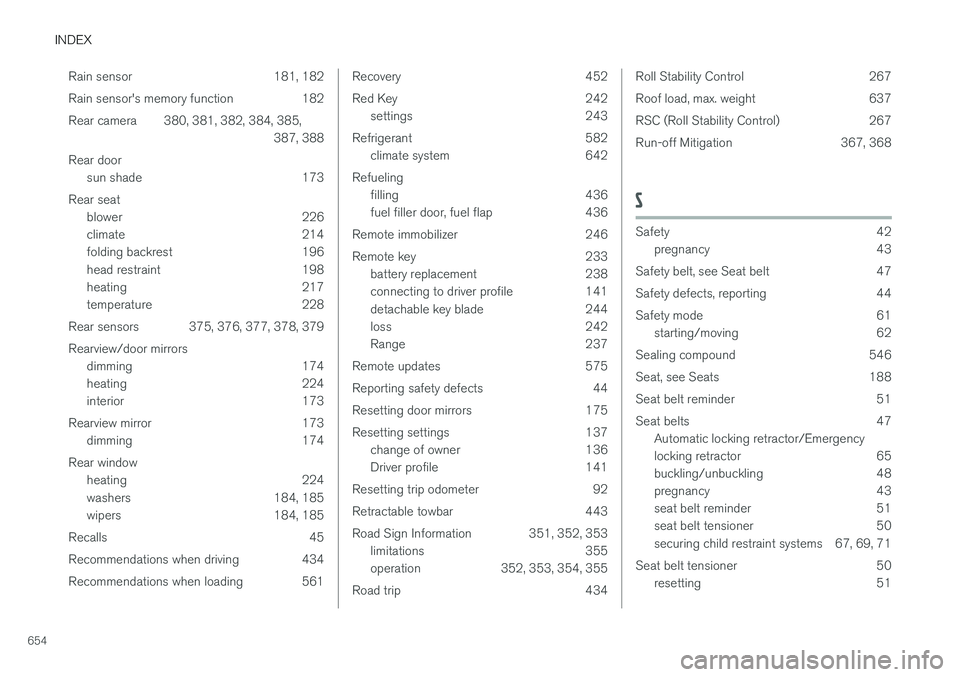
INDEX
654Rain sensor 181, 182
Rain sensor's memory function 182
Rear camera 380, 381, 382, 384, 385,
387, 388
Rear door sun shade 173
Rear seat blower 226
climate 214
folding backrest 196
head restraint 198
heating 217
temperature 228
Rear sensors 375, 376, 377, 378, 379 Rearview/door mirrors dimming 174
heating 224
interior 173
Rearview mirror 173 dimming 174
Rear window heating 224
washers 184, 185
wipers 184, 185
Recalls 45
Recommendations when driving 434
Recommendations when loading 561
Recovery 452
Red Key 242 settings 243
Refrigerant 582 climate system 642
Refueling filling 436
fuel filler door, fuel flap 436
Remote immobilizer 246
Remote key 233 battery replacement 238
connecting to driver profile 141
detachable key blade 244
loss 242
Range 237
Remote updates 575
Reporting safety defects 44
Resetting door mirrors 175
Resetting settings 137 change of owner 136
Driver profile 141
Resetting trip odometer 92
Retractable towbar 443
Road Sign Information 351, 352, 353 limitations 355
operation 352, 353, 354, 355
Road trip 434Roll Stability Control 267
Roof load, max. weight 637
RSC (Roll Stability Control) 267
Run-off Mitigation 367, 368
S
Safety 42 pregnancy 43
Safety belt, see Seat belt 47
Safety defects, reporting 44
Safety mode 61 starting/moving 62
Sealing compound 546
Seat, see Seats 188
Seat belt reminder 51
Seat belts 47 Automatic locking retractor/Emergency
locking retractor 65
buckling/unbuckling 48
pregnancy 43
seat belt reminder 51
seat belt tensioner 50
securing child restraint systems 67, 69, 71
Seat belt tensioner 50 resetting 51
Page 657 of 662
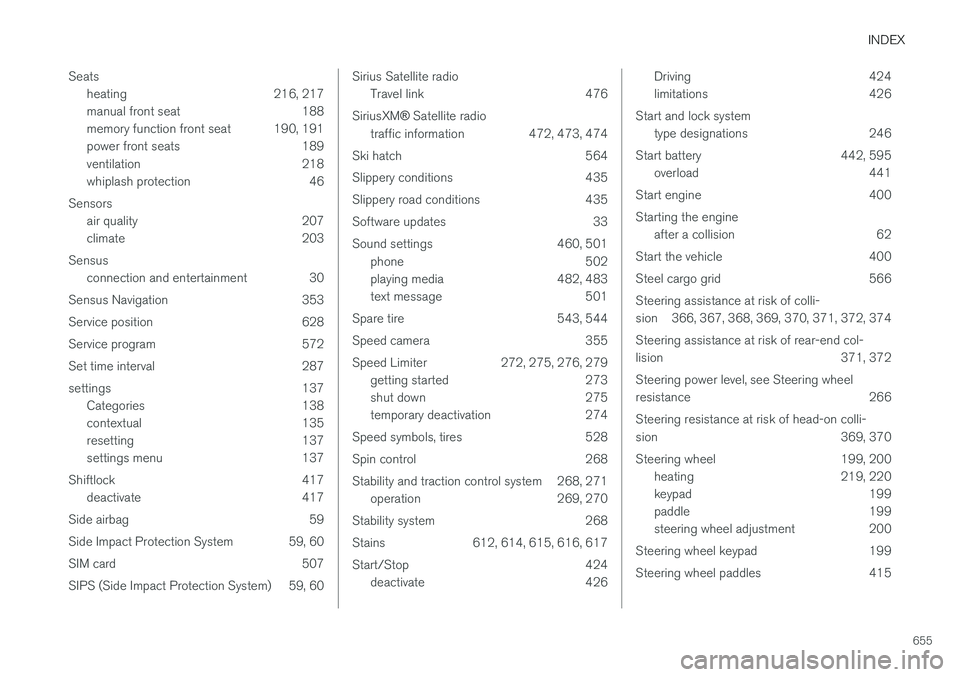
INDEX
655
Seats
heating 216, 217
manual front seat 188
memory function front seat 190, 191
power front seats 189
ventilation 218
whiplash protection 46
Sensors air quality 207
climate 203
Sensus connection and entertainment 30
Sensus Navigation 353
Service position 628
Service program 572
Set time interval 287
settings 137 Categories 138
contextual 135
resetting 137
settings menu 137
Shiftlock 417 deactivate 417
Side airbag 59
Side Impact Protection System 59, 60
SIM card 507
SIPS (Side Impact Protection System) 59, 60
Sirius Satellite radio Travel link 476
SiriusXM ® Satellite radio
traffic information 472, 473, 474
Ski hatch 564
Slippery conditions 435
Slippery road conditions 435
Software updates 33
Sound settings 460, 501 phone 502
playing media 482, 483
text message 501
Spare tire 543, 544
Speed camera 355
Speed Limiter 272, 275, 276, 279 getting started 273
shut down 275
temporary deactivation 274
Speed symbols, tires 528
Spin control 268
Stability and traction control system 268, 271 operation 269, 270
Stability system 268
Stains 612, 614, 615, 616, 617
Start/Stop 424 deactivate 426Driving 424
limitations 426
Start and lock system type designations 246
Start battery 442, 595 overload 441
Start engine 400 Starting the engine after a collision 62
Start the vehicle 400
Steel cargo grid 566Steering assistance at risk of colli-
sion 366, 367, 368, 369, 370, 371, 372, 374 Steering assistance at risk of rear-end col-
lision 371, 372 Steering power level, see Steering wheel
resistance 266 Steering resistance at risk of head-on colli-
sion 369, 370
Steering wheel 199, 200 heating 219, 220
keypad 199
paddle 199
steering wheel adjustment 200
Steering wheel keypad 199
Steering wheel paddles 415
Page 659 of 662
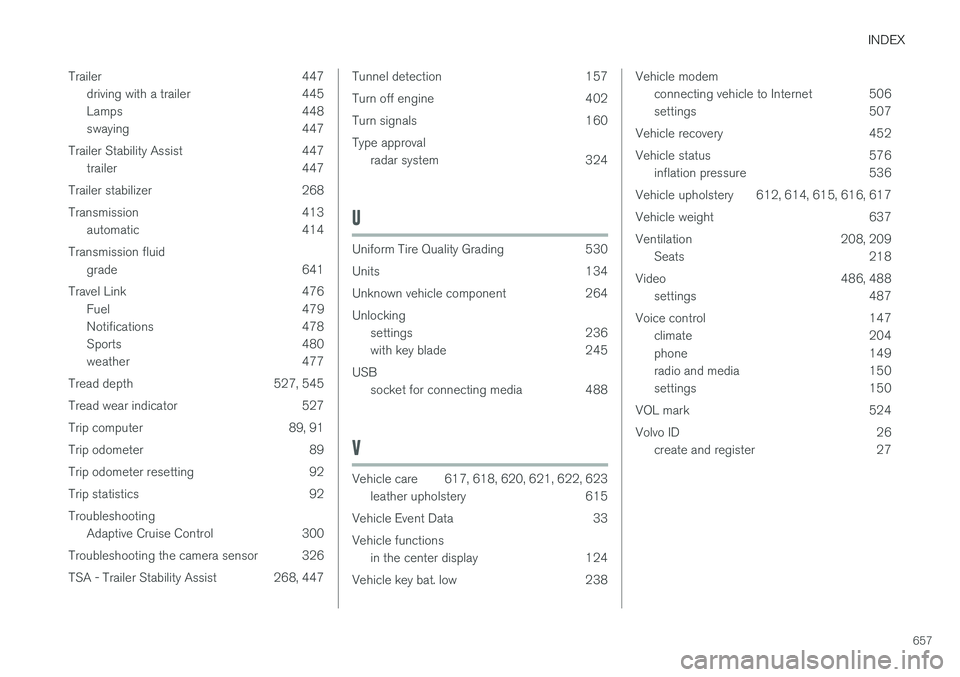
INDEX
657
Trailer 447
driving with a trailer 445
Lamps 448
swaying 447
Trailer Stability Assist 447 trailer 447
Trailer stabilizer 268
Transmission 413 automatic 414
Transmission fluid grade 641
Travel Link 476 Fuel 479
Notifications 478
Sports 480
weather 477
Tread depth 527, 545
Tread wear indicator 527
Trip computer 89, 91
Trip odometer 89
Trip odometer resetting 92
Trip statistics 92Troubleshooting Adaptive Cruise Control 300
Troubleshooting the camera sensor 326
TSA - Trailer Stability Assist 268, 447
Tunnel detection 157
Turn off engine 402
Turn signals 160Type approval radar system 324
U
Uniform Tire Quality Grading 530
Units 134
Unknown vehicle component 264 Unlockingsettings 236
with key blade 245
USB socket for connecting media 488
V
Vehicle care 617, 618, 620, 621, 622, 623
leather upholstery 615
Vehicle Event Data 33 Vehicle functions in the center display 124
Vehicle key bat. low 238
Vehicle modem connecting vehicle to Internet 506
settings 507
Vehicle recovery 452
Vehicle status 576 inflation pressure 536
Vehicle upholstery 612, 614, 615, 616, 617
Vehicle weight 637
Ventilation 208, 209 Seats 218
Video 486, 488 settings 487
Voice control 147 climate 204
phone 149
radio and media 150
settings 150
VOL mark 524
Volvo ID 26 create and register 27