language VOLVO XC60 2018 Owner´s Manual
[x] Cancel search | Manufacturer: VOLVO, Model Year: 2018, Model line: XC60, Model: VOLVO XC60 2018Pages: 660, PDF Size: 11.77 MB
Page 135 of 660
DISPLAYS AND VOICE CONTROL
}}
133
Resetting center display settingsAll settings made in the center display's Settings menu can be reset to default values.
Two types of resetThere are two ways to reset the settings in the Settings menu:
•
Factory Reset- erases all data and files and
resets all settings to factory default.
•
Reset Personal Settings- erases personal
data and resets personalized settings to fac- tory default.
Resetting settingsFollow these instructions to reset the settings.
NOTE
Factory Reset is only possible when the
vehicle is stationary.
1. Tap Settings in the Top view in the center
display.
2. Proceed to
SystemFactory Reset.
3. Select the type of reset you would like to do. > A pop-up window will appear. 4.
Tap
OK to confirm the reset.
For
Reset Personal Settings, confirm the
reset by tapping Reset for the active
profile or Reset for all profiles.
> The selected settings will be reset.
Related information
• Center display overview (p. 107)
• Opening settings in the center display (p. 130)
• Changing settings in the center display(p. 132)
• Table of settings in the center display(p. 134)
Setting types in the center display
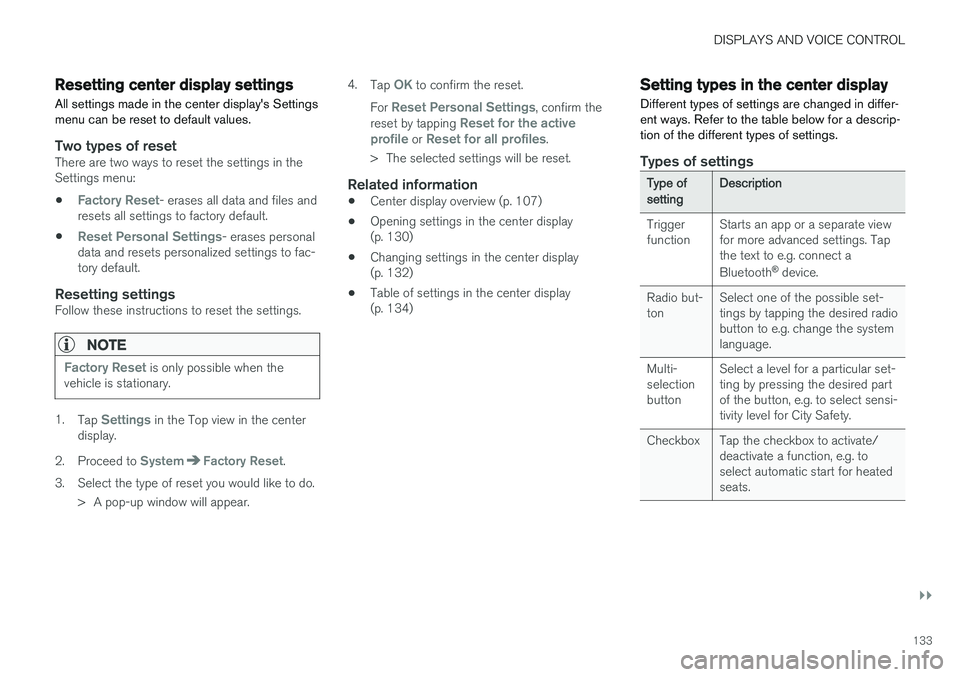
Different types of settings are changed in differ- ent ways. Refer to the table below for a descrip-tion of the different types of settings.
Types of settings
Type ofsettingDescription
Trigger function Starts an app or a separate viewfor more advanced settings. Tapthe text to e.g. connect a Bluetooth
®
device.
Radio but- ton Select one of the possible set-tings by tapping the desired radiobutton to e.g. change the systemlanguage.
Multi-selectionbutton Select a level for a particular set-ting by pressing the desired partof the button, e.g. to select sensi-tivity level for City Safety.
Checkbox Tap the checkbox to activate/ deactivate a function, e.g. toselect automatic start for heatedseats.
Page 137 of 660
DISPLAYS AND VOICE CONTROL
}}
* Option/accessory.135
Sub-categories
Gracenote®
Video
Communication
Sub-categories
Phone Text Messages Android Auto
*
Apple CarPlay*
Bluetooth Devices Wi-FiVehicle Wi-Fi HotspotVehicle Modem Internet Volvo On Call Volvo Service Networks
ClimateThe Climate main category does not have any
sub-categories.
System
Sub-categories
Driver Profile Date and TimeSystem Languages and UnitsPrivacy and dataKeyboard Layouts Voice Control
*
Factory Reset System Information
Related information
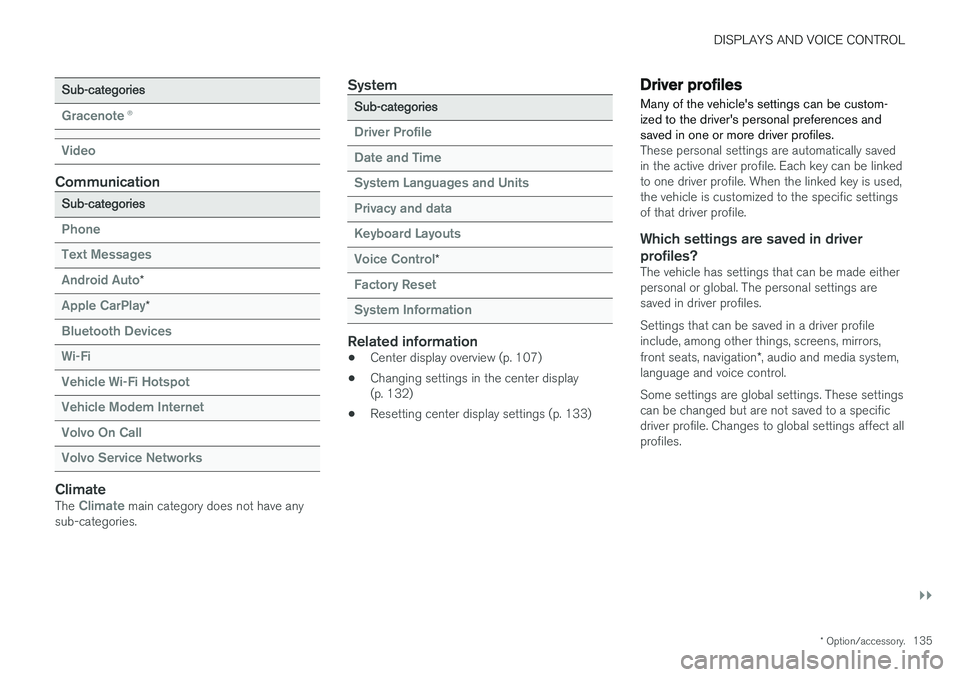
• Center display overview (p. 107)
• Changing settings in the center display (p. 132)
• Resetting center display settings (p. 133)
Driver profiles
Many of the vehicle's settings can be custom- ized to the driver's personal preferences andsaved in one or more driver profiles.
These personal settings are automatically saved in the active driver profile. Each key can be linkedto one driver profile. When the linked key is used,the vehicle is customized to the specific settingsof that driver profile.
Which settings are saved in driver profiles?
The vehicle has settings that can be made eitherpersonal or global. The personal settings aresaved in driver profiles. Settings that can be saved in a driver profile include, among other things, screens, mirrors, front seats, navigation *, audio and media system,
language and voice control. Some settings are global settings. These settings can be changed but are not saved to a specificdriver profile. Changes to global settings affect allprofiles.
Page 138 of 660
||
DISPLAYS AND VOICE CONTROL
136
Global settings
Global settings and parameters do not change when driver profiles are changed. They remainthe same regardless of which driver profile is cur-rently active. Keyboard layout is an example of a global setting. If driver profile X is used to add additional key-board languages, these languages will also beavailable for driver profile Y. The settings for key-board layout are not saved to a specific driverprofile - the settings are global.
Personal settings
If driver profile X has been used to e.g., set the brightness for the center display, driver profile Ywill not be affected by this setting. It will only besaved to driver profile X because brightness set-ting is a personal setting.
Related information
•Selecting a driver profile (p. 136)
• Changing a driver profile's name (p. 137)
• Resetting driver profile settings (p. 137)
• Linking a remote key to a driver profile(p. 137)
• Table of settings in the center display(p. 134)
Selecting a driver profile When the center display starts up, the selected driver profile will be shown at the top of thescreen. The most recently used driver profile willbe active the next time the vehicle is unlocked. Adifferent driver profile can be selected once thevehicle has been unlocked. However, if theremote key has been linked to a driver profile,this profile will be used instead.
There are two options for switching between driver profiles. Option 1:
1. Tap the name of the driver profile shown at
the top of the center display when the dis- play starts up.
> A list will appear, showing driver profilesthat can be selected.
2. Select desired driver profile. 3. Tap
Confirm.
> The driver profile has now been selected and the system will load the settings stored in that profile.
Option 2:
1. Pull down Top view in the center display.2. Tap
Profile.
> The same list as in option 1 will be dis- played.
3. Select desired driver profile. 4.
Tap
Confirm.
> The driver profile has now been selected and the system will load the settings stored in that profile.
Related information
• Driver profiles (p. 135)
• Navigating in the center display's views(p. 113)
• Changing a driver profile's name (p. 137)
• Linking a remote key to a driver profile(p. 137)
Page 147 of 660
DISPLAYS AND VOICE CONTROL
* Option/accessory.145
Numbers
Number commands can be given in different ways depending on the function to be controlled: •Phone numbers and zip codes
should be
given by stating each number individually, e.g. zero three one two two four four three(03122443).
• Addresses
can be given by stating each
number individually or in a group, e.g. two twoor twenty-two (22). For English and Dutchlanguage settings, groups of numbers canalso be said in sequence, e.g. twenty-twotwenty-two (22 22). For English, double ortriple digits can also be used, e.g. doublezero (00). Numbers in the range 0-2300 canbe used.
• Frequencies
can be given as ninety-eight
point eight (98.8), one hundred four pointtwo, or hundred four point two (104.2).
Related information
• Voice control (p. 143)
• Voice control for cellular phones (p. 145)
• Voice control for radio and media (p. 146)
• Climate control system voice commands(p. 202)
• Voice control settings (p. 146)
Voice control for cellular phones21
Call a contact in the phone book, have a text message read aloud or dictate short messagesusing voice commands to a Bluetooth-con-nected phone.
To access a contact in the phone book, the voice command must contain the contact informationentered in the phone book. If a contact, e.g.
Robyn Smith, has several phone numbers listed
in the phone book, a number category such as
home or cellular can also be specified, i.e. "Call
Robyn Smith cellular".
Tap
and say one of the following commands:
• "
Call [contact]" - call the selected contact
from the phone book.
• "
Call [phone number]" - call a phone num-
ber.
• "
Recent calls" - display the list of recent
calls.
• "
Read message" - read a text message
aloud. If there are several messages, select the message to read aloud.
• "
Message to [contact]" - the user is
prompted to dictate a short message. The message will then be read aloud and the user can choose to send 22
or re-dictate the
message. The vehicle must be connected to the Internet to access this function.
Related information
• Voice control (p. 143)
• Using voice commands (p. 144)
• Voice control for radio and media (p. 146)
• Climate control system voice commands(p. 202)
• Voice control settings (p. 146)
• Internet-connected vehicle
* (p. 501)
21
Certain markets only.
22 Only certain phones can send messages via the vehicle. For additional information on compatibility, see support.volvocars.com.
Page 148 of 660
DISPLAYS AND VOICE CONTROL
* Option/accessory.
146
Voice control for radio and media23
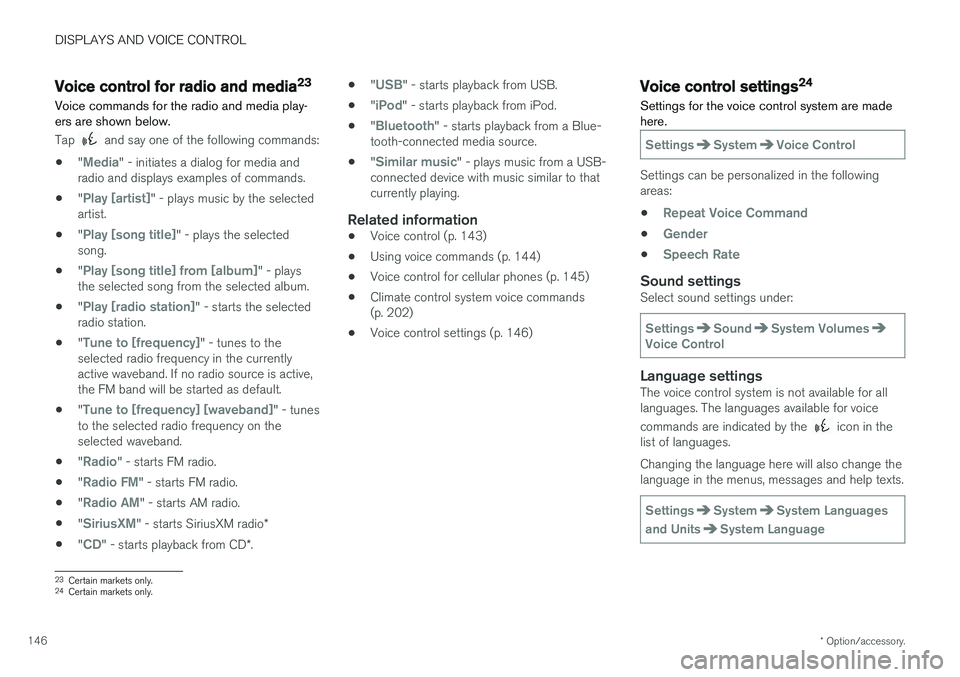
Voice commands for the radio and media play- ers are shown below.
Tap and say one of the following commands:
• "
Media" - initiates a dialog for media and
radio and displays examples of commands.
• "
Play [artist]" - plays music by the selected
artist.
• "
Play [song title]" - plays the selected
song.
• "
Play [song title] from [album]" - plays
the selected song from the selected album.
• "
Play [radio station]" - starts the selected
radio station.
• "
Tune to [frequency]" - tunes to the
selected radio frequency in the currently active waveband. If no radio source is active,the FM band will be started as default.
• "
Tune to [frequency] [waveband]" - tunes
to the selected radio frequency on the selected waveband.
• "
Radio" - starts FM radio.
• "
Radio FM" - starts FM radio.
• "
Radio AM" - starts AM radio.
• "
SiriusXM" - starts SiriusXM radio
*
• "
CD" - starts playback from CD
*. •
"
USB" - starts playback from USB.
• "
iPod" - starts playback from iPod.
• "
Bluetooth" - starts playback from a Blue-
tooth-connected media source.
• "
Similar music" - plays music from a USB-
connected device with music similar to that currently playing.
Related information
• Voice control (p. 143)
• Using voice commands (p. 144)
• Voice control for cellular phones (p. 145)
• Climate control system voice commands(p. 202)
• Voice control settings (p. 146)
Voice control settings24
Settings for the voice control system are made here.
SettingsSystemVoice Control
Settings can be personalized in the following areas:
•
Repeat Voice Command
•Gender
•Speech Rate
Sound settingsSelect sound settings under:
SettingsSoundSystem VolumesVoice Control
Language settingsThe voice control system is not available for all languages. The languages available for voice commands are indicated by the
icon in the
list of languages. Changing the language here will also change the language in the menus, messages and help texts.
SettingsSystemSystem Languages
and Units
System Language
23 Certain markets only.
24 Certain markets only.
Page 149 of 660
DISPLAYS AND VOICE CONTROL
147
Related information
•Voice control (p. 143)
• Using voice commands (p. 144)
• Voice control for cellular phones (p. 145)
• Climate control system voice commands (p. 202)
• Voice control for radio and media (p. 146)
• Sound settings (p. 458)
• Changing system language (p. 130)
Page 487 of 660
AUDIO, MEDIA AND INTERNET
485
Video settingsSome video playback settings can be adjusted, e.g. language.
The following can be adjusted by opening Top view and tapping
SettingsVideo or with the
video player in full-screen mode: Audio
Language, Off and Subtitle Language.
Related information
• Video (p. 484)
Streaming media via Bluetooth®
The vehicle's media player is equipped with Bluetooth and can play audio files fromBluetooth-enabled external devices such as cel-lular phones and tablets.
In order for the media player to be able to wire- lessly play audio files from an external device, thedevice must be connected to the vehicle viaBluetooth.
Related information
• Connecting a device via Bluetooth ®
(p. 485)
• Connecting a phone to the car via Bluetoothfor the first time (p. 493)
• Playing media (p. 480)
• Compatible file formats for media (p. 508)
Connecting a device via Bluetooth®
Connect a Bluetooth ®
device to the vehicle to
wirelessly play media and give the vehicle an Internet connection if it is available.
Many cellular phones on the market currently offer wireless Bluetooth ®
technology, but not all
phones are fully compatible with the vehicle. For additional information on compatibility, seesupport.volvocars.com. The procedure for connecting a media device is the same as for connecting a cellular phone to the vehicle via Bluetooth ®
.
Related information
• Streaming media via Bluetooth ®
(p. 485)
• Connecting a phone to the car via Bluetooth for the first time (p. 493)
• Playing media (p. 480)
Page 651 of 660
INDEX
649
Internet-connected vehicle 501
book service and repair 576
No connection or poor connection 506
send car data 578
system updates 575
iPod ®, connecting 486
ISOFIX/LATCH anchors 74
J
Jack 537
Jump-start 441
K
Key 231
Keyboard 124, 127 change language 127
Keyless locking/unlocking 246
settings 248
touch-sensitive surfaces 245
Key tag 231
L
Labels location of 630
Laminated glass 166 Lamps changing 587
location 588
specifications 591
Trailer 446
Lane Keeping Aid operation 360
Lane Keeping Aid (LKA) 357, 359, 360, 362, 364
Language 130
Leather upholstery, cleaning instructions 612
Leveling control 426 settings 429
License agreement 94, 511
Lifting tools 537
Light bulbs, specifications 591
Light control 150, 162Lighting Active Bending Lights 157
approach lighting 160
automatic high beam 155
automatic lighting controls, passenger
compartment 161
brake lights 159
controls 150, 161, 162
cornering illumination 158
daytime running lights 152
display lighting 162
emergency brake lights 159
front fog lights 157
Hazard warning flashers 160
high beams 154, 155
home safe lighting 160
in passenger compartment 161, 162
instrument illumination 162
instrument lighting 162
light bulbs, specifications 591
light locations 588
low beams 153
position lights 152
rear fog light 158
settings 151
Turn signals 156
Lighting, replacing bulbs 587 daytime running lights/front parking
lights 590
front turn signals 591
high beams 590
low beams 589
Limp home 411