steering wheel adjustment VOLVO XC60 T8 2018 Owner´s Manual
[x] Cancel search | Manufacturer: VOLVO, Model Year: 2018, Model line: XC60 T8, Model: VOLVO XC60 T8 2018Pages: 674, PDF Size: 11.93 MB
Page 80 of 674
DISPLAYS AND VOICE CONTROL
* Option/accessory.
78
Instruments and controls in left-hand drive vehicles
The overviews show the location of the vehicle's
displays and controls.
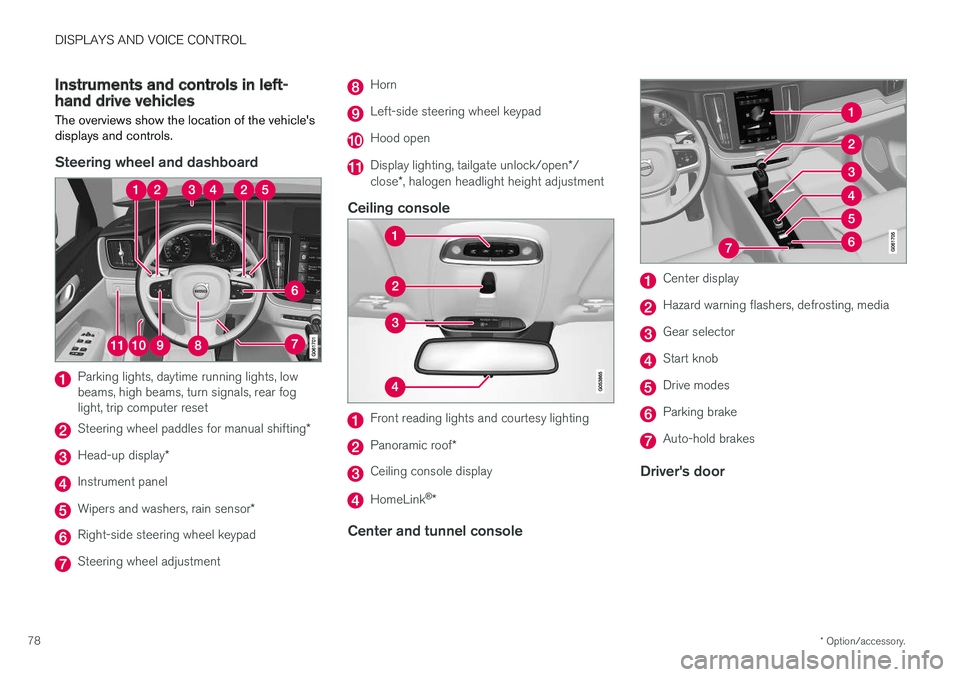
Steering wheel and dashboard
Parking lights, daytime running lights, low beams, high beams, turn signals, rear foglight, trip computer reset
Steering wheel paddles for manual shifting *
Head-up display*
Instrument panel
Wipers and washers, rain sensor *
Right-side steering wheel keypad
Steering wheel adjustment
Horn
Left-side steering wheel keypad
Hood open
Display lighting, tailgate unlock/open */
close *, halogen headlight height adjustment
Ceiling console
Front reading lights and courtesy lighting
Panoramic roof *
Ceiling console display
HomeLink®
*
Center and tunnel console
Center display
Hazard warning flashers, defrosting, media
Gear selector
Start knob
Drive modes
Parking brake
Auto-hold brakes
Driver's door
Page 142 of 674
DISPLAYS AND VOICE CONTROL
* Option/accessory.
140
Activating and deactivating the
head-up display *
The head-up display can be activated and deac- tivated when the vehicle has been started.
Press the Head-up Displaybutton in the center display's Function view. An indicator lightin the button will illuminatewhen the function is activated.
Related information
• Head-up display settings
* (p. 140)
• Head-up display
* (p. 138)
Head-up display settings *
Adjusting settings for the head-up display.
Settings can be adjusted in the center display's Settings menu when the vehicle is started and aprojected image is displayed on the windshield. This setting is stored as a personal setting in the driver profile.
Selecting display optionsSelect the functions to be shown in the head-updisplay. 1. Tap
Settings in the center display's Top
view.
2. Tap
My CarDisplaysHead-Up
Display Options.
3. Select one or more functions:
•
Show Navigation
•Show Road Sign Information
•Show Driver Support
•Show Phone.
Adjusting brightness and height position
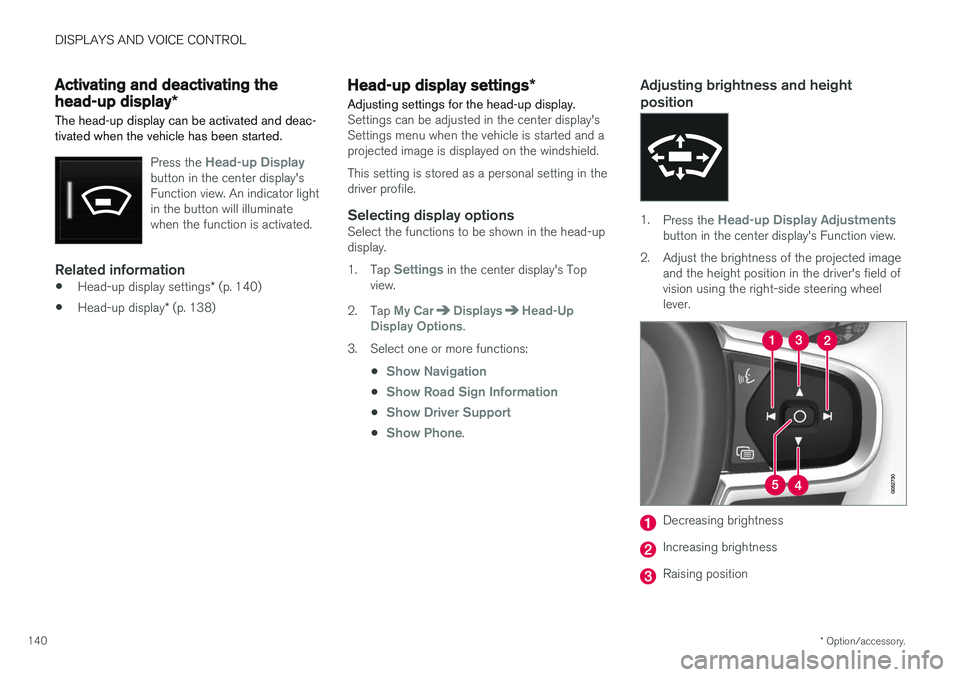
1.Press the Head-up Display Adjustmentsbutton in the center display's Function view.
2. Adjust the brightness of the projected image and the height position in the driver's field of vision using the right-side steering wheellever.
Decreasing brightness
Increasing brightness
Raising position
Page 143 of 674
DISPLAYS AND VOICE CONTROL
}}
* Option/accessory.141
Lowering position
Confirm
The brightness of the graphic is automatically adapted to the light conditions in its background.Brightness is also affected by adjustments to thebrightness of the other displays in the vehicle. The height position can be stored in the front power seat's * memory function.
Calibrating the horizontal positionIf the windshield or display unit has been replaced, the head-up display's horizontal posi-tion may need to be calibrated. Calibration meansthat the projected image is rotated clockwise orcounterclockwise. 1.
Tap
Settings in the center display's Top
view.
2. Select
My CarDisplaysHead-Up
Display Options
Head-Up Display
Calibration.
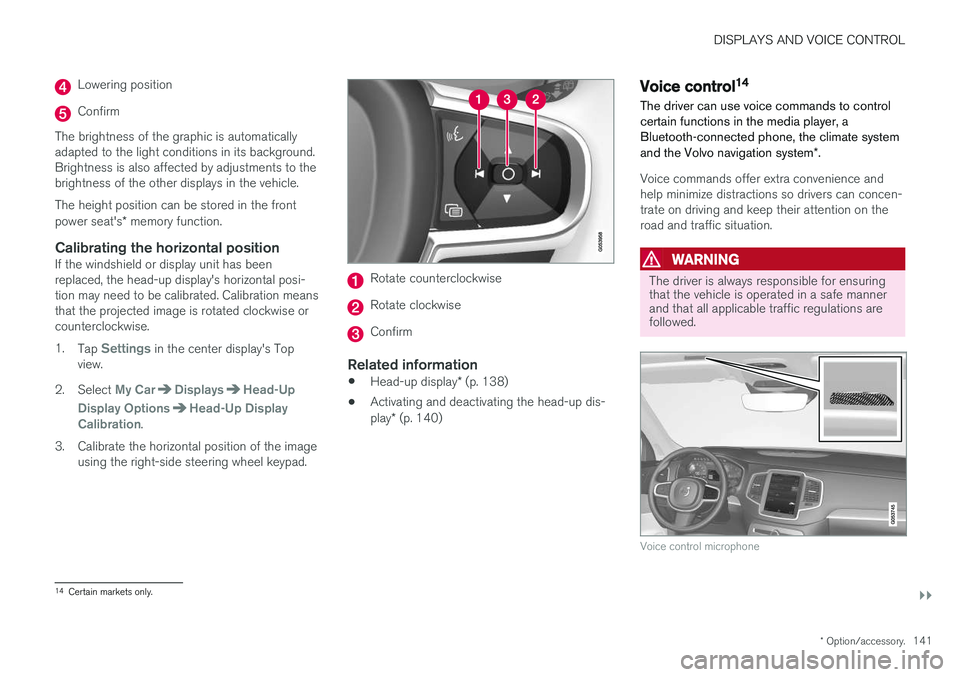
3. Calibrate the horizontal position of the image using the right-side steering wheel keypad.
Rotate counterclockwise
Rotate clockwise
Confirm
Related information
• Head-up display
* (p. 138)
• Activating and deactivating the head-up dis- play
* (p. 140)
Voice control14
The driver can use voice commands to control certain functions in the media player, aBluetooth-connected phone, the climate system and the Volvo navigation system *.
Voice commands offer extra convenience and help minimize distractions so drivers can concen-trate on driving and keep their attention on theroad and traffic situation.
WARNING
The driver is always responsible for ensuring that the vehicle is operated in a safe mannerand that all applicable traffic regulations arefollowed.
Voice control microphone
14
Certain markets only.
Page 186 of 674
SEATS AND STEERING WHEEL
* Option/accessory.
184
Front seat massage settings *
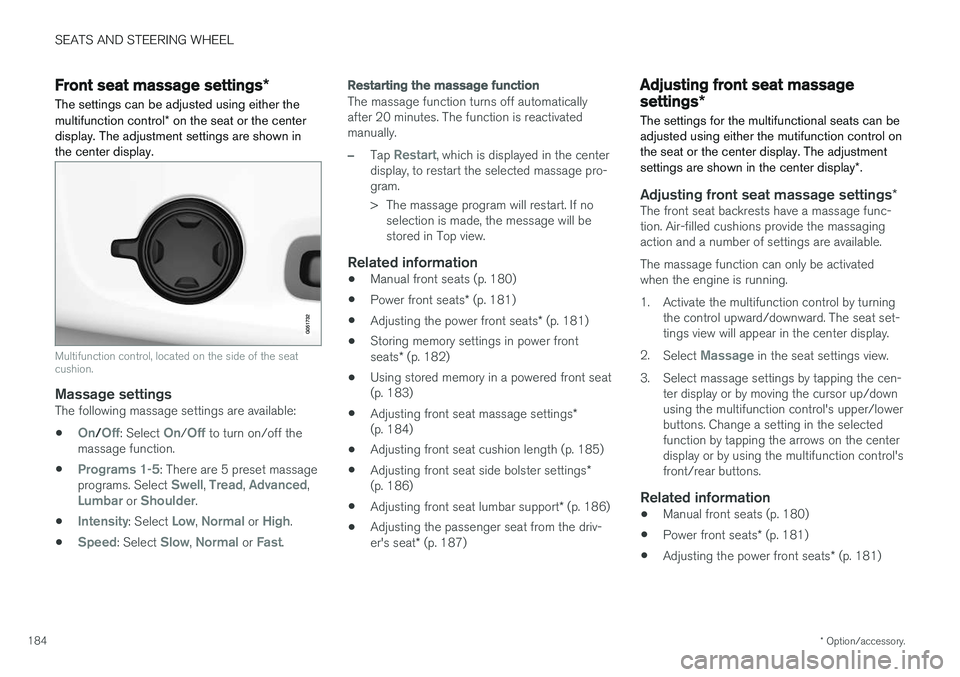
The settings can be adjusted using either the multifunction control * on the seat or the center
display. The adjustment settings are shown in the center display.
Multifunction control, located on the side of the seat cushion.
Massage settingsThe following massage settings are available:
•
On/Off: Select On/Off to turn on/off the
massage function.
•
Programs 1-5: There are 5 preset massage
programs. Select Swell, Tread, Advanced,Lumbar or Shoulder.
•
Intensity: Select Low, Normal or High.
•
Speed: Select Slow, Normal or Fast.
Restarting the massage function
The massage function turns off automatically after 20 minutes. The function is reactivatedmanually.
–Tap Restart, which is displayed in the center
display, to restart the selected massage pro- gram.
> The massage program will restart. If no selection is made, the message will be stored in Top view.
Related information
• Manual front seats (p. 180)
• Power front seats
* (p. 181)
• Adjusting the power front seats
* (p. 181)
• Storing memory settings in power front seats
* (p. 182)
• Using stored memory in a powered front seat (p. 183)
• Adjusting front seat massage settings
*
(p. 184)
• Adjusting front seat cushion length (p. 185)
• Adjusting front seat side bolster settings
*
(p. 186)
• Adjusting front seat lumbar support
* (p. 186)
• Adjusting the passenger seat from the driv- er's seat
* (p. 187)
Adjusting front seat massage
settings *
The settings for the multifunctional seats can be adjusted using either the mutifunction control onthe seat or the center display. The adjustment settings are shown in the center display *.
Adjusting front seat massage settings *The front seat backrests have a massage func- tion. Air-filled cushions provide the massagingaction and a number of settings are available. The massage function can only be activated when the engine is running.
1. Activate the multifunction control by turning
the control upward/downward. The seat set- tings view will appear in the center display.
2. Select
Massage in the seat settings view.
3. Select massage settings by tapping the cen- ter display or by moving the cursor up/down using the multifunction control's upper/lowerbuttons. Change a setting in the selectedfunction by tapping the arrows on the centerdisplay or by using the multifunction control'sfront/rear buttons.
Related information
• Manual front seats (p. 180)
• Power front seats
* (p. 181)
• Adjusting the power front seats
* (p. 181)
Page 187 of 674
SEATS AND STEERING WHEEL
* Option/accessory.185
•
Storing memory settings in power front seats
* (p. 182)
• Using stored memory in a powered front seat (p. 183)
• Adjusting front seat cushion length (p. 185)
• Front seat massage settings
* (p. 184)
• Adjusting front seat side bolster settings
*
(p. 186)
• Adjusting front seat lumbar support
* (p. 186)
• Adjusting the passenger seat from the driv- er's seat
* (p. 187)
Adjusting front seat cushion length
The settings can be adjusted using either the multifunction control * on the seat or the center
display. The adjustment settings are shown in the center display.
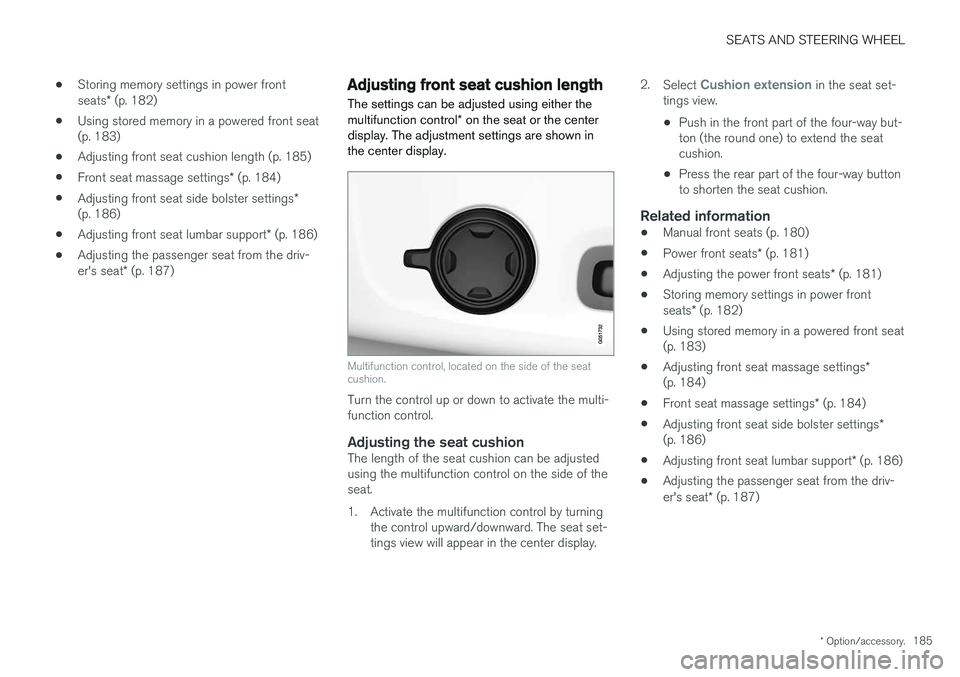
Multifunction control, located on the side of the seat cushion.
Turn the control up or down to activate the multi- function control.
Adjusting the seat cushionThe length of the seat cushion can be adjustedusing the multifunction control on the side of theseat.
1. Activate the multifunction control by turning the control upward/downward. The seat set- tings view will appear in the center display. 2.
Select
Cushion extension in the seat set-
tings view.
• Push in the front part of the four-way but- ton (the round one) to extend the seatcushion.
• Press the rear part of the four-way buttonto shorten the seat cushion.
Related information
• Manual front seats (p. 180)
• Power front seats
* (p. 181)
• Adjusting the power front seats
* (p. 181)
• Storing memory settings in power front seats
* (p. 182)
• Using stored memory in a powered front seat (p. 183)
• Adjusting front seat massage settings
*
(p. 184)
• Front seat massage settings
* (p. 184)
• Adjusting front seat side bolster settings
*
(p. 186)
• Adjusting front seat lumbar support
* (p. 186)
• Adjusting the passenger seat from the driv- er's seat
* (p. 187)
Page 188 of 674
SEATS AND STEERING WHEEL
* Option/accessory.
186
Adjusting front seat side bolster
settings *
The settings can be adjusted using either the multifunction control * on the seat or the center
display. The adjustment settings are shown in the center display.
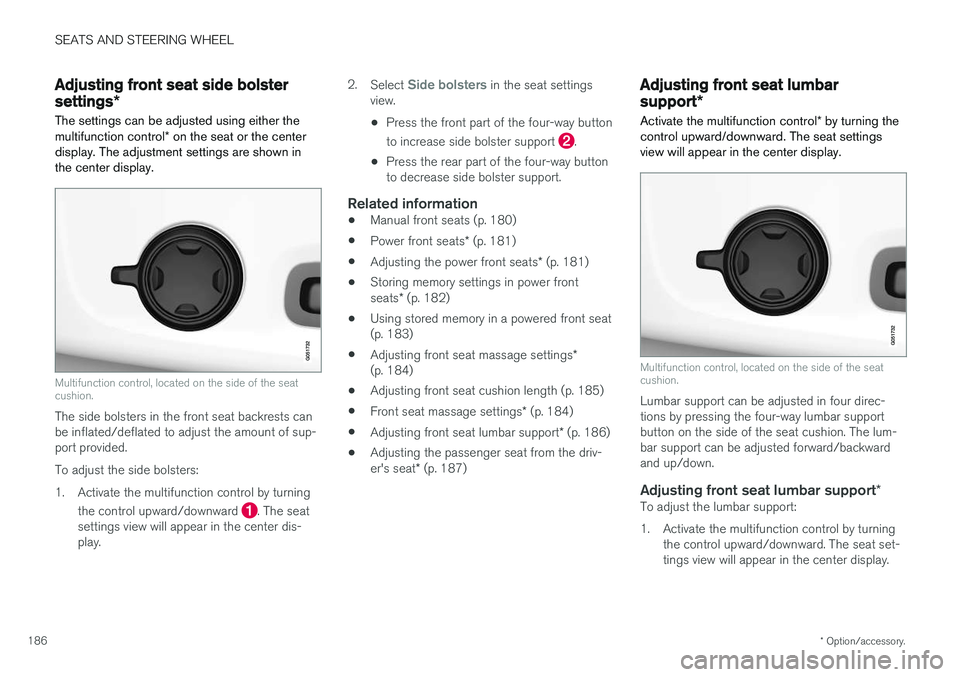
Multifunction control, located on the side of the seat cushion.
The side bolsters in the front seat backrests can be inflated/deflated to adjust the amount of sup-port provided. To adjust the side bolsters:
1. Activate the multifunction control by turning
the control upward/downward
. The seat
settings view will appear in the center dis- play. 2.
Select
Side bolsters in the seat settings
view.
• Press the front part of the four-way button to increase side bolster support
.
• Press the rear part of the four-way button to decrease side bolster support.
Related information
• Manual front seats (p. 180)
• Power front seats
* (p. 181)
• Adjusting the power front seats
* (p. 181)
• Storing memory settings in power front seats
* (p. 182)
• Using stored memory in a powered front seat (p. 183)
• Adjusting front seat massage settings
*
(p. 184)
• Adjusting front seat cushion length (p. 185)
• Front seat massage settings
* (p. 184)
• Adjusting front seat lumbar support
* (p. 186)
• Adjusting the passenger seat from the driv- er's seat
* (p. 187)
Adjusting front seat lumbar
support *
Activate the multifunction control * by turning the
control upward/downward. The seat settings view will appear in the center display.
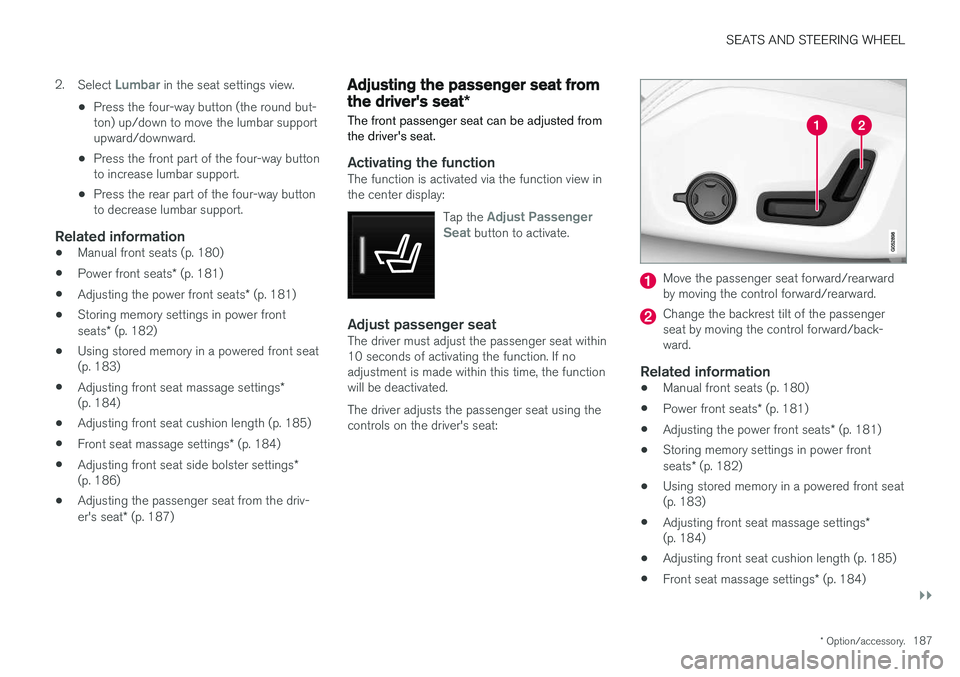
Multifunction control, located on the side of the seat cushion.
Lumbar support can be adjusted in four direc- tions by pressing the four-way lumbar supportbutton on the side of the seat cushion. The lum-bar support can be adjusted forward/backwardand up/down.
Adjusting front seat lumbar support *To adjust the lumbar support:
1. Activate the multifunction control by turning
the control upward/downward. The seat set- tings view will appear in the center display.
Page 189 of 674
SEATS AND STEERING WHEEL
}}
* Option/accessory.187
2.
Select
Lumbar in the seat settings view.
• Press the four-way button (the round but- ton) up/down to move the lumbar supportupward/downward.
• Press the front part of the four-way buttonto increase lumbar support.
• Press the rear part of the four-way buttonto decrease lumbar support.
Related information
•
Manual front seats (p. 180)
• Power front seats
* (p. 181)
• Adjusting the power front seats
* (p. 181)
• Storing memory settings in power front seats
* (p. 182)
• Using stored memory in a powered front seat (p. 183)
• Adjusting front seat massage settings
*
(p. 184)
• Adjusting front seat cushion length (p. 185)
• Front seat massage settings
* (p. 184)
• Adjusting front seat side bolster settings
*
(p. 186)
• Adjusting the passenger seat from the driv- er's seat
* (p. 187)
Adjusting the passenger seat from
the driver's seat *
The front passenger seat can be adjusted from the driver's seat.
Activating the functionThe function is activated via the function view in the center display:
Tap the
Adjust Passenger
Seat button to activate.
Adjust passenger seatThe driver must adjust the passenger seat within 10 seconds of activating the function. If noadjustment is made within this time, the functionwill be deactivated. The driver adjusts the passenger seat using the controls on the driver's seat:
Move the passenger seat forward/rearward by moving the control forward/rearward.
Change the backrest tilt of the passenger seat by moving the control forward/back-ward.
Related information
• Manual front seats (p. 180)
• Power front seats
* (p. 181)
• Adjusting the power front seats
* (p. 181)
• Storing memory settings in power front seats
* (p. 182)
• Using stored memory in a powered front seat (p. 183)
• Adjusting front seat massage settings
*
(p. 184)
• Adjusting front seat cushion length (p. 185)
• Front seat massage settings
* (p. 184)
Page 190 of 674
SEATS AND STEERING WHEEL
* Option/accessory.
188 •
Adjusting front seat side bolster settings
*
(p. 186)
• Adjusting front seat lumbar support
* (p. 186)
Folding down the rear seatbackrests
The rear seat backrest is split into two sections. The two sections can be folded forward individu-ally.
WARNING
• Adjust the seat and ensure it locks into position before driving. Use caution whenadjusting the seat. Uncontrolled or care-less adjustments could lead to injury.
• Long objects must always be securelytied down to help prevent injury or dam-age in the event of sudden braking.
• Always turn off the engine and apply theparking brake when loading or unloadingthe vehicle.
• Put the gear selector in
P to help prevent
the gear selector from being inadvertentlymoved.
CAUTION
When the backrest is folded down, make sure there are no objects in the rear seat, and theseat belts are not buckled. Otherwise there isa risk of damage to the upholstery.
CAUTION
The armrest * in the center seat must be
raised before the seat backrest is folded down. If the vehicle has private locking, the ski hatch must be closed before the seat backrest isfolded down.
NOTE
The front seats may need to be pushed for- ward and/or the backrest adjusted so that therear seat backrests can be fully lowered.
Page 392 of 674
||
DRIVER SUPPORT
* Option/accessory.
390 2. Be prepared to stop the vehicle when
instructed to do so by a graphic and mes- sage in the center display.
3. Engage reverse gear and back up slowly.
4. Be prepared to stop the vehicle when instructed to do so by a graphic and mes- sage in the center display.
The function will switch off automatically and agraphic and message will appear to indicate thatparking has been completed. Adjustments canalways be made be the driver afterward. Only thedriver can determine when the vehicle is correctlyparked.
CAUTION
The warning distance is shorter when the sensors are used by PAP compared to whenthey are used by the Parking Assist system.
Related information
• Park Assist Pilot
* (p. 386)
Leaving a parking space with ParkAssist Pilot
The function
Park Out can also help the driver
to leave a parking space.
NOTE
Leaving a parking space with the Park Outfunction should only be used in connection with parallel parking – it does not work forperpendicular parking.
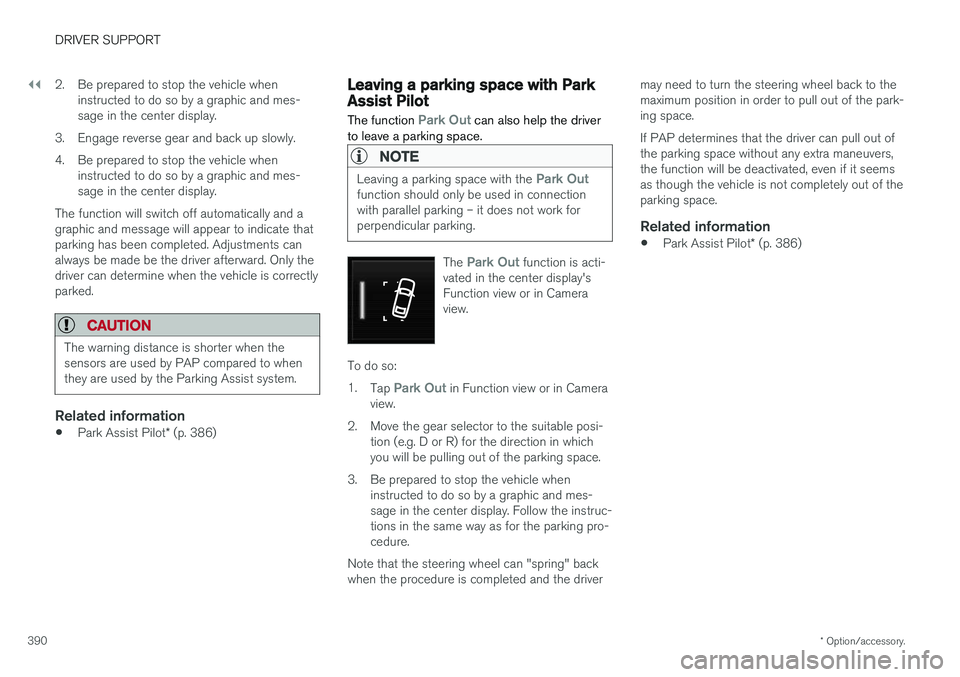
The Park Out function is acti-
vated in the center display's Function view or in Cameraview.
To do so: 1. Tap
Park Out in Function view or in Camera
view.
2. Move the gear selector to the suitable posi- tion (e.g. D or R) for the direction in which you will be pulling out of the parking space.
3. Be prepared to stop the vehicle when instructed to do so by a graphic and mes-sage in the center display. Follow the instruc-tions in the same way as for the parking pro-cedure.
Note that the steering wheel can "spring" backwhen the procedure is completed and the driver may need to turn the steering wheel back to themaximum position in order to pull out of the park-ing space. If PAP determines that the driver can pull out of the parking space without any extra maneuvers,the function will be deactivated, even if it seemsas though the vehicle is not completely out of theparking space.
Related information
•
Park Assist Pilot
* (p. 386)
Page 664 of 674
INDEX
662Gear indicator 432 Gear selector positions
automatic transmission 429
Glass laminated/reinforced 162
Glove compartment 575 Gracenote ® 501
Grocery bag holders 579
Gross vehicle weight 649
GSI - Gear shift indicator 432
Guide lines for Park Assist Camera 379
H
Handbrake 422, 423
Hand wash 629 Hard disk space 528
Hazard warning flashers 157
HDC 444
HD radio 484
Head restraint 191
Head-up display 138 activate and deactivate 140
cleaning 624
replacing windshield 598
settings 140
Heated washer nozzles 173 Heating Seats 209, 210
steering wheel 211, 212
windows 215, 217
Height adjustment 440, 443
high beams 152, 153
High engine temperature 458
Hill Descent Control 444, 445 activate with function button 445
Hill Start Assist 427 Hill Start Assist (HSA) 427
Hoisting the vehicle 595 HomeLink ® 468
programming 469
use 470
HomeLink ® remote control
programmable 468
Home safe lighting 157
Honk 192
Hood, opening 597
Horn 192
Hybrid battery 609 Charging 397Hybrid battery gauge 84
Hybrid gauge 83
I
IAQS (Interior Air Quality System) 200
IC (Inflatable Curtain) 60
ID, Volvo 26
Identification number 38
Ignition mode 417, 418
Immobilizer 242Electronic immobilizer 242
Indicator symbols 90
Individual drive mode 435
Infant seats 67
Inflatable curtain 60
Inflatable Curtain 60
Inflating tires 567 Inflation pressure adjusting 548
Checking 547
recommended 549
Inflation pressure monitoring 549 action 553
Status 552