navigation system VOLVO XC90 2015 Owner's Manual
[x] Cancel search | Manufacturer: VOLVO, Model Year: 2015, Model line: XC90, Model: VOLVO XC90 2015Pages: 570, PDF Size: 12.44 MB
Page 431 of 570
NAVIGATION*
* Option/accessory, for more information, see Introduction.
429
Button for toggling between 2D/3D map views
Compass and button for north at the top of the map/current direction at the top of themap
Related information
•Sensus Navigation (p. 428)
• Using the center display (p. 46)
• Center display overview (p. 29)
Common navigation system features
The most common features of the navigation system are described here.
• Where am I?
• Direction at the top of the map/North at the top of the map
• 2D for 3D view
• Zoom
• Scroll
• Find the vehicle symbol on the map
• Change the headers displayed
• Go back to the map view
• "Wrong" language in illustrations
Where am I?Where is the vehicle's current location?
• Click the vehicle symbol (blue triangle) forinformation directly on the map.
Direction at the top of the map/North at the top of the map
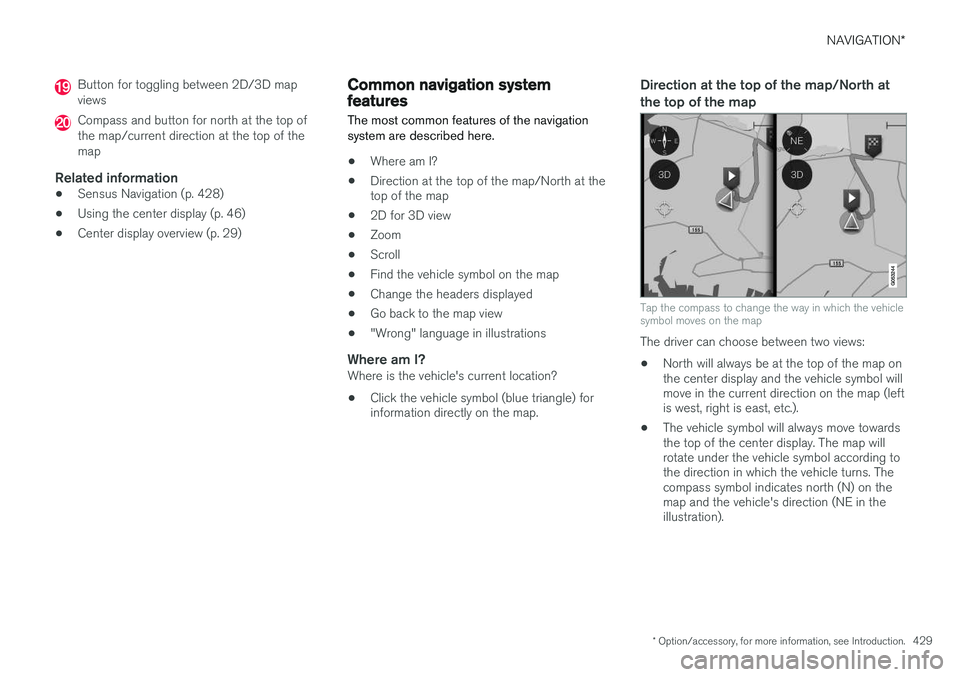
Tap the compass to change the way in which the vehicle symbol moves on the map
The driver can choose between two views: •
North will always be at the top of the map on the center display and the vehicle symbol willmove in the current direction on the map (leftis west, right is east, etc.).
• The vehicle symbol will always move towardsthe top of the center display. The map willrotate under the vehicle symbol according tothe direction in which the vehicle turns. Thecompass symbol indicates north (N) on themap and the vehicle's direction (NE in theillustration).
Page 433 of 570
NAVIGATION*
* Option/accessory, for more information, see Introduction.
431
Find the vehicle symbol on the map
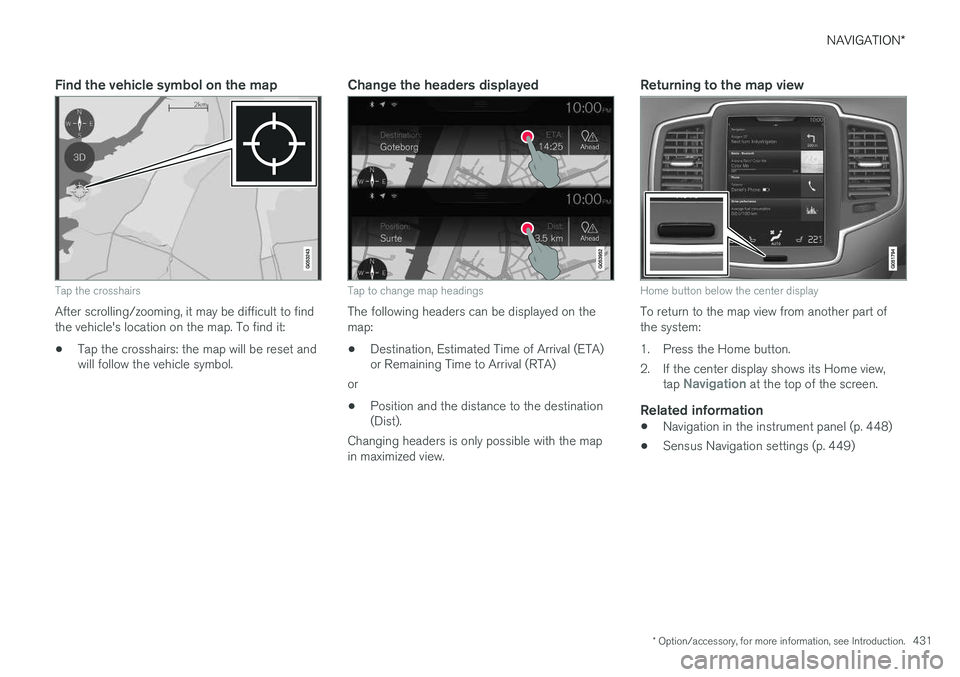
Tap the crosshairs
After scrolling/zooming, it may be difficult to find the vehicle's location on the map. To find it:
• Tap the crosshairs: the map will be reset and will follow the vehicle symbol.
Change the headers displayed
Tap to change map headings
The following headers can be displayed on the map:
• Destination, Estimated Time of Arrival (ETA) or Remaining Time to Arrival (RTA)
or
• Position and the distance to the destination(Dist).
Changing headers is only possible with the map in maximized view.
Returning to the map view
Home button below the center display
To return to the map view from another part of the system:
1. Press the Home button.
2. If the center display shows its Home view, tap
Navigation at the top of the screen.
Related information
•Navigation in the instrument panel (p. 448)
• Sensus Navigation settings (p. 449)
Page 434 of 570
NAVIGATION*
* Option/accessory, for more information, see Introduction.
432
Getting started with Sensus Navigation The vehicle's electrical system (including the navigation system) is activated automaticallywhen the driver's door is opened.
Navigation On/Off
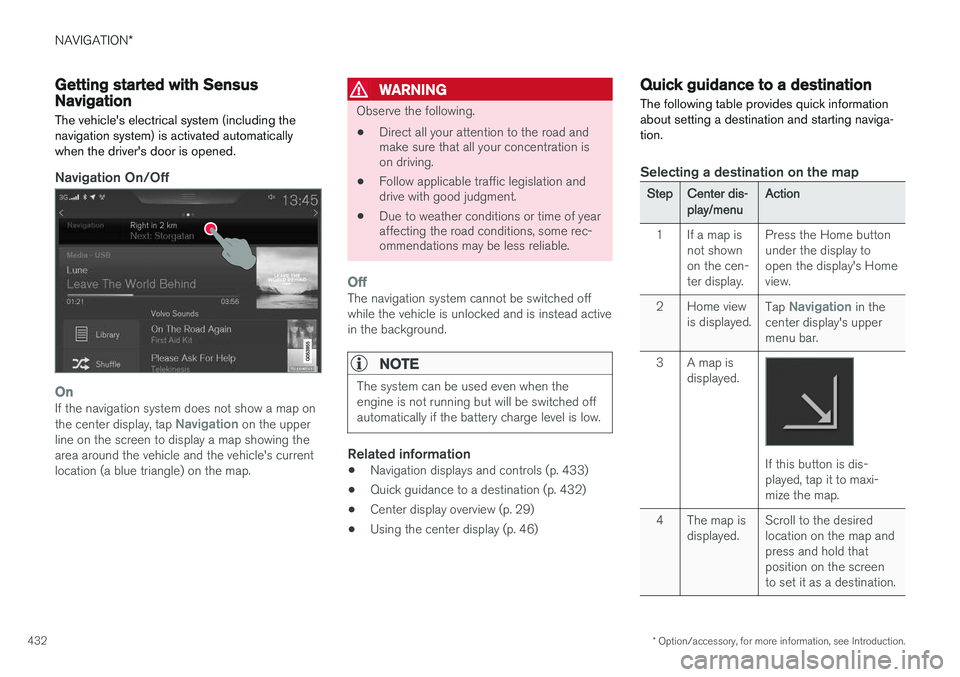
OnIf the navigation system does not show a map on the center display, tap Navigation on the upper
line on the screen to display a map showing the area around the vehicle and the vehicle's currentlocation (a blue triangle) on the map.
WARNING
Observe the following.
• Direct all your attention to the road and make sure that all your concentration ison driving.
• Follow applicable traffic legislation anddrive with good judgment.
• Due to weather conditions or time of yearaffecting the road conditions, some rec-ommendations may be less reliable.
OffThe navigation system cannot be switched off while the vehicle is unlocked and is instead activein the background.
NOTE
The system can be used even when the engine is not running but will be switched offautomatically if the battery charge level is low.
Related information
• Navigation displays and controls (p. 433)
• Quick guidance to a destination (p. 432)
• Center display overview (p. 29)
• Using the center display (p. 46)
Quick guidance to a destination The following table provides quick information about setting a destination and starting naviga-tion.
Selecting a destination on the map
StepCenter dis- play/menuAction
1If a map is not shownon the cen-ter display.Press the Home button under the display toopen the display's Homeview.
2Home view is displayed.Tap Navigation in the
center display's upper menu bar.
3A map is displayed.
If this button is dis- played, tap it to maxi-mize the map.
4The map is displayed.Scroll to the desired location on the map andpress and hold thatposition on the screento set it as a destination.
Page 435 of 570
NAVIGATION*
* Option/accessory, for more information, see Introduction.
433
StepCenter dis- play/menuAction
5Start navi- gation is
displayed on thescreen.Tap Start navigation.
6A map showingthe route toyour desti-nation isdisplayed.Guidance will begin. Fol- low the directions on theinstrument panel.
Related information
• Using the center display (p. 46)
• Center display overview (p. 29)
Navigation displays and controls
Volvo Sensus Navigation is presented on the instrument panel and head-up display * and con-
trolled using center display on-screen buttons, the right-side steering wheel keypad and voicecommands.
Center display
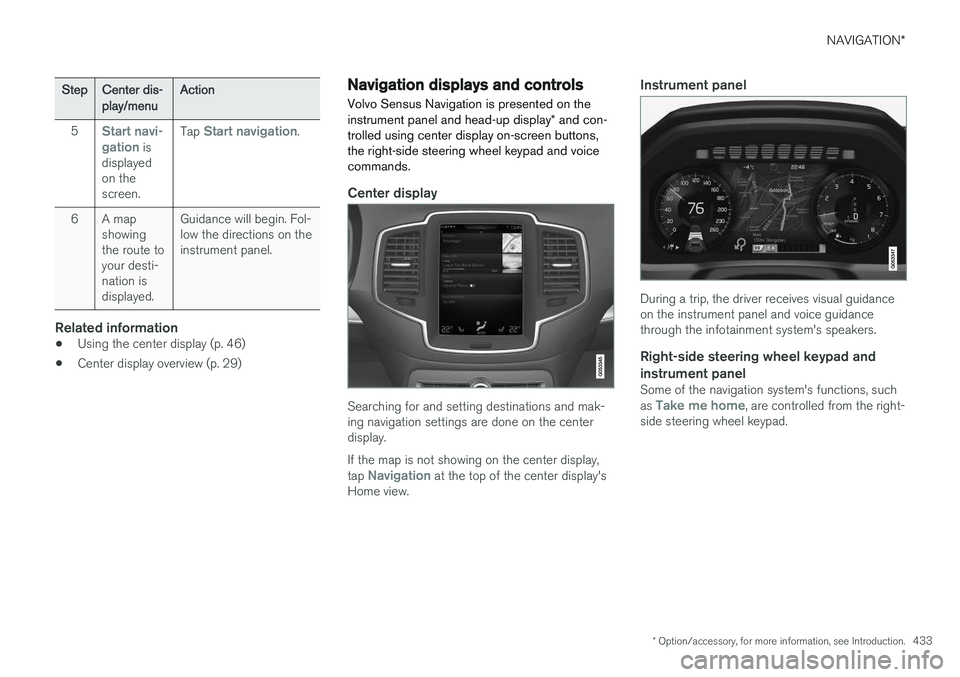
Searching for and setting destinations and mak- ing navigation settings are done on the centerdisplay. If the map is not showing on the center display, tap
Navigation at the top of the center display's
Home view.
Instrument panel
During a trip, the driver receives visual guidance on the instrument panel and voice guidancethrough the infotainment system's speakers.
Right-side steering wheel keypad and instrument panel
Some of the navigation system's functions, such as Take me home, are controlled from the right-
side steering wheel keypad.
Page 436 of 570
NAVIGATION*
* Option/accessory, for more information, see Introduction.
434
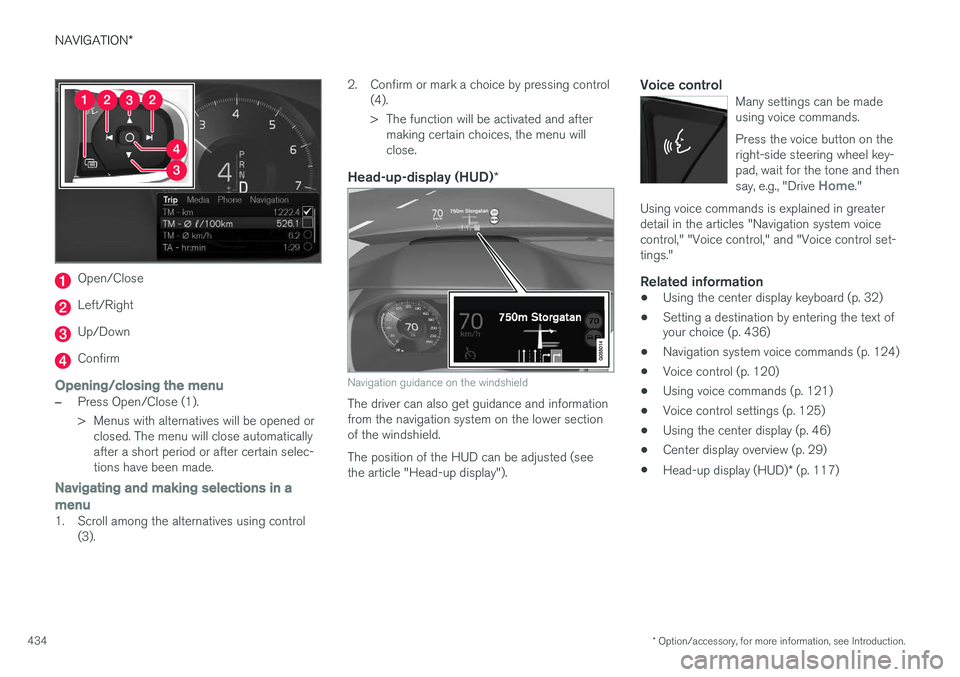
Open/Close
Left/Right
Up/Down
Confirm
Opening/closing the menu
–Press Open/Close (1).
> Menus with alternatives will be opened or
closed. The menu will close automatically after a short period or after certain selec-tions have been made.
Navigating and making selections in a menu
1. Scroll among the alternatives using control (3). 2. Confirm or mark a choice by pressing control
(4).
> The function will be activated and aftermaking certain choices, the menu will close.
Head-up-display (HUD) *
Navigation guidance on the windshield
The driver can also get guidance and information from the navigation system on the lower sectionof the windshield. The position of the HUD can be adjusted (see the article "Head-up display").
Voice controlMany settings can be madeusing voice commands. Press the voice button on the right-side steering wheel key-pad, wait for the tone and then say, e.g., "Drive
Home."
Using voice commands is explained in greater detail in the articles "Navigation system voicecontrol," "Voice control," and "Voice control set-tings."
Related information
•Using the center display keyboard (p. 32)
• Setting a destination by entering the text of your choice (p. 436)
• Navigation system voice commands (p. 124)
• Voice control (p. 120)
• Using voice commands (p. 121)
• Voice control settings (p. 125)
• Using the center display (p. 46)
• Center display overview (p. 29)
• Head-up display (HUD)
* (p. 117)
Page 440 of 570
NAVIGATION*
* Option/accessory, for more information, see Introduction.
438
CoordinatesA destination can also be set by entering its map coordinates.
• For example, enter: "N 58.1234 E 12.5678" and tap
Search/.
Map coordinates can be written in different ways, such as:
N 58.1234 E 12.5678 (with spaces)
N 58.1234 E12.5678 (without spaces)
58.1234 N 12.5678 E (with the points on the
compass after the coordinates)
58.1234 -12.5678 (with a hyphen without the
points on the compass)
Both periods [.] and commas [,] can be used.
Related information
• Entering a destination (p. 435)
• Navigation displays and controls (p. 433)
• Using the center display keyboard (p. 32)
• Information cards on the map (p. 446)
Setting a destination using Recent/ Favorites/Library Selecting from a list is one way of setting a des- tination.
To display these lists:
1. Tap
Set dest. in the lower
margin. A keyboard will be dis- played with search alternativesin the upper margin. 2. Continue by selecting one of the lists in the upper margin:
•Recent
•Favorites
•Library
After marking an alternative, it will be added as a destination by tapping the Start navigation orAdd as waypoint buttons.
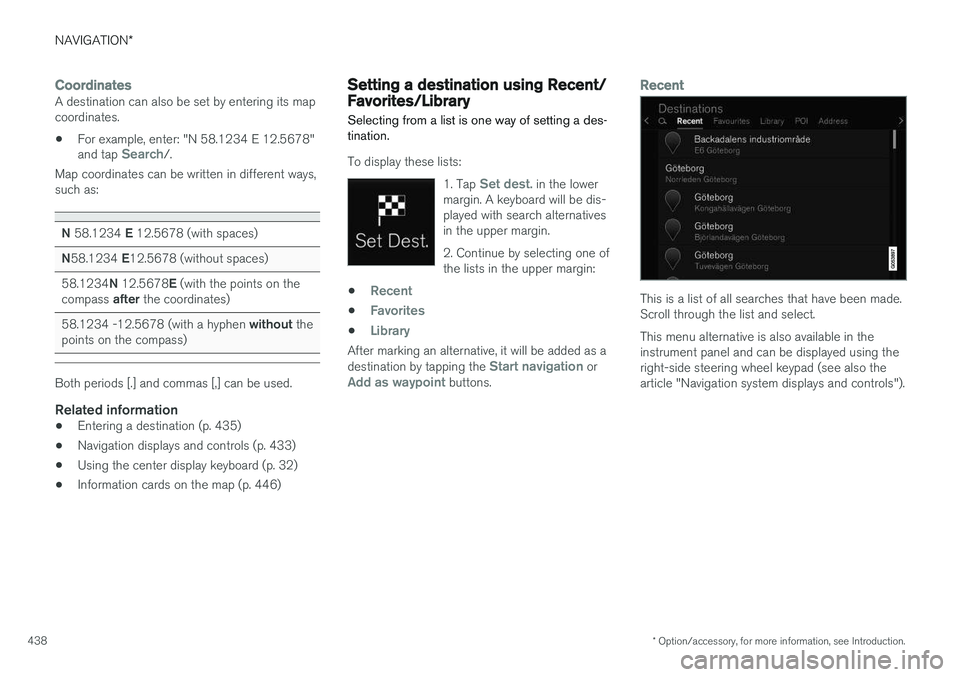
Recent
This is a list of all searches that have been made. Scroll through the list and select. This menu alternative is also available in the instrument panel and can be displayed using theright-side steering wheel keypad (see also thearticle "Navigation system displays and controls").
Page 441 of 570
NAVIGATION*
* Option/accessory, for more information, see Introduction.
439
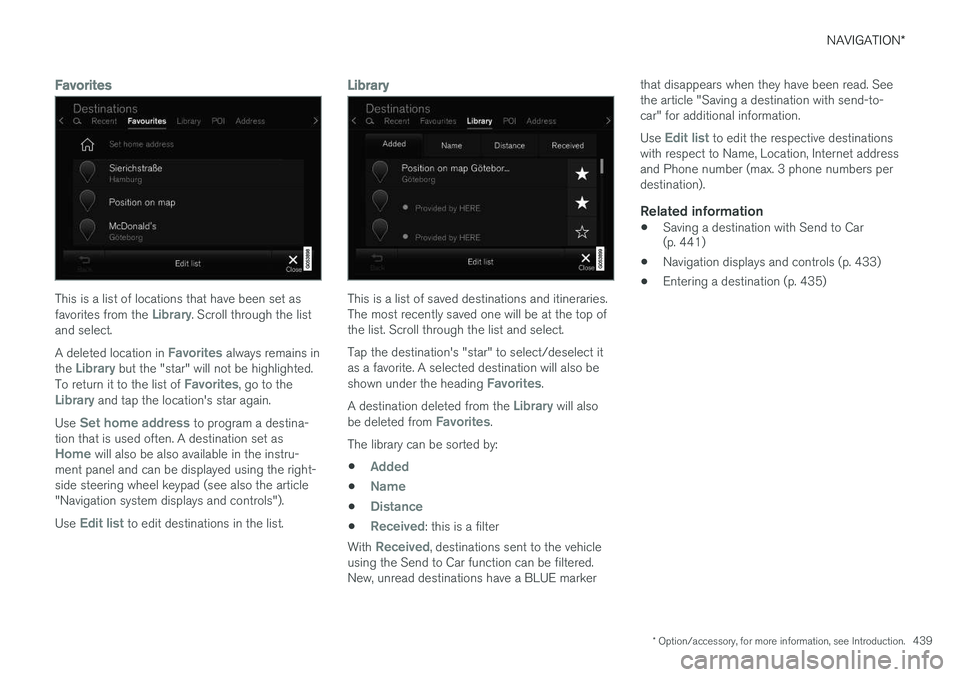
Favorites
This is a list of locations that have been set as favorites from the Library. Scroll through the list
and select. A deleted location in
Favorites always remains in
the Library but the "star" will not be highlighted.
To return it to the list of Favorites, go to theLibrary and tap the location's star again.
Use
Set home address to program a destina-
tion that is used often. A destination set as
Home will also be also available in the instru-
ment panel and can be displayed using the right- side steering wheel keypad (see also the article"Navigation system displays and controls"). Use
Edit list to edit destinations in the list.
Library
This is a list of saved destinations and itineraries. The most recently saved one will be at the top ofthe list. Scroll through the list and select. Tap the destination's "star" to select/deselect it as a favorite. A selected destination will also be shown under the heading
Favorites.
A destination deleted from the
Library will also
be deleted from Favorites.
The library can be sorted by:
•
Added
•Name
•Distance
•Received: this is a filter
With
Received, destinations sent to the vehicle
using the Send to Car function can be filtered. New, unread destinations have a BLUE marker that disappears when they have been read. Seethe article "Saving a destination with send-to-car" for additional information. Use
Edit list to edit the respective destinations
with respect to Name, Location, Internet address and Phone number (max. 3 phone numbers perdestination).
Related information
• Saving a destination with Send to Car (p. 441)
• Navigation displays and controls (p. 433)
• Entering a destination (p. 435)
Page 442 of 570
NAVIGATION*
* Option/accessory, for more information, see Introduction.
440
Using a point of interest (POI) as a destination
Selecting a point of interest (POI) is one way of setting a destination.
1. Tap Set dest. in the lower
margin. A keyboard will be dis- played with search alternativesin the upper margin. 2. Continue by selecting a
POIfrom the upper margin.
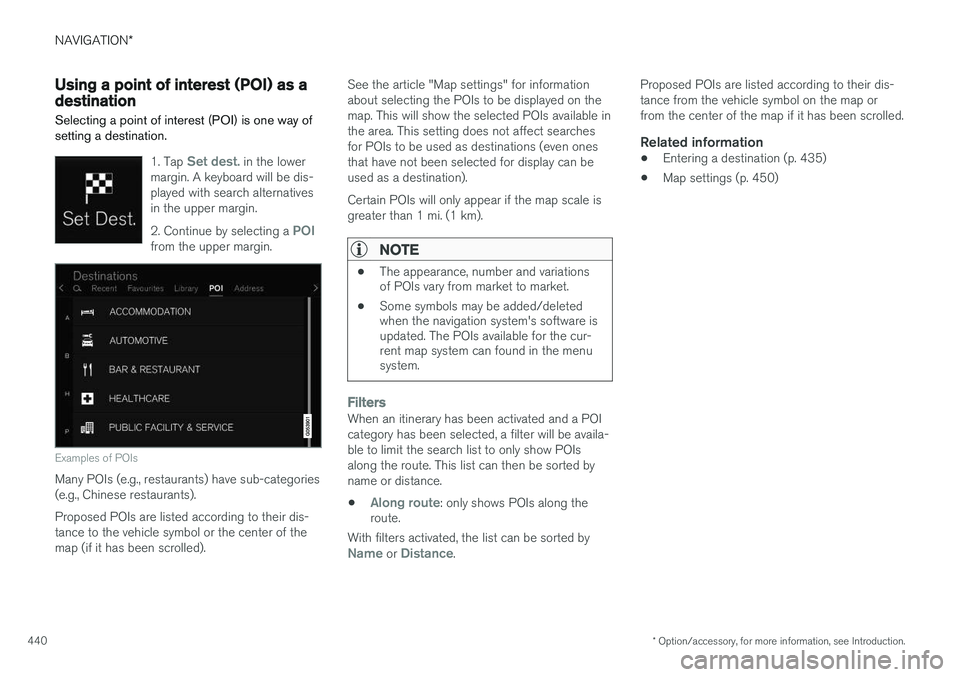
Examples of POIs
Many POIs (e.g., restaurants) have sub-categories (e.g., Chinese restaurants). Proposed POIs are listed according to their dis- tance to the vehicle symbol or the center of themap (if it has been scrolled). See the article "Map settings" for informationabout selecting the POIs to be displayed on themap. This will show the selected POIs available inthe area. This setting does not affect searchesfor POIs to be used as destinations (even onesthat have not been selected for display can beused as a destination). Certain POIs will only appear if the map scale is greater than 1 mi. (1 km).
NOTE
•
The appearance, number and variations of POIs vary from market to market.
• Some symbols may be added/deletedwhen the navigation system's software isupdated. The POIs available for the cur-rent map system can found in the menusystem.
FiltersWhen an itinerary has been activated and a POI category has been selected, a filter will be availa-ble to limit the search list to only show POIsalong the route. This list can then be sorted byname or distance.
•
Along route: only shows POIs along the
route.
With filters activated, the list can be sorted by
Name or Distance. Proposed POIs are listed according to their dis- tance from the vehicle symbol on the map orfrom the center of the map if it has been scrolled.
Related information
•
Entering a destination (p. 435)
• Map settings (p. 450)
Page 443 of 570
NAVIGATION*
* Option/accessory, for more information, see Introduction.
441
Setting a destination by entering an address
Entering an address is one way to set a destina- tion.
Tap Set dest. in the lower
margin. A keyboard will be dis- played with search alternativesin the upper margin. 2. Continue by selecting an
Address from the upper mar-
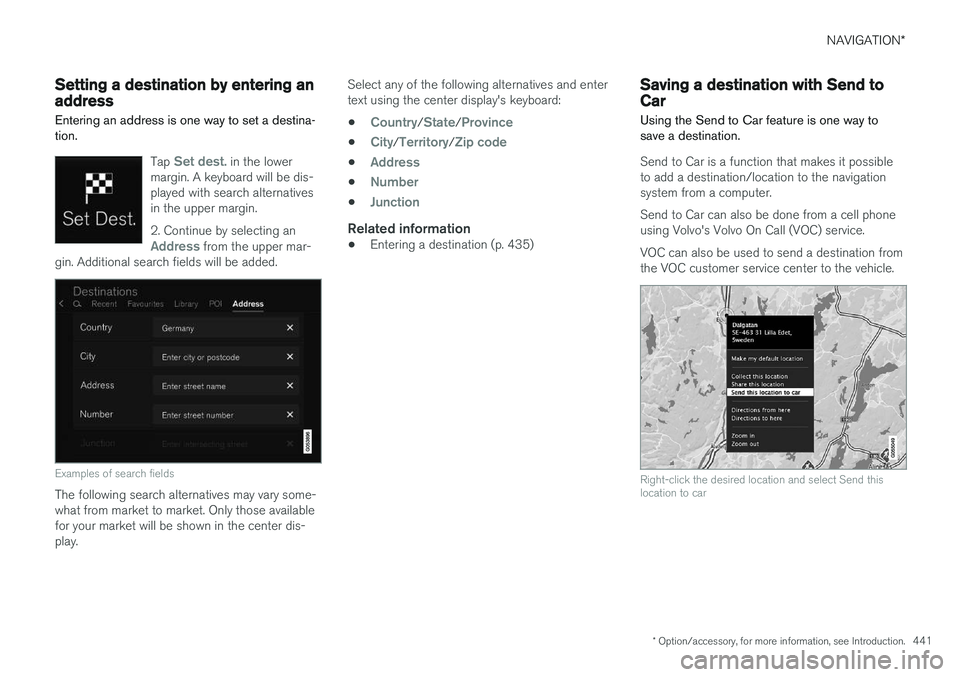
gin. Additional search fields will be added.
Examples of search fields
The following search alternatives may vary some- what from market to market. Only those availablefor your market will be shown in the center dis-play. Select any of the following alternatives and entertext using the center display's keyboard:
•
Country/State/Province
•City/Territory/Zip code
•Address
•Number
•Junction
Related information
• Entering a destination (p. 435)
Saving a destination with Send to Car
Using the Send to Car feature is one way to save a destination.
Send to Car is a function that makes it possible to add a destination/location to the navigationsystem from a computer. Send to Car can also be done from a cell phone using Volvo's Volvo On Call (VOC) service. VOC can also be used to send a destination from the VOC customer service center to the vehicle.
Right-click the desired location and select Send this location to car
Page 450 of 570
NAVIGATION*
* Option/accessory, for more information, see Introduction.
448
Traffic information 4
The navigation system constantly receives traffic messages that are broadcast by local radio sta-tions.
See the article "Traffic settings" for the traffic- related settings available to the driver.
Directly on the map
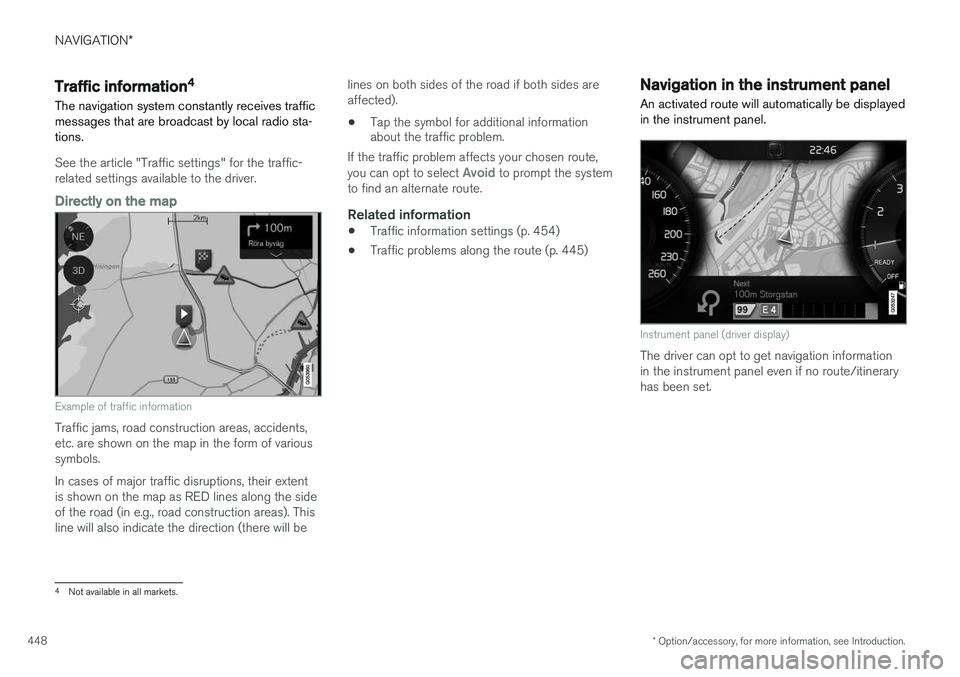
Example of traffic information
Traffic jams, road construction areas, accidents, etc. are shown on the map in the form of varioussymbols. In cases of major traffic disruptions, their extent is shown on the map as RED lines along the sideof the road (in e.g., road construction areas). Thisline will also indicate the direction (there will be lines on both sides of the road if both sides areaffected).
• Tap the symbol for additional information about the traffic problem.
If the traffic problem affects your chosen route, you can opt to select
Avoid to prompt the system
to find an alternate route.
Related information
• Traffic information settings (p. 454)
• Traffic problems along the route (p. 445)
Navigation in the instrument panel An activated route will automatically be displayed in the instrument panel.
Instrument panel (driver display)
The driver can opt to get navigation information in the instrument panel even if no route/itineraryhas been set.
4
Not available in all markets.