navigation VOLVO XC90 T8 2016 Owner´s Manual
[x] Cancel search | Manufacturer: VOLVO, Model Year: 2016, Model line: XC90 T8, Model: VOLVO XC90 T8 2016Pages: 546, PDF Size: 10.26 MB
Page 479 of 546
MAINTENANCE AND SERVICING
477
8. When you have submitted your workshop
booking, your appointment will be confirmed online directly by email and by a message inthe center display after a short delay.
9. One day prior to your appointment, you will receive a reminder via email and a messagewill appear on the center display. You can setthe interval for other reminders (e.g., twodays, three days) at your My Volvo website.
10. On the day of your appointment, a reminder will appear again on the center display.
Sending vehicle-related information
Information about the vehicle can be sent at any time using its Internet connection. Using this function does not send a workshop
appointment request to your retailer ; only
vehicle data will be transmitted to Volvo. This vehicle data can be accessed by any retailer ifyou call the retailer and provide your VehicleIdentification Number (VIN).
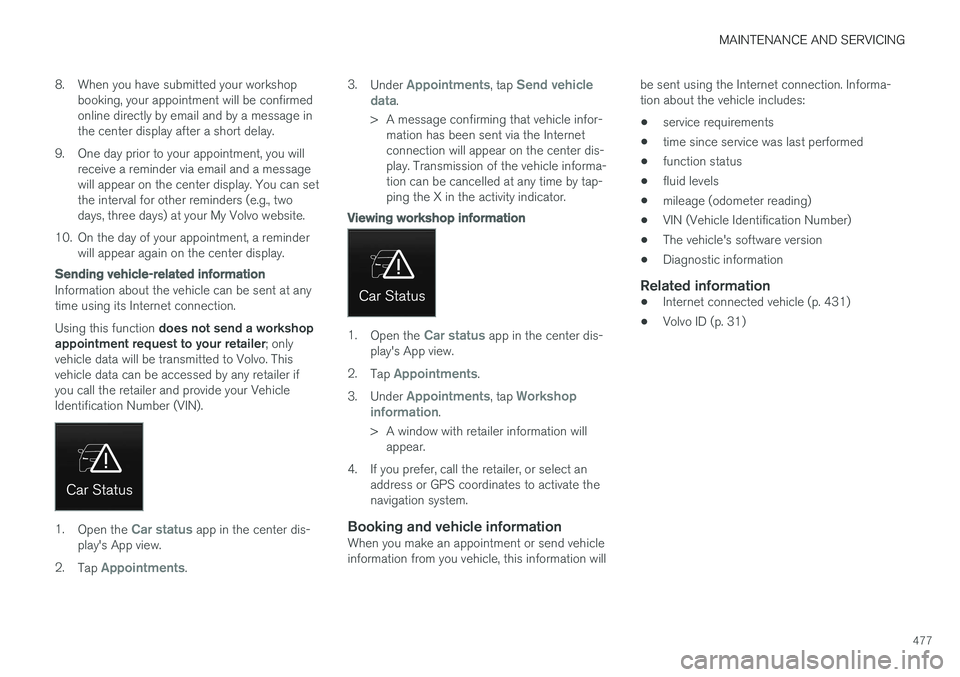
1. Open the Car status app in the center dis-
play's App view.
2. Tap
Appointments. 3.
Under
Appointments, tap Send vehicle
data.
> A message confirming that vehicle infor- mation has been sent via the Internet connection will appear on the center dis-play. Transmission of the vehicle informa-tion can be cancelled at any time by tap-ping the X in the activity indicator.
Viewing workshop information
1. Open the Car status app in the center dis-
play's App view.
2. Tap
Appointments.
3. Under
Appointments, tap Workshop
information.
> A window with retailer information will appear.
4. If you prefer, call the retailer, or select an address or GPS coordinates to activate the navigation system.
Booking and vehicle informationWhen you make an appointment or send vehicleinformation from you vehicle, this information will be sent using the Internet connection. Informa-tion about the vehicle includes:
• service requirements
• time since service was last performed
• function status
• fluid levels
• mileage (odometer reading)
• VIN (Vehicle Identification Number)
• The vehicle's software version
• Diagnostic information
Related information
•Internet connected vehicle (p. 431)
• Volvo ID (p. 31)
Page 540 of 546
INDEX
538
L
Labelslist of 522
location of 521
Laminated panoramic roof 106, 107 Lane Departure Warning settings 340
Lane Departure Warning (LDW) 338, 342
Lane Keeping Aid 338, 340, 342 settings 340
LATCH anchors 78
Leather care 513
Lighting panel 140
Load anchoring eyelets 220
Loading the vehicle 208, 215, 449
Locking 242, 243
Locks and alarm 226
Low beam bulb, replacing 498
Low beams 142, 143
Low Speed Control 399
M
Maintenance 472 hoisting the vehicle 502
performed by the owner 472
Malfunction indicator light 125
Manual front seat adjustment 162
Media player 420, 421 compatible file formats 429
Media player (infotainment system) 424Menus instrument panel 151, 153, 154, 156
Mirrors defroster 195
power door 105
retractable 105
Mirrors, rearview mirror 110
Modem 437Motor oil checking 506, 507
MP3 files 429
Multifunctional front seats 165, 166
MY CAR 111, 112
N
Navigation system voice commands 124
Net cargo 217
O
Occupant safety 60
Occupant weight sensor 84
Octane recommendations 362
Odometer 96Oilchecking 506, 507
Oil quality 530
On-board diagnostics 472
On-board Diagnostic socket 26
On Call Roadside Assistance 14
Opening the hood 504
Options 26
Outside temperature sensor 116
Overhead courtesy lighting 148
Overheating, engine 357