remote control VOLVO XC90 TWIN ENGINE 2018 Owner's Guide
[x] Cancel search | Manufacturer: VOLVO, Model Year: 2018, Model line: XC90 TWIN ENGINE, Model: VOLVO XC90 TWIN ENGINE 2018Pages: 686, PDF Size: 17 MB
Page 602 of 686

||MAINTENANCE AND SERVICE
600
Monthly:
•
Check cold tire pressure in all tires. Inspect
the tires for wear.
• Check that engine coolant and other fluid
levels are between the indicated "min" and
"max" markings.
• Clean interior glass surfaces with a glass
cleaner and soft paper towels.
• Wipe driver information displays with a soft
cloth.
• Visually inspect battery terminals for corro-
sion. Corrosion may indicate a loose terminal
connector, or a battery near the end of its
useful service life. Consult your Volvo retailer
for additional information.
As needed:
Wash the car, including the undercarriage, to
reduce wear that can be caused by a buildup of
dirt, and corrosion that can be caused by salt res-
idues.
Clean leaves and twigs from air intake vents at
the base of the windshield, and from other places
where they may collect.
NOTE Complete service information for qualified
technicians is available online for purchase or
subscription at www.volvotechinfo.com.
Related information
•
Vehicle status (p. 602)
• Scheduling service and repairs (p. 603)
• Connecting equipment to the vehicle's data
link connector (p. 36)
• Technician certification (p. 37)
• Climate control system service (p. 608)
• Maintenance of the brake system (p. 432)
• Engine compartment overview (p. 609) Data transfer between vehicle and
workshop over Wi-Fi
Volvo workshops have a designated Wi-Fi net-
work for secure data transfer between your vehi-
cle and the workshop. Your visit to the workshop
will be easier and more effective when diagnos-
tics information and software can be transferred
over the workshop's network.
When you arrive at the workshop, your technician
can connect your vehicle to the workshop's Wi-Fi
network to perform troubleshooting and down-
load software. For this type of communication,
the vehicle only connects to the workshop's net-
work. The vehicle can only be connected to the
designated workshop networks, not to any other
network, e.g. your home network.
Manual connection to workshop Wi-FiManual connection is usually performed by a
service technician. Because the technician uses
the buttons on your remote key to connect the
vehicle, it is important that you bring a key with
buttons when taking the vehicle in to a workshop.
Pressing the lock button on the remote key three
times will connect the vehicle to the workshop's
Wi-Fi network.
When the car is connected to a Wi-Fi network,
the symbol appears in the center display.
Page 674 of 686
INDEX
672Gear indicator 442
Gear selector positions
automatic transmission 439
Glass laminated/reinforced 166
Glove compartment 585
Gracenote® 511
Grocery bag holders 588
Gross vehicle weight 659
GSI - Gear shift indicator 442
Guide lines for Park Assist Camera 388
H Handbrake
432, 433
Hand wash
639
Hard disk space 538
Hazard warning flashers 161
HDC 454
HD radio 494
Head restraint 194
Head-up display 142
activate and deactivate 144
cleaning 634 replacing windshield
608
settings
144
Heated washer nozzles 177
Heating Seats 215, 216
steering wheel 218
windows 222, 223
Height adjustment 450, 453
high beams 156, 157
High engine temperature 468
Hill Descent Control 454, 455
activate with function button 455
Hill Start Assist 437
Hill Start Assist (HSA) 437
Hoisting the vehicle 605
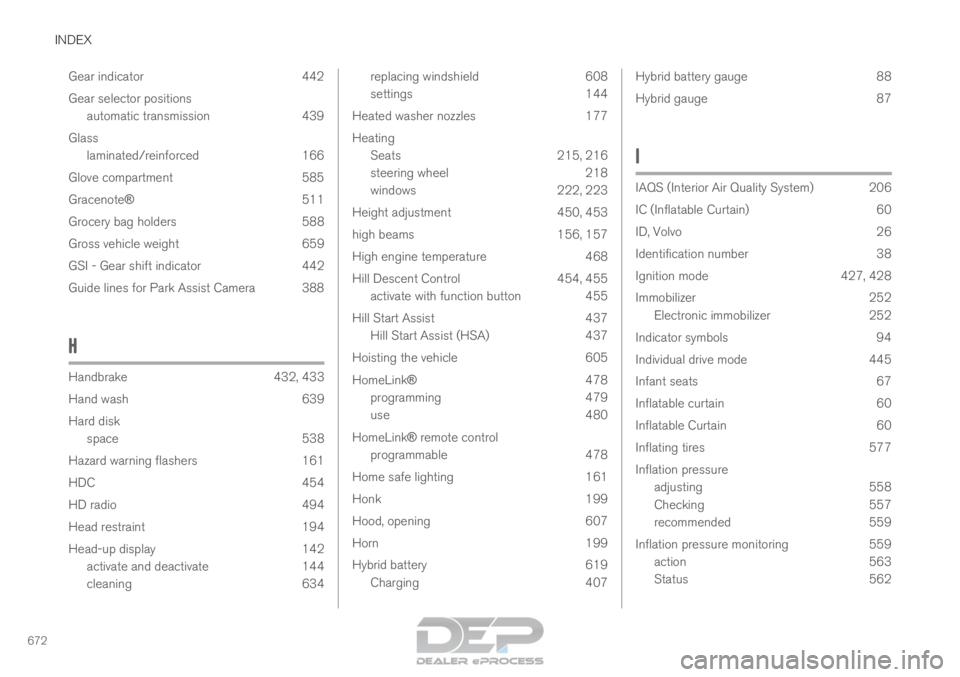
HomeLink® 478
programming 479
use 480
HomeLink® remote control programmable 478
Home safe lighting 161
Honk 199
Hood, opening 607
Horn 199
Hybrid battery 619
Charging 407 Hybrid battery gauge
88
Hybrid gauge 87
I IAQS (Interior Air Quality System) 206
IC (Inflatable Curtain)
60
ID, Volvo 26
Identification number 38
Ignition mode 427, 428
Immobilizer 252
Electronic immobilizer 252
Indicator symbols 94
Individual drive mode 445
Infant seats 67
Inflatable curtain 60
Inflatable Curtain 60
Inflating tires 577
Inflation pressure adjusting 558
Checking 557
recommended 559
Inflation pressure monitoring 559
action 563
Status 562
Page 678 of 686
INDEX
676Preconditioning 230
start/stop 231
timer 232
Pressure wash 642
Privacy Policy 34
Private locking 266 activation/deactivation 267
PROPOSITION 65 WARNING 469
R Radar sensor
298, 326
limitations
327
Radar unit 326
Radio 490 changing radio waveband and radio sta-
tion 491
HD radio 494
RBDS 494
search radio station 492
settings 493
SiriusXM ®
Satellite radio 498, 499, 500
start 491
voice control 148
Radio favorites 493
Rain sensor 177, 178
Rain sensor's memory function 178 Raise the rear end
587
Rear camera
386, 387, 388, 390, 391, 393, 394
Rear door sun shade 169
Rear seat adjusting backrest tilt 196
blower 225
climate 213
folding backrest 192, 198
getting in/getting out 197
head restraint 194
heating 216
moving forward/rearward 195
temperature 227
Rear sensors 381, 382, 383, 384, 385
Rearview/door mirrors dimming 170
heating 223
interior 169
Rearview mirror 169
dimming 170
Rear window heating 223
washers 180, 181
wipers 180, 181
Recalls 45
Recommendations when driving 460 Recommendations when loading 586
Recovery
477
Red Key 248 settings 249
Refrigerant 608 climate system 664
Refueling filling 463
fuel filler door, fuel flap 462
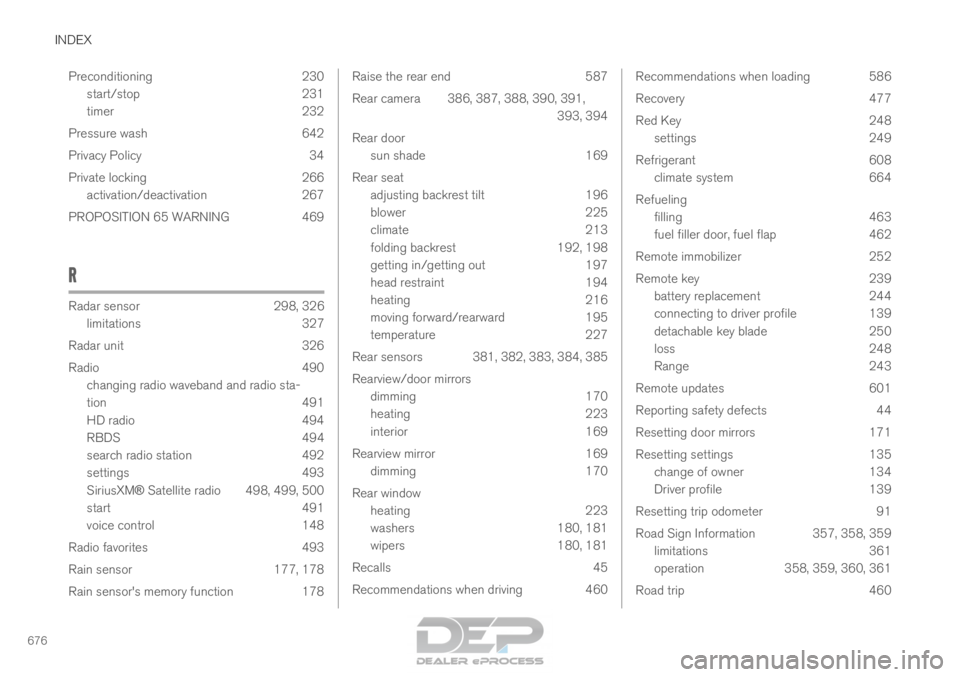
Remote immobilizer 252
Remote key 239 battery replacement 244
connecting to driver profile 139
detachable key blade 250
loss 248
Range 243
Remote updates 601
Reporting safety defects 44
Resetting door mirrors 171
Resetting settings 135 change of owner 134
Driver profile 139
Resetting trip odometer 91
Road Sign Information 357, 358, 359 limitations 361
operation 358, 359, 360, 361
Road trip 460