USB VOLVO XC90 TWIN ENGINE HYBRID 2017 Owner's Manual
[x] Cancel search | Manufacturer: VOLVO, Model Year: 2017, Model line: XC90 TWIN ENGINE HYBRID, Model: VOLVO XC90 TWIN ENGINE HYBRID 2017Pages: 584, PDF Size: 14.2 MB
Page 468 of 584
INFOTAINMENT
466
Internet connected vehicle
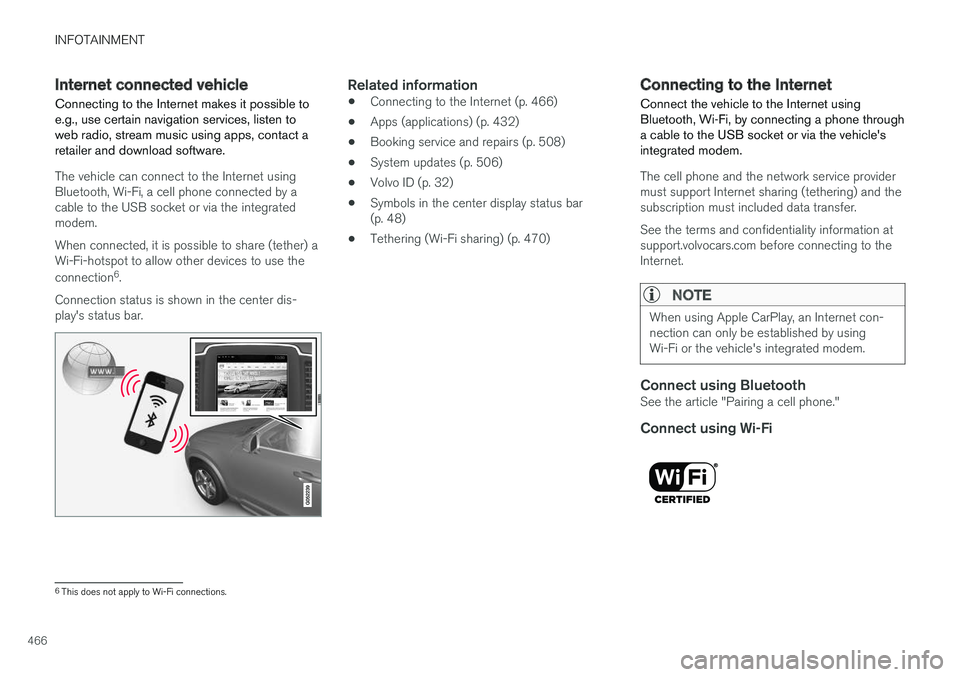
Connecting to the Internet makes it possible toe.g., use certain navigation services, listen toweb radio, stream music using apps, contact aretailer and download software.
The vehicle can connect to the Internet usingBluetooth, Wi-Fi, a cell phone connected by acable to the USB socket or via the integratedmodem.
When connected, it is possible to share (tether) aWi-Fi-hotspot to allow other devices to use the
connection6.
Connection status is shown in the center dis-play's status bar.
Related information
•Connecting to the Internet (p. 466)
•Apps (applications) (p. 432)
•Booking service and repairs (p. 508)
•System updates (p. 506)
•Volvo ID (p. 32)
•Symbols in the center display status bar(p. 48)
•Tethering (Wi-Fi sharing) (p. 470)
Connecting to the Internet
Connect the vehicle to the Internet usingBluetooth, Wi-Fi, by connecting a phone througha cable to the USB socket or via the vehicle'sintegrated modem.
The cell phone and the network service providermust support Internet sharing (tethering) and thesubscription must included data transfer.
See the terms and confidentiality information atsupport.volvocars.com before connecting to theInternet.
NOTE
When using Apple CarPlay, an Internet con-nection can only be established by usingWi-Fi or the vehicle's integrated modem.
Connect using Bluetooth
See the article "Pairing a cell phone."
Connect using Wi-Fi
6This does not apply to Wi-Fi connections.
Page 469 of 584
INFOTAINMENT
467
1. Activate tethering/personal hotspot in thecell phone.
2.Tap Settings in the center display's Topview.
3.Tap CommunicationWi-Fi.
4. Tap Wi-Fi to activate/deactivate.
5. Tap the name of the network to be used.
6. Enter the network password.
7. If a different connection was used previously,confirm the connection change.
> The vehicle will connect to the network.
Please be aware that certain cell phones disabletethering when the connection to the vehicle hasbeen broken, e.g., when the phone has beenremoved from the vehicle. In such cases, thephone's tethering function will have to be reacti-vated the next time the phone is used to connectto the Internet.
When a phone is connected to the vehicle, it issaved for future use. When a max. number of 50have been saved, the first one connected will bedeleted. To show the list of saved networks or to
manually delete a network, tap SettingsWi-Fi
Saved networks.
See the article "Wi-Fi technology and security"for network connection requirements.
Connect using a cable connected to the
USB socket
1. Connect the phone via a cable to the USBsocket in the tunnel console storage com-partment.
2. Activate USB tethering in the cell phone.
3. If a different connection was used previously,confirm the connection change.
> The vehicle will connect to the network.
Connect using the vehicle's integrated
modem
When the vehicle is connected using the modem,Volvo On Call services will use the connection.
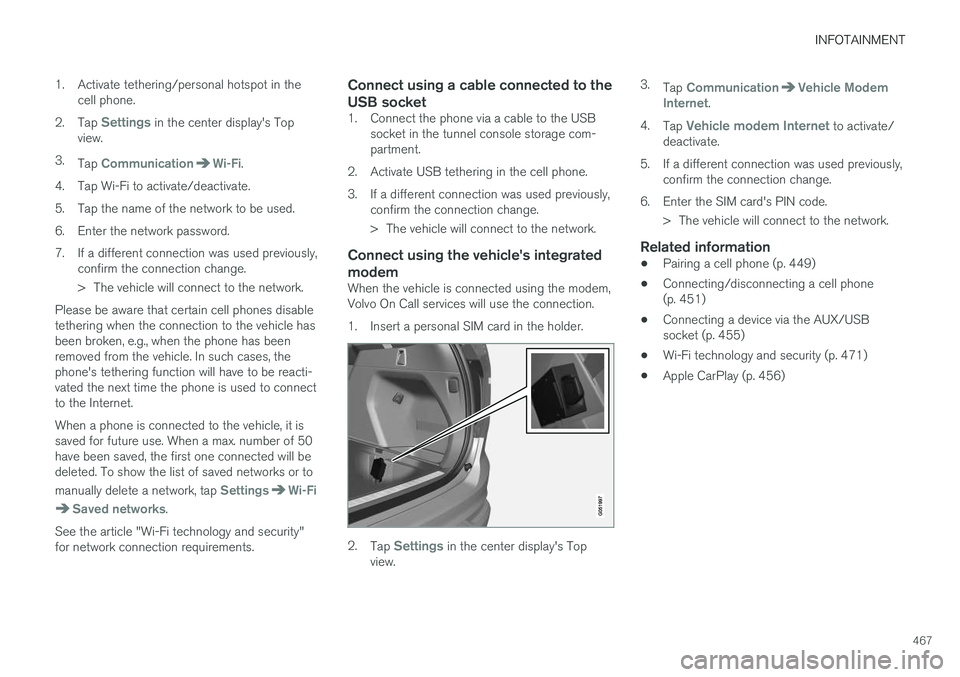
1. Insert a personal SIM card in the holder.
2.Tap Settings in the center display's Topview.
3.Tap CommunicationVehicle ModemInternet.
4.Tap Vehicle modem Internet to activate/deactivate.
5.If a different connection was used previously,confirm the connection change.
6. Enter the SIM card's PIN code.
> The vehicle will connect to the network.
Related information
•Pairing a cell phone (p. 449)
•Connecting/disconnecting a cell phone(p. 451)
•Connecting a device via the AUX/USBsocket (p. 455)
•Wi-Fi technology and security (p. 471)
•Apple CarPlay (p. 456)
Page 522 of 584
![VOLVO XC90 TWIN ENGINE HYBRID 2017 Owners Manual ||
MAINTENANCE AND SERVICING
* Option/accessory, for more information, see Introduction.520
replaced by a trained and qualified Volvoservice technician.
Function[A]
Converter for controlling feed toth](/img/45/59300/w960_59300-521.png "VOLVO XC90 TWIN ENGINE HYBRID 2017 Owners Manual ||
MAINTENANCE AND SERVICING
* Option/accessory, for more information, see Introduction.520
replaced by a trained and qualified Volvoservice technician.
Function[A]
Converter for controlling feed toth")
||
MAINTENANCE AND SERVICING
* Option/accessory, for more information, see Introduction.520
replaced by a trained and qualified Volvoservice technician.
Function[A]
Converter for controlling feed tothe rear axle electric motor5
––
––
Control module for actuator forengaging/changing gears5
High Voltage Coolant Heatercontrol module5
Control module for: A/C, chargemodule, heat exchanger cut-offvalve, cut-off valve for coolantthrough the climate system
5
Hybrid battery control module;high-voltage converter for com-bined high-voltage generator/starter motor with 500 V–12 Vvoltage converter
5
––
Converter for controlling feed tothe rear axle electric motor10
Function[A]
Hybrid battery control modulefor high-voltage converter forcombined high-voltage genera-tor/starter motor with 500 V–12V voltage converter
10
Charging module5
Cut-off valve for hybrid batterycoolant; coolant pump 1 forhybrid battery
10
Coolant pump for electric drivesystem10
Hybrid component cooling fan25
––
––
––
––
––
––
––
––
Function[A]
Front USB socket*5
12-volt socket in the front tun-nel console15
12-volt socket on the rear side
of the tunnel consoleA
12-volt socket in the tunnel con-
sole between the rear seats B
15
12-volt socket in the cargo com-partment
USB sockets for iPad holdersB
15
––
––
––
––
Heated windshield* driver sideShunt
Heated windshield* driver side40
Headlight washers*25
Windshield washer25
––
Page 574 of 584

INDEX
572
Brakes
auto-hold 379
Brake system
Brake pad inspection 377
fluid 566
general information 376, 378, 380
Bulbs 534
replacing 530
specifications 536
C
Camera
driver support systems322
limitations323
Camera, Park Assist 362, 364, 366, 367
Capacity weight484, 563
Cargo area, steel grid225
Cargo area cover227
Cargo compartment
fuses527
raising/lowering the level218
Cargo net223
Cargo space218
Car wash547
Catalytic converter394
CD, USB, iPod, AUX, Bluetooth, Recents,
Library, Shuffle, Similar, Change device, Pri-
mary Audio Default Language, Subtitle, Pri-
mary Subtitle Default Language, Video,
DivX® VOD459
CD player 459
Cell phone
hands-free 448
Pairing 449
Cell phone voice control 126
Center display
changing settings 35
cleaning 552
keyboard 36
navigating in 43
overview 33
screen in the center console 50
symbols in the status bar 48
Chains 485
Changing a wheel 487
Charging cable
hybrid battery 405
Child restraints
recalls and registration 83
Child restraint systems 83
booster cushions 89
convertible seats 86
infant seats 84
ISOFIX/LATCH anchors90
top tether anchors92
Child safety81
booster cushions89
child restraint systems83, 91
convertible seats86
infant seats84
Child safety locks257
Child seats
lower attachment points91
City safety326, 334
City Safety
crossing traffic331
detecting objects329
limitations334
rear collision warning338
symbols and messages337
troubleshooting332
City Safety, On/Off328
City Safety™
Multi Target332
Cleaning
exterior547
interior550
Clean Zone Interior Package197
Climate system199
air distribution212, 213, 215
air filter198
Page 582 of 584
INDEX
580
Tread wear indicator 483
Trip computer 101, 102, 104
reset 102
Trip odometers 101
Trips, long distance 385
Trip statistics 104
Turn signals 151
changing bulbs 535
U
Uniform Tire Quality Grading485
Unlocking the tailgate249
Unlocking the vehicle 244, 246
USB/AUX connection 455, 462
User profile 181
V
Vehicle Event Data31
Vehicle information14
Vehicle loading 218, 484
Vehicle maintenance 504
performed by the owner 504
Vehicle status 507
Vehicle weights563
Voice control
cell phones126
giving commands125
introduction125
multimedia devices127
radio127
settings130
Volvo and the environment20
Volvo ID32
Volvo maintenance504
Volvo On Call Roadside Assistance 14
Volvo programs14
W
Warning flashers, hazard151
Warning lights141
Warning system, collision 327
Warranties 504
Washer fluid 547
Washers
headlight 163
windshield 161
Water, driving through 387
Waxing 554
Weights
trailer397
Wheels
changing 487, 489
storing 479
Whiplash Protection System 65
Wi-Fi 470, 471
Windows
laminated glass 59
power 113
sun shade 113
Windshield
rain sensor 162
washers 163
wipers/washers 161
Windshield washer fluid reservoir 547
Windshield wiper blades 544
Windshield wipers
service position 543
Wiper blades
replacing 543, 544
replacing tailgate wiper 544
WMA files 464
Workshop
Wi-Fi connection 510