maintenance Acura Integra 2001 Owner's Manual
[x] Cancel search | Manufacturer: ACURA, Model Year: 2001, Model line: Integra, Model: Acura Integra 2001Pages: 285, PDF Size: 3.79 MB
Page 1 of 285
 to navigate through\
this reference.
For a printed owners manual, click on authorized manu")
2001 Integra Hatchback Online Reference Owner's Manual
Use these links (and links throughout this manual) to navigate through\
this reference.
For a printed owner's manual, click on authorized manuals or go to www.h\
elminc.com.
Contents
Owner's Identification Form
Introduction ........................................................................\
................................................................. i
A Few Words About Safet y........................................................................\
.........................................ii
Your Vehicle at a Glance........................................................................\
............................................ .2
Driver and Passenger Safety ........................................................................\
......................................5
Proper use and care of your vehicle's seat belts, and Supplemental Restr\
aint System.
Instruments and Controls........................................................................\
........................................ .51
Instrume nt panel indicator and gauge, and how to use dashboard and steering colu\
mn controls.
Comfort and Convenience Features ........................................................................\
..................... . 93
How to operate the climate control system, the audio system, and other c\
onvenience features.
Before Driving........................................................................\
..........................................................121
What gasoline to use, how to break -in your new vehicle, and how to load luggage and other cargo.
Driving ........................................................................\
..................................................................... .135
The proper way to start the engine, shift the transmission, and park, pl\
us towing a trailer.
Maintenance........................................................................\
.............................................................159
The Maintenance Schedule shows you when you need to take you r vehicle to the dealer.
Appearance Care........................................................................\
..................................................... .217
Tips on cleaning and protecting your vehicle. Things to look for if your\
vehicle ever needs body repairs.
Taking Care of the Unexpected........................................................................\
..............................225
This section covers several problems motorists sometimes experience, an d how to handle them.
Technical Information........................................................................\
............................................ .251
ID numbers, dimensions, capacities, and technical information.
Warranty and Customer Relations (U.S. and Canada)................................................................265
A summary of the warranties covering your new Acura, and how to contact \
us.
Authorized Manuals (U.S. only)........................................................................\
..............................271
How to order manuals and other technical literature.
Index........................................................................\
........................................................................\
...... I
Service Information Summary
A summary of information you need when you pull up to the fuel pump.
Page 3 of 285
Introductio
n
Congratulations! Your selection of a 2001 Acura Integra was a wise
investment. It will give you years of driving pleasure.
One of the best ways to enhance the enjoyment of your new Acura is to read
this manual. In it, you will learn how to operate its driving controls and convenience items. Afterwards, keep this owner's manual in your car so you
can refer to it at any time.
Several warranties protect your new Acura. Read the warranty booklet
thoroughly so you understand the coverages and are aware of your rights and responsibilities.
Maintaining your car according to the schedules given in this manual helps
to keep your driving trouble-free while it preserves your investment. When
your car needs maintenance, keep in mind that your Acura dealer's staff is specially trained in servicing the many systems unique to your Acura. Your
Acura dealer is dedicated to your satisfaction and will be pleased to answer any questions and concerns.
California Proposition 65 Warning
WARNING : This product contains or emits chemicals known to the State of
California to cause cancer and birth defects or other reproductive harm. As you read this manual, you will
find information that is preceded by
symbol. This
information is intended to help you
avoid damage to your Acura, other
property, or the environment.
NOTIC
E
a
Page 8 of 285
Drive
r an d Passenge r Safet y
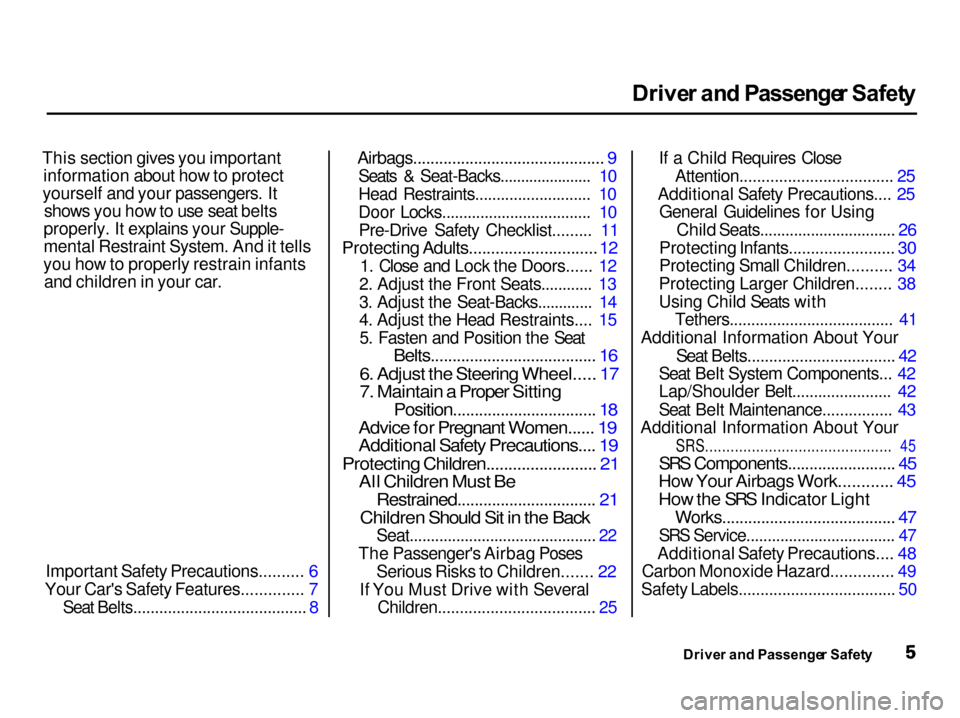
This section gives you important information about how to protect
yourself and your passengers. It shows you how to use seat belts
properly. It explains your Supple-
mental Restraint System. And it tells
you how to properly restrain infants and children in your car.
Important Safety Precautions.......... 6
Your Car's Safety Features.............. 7
Seat Belts........................................ 8
Airbags............................................ 9
Seats & Seat-Backs...................... 10
Head Restraints........................... 10
Door Locks................................... 10Pre-Drive Safety Checklist......... 11
Protecting Adults.............................
12
1. Clos
e and Lock the Doors...... 12
2. Adjust the Front Seats............ 13
3. Adjust the Seat-Backs............. 14
4. Adjust the Head Restraints.... 15 5. Fasten and Position the Seat
Belts...................................... 16
6. Adjust the Steering Wheel..... 17
7. Maintain a Proper Sitting
Position................................. 18
Advice for Pregnant Women...... 19
Additional Safety Precautions.... 19
Protecting Children......................... 21
All Children Must Be
Restrained................................ 21
Children Should Sit in the Back
Seat............................................ 22
The Passenger's Airbag Poses Serious Risks to Children....... 22
If You Must Drive with Several
Children.................................... 25
If a Child Requires Close
Attention................................... 25
Additional Safety Precautions.... 25 General Guidelines for Using
Child Seats................................ 26
Protecting Infants........................ 30
Protecting Small Children.......... 34
Protecting Larger Children........ 38
Using Child Seats with Tethers...................................... 41
Additional Information About Your
Seat Belts.................................. 42
Seat Belt System Components... 42
Lap/Shoulder Belt....................... 42
Seat Belt Maintenance................ 43
Additional Information About Your
SRS............................................ 45
SRS Components......................... 45
How Your Airbags Work............ 45
How the SRS Indicator Light
Works........................................ 47
SRS Service................................... 47
Additional Safety Precautions.... 48
Carbon Monoxide Hazard.............. 49
Safety Labels.................................... 50
Driver an d Passenge r Safet y
Page 9 of 285
Importan
t Safet y Precaution s
You'll find many safety recommendations throughout thissection, and throughout this manual.
The recommendations on this page are the ones we consider to be the
most important.
Alway s Wea r You r Sea t Bel t
A seat belt is your best protection in
all types of collisions. Airbags
supplement seat belts, but airbags
are designed to inflate only in a
moderate to severe frontal collision.
So even though your car is equipped
with airbags, make sure you and
your passengers always wear your
seat belts, and wear them properly.
(See page 16.)
Restrai n Al l Childre n
Children are safest when they are
properly restrained in the back seat,
not the front seat. A child who is too small for a seat belt must be properly
restrained in a child safety seat. (See
page 21.) B
e Awar e o f Airba g Hazard s
While airbags can save lives, they can cause serious or fatal injuries to
occupants who sit too close to them,
or are not properly restrained.
Infants, young children, and short
adults are at the greatest risk. Besure to follow all instructions and
warnings in this manual. (See page 9 .)
Don' t Drin k an d Driv e
Alcohol and driving don't mix. Even one drink can reduce your ability to
respond to changing conditions, and
your reaction time gets worse with every additional drink. So don't drinkand drive, and don't let your friends
drink and drive, either. Contro
l You r Spee d
Excessive speed is a major factor in
crash injuries and deaths. Generally,
the higher the speed the greater the
risk, but serious accidents can also occur at lower speeds. Never drive
faster than is safe for current conditions, regardless of the
maximum speed posted.
Kee p You r Ca r i n Saf e Conditio n
Having a tire blowout or a
mechanical failure can be extremely
hazardous. To reduce the possibility of such problems, check your tire
pressures and condition frequently, and perform all regularly scheduled
maintenance. (See page 164.)
Drive r an d Passenge r Safet y
Page 50 of 285

Additiona
l Informatio n Abou t You r SR S
Ho w th e SR S Indicato r Ligh t
Work s
The purpose of the SRSlight is to alert you to a
potential problem with your Supplemental Restraint System.
When you turn the ignition ON (II), this indicator will light briefly then
go out. This tells you that the systemis working properly.
If the light comes on at any other
time, or does not come on at all, you should have the system checked by
your dealer. For example:
If the SRS indicator light does not
come on after you turn the ignitionON (II). If the light stays on after the
engine starts. If the light comes on or flashes on
and off while you drive.
If you see any of these indications,
your airbags may not deploy when
you need them. See your Acura dealer as soon as possible. SR
S Servic e
Your Supplemental Restraint System is virtually maintenance-free, and
there are no parts you can safelyservice. However, you must have
your car serviced if:
Your airbags ever inflate. The
airbags and the control unit must
be replaced. Do not try to remove or replace the airbags yourself.
This must be done by an Acura dealer or a knowledgeable body
shop.
The SRS indicator light alerts you
to a problem. Take your car to an
authorized Acura dealer as soon as
possible. If you ignore this
indication, the airbags might not
inflate when you need them.
Drive r an d Passenge r Safet y
S
R
S
Ignoring the SRS indicator light
can result in serious injury or
death if the airbags do not
inflate when needed.
Have your vehicle checked by a
dealer as soon as possible if
the SRS light alerts you to a
potential problem.
Page 54 of 285
Instrument
s an d Control s
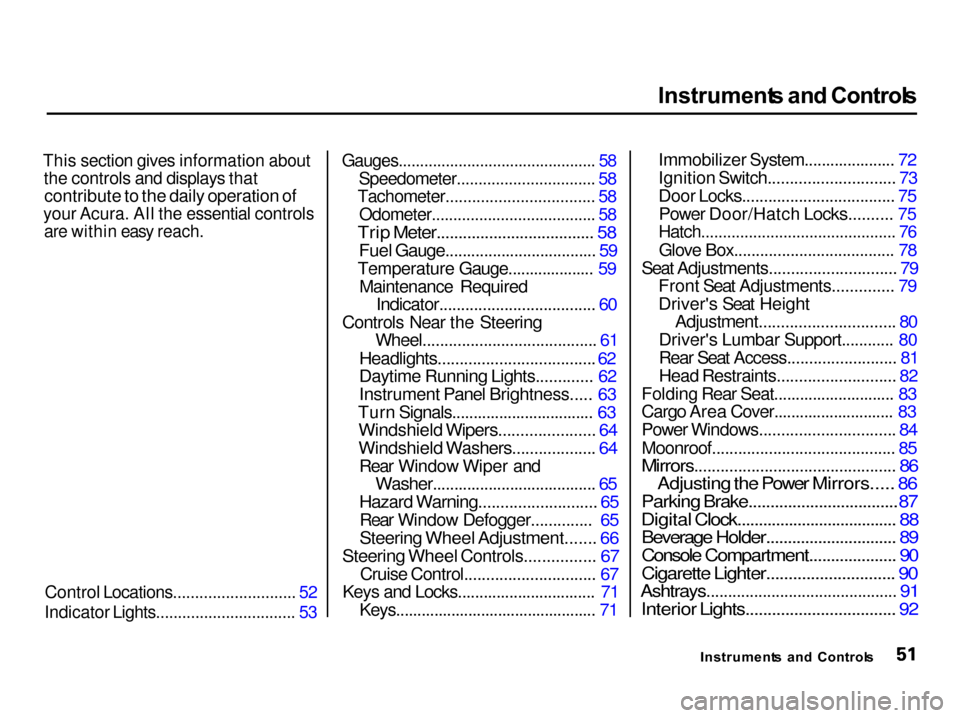
This section gives information about the controls and displays that
contribute to the daily operation of
your Acura. All the essential controls
are within easy reach.
Control Locations............................ 52
Indicator Lights................................ 53
Gauges.............................................. 58
Speedometer................................ 58
Tachometer.................................. 58
Odometer...................................... 58
Trip Meter.................................... 58
Fuel Gauge................................... 59
Temperature Gauge.................... 59 Maintenance Required
Indicator.................................... 60
Controls Near the Steering Wheel........................................ 61
Headlights....................................
62
Daytime Runnin
g Lights............. 62
Instrument Panel Brightness..... 63
Turn Signals................................. 63
Windshield Wipers...................... 64
Windshield Washers................... 64
Rear Window Wiper and
Washer...................................... 65
Hazard Warning........................... 65
Rear Window Defogger..............
65
Steering Whee
l Adjustment....... 66
Steering Wheel Controls................
67
Cruise Control.............................
.
67
Keys
an
d Locks................................
71
Keys...............................................
7
1Immobilizer System..................... 72
Ignition Switch............................. 73
Door Locks................................... 75
Power Door/Hatch Locks.......... 75
Hatch............................................. 76
Glove Box..................................... 78
Seat Adjustments............................. 79
Front Seat Adjustments.............. 79
Driver's Seat Height
Adjustment............................... 80
Driver's Lumbar Support............ 80
Rear Seat Access......................... 81
Head Restraints........................... 82
Folding Rear Seat............................ 83
Cargo Area Cover............................ 83
Power Windows............................... 84
Moonroof.......................................... 85
Mirrors.............................................. 86
Adjusting the Power Mirrors..... 86
Parking Brake..................................
87
Digital Clock....................................
. 88
Beverage Holder.............................. 89
Console Compartment.................... 90
Cigarette Lighter............................. 90
Ashtrays............................................ 91
Interior Lights.................................. 92
Instrument s an d Control s
Page 63 of 285

Gauge
s
Maintenanc e Require d Indicato r
This indicator reminds you that it is time to take your car in forscheduled maintenance.
Refer to the Maintenance Schedules
for Normal and Severe Driving Conditions on pages 164 — 168 .
For the first 6,000 miles (9,600 km)
after the Maintenance Required
Indicator is reset, it will come on for
two seconds when you turn the ignition switch ON (II). Between 6,000 miles (9,600 km) and
7,500 miles (12,000 km) this
indicator will light for two seconds
when you first turn the ignition switch ON (II), and then flash for
ten seconds.
If you exceed 7,500 miles (12,000
km) without having the scheduled maintenance performed, this
indicator will remain on as a constant
reminder.
Your dealer will reset this indicatorafter completing the scheduled
maintenance. If this maintenance is done by someone other than your
Acura dealer, reset the indicator by pressing the reset button. This
button is located on the bottom of the dashboard to the right of thesteering column.
Instrument s an d Control s
MAIN
T
REQ D
Page 126 of 285
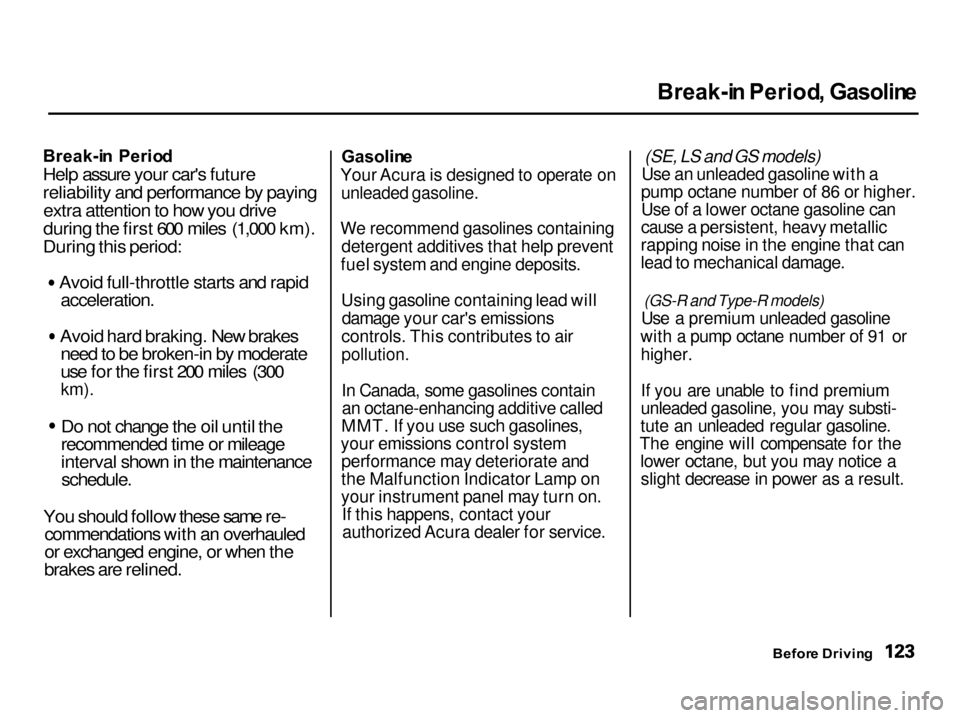
Break-i
n Period , Gasolin e
Break-i n Perio d
Help assure your car's future
reliability and performance by paying extra attention to how you drive
during the first 600 miles (1,000 km).
During this period: Avoid full-throttle starts and rapid
acceleration.
Avoid hard braking. New brakes
need to be broken-in by moderate
use for the first 200 miles (300
km).
Do not change the oil until the
recommended time or mileage
interval shown in the maintenance
schedule.
You should follow these same re-
commendations with an overhauled
or exchanged engine, or when the
brakes are relined.
Gasolin
e
Your Acura is designed to operate on
unleaded gasoline.
We recommend gasolines containing detergent additives that help prevent
fuel system and engine deposits.
Using gasoline containing lead will damage your car's emissions
controls. This contributes to air
pollution.
In Canada, some gasolines contain an octane-enhancing additive called
MMT. If you use such gasolines,
your emissions control system performance may deteriorate and
the Malfunction Indicator Lamp on
your instrument panel may turn on. If this happens, contact yourauthorized Acura dealer for service. (SE, LS and GS models)
Use an unleaded gasoline with a
pump octane number of 86 or higher.
Use of a lower octane gasoline can
cause a persistent, heavy metallic
rapping noise in the engine that can
lead to mechanical damage.
(GS-R and Type-R models)
Use a premium unleaded gasoline
with a pump octane number of 91 or higher.
If you are unable to find premium
unleaded gasoline, you may substi-
tute an unleaded regular gasoline.
The engine will compensate for the lower octane, but you may notice aslight decrease in power as a result.
Before Drivin g
Page 132 of 285

Fue
l Econom y
The condition of your car and your driving habits are the two most
important things that affect the fuel
mileage you get.
Vehicl e Conditio n
Always maintain your car according to the maintenance schedule. This
will keep it in top operating condition.
An important part of that mainte- nance is the Owne r Maintenanc e
Check s (see page 171 ). For
example, an under-inflated tire causes more "rolling resistance,"
which uses fuel. It also wears out
faster, so check the tire pressure at least monthly.
In winter, the build-up of snow on
your car's underside adds weight and rolling resistance. Frequent cleaning
helps your fuel mileage and reduces
the chance of corrosion. Drivin
g Habit s
You can improve fuel economy by driving moderately. Rapid acceler-
ation, abrupt cornering, and hard
braking use more fuel.
Always drive in the highest gear that allows the engine to run and acceler-
ate smoothly.
Depending on traffic conditions, try
to maintain a constant speed. Every
time you slow down and speed up,
your car uses extra fuel. Use the cruise control, when appropriate, to
increase fuel economy. A cold engine uses more fuel than a
warm engine. It is not necessary to "warm-up" a cold engine by letting it
idle for a long time. You can drive away in about a minute, no matter
how cold it is outside. The engine
will warm up faster, and you get
better fuel economy. To cut down on
the number of "cold starts," try to combine several short trips into one.
The air conditioning puts an extra load on the engine which makes it
use more fuel. Turn off the A/C tocut down on air conditioning use.
Use the flow-through ventilation
when the outside air temperature is
moderate.
Before Drivin g
Page 162 of 285
Maintenanc
e
This section explains why it is important to keep your car well
maintained and to follow basic
maintenance safety precautions.
This section also includes Maintenance Schedules for normaldriving and severe driving conditions,
a Maintenance Record, and instruc-
tions for simple maintenance tasks
you may want to take care of
yourself.
If you have the skills and tools to per-
form more complex maintenance
tasks on your Acura, you may want
to purchase the Service Manual. Seepage 271 for information on how toobtain a copy, or see your Acura
dealer.
Maintenance Safety....................... 160
Important Safety Precautions.. 161
Maintenance Schedule.................. 162
Maintenance Record..................... 169
Owner Maintenance Checks........ 171
Fluid Locations............................... 172
Engine Oil....................................... 173 Adding Oil................................... 173
Recommended Oil..................... 173
Synthetic Oil............................... 175
Additives..................................... 175
Changing the Oil and Filter...... 175
Cooling System.............................. 178
Adding Engine Coolant............. 178Replacing Engine Coolant........ 180
Windshield Washers..................... 182
Transmission Fluid........................ 183 AutomaticTransmission.......................... 183
5-speed Manual Transmission.......................... 185
Brake and Clutch Fluid................. 185 Brake System............................. 186Clutch System............................ 186
Power Steering............................... 187
Air Cleaner Element...................... 188
Hood Latch..................................... 189
Spark Plugs..................................... 189
Replacement............................... 189
Specifications............................. 191
Battery............................................ 191
Wiper Blades.................................. 194
Air Conditioning System............... 196
Drive Belts...................................... 197
Timing Belt..................................... 197
Tires................................................ 198
Inflation....................................... 198
Inspection................................... 199 Maintenance............................... 200
Tire Rotation.............................. 201
Tire Wear.................................... 201
Replacing Tires and Wheels.... 202
Wheels and Tires....................... 203
Winter Driving........................... 203
Snow Tires.............................. 204
Tire Chains............................. 204
Lights.............................................. 205 Headlight Aiming...................... 207
Replacing Bulbs......................... 209
Storing Your Car............................ 216
Maintenance