HDD Acura RDX 2016 Navigation Manual
[x] Cancel search | Manufacturer: ACURA, Model Year: 2016, Model line: RDX, Model: Acura RDX 2016Pages: 363, PDF Size: 17.77 MB
Page 181 of 363

uuAudio Remote Controls uSteering Wheel Controls
180
Audio
FM/AM, SiriusXM ®
• Press to select the next preset radio station.
• Press to select the previous preset radio station.
• Press and hold to scan to the next strong station.
• Press and hold to scan to the previous strong station.
CD, HDD, iPod, USB flash drive, or Bluetooth® Audio
• Press to skip to the next song.
• Press to go back to the beginning of the current or previous song.
• Press and hold to go to the group up. ( Bluetooth® Audio only)
• Press and hold to go to the group down. ( Bluetooth® Audio only)
CD (MP3/WMA/AAC), HDD or USB flash drive
• Press and hold to skip to the next folder.
• Press and hold to go back to the previous folder.
Pandora ®
* or AhaTM
• Press to skip to the next song.
• Press to go back the previous song. (AhaTM only)
• Press and hold to select the next station.
• Press and hold to select the previous station.
■ CH Button1
CH Button
*: Pandora ® is available on U.S. models only.
16 ACURA RDX NAVI-31TX48300.book 180 ページ 2015年3月6日 金曜日 午後1時26分
Page 183 of 363
uuAudio Settings u
182
Audio
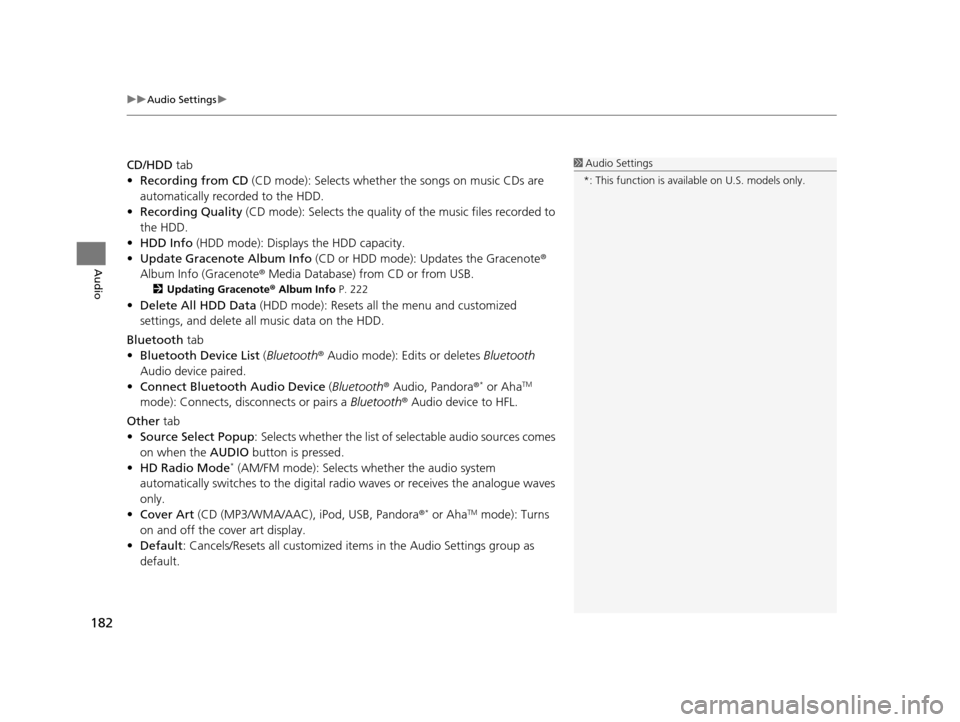
CD/HDD tab
• Recording from CD (CD mode): Selects whether the songs on music CDs are
automatically recorded to the HDD.
• Recording Quality (CD mode): Selects the quality of the music files recorded to
the HDD.
• HDD Info (HDD mode): Displays the HDD capacity.
• Update Gracenote Album Info (CD or HDD mode): Updates the Gracenote ®
Album Info (Gracenote ® Media Database) from CD or from USB.
2Updating Gracenote® Album Info P. 222
•Delete All HDD Data (HDD mode): Resets all the menu and customized
settings, and delete all music data on the HDD.
Bluetooth tab
• Bluetooth Device List (Bluetooth ® Audio mode): Edits or deletes Bluetooth
Audio device paired.
• Connect Bluetooth Audio Device (Bluetooth ® Audio, Pandora ®
* or AhaTM
mode): Connects, disconnects or pairs a Bluetooth® Audio device to HFL.
Other tab
• Source Select Popup : Selects whether the list of selectable audio sources comes
on when the AUDIO button is pressed.
• HD Radio Mode
* (AM/FM mode): Selects whether the audio system
automatically switches to the digital ra dio waves or receives the analogue waves
only.
• Cover Art (CD (MP3/WMA/AAC), iPod, USB, Pandora ®
* or AhaTM mode): Turns
on and off the cover art display.
• Default : Cancels/Resets all customized items in the Audio Settings group as
default.
1 Audio Settings
*: This function is availa ble on U.S. models only.
16 ACURA RDX NAVI-31TX48300.book 182 ページ 2015年3月6日 金曜日 午後1時26分
Page 209 of 363
208
uuPlaying a Disc uAudio Menu
Audio
• Rec to HDD : Records a music CD onto the HDD for playback using HDD Audio.
2Recording a Music CD to HDD P. 213
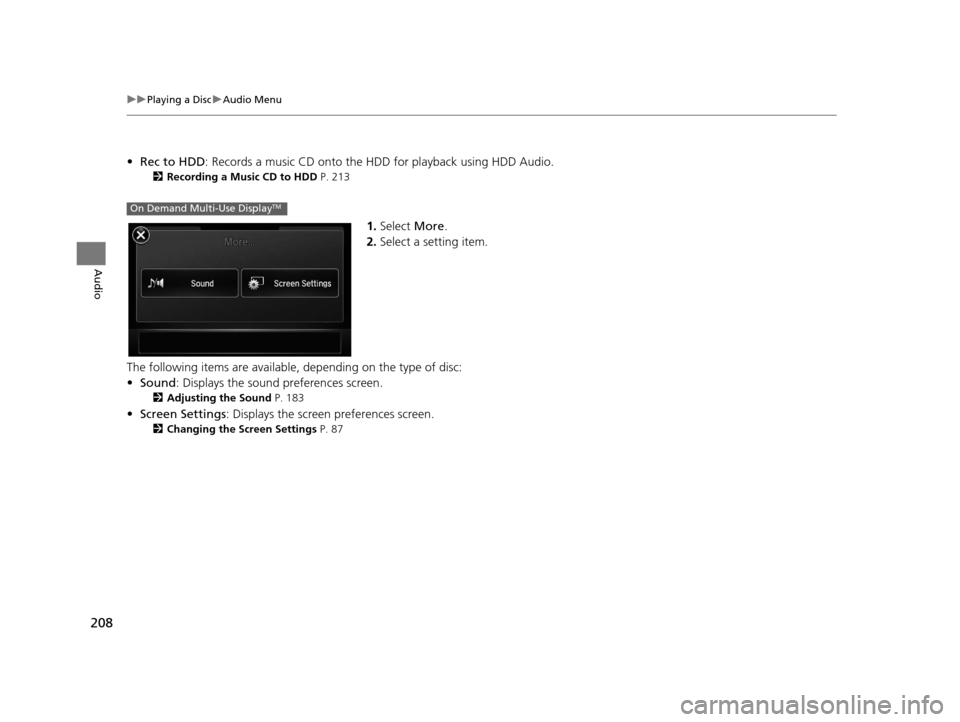
1.Select More.
2. Select a setting item.
The following items are available, depending on the type of disc:
• Sound : Displays the sound preferences screen.
2Adjusting the Sound P. 183
•Screen Settings : Displays the screen preferences screen.
2Changing the Screen Settings P. 87
On Demand Multi-Use DisplayTM
16 ACURA RDX NAVI-31TX48300.book 208 ページ 2015年3月6日 金曜日 午後1時26分
Page 213 of 363
212
Audio
Playing Hard Disc Drive (HDD) Audio
The Hard Disc Drive (HDD) Audio function plays tracks from music CDs that have
been recorded onto the built-in HDD. You can arrange the tracks in playlists or play
the tracks using various search methods.
Selecting HDD Mode
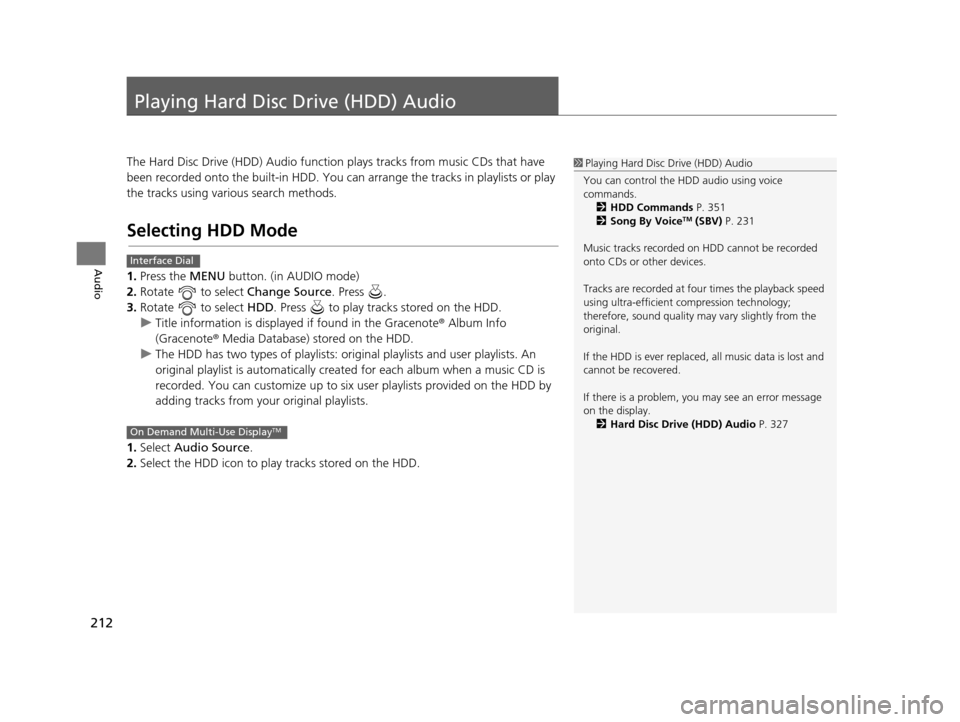
1.Press the MENU button. (in AUDIO mode)
2. Rotate to select Change Source. Press .
3. Rotate to select HDD. Press to play tracks stored on the HDD.
u Title information is displayed if found in the Gracenote ® Album Info
(Gracenote® Media Database) stored on the HDD.
u The HDD has two types of playlists: orig inal playlists and user playlists. An
original playlist is auto matically created for each album when a music CD is
recorded. You can customize up to six us er playlists provided on the HDD by
adding tracks from your original playlists.
1. Select Audio Source.
2. Select the HDD icon to play tracks stored on the HDD.
1Playing Hard Disc Drive (HDD) Audio
You can control the HDD audio using voice
commands. 2 HDD Commands P. 351
2 Song By Voice
TM (SBV) P. 231
Music tracks recorded on HDD cannot be recorded
onto CDs or other devices.
Tracks are recorded at four times the playback speed
using ultra-efficient compression technology;
therefore, sound quality ma y vary slightly from the
original.
If the HDD is ever replaced, all music data is lost and
cannot be recovered.
If there is a problem, you may see an error message
on the display. 2 Hard Disc Drive (HDD) Audio P. 327
Interface Dial
On Demand Multi-Use DisplayTM
16 ACURA RDX NAVI-31TX48300.book 212 ページ 2015年3月6日 金曜日 午後1時26分
Page 214 of 363
213
uuPlaying Hard Disc Drive (HDD) Audio uRecording a Music CD to HDD
Audio
Recording a Music CD to HDD
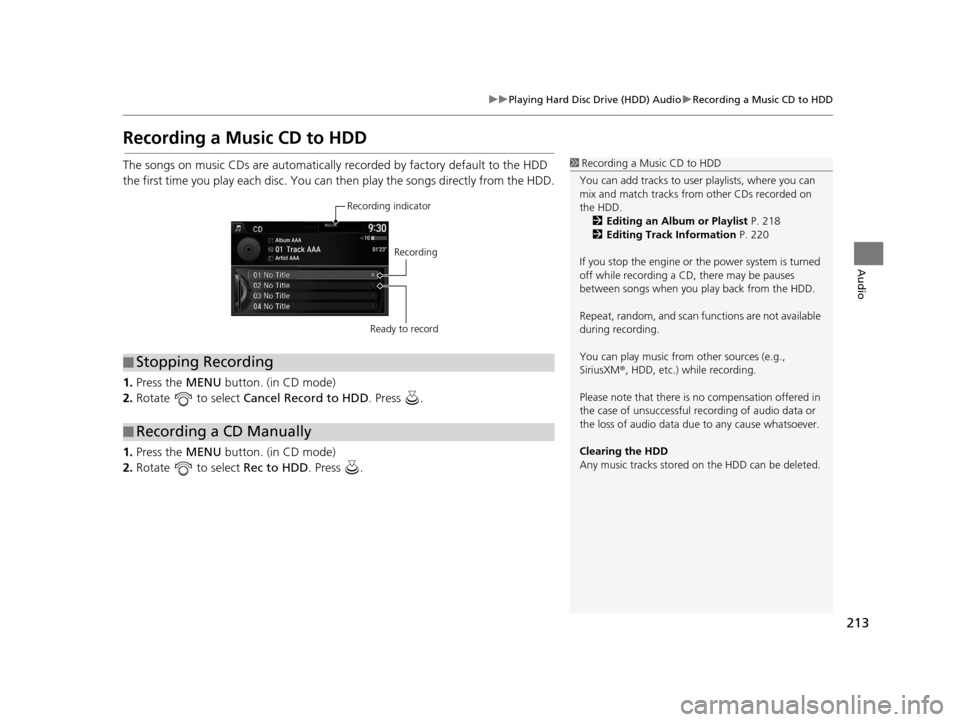
The songs on music CDs are automatically recorded by factory default to the HDD
the first time you play each disc. You ca n then play the songs directly from the HDD.
1. Press the MENU button. (in CD mode)
2. Rotate to select Cancel Record to HDD . Press .
1. Press the MENU button. (in CD mode)
2. Rotate to select Rec to HDD. Press .1Recording a Music CD to HDD
You can add tracks to user playlists, where you can
mix and match tracks from other CDs recorded on
the HDD. 2 Editing an Album or Playlist P. 218
2 Editing Track Information P. 220
If you stop the engine or th e power system is turned
off while recording a CD, there may be pauses
between songs when you play back from the HDD.
Repeat, random, and scan f unctions are not available
during recording.
You can play music from other sources (e.g.,
SiriusXM ®, HDD, etc.) while recording.
Please note that there is no compensation offered in
the case of unsuccessful re cording of audio data or
the loss of audio data due to any cause whatsoever.
Clearing the HDD
Any music tracks stored on the HDD can be deleted.
■ Stopping Recording
■Recording a CD Manually
Recording indicator
Recording
Ready to record
16 ACURA RDX NAVI-31TX48300.book 213 ページ 2015年3月6日 金曜日 午後1時26分
Page 215 of 363
214
uuPlaying Hard Disc Drive (HDD) Audio uAudio Screen Control
Audio
Audio Screen Control
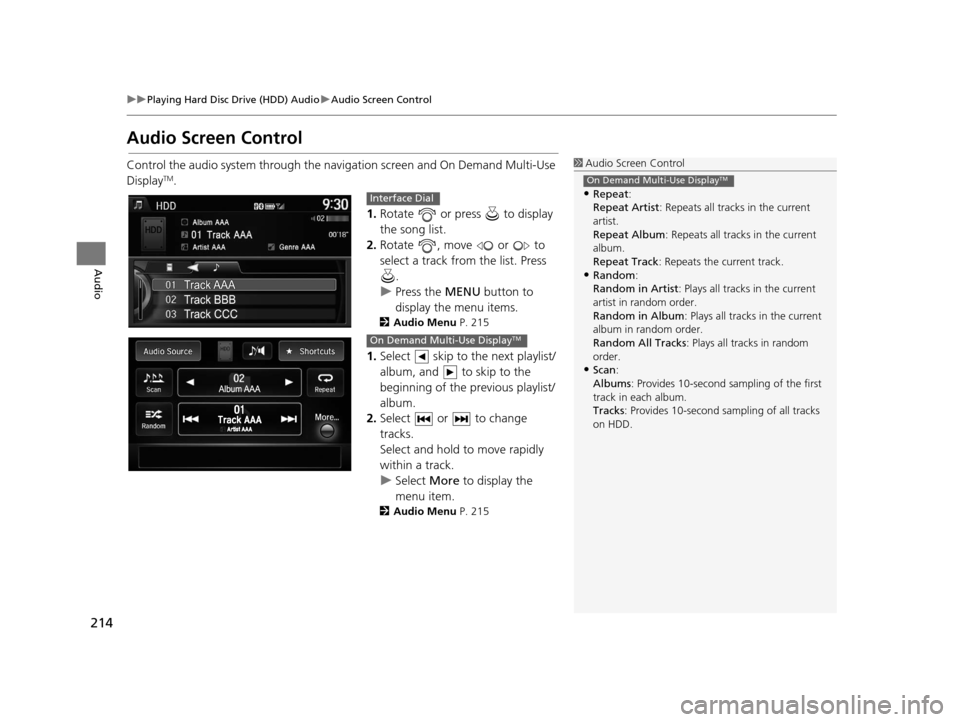
Control the audio system through the navigation screen and On Demand Multi-Use
DisplayTM.
1.Rotate or press to display
the song list.
2. Rotate , move or to
select a track from the list. Press
.
u Press the MENU button to
display the menu items.
2 Audio Menu P. 215
1.Select skip to the next playlist/
album, and to skip to the
beginning of the previous playlist/
album.
2. Select or to change
tracks.
Select and hold to move rapidly
within a track.
u Select More to display the
menu item.
2 Audio Menu P. 215
1Audio Screen Control
•Repeat :
Repeat Artist : Repeats all tracks in the current
artist.
Repeat Album : Repeats all tracks in the current
album.
Repeat Track : Repeats the current track.
•Random:
Random in Artist : Plays all tracks in the current
artist in random order.
Random in Album : Plays all tracks in the current
album in random order.
Random All Tracks : Plays all tracks in random
order.
•Scan :
Albums : Provides 10-second sampling of the first
track in each album.
Tracks : Provides 10-second sampling of all tracks
on HDD.
On Demand Multi-Use DisplayTM
Interface Dial
On Demand Multi-Use DisplayTM
16 ACURA RDX NAVI-31TX48300.book 214 ページ 2015年3月6日 金曜日 午後1時26分
Page 216 of 363
215
uuPlaying Hard Disc Drive (HDD) Audio uAudio Menu
Continued
Audio
Audio Menu
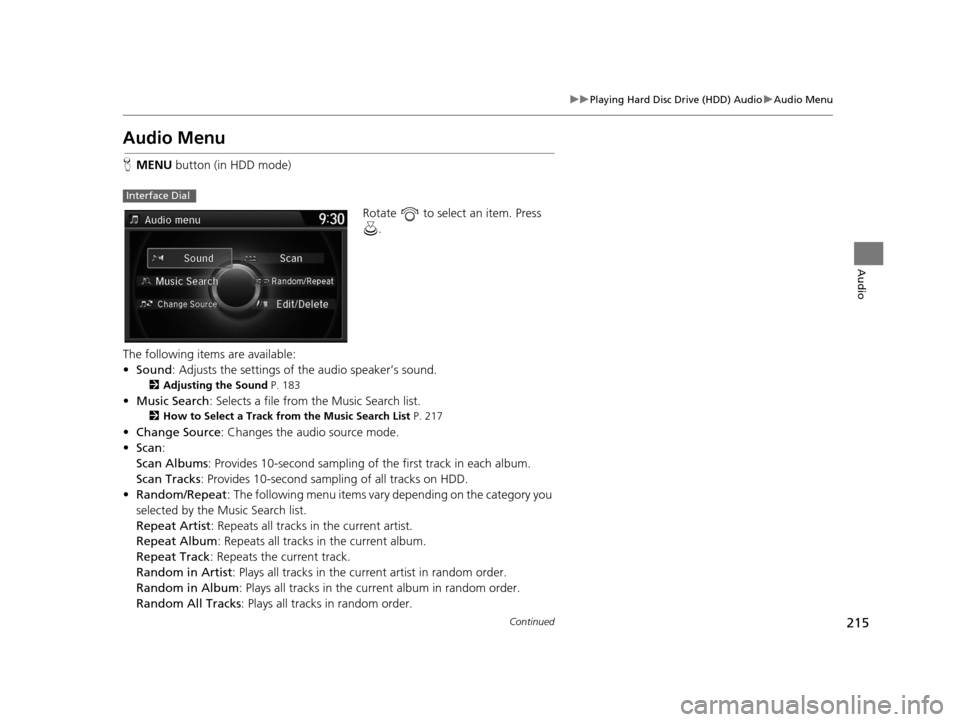
H MENU button (in HDD mode)
Rotate to select an item. Press .
The following items are available:
• Sound : Adjusts the settings of the audio speaker’s sound.
2Adjusting the Sound P. 183
•Music Search : Selects a file from the Music Search list.
2How to Select a Track from the Music Search List P. 217
•Change Source : Changes the audio source mode.
• Scan :
Scan Albums : Provides 10-second sampling of the first track in each album.
Scan Tracks : Provides 10-second sampling of all tracks on HDD.
• Random/Repeat : The following menu items vary depending on the category you
selected by the Music Search list.
Repeat Artist: Repeats all tracks in the current artist.
Repeat Album : Repeats all tracks in the current album.
Repeat Track : Repeats the current track.
Random in Artist : Plays all tracks in the current artist in random order.
Random in Album : Plays all tracks in the curr ent album in random order.
Random All Tracks : Plays all tracks in random order.
Interface Dial
16 ACURA RDX NAVI-31TX48300.book 215 ページ 2015年3月6日 金曜日 午後1時26分
Page 217 of 363
216
uuPlaying Hard Disc Drive (HDD) Audio uAudio Menu
Audio
• Edit/Delete: Change the playlist name, album name, genre, and track order of
the current playlist. You can also de lete tracks, playlists, and albums.
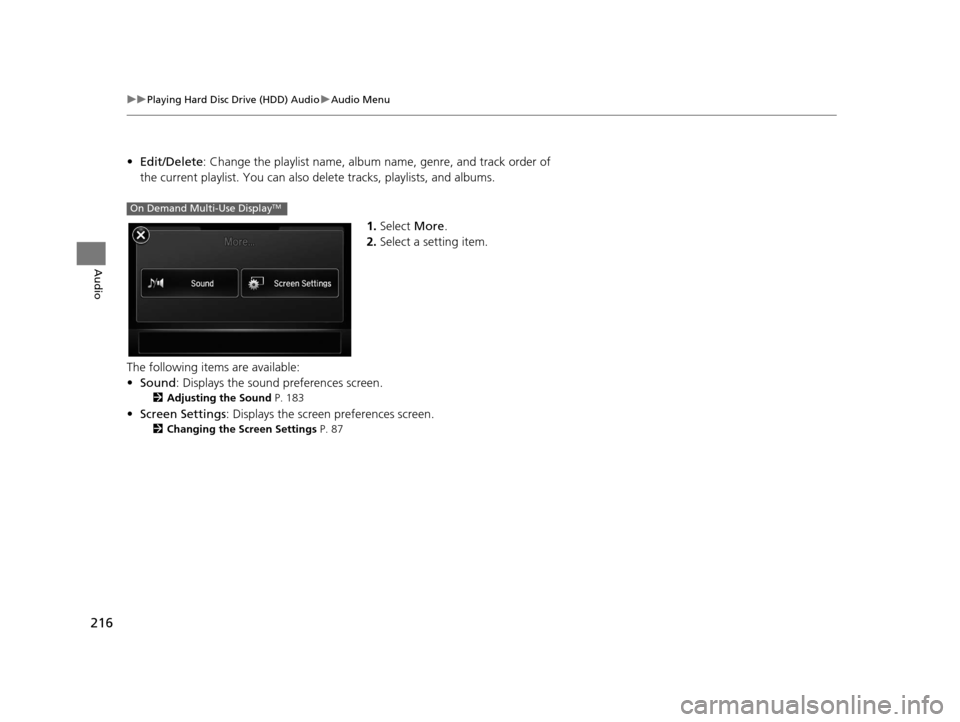
1.Select More.
2. Select a setting item.
The following items are available:
• Sound : Displays the sound preferences screen.
2Adjusting the Sound P. 183
•Screen Settings : Displays the screen preferences screen.
2Changing the Screen Settings P. 87
On Demand Multi-Use DisplayTM
16 ACURA RDX NAVI-31TX48300.book 216 ページ 2015年3月6日 金曜日 午後1時26分
Page 218 of 363
217
uuPlaying Hard Disc Drive (HDD) Audio uAudio Menu
Continued
Audio
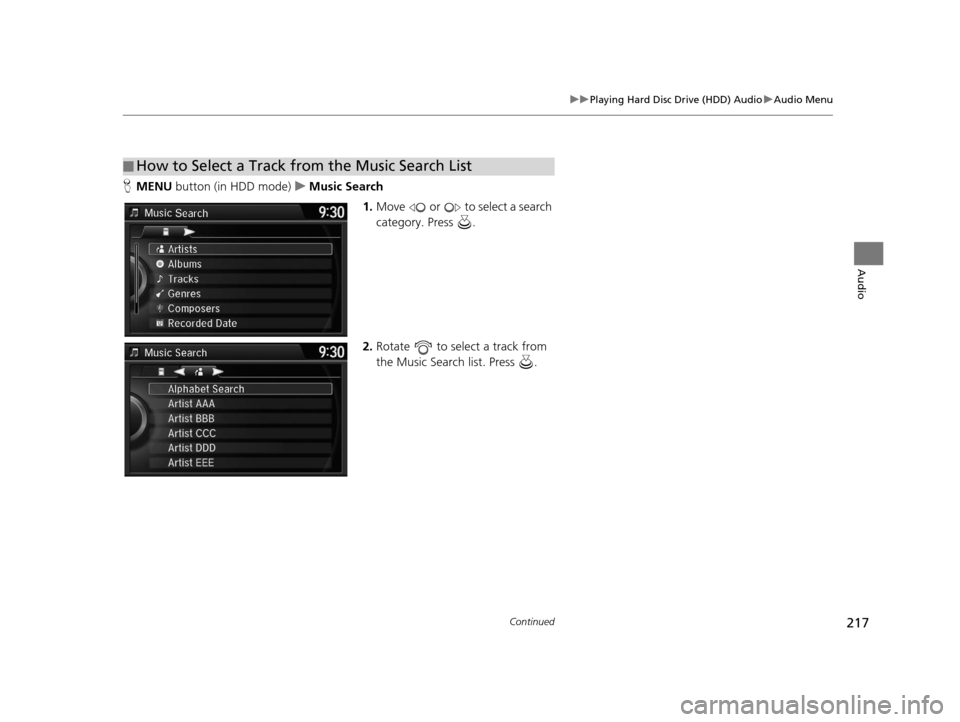
H MENU button (in HDD mode) uMusic Search
1.Move or to select a search
category. Press .
2. Rotate to select a track from
the Music Search list. Press .
■How to Select a Track from the Music Search List
16 ACURA RDX NAVI-31TX48300.book 217 ページ 2015年3月6日 金曜日 午後1時26分
Page 219 of 363
uuPlaying Hard Disc Drive (HDD) Audio uAudio Menu
218
Audio
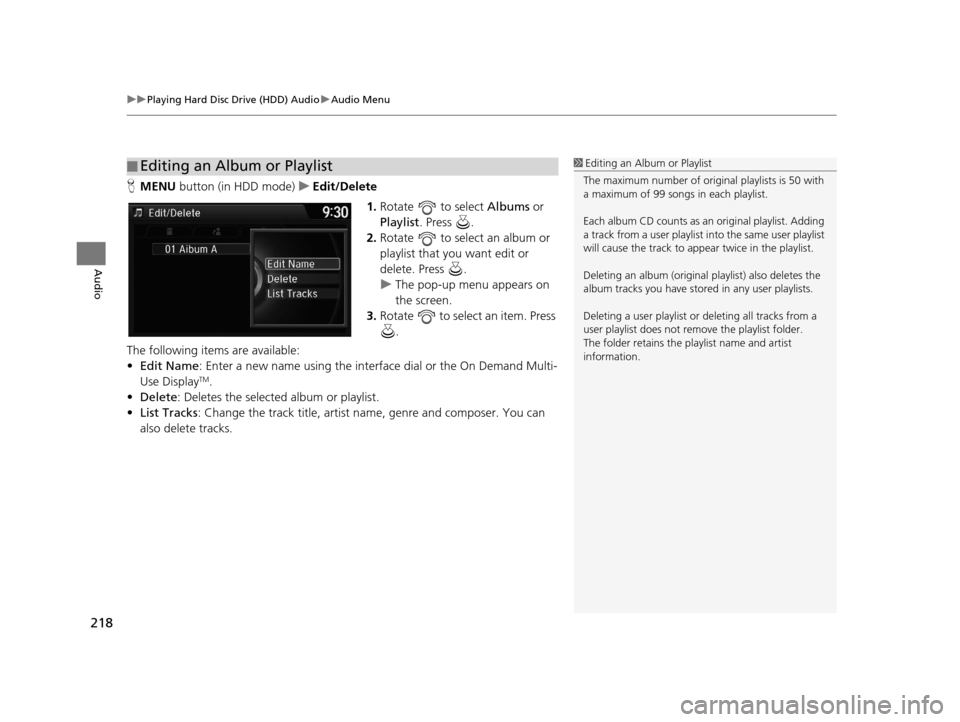
H MENU button (in HDD mode) uEdit/Delete
1.Rotate to select Albums or
Playlist . Press .
2. Rotate to select an album or
playlist that you want edit or
delete. Press .
u The pop-up menu appears on
the screen.
3. Rotate to select an item. Press
.
The following items are available:
• Edit Name: Enter a new name using the interface dial or the On Demand Multi-
Use Display
TM.
• Delete: Deletes the selected album or playlist.
• List Tracks : Change the track title, artist name, genre and composer. You can
also delete tracks.
■ Editing an Album or Playlist1
Editing an Album or Playlist
The maximum number of original playlists is 50 with
a maximum of 99 songs in each playlist.
Each album CD counts as an original playlist. Adding
a track from a user playlist into the same user playlist
will cause the track to appear twice in the playlist.
Deleting an album (original playlist) also deletes the
album tracks you have stor ed in any user playlists.
Deleting a user playlist or deleting all tracks from a
user playlist does not remove the playlist folder.
The folder retains the playlist name and artist
information.
16 ACURA RDX NAVI-31TX48300.book 218 ページ 2015年3月6日 金曜日 午後1時26分