ad blue Acura TLX 2019 Navigation Manual
[x] Cancel search | Manufacturer: ACURA, Model Year: 2019, Model line: TLX, Model: Acura TLX 2019Pages: 399, PDF Size: 41.86 MB
Page 300 of 399

298
uuText/E-mail Message uDisplaying Messages
Bluetooth ® HandsFreeLink ®
Displaying Messages
HPHONE button uText/Email
1.Select account if necessary.
2. Rotate to select a message.
Press .
u The text message is displayed.
The system automatically starts
reading the message aloud.
3. Rotate to select View Full
Message .
4. Press to displays the full text of
the message.
■Displaying Text Messages1
Displaying Messages
The icon appears next to an unread message.
If you delete a message on the phone, the message is
also deleted in the system. If you send a message
from the system, the message goes to your phone’s
outbox.
To see the previous or next message, move or
on the text message screen.
Some phones may have an additional setting to
enable this feature.
19 ACURA TLX NAVI-31TZ38400.book 298 ページ 2018年3月7日 水曜日 午後4時23分
Page 301 of 399

Continued299
uuText/E-mail Message uDisplaying Messages
Bluetooth ® HandsFreeLink ®
HPHONE button uText/Email
1.Rotate to select a folder. Press
.
2. Rotate to select a message.
Press .
u The e-mail message is
displayed. The system
automatically starts reading the
message aloud.
3. Rotate to select View Full
Message .
4. Press to displays the full text of
the message.
■Displaying E-mail Messages1
Displaying E-mail Messages
Received text and e-mail me ssages may appear in the
message list screen at the same time. In this case, text
messages are titled No subject.
19 ACURA TLX NAVI-31TZ38400.book 299 ページ 2018年3月7日 水曜日 午後4時23分
Page 302 of 399

300
uuText/E-mail Message uDisplaying Messages
Bluetooth ® HandsFreeLink ®
1.Go to the text or e-mail message
screen.
u The system automatically starts
reading the message aloud.
2 Displaying Messages P. 298
2.Rotate to select Stop
Reading Messages .
3. Press to stop reading.
Press again to start reading the
message from the beginning.
1. Go to the text or e-mail message
screen.
u The system automatically starts
reading the message aloud.
2 Displaying Messages P. 298
2.Rotate to select Reply. Press
.
■ Read or Stop Reading a Message
■Reply to a Message
19 ACURA TLX NAVI-31TZ38400.book 300 ページ 2018年3月7日 水曜日 午後4時23分
Page 303 of 399

301
uuText/E-mail Message uDisplaying Messages
Bluetooth ® HandsFreeLink ®
3.Rotate to select the reply
message. Press .
u Message Sent appears on the
screen when the reply message
was successfully sent.
1. Go to the text message screen.
u The system automatically starts
reading the message aloud.
2 Displaying Text Messages
P. 298
2. Rotate to select Call. Press
.
1 Reply to a Message
The available fixed reply messages are as follows:
•Talk to you later, I’m driving.
•I’m on my way.
•I’m running late.•OK
•Yes
•No
You cannot add, edit, or delete reply messages.
Only certain phones receiv e and send messages when
paired and connected. For a list of compatible
phones:
•U.S.: Visit www.acura.com/handsfreelink , or call
1-888-528-7876.
•Canada: Visit www.handsfreelink.ca , or call
1-888-528-7876.
■ Calling the Sender
19 ACURA TLX NAVI-31TZ38400.book 301 ページ 2018年3月7日 水曜日 午後4時23分
Page 304 of 399
302
Bluetooth® HandsFreeLink ®
Roadside Assistance
HPHONE button uRoadside Assistance
Provides a nationwide service for unexpecte d incidents. You can call for assistance
using a phone paired and connected to Bluetooth® HandsFreeLink ®.
Rotate to select a phone
number. Press .
u Dialing starts automatically.1Roadside Assistance
If you are subscribed to a paid AcuraLink ® package,
you can call the roadside assistance using the LINK
button instead of your phone. 2 AcuraLink ® P. 308
This function is not available on all models.
19 ACURA TLX NAVI-31TZ38400.book 302 ページ 2018年3月7日 水曜日 午後4時23分
Page 305 of 399
303Continued
Bluetooth® HandsFreeLink ®
HFL Menus
The power mode must be in ACCESSORY or ON to use HFL.
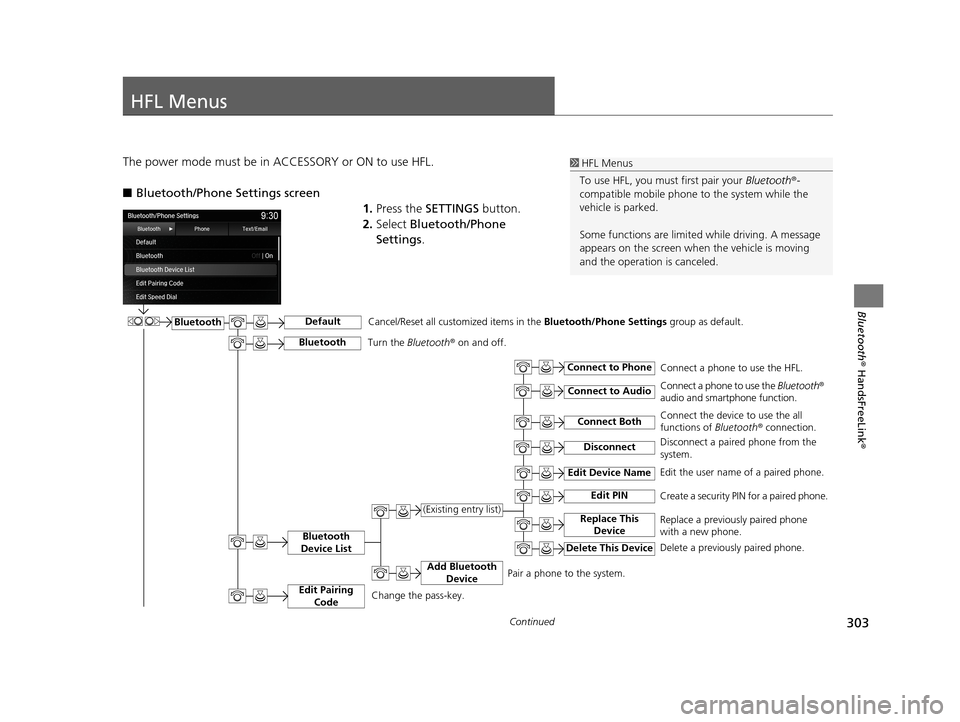
■Bluetooth/Phone Settings screen
1.Press the SETTINGS button.
2. Select Bluetooth/Phone
Settings .1HFL Menus
To use HFL, you must first pair your Bluetooth®-
compatible mobile phone to the system while the
vehicle is parked.
Some functions are limited while driving. A message
appears on the screen when the vehicle is moving
and the operation is canceled.
BluetoothDefault
Bluetooth
Device List
Connect Both
Connect to Phone
Connect to Audio
Add Bluetooth Device
Edit Device Name
Edit PIN
Replace This Device(Existing entry list)
Delete This Device
Edit the user name of a paired phone.
Create a security PIN for a paired phone.
Replace a previously paired phone
with a new phone.
Delete a previously paired phone.Connect a phone to use the HFL.
Connect a phone to use the
Bluetooth®
audio and smartphone function.
Connect the device to use the all
functions of Bluetooth ® connection.
Pair a phone to the system.
Disconnect
Cancel/Reset all customized items in the Bluetooth/Phone Settings group as default.
Disconnect a paired phone from the
system.
Edit Pairing
CodeChange the pass-key.
BluetoothTurn the Bluetooth ® on and off.
19 ACURA TLX NAVI-31TZ38400.book 303 ページ 2018年3月7日 水曜日 午後4時23分
Page 306 of 399
304
uuHFL Menus u
Bluetooth® HandsFreeLink ®
Text/
Email*1
Import from Phonebook
Manual InputEnter a phone number to store as a
speed dial number.
Select a phone number from the
phonebook to store as a speed dial
number.
Select a phone number from the call
history to store as a speed dial
number.
Edit a previously stored speed dial.
Change a number.
Create or delete a voice tag.
Delete a previously stored speed dial
number.
Delete
Set calls to automatically transfer from your phone to HFL when you enter the vehicle. Delete all the previously stored speed dial numbers.
Edit Speed Dial
Auto Transfer
Auto Answer
Automatic Phone Sync
Use Contact Photo
Enable Text/Email
Select Account
New Text/Email Alert
Ring Tone
Delete All
New Entry
(Existing entry list)
Import from Call
History
Edit
Set whether to automatically answer an incoming call after about four seconds.
Select the ring tone.
Set phonebook data to be automatically imported when a phone is paired to HFL.
Display a caller’s picture on an incoming call screen.
Turn the text/e-mail message function on and off.
Select a text or e-mail message account.
Select whether a pop-up alert comes on the screen when HFL receives a new text/e-mail message.
*1: Appears only when a phone is connected to HFL.
Phone
19 ACURA TLX NAVI-31TZ38400.book 304 ページ 2018年3月7日 水曜日 午後4時23分
Page 307 of 399
305
uuHFL Menus u
Continued
Bluetooth® HandsFreeLink ®
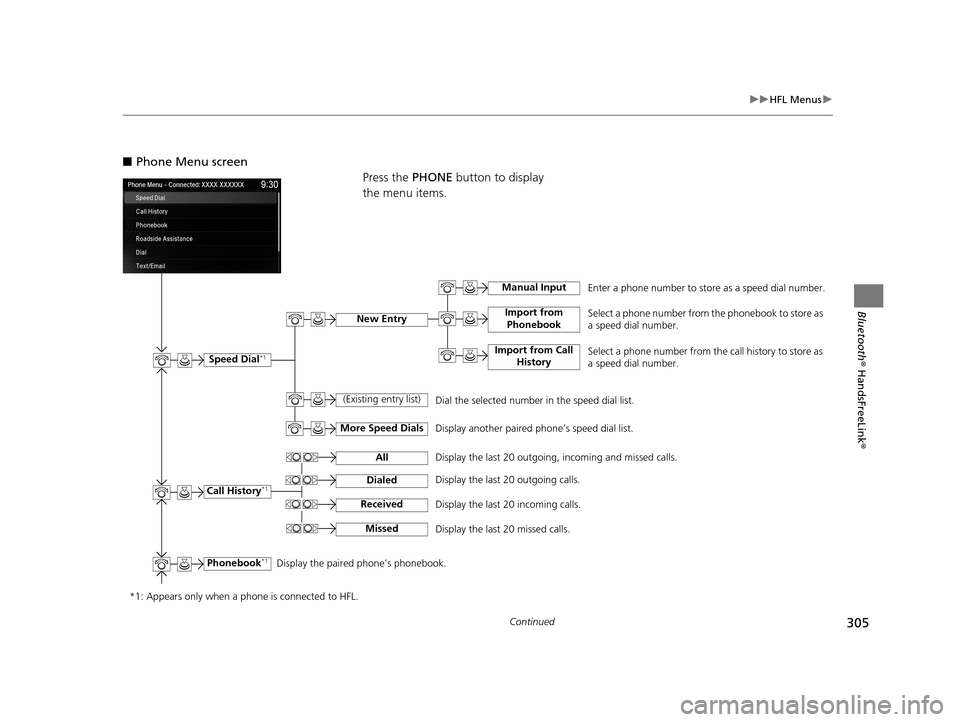
■Phone Menu screen
Press the PHONE button to display
the menu items.
Phonebook*1
Speed Dial*1
(Existing entry list)
More Speed Dials
Import from Phonebook
Display the paired phone’s phonebook. Enter a phone number to store as a speed dial number.
Manual Input
Import from Call
History
New EntrySelect a phone number from the phonebook to store as
a speed dial number.
Select a phone number from the call history to store as
a speed dial number.
Dial the selected number in the speed dial list.
Display another paired phone’s speed dial list.
*1: Appears only when a phone is connected to HFL. Call History
*1
All
Dialed
Received
Missed
Display the last 20 outgoing, incoming and missed calls.
Display the last 20 outgoing calls.
Display the last 20 incoming calls.
Display the last 20 missed calls.
19 ACURA TLX NAVI-31TZ38400.book 305 ページ 2018年3月7日 水曜日 午後4時23分
Page 308 of 399
306
uuHFL Menus u
Bluetooth® HandsFreeLink ®
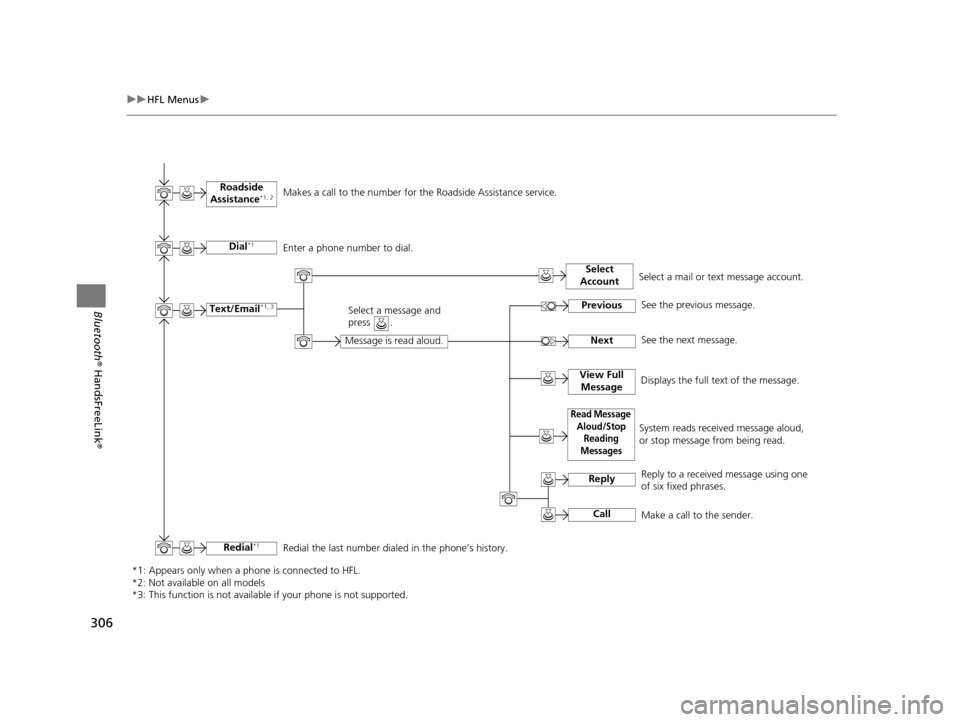
*1: Appears only when a phone is connected to HFL.
*2: Not available on all models
*3: This function is not available if your phone is not supported.
Redial*1Redial the last number dialed in the phone’s history.
Roadside
Assistance
*1, 2
Text/Email*1, 3
Read Message Aloud/Stop Reading
Messages
Previous
Next
Reply
Call
Select
Account
Makes a call to the number for the Roadside Assistance service.
Message is read aloud.
Select a message and
press .
System reads received message aloud,
or stop message from being read. See the previous message.
See the next message.
Reply to a received message using one
of six fixed phrases.
Make a call to the sender.
Select a mail or text message account.
Dial
*1Enter a phone number to dial.
View Full Message
Displays the full text of the message.
19 ACURA TLX NAVI-31TZ38400.book 306 ページ 2018年3月7日 水曜日 午後4時23分
Page 350 of 399
348
Troubleshooting
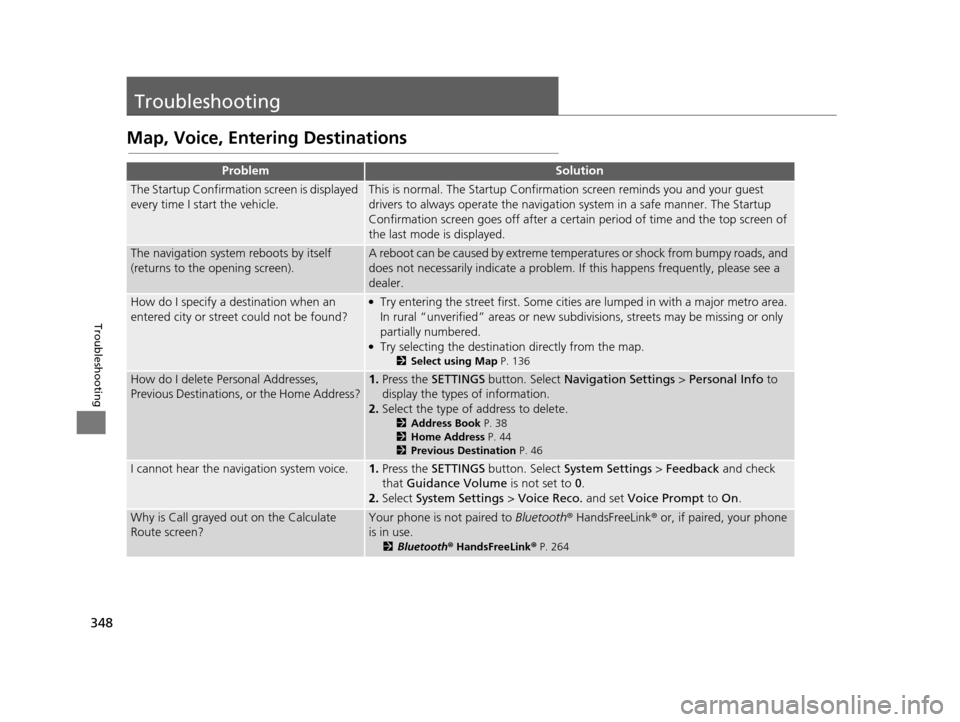
Troubleshooting
Map, Voice, Entering Destinations
ProblemSolution
The Startup Confirmation screen is displayed
every time I start the vehicle.This is normal. The Startup Confirmati on screen reminds you and your guest
drivers to always operate the navigation system in a safe manner. The Startup
Confirmation screen goes off after a certain period of time and the top screen of
the last mode is displayed.
The navigation system reboots by itself
(returns to the opening screen).A reboot can be caused by extreme temperatures or shock from bumpy roads, and
does not necessarily indicate a problem. If this happens frequently, please see a
dealer.
How do I specify a de stination when an
entered city or street could not be found?●Try entering the street first. Some cities are lumped in with a major metro area.
In rural “unverified” areas or new subdivisions, streets may be missing or only
partially numbered.
●Try selecting the destination directly from the map.
2 Select using Map P. 136
How do I delete Personal Addresses,
Previous Destinations, or the Home Address?1.Press the SETTINGS button. Select Navigation Settings > Personal Info to
display the types of information.
2. Select the type of address to delete.
2 Address Book P. 38
2 Home Address P. 44
2 Previous Destination P. 46
I cannot hear the navigation system voice.1.Press the SETTINGS button. Select System Settings > Feedback and check
that Guidance Volume is not set to 0.
2. Select System Settings > Voice Reco. and set Voice Prompt to On.
Why is Call grayed out on the Calculate
Route screen?Your phone is not paired to Bluetooth® HandsFreeLink ® or, if paired, your phone
is in use.
2 Bluetooth ® HandsFreeLink ® P. 264
19 ACURA TLX NAVI-31TZ38400.book 348 ページ 2018年3月7日 水曜日 午後4時23分