lock Alfa Romeo 4C Spider 2017 Owner's Guide
[x] Cancel search | Manufacturer: ALFA ROMEO, Model Year: 2017, Model line: 4C Spider, Model: Alfa Romeo 4C Spider 2017Pages: 297, PDF Size: 2.84 MB
Page 70 of 297
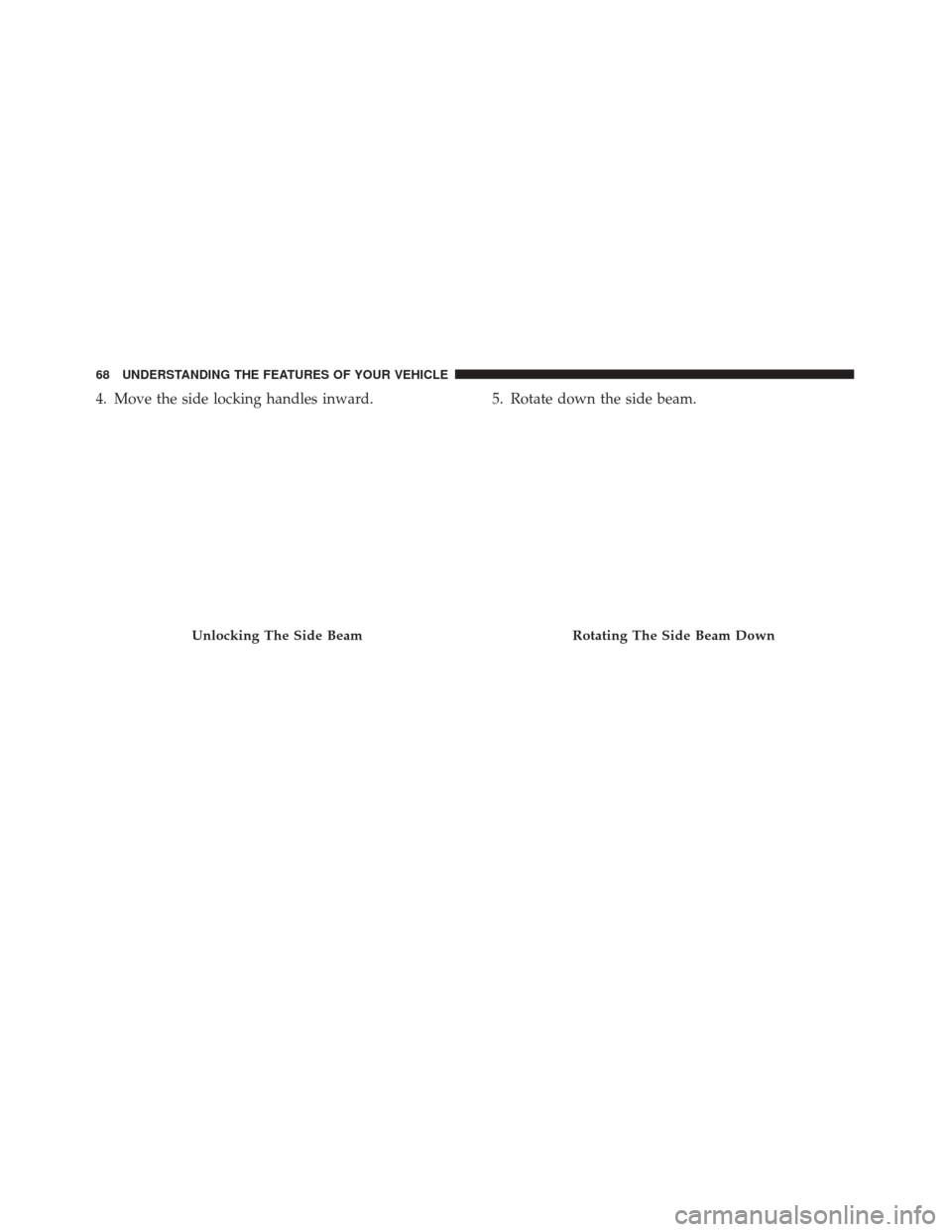
4. Move the side locking handles inward.5. Rotate down the side beam.
Unlocking The Side BeamRotating The Side Beam Down
68 UNDERSTANDING THE FEATURES OF YOUR VEHICLE
Page 71 of 297
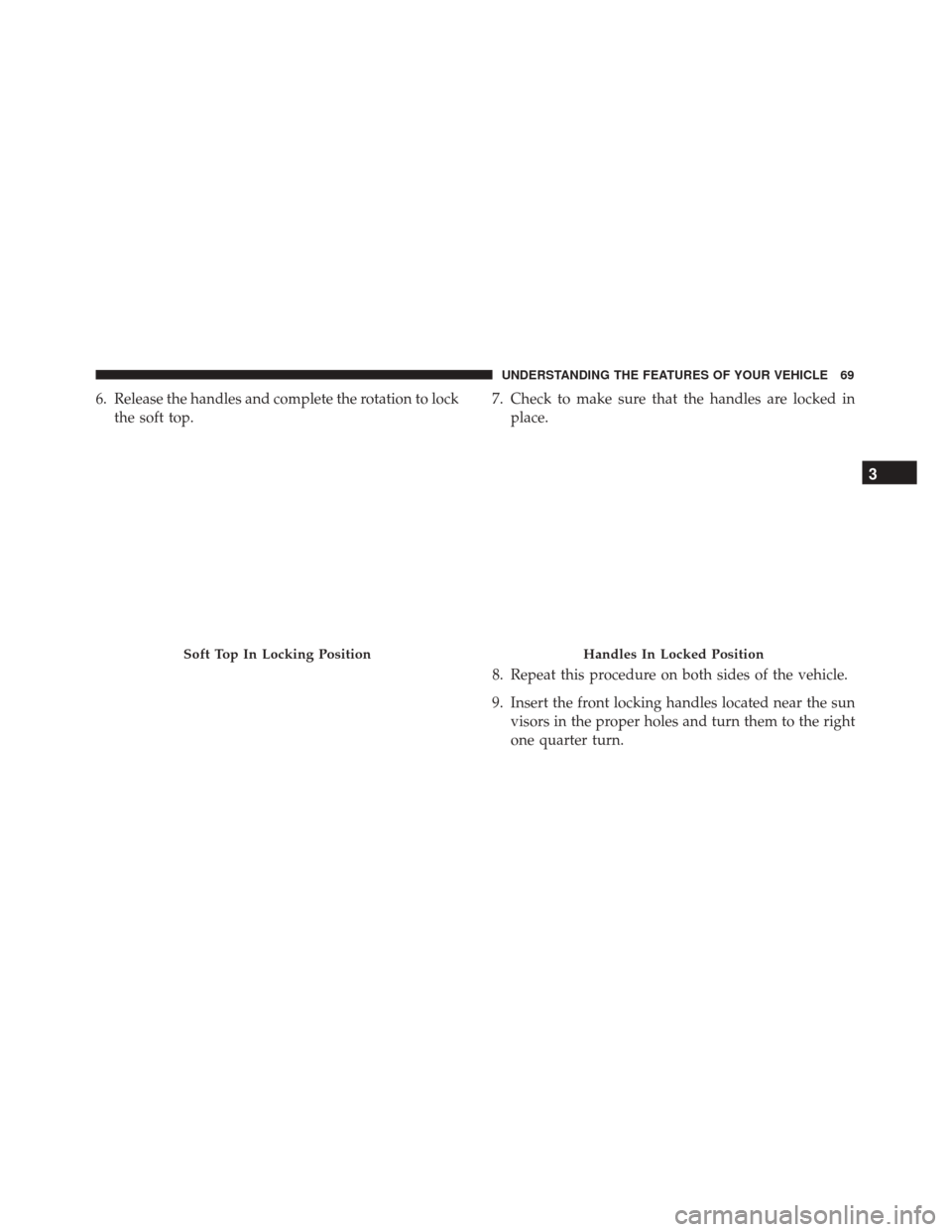
6. Release the handles and complete the rotation to lockthe soft top. 7. Check to make sure that the handles are locked in
place.
8. Repeat this procedure on both sides of the vehicle.
9. Insert the front locking handles located near the sun visors in the proper holes and turn them to the right
one quarter turn.
Soft Top In Locking PositionHandles In Locked Position
3
UNDERSTANDING THE FEATURES OF YOUR VEHICLE 69
Page 72 of 297
NOTE:
•Do not attach a roof rack on the soft top.
• Do not keep the soft top folded for long periods of
time.
• Do not remove ice from the top with a sharp object.
• Do not put objects on the top. The object could fall if
the top is operated causing damage and injury.
• The cooled air flow into the passenger compartment
may decrease if the automatic climate control system
is on and the top is not all the way closed. •
With the top open and the vehicle travelling, the
speech recognition system along with the dial num-
ber command, may not be recognized because of the
background noise if equipped.
• With the top installed at speeds higher than 80 mph
(130 km/h), optimal comfort may not be achieved.
The top fabric is treated with a special water repellent,
waterproof product. The water-repellent properties
will degrade in time with exposure to the weather
elements. Observe the following instructions for
washing:
NOTE:
• Use of specific products is recommended for washing
the top.
• Bird droppings must be washed off immediately and
thoroughly as the acid they contain is particularly
aggressive.
• Never use high-pressure washing systems.
• Hand washing is recommended; modern automatic
washing systems equipped with soft brushes which
do not apply excessive pressure and employ specific
soft top products may be used.
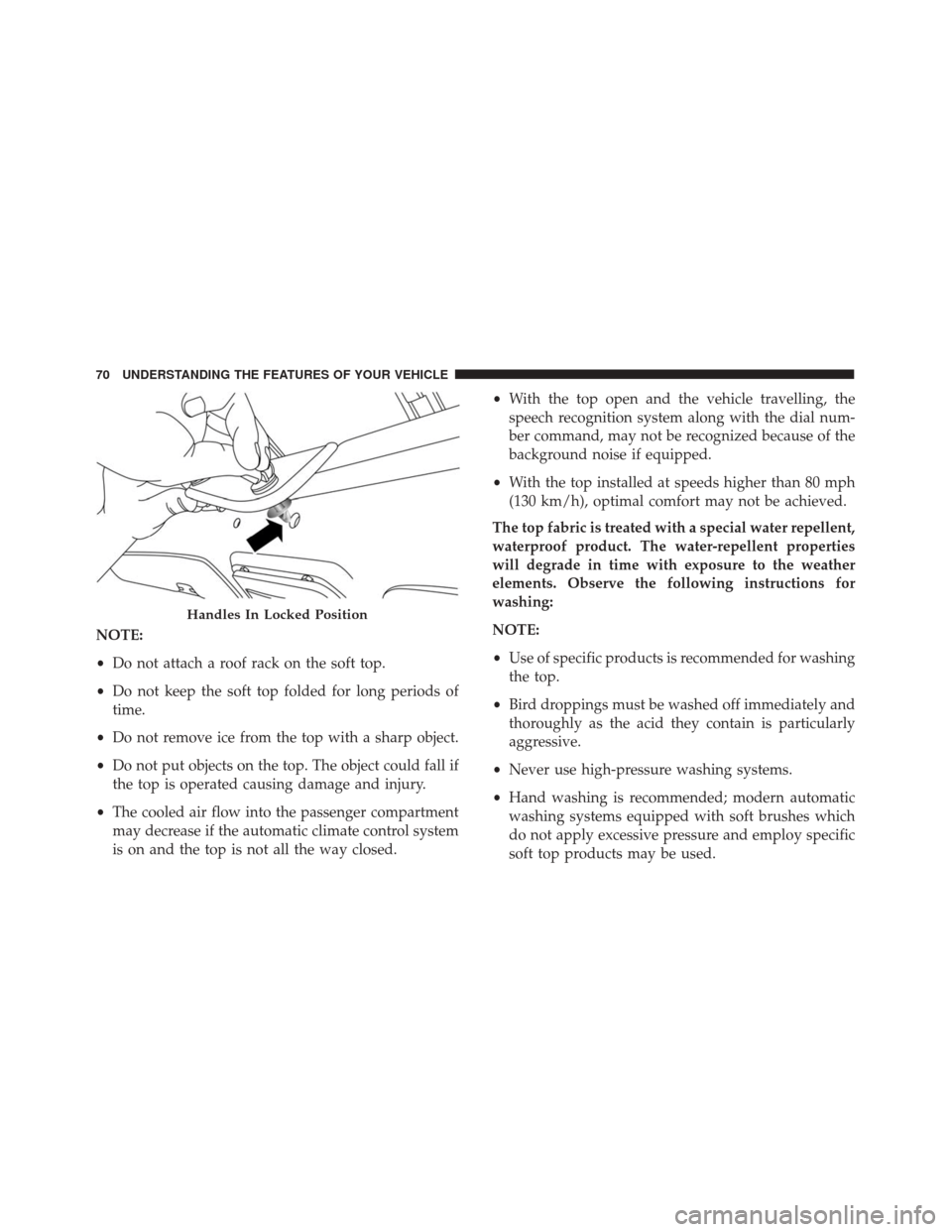
Handles In Locked Position
70 UNDERSTANDING THE FEATURES OF YOUR VEHICLE
Page 75 of 297
WARNING!
•Adjusting a seat while driving may be dangerous.
Moving a seat while driving could result in loss
of control which could cause a collision and
serious injury or death.
• Seats should be adjusted before fastening the seat
belts and while the vehicle is parked. Serious
injury or death could result from a poorly ad-
justed seat belt.
(Continued)
WARNING! (Continued)
•Do not ride with the seatback reclined so that the
shoulder belt is no longer resting against your
chest. In a collision you could slide under the seat
belt, which could result in serious injury or death.
Non-Adjustable Head Restraints
The non-adjustable head restraints are form fitted into
the upper structure of the seatback and are designed to
reduce the risk of injury by restricting head movement
in the event of a rear impact. The seatback should be
properly adjusted to an upright position where the head
restraint is positioned as close as possible to the back of
your head.
WARNING!
Be certain that the seatback is locked securely into
position. Otherwise, the seat will not provide the
proper stability for passengers. An improperly
latched seatback could cause serious injury.
Recline Lever
3
UNDERSTANDING THE FEATURES OF YOUR VEHICLE 73
Page 78 of 297
5. Place the decklid prop rod in the decklid slot tosecure the decklid in the open position.WARNING!
•The maximum load limit for the luggage compart-
ment, in addition to the kits provided, is 33.1 lbs.
(15kg). Do not exceed the maximum permitted
load in the luggage compartment. When accessing
the rear luggage compartment, do not come into
contact with engine, or other components, that
may be hot and could burn you if touched.
• Access the luggage compartment only with the
vehicle stationary. Before exiting the vehicle, you
should always place the vehicle into FIRST gear
or REVERSE, apply the parking brake, and re-
move the key from the ignition. Never leave the
key fob in the vehicle or in a location accessible to
children.
• The decklid may drop suddenly, causing serious
injury, if the supporting rod is not positioned
correctly.
• The decklid must always be closed properly, and
the lock engaged, while the vehicle is in motions.
Decklid Prop Rod Slot
76 UNDERSTANDING THE FEATURES OF YOUR VEHICLE
Page 80 of 297
Daytime Running Lights
To activate the Daytime Running Lights (DRL), rotate
the end of the multifunction lever to theOsymbol.
NOTE: The low beams and side/tail lights will not be
on with DRL.
High Beams
With the low beams activated, pull the multi-
function lever towards the steering wheel to turn
on the high beams. A high beam symbol will illuminate
in the cluster to indicate the high beams are on. Pull the
multifunction lever a second time to switch the head-
lights back to low beam.
Flash-To-Pass
You can signal another vehicle with your headlights by
partially pulling the multifunction lever toward the
steering wheel. This will cause the high beam head-
lights to turn on until the lever is released.
Parking Lights
To turn on the parking lights, remove the key
or turn the ignition to OFF/LOCK position
and turn on the headlights.
Turn Signals
Move the multifunction lever up or down and the
arrows on each side of the instrument cluster display
will flash to show proper operation of the front and rear
turn signal lights.
NOTE: If either light remains on and does not flash, or
there is a very fast flash rate, check for a defective
outside light bulb. If an indicator fails to light when the
lever is moved, it would suggest that the indicator bulb
is defective.
Lane Change Assist
Tap the lever up or down once, without moving beyond
the detent, and the turn signal (right or left) will flash
five times then automatically turn off.
78 UNDERSTANDING THE FEATURES OF YOUR VEHICLE
Page 81 of 297
Follow Me Home/Headlight Delay — If Equipped
When this feature is selected the driver can choose to
have the headlights remain on for a preset period of
time.
Activation
Remove the key or turn the ignition to the STOP
(OFF/LOCK) position, and pull the multifunction lever
toward the steering wheel, within two minutes. Each
time the lever is pulled, the activation of the lights will
be extended by 30 seconds. The activation of the lights
can be extended to a maximum of 210 seconds.
Deactivation
Pull the multifunction lever toward the steering wheel
and hold it for more than two seconds.
Dimmer Controls
The dimmer controls are located on the left side of the
instrument panel below the instrument cluster.
Pushing the up or down arrow will increase or decrease
the brightness of the instrument panel lights.
Dimmer Controls
3
UNDERSTANDING THE FEATURES OF YOUR VEHICLE 79
Page 82 of 297
Interior Light
The interior light is located in the headliner in between
the sun visors. The interior light can be set to three
different positions (off/left position, center position,
on/right position).
Using the interior light lens, push the lens to the right
from its center position and the lights are always on.
Push the lens to the left from its center position and the
lights are always off. Leave the lens in the center
position, and the light is turned on and off when the
doors are opened or closed.
CAUTION!
Before getting out of the vehicle be sure that the
Overhead Dome Lamp is in the center position or
that the lights are off to avoid draining the battery.
Interior Light Timing (Center Position)
There are four different modes of operation that can be
activated in this position:
•When one door is opened a three minute timer is
activated.
• When the key is removed from the ignition (within
two minutes of the ignition being turned off), a 10
second timer is activated.
• When the doors are unlocked with the key fob a 10
second timer is activated.
Interior Light (Off Position Shown)
80 UNDERSTANDING THE FEATURES OF YOUR VEHICLE
Page 83 of 297
•When the doors are locked with the key fob the lights
will turn off.
WINDSHIELD WIPERS AND WASHERS
The windshield wiper/washer controls are located on
the windshield wiper/washer lever on the right side of
the steering column. The front wipers are operated by
rotating a switch, located on the end of the lever.
Intermittent Wiper System
Use the intermittent wiper when weather conditions
make a single wiping cycle with a variable pause
between cycles. Rotate the end of the multifunction
lever to the first detent position. There are four possible
delay intervals that depend on the vehicle speed.
Windshield Wiper Operation
Rotate the end of the lever upward, to the first detent
past the intermittent settings for low-speed wiper op-
eration. Rotate the end of the lever upward to the
second detent past the intermittent settings for high-
speed wiper operation.
Mist
Use the mist feature when weather conditions make
occasional usage of the wipers necessary. Push the lever
upward to the mist position and release for a single
wiping cycle.
NOTE: The mist feature does not activate the washer
pump; therefore, no washer fluid will be sprayed on the
windshield. The wash function must be used in order to
spray the windshield with washer fluid.
Windshield Wiper/Washer Lever
3
UNDERSTANDING THE FEATURES OF YOUR VEHICLE 81
Page 84 of 297
Windshield Washers
To use the washer, pull the lever toward you and hold
while spray is desired. If the lever is pulled while in the
delay range, the wiper will start and continue to operate
for three wipe cycles after the lever is released, and then
resume the intermittent interval previously selected.
If the lever is pulled while in the off position, the wipers
will operate for three wipe cycles and then turn off.
WARNING!
Sudden loss of visibility through the windshield
could lead to a collision. You might not see other
vehicles or other obstacles. To avoid sudden icing of
the windshield during freezing weather, warm the
windshield with defroster before and during wind-
shield washer use.
TILT/TELESCOPING STEERING COLUMN
This feature allows you to tilt the steering column
upward or downward. It also allows you to lengthen or
shorten the steering column. The tilt/telescoping con-
trol handle is located below the steering wheel at the
end of the steering column.To unlock the steering column, push the lever down-
ward (toward the floor). To tilt the steering column,
move the steering wheel upward or downward as
desired. To lengthen or shorten the steering column,
pull the steering wheel outward or push it inward as
desired. To lock the steering column in position, push
the lever upward until fully engaged.
Tilt/Telescoping Column Lever
82 UNDERSTANDING THE FEATURES OF YOUR VEHICLE