lock Alfa Romeo 4C Spider 2019 User Guide
[x] Cancel search | Manufacturer: ALFA ROMEO, Model Year: 2019, Model line: 4C Spider, Model: Alfa Romeo 4C Spider 2019Pages: 292, PDF Size: 3.25 MB
Page 26 of 292
2. Push the unlock button on the key fob or the doorlocking/unlocking LED indicator button on the
dashboard.
3. Push the lock button on the key fob or the door locking/unlocking LED indicator button on the
dashboard.
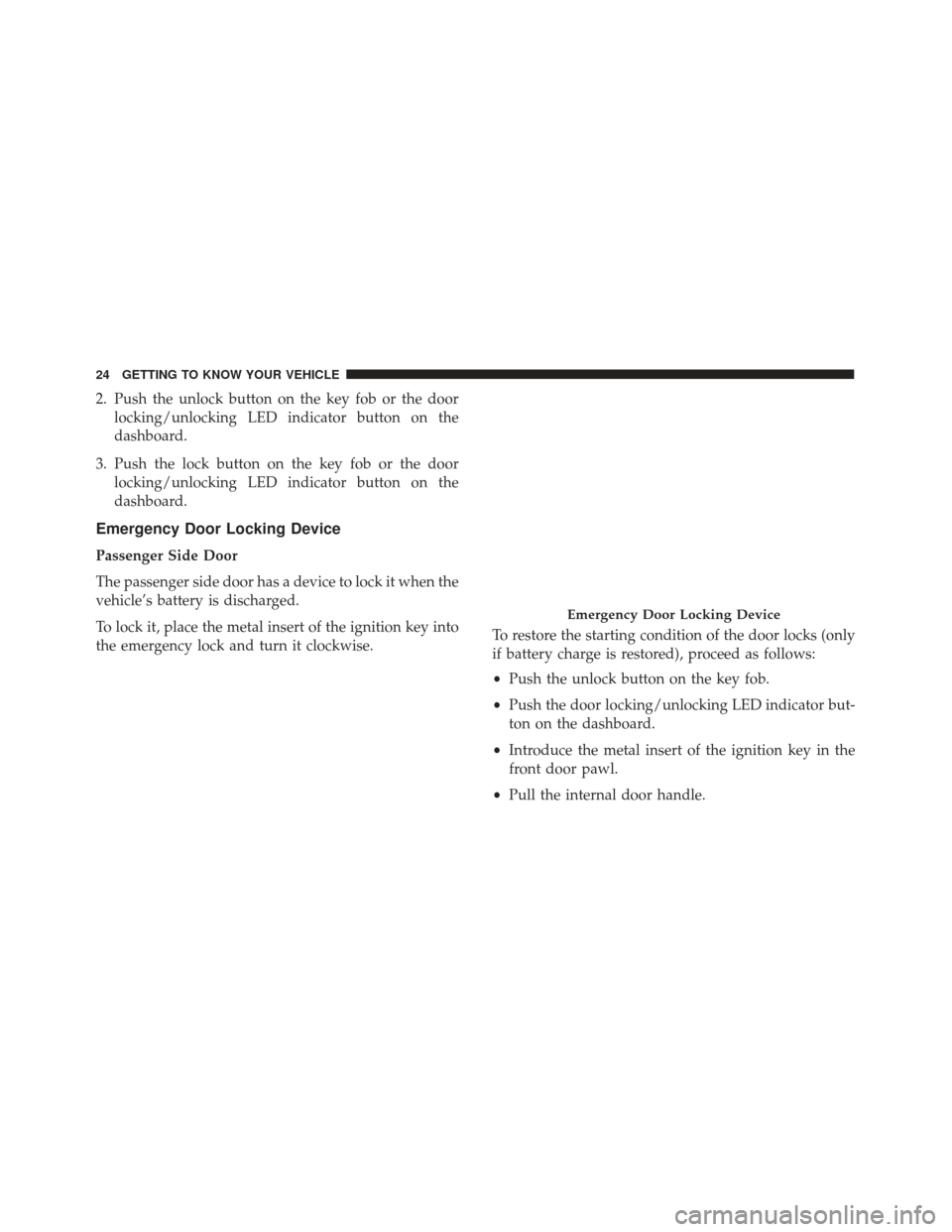
Emergency Door Locking Device
Passenger Side Door
The passenger side door has a device to lock it when the
vehicle’s battery is discharged.
To lock it, place the metal insert of the ignition key into
the emergency lock and turn it clockwise. To restore the starting condition of the door locks (only
if battery charge is restored), proceed as follows:
•
Push the unlock button on the key fob.
• Push the door locking/unlocking LED indicator but-
ton on the dashboard.
• Introduce the metal insert of the ignition key in the
front door pawl.
• Pull the internal door handle.
Emergency Door Locking Device
24 GETTING TO KNOW YOUR VEHICLE
Page 29 of 292
WARNING!(Continued)
head restraints are placed in their proper posi-
tions in order to minimize the risk of neck injury
in the event of a crash.
• Be certain that the seatback is securely locked into
position. If the seatback is not securely locked
into position the seat will not provide the proper
stability for child seats and/or passengers. An
improperly latched seat could cause serious in-
jury.
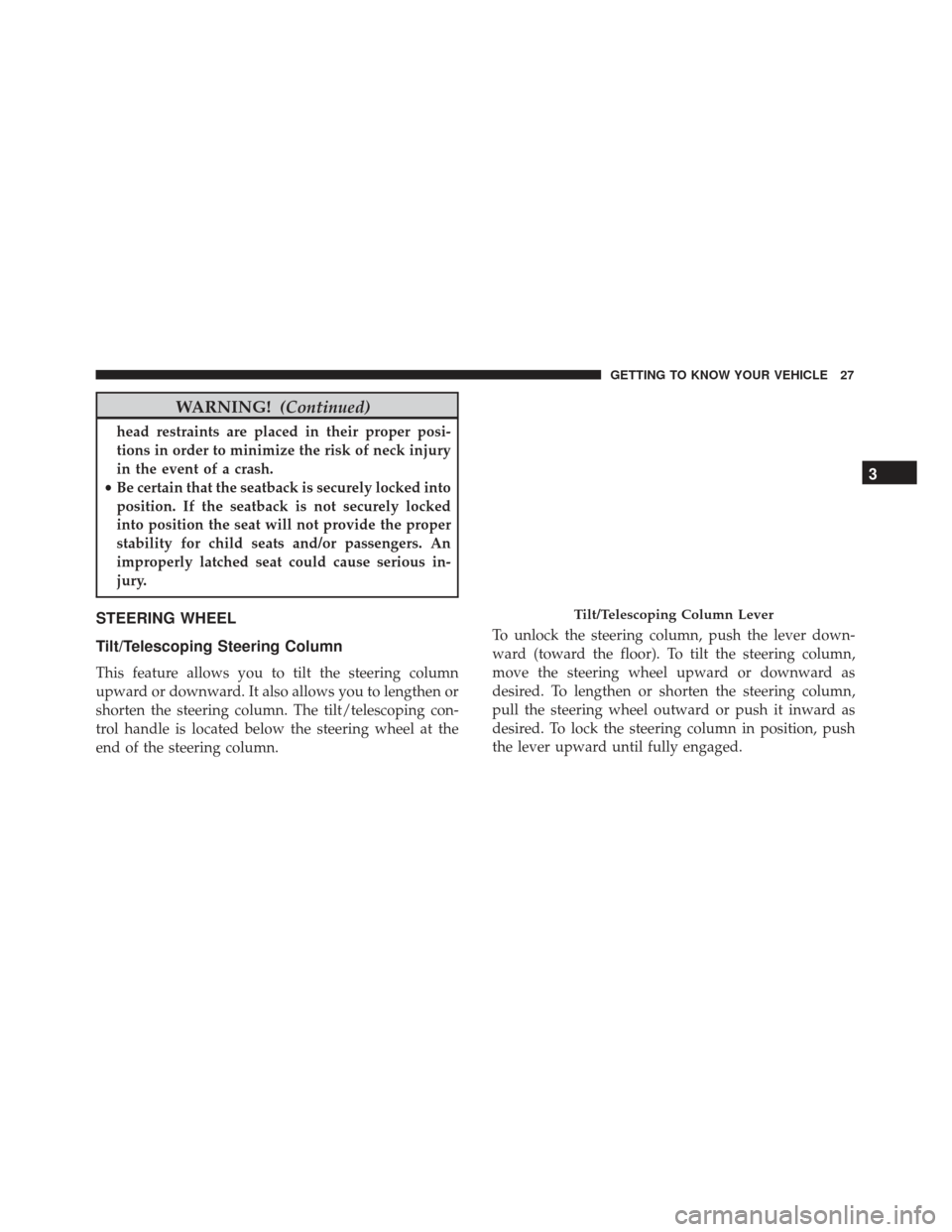
STEERING WHEEL
Tilt/Telescoping Steering Column
This feature allows you to tilt the steering column
upward or downward. It also allows you to lengthen or
shorten the steering column. The tilt/telescoping con-
trol handle is located below the steering wheel at the
end of the steering column. To unlock the steering column, push the lever down-
ward (toward the floor). To tilt the steering column,
move the steering wheel upward or downward as
desired. To lengthen or shorten the steering column,
pull the steering wheel outward or push it inward as
desired. To lock the steering column in position, push
the lever upward until fully engaged.
Tilt/Telescoping Column Lever
3
GETTING TO KNOW YOUR VEHICLE 27
Page 30 of 292
WARNING!
Do not adjust the steering column while driving.
Adjusting the steering column while driving or
driving with the steering column unlocked, could
cause the driver to lose control of the vehicle.
Failure to follow this warning may result in serious
injury or death.
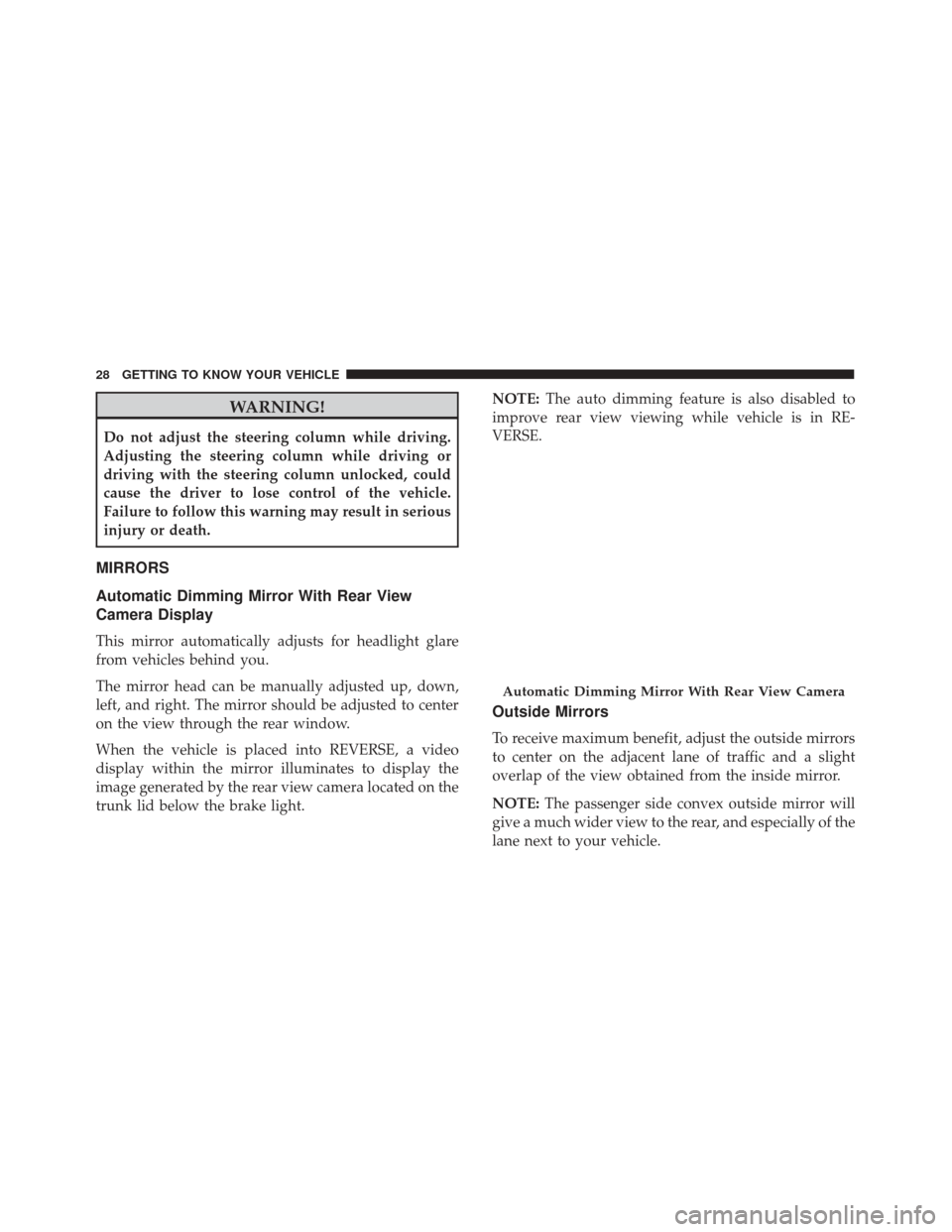
MIRRORS
Automatic Dimming Mirror With Rear View
Camera Display
This mirror automatically adjusts for headlight glare
from vehicles behind you.
The mirror head can be manually adjusted up, down,
left, and right. The mirror should be adjusted to center
on the view through the rear window.
When the vehicle is placed into REVERSE, a video
display within the mirror illuminates to display the
image generated by the rear view camera located on the
trunk lid below the brake light.NOTE:
The auto dimming feature is also disabled to
improve rear view viewing while vehicle is in RE-
VERSE.
Outside Mirrors
To receive maximum benefit, adjust the outside mirrors
to center on the adjacent lane of traffic and a slight
overlap of the view obtained from the inside mirror.
NOTE: The passenger side convex outside mirror will
give a much wider view to the rear, and especially of the
lane next to your vehicle.
Automatic Dimming Mirror With Rear View Camera
28 GETTING TO KNOW YOUR VEHICLE
Page 33 of 292
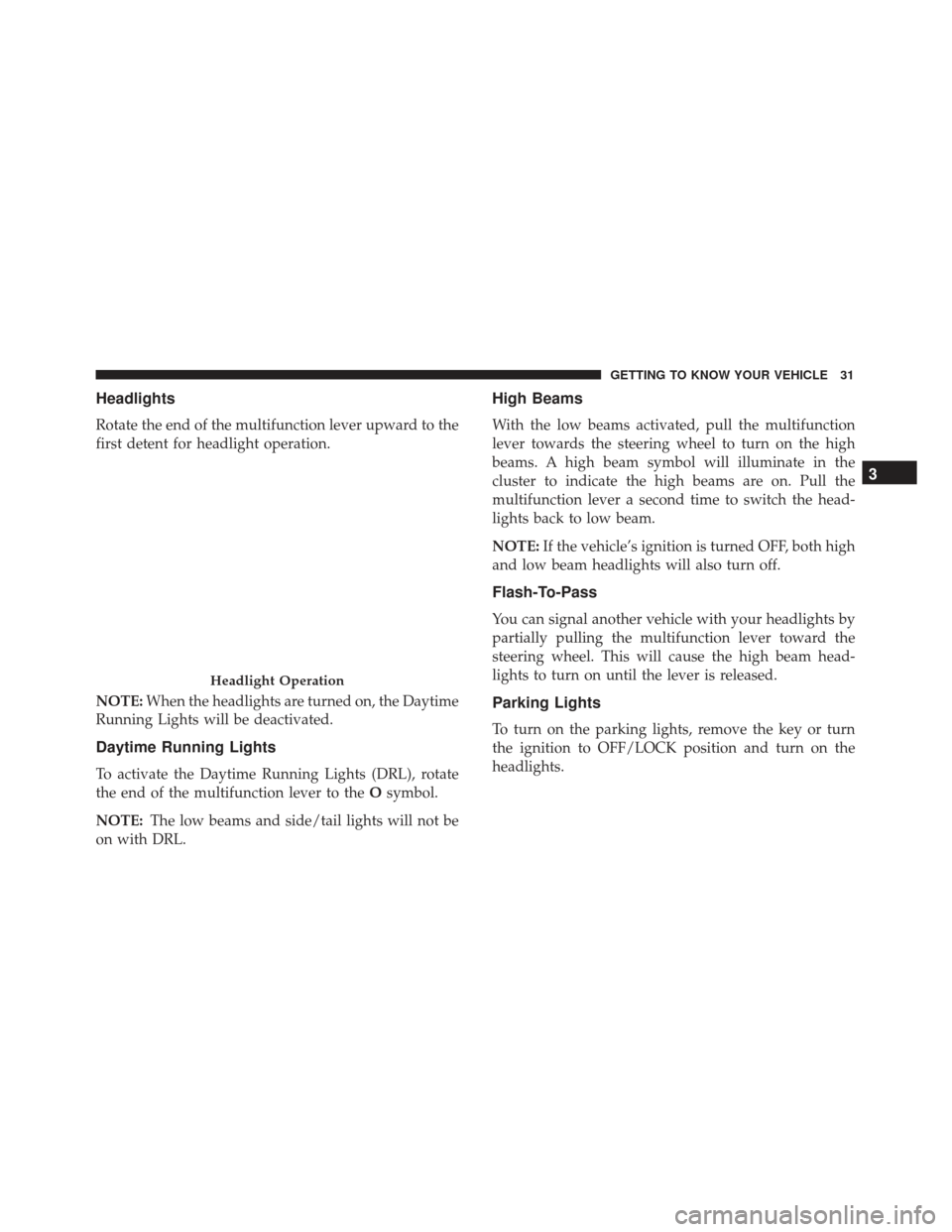
Headlights
Rotate the end of the multifunction lever upward to the
first detent for headlight operation.
NOTE:When the headlights are turned on, the Daytime
Running Lights will be deactivated.
Daytime Running Lights
To activate the Daytime Running Lights (DRL), rotate
the end of the multifunction lever to the Osymbol.
NOTE: The low beams and side/tail lights will not be
on with DRL.
High Beams
With the low beams activated, pull the multifunction
lever towards the steering wheel to turn on the high
beams. A high beam symbol will illuminate in the
cluster to indicate the high beams are on. Pull the
multifunction lever a second time to switch the head-
lights back to low beam.
NOTE: If the vehicle’s ignition is turned OFF, both high
and low beam headlights will also turn off.
Flash-To-Pass
You can signal another vehicle with your headlights by
partially pulling the multifunction lever toward the
steering wheel. This will cause the high beam head-
lights to turn on until the lever is released.
Parking Lights
To turn on the parking lights, remove the key or turn
the ignition to OFF/LOCK position and turn on the
headlights.
Headlight Operation
3
GETTING TO KNOW YOUR VEHICLE 31
Page 34 of 292
Follow Me Home/Headlight Delay
When this feature is selected, the driver can choose to
have the headlights remain on for a preset period of
time after the engine is turned OFF.
Activation
Remove the key or turn the ignition to the STOP
(OFF/LOCK) position, and pull the multifunction lever
toward the steering wheel within two minutes. Each
time the lever is pulled, the activation of the lights will
be extended by 30 seconds. The activation of the lights
can be extended to a maximum of 210 seconds.
Deactivation
Pull the multifunction lever toward the steering wheel
and hold it for more than two seconds.
Turn Signals
Move the multifunction lever up or down and the
arrows on each side of the instrument cluster flash to
show proper operation of the front and rear turn signal
lights.NOTE:
If either light remains on and does not flash, or
there is a very fast flash rate, check for a defective
outside light bulb. If an indicator fails to light when the
lever is moved, it would suggest that the indicator bulb
is defective.
Lane Change Assist
Tap the lever up or down once, without moving beyond
the detent, and the turn signal (right or left) will flash
five times then automatically turn off.
INTERIOR LIGHTS
Interior Light
The interior light is located in the headliner in between
the sun visors. The interior light can be set to three
different positions (off/left position, center position,
on/right position).
Using the interior light lens, push the lens to the right
from its center position and the lights are always on.
Push the lens to the left from its center position and the
lights are always off. Leave the lens in the center
position, and the light is turned on and off when the
doors are opened or closed.
32 GETTING TO KNOW YOUR VEHICLE
Page 35 of 292
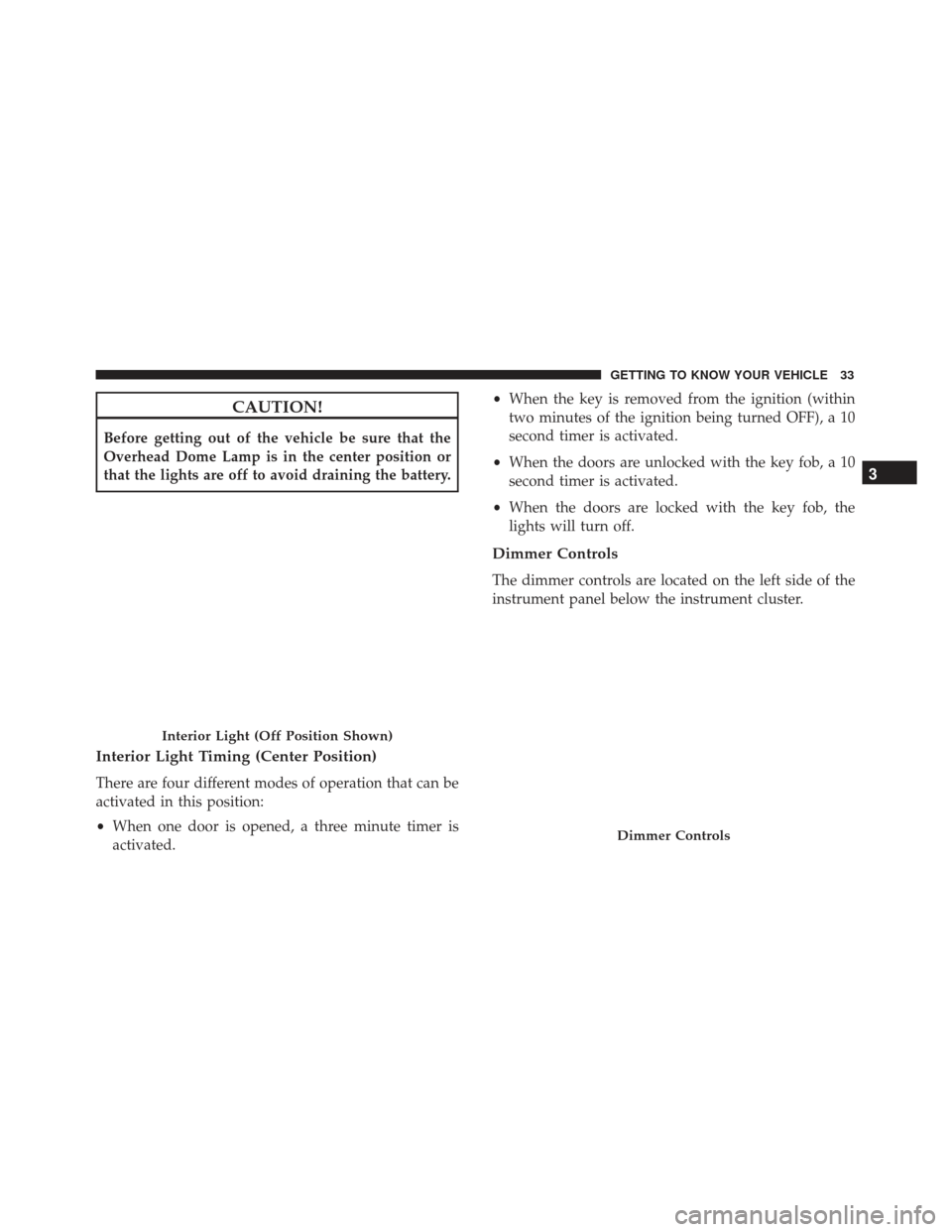
CAUTION!
Before getting out of the vehicle be sure that the
Overhead Dome Lamp is in the center position or
that the lights are off to avoid draining the battery.
Interior Light Timing (Center Position)
There are four different modes of operation that can be
activated in this position:
•When one door is opened, a three minute timer is
activated. •
When the key is removed from the ignition (within
two minutes of the ignition being turned OFF), a 10
second timer is activated.
• When the doors are unlocked with the key fob, a 10
second timer is activated.
• When the doors are locked with the key fob, the
lights will turn off.
Dimmer Controls
The dimmer controls are located on the left side of the
instrument panel below the instrument cluster.
Interior Light (Off Position Shown)
Dimmer Controls
3
GETTING TO KNOW YOUR VEHICLE 33
Page 39 of 292
IconDescription
Demist/Defrost Button
Push and release the Demist/Defrost button to turn on the outside mirror defroster. An
indicator will illuminate when the outside mirror defroster is on. The outside mirror de-
froster automatically turns off after 20 minutes.
Temperature Control Knob
Temperature control is used to regulate the temperature of the air forced through the cli-
mate system. The temperature can be selected using the temperature control knob on the
faceplate. The temperature increases as you turn the temperature control knob clockwise.
The temperature decreases as you turn the temperature control knob counterclockwise.
Blower Control Knob
Blower control is used to regulate the amount of air forced through the climate system. The
speeds can be selected by rotating the blower control knob on the faceplate clockwise, or
counterclockwise. The larger the number of the setting, the faster the blower speed.
Mode Control Knob
Mode control is used to regulate the mode airflow is distributed into the cabin. The airflow
distribution mode can be adjusted so air comes from the instrument panel outlets, floor
outlets, defrost outlets and demist outlets.
Panel Mode
Panel Mode
Air comes from the outlets in the instrument panel. Each of these outlets can be individu-
ally adjusted to direct the flow of air. The air vanes of the center outlets and outboard out-
lets can be moved up and down or side to side to regulate airflow direction.
3
GETTING TO KNOW YOUR VEHICLE 37
Page 43 of 292
3. Turn the Blower Control counterclockwise to reducethe fan speed.
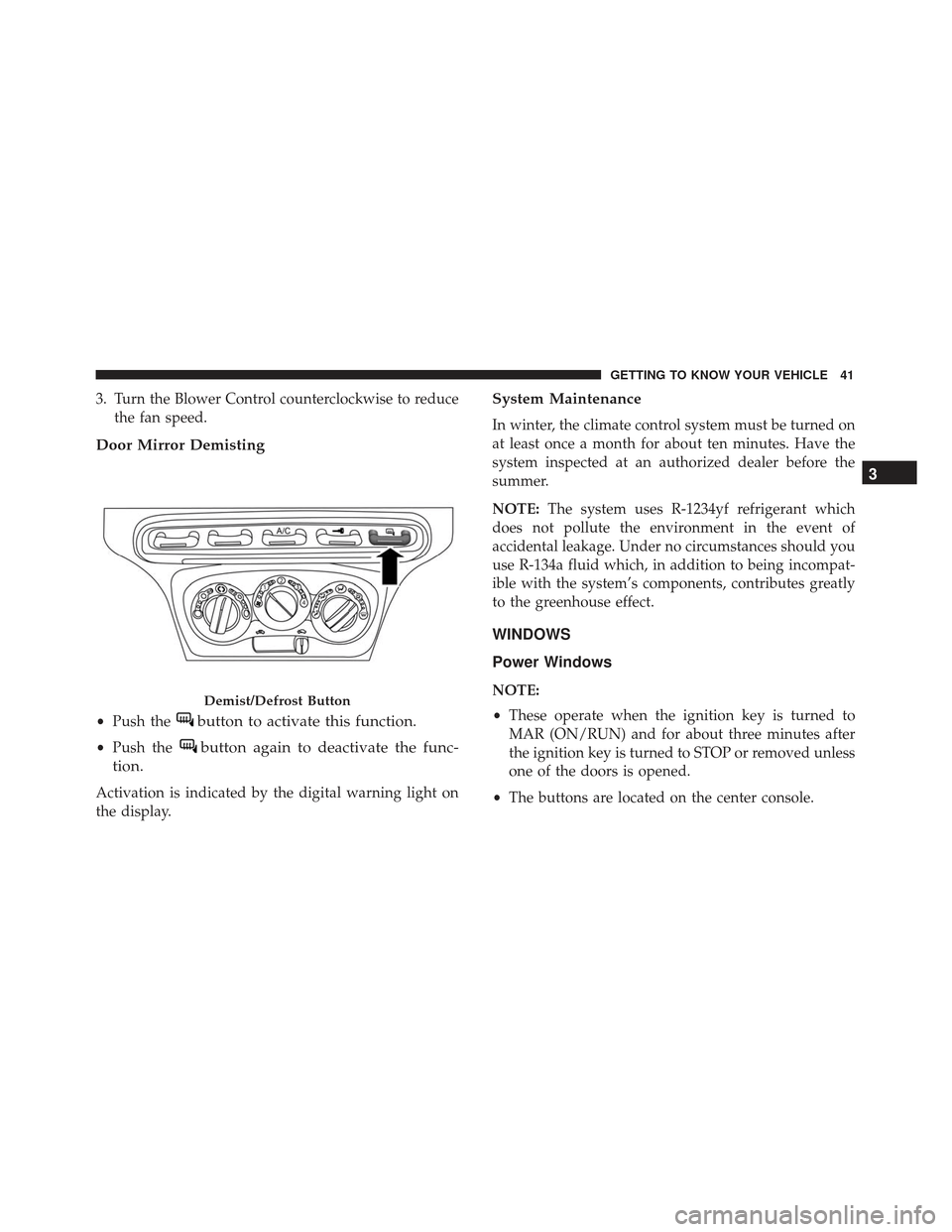
Door Mirror Demisting
•Push thebutton to activate this function.
•Push thebutton again to deactivate the func-
tion.
Activation is indicated by the digital warning light on
the display.
System Maintenance
In winter, the climate control system must be turned on
at least once a month for about ten minutes. Have the
system inspected at an authorized dealer before the
summer.
NOTE: The system uses R-1234yf refrigerant which
does not pollute the environment in the event of
accidental leakage. Under no circumstances should you
use R-134a fluid which, in addition to being incompat-
ible with the system’s components, contributes greatly
to the greenhouse effect.
WINDOWS
Power Windows
NOTE:
• These operate when the ignition key is turned to
MAR (ON/RUN) and for about three minutes after
the ignition key is turned to STOP or removed unless
one of the doors is opened.
• The buttons are located on the center console.Demist/Defrost Button
3
GETTING TO KNOW YOUR VEHICLE 41
Page 45 of 292
4. Make sure that the reset is correct by checking thatthe windows work automatically.
WARNING!
Improper actuation of the power windows may be
dangerous. Never leave children unattended in a
vehicle, and do not let children play with power
windows. Before and during window operation
make sure no one and no object (including cloth-
ing) is in the path of the moving glass or its
mechanism. Do not leave the Key Fob in or near the
vehicle, or in a location accessible to children.
Occupants, particularly unattended children, can
become entrapped by the windows while operating
the power window switches. Such entrapment may
result in serious injury or death.
REMOVABLE SOFT TOP
Your vehicle is equipped with a removable soft top.
Removing The Soft Top
To remove the soft top, proceed as follows:
1. Turn the front locking handles located near the sunvisors to the left one quarter turn.
Front Locking Handles
3
GETTING TO KNOW YOUR VEHICLE 43
Page 46 of 292
2. From the passenger side with the door open, movethe two side locking handles towards each other and
lift the top from the retainers.
3. Roll up the soft top to the center of the vehicle, repeat the procedure on the driver’s side of the vehicle. 4. Remove the soft top with both sides rolled up.
5. Place the pin buffer over the front locking handle
pins to prevent damage to the soft top during
storage.
Side Locking Handles
Soft Top Removal
44 GETTING TO KNOW YOUR VEHICLE