lock Alfa Romeo 4C Spider 2019 Owner's Guide
[x] Cancel search | Manufacturer: ALFA ROMEO, Model Year: 2019, Model line: 4C Spider, Model: Alfa Romeo 4C Spider 2019Pages: 292, PDF Size: 3.25 MB
Page 48 of 292
3. As the side beam is unrolled, engage the two fixedlocating pins (1 front, 1 rear) into their retainers. 4. Move the side locking handles inward.
Locating Pins Seating In The Vehicle
Unlocking The Side Beam
46 GETTING TO KNOW YOUR VEHICLE
Page 49 of 292
5. Rotate down the side beam.6. Release the handles and complete the rotation to lock
the soft top.
Rotating The Side Beam Down
Soft Top In Locking Position
3
GETTING TO KNOW YOUR VEHICLE 47
Page 50 of 292
7. Check to make sure that the handles are locked inplace.
8. Repeat this procedure on both sides of the vehicle.
9. Insert the front locking handles located near the sun visors in the proper holes and turn them to the right
one quarter turn. NOTE:
•
Do not attach a roof rack on the soft top.
• Do not keep the soft top folded for long periods of
time.
• Do not remove ice from the top with a sharp object.
• Do not put objects on the top. The object could fall if
the top is operated causing damage and injury.
• The cooled air flow into the passenger compartment
may decrease if the automatic climate control system
is on and the top is not all the way closed.
Handles In Locked Position
Handles In Locked Position
48 GETTING TO KNOW YOUR VEHICLE
Page 54 of 292
5. Place the decklid prop rod in the decklid slot tosecure the decklid in the open position.
WARNING!
•The maximum load limit for the luggage compart-
ment, in addition to the kits provided, is 33.1 lbs.
(15kg). Do not exceed the maximum permitted
load in the luggage compartment. When accessing
the rear luggage compartment, do not come into
contact with engine, or other components, that
may be hot and could burn you if touched.
(Continued)
WARNING! (Continued)
•Access the luggage compartment only with the
vehicle stationary. Before exiting the vehicle, you
should always place the vehicle into FIRST gear
or REVERSE, apply the parking brake, and re-
move the key from the ignition. Never leave the
key fob in the vehicle or in a location accessible to
children.
• The decklid may drop suddenly, causing serious
injury, if the supporting rod is not positioned
correctly.
• The decklid must always be closed properly, and
the lock engaged, while the vehicle is in motions.
To Close The Decklid
1. Hold the decklid up with one hand and use the other to remove rod from housing and reinsert it in its
locking device.
2. Lower the decklid approximately 7.8 inches (20 cm) from the engine compartment and let it drop. Make
sure that the decklid is completely closed and not
only fastened in safety position by trying to open it.
If it is not completely closed, do not push the decklid
down, but raise it and repeat the procedure.
Decklid Prop Rod Slot
52 GETTING TO KNOW YOUR VEHICLE
Page 55 of 292
NOTE:Always check that the decklid is closed correctly
to prevent it from opening while the vehicle is travel-
ling.
WARNING!
• The maximum load limit for the luggage compart-
ment, in addition to the kits provided, is 33.1 lbs.
(15kg). Do not exceed the maximum permitted
load in the luggage compartment. When accessing
the rear luggage compartment, do not come into
contact with engine, or other components, that
may be hot and could burn you if touched.
• Access the luggage compartment only with the
vehicle stationary. Before exiting the vehicle, you
should always place the vehicle into FIRST gear
or REVERSE, apply the parking brake, and re-
move the key from the ignition. Never leave the
key fob in the vehicle or in a location accessible to
children.
• The decklid may drop suddenly, causing serious
injury, if the supporting rod is not positioned
correctly.
• The decklid must always be closed properly, and
the lock engaged, while the vehicle is in motions.
INTERNAL EQUIPMENT
Storage
Seatback Storage
Located in the back of both the driver and passenger
front seats are pockets that can be used for storage.
Console Storage
There is a cargo pouch storage area located between the
driver and passenger seat.
Driver ’s Side Seatback Storage
3
GETTING TO KNOW YOUR VEHICLE 53
Page 58 of 292
WARNING!(Continued)
•Access the luggage compartment only with the
vehicle stationary. Before exiting the vehicle, you
should always place the vehicle into FIRST gear
or REVERSE, apply the parking brake, and re-
move the key from the ignition. Never leave the
key fob in the vehicle or in a location accessible to
children.
• The decklid may drop suddenly, causing serious
injury, if the supporting rod is not positioned
correctly.
• The decklid must always be closed properly, and
the lock engaged, while the vehicle is in motions.
Cupholder
A cupholder is located in the rear of the center console.
Center Console Cupholder
56 GETTING TO KNOW YOUR VEHICLE
Page 64 of 292
•The fuel pump symbol points to the side of
the vehicle where the fuel door is located.
5. “Alfa DNA” Driving Mode Indicator
•This area of the cluster displays which driving
mode the vehicle is currently in. A letter (d, n, or a)
corresponding to the active driving mode (dynamic
or race, natural, all weather) and a dedicated mes-
sage is shown on the display.
NOTE: The hard telltales will illuminate for a bulb
check when the ignition is first cycled.
INSTRUMENT CLUSTER DISPLAY
Your vehicle is equipped with an instrument cluster
display, which offers useful information to the driver.
With the ignition in the STOP (OFF/LOCK) position
(and the key removed, for vehicles with mechanical
key), opening/closing of a door will activate the display
for viewing, and display the total miles or kilometers in
the odometer. Your instrument cluster display is de-
signed to display important information about your
vehicle’s systems and features. Using a driver interac-
tive display located on the instrument panel, your
instrument cluster display can show you how systems
are working and give you warnings when they aren’t. The steering wheel mounted controls allow you to scroll
through and enter the main menus and submenus. You
can access the specific information you want and make
selections and adjustments.
Location And Controls
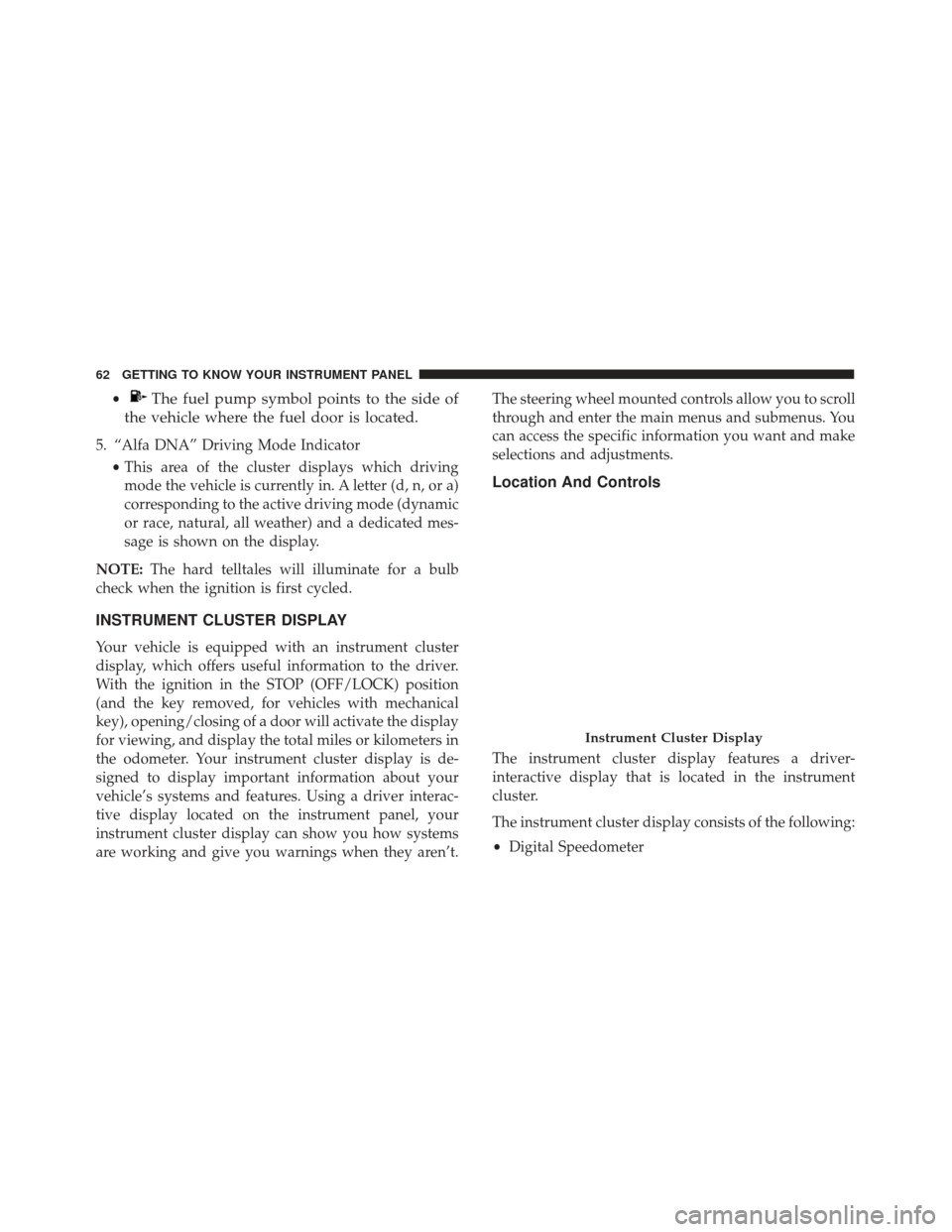
The instrument cluster display features a driver-
interactive display that is located in the instrument
cluster.
The instrument cluster display consists of the following:
•
Digital Speedometer
Instrument Cluster Display
62 GETTING TO KNOW YOUR INSTRUMENT PANEL
Page 68 of 292
NOTE:The setting can be increased or decreased by 5
MPH or km/h each time the upordown arrow button
is pushed for speed settings above 20 MPH (32 km/h).
To increase or decrease the set speed rapidly, push and
hold the upordown arrow button. Save the setting by
briefly pushing the button when you approach the
required setting.
Briefly push the SET/BACKbutton to go back to the
menu screen, or push and hold the SET/BACKbutton
(approximately one second) to go back to the main
screen without storing the settings.
To cancel the setting, proceed as follows:
1. Briefly push the SET/BACKbutton. “On” will dis-
play.
2. Push and release the downbutton. “Off” will dis-
play.
3. Briefly push the SET/BACKbutton to go back to the
menu screen, or push and hold the SET/BACK
button (approximately one second) to go back to the
main screen without storing the settings.Trip B Activation
Through this option, it is possible to activate (On) or
deactivate (Off) the Trip B (partial trip) display.
For further information, see “Trip Computer.”
For activation/deactivation, proceed as follows:
1. Briefly push the SET/BACKbutton. “On” or “Off”
will display in the instrument cluster display (ac-
cording to previous setting).
2. Push and release the upordown arrow button to
select the setting and once selected a beep will occur
to signal the setting is saved.
3. Briefly push the SET/BACKbutton to go back to the
menu screen, or push and hold the SET/BACK
button (approximately one second) to go back to the
main screen without storing the settings.
Set Time
This function may be used to set the clock through two
submenu items: “Time” and “Mode.”
Proceed as follows:
1. Briefly push the SET/BACKbutton. The display will
show the two submenu items “Time” and “Mode.”
66 GETTING TO KNOW YOUR INSTRUMENT PANEL
Page 70 of 292
4. Push and release theupordown arrow button for
setting.
5. Briefly push the SET/BACKbutton and “day” will
flash on the display.
6. Push and release the upordown button for setting.
NOTE: The setting will increase or decrease by one
unit each time the upordown arrow button is pushed.
Push and hold the upordown arrow button to
increase/decrease the setting rapidly. Save the setting
by briefly pushing the button when you approach the
required setting.
Briefly push the SET/BACKbutton to go back to the
menu screen, or push and hold the SET/BACKbutton
(approximately one second) to go back to the main
screen without storing the settings.
Autoclose
With this function active, the doors will automatically lock
at when the vehicle’s speed exceeds 12 MPH (20 km/h).
To change the setting, proceed as follows:
1. Briefly push the SET/BACKbutton “On” or “Off”
will flash on the display (according to the previous
setting). 2. Push and release the
upordown arrow button for
setting.
3. Briefly push the SET/BACKbutton to go back to the
menu screen, or push and hold the SET/BACK
button (approximately one second) to go back to the
main screen without storing the settings.
Units (Set Units)
This function may be used to set the measurement unit
in three submenus: “Distance,” “Temperature” and
“Fuel Economy.”
To set the required unit, proceed as follows:
1. Briefly push the SET/BACKbutton to display the
three submenus.
2. Push and release the upordown arrow button to
navigate the three submenus.
3. Select the required submenu and then briefly push the SET/BACK button.
4. When accessing the “Distance” submenu, briefly push the SET/BACK button. Either “mi” or “km”
will appear on the display (according to the previous
setting).
68 GETTING TO KNOW YOUR INSTRUMENT PANEL
Page 77 of 292
not be considered as exhaustive. Always refer to the
information in this chapter in the event of a failure
indication. All active telltales will display first if appli-
cable. The system check menu may appear different
based upon equipment options and current vehicle
status. Some telltales are optional and may not appear.
Red Warning Lights
— Brake Warning Light
This warning light monitors various brake functions,
including brake fluid level and parking brake applica-
tion. If the brake light turns on it may indicate that the
parking brake is applied, that the brake fluid level is
low, or that there is a problem with the anti-lock brake
system reservoir.
If the light remains on when the parking brake has been
disengaged, and the fluid level is at the full mark on the
master cylinder reservoir, it indicates a possible brake
hydraulic system malfunction or that a problem with
the Brake Booster has been detected by the Anti-Lock
Brake System (ABS) / Electronic Stability Control (ESC)
system. In this case, the light will remain on until the
condition has been corrected. If the problem is related tothe brake booster, the ABS pump will run when apply-
ing the brake, and a brake pedal pulsation may be felt
during each stop.
The dual brake system provides a reserve braking
capacity in the event of a failure to a portion of the
hydraulic system. A leak in either half of the dual brake
system is indicated by the Brake Warning Light, which
will turn on when the brake fluid level in the master
cylinder has dropped below a specified level.
The light will remain on until the cause is corrected.
NOTE:
The light may flash momentarily during sharp
cornering maneuvers, which change fluid level condi-
tions. The vehicle should have service performed, and
the brake fluid level checked.
If brake failure is indicated, immediate repair is necessary.
WARNING!
Driving a vehicle with the red brake light on is
dangerous. Part of the brake system may have
failed. It will take longer to stop the vehicle. You
could have a collision. Have the vehicle checked
immediately.
4
GETTING TO KNOW YOUR INSTRUMENT PANEL 75