display Alfa Romeo Giulia 2017 User Guide
[x] Cancel search | Manufacturer: ALFA ROMEO, Model Year: 2017, Model line: Giulia, Model: Alfa Romeo Giulia 2017Pages: 268, PDF Size: 18.64 MB
Page 66 of 268
INSTRUMENT CLUSTER DISPLAY
Instrument Cluster Display Description
The vehicle is equipped with a driver-interactive display that is located in the instrument cluster.
When one or more of the doors have been opened or closed and the ignition is in the OFF position, the instrument cluster will
display the vehicle mileage for a few seconds.
Reconfigurable Instrument Cluster Display
During operation, the instrument cluster display is divided into multiple sections which show driving data, warnings, and failure
indications.
GUID-05036S0001QVPremium Instrument Cluster Display
64
GETTING TO KNOW YOUR INSTRUMENT PANEL
Page 67 of 268
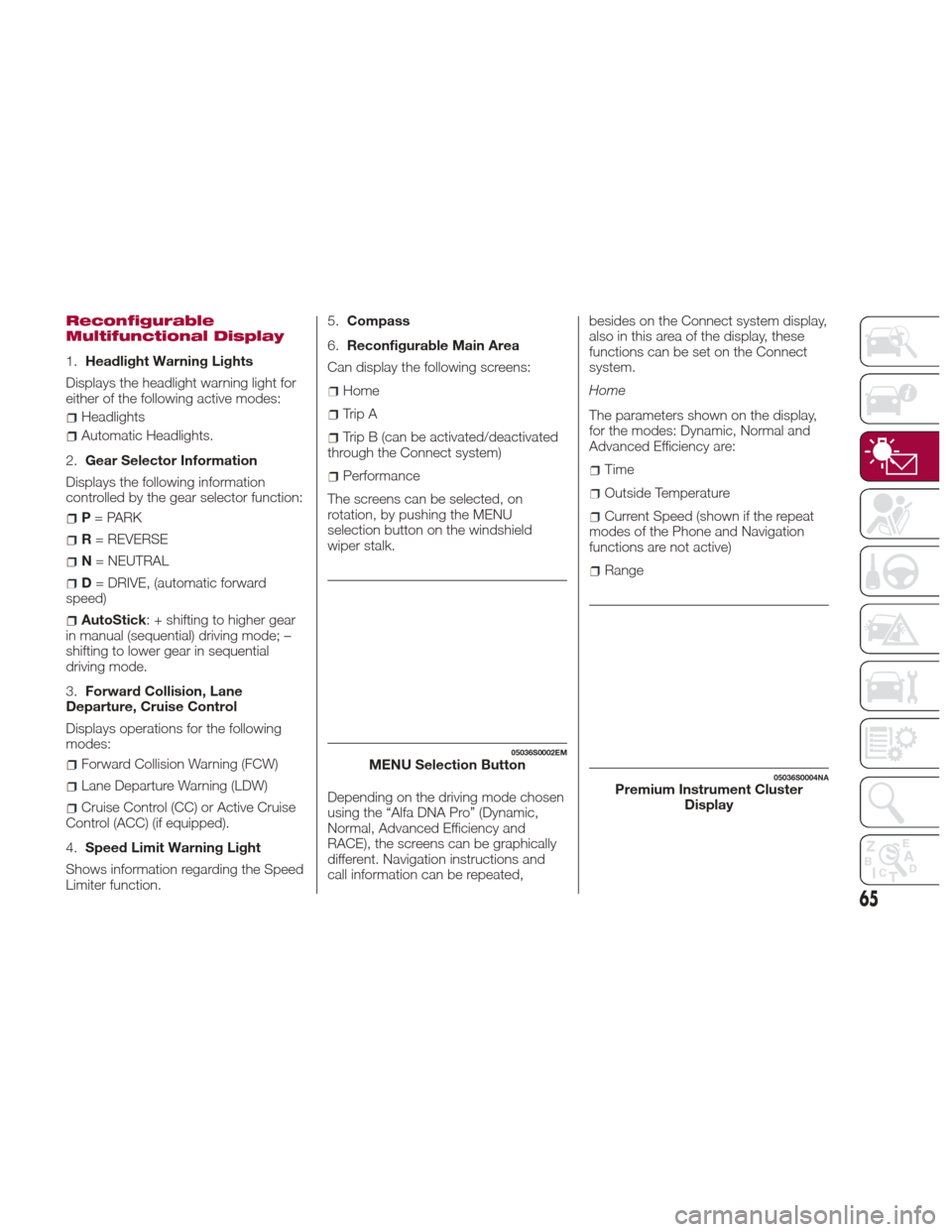
Reconfigurable
Multifunctional Display
1.Headlight Warning Lights
Displays the headlight warning light for
either of the following active modes:
Headlights
Automatic Headlights.
2. Gear Selector Information
Displays the following information
controlled by the gear selector function:
P = PARK
R = REVERSE
N = NEUTRAL
D= DRIVE, (automatic forward
speed)
AutoStick : + shifting to higher gear
in manual (sequential) driving mode; –
shifting to lower gear in sequential
driving mode.
3. Forward Collision, Lane
Departure, Cruise Control
Displays operations for the following
modes:
Forward Collision Warning (FCW)
Lane Departure Warning (LDW)
Cruise Control (CC) or Active Cruise
Control (ACC) (if equipped).
4. Speed Limit Warning Light
Shows information regarding the Speed
Limiter function. 5.
Compass
6. Reconfigurable Main Area
Can display the following screens:
Home
Trip A
Trip B (can be activated/deactivated
through the Connect system)
Performance
The screens can be selected, on
rotation, by pushing the MENU
selection button on the windshield
wiper stalk.
Depending on the driving mode chosen
using the “Alfa DNA Pro” (Dynamic,
Normal, Advanced Efficiency and
RACE), the screens can be graphically
different. Navigation instructions and
call information can be repeated, besides on the Connect system display,
also in this area of the display, these
functions can be set on the Connect
system.
Home
The parameters shown on the display,
for the modes: Dynamic, Normal and
Advanced Efficiency are:Time
Outside Temperature
Current Speed (shown if the repeat
modes of the Phone and Navigation
functions are not active)
Range
05036S0002EMMENU Selection Button05036S0004NAPremium Instrument Cluster Display
65
Page 68 of 268
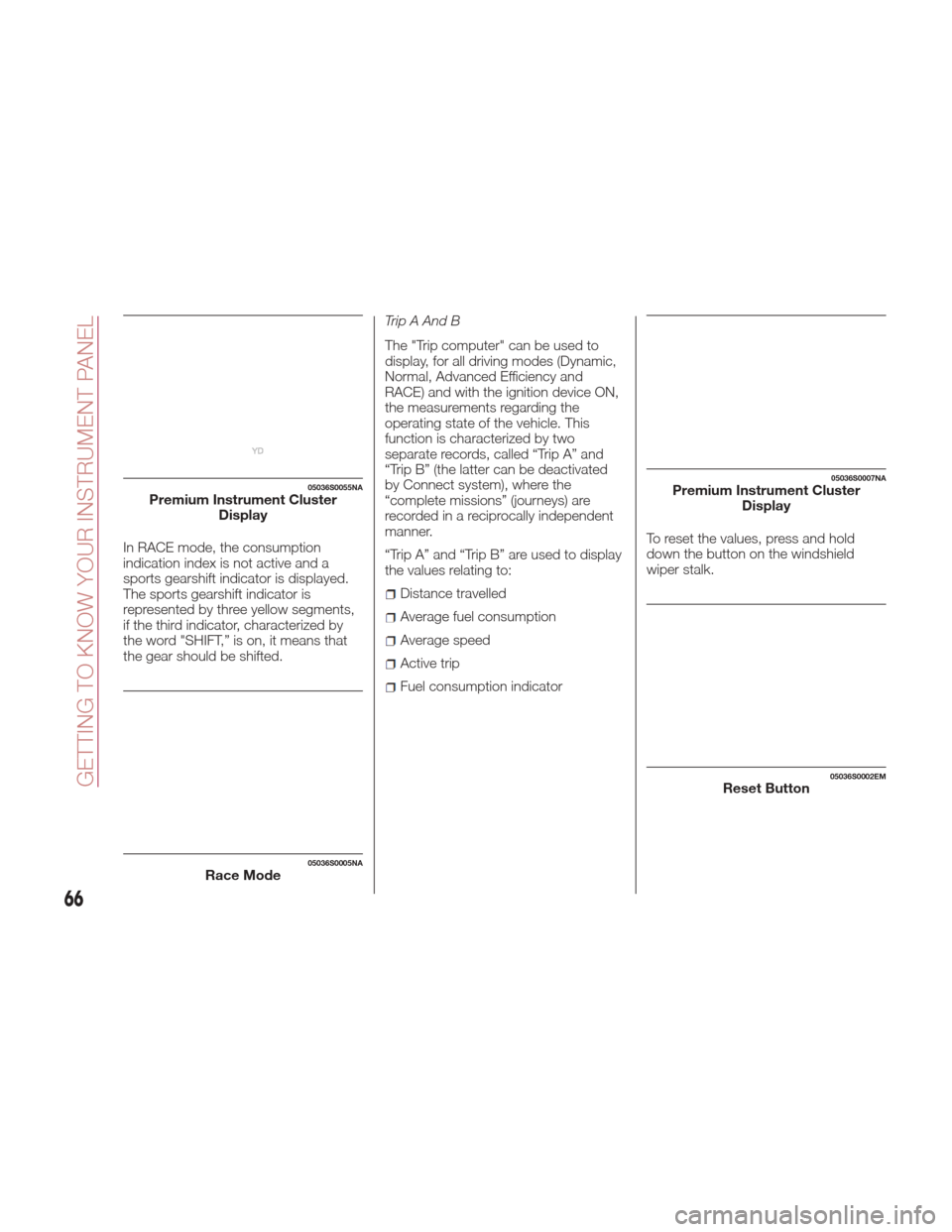
In RACE mode, the consumption
indication index is not active and a
sports gearshift indicator is displayed.
The sports gearshift indicator is
represented by three yellow segments,
if the third indicator, characterized by
the word "SHIFT,” is on, it means that
the gear should be shifted.Trip A And B
The "Trip computer" can be used to
display, for all driving modes (Dynamic,
Normal, Advanced Efficiency and
RACE) and with the ignition device ON,
the measurements regarding the
operating state of the vehicle. This
function is characterized by two
separate records, called “Trip A” and
“Trip B” (the latter can be deactivated
by Connect system), where the
“complete missions” (journeys) are
recorded in a reciprocally independent
manner.
“Trip A” and “Trip B” are used to display
the values relating to:
Distance travelled
Average fuel consumption
Average speed
Active trip
Fuel consumption indicator
To reset the values, press and hold
down the button on the windshield
wiper stalk.
05036S0055NAPremium Instrument Cluster
Display
05036S0005NARace Mode
05036S0007NAPremium Instrument ClusterDisplay
05036S0002EMReset Button
66
GETTING TO KNOW YOUR INSTRUMENT PANEL
Page 69 of 268
Performance
The displayed parameters differ
according to the active mode. The
modes which can be selected using the
“Alfa DNA Pro” system are:
Normal,
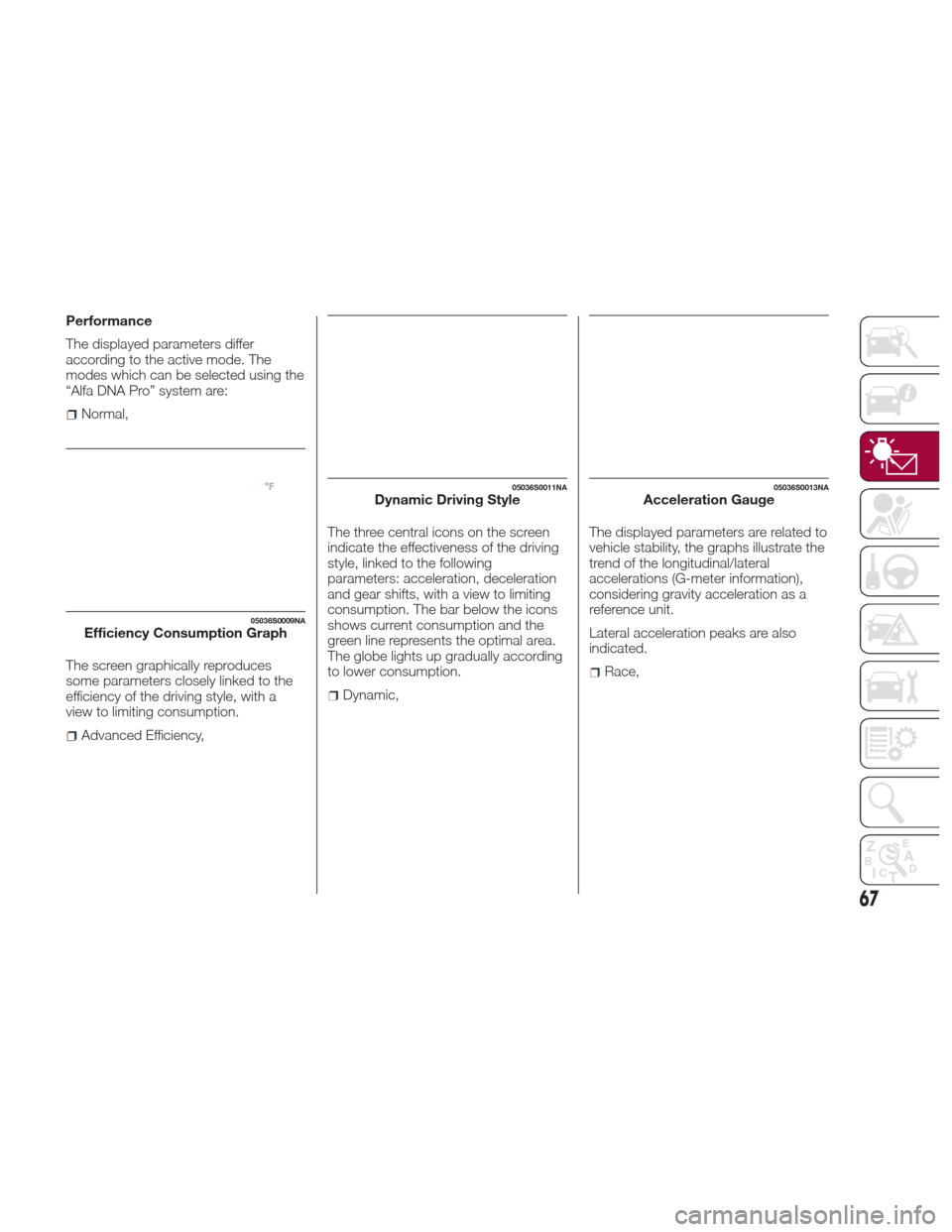
The screen graphically reproduces
some parameters closely linked to the
efficiency of the driving style, with a
view to limiting consumption.
Advanced Efficiency, The three central icons on the screen
indicate the effectiveness of the driving
style, linked to the following
parameters: acceleration, deceleration
and gear shifts, with a view to limiting
consumption. The bar below the icons
shows current consumption and the
green line represents the optimal area.
The globe lights up gradually according
to lower consumption.
Dynamic,
The displayed parameters are related to
vehicle stability, the graphs illustrate the
trend of the longitudinal/lateral
accelerations (G-meter information),
considering gravity acceleration as a
reference unit.
Lateral acceleration peaks are also
indicated.
Race,
05036S0009NAEfficiency Consumption Graph
05036S0011NADynamic Driving Style05036S0013NAAcceleration Gauge
67
Page 70 of 268

The displayed parameters are related to
vehicle stability, the graphs illustrate the
trend of the longitudinal/lateral
accelerations (G-meter information),
considering gravity acceleration as a
reference unit.
Lateral acceleration peaks are also
indicated.
7.Vehicle Range
Indicates the miles left before the fuel
tankisempty.
Displays the position by indicating the
cardinal direction.
8. Failure Warning Lights
Area dedicated to displaying failures,
the following symbols could be
displayed on rotation:
Low criticality symbols (yellow
amber).
High criticality symbols (red).
9. Odometer
Indicates the total miles travelled.
PARAMETERS SET BY USER
Multiple settings can be programmed
by the user using the Connect system.
This section describes only the basic
settings:
Units & Language
Time&Date
Cluster
To access the settings list in the
Connect system, proceed as follows:
1. Press the MENU button to access
the main menu
2. Select “Settings” from the main
menu using the Rotary Knob Units & Language
The following settings can be modified
under the “Units & Language” menu:
Measure Units: select US, metric, or
custom. The custom option allows for
individual selection of the unit measures
05036S0014NAAcceleration Stability Gauge
05036S0015EMConnect System
05036S0040EMMENU button
GUID-05036S0016EMUnits & Language Selectable Menu Options
68
GETTING TO KNOW YOUR INSTRUMENT PANEL
Page 71 of 268
Language: change the language of
the system
Restore Settings: restores the factory
settings
To access and the change the setting,
turn and push the Rotary Pad.
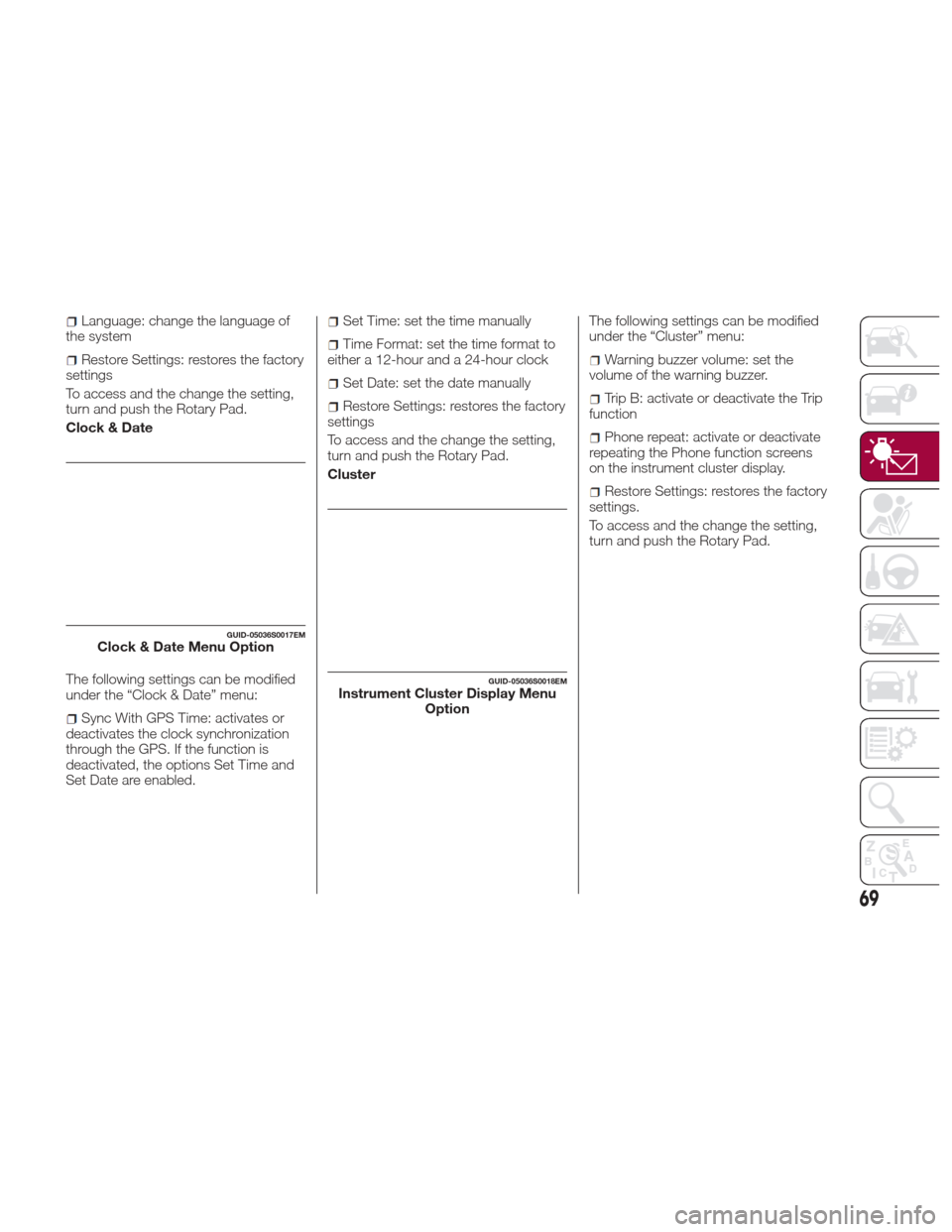
Clock & Date
The following settings can be modified
under the “Clock & Date” menu:
Sync With GPS Time: activates or
deactivates the clock synchronization
through the GPS. If the function is
deactivated, the options Set Time and
Set Date are enabled.
Set Time: set the time manually
Time Format: set the time format to
either a 12-hour and a 24-hour clock
Set Date: set the date manually
Restore Settings: restores the factory
settings
To access and the change the setting,
turn and push the Rotary Pad.
Cluster The following settings can be modified
under the “Cluster” menu:
Warning buzzer volume: set the
volume of the warning buzzer.
Trip B: activate or deactivate the Trip
function
Phone repeat: activate or deactivate
repeating the Phone function screens
on the instrument cluster display.
Restore Settings: restores the factory
settings.
To access and the change the setting,
turn and push the Rotary Pad.
GUID-05036S0017EMClock & Date Menu Option
GUID-05036S0018EMInstrument Cluster Display Menu Option
69
Page 72 of 268

WARNING LIGHTS
AND MESSAGES ON
THE INSTRUMENT
PANEL
The following pages consist of warning
lights and messages.
Note:
The warning light switches on
together with a dedicated message
and/or chime when applicable. These
indications are precautionary and as
such must not be considered as
exhaustive and/or alternative to the
information contained in the Owner’s
Manual, which you are advised to read
carefully in all cases. Always refer to
the information in this section in the
event of a failure indication.
The failure indicators appearing on
the display are divided into two
categories: very serious and less
serious faults. Serious faults are
indicated by a repeated and prolonged
warning "cycle.” Less serious faults are
indicated by a warning "cycle" with a
shorter duration. You can stop the
warning cycle in both cases by
pressing the button located on the
windshield wiper lever. The instrument
panel warning light will stay on until the
cause of the failure is eliminated.
70
GETTING TO KNOW YOUR INSTRUMENT PANEL
Page 75 of 268
Warning!
The fault of the warning light is signaled by the switching on of the icon on the instrument panel. In this case, the warning light may not
indicate any faults with the restraint systems. Before proceeding, contact an authorized dealer to have the system checked immediately.
If the warning light does not switch on when the ignition device is moved to ON or if it stays on when driving (together with the message on
the display), there might be a fault in the restraint systems; in this case, the air bags or pretensioners may not deploy in the event of an
accident or, in a lower number of cases, they could deploy erroneously. Before proceeding, contact an authorized dealer to have the system
checked immediately.
Caution!
If the symbol switches on when driving, stop the vehicle and the engine immediately.
73
Page 77 of 268
Warning LightWhat It Means What To Do
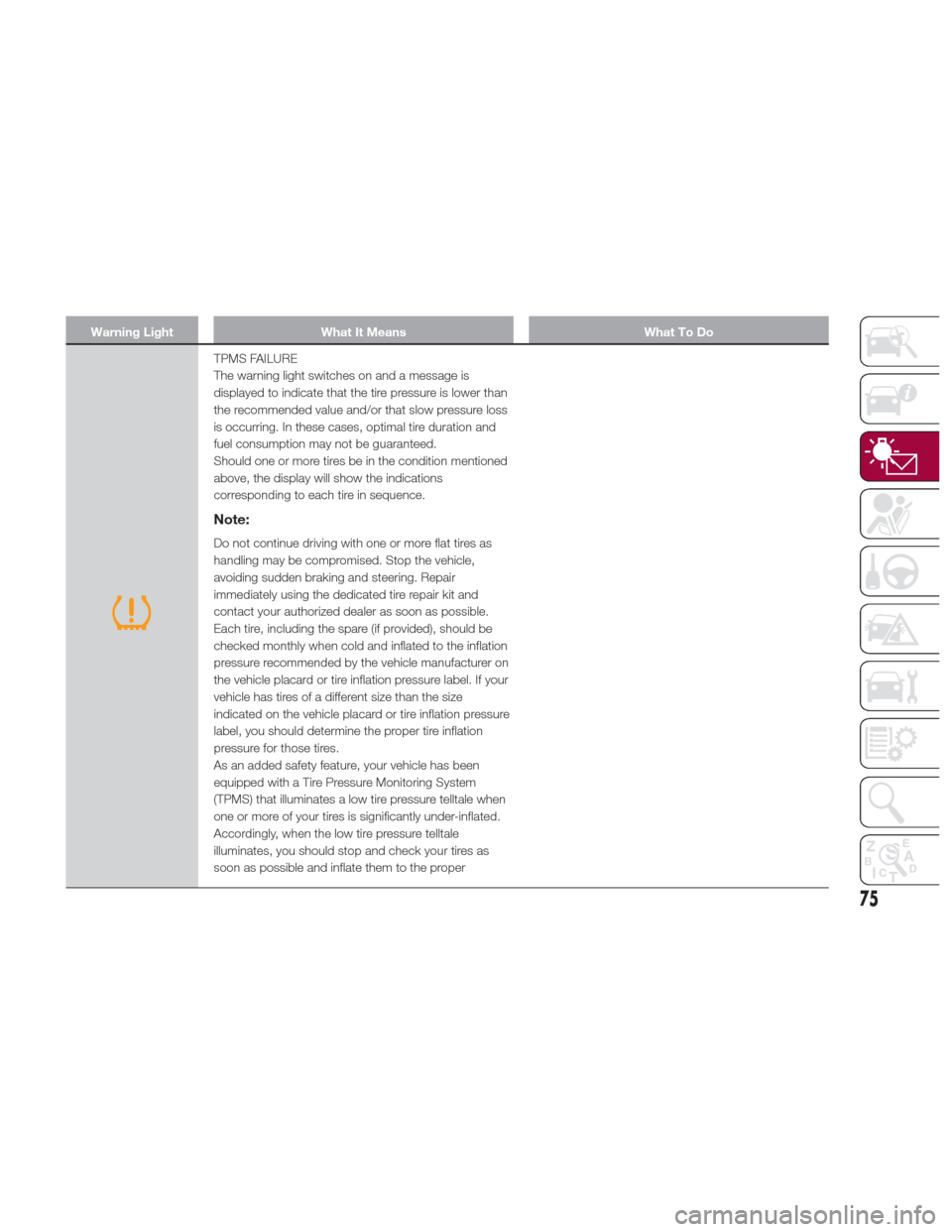
TPMS FAILURE
The warning light switches on and a message is
displayed to indicate that the tire pressure is lower than
the recommended value and/or that slow pressure loss
is occurring. In these cases, optimal tire duration and
fuel consumption may not be guaranteed.
Should one or more tires be in the condition mentioned
above, the display will show the indications
corresponding to each tire in sequence.
Note:
Do not continue driving with one or more flat tires as
handling may be compromised. Stop the vehicle,
avoiding sudden braking and steering. Repair
immediately using the dedicated tire repair kit and
contact your authorized dealer as soon as possible.
Each tire, including the spare (if provided), should be
checked monthly when cold and inflated to the inflation
pressure recommended by the vehicle manufacturer on
the vehicle placard or tire inflation pressure label. If your
vehicle has tires of a different size than the size
indicated on the vehicle placard or tire inflation pressure
label, you should determine the proper tire inflation
pressure for those tires.
As an added safety feature, your vehicle has been
equipped with a Tire Pressure Monitoring System
(TPMS) that illuminates a low tire pressure telltale when
one or more of your tires is significantly under-inflated.
Accordingly, when the low tire pressure telltale
illuminates, you should stop and check your tires as
soon as possible and inflate them to the proper
75
Page 79 of 268
Warning LightWhat It Means What To Do
Caution!The TPMS has been optimized for the original
equipment tires and wheels. TPMS pressures and
warning have been established for the tire size
equipped on your vehicle. Undesirable system
operation or sensor damage may result when using
replacement equipment that is not of the same size,
type, and/or style. Aftermarket wheels can cause
sensor damage. Using aftermarket tire sealants may
cause the Tire Pressure Monitoring System (TPMS)
sensor to become inoperable. After using an
aftermarket tire sealant it is recommended that you
take your vehicle to an authorized dealership to have
your sensor function checked.
Do not continue driving with one or more flat tires as
handling may be compromised. Stop the vehicle,
avoiding sharp braking and steering. Immediately
restore the correct inflation pressure using the Tire
Repair Kit (refer to “Tire Repair Kit” in “In Case Of
Emergency”) and contact an authorized dealer as soon
as possible.
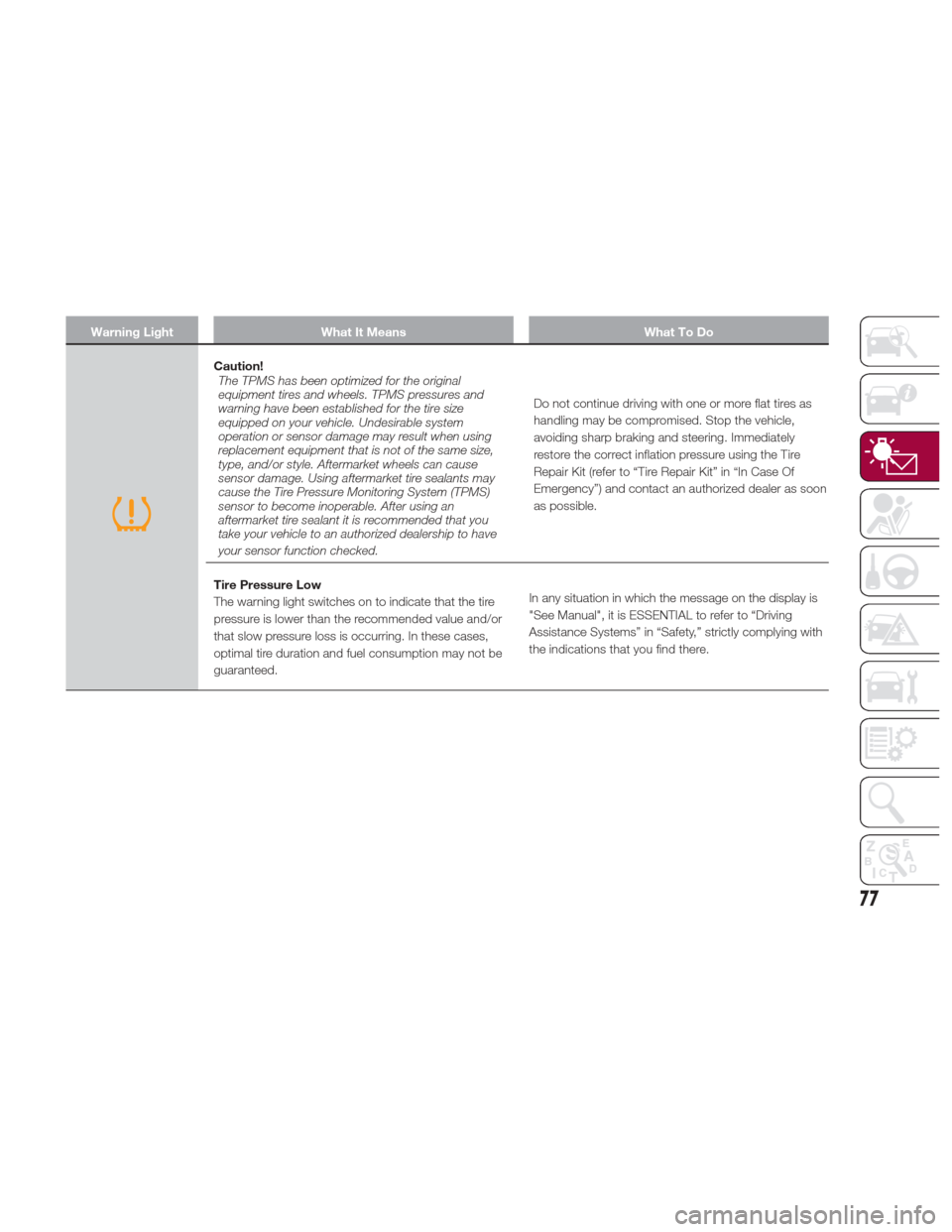
Tire Pressure Low
The warning light switches on to indicate that the tire
pressure is lower than the recommended value and/or
that slow pressure loss is occurring. In these cases,
optimal tire duration and fuel consumption may not be
guaranteed. In any situation in which the message on the display is
"See Manual", it is ESSENTIAL to refer to “Driving
Assistance Systems” in “Safety,” strictly complying with
the indications that you find there.
77